AI Instagram Video Generator
Turn text prompts into ready-to-post Instagram videos with AI
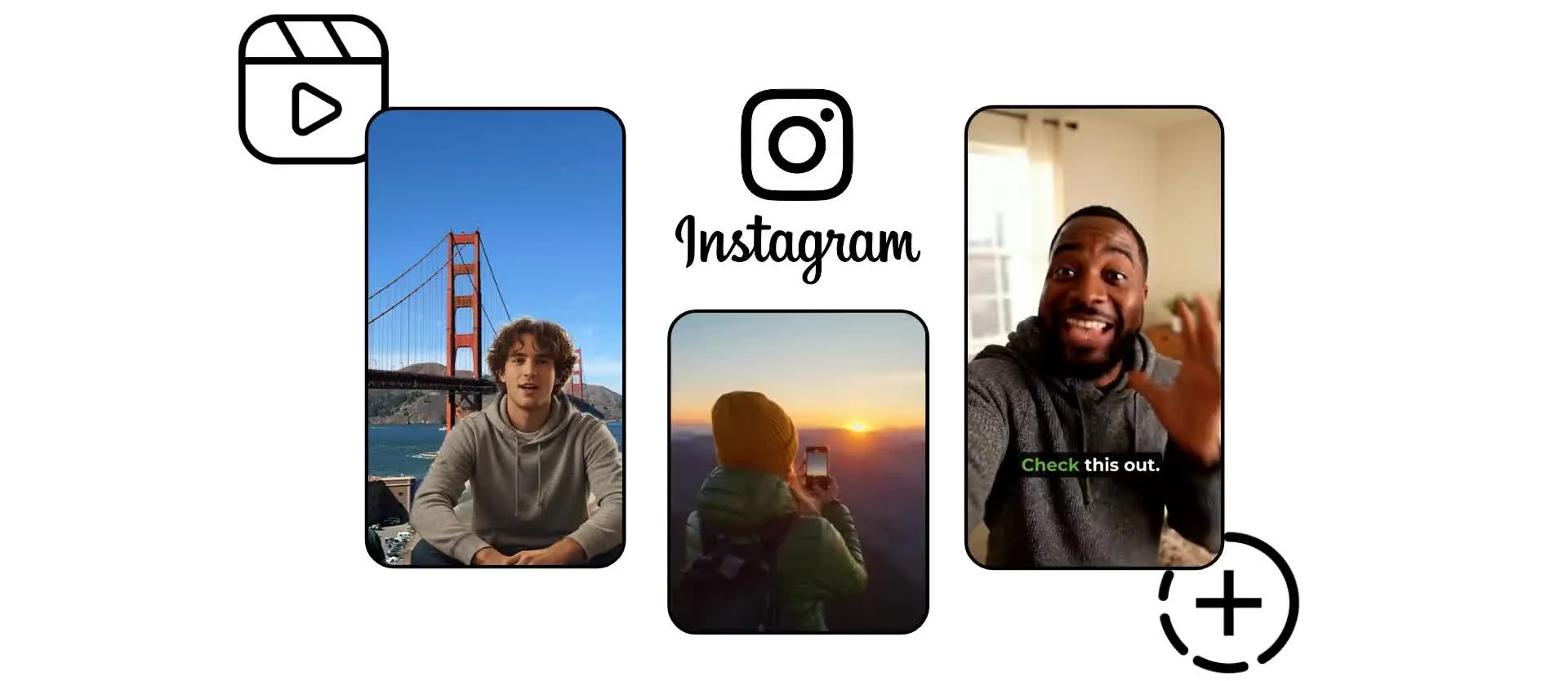
Build ready-to-post Instagram videos, fast
Create Instagram Reels, Stories, and feed videos with AI
High-performing Instagram video formats — on-demand
Add your prompt and get an Instagram-optimized 9:16, 4:5, or 1:1 video in seconds — hook, voice over, captions, and B-roll included.
Grow your audience with fast-paced faceless or AI trend Reels. Apply dance moves to any image with motion control, or browse our library of viral AI templates — from ASMR to talking AI fruit.
Or keep followers engaged with quick informal Stories and polished branded feed videos, all from the same generator.
Fine-tune everything in the editing studio with built-in safe zones, jump cuts, split screens, reaction videos, and fast-cut storytelling, without leaving your phone or computer browser.
Authentic, playful, immersive: whatever's trending, build it instantly in Kapwing.
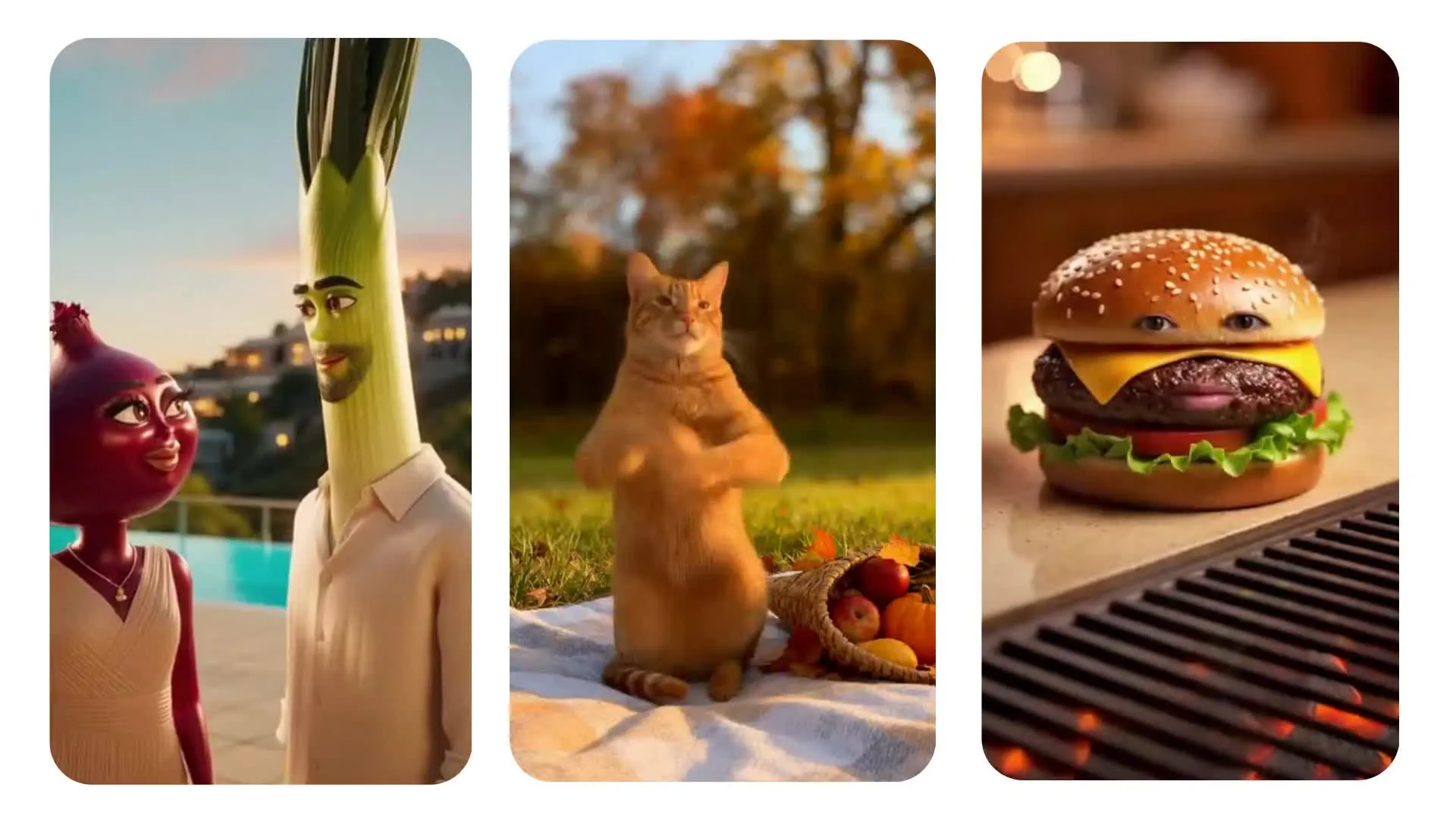
AI Instagram videos, made with Kapwing
Full commercial rights. Entirely online. Free to start.
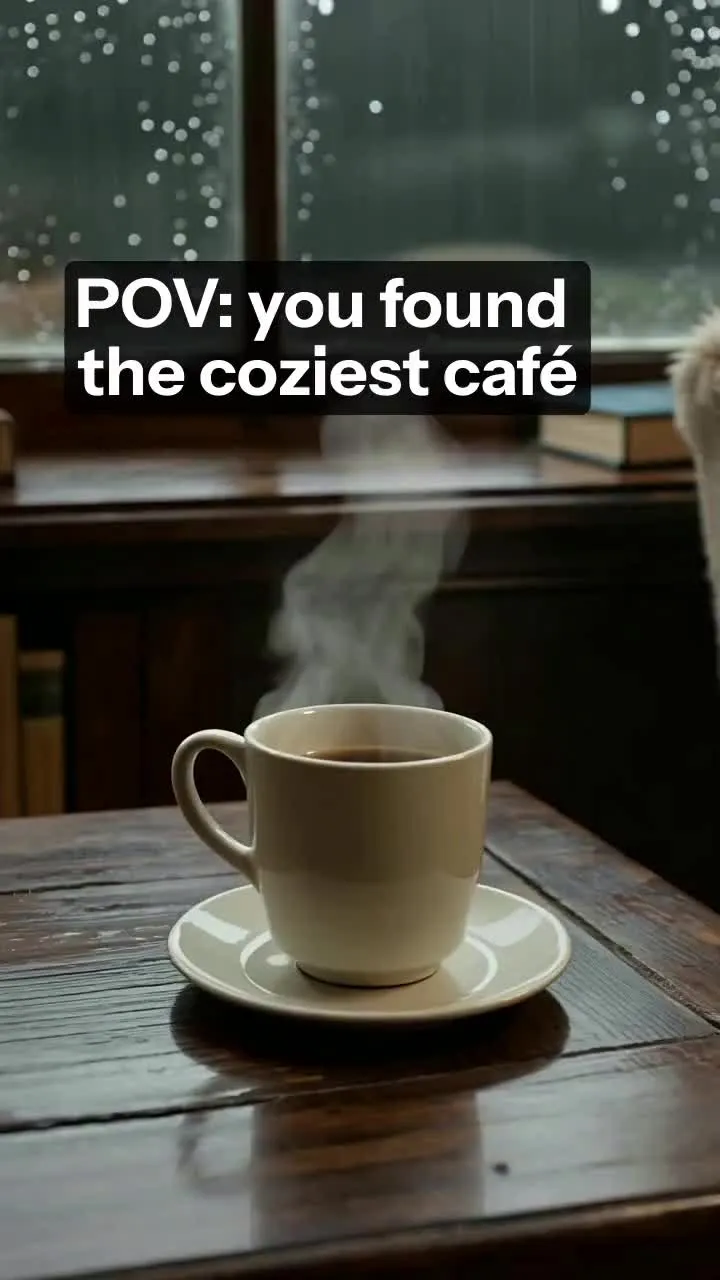
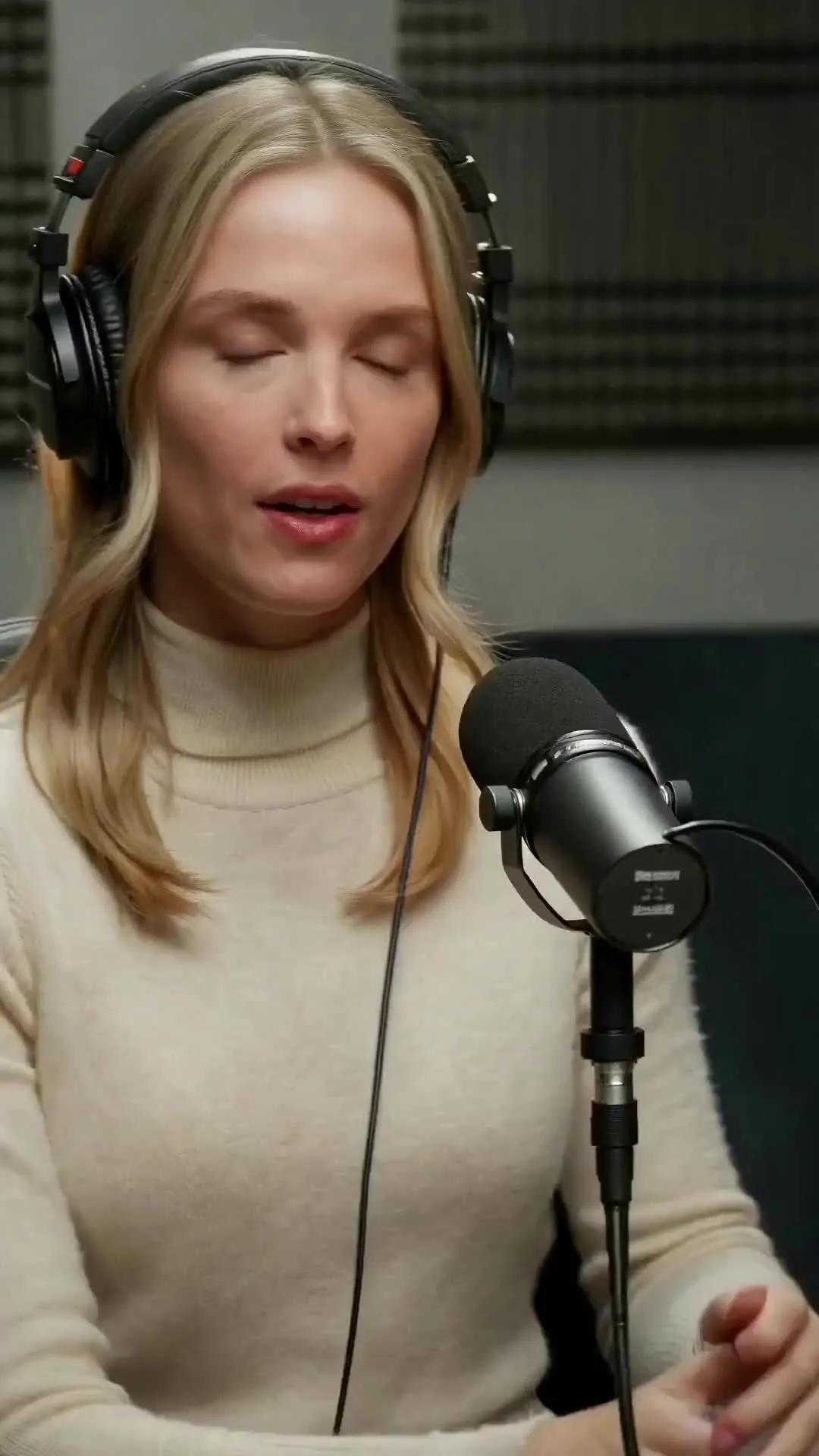
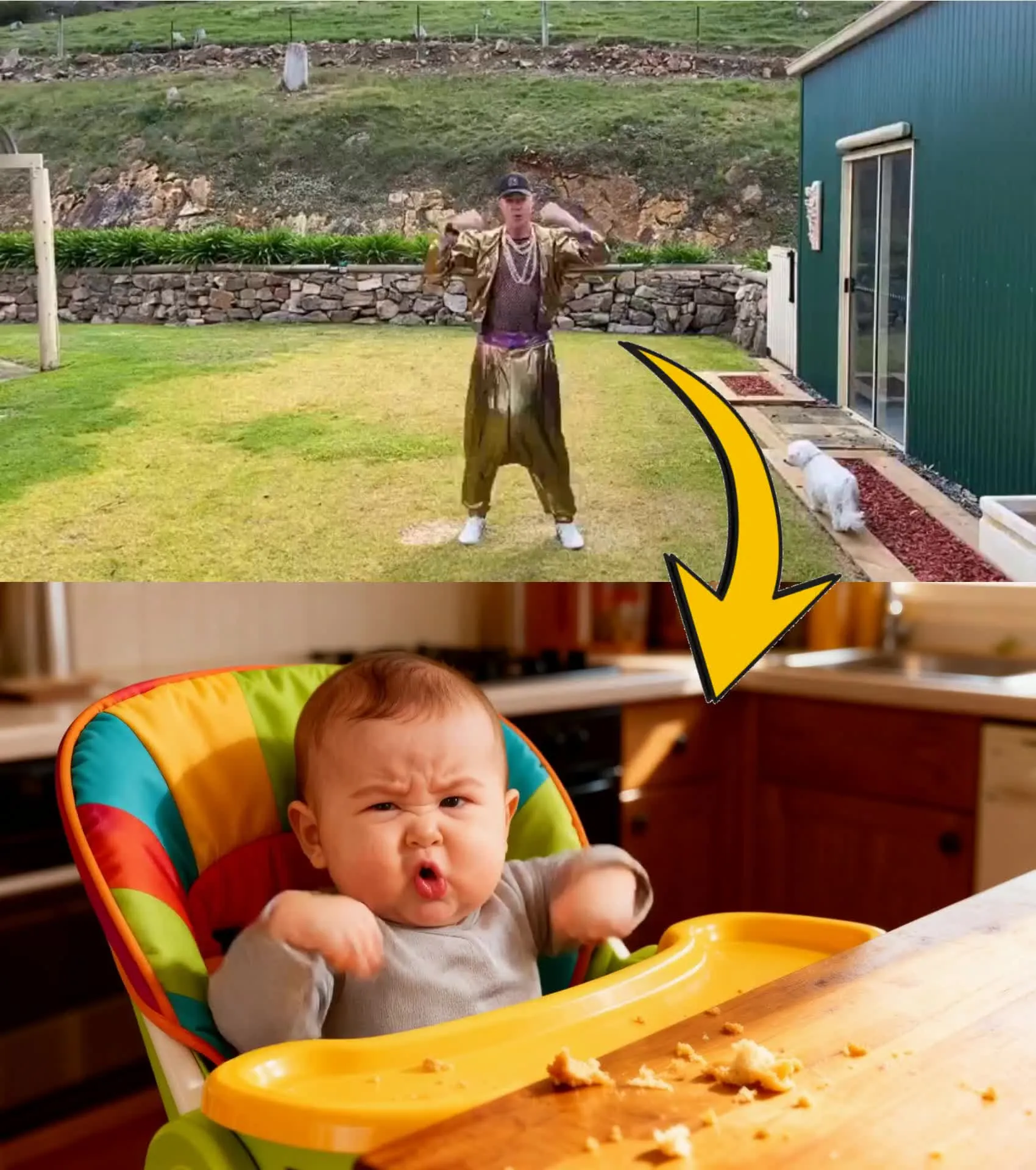

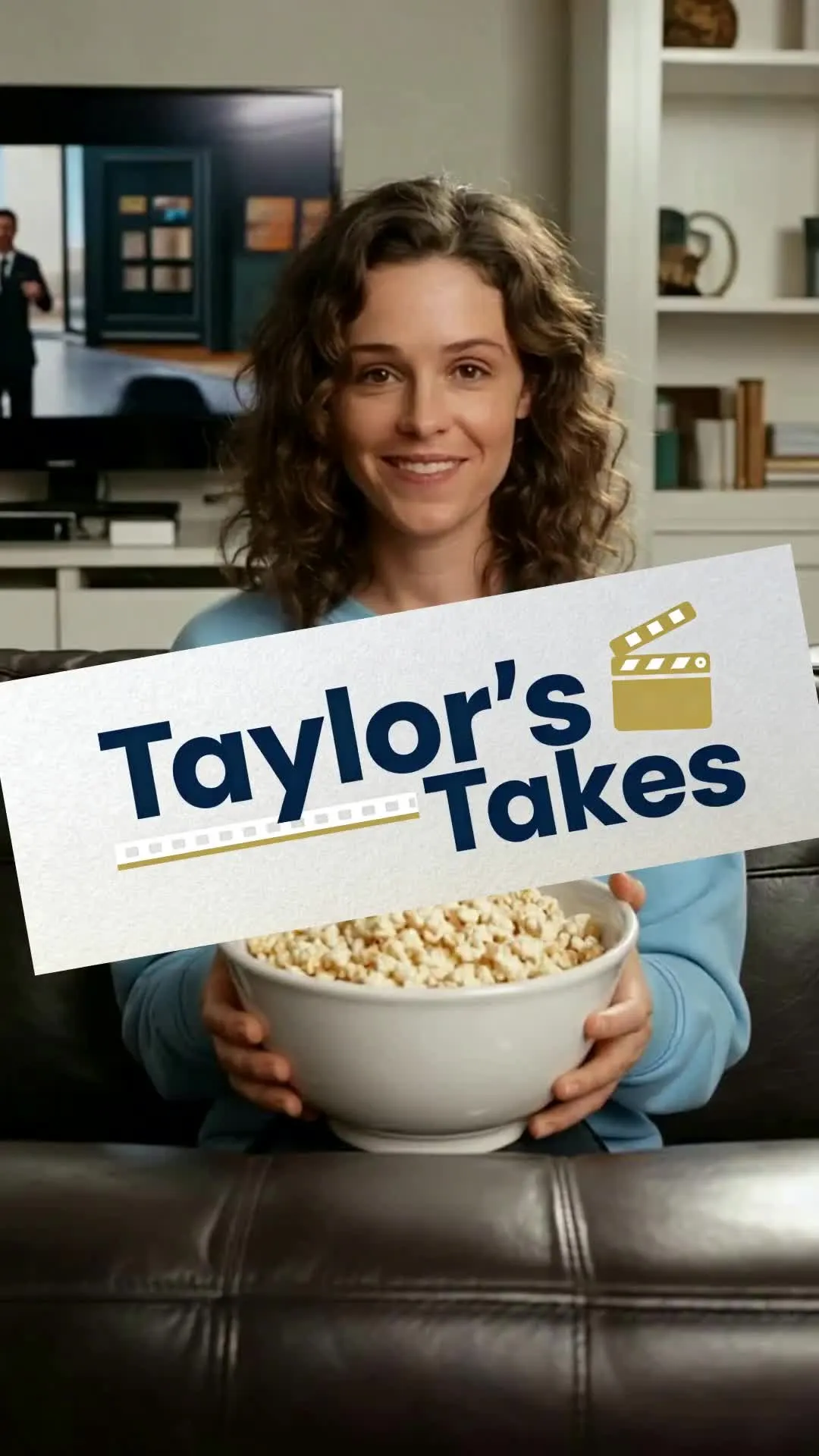
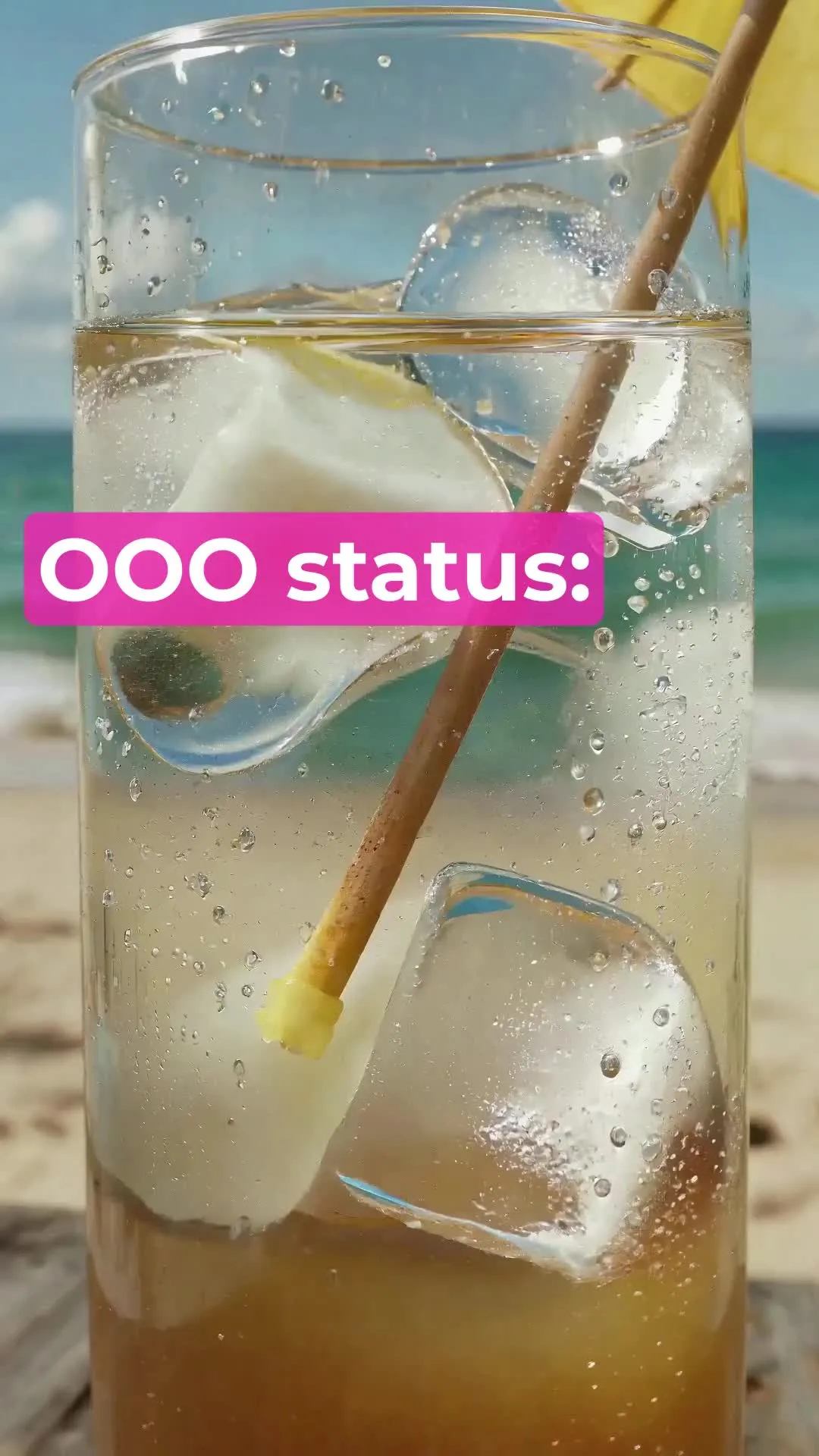
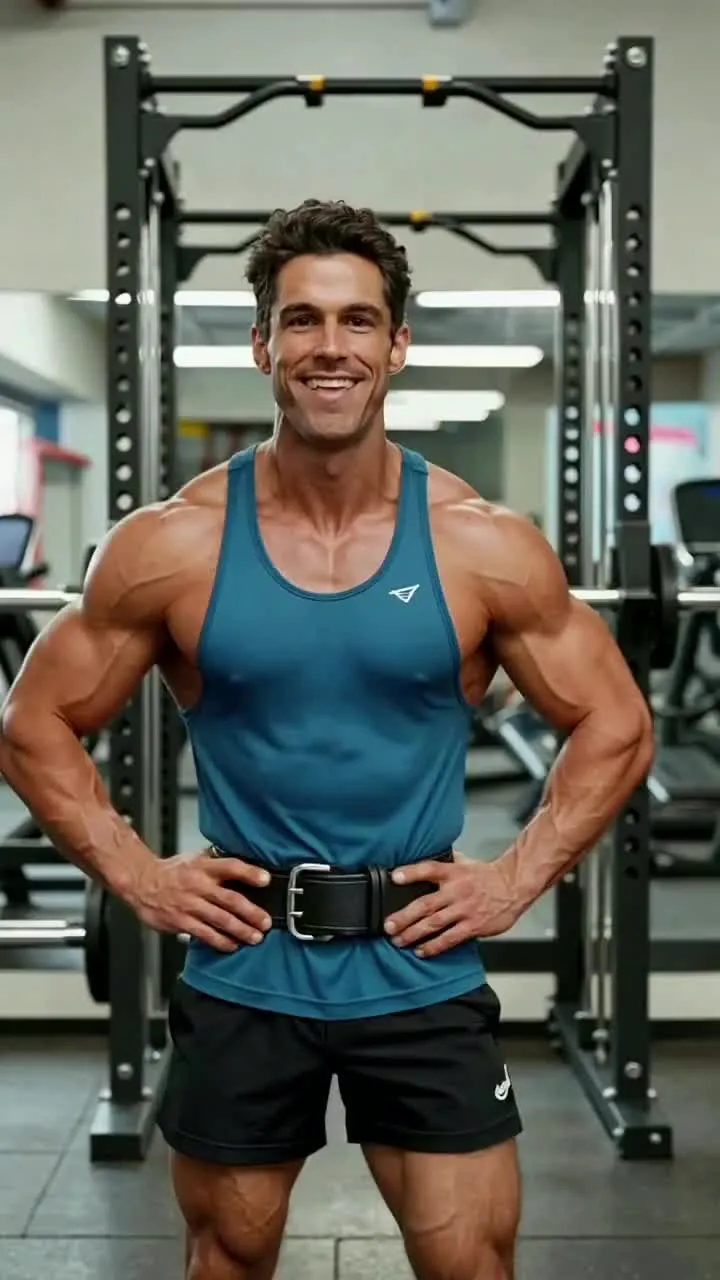
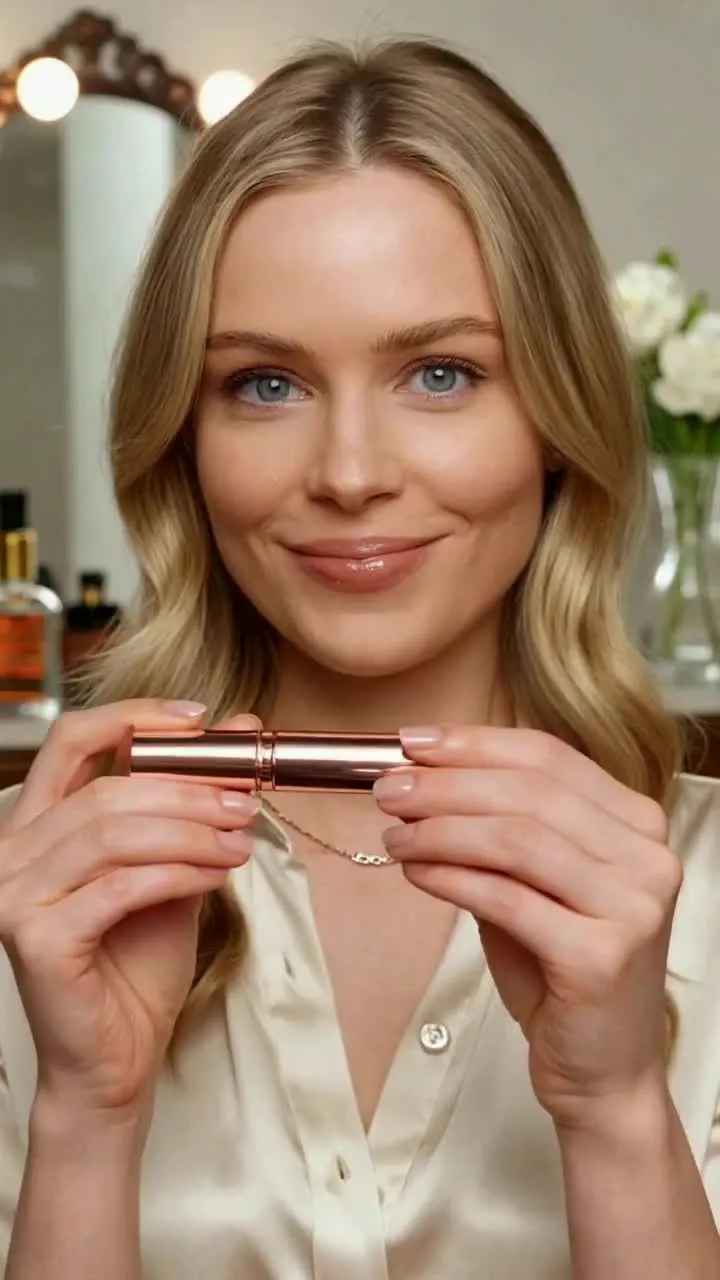
Snappy, fast-paced videos for every Instagram niche
Make eye-catching Instagram Reels content to match your style
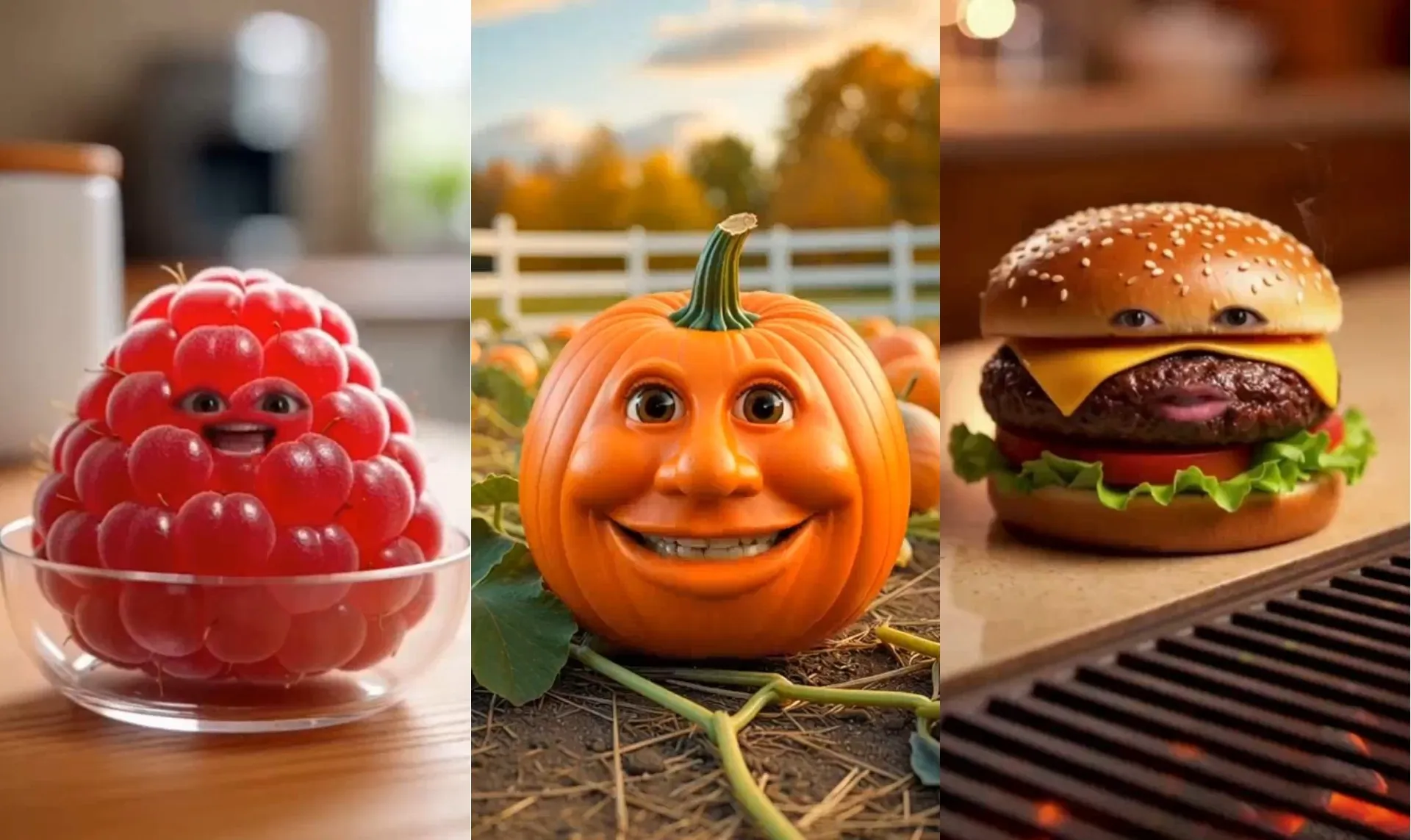
AI Trends
Quickly turn trending formats into ready-to-post videos using the AI Instagram Video Generator. Influencers, UGC creators, and streamers use this to stay relevant and react to trends before they peak.
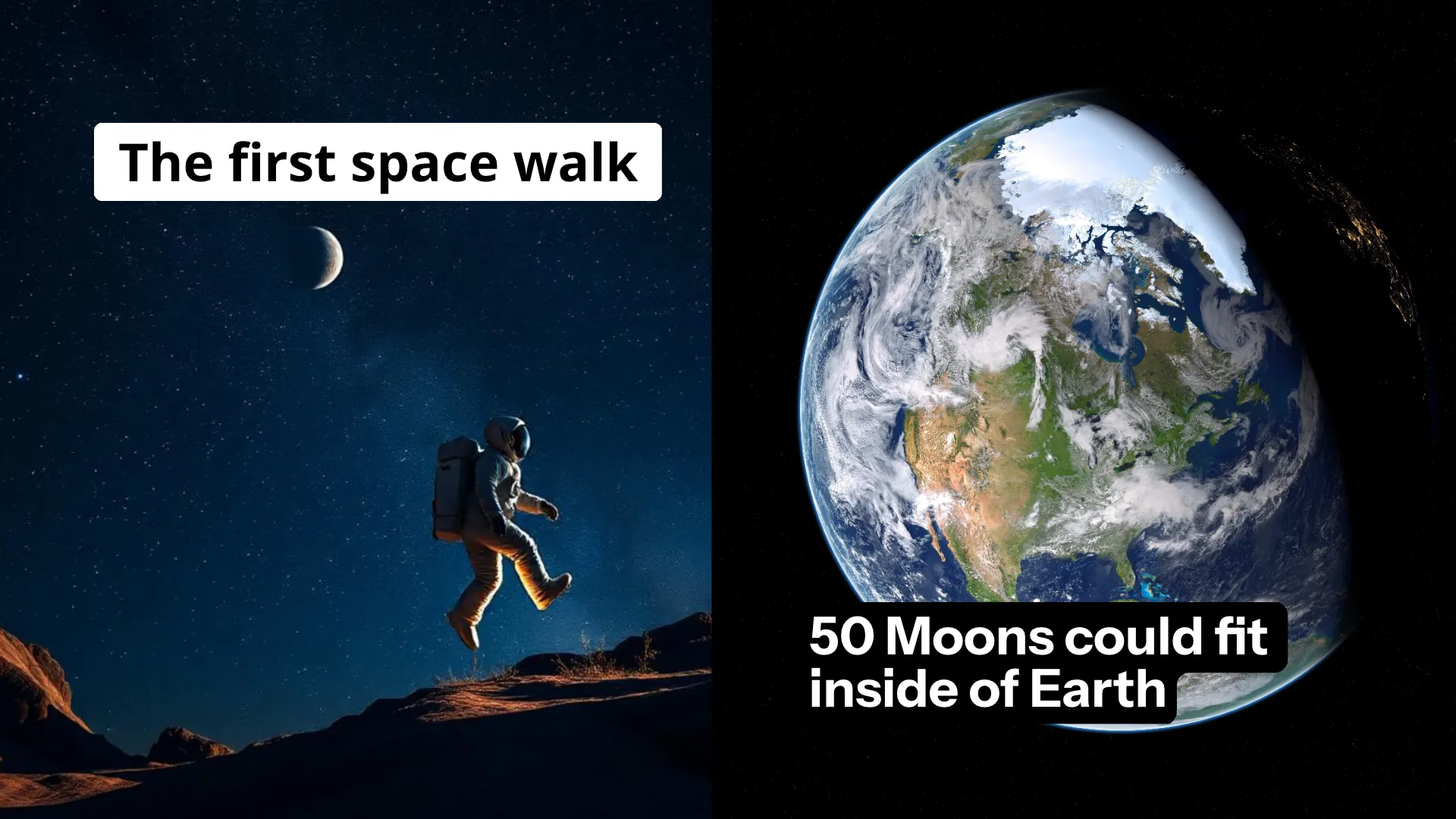
Faceless Videos
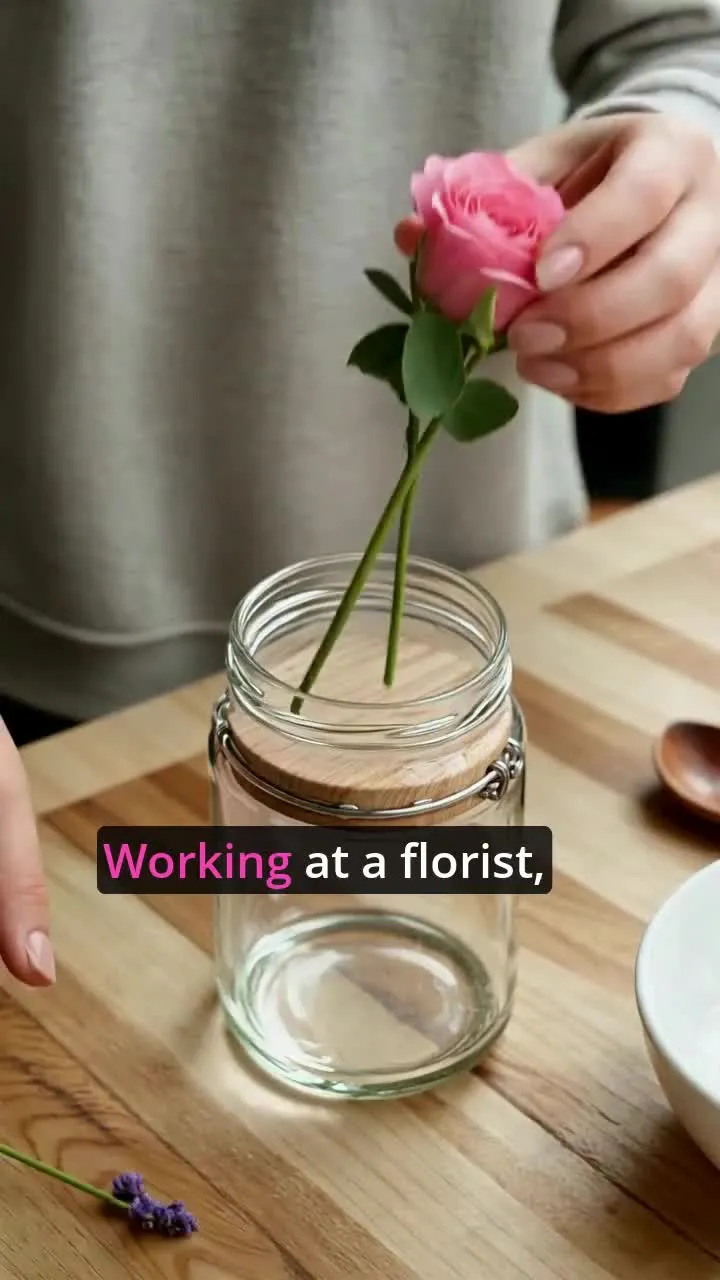
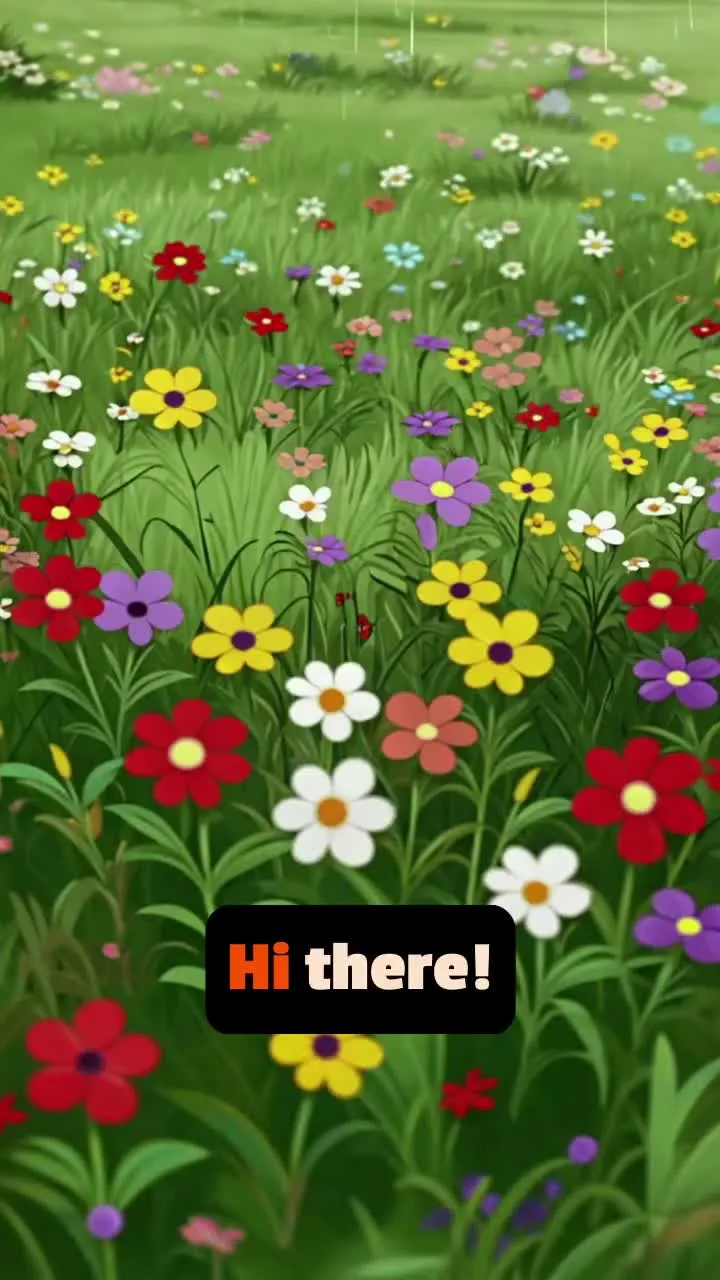
Generate eye-catching videos without filming by combining AI voiceovers with an Instagram background video generator. Scale aesthetic or informative content without being on camera.

Challenges & Dances
Stay ahead of Reels trends with advanced motion control designed to accurately recreate scroll-stopping challenges, dances, and viral pop-culture moments
Hook Variations
Test multiple hooks instantly with an AI Instagram video maker that generates punchy intros for your content

Tutorials & Talking Heads
Kapwing's AI Instagram Video Generator helps creators, educators, and podcasters turn informative content into short, shareable talking head segments optimized for Reels
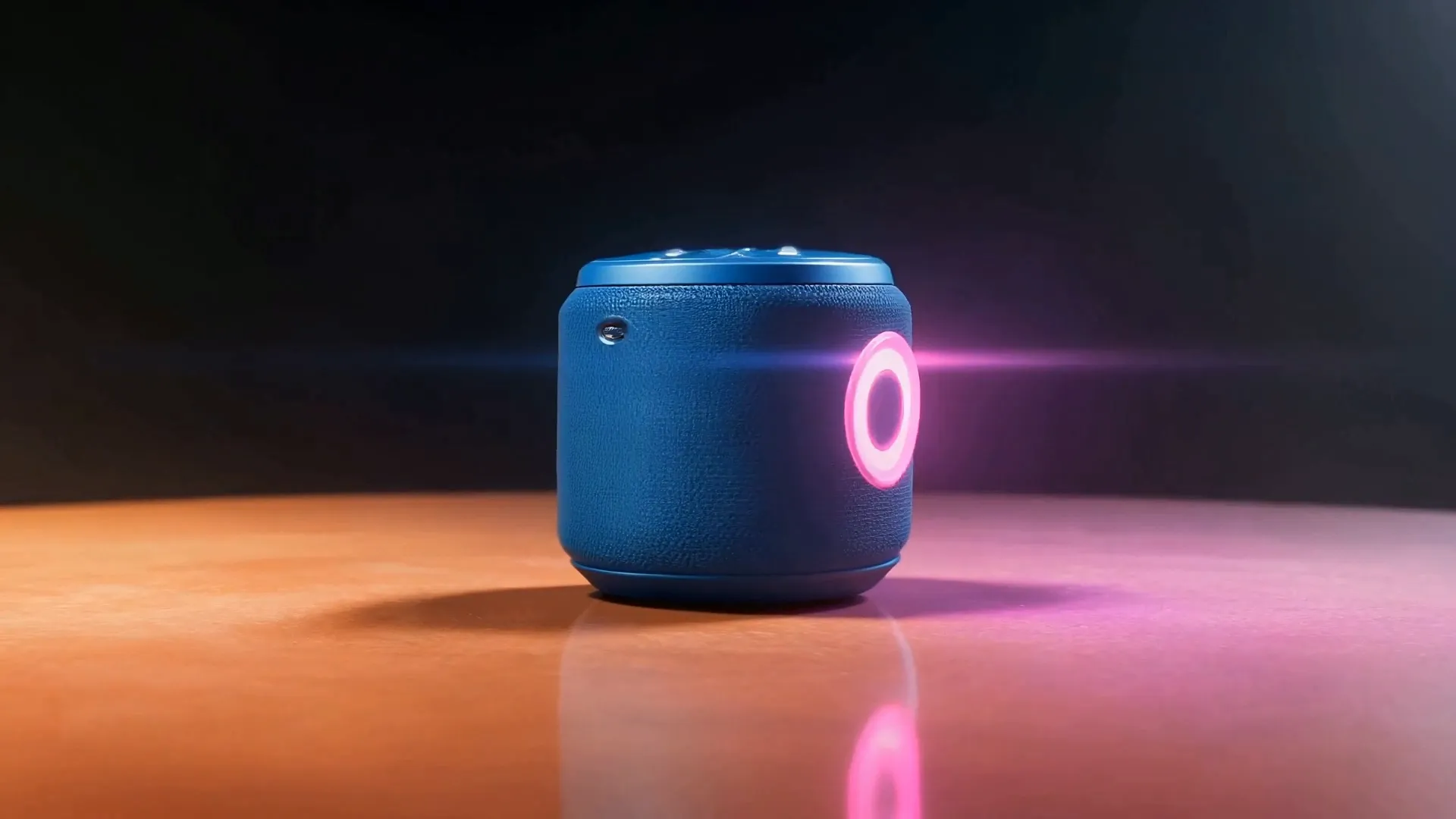
Sponsored Products
Promoting a product or collaboration? Kapwing transforms product images into polished sponsored content with animated captions and stand-out visuals.
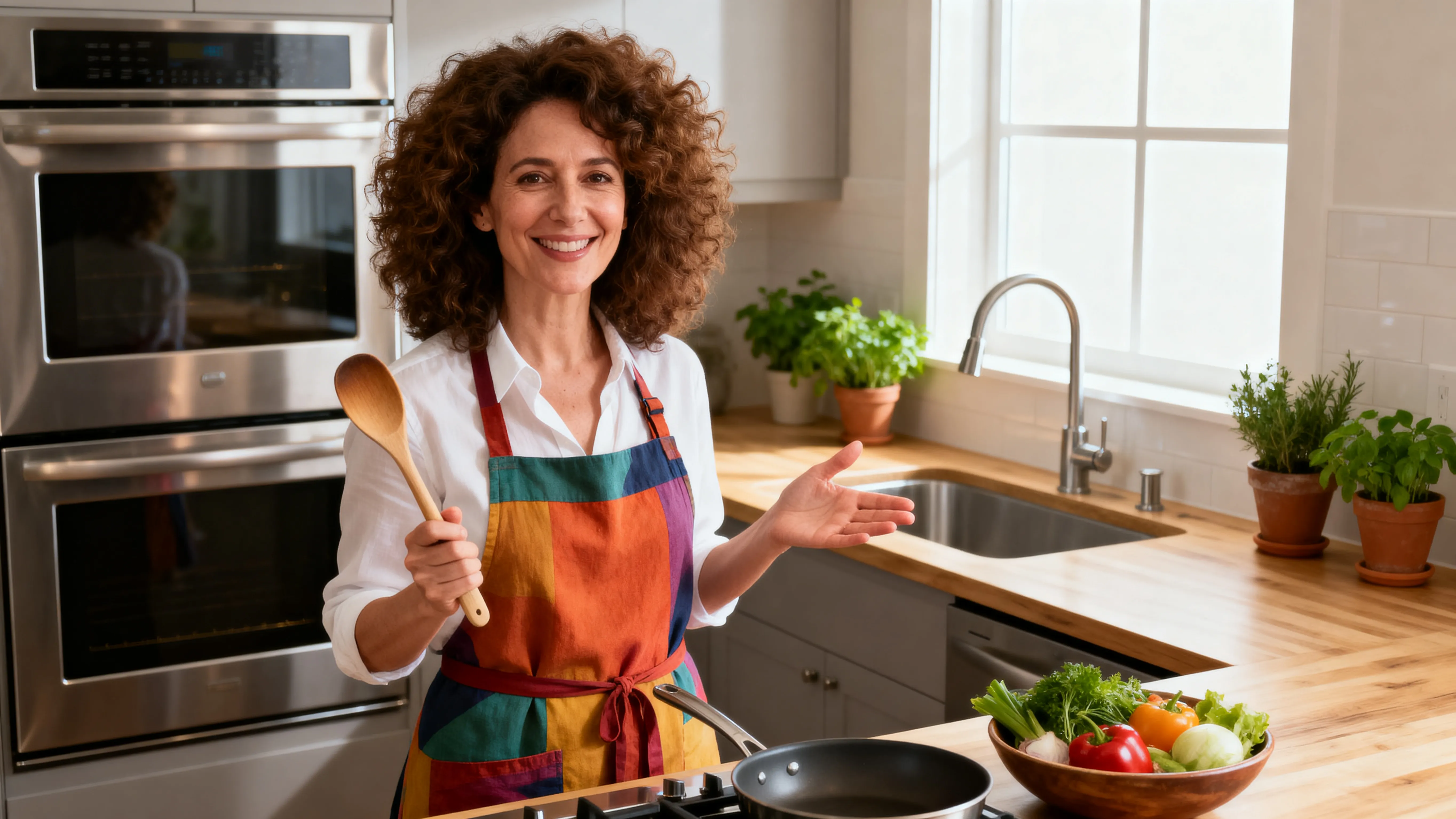
Aesthetic & Lifestyle
Vloggers and lifestyle creators use the Instagram video generator to create fitness, beauty, cooking, or travel content that matches their niche
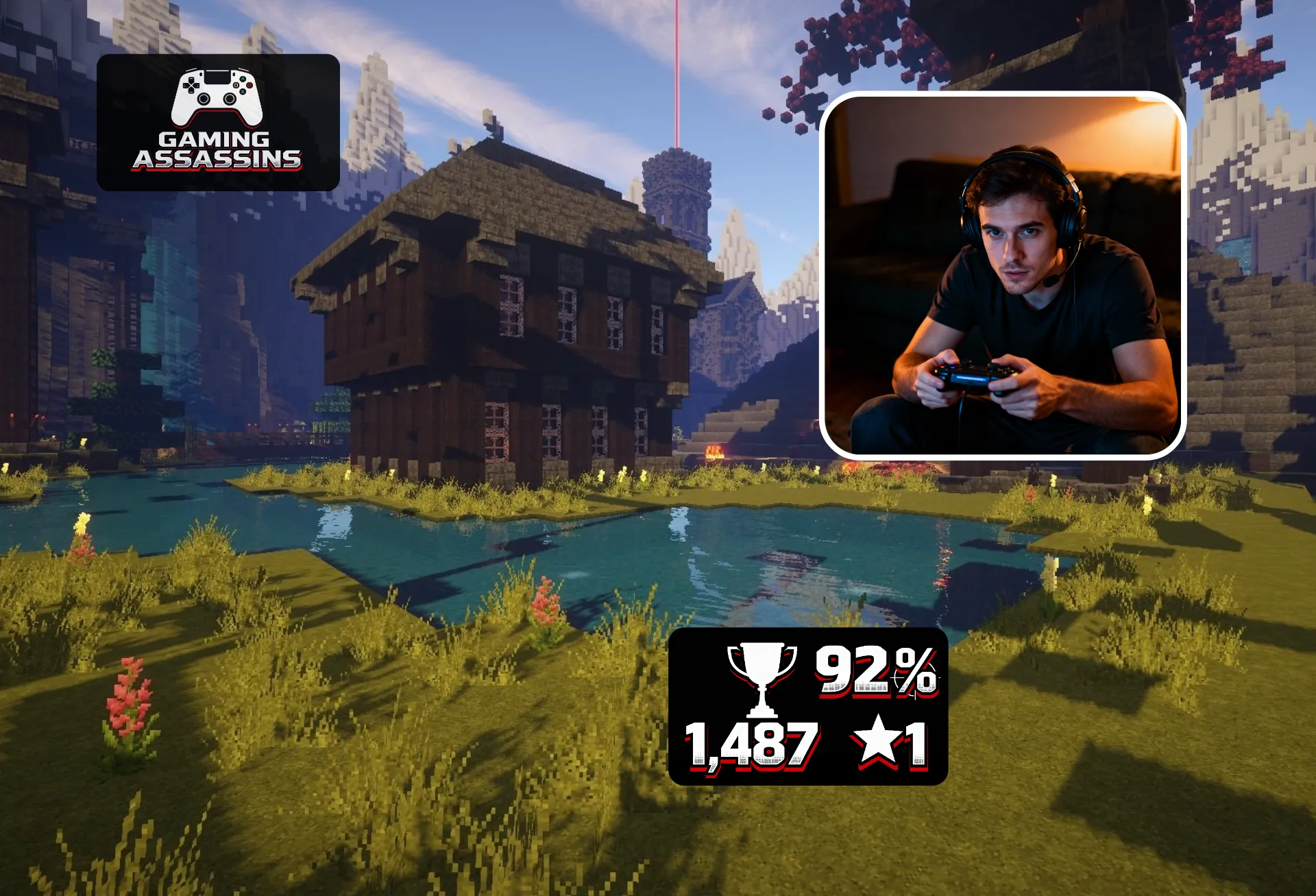
Gaming
Streamers and YouTubers use the AI Instagram video maker to produce character breakdowns, lore explainers, and clip-based content with synced captions
Built for polished creative storytelling
Turn prompts into Instagram-optimized videos with AI
More content,
less filming
Generate punchy, relatable Instagram videos without filming a single frame.
Describe your ideas and generate fast-paced UGC-style and faceless videos tailored to your niche in seconds. Or upload audio and automatically generate matching B-roll.
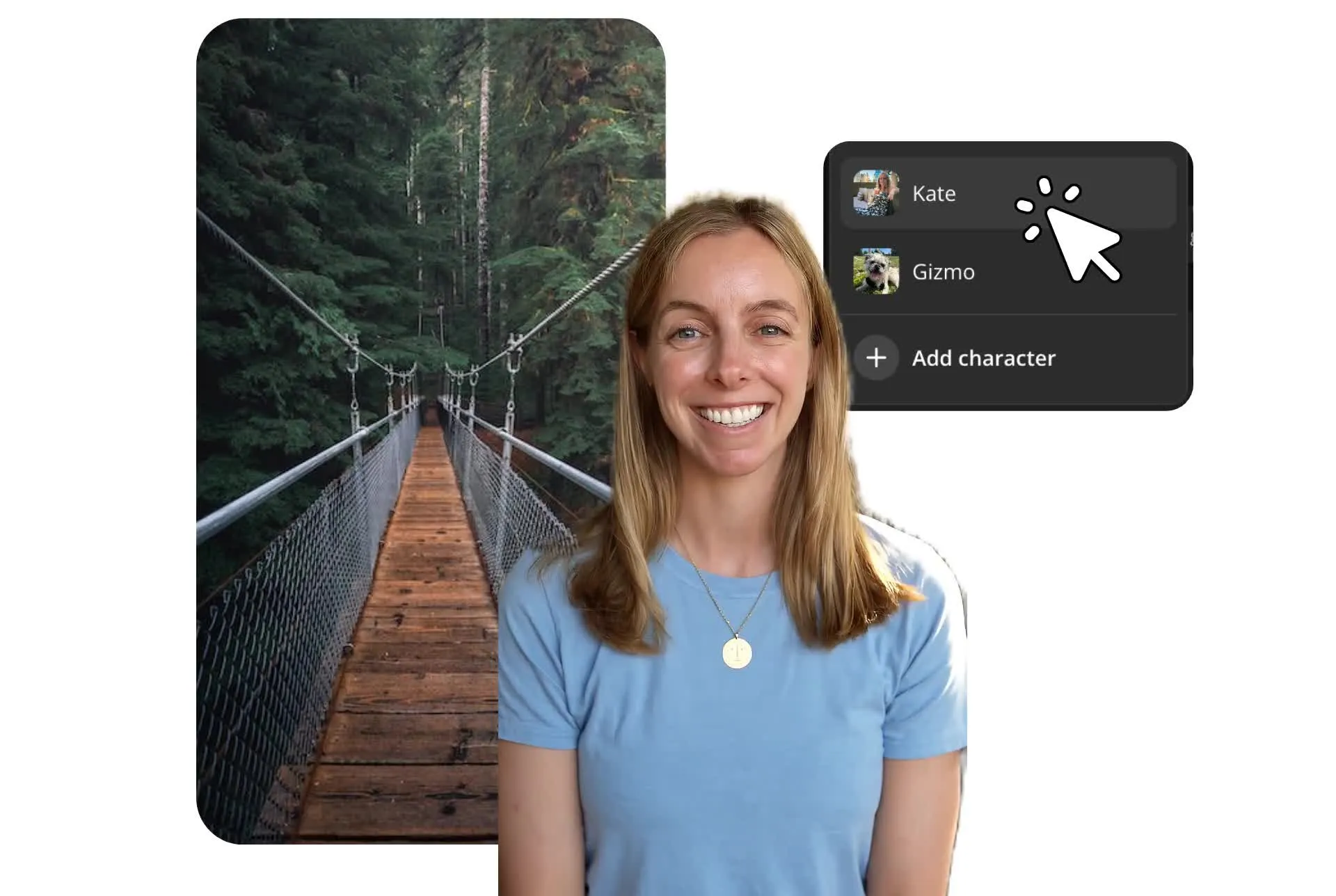
Turn reference images into authentic custom characters, then feature them in every video. Prompt with a script to generate your A-roll, then replace the background for a complete talking head video.
Built for beginners. Powerful enough for full creative teams.
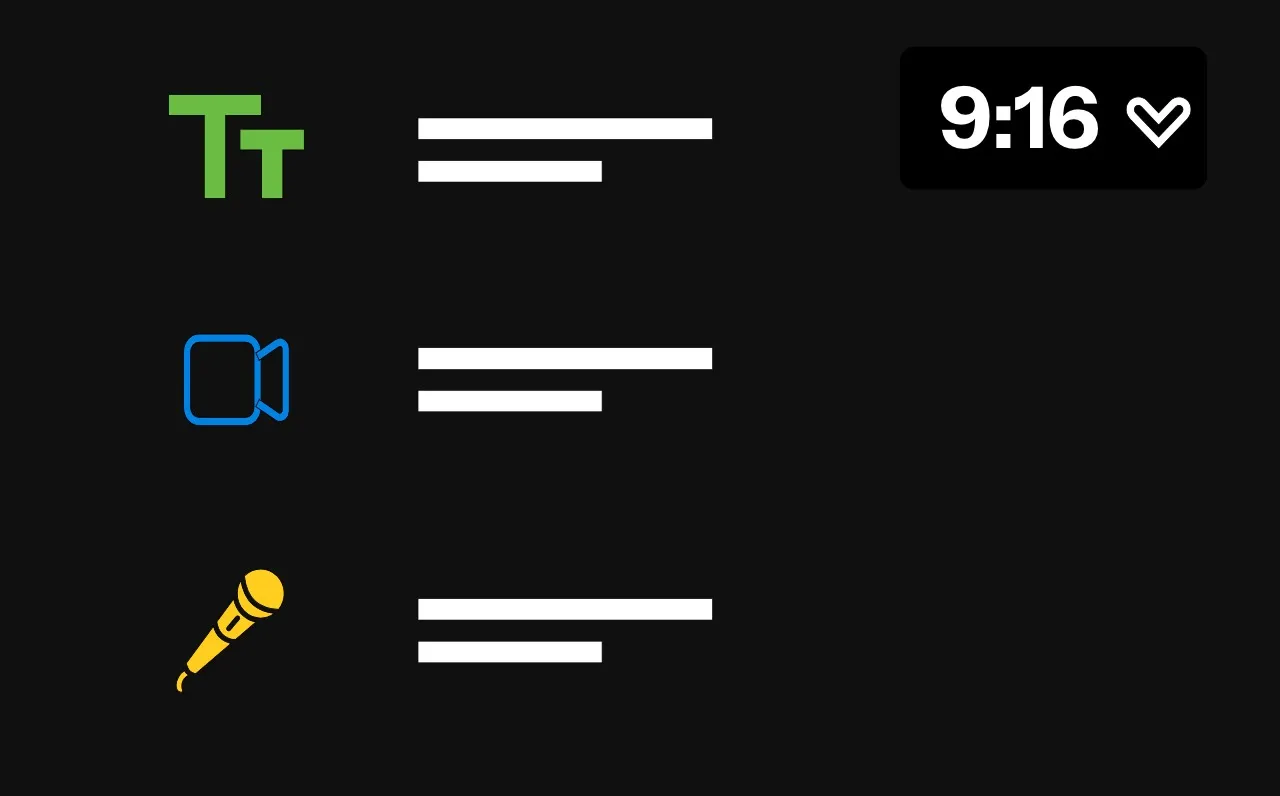
Short prompts, snappy vertical videos
Stay in control of your videos with editable storyboards. Describe your vision, then review and edit the plan, from transcript and title card to visuals and hooks, before you generate a single frame.
Automatic prompt enhancement helps you bring your vision to life, whether you're new to the platform or an experienced Reels creator. And lifelike character consistency lets you reuse the same persona in every video.
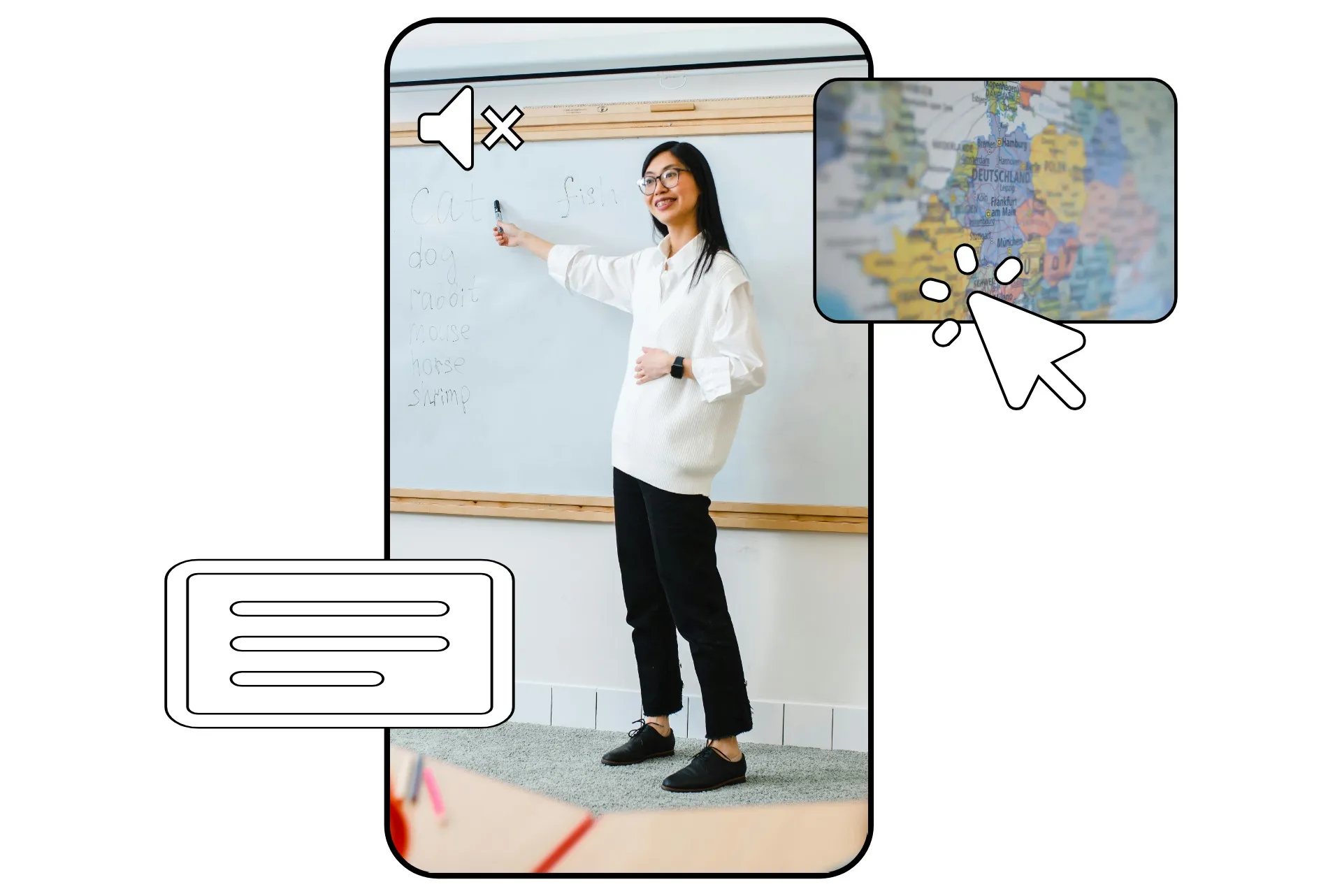
Capture attention, even on mute
Scroll-stopping visuals are key with so many Instagram users watching on mute. But searching stock libraries and manually adding captions can slow your workflow and lead to burnout.
Generate eye-catching images and videos that match your content with Kapwing's B-Roll Generator, then add animated subtitles and title text to keep your viewers tuned in.
Already transforming video creation across industries
Hear directly from the teams who publish faster, collaborate better, and stay ahead.


Expand your Instagram audience with quick, powerful tools
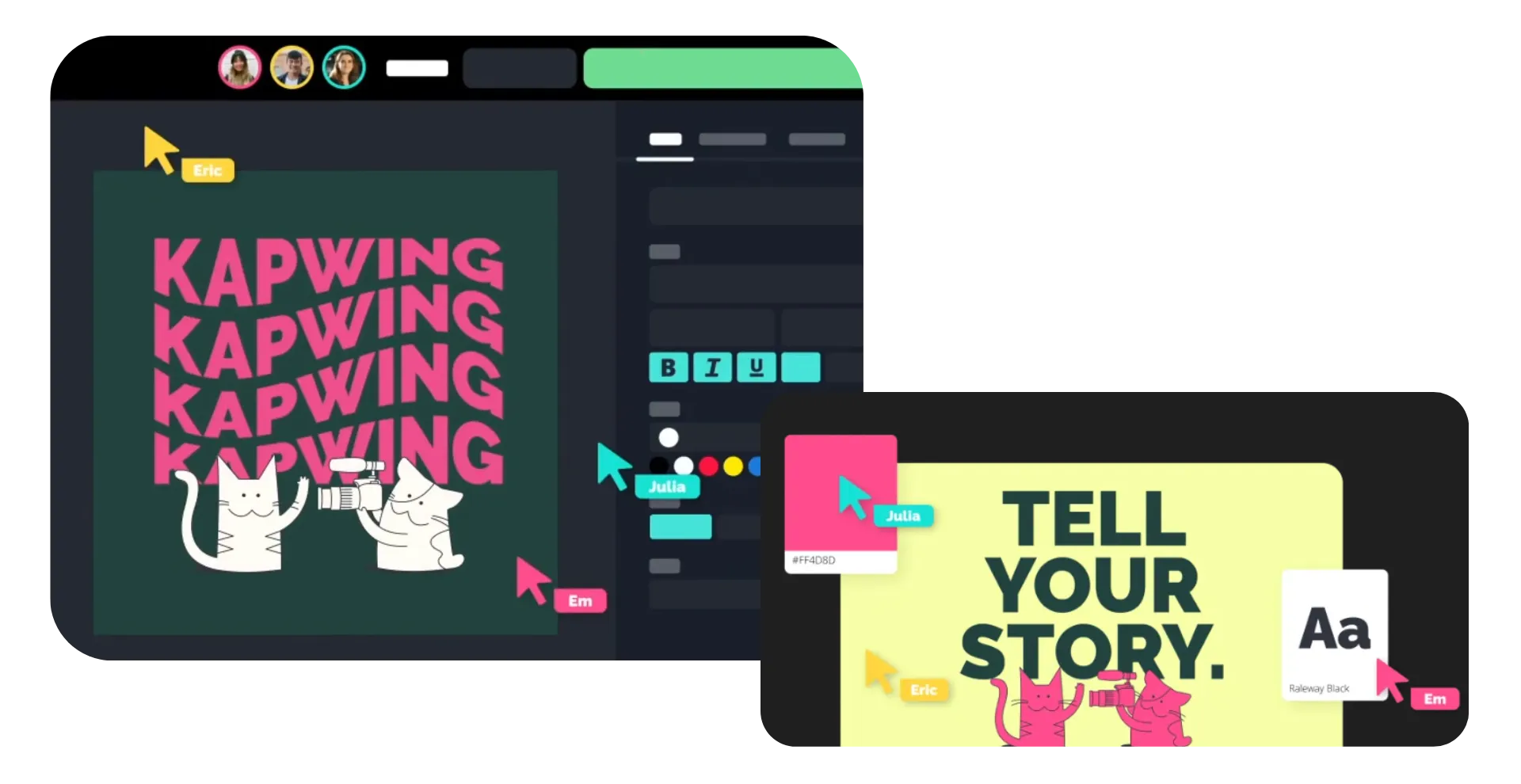
Collaborate on videos, add logos and watermarks, and tweak hooks with a fast editor
Speed up teamwork while staying on brand
Designed to speed up creating no matter how big your team is, Kapwing's AI Instagram Video Generator lets you generate videos, then share with teammates or friends for instant feedback and collaborative editing.
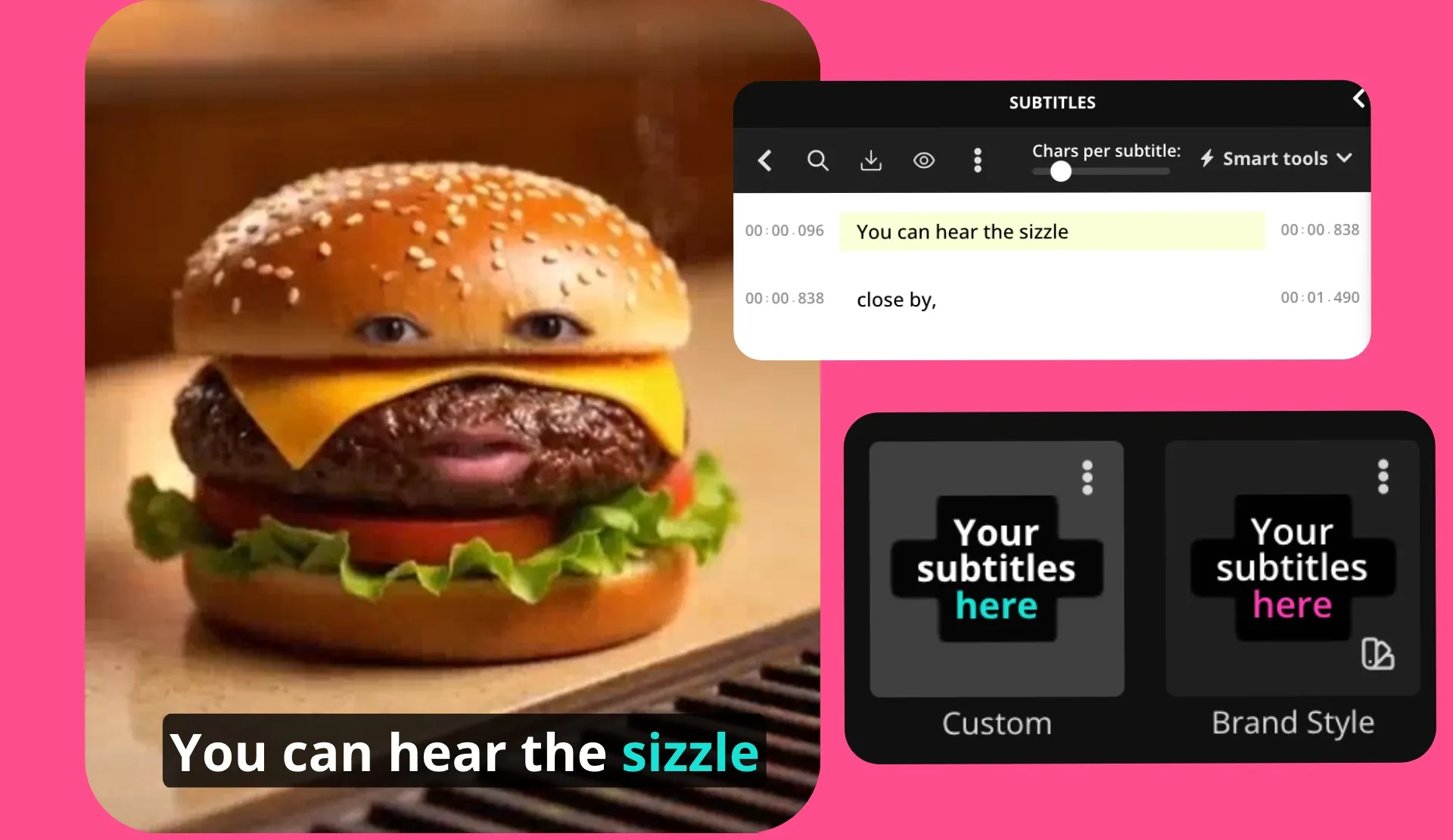
Save logos, watermarks, hex codes, brand voices, and fonts to your team Brand Kit to use in every video. Customize your subtitle style, then apply it to new projects with one click.
Maintain flexibility with editable files
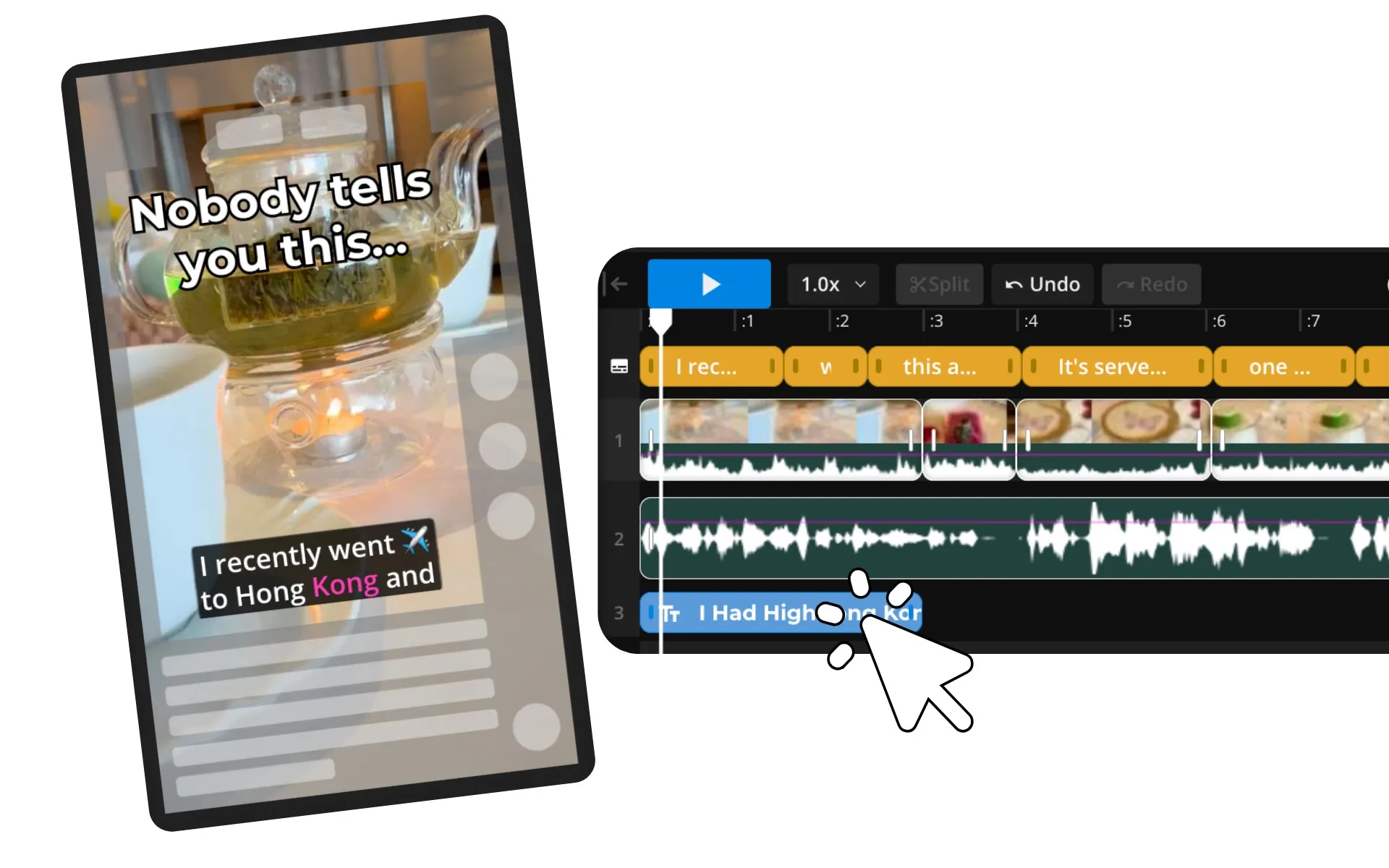
Creating ready-to-share MP4 content is efficient, until you want to tweak one or two elements.
Kapwing's Instagram video generator goes beyond simple video files: it generates separate assets that auto-populate on your video editing timeline, so you can edit each element as much as you want.
Trim a clip, add an extra sound effect, or rewrite a subtitle, all without leaving your browser.
Create every video layer in one studio
AI-powered captions, visuals, and sound optimized for Instagram
Synced Subtitles
Automatically caption your videos with accurate animated subtitles
Smart B-Roll
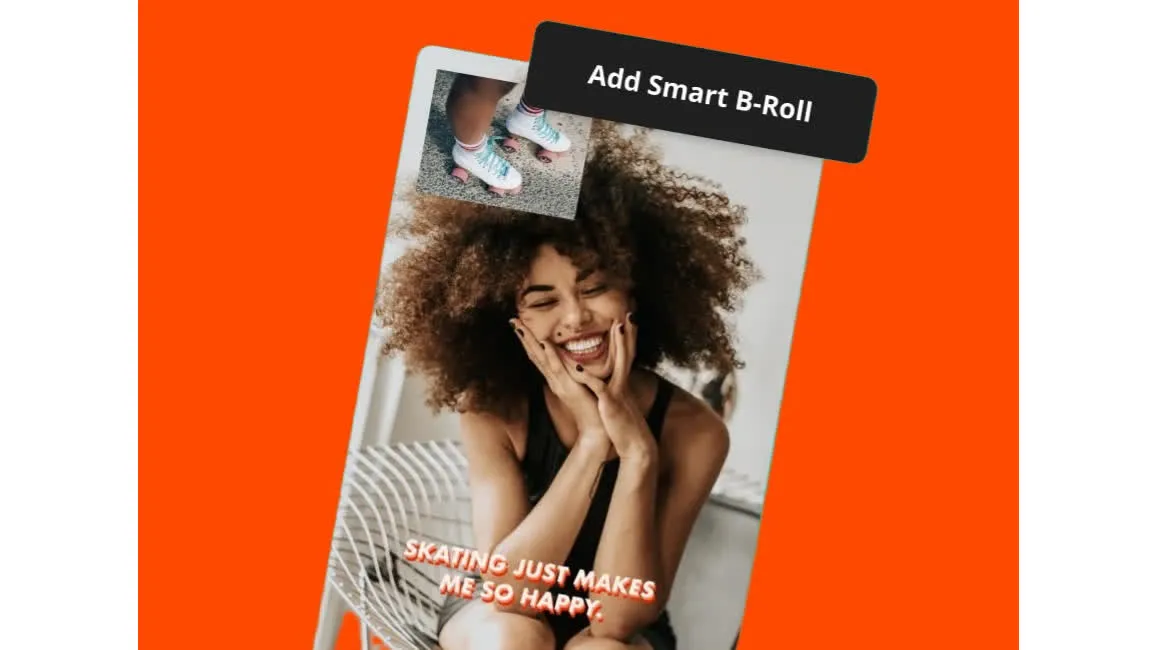
Let AI find and organize stock photos and videos, or generate unique visuals to match your subject
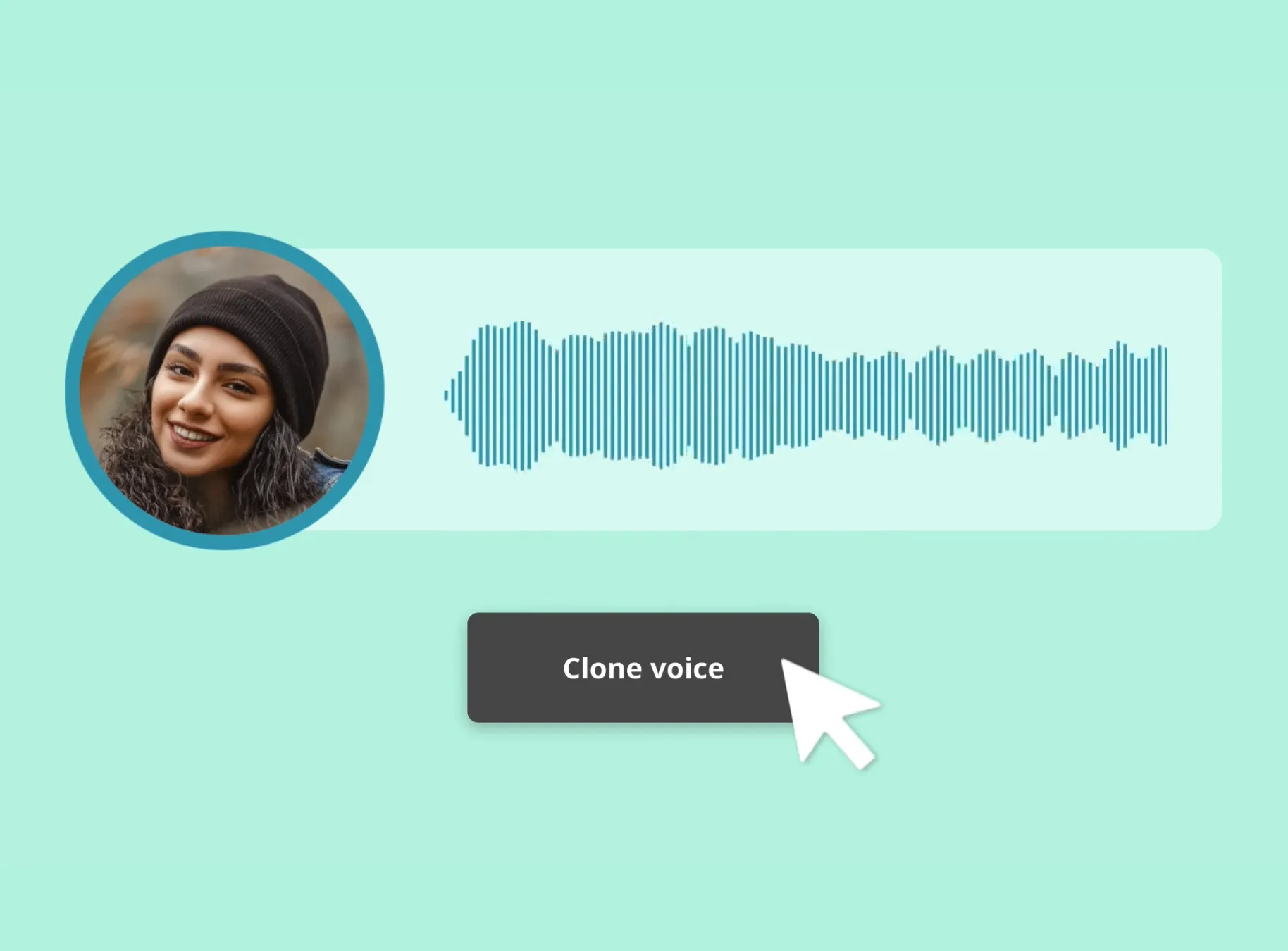
AI Voice Cloning
Create an identical clone of your voice, then generate on-brand voiceovers that sound like you for every video without recording a single word
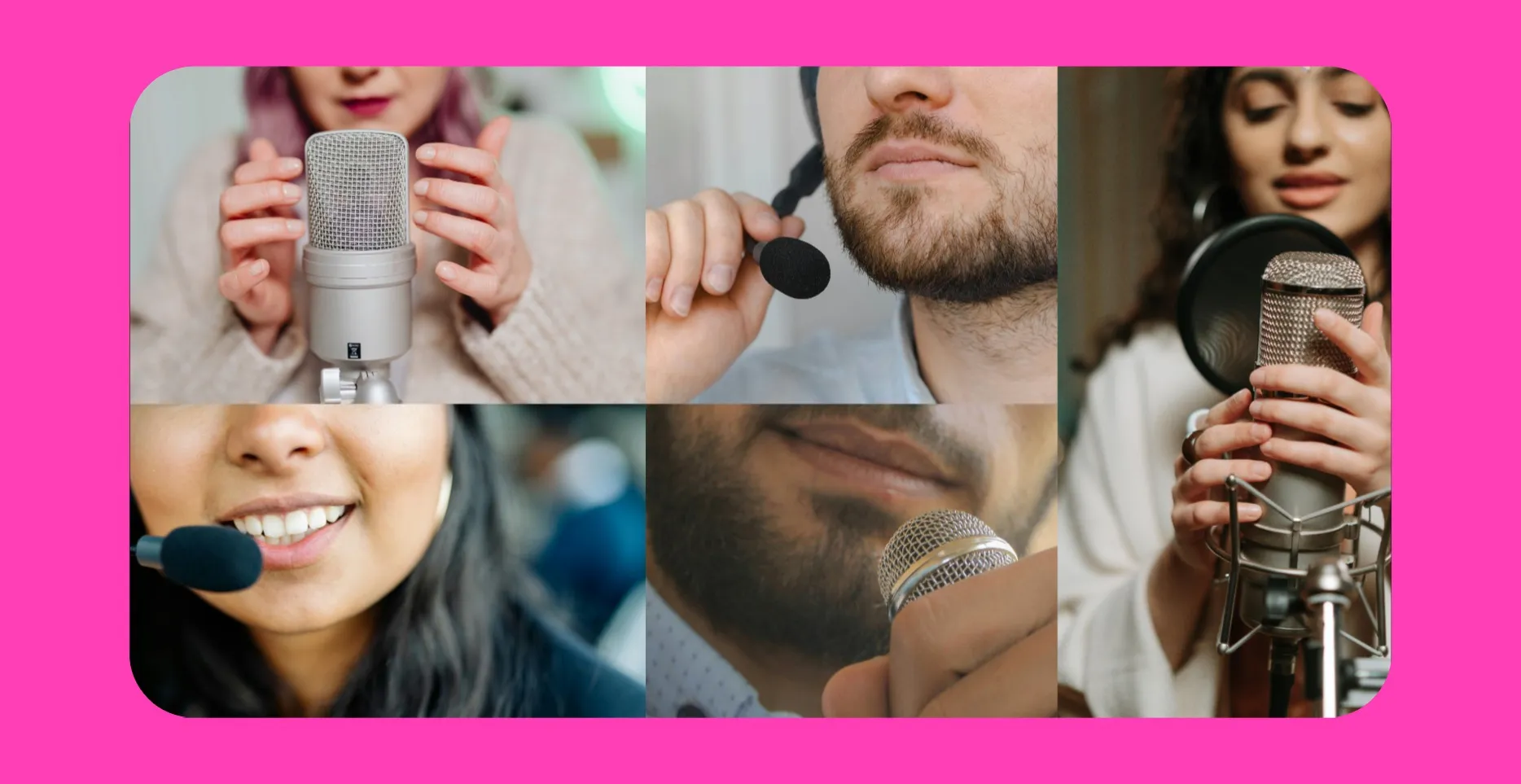
Royalty-Free Stock Voices
Browse an extensive library of stock voices, including accents like Australian and British, then create instant voiceovers from your transcripts
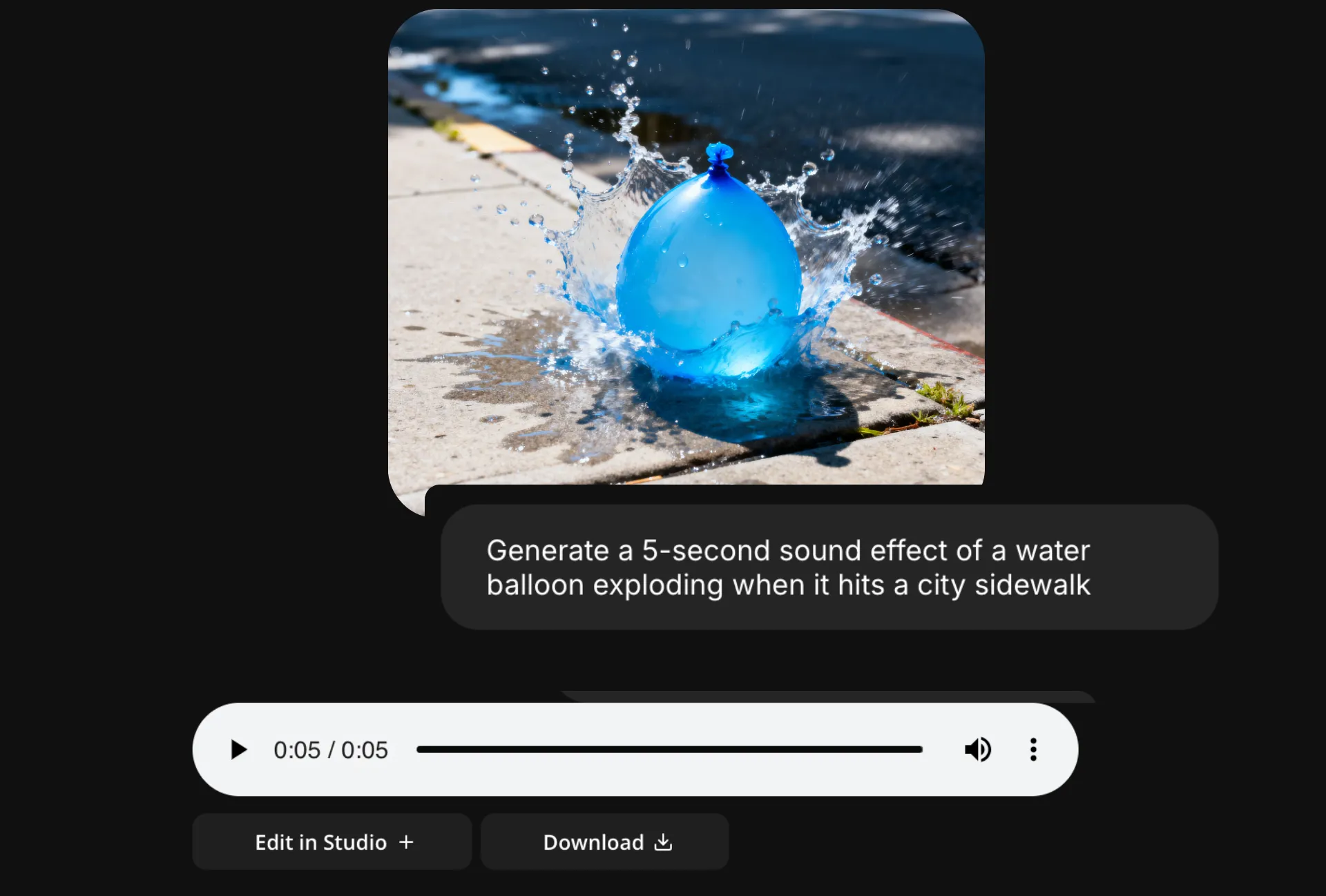
Sound Effects & Music
Make your videos memorable with personalized songs and sound effects, customized to your prompts and royalty-free
Designed to Fit Instagram
Generate videos in 1:1, 4:5, or vertical 9:16 aspect ratio, ready to share straight to the platform. Overlay safe zones to preview your post and keep captions and CTAs visible.
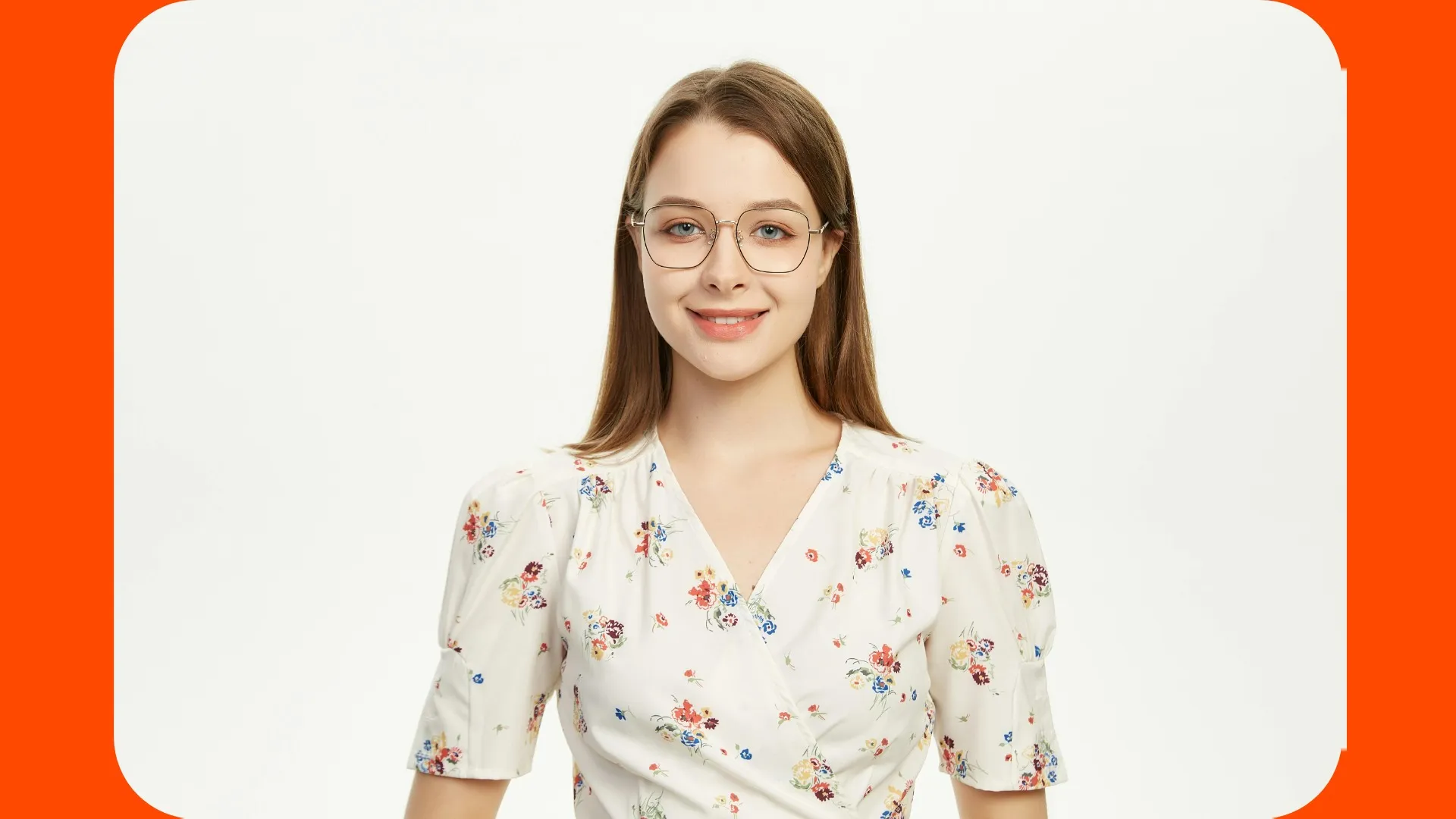
Consistent Characters
Create lifelike personas from reference images, then tag to feature them in every video
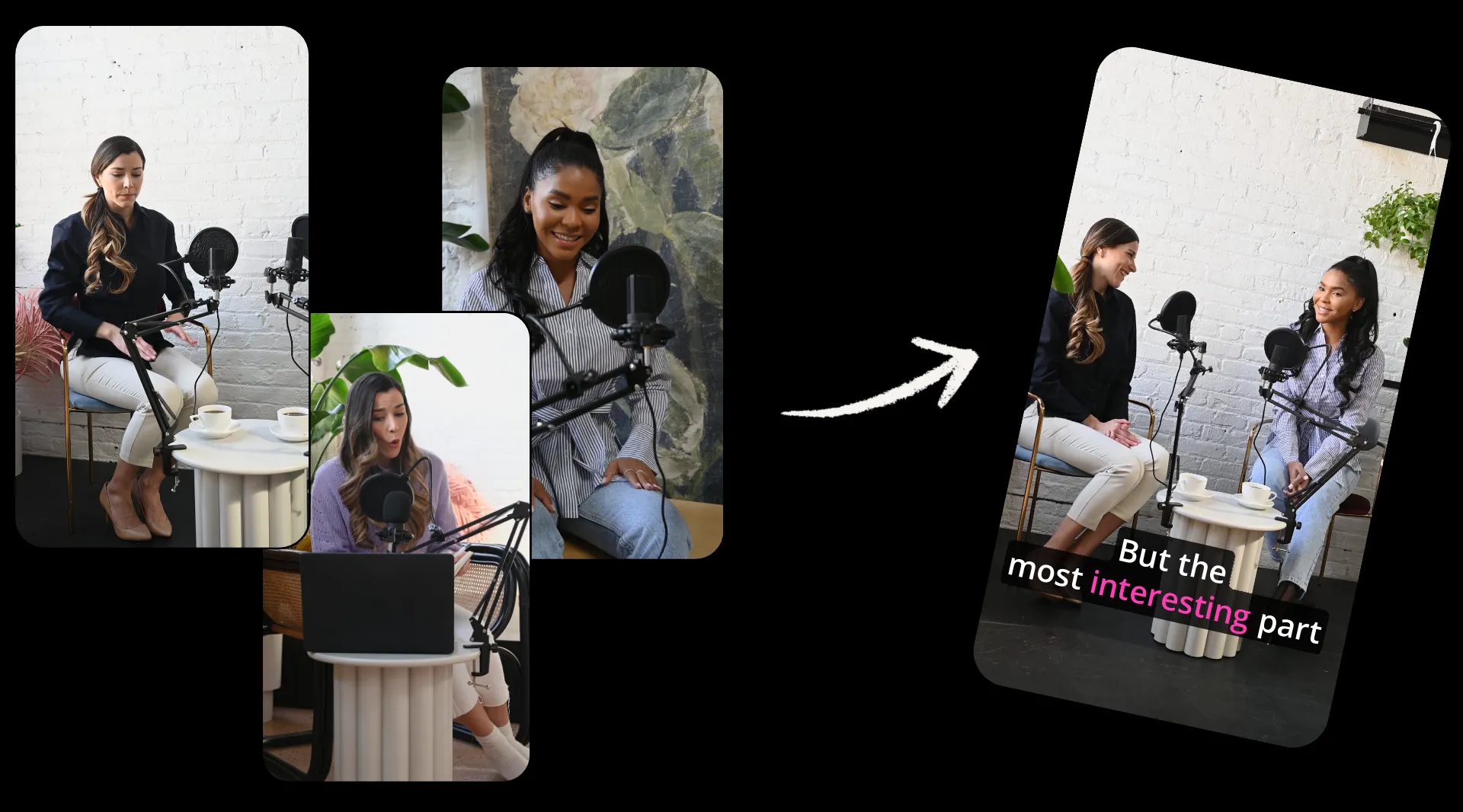
Repurposing
Upload existing videos and have AI automatically create punchy clips for Instagram with fast-cut editing, Reels-ready aspect ratio, and subtitles
How to Make Instagram Videos with AI
- Step 1Enter prompt
Start a chat with Kapwing AI and enter a prompt describing your Instagram video.
- Step 2Edit & generate
Review your video plan and request any edits, then click "Confirm plan" to generate your video.
- Step 3Share to Instagram
Download your video as MP4, or edit and export in the studio, then share to Instagram.
Already transforming video creation across industries
Hear directly from the teams who publish faster, collaborate better, and stay ahead.
Frequently Asked Questions
We have answers to the most common questions that our users ask.
Is the AI Instagram Video Generator free?
Yes, anyone can try Kapwing’s AI tools for free without watermarks. Our AI tools run on a credit system, with each feature costing a set number of credits. For maximum creativity and the best value, upgrade to a Pro account to unlock the full power of AI-driven content creation.
How to make Instagram videos with AI
To create Instagram Reels, Stories, or feed videos with Kapwing AI, start by opening a new chat. Enter a prompt describing the video you want to create, including preferred aspect ratio (9:16, 1:1, or 4:5), title text, and subtitles. Then click the arrow to generate your plan. Review and edit as much as you want, then click "Confirm Plan" when you're ready to create your video.
You can also explore our library of Custom Kais to easily create images and videos from the latest viral trends.
Move generated videos to the Kapwing Studio to add smart B-roll, edit subtitles, and overlay stickers, logos, and watermarks. Then click "Export Project" to download or share your videos straight to Instagram.
What AI models does Kapwing use?
Kapwing uses the latest advanced AI models, including Seedance, Veo, and Kling Motion Control. You can set a preferred model using the settings button in the prompt box, or let Kapwing AI intelligently choose the best model for your prompt.
Can I edit my generated videos?
Absolutely, you can edit your Instagram videos after you generate them by continuing to chat with Kapwing AI or moving to the Studio for access to hundreds of video editing tools.
What's the best aspect ratio and resolution for Instagram videos?
Instagram Reels and Stories use a 9:16 vertical aspect ratio, while Instagram post videos use either 4:5 or 1:1. You can easily resize for Instagram using Kapwing's Instagram Resizer, converting your canvas or existing videos to the preferred 9:16, 1:1, or 4:5 format.
For resolution, Instagram recommends uploading videos over 720p. The ideal size is 1080 x 1920. In the Kapwing export settings, you can choose your resolution, including 720p, 1080p, and 4K.
How long should Instagram videos be?
The best-performing Instagram Reels videos are between 7 and 15 seconds long. Stories can be up to 60 seconds long, and feed videos perform well at 30-90 seconds.
What file format can I download generated Instagram videos in?
Kapwing supports all popular video formats, including MP4, MOV, and WebM. To upload to Instagram, we recommend using MP4, though you can also upload as MOV.
Can I use my Instagram videos on other social media platforms?
Yes, you can repurpose Instagram-optimized videos for platforms like TikTok, YouTube, and LinkedIn using Kapwing's Studio. Overlay the platform safe zones, resize using the preset aspect ratios, and make any adjustments needed. Then share straight to your social account.
Discover Resources
Tips, templates, and deep dives to help you create faster and share with confidence.
View all

Get started with your first video in just a few clicks. Join over 35 million creators who trust Kapwing to create more content in less time.