Animate graphics in seconds — not hours
Make text, graphs, logos, icons, illustrations, and title cards move
Dynamic branding without a motion designer
Skip the complex frame-by-frame editing needed for traditional motion graphics. Kapwing's AI Motion Graphics tool uses AI to add unique, studio-quality animation to graphs, illustrations, and title cards.
No motion design or advanced AI experience needed. Automatic prompt enhancement ensures high-fidelity motion from even short prompts, adding everything from dramatic explosions to glitch, pulse, rotate, burst, or slide animations.
Upload a graphic, describe how you want it to move, and drop your frame-accurate motion graphics straight into any project.
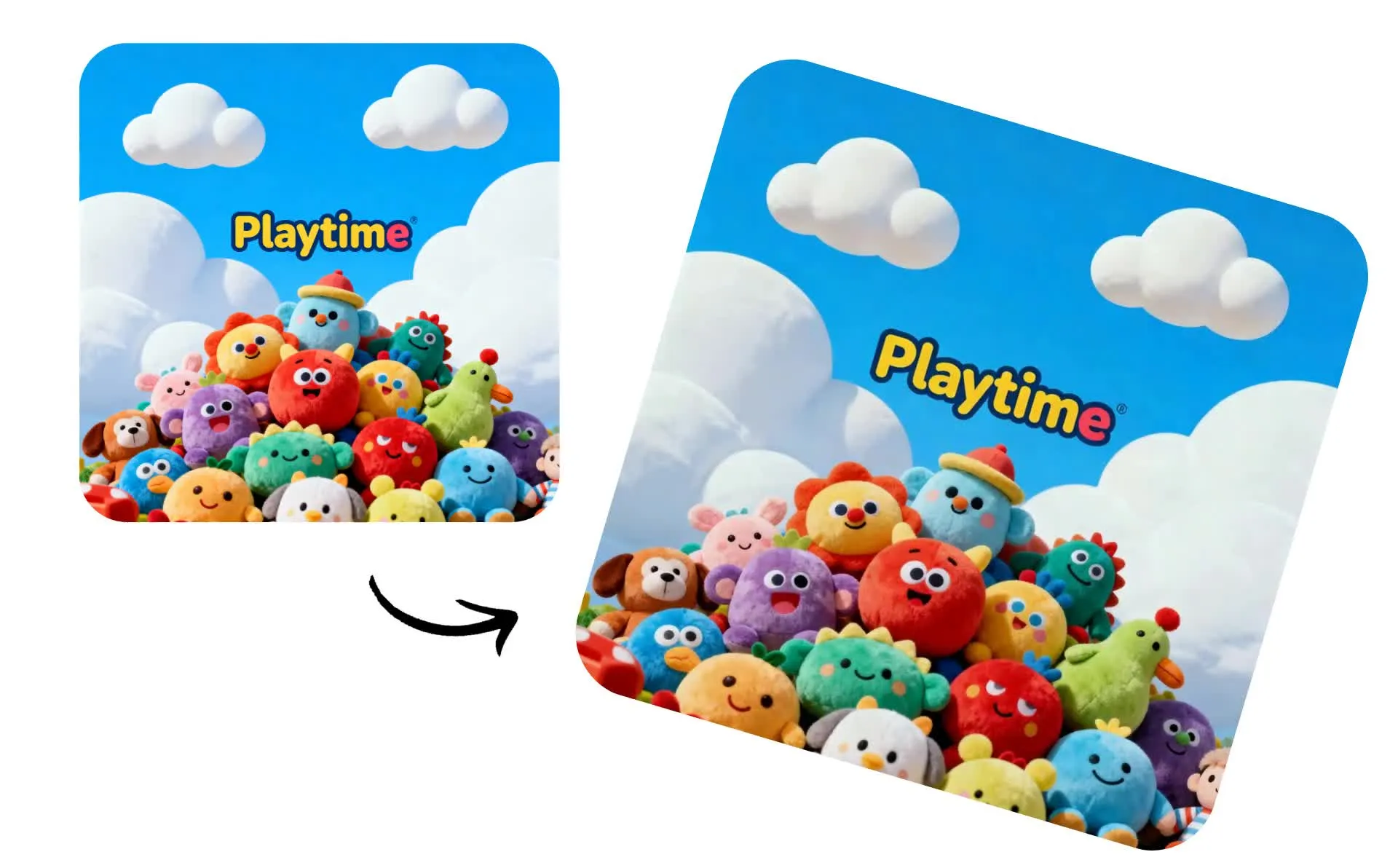
Add dynamic motion to your projects
Designed in Kapwing in under 60 seconds
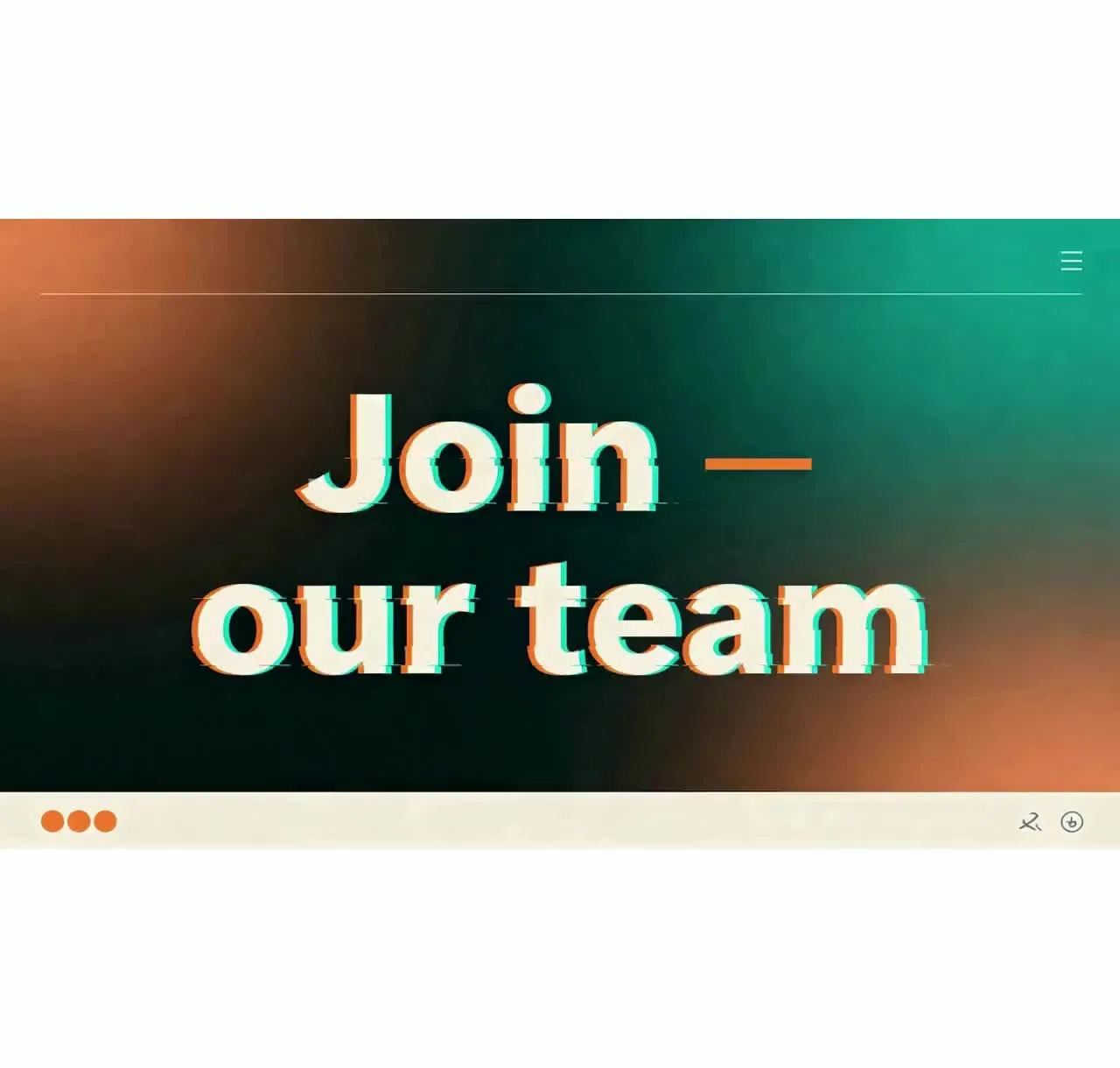
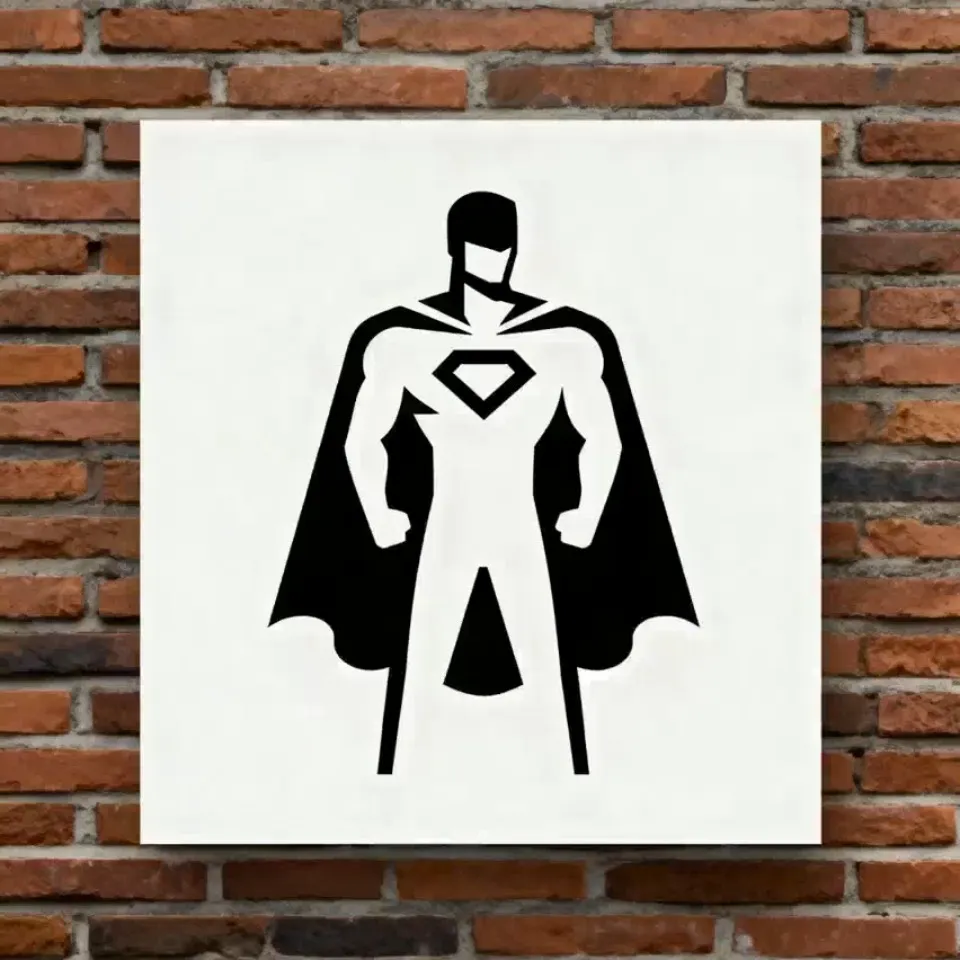
-poster.webp)

Enhance your content with AI motion graphics
Animate logos, data, and typography with simple prompts
Create memorable intros and outros
Animate your logo, title card, or branded illustrations to create memorable intros and outros for YouTube videos, livestreams, and social content. With AI motion graphics, you can turn static brand assets into short animated sequences that instantly set the tone of your video.
For a high-energy channel, start with a cinematic 3D explosion, glitch effect, or fast zoom before revealing your title card. For calmer brands, try subtle fades, smooth rotations, or soft particle effects. All from chatting with your AI motion designer.
Make data easier to understand
Turn static data into motion to make presentations and explainer videos easier to understand.
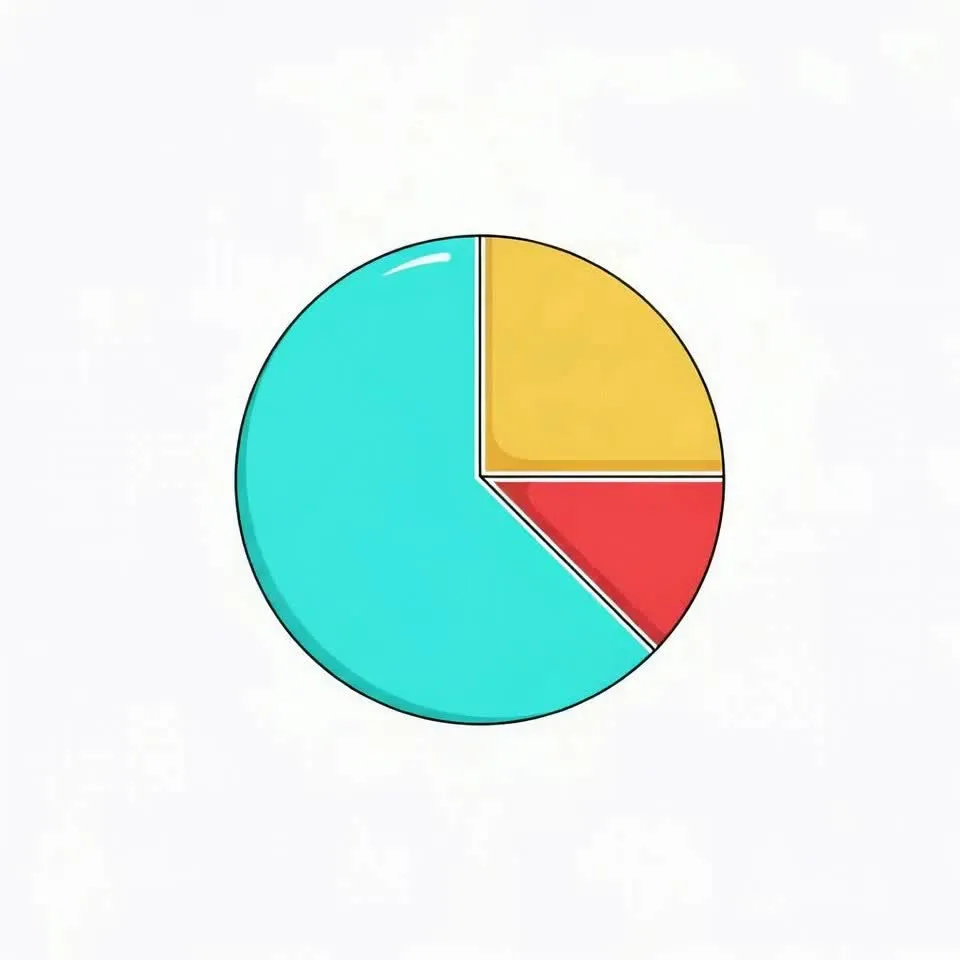
Animate infographics, bar charts, pie charts, line graphs, and Venn diagrams for clear takeaways from even dense data. Have bars grow to compare values, lines draw across the screen to reveal trends, and segments highlight as you explain each point.
You can also animate icons, labels, and key metrics around your visuals, helping viewers quickly grasp the story behind your data.

Keep the focus on your words
Use AI-powered kinetic typography to animate titles, quotes, and calls to action so they move across the screen, catching and guiding your viewer’s attention. Create expressive text styles, from bold headline animations to playful lettering that wiggles, morphs, or pulses with your visuals.
Design custom text art, then animate it with a prompt to keep your audience focused on key takeaways and social hooks.
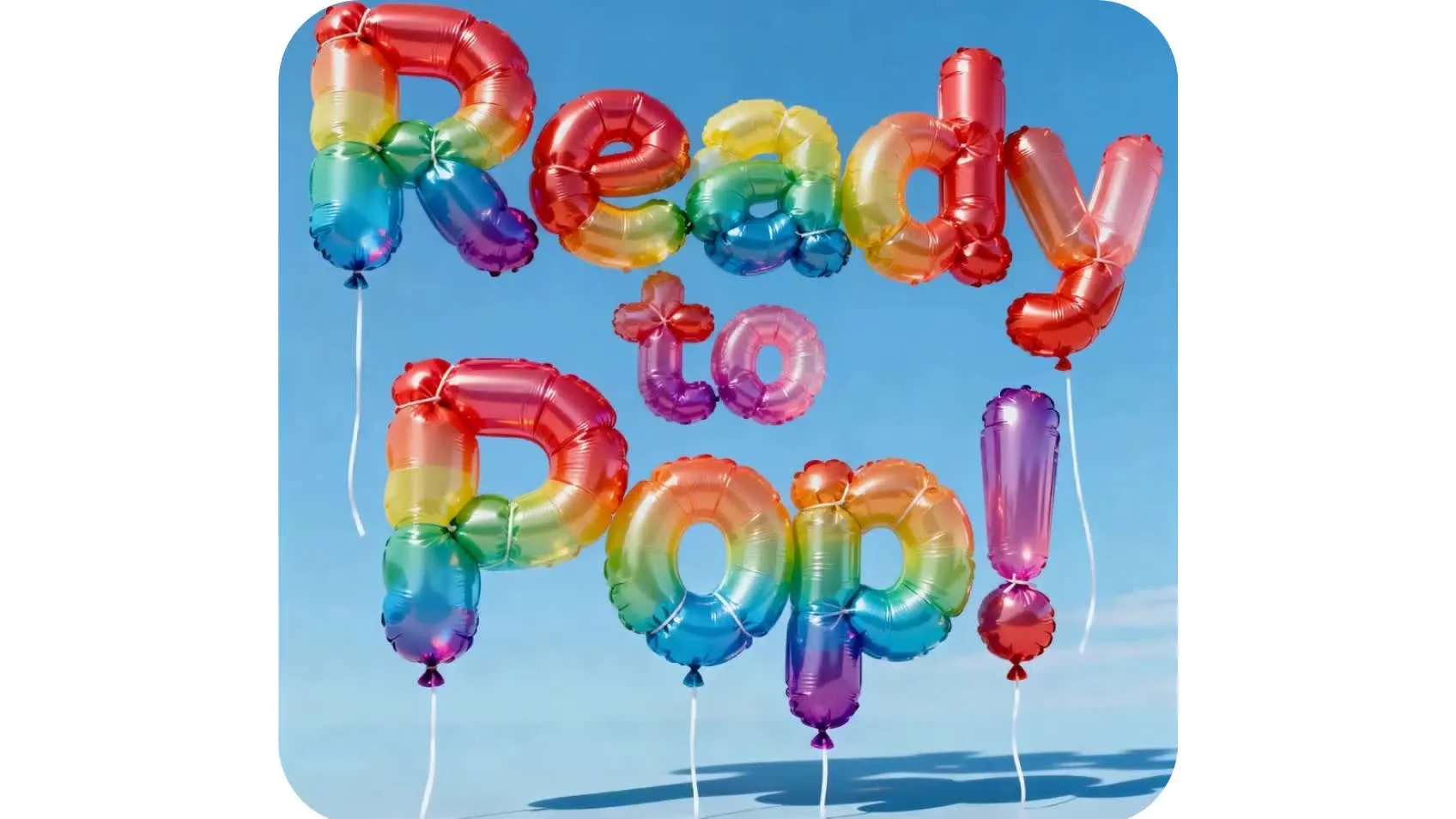
Make an instant impact with motion graphics
Improve brand performance at a fraction of the cost
How to Create Motion Graphics with AI
- Step 1Upload graphics
Create a chat with Kapwing AI and click to upload your graphic.
- Step 2Animate
Write a prompt like "Create a short animation using this image as the start frame." Click the arrow to generate.
- Step 3Edit and export
Edit with additional prompts or click to download your motion graphic as MP4.
Already transforming video creation across industries
Hear directly from the teams who publish faster, collaborate better, and stay ahead.


Your motion graphics, ready to use in a professional editing studio
Animate graphics, then drop into any project
Kapwing's AI Motion Graphics are integrated with a video editing studio that offers hundreds of powerful tools. Design your animated graphics, then bring them into the studio to fine-tune color, apply effects, and drop them into existing video content.
Create intro and outro videos for YouTube, eye-catching animated ads, and memorable product demos. Complete videos with unique sound effects and custom songs.
Use Smart Zones and intelligent resizing to adapt for any platform, then share directly to social media, all without leaving your browser.
What's different about Kapwing?



Frequently Asked Questions
We have answers to the most common questions that our users ask.
Is the AI Motion Graphics tool free?
Yes, anyone can try Kapwing’s AI Toolkit for free without watermarks. Our AI tools run on a credit system, with each feature costing a set number of credits. For maximum creativity and the best value, upgrade to a Pro account to unlock the full power of AI-driven content creation.
How to make motion graphics with Kapwing
To create motion graphics animations with Kapwing, create a new chat with Kapwing AI. Use the AI text to motion graphics generator by typing in a descriptive prompt explaining the imagery and motion you want to see. Or upload your graphics to quickly animate them with realistic motion.
Click the arrow at the right to generate your motion graphics video. Then click to download or move your 3D motion graphics to the studio to use in any project or export in a different format.
What are motion graphics?
Motion graphics are animated design elements, like text, logos, shapes, and icons, that use movement to communicate ideas visually. Unlike full character animation, they focus on dynamic typography, transitions, and visual effects to make videos more engaging and easier to understand. They’re widely used in explainer videos, ads, social media content, and brand intros.
Traditionally, motion graphics combine animation techniques such as keyframing, compositing, and visual effects to create polished video sequences. Modern tools, like Kapwing's AI-powered software, can automate this process, making it faster and more accessible to produce professional-quality animated content.
What kinds of motion can I add to graphics?
Kapwing's AI Motion Graphics aren't limited to preset animations, so you can create any kind of motion you can describe in a prompt.
What format will my motion graphics be in?
Kapwing's graphic motion AI will generate your files as MP4, which you can immediately click to download. You can also move them into the studio to export as MOV, WebM, or GIF.
Can I make my motion graphics loop?
Yes, you can export your animated graphics as a looping GIF. Motion graphics GIFs can be used anywhere, including Discord, company websites, and overlaid on videos.
Which AI models does Kapwing use to make motion graphics?
Kapwing uses the latest advanced AI models to image to video and text to video generations, including Seedance Pro, Kling Motion Control, Seedance 2.0, Seedance 2.5, MiniMax H3, and Veo 3. You can choose your preferred model by clicking the model preferences settings button next to the generate arrow, or let Kapwing AI intelligently choose the best model for you.
Can I also use Kapwing to create logos and other branding materials?
Yes, Kapwing offers an AI Logo Generator and an AI Logo Animator, so you can create and animate branding materials from scratch. You can also create a logo using the extensive logo template library.
Can I make intros and outros with Kapwing?
Yes, you can create full intros and outros in the Kapwing studio, complete with text and sticker overlays and royalty-free sound effects and music. Then drop in your motion graphic videos for audience-building branding.
Discover Resources
Tips, templates, and deep dives to help you create faster and share with confidence.
View all
Get started with your first video in just a few clicks. Join over 35 million creators who trust Kapwing to create more content in less time.