Create realistic AI wizard characters. Free to start.
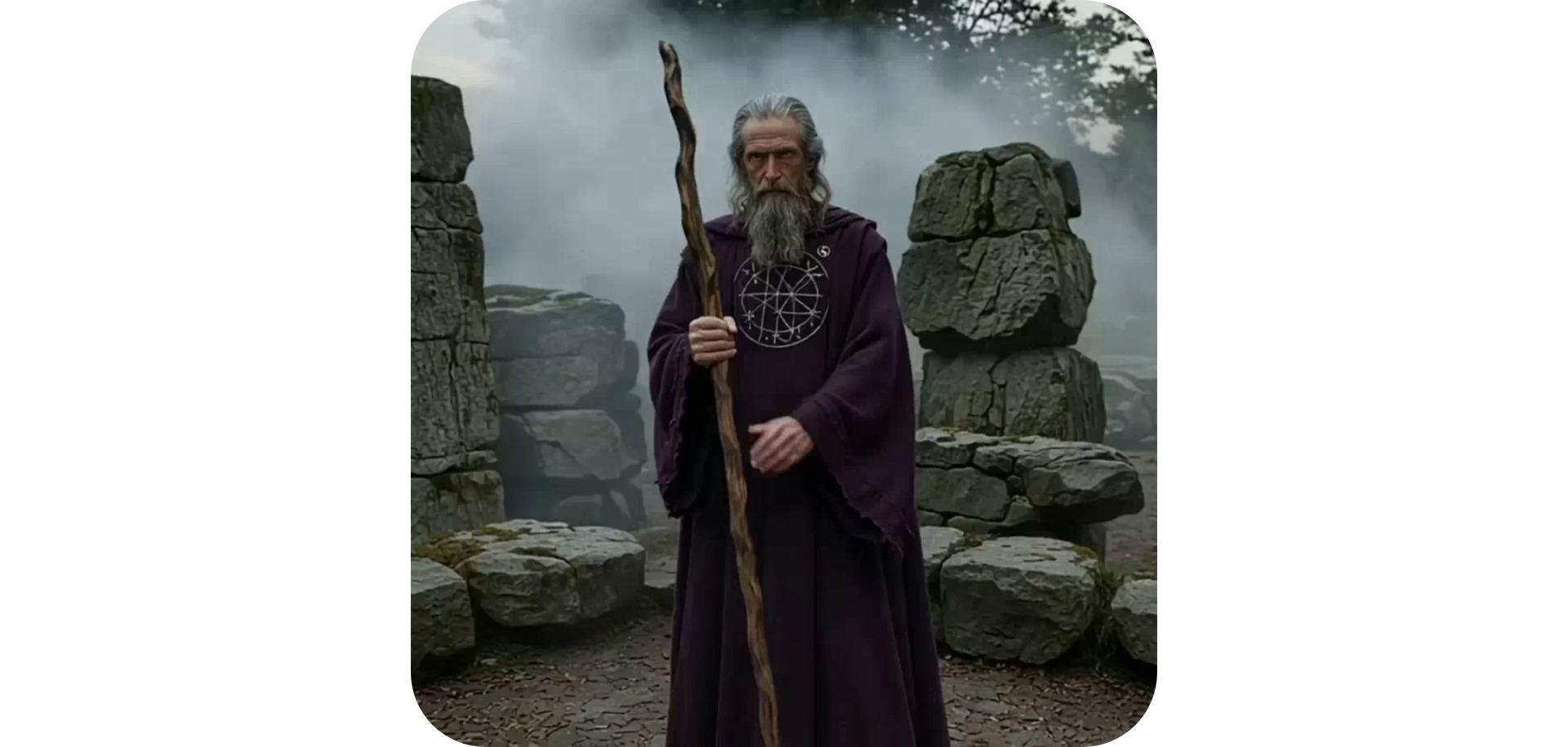
Design your own unique wizard with AI
Fully online. Download in high-resolution. JPG or MP4.
Create a wizard in any style you can describe
Turn text prompts or reference images into unique wizard characters. With Kapwing's AI wizard Generator, you can create lifelike wizard characters in any style, including cartoon, anime, illustrated, and photorealistic.
Just describe the wizard you want to create, or get more specific by uploading reference images or sketches.
Not sure where to start? Browse our library of 50+ free stock characters for inspiration.
Download lifelike or stylized images and videos of your wizard in any aspect ratio, from 16:9 to 9:16.
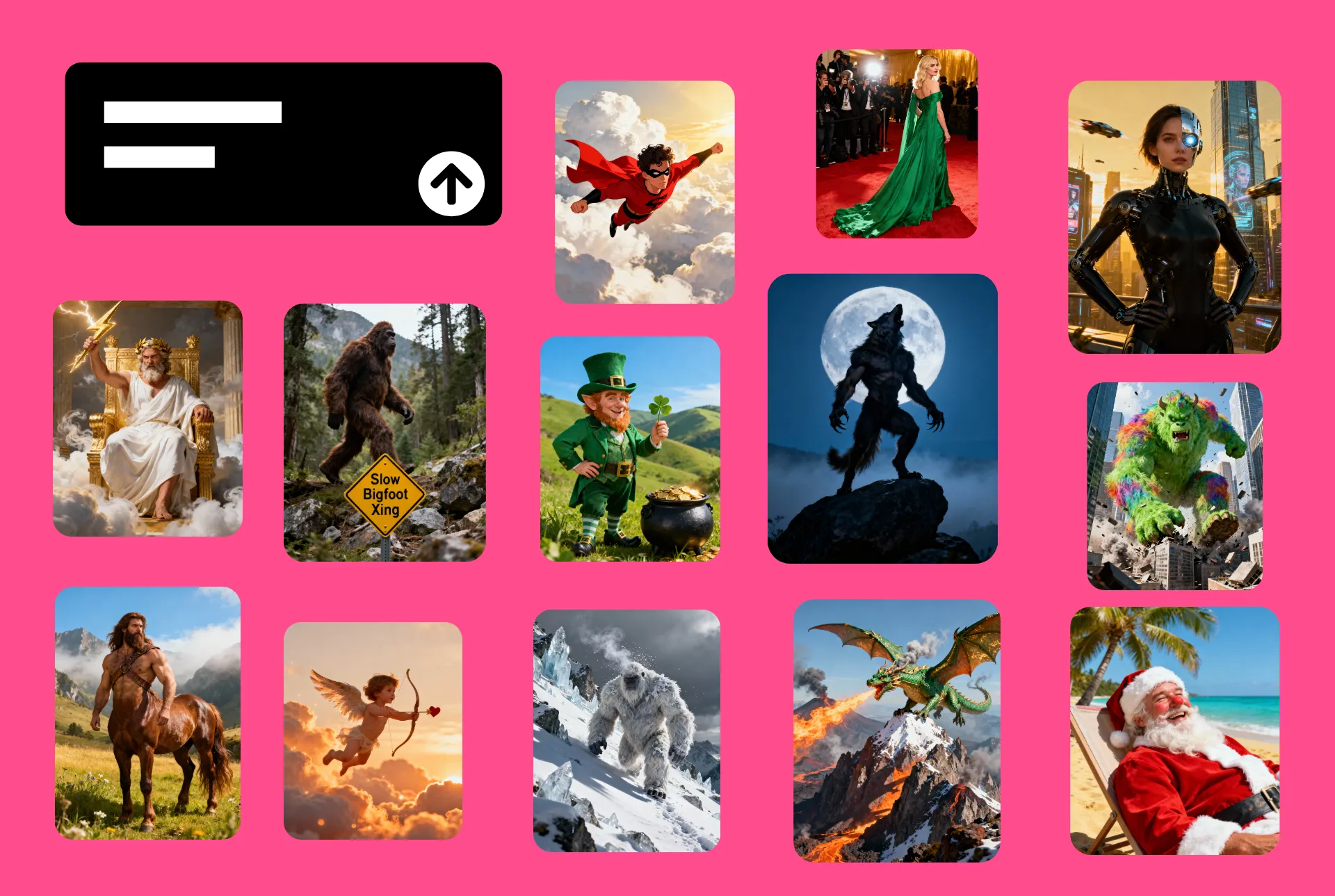
How to use your wizard in 60 seconds
Start for free in your browser. No watermark on Pro.
Create
a reference image of your wizard using a text prompt


Save
each character to the Brand Kit, with voices if needed
Tag
your wizard into images and videos, then download in 1080p
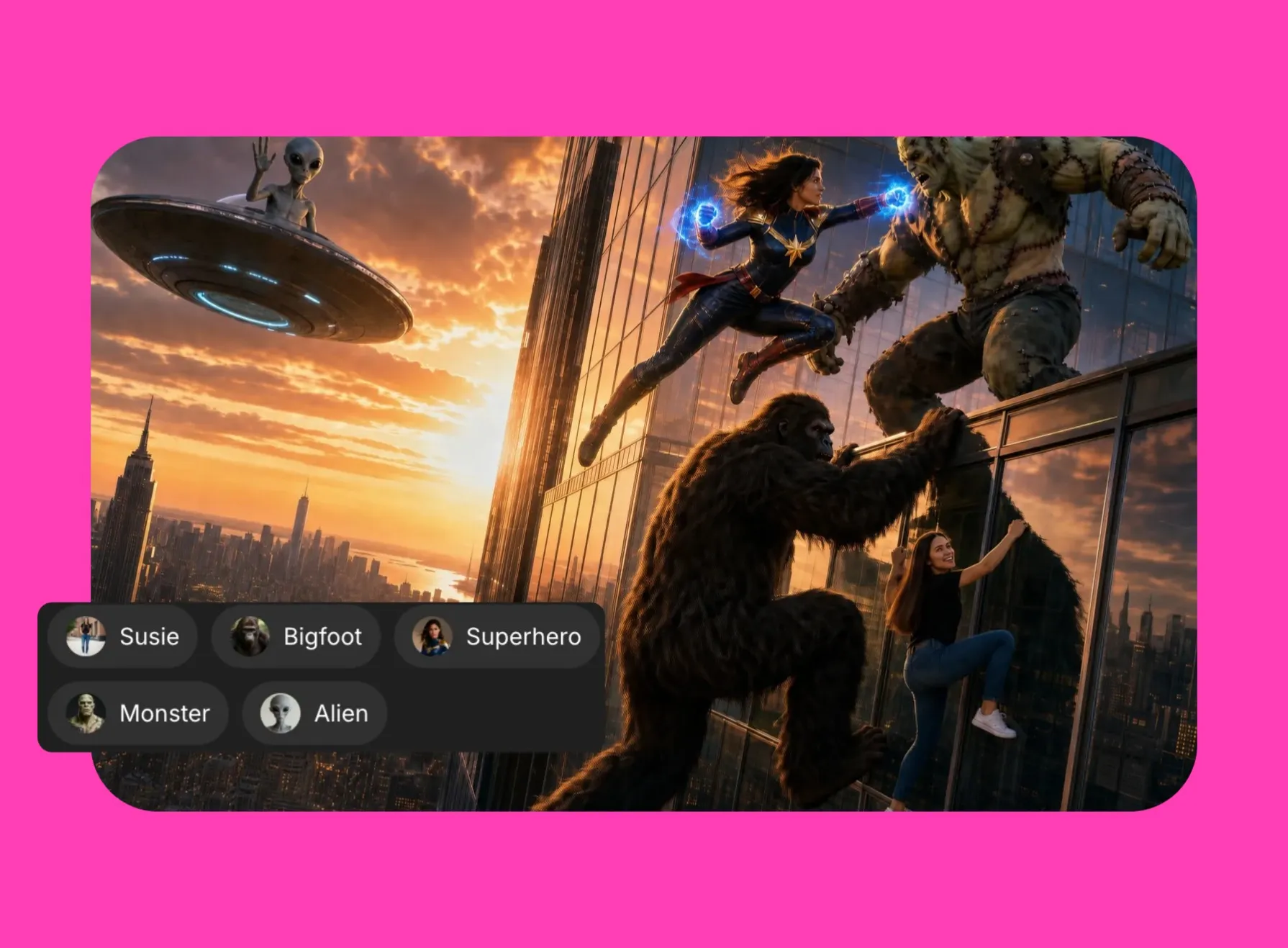
Put your wizard into any scene
Download customized images and videos in 1080p. Any aspect ratio.
Generate the same wizard — no complex prompting
Create a wizard character you love? Save your favorites to your Brand Library to use in every piece of content.
Built-in character consistency keeps your wizard looking and sounding the same in every image and video.
No rewriting complex prompts or inconsistent content. Just the same wizard, every time.
Speaking scenes and stories with accurate lip sync
Create high-quality, realistic wizard video clips or short movies. Set the scene, choose style and lighting, and direct movement with straightforward prompts and intelligent storyboarding.
Your wizard can also speak naturally, complete with auto-generated lip sync, in 40+ languages.
Powered by multiple AI models and advanced AI voice technology from ElevenLabs, every video is uniquely customized to your wizard.

Collaborate & create efficiently
Teams can collaborate in real time with shared characters, live feedback, and simultaneous editing. Save brand fonts, colors, subtitle styles, voices, and logos to your Brand Kit along with your wizard to keep every project on-brand and easy to update.
Whether you’re creating for fun or producing professional content, the AI wizard Generator delivers high-quality images and videos ready for any platform.
Resize, restyle, or repurpose your content instantly with Kapwing AI.
.webp)
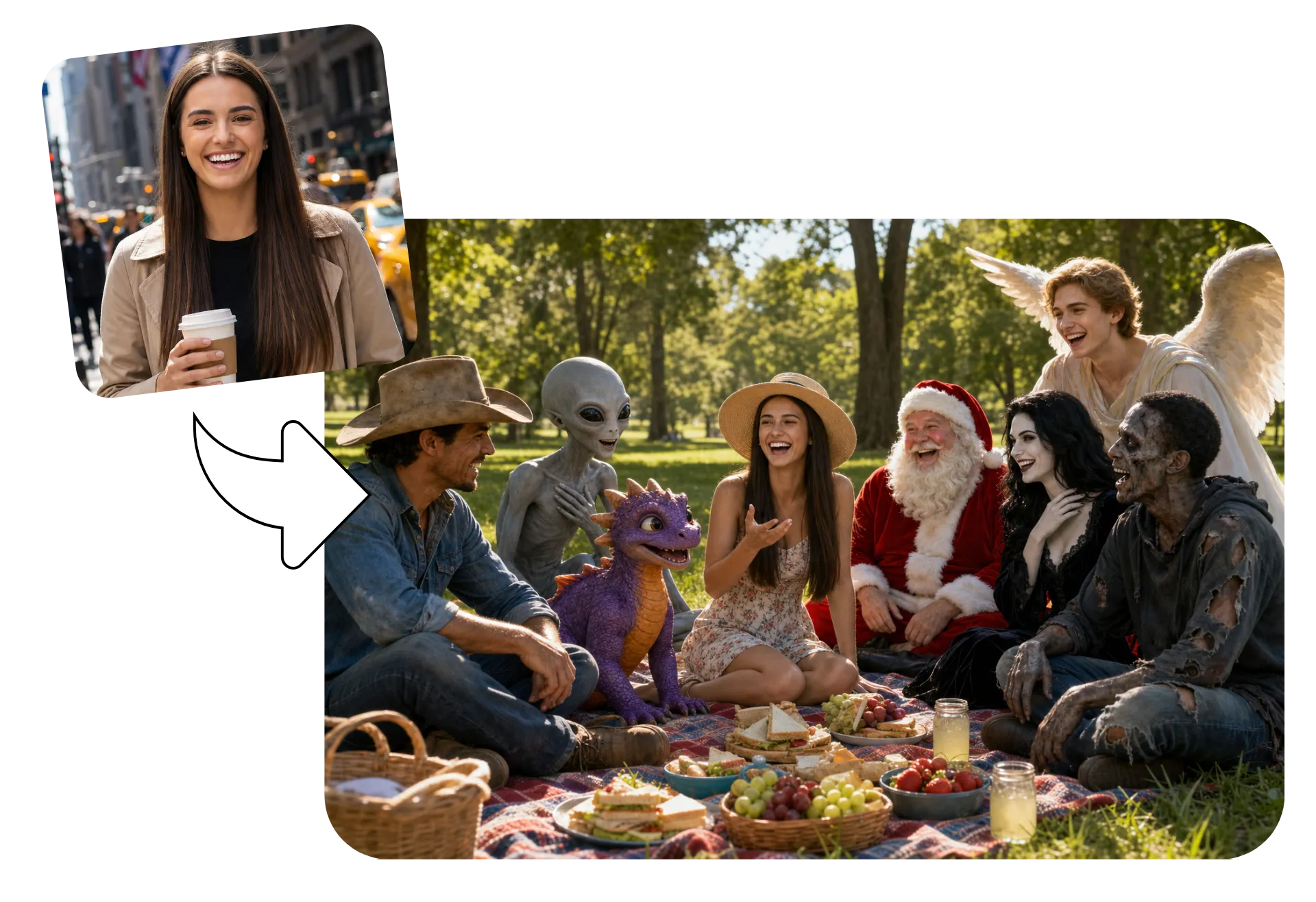
Add yourself to any image or video scene
Don't let your fictional characters have all the fun.
Upload a photo to turn yourself into a wizard or realistically interact with your wizard character.
Also incorporate actual clothing and product images into your wizard creation.
Already transforming video creation across industries
Hear directly from the teams who publish faster, collaborate better, and stay ahead.


Your wizard character — ready to use in a professional studio
Create
Edit
Export
Kapwing's AI wizard Generator is built into a professional image and video editing studio. Generate a unique scene with your wizard, then move to the Kapwing Studio to polish.
Add transitions, subtitles, logos, text, and branded graphics in just a few clicks. Refine your content with filters, lighting controls, and color adjustments, or resize for every platform with easy presets.
Edit video with transcript-based tools, add royalty-free music and sound effects, and quickly turn AI-generated wizard scenes into polished, social-ready content.
When you’re ready, publish directly to social media, share via a unique link, or export at up to 4K resolution.
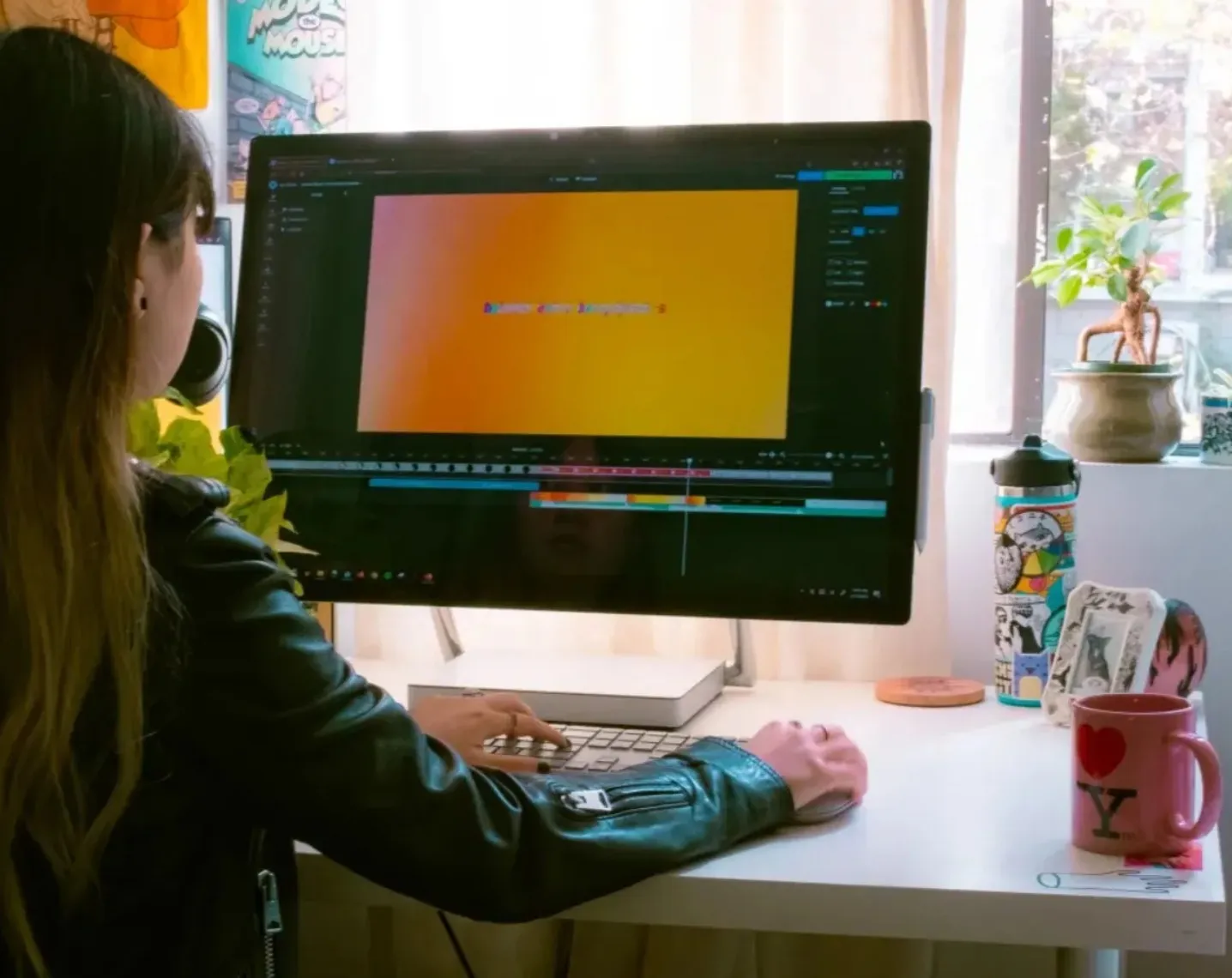
What's different about Kapwing?



How to Use the AI wizard Generator
- Step 1Create wizard
Create a new chat with Kapwing AI. Enter a prompt describing your wizard, and optionally upload reference images. With a Kapwing Pro account, you can save the character for reuse using the @ icon.
- Step 2Generate and edit
Click "generate" to create your content. Make changes using follow-up prompts, or add your image or video to the Kapwing Studio.
- Step 3Download and share
Download your wizard content as 1080p MP4 or JPEG, or share directly to social media.
Frequently Asked Questions
We have answers to the most common questions that our users ask.
Is the AI wizard Generator free?
Yes, anyone can try Kapwing’s AI tools for free. Our AI tools run on a credit system, with each feature costing a set number of credits. For maximum creativity and the best value, upgrade to a Pro account to unlock the full power of AI-driven content creation.
Can I turn my wizard images into videos?
Yes, you can use Kapwing's AI Image to Video Generator to instantly animate any image, including wizard pictures. Just upload the image and enter a simple video prompt describing the shots, camera angles, and what you want the wizard to do.
Can I generate wizard images and videos in different styles?
Yes, Kapwing's AI tools can create in many styles. Just prompt the AI to use any style, including cartoonish, realistic, noir, or anime, and make as many tweaks as you want.
How to generate wizard images and videos
Start by opening Kapwing AI and typing a short descriptive prompt:
For example: “Generate a video of a wizard surfing on a tropical beach” or "Generate an image of a wizard climbing up a mountain"). The AI will generate a high-quality result for you.
You can also write a more advanced prompt specifying camera angles, lighting, clothing, and more. Kapwing's AI wizard generator uses multiple generative AI models to understand your text and visualize it as a fully realized character.
Do I need design or editing skills?
Not at all, the tool is built for everyone, from beginners to professionals. Whether you're a content creator, marketer, or small business owner, you can instantly generate ready-to-use images and videos. Just describe the wizard image or video you're looking for, add reference images if you'd like, and let Kapwing's built-in prompt assistance handle the rest.
Can I edit and resize my wizard images and videos?
Yes, you can tweak your generated images and videos by adjusting your prompt, or click Add to Project to edit using Kapwing's full editing studio. In the studio, you can use templates, resize for any platform, add transitions and text overlays, and more.
Image prompt advice
Create realistic or stylized wizard images using simple conversational prompts, enhanced by Kapwing's built-in prompt assistance.
Or assume full control of your wizard image by writing an advanced image prompt specifying visual style, framing, lighting, background, outfit, and accessories or props.
What is a Custom Kai?
Custom Kais are pre-built AI image and video effects in Kapwing. Our team has created hundreds of AI templates so you can instantly produce eye-catching content — no prompt writing required. Just apply a Custom Kai and the style is handled for you.
What AI models does Kapwing use?
Can I save my wizard characters and reuse them?
Yes. Save your wizard image to the Brand Kit and it can be used as a consistent character for future image and video projects. Just click or type @, select "Add character," give your character a name and description, and upload your reference image. You can even choose a voice for each character and share them with your entire team.
Can I create videos where my wizard speaks?
Yes, Kapwing uses a combination of AI video models and ElevenLabs AI voice technology to create realistic lip-synced videos where your wizard speaks. You can generate lifelike speaking videos featuring your wizard in 40+ languages.
Discover Resources
Tips, templates, and deep dives to help you create faster and share with confidence.
View all
What's different about Kapwing?
Get started with your first video in just a few clicks. Join over 35 million creators who trust Kapwing to create more content in less time.