Change faces in photos with AI.
Start for free in your browser. No watermarks.
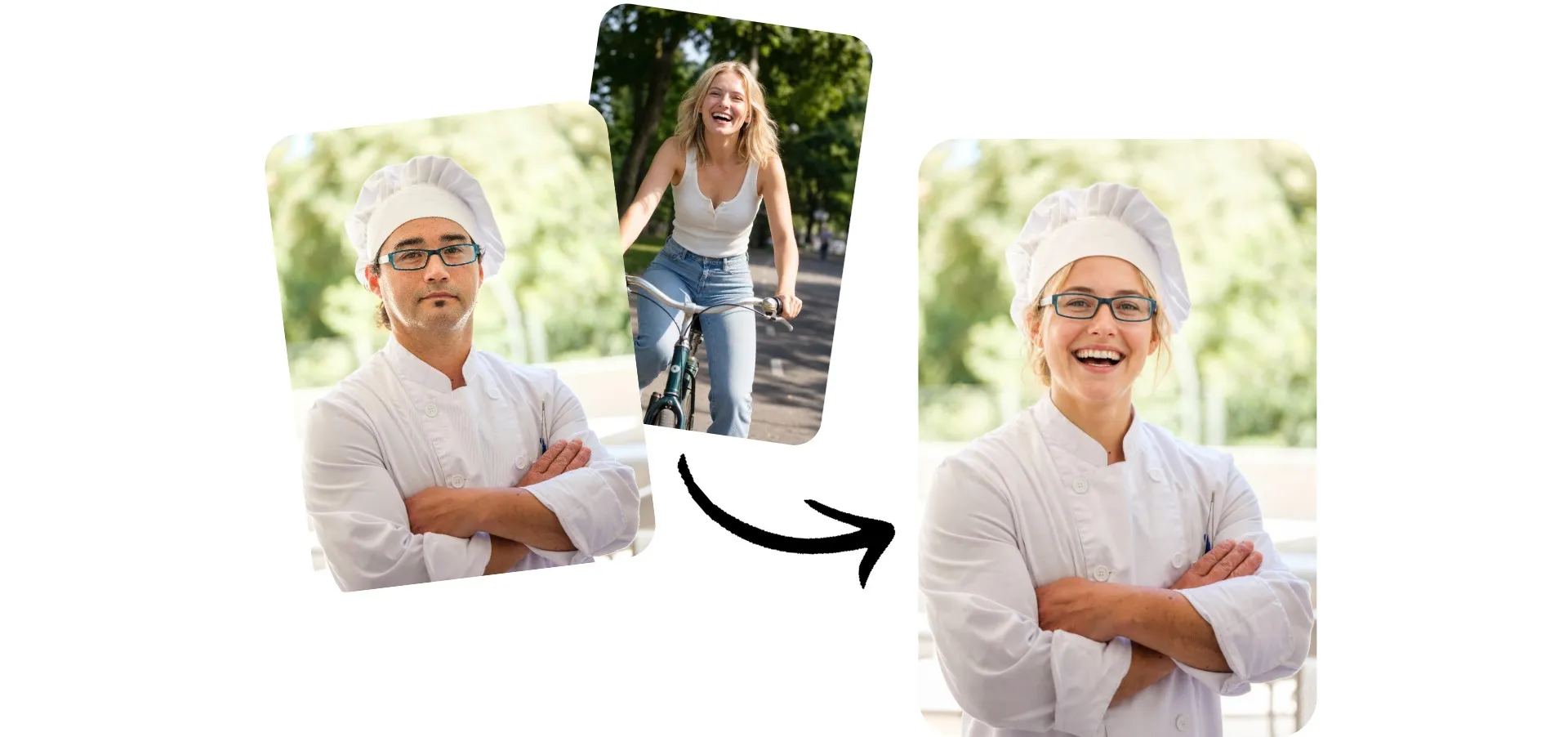
Realistic face swaps in seconds
Replace faces in images online. No installs or extra software.
Change faces, no editing skills needed
Swap a face from one photo to another with just two uploads. No complicated prompts, Photoshop, or editing experience needed.
Upload your base photo and the face you want to swap, and Kapwing automatically creates a natural-looking face change. When it's ready, download the finished JPEG with a single click.
Whether you're making memes, creating social posts, testing creative ideas, or editing portraits, you can get realistic results in seconds — all online, with no watermark.
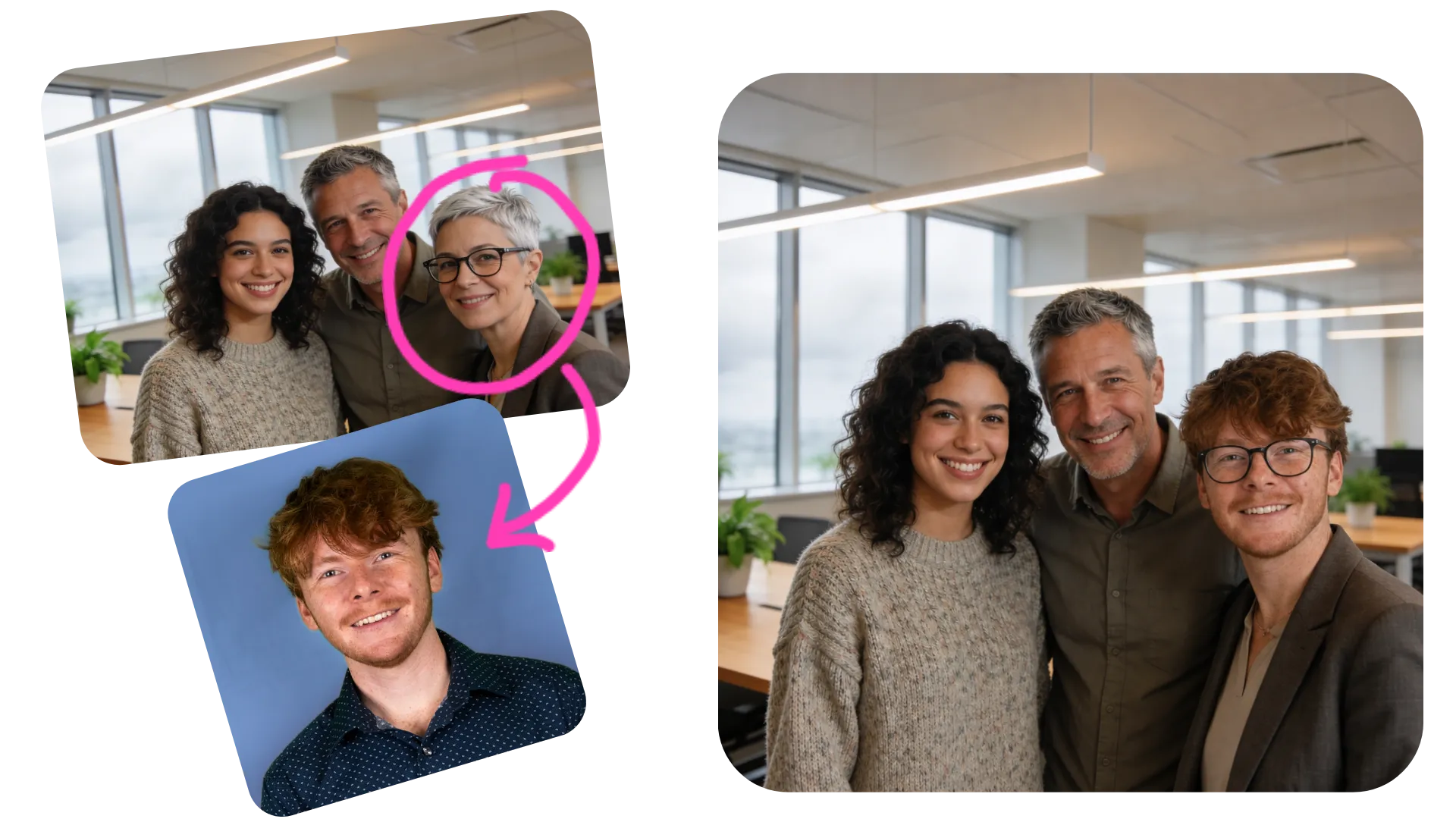
How to swap faces with AI
Generate lifelike face switches in seconds
Upload
two images to a chat with Kapwing AI


Swap
images by clicking the arrow, or enter a prompt to specify edits
Download
your face-swapped image as watermark-free JPEG
Replace faces for any project
Join 35M+ creators designing with Kapwing AI

Social Posts
Social media managers and influencers use AI Face Swap to create scroll-stopping posts and trend-driven content without spending time on manual photo editing
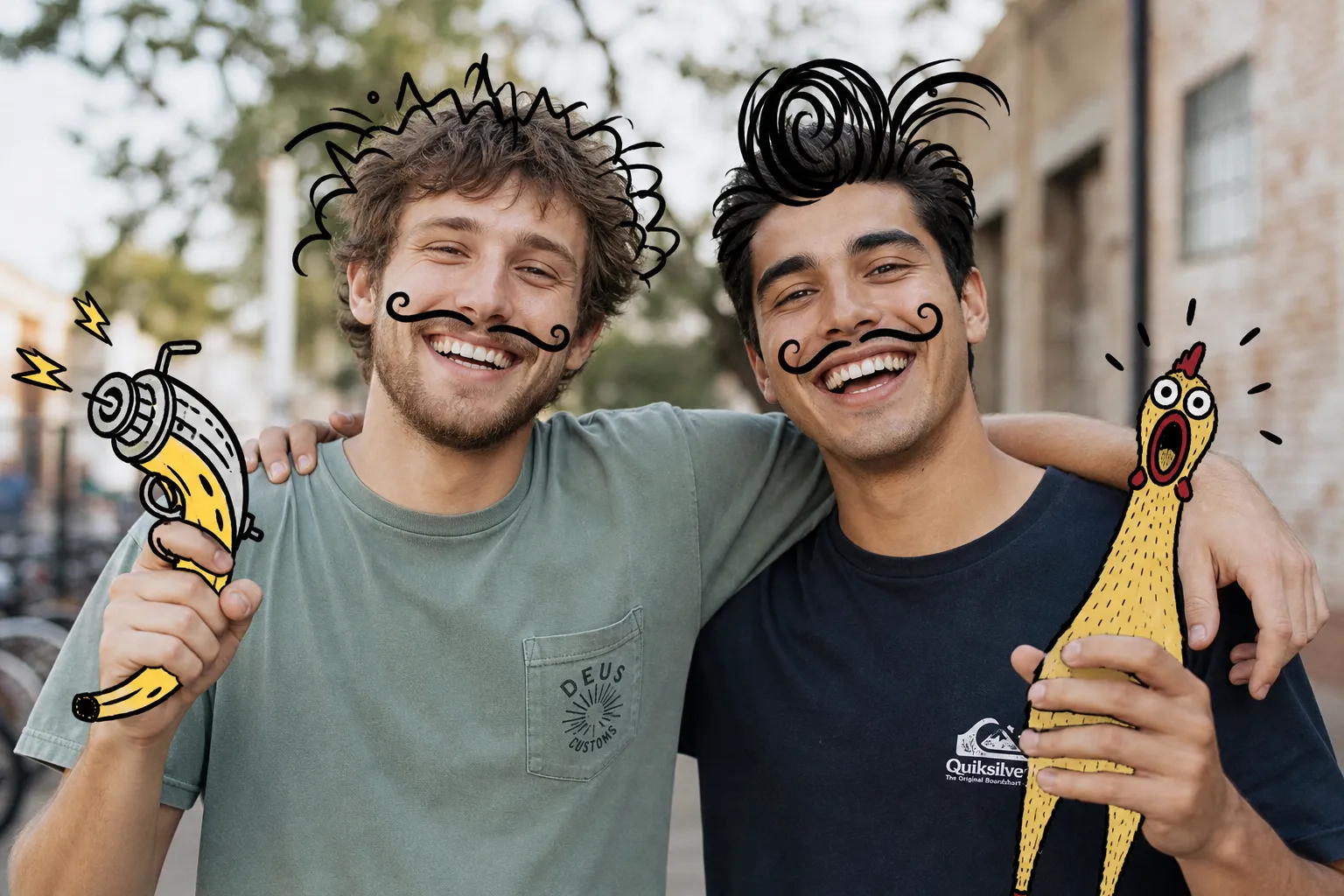
Memes & Jokes
Create funny memes, reaction images, and AI pranks by replacing faces with friends, public figures, or fictional characters

YouTube Thumbnails
YouTubers and streamers use an AI face changer to test different thumbnail concepts, reactions, and character ideas that capture more clicks
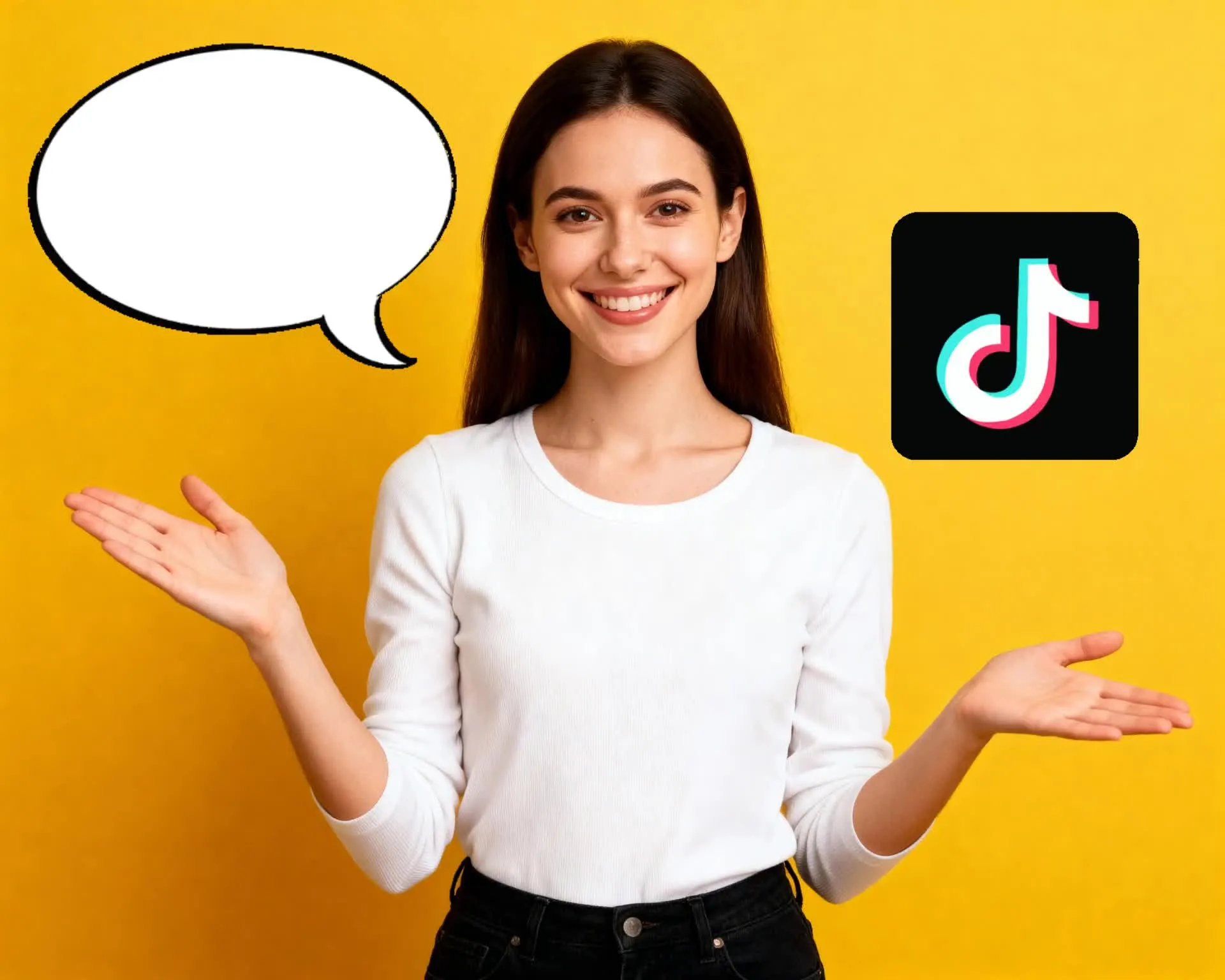
Expression Testing
Animators, creative agencies, and content teams use an AI face expression changer to visualize different facial expressions for concepts, storyboards, and marketing ideas
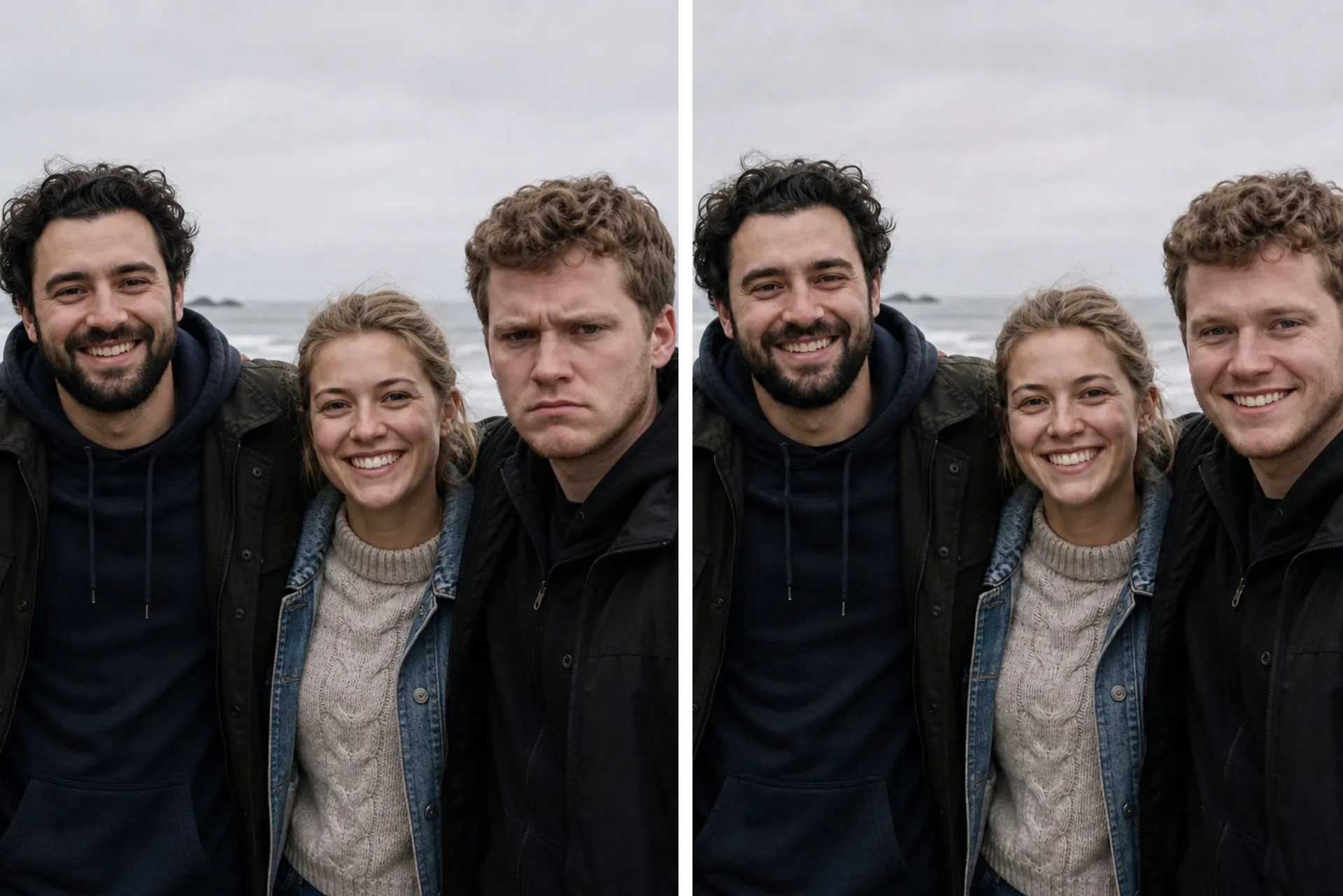
Photo Editing
Photographers and influencers use AI face switch technology to explore creative portrait variations and fix expressions while preserving a natural-looking result
Swap faces and enhance images in one online studio
Enhance images or replace faces for fun using AI
Create memes, jokes, and pranks
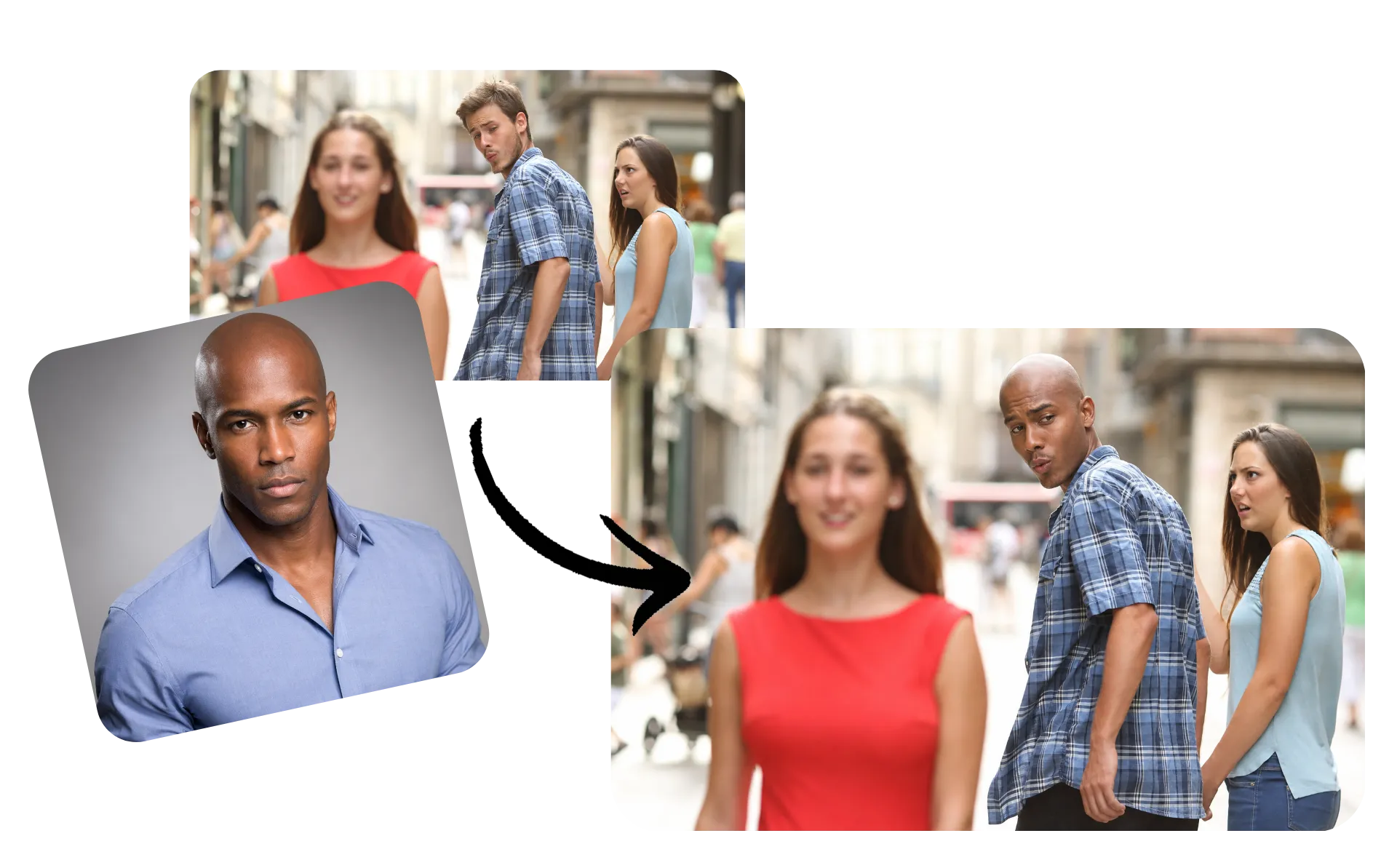
Turn any photo into a meme by swapping faces with friends, celebrities, characters, or your own images. Start with one of Kapwing's popular meme templates or upload your own image to create reaction memes, inside jokes, parody posts, and social content in just a few clicks.
Replace individual faces while keeping the rest of the image intact, then customize your meme with text, stickers, or additional edits in the Kapwing Studio before sharing it anywhere.
Replace faces and fix expressions
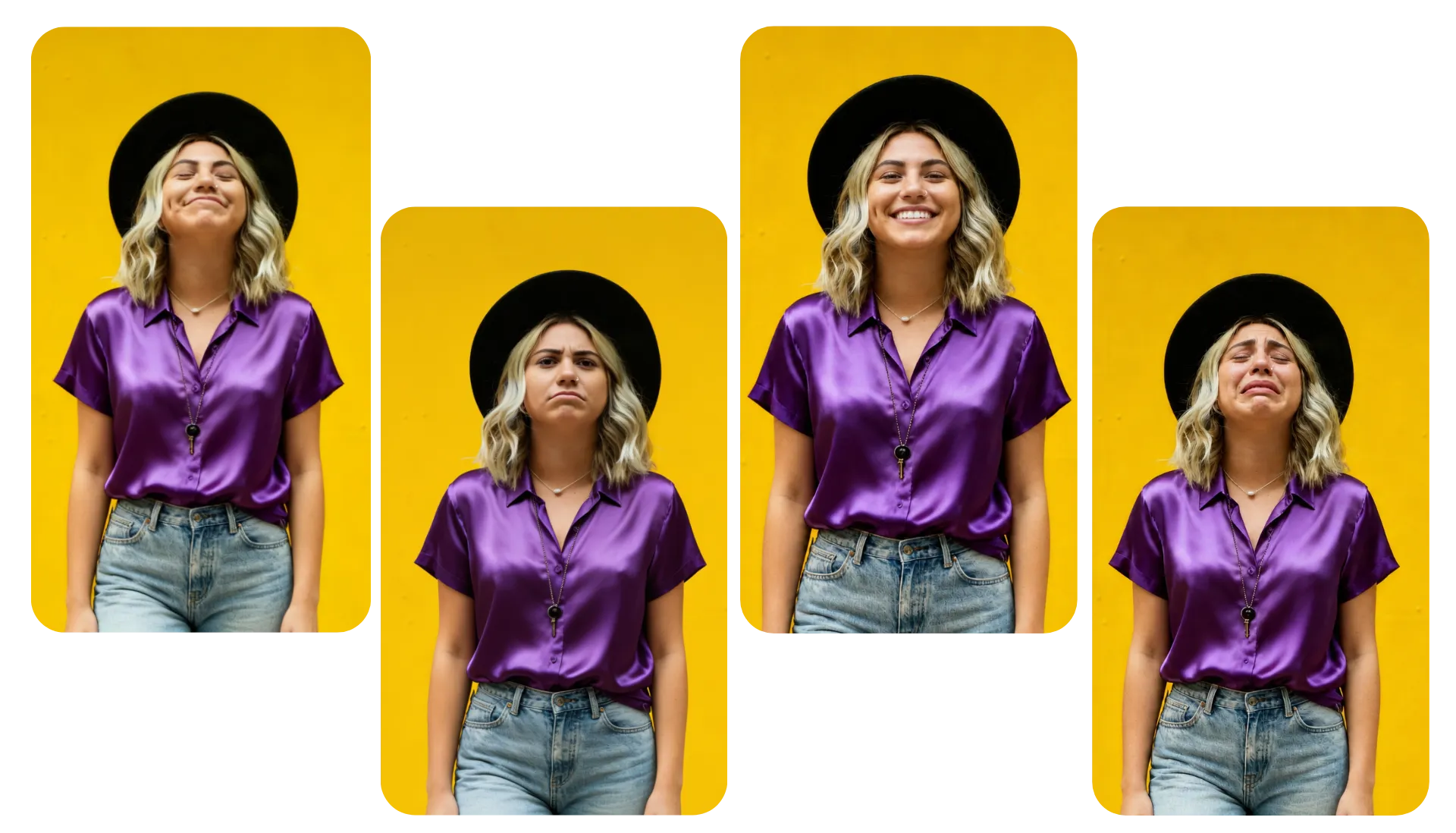
Use AI to replace individual faces between photos or make natural expression changes in seconds. Swap in the best version of each person to fix closed eyes, brighten a smile, or improve group photos without reshooting.
Edit portraits and group shots with realistic face swaps that blend seamlessly into the original image. No manual masking or detailed retouching required — just choose the faces you want to replace and let AI handle the rest.
Keep editing with studio tools
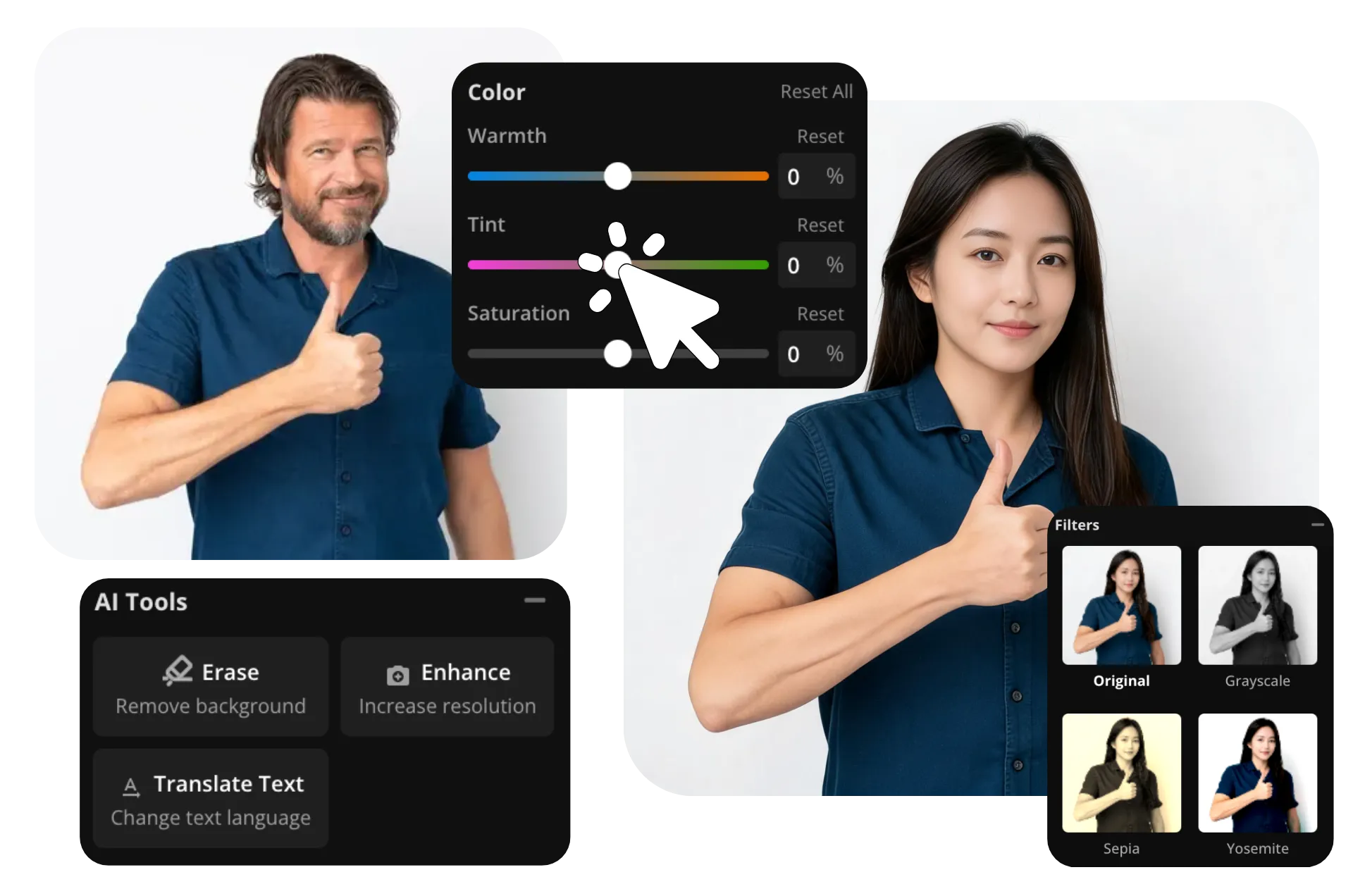
Kapwing's AI Face Swap is built into a full online image editor, so you can replace faces and continue editing without switching tools. Apply filters, adjust brightness and colors, crop your image, or resize it with presets for Instagram posts, YouTube thumbnails, and more.
Take your edit even further with built-in AI tools. Remove the background to turn your face swap into a transparent cutout or sticker, or use Enhance Image to upscale low-resolution photos and sharpen details for a cleaner, higher-quality result.
How to Use AI to Change Faces in Photos

- Step 1Create chat
Create a new chat with Kapwing's AI Face Swap.
- Step 2Upload images
Click or use drag-and-drop to upload the images you want to face swap.
- Step 3Switch faces
Click the arrow to generate, then download your images as JPEG.
What's different about Kapwing?


Frequently Asked Questions
We have answers to the most common questions that our users ask.
Is AI Face Swap free?
Yes, anyone can try Kapwing’s AI toolkit for free without watermarks. Our AI tools run on a credit system, with each feature costing a set number of credits. For maximum creativity and the best value, upgrade to a Pro account to unlock the full power of AI-driven content creation.
How to swap faces with AI
To replace faces using Kapwing, create a new chat with the AI Face Swap tool. Click "Add media" or use drag-and-drop to upload two face photos. Optionally, you can enter a prompt describing specific changes you want to make or faces to swap in group images. Then click the arrow to generate your AI face switch. Once your image is ready, you can download it directly as a watermark-free JPEG, move it to the Kapwing Studio to edit with manual and AI-powered tools, or use the AI assistant to make additional changes using conversational prompts.
Do I need advanced editing or prompting skills?
No, AI face changers are designed to automate the process, so you don't need to manually cut out faces, create masks, or blend skin tones yourself.
Kapwing's AI face replacement tool follows a simple workflow: upload two images, let the AI perform the face swap, then download the finished result. There's no need to write a complex prompt.
What kinds of photos work best for AI face swaps?
The best results usually come from high-resolution photos where the face is clearly visible. Choose images with good lighting, minimal obstructions (such as sunglasses or hands), and a forward-facing angle whenever possible.
While many AI tools can handle side profiles and different expressions, photos with similar camera angles and lighting generally produce a more natural-looking AI face change.
What can I use AI face swap for?
People use AI face swap tools for everything from creating memes and personalized greeting cards to visualizing creative concepts, designing social media content, and experimenting with portraits.
Businesses may also use AI face changing to mock up marketing concepts or presentation graphics before organizing a photoshoot.
Whether you're creating a single image or exploring AI face switch ideas for a larger project, face swapping can be a quick way to visualize new concepts without manual editing.
Can AI change facial expressions?
Yes, you can prompt AI face replacer tools like Kapwing to change face expressions. Upload your image, enter a prompt like "Change her expression to a smile" and click the arrow to generate your edited image.
Can I swap faces on my phone or tablet?
Absolutely, you can use your phone, including iPhone and Android devices, to make AI face replacements. Start a chat with Kapwing's AI Face Swap tool using your mobile browser, press to upload your images, and click the arrow to generate your face swap. You can then download images directly to your phone by clicking the download button.
How does AI face swapping compare to traditional photo editing?
Traditional face replacement requires manually selecting facial features, masking layers, matching skin tones, adjusting perspective, and blending edges — often using professional editing software. An AI face swap tool automates these steps by detecting faces, aligning key features like the eyes and mouth, and creating a realistic blend in just a few clicks.
Instead of spending time making manual adjustments, most AI face replacer tools only require two images: a base photo and a reference photo containing the face you'd like to use. The AI handles the alignment and face replacement automatically, making it much faster for everyday edits, creative projects, and photo touch-ups.
Discover Resources
Tips, templates, and deep dives to help you create faster and share with confidence.
View all


Already transforming video creation across industries
Hear directly from the teams who publish faster, collaborate better, and stay ahead.


Get started with your first video in just a few clicks. Join over 35 million creators who trust Kapwing to create more content in less time.