Upload images — turn into vintage polaroids
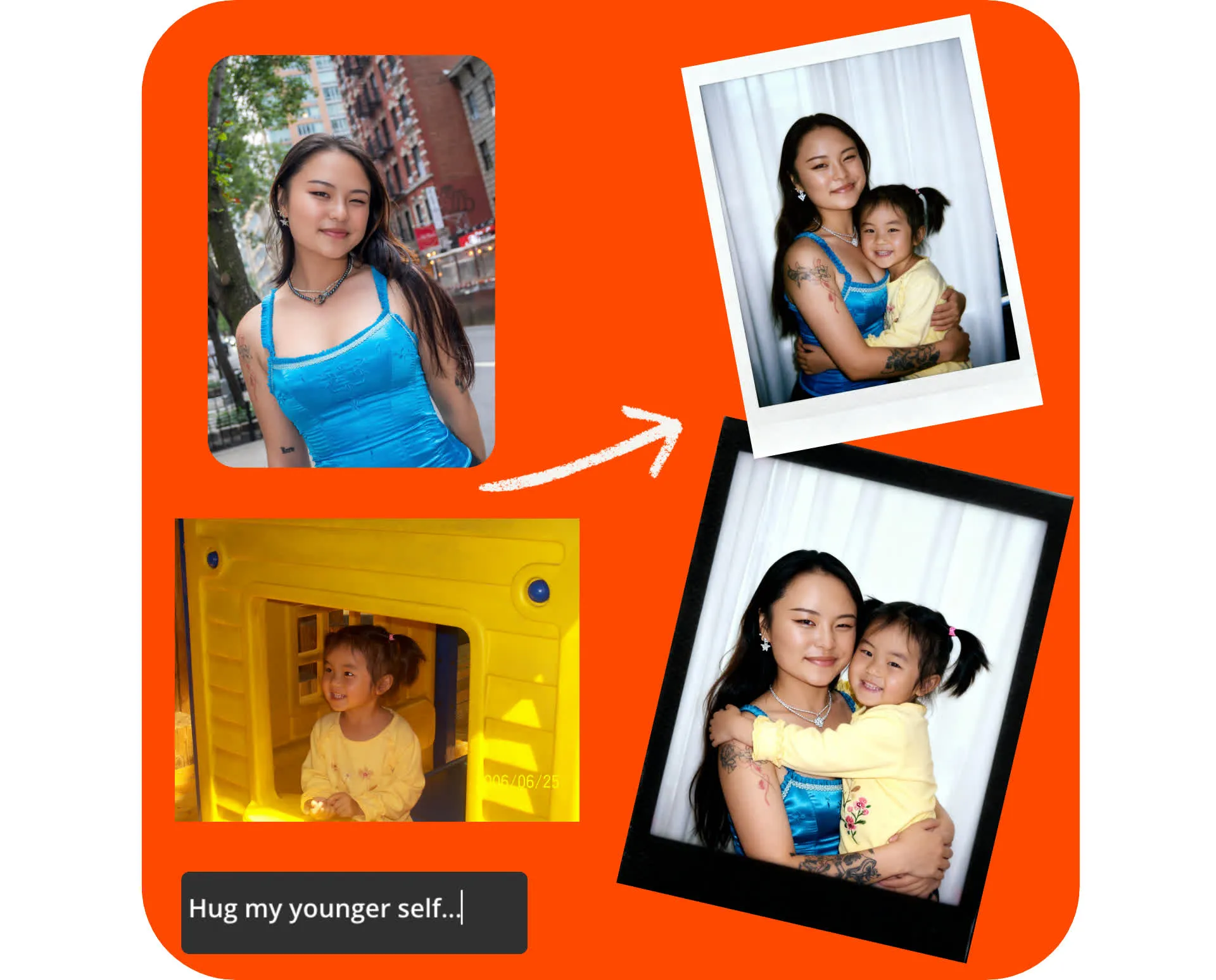
Instantly create lifelike Polaroids
Hug your younger self, take a celebrity selfie, and more — all in one online studio
Realistic Polaroids in seconds
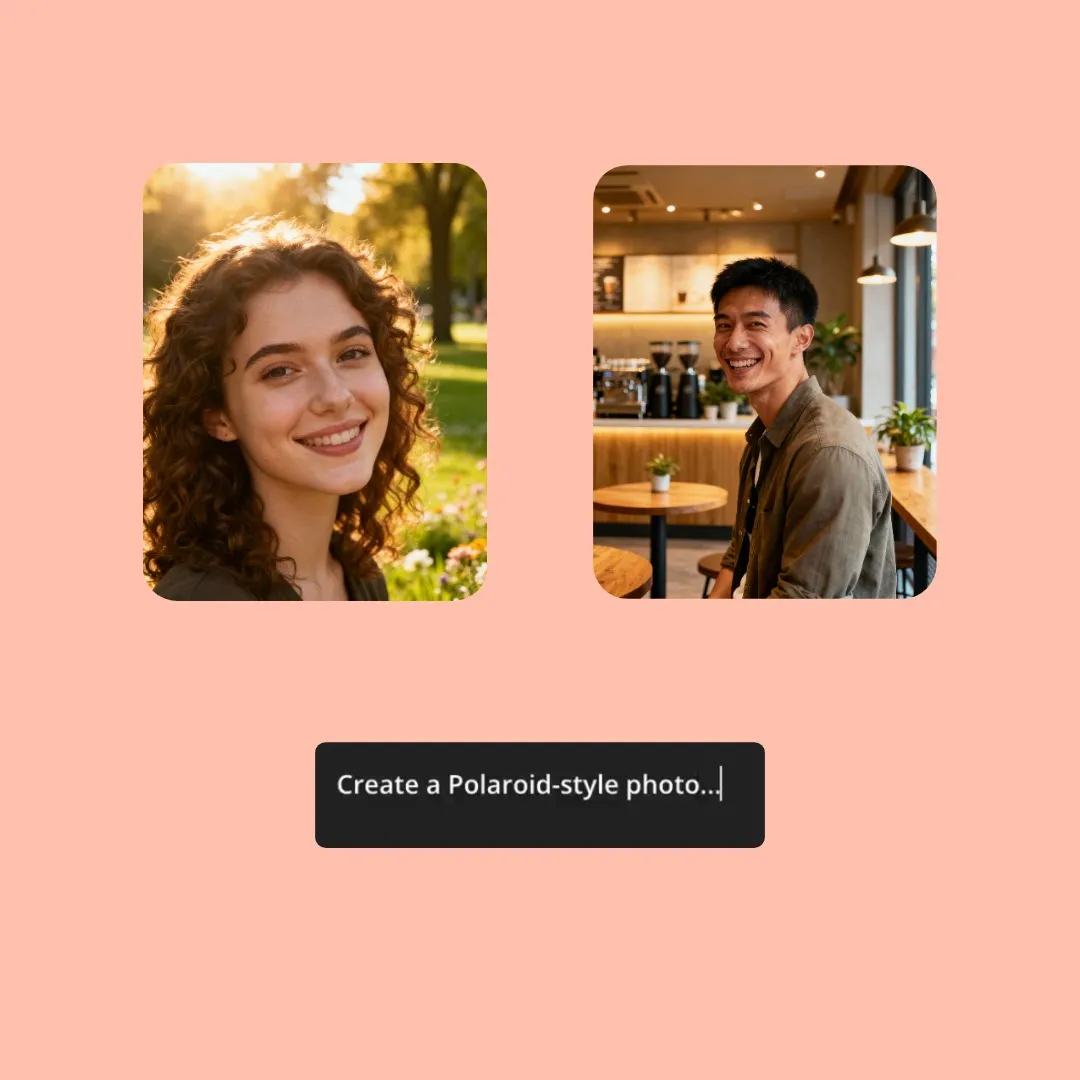
Join the latest social media trends by creating lifelike Polaroid-style images with Kapwing's AI Polaroid Generator. Upload separate photos of two people and prompt the AI to show them realistically hugging or touching. Then download as ready-to-share AI Polaroids, complete with white borders, vintage lighting, and that classic filmy look.
Or upload three images to create a vintage black and white Polaroid strip, no prompting needed.
Made for creative fun yet powerful enough for content creators, advertisers, and marketing teams. Use the fully online image editor to easily add text overlays, customize, and resize for any social media platform.
Hug your younger self
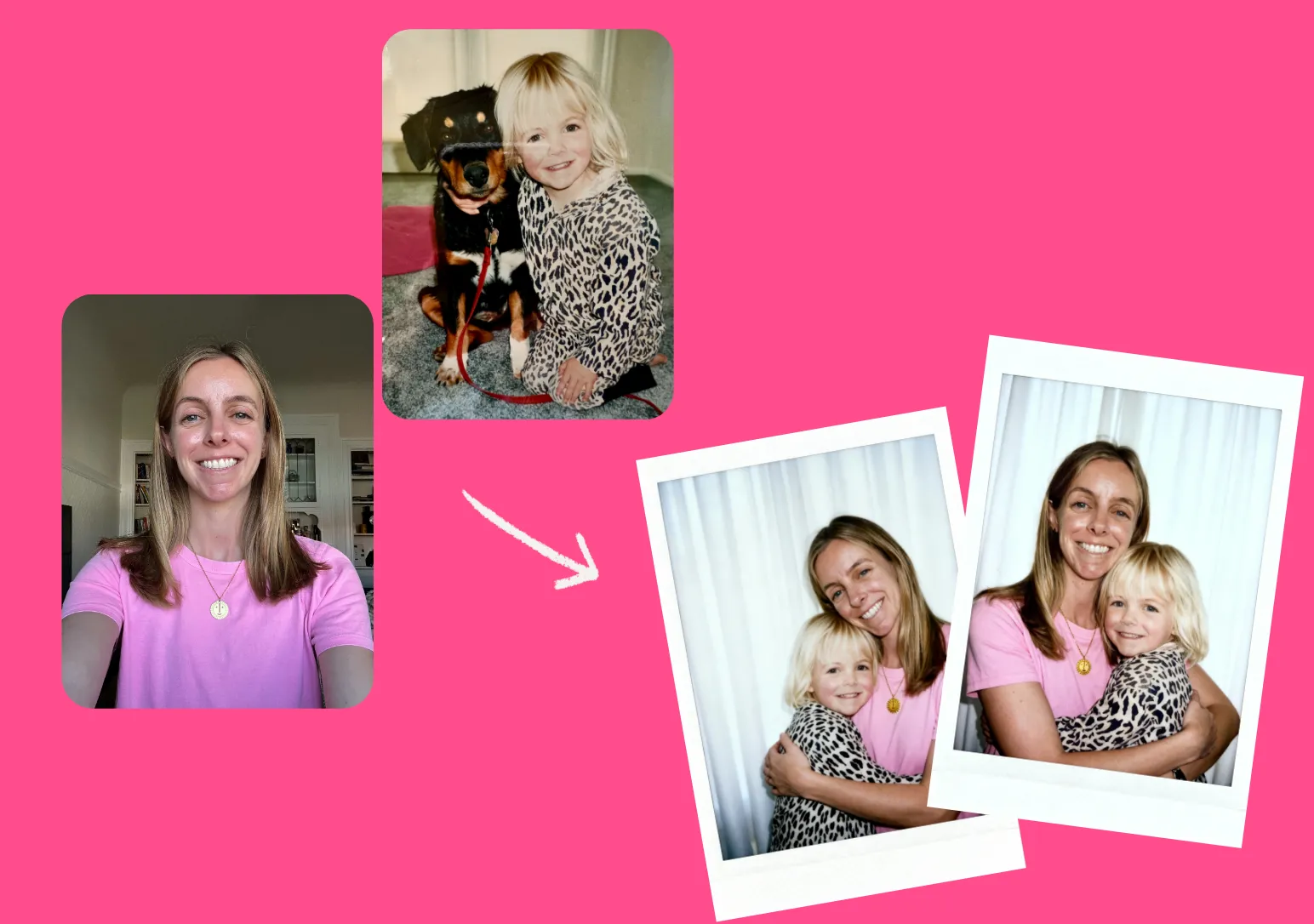
Bring your memories to life by creating high-resolution, lifelike Polaroids of you with your younger self. Generate the "hug my younger self" trend by uploading images of you at different ages and tweaking your prompt.
Then enjoy a super-streamlined workflow by posting your creations directly to TikTok, YouTube, Facebook, and more — without ever leaving your browser.
Lifelike celebrity selfies
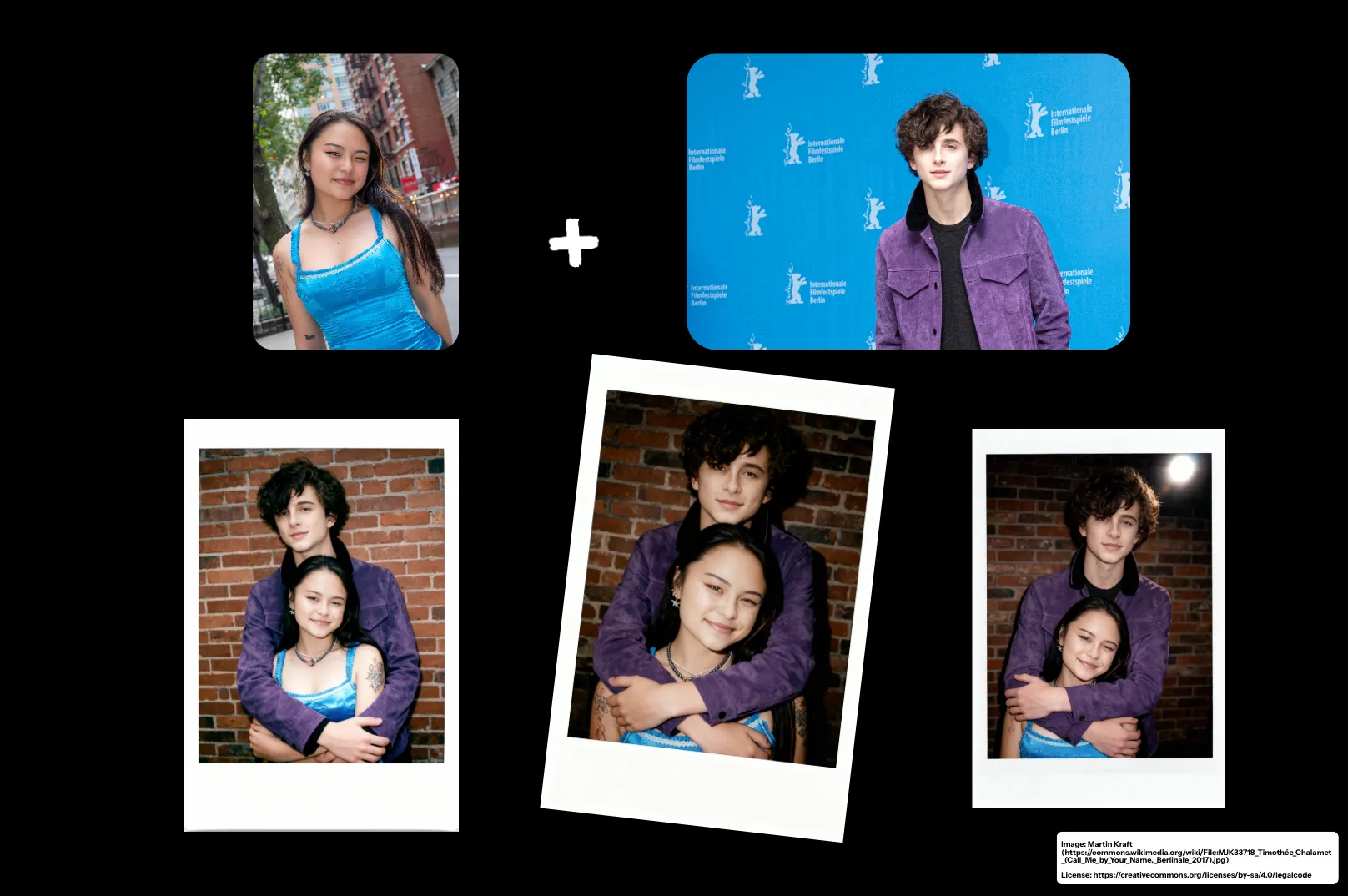
Always wanted a photo with your favorite celebrity? The AI Polaroid Generator realistically puts you in a Polaroid-style image with anyone from any era, including famous actors and singers.
Choose your pose (hugging, holding hands, arm around shoulder), backdrop, and clothing for an instant viral post.
AI Polaroid trend prompts
Copy and customize in the AI Polaroid Generator
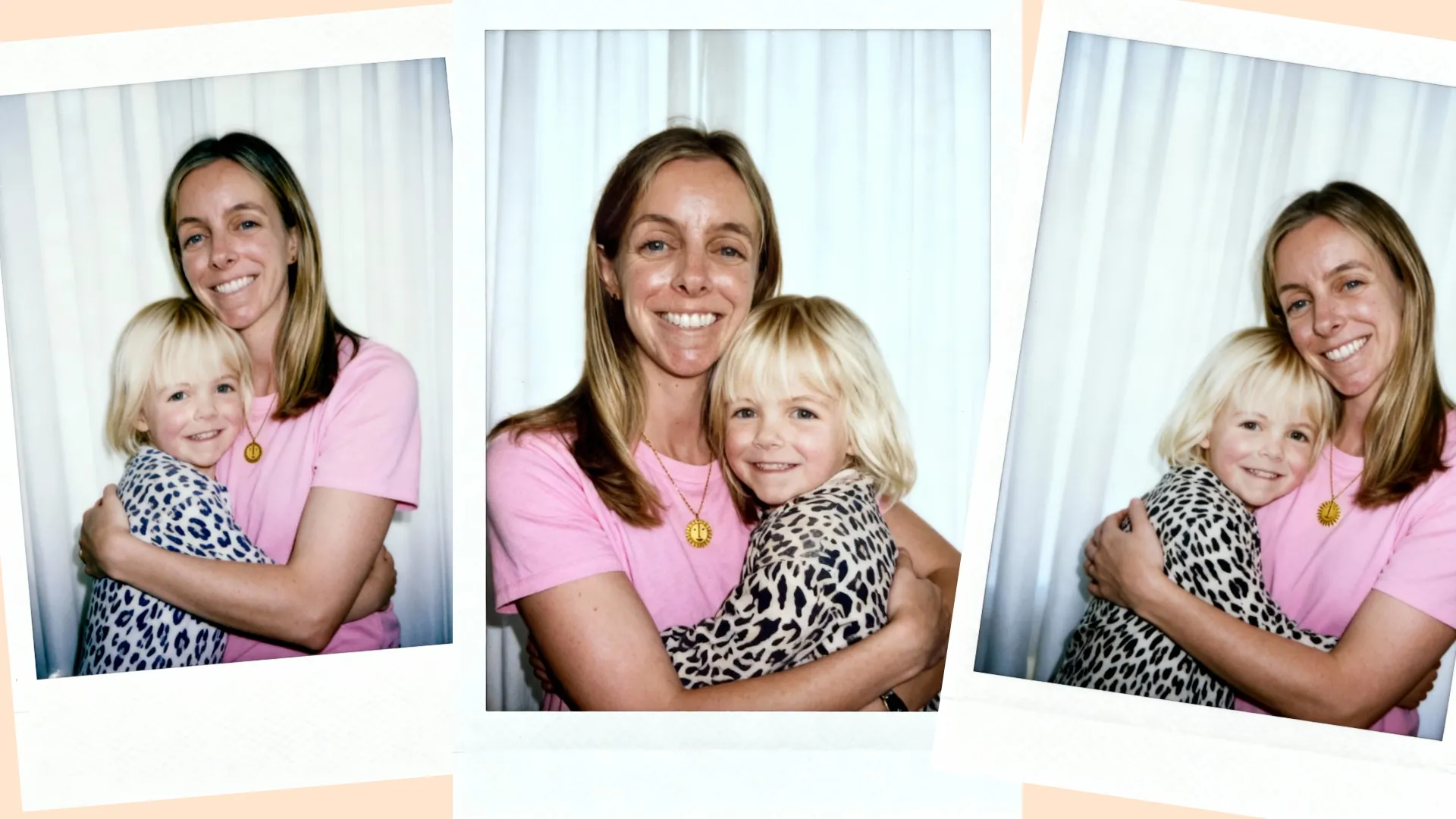
Hug My Younger Self
Create a Polaroid-style photo that looks like it was taken with a Polaroid camera. The photo should look like an ordinary photograph, without props or staging. The photo should have a slight blur and a consistent light source, like a flash used in a dark room. Keep both of the faces exactly the same without any changes. Change the background behind those two people into white curtains. Make it look like both people in the reference pictures are hugging each other.
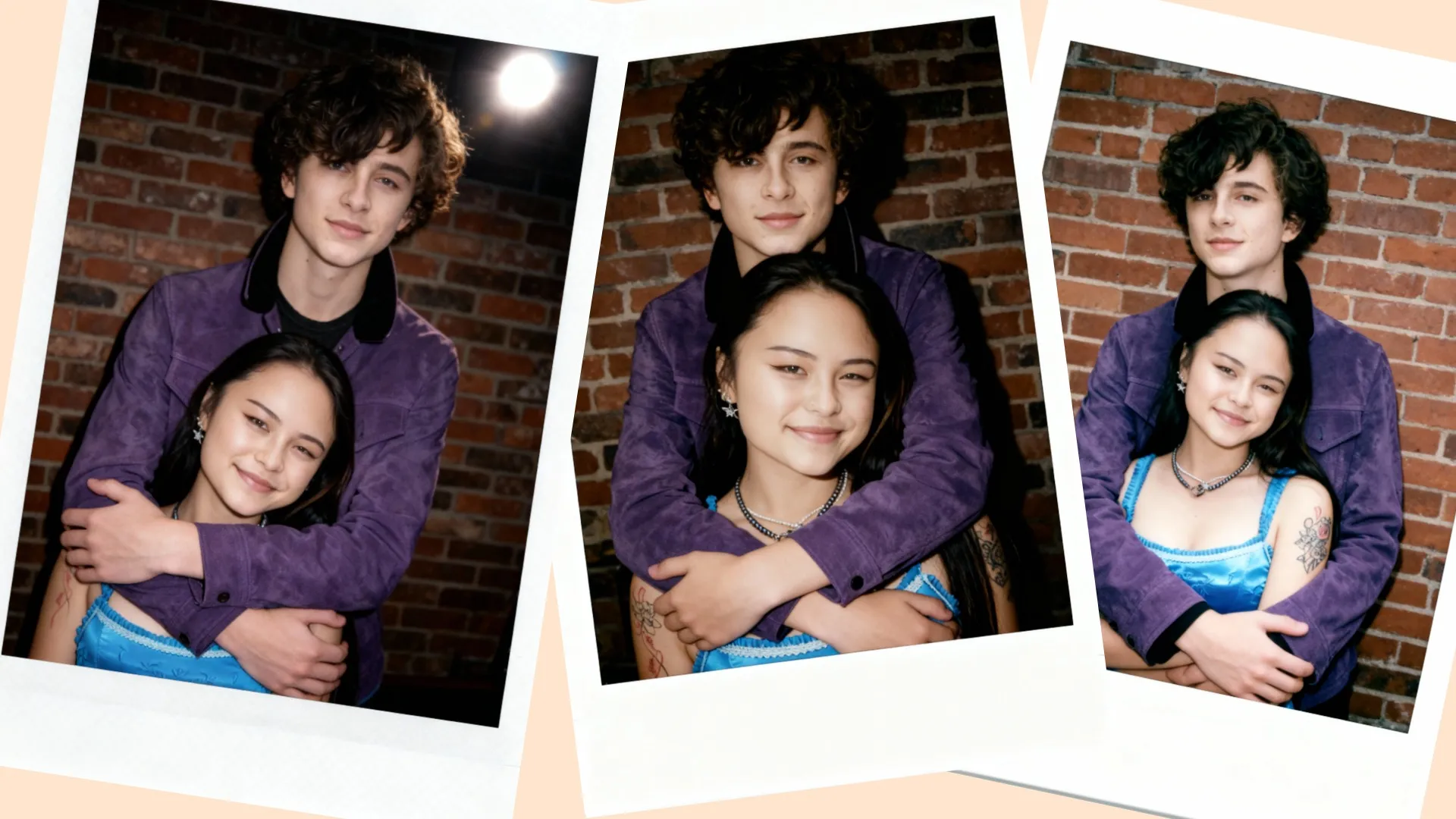
Celebrity Selfies
Create a Polaroid-style photo that looks like it was taken with a Polaroid camera. The photo should look like an ordinary photograph, without props or staging. The photo should have a slight blur and a consistent light source, like a flash used in a dark room. Keep both of the faces exactly the same without any changes. Change the background behind those two people into a brick wall. The boy should be hugging the girl from behind, much taller than her, with her face clearly below his. She should have a soft smile. He is holding her in an embrace.
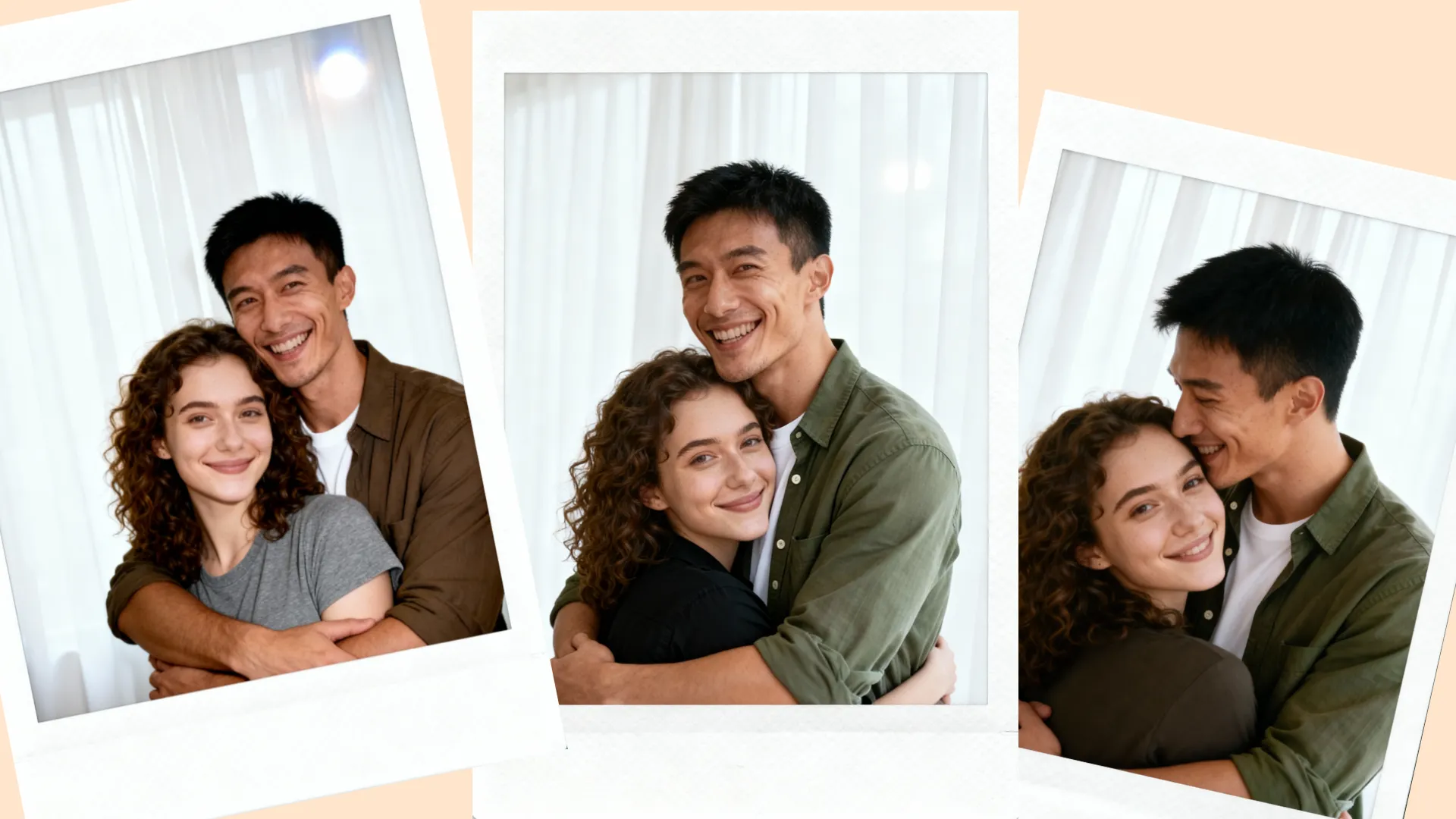
AI Couple Photos
Create a Polaroid-style photo that looks like it was taken with a Polaroid camera. The photo should look like an ordinary photograph, without props or staging. The photo should have a slight blur and a consistent light source, like a flash used in a dark room. Keep both of the faces exactly the same without any changes. Change the background behind those two people into white curtains. The boy should be hugging the girl from behind, with her face just below his. They are both smiling.
What's different about Kapwing?



Already transforming video creation across industries
Hear directly from the teams who publish faster, collaborate better, and stay ahead.


Frequently Asked Questions
We have answers to the most common questions that our users ask.
Is the AI Polaroid Generator free?
Yes, anyone can try Kapwing’s AI Toolkit for free. Our AI tools run on a credit system, with each feature costing a set number of credits. For maximum creativity and the best value, upgrade to a Pro account to unlock the full power of AI-driven content creation.
What kind of images should I upload?
If you use Kapwing on a Free account, then all exports — including the AI Polaroid Generator — contain a watermark. Once you upgrade to a Pro account, the watermark is completely removed from your creations.
What is the AI Polaroid trend?
The AI Polaroid trend originated on Gemini's Nano Banana image generator. The trend involves merging two images to create nostalgic Polaroid-style snapshots with the classic white border, then sharing them on Instagram and TikTok.
There are three popular types of AI Polaroids:
Hug my younger self, which shows you hugging yourself as a toddler or small child
AI couple photos, where you create a romantic Polaroid of yourself with a partner
Celebrity Polaroids, where you create a candid shot of yourself posing with someone famous
How to do the Gemini AI Polaroid trend
Here is the easiest way to do the AI Polaroid trend: Open Kapwing's AI Toolkit and select Images. Click "Add Images" to upload your photos, then enter this AI Polaroid photo prompt:
Create a Polaroid-style photo that looks like it was taken with a Polaroid camera. The photo should look like an ordinary photograph, without props or staging. The photo should have a slight blur and a consistent light source, like a flash used in a dark room. Keep both of the faces exactly the same without any changes. Change the background behind those two people into white curtains. Make it look like both people in the reference picture are hugging each other.
Customize the prompt however you'd like, select the 2:3 aspect ratio, and click Generate Image. From there, you can download an instantly shareable "hug my younger self" Polaroid, AI couple Polaroid, or celebrity photo Polaroid.
Can I edit the Polaroid images after I generate them?
Here is the easiest way to do the AI Polaroid trend: Open Kapwing's AI Assistant. Click "Add Images" to upload your photos, then enter this AI Polaroid photo prompt:
Create a Polaroid-style photo that looks like it was taken with a Polaroid camera. The photo should look like an ordinary photograph, without props or staging. The photo should have a slight blur and a consistent light source, like a flash used in a dark room. Keep both of the faces exactly the same without any changes. Change the background behind those two people into white curtains. Make it look like both people in the reference picture are hugging each other.
Customize the prompt however you'd like, select the 2:3 aspect ratio, and click Generate Image. From there, you can download an instantly shareable "hug my younger self" Polaroid, AI couple Polaroid, or celebrity photo Polaroid.
Discover Resources
Tips, templates, and deep dives to help you create faster and share with confidence.
View all

Get started with your first video in just a few clicks. Join over 35 million creators who trust Kapwing to create more content in less time.