Turn your photos into convincing pranks using AI
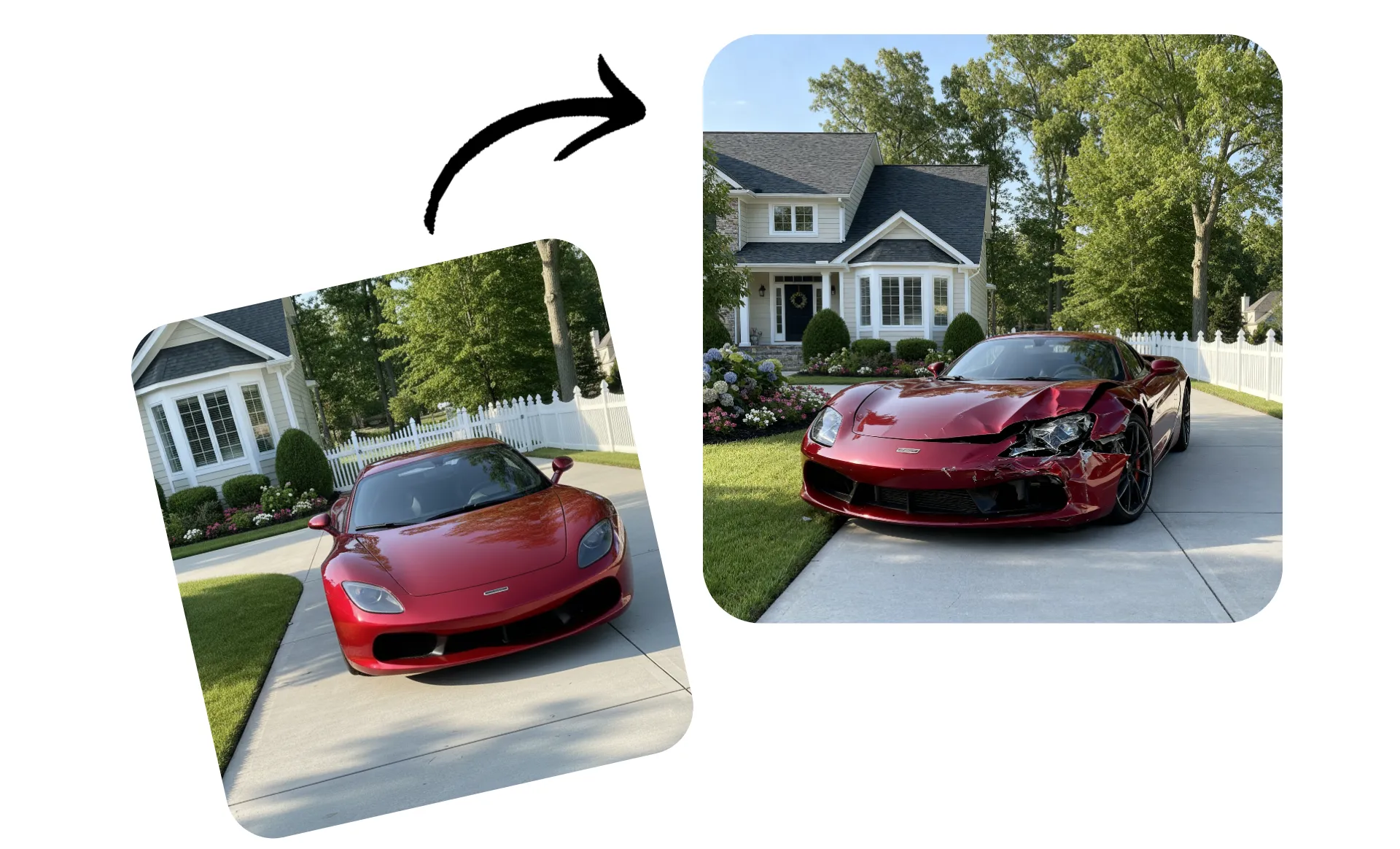
Turn your own photos into realistic AI pranks
Prank friends, family, and coworkers on April Fools Day — and beyond
Trick friends with convincing pranks
Turn your everyday photos into funny pranks with Kapwing’s AI Prank Generator. Start creating instantly with a library of ready-to-use prank ideas, from pretend fender benders to the classic dog ate my homework.
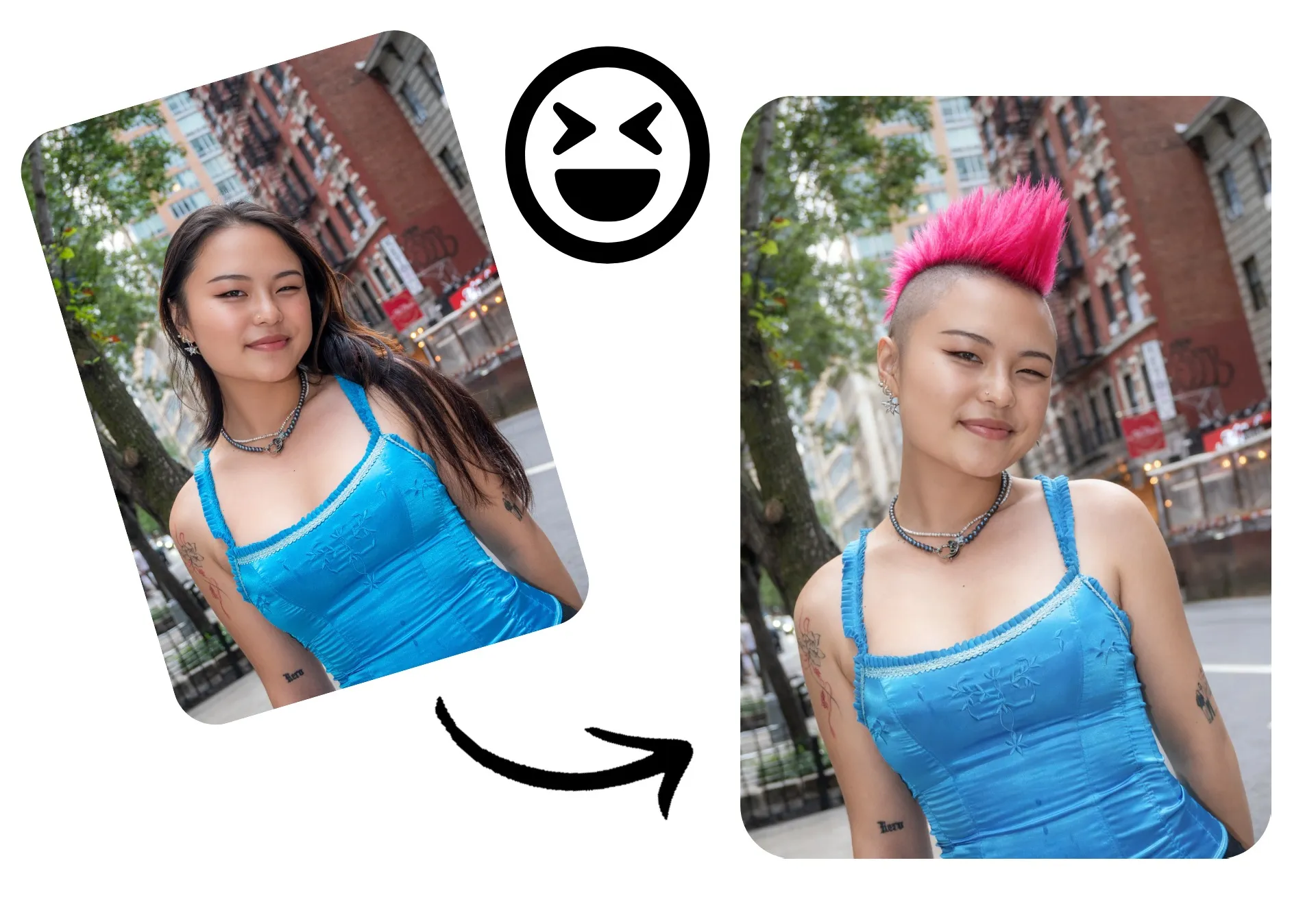
Surprise your friends or followers with a ridiculous haircut, a terrible new tattoo, or a pretend elopement. You can also swap coworkers into funny outfits or drop yourself into any scene, from a sudden trip to Paris to a surprise celebrity photobomb.
Choose your prank below and upload a photo to start fooling family and friends.
Get creative with original pranks
Have a genius prank idea?
Show off your creativity and go viral with a prank you made yourself. Upload from your camera roll and ask AI to edit the photo any way you like.
Or, generate a fake image from scratch — just describe the prank and let AI handle the rest.
Hilarious pranks for everyone in your life
Trick your teacher, family, boss, or friends with April Fool AI pranks
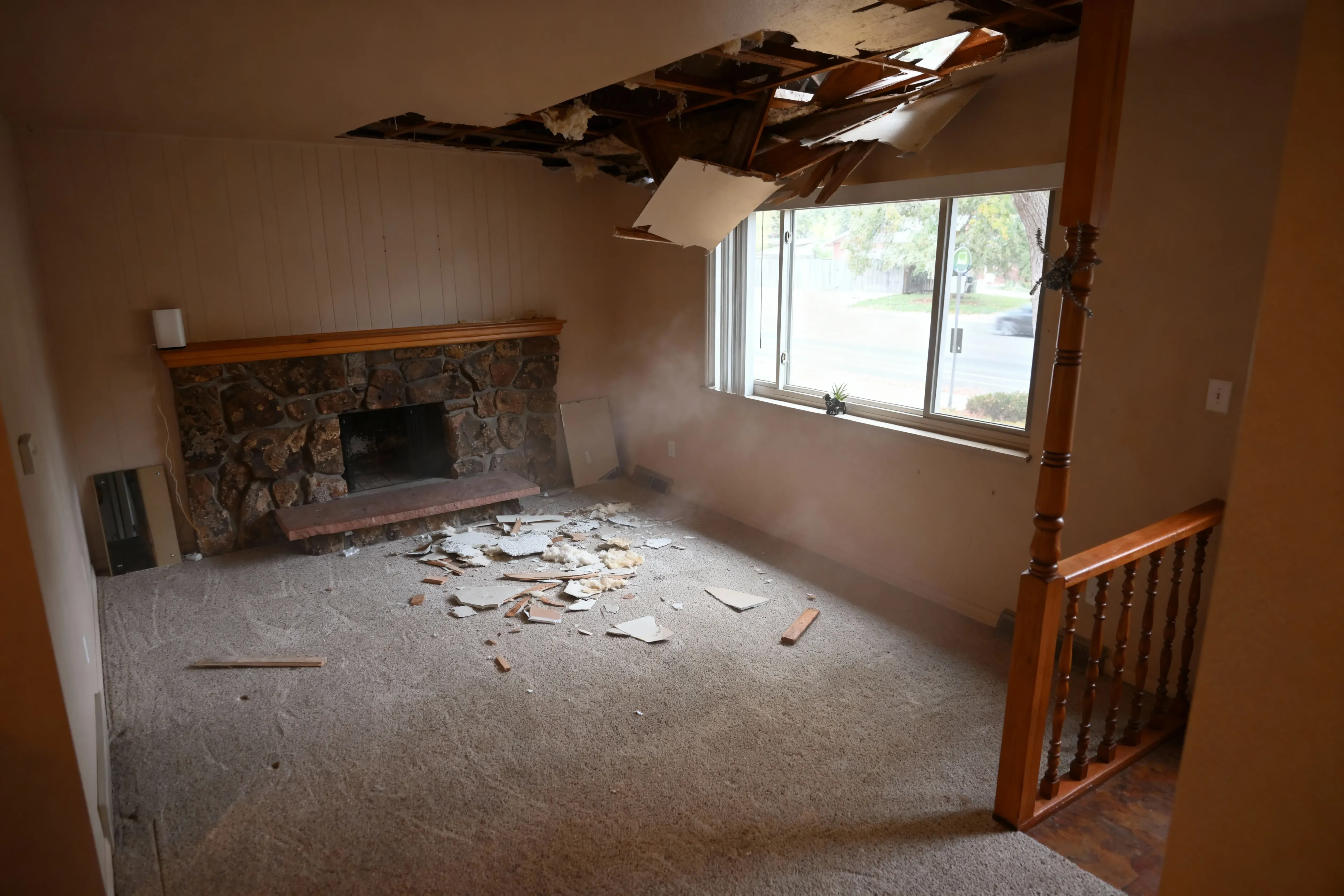
Ceiling Collapse
The ceiling collapsed! Prank your family with a believable domestic disaster.

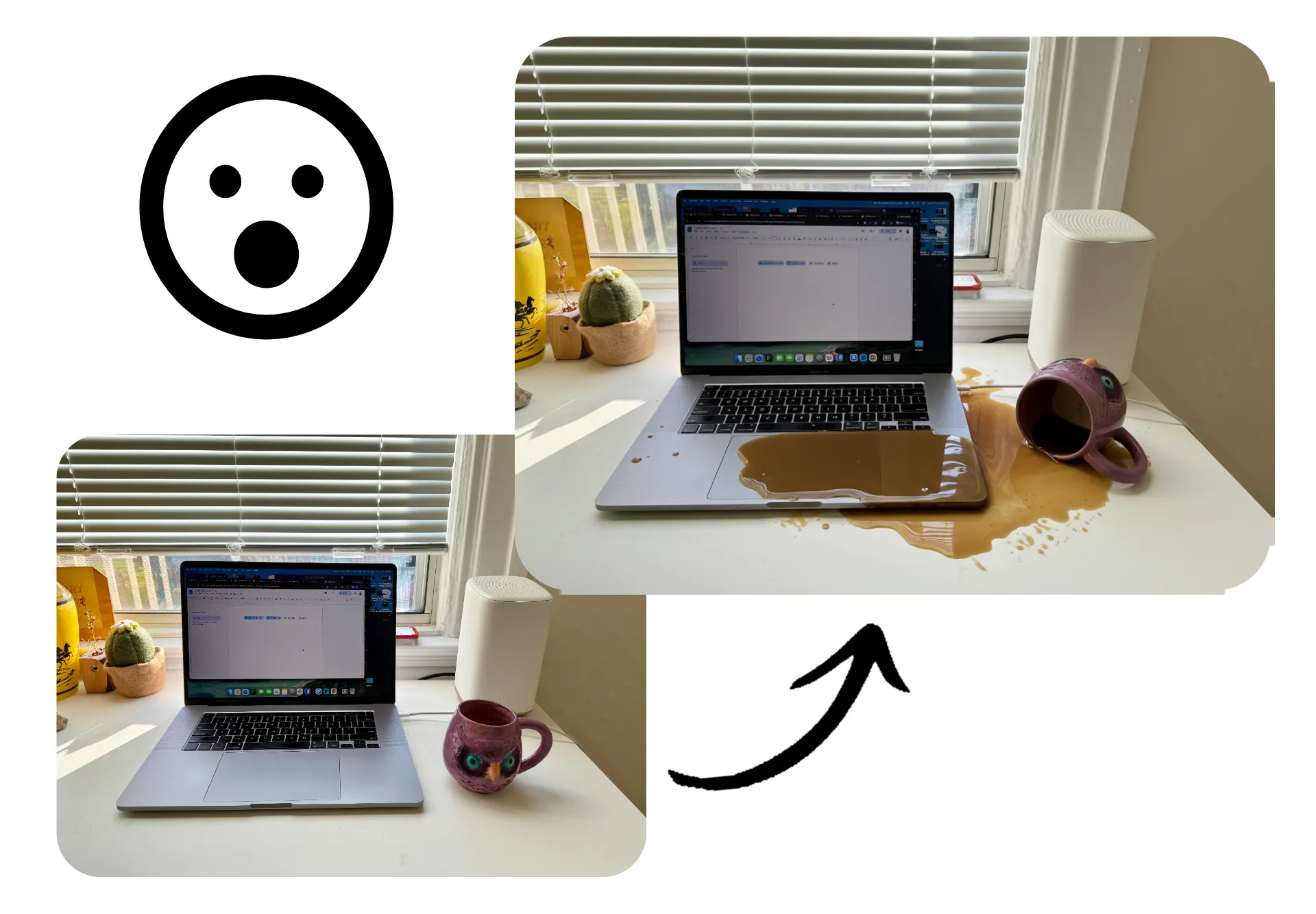
Laptop Spill
Scare your boss or parents into thinking you spilled all over your expensive computer
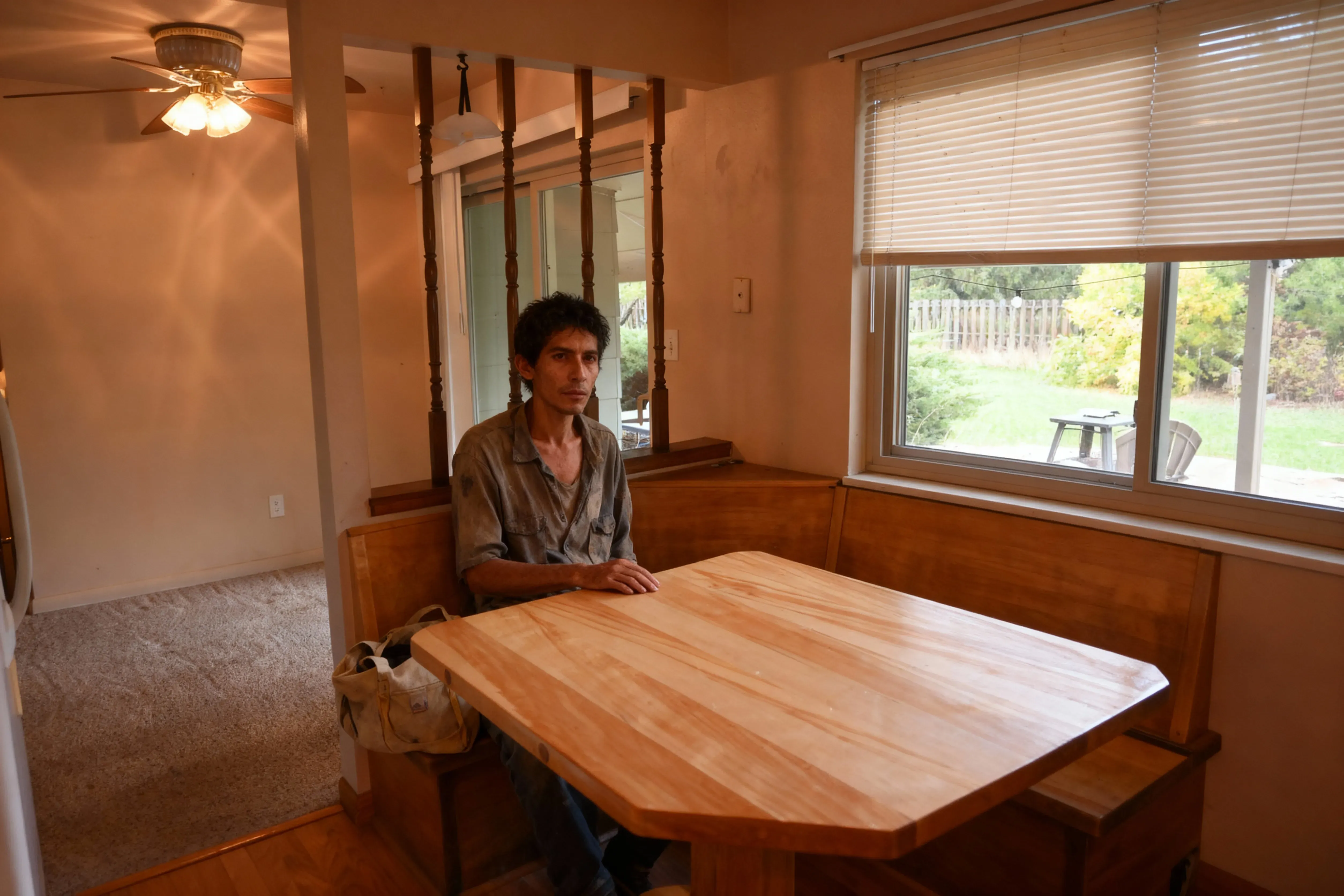
Homeless Man
Did a stranger wander in off the street? Try a classic TikTok prank by adding a realistic homeless man to any room in your house.
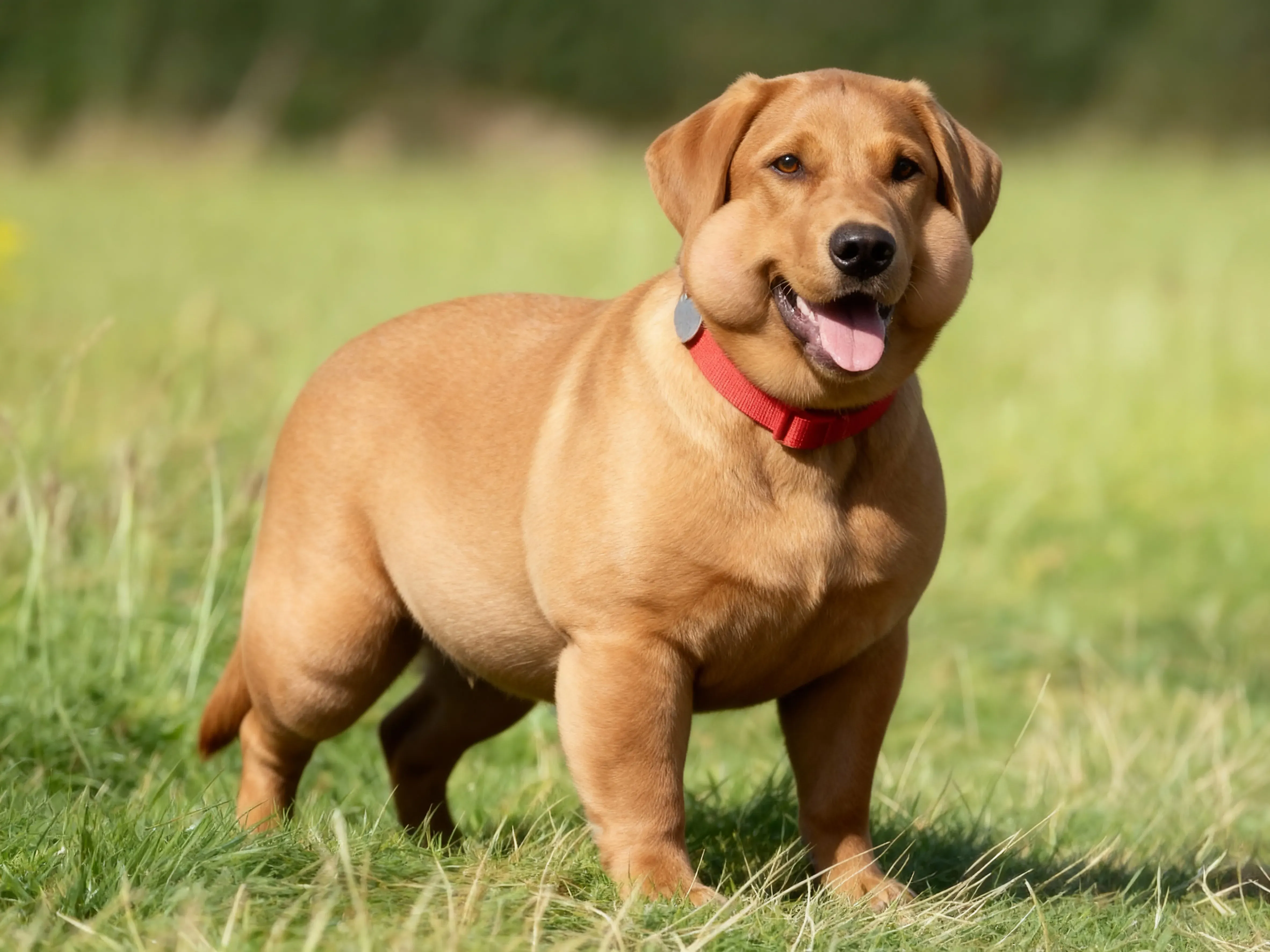
Fat Pet
Did your pet get way too chubby? Everyone will think so with the Fat Pet prank generator.
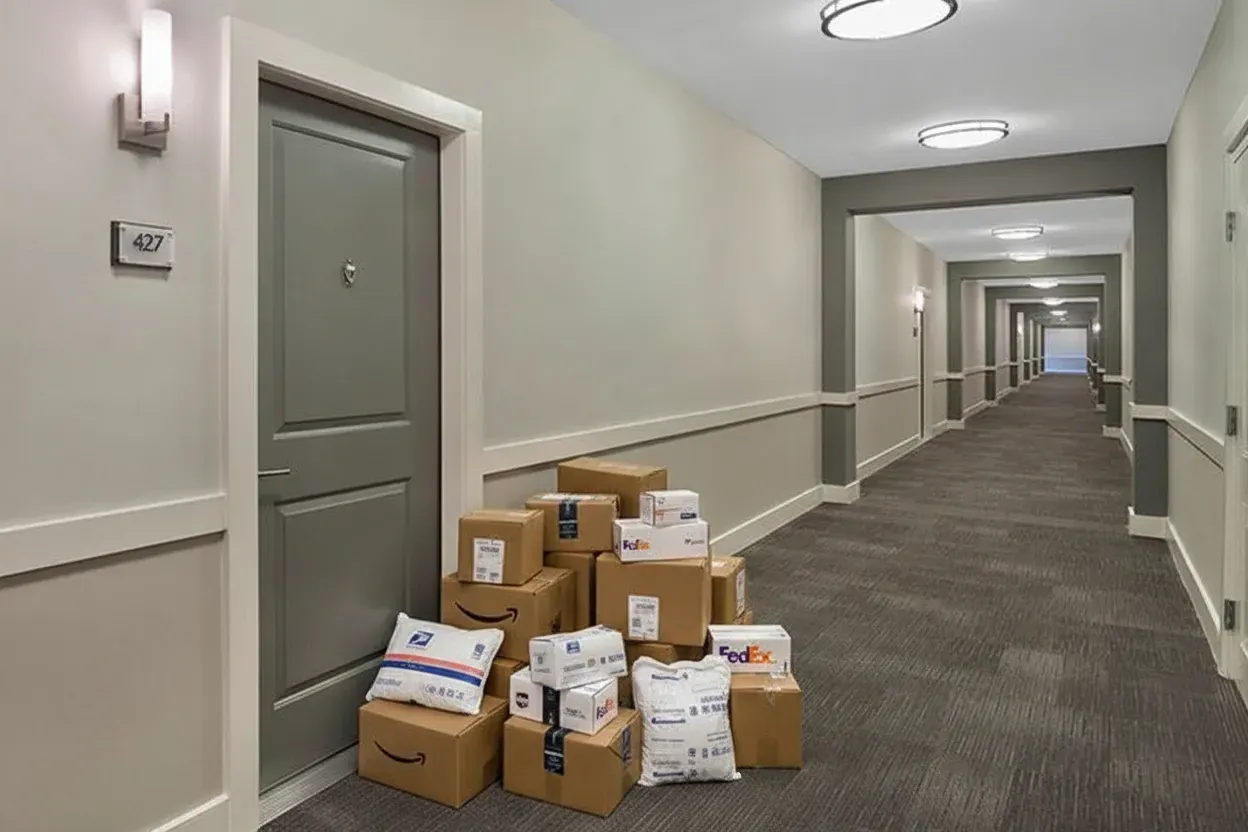
Amazon Addiction
Prank everyone into thinking you've developed a serious Amazon addiction with realistic insane shopping hauls

Baby Eating Junk Food
Turn any baby picture into a junk food bonanza. Prank your mom or spouse with lifelike joke images.
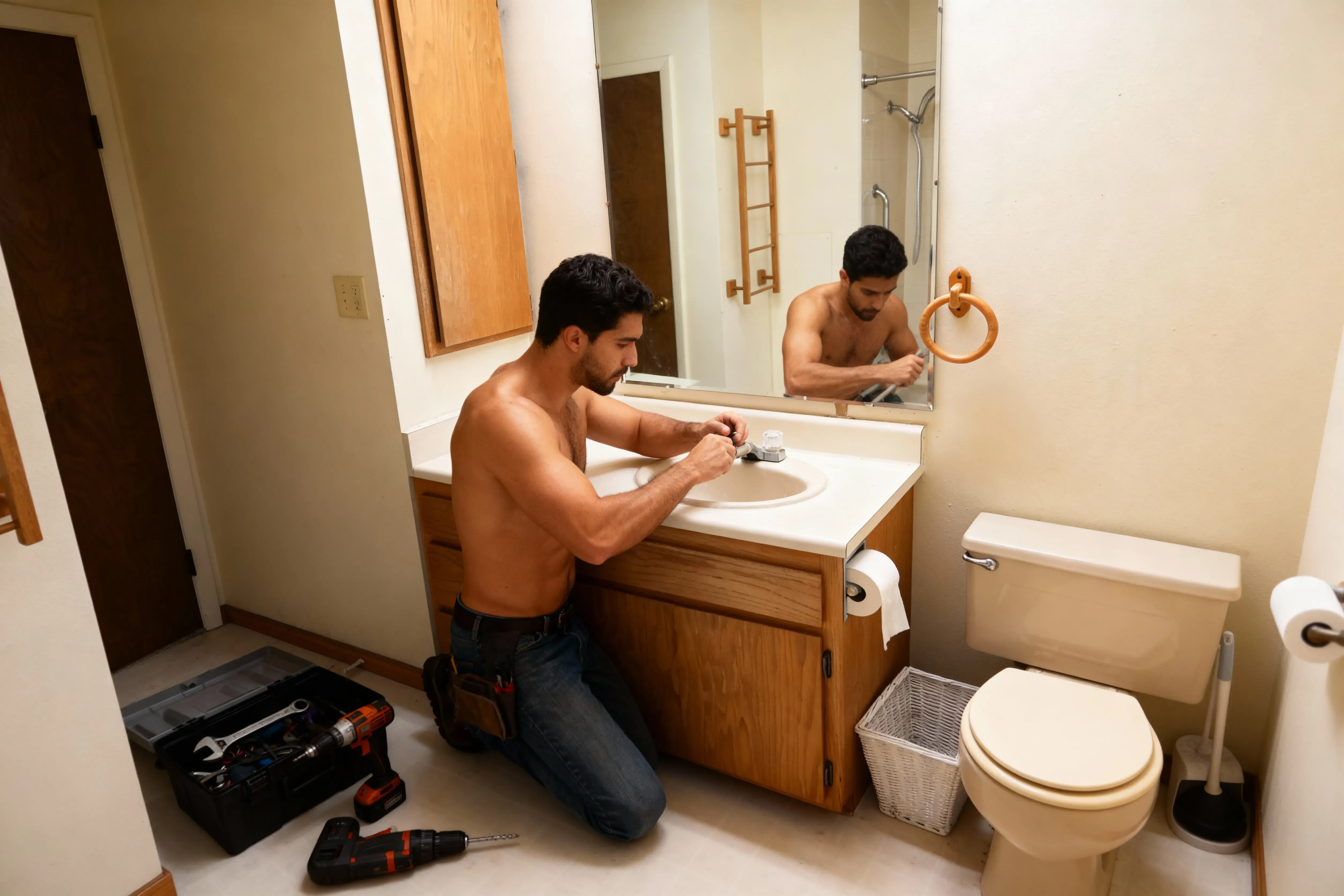
Shirtless Handyman
Prank your boyfriend or roommate with an attractive shirtless handyman hard at work in your house
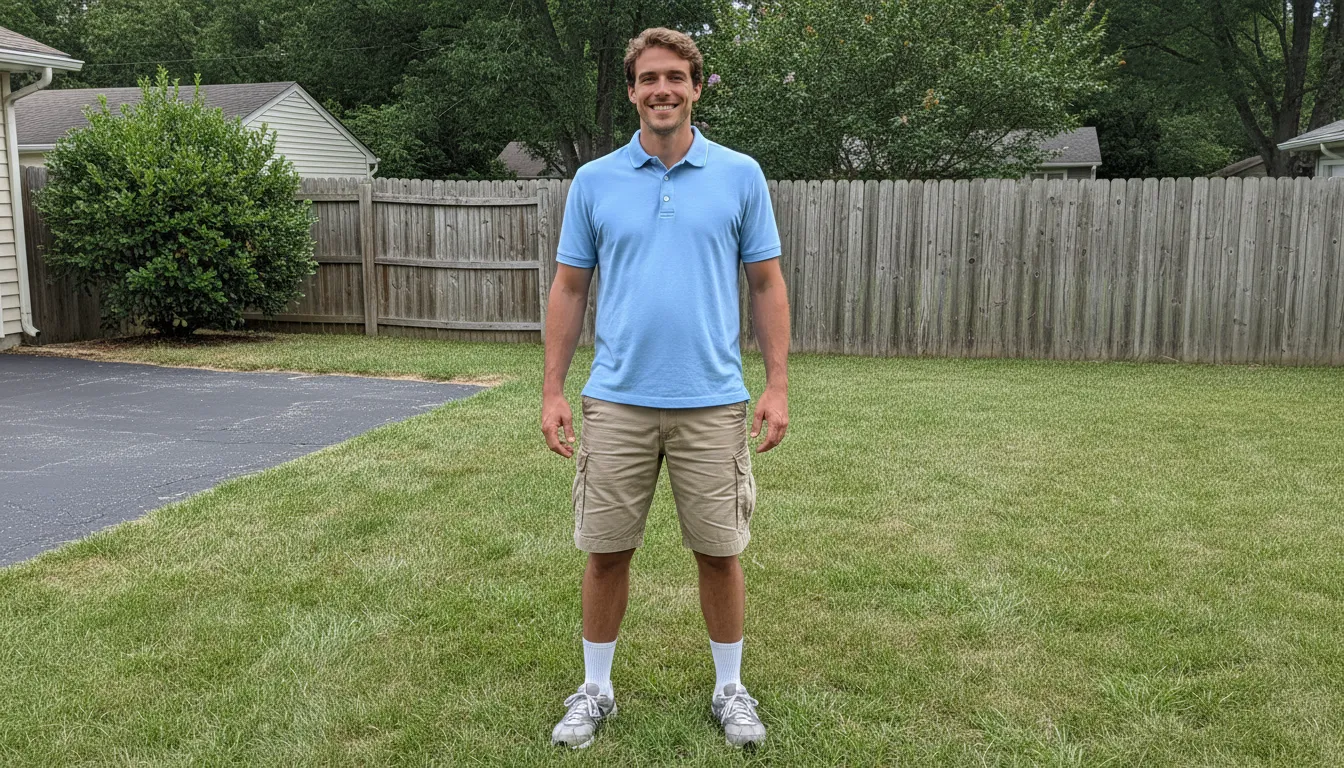
Instant Dad Bod
Make anyone look like a suburban dad, complete with khakis and beer belly. Prank your friends and coworkers with their dad bod futures.
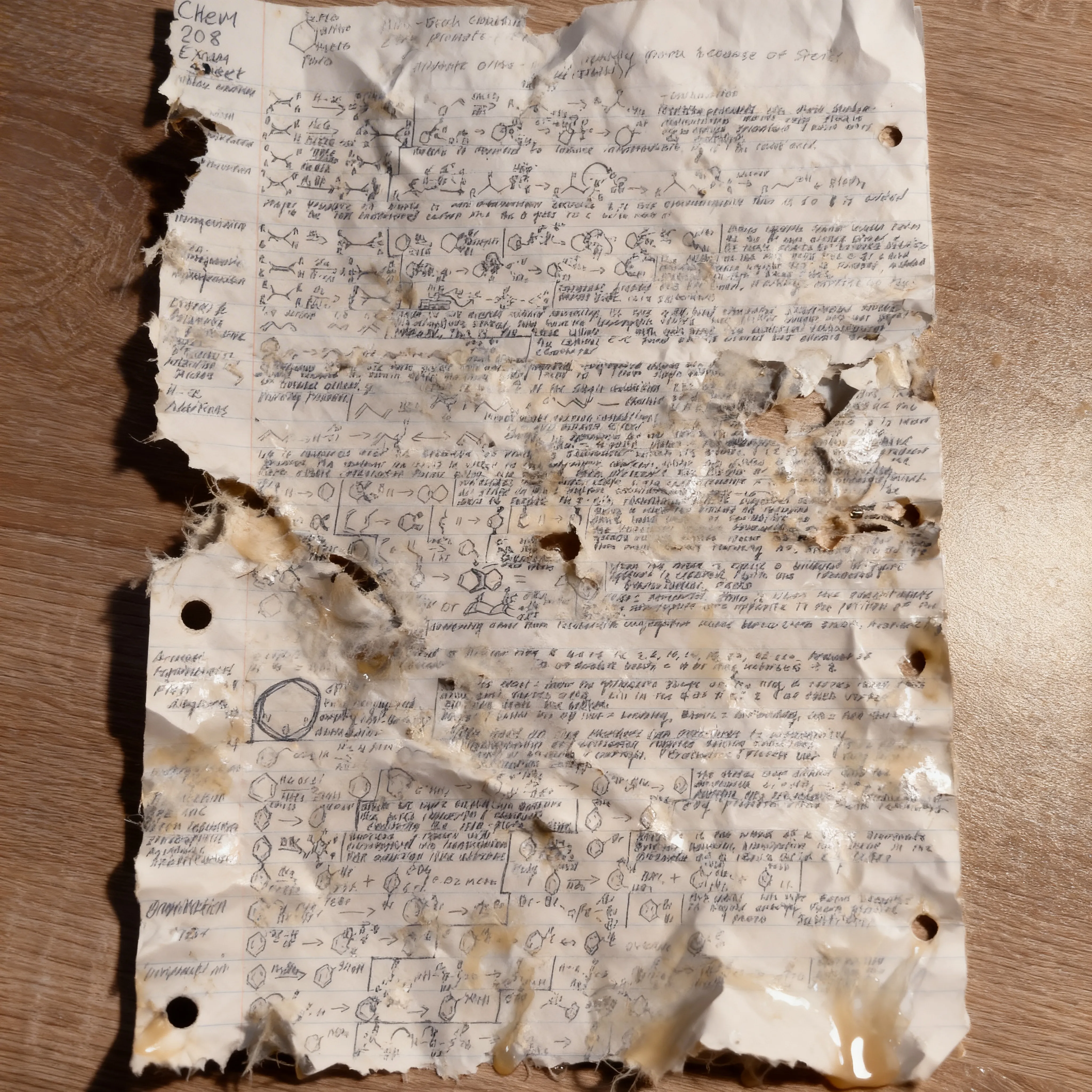
Dog Ate My Homework
Prank your teacher into believing that your dog really did eat your homework this time. Shredded, crumpled, drooled-on assignments, expertly applied to any homework photo.

Flooded Bathroom
Send your landlord, roommate, or partner into a full meltdown with a horrifyingly realistic flooded bathroom photo
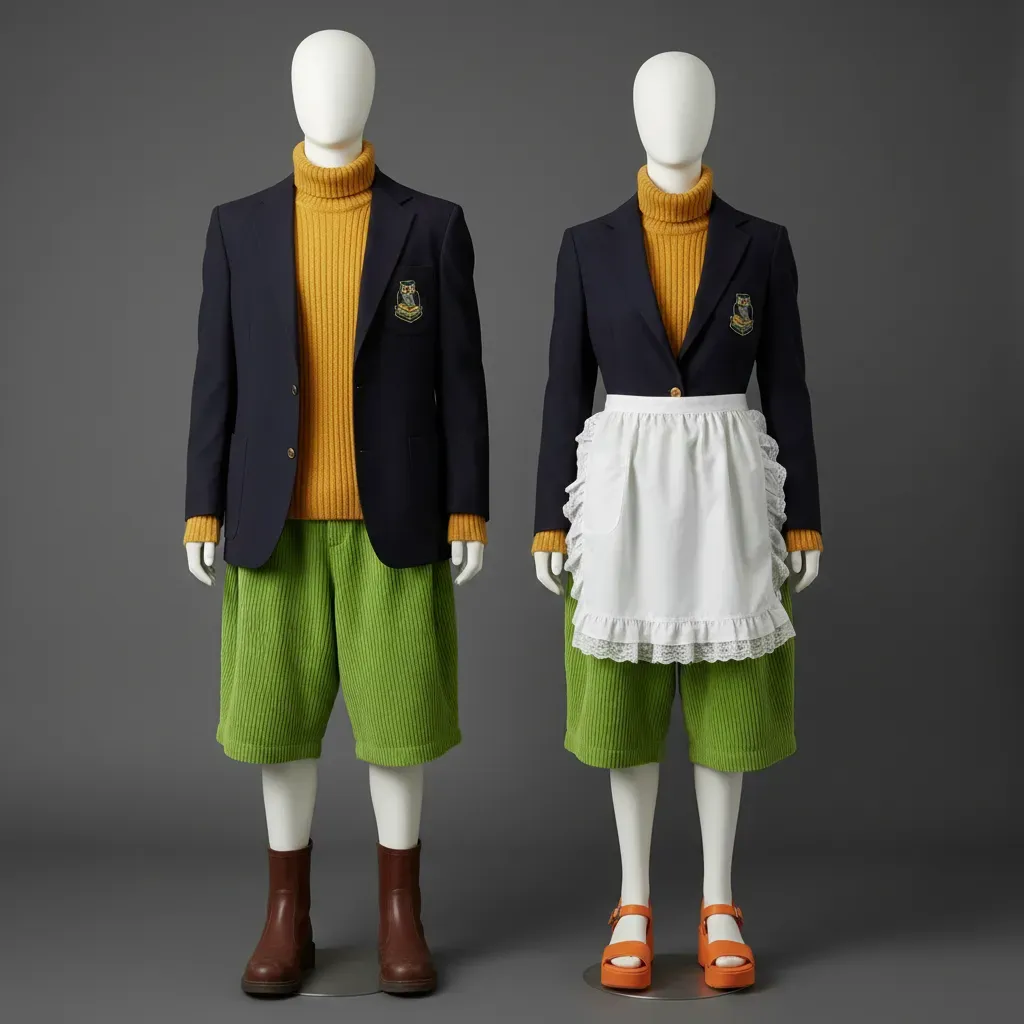
Ugly School Uniform
Strike fear into the heart of any school-age child with a picture of next year's not-so-stylish new uniforms, designed to look like an official school notice

Smashed TV
Scare your partner or parents into thinking you've smashed that expensive new TV. Add cracks, dead pixels, and impact patterns that blend right in to your living room scene.
Create viral marketing campaigns in seconds
Your brand, but make it mischievous
Kapwing's AI Prank Generator is built for April Fool fun but equally ready for tongue-in-cheek marketing campaigns and social media brand hijinks.
Powered by AI inpainting, the prank maker analyzes your image and intelligently fills in gaps, complete with lifelike shadows and reflections. Automatic prompt enhancement delivers convincing prank images for marketing and advertising without tedious editing or complex prompts.
Save your logos, watermarks, fonts, and colors to the Brand Kit to keep projects polished and on-brand.
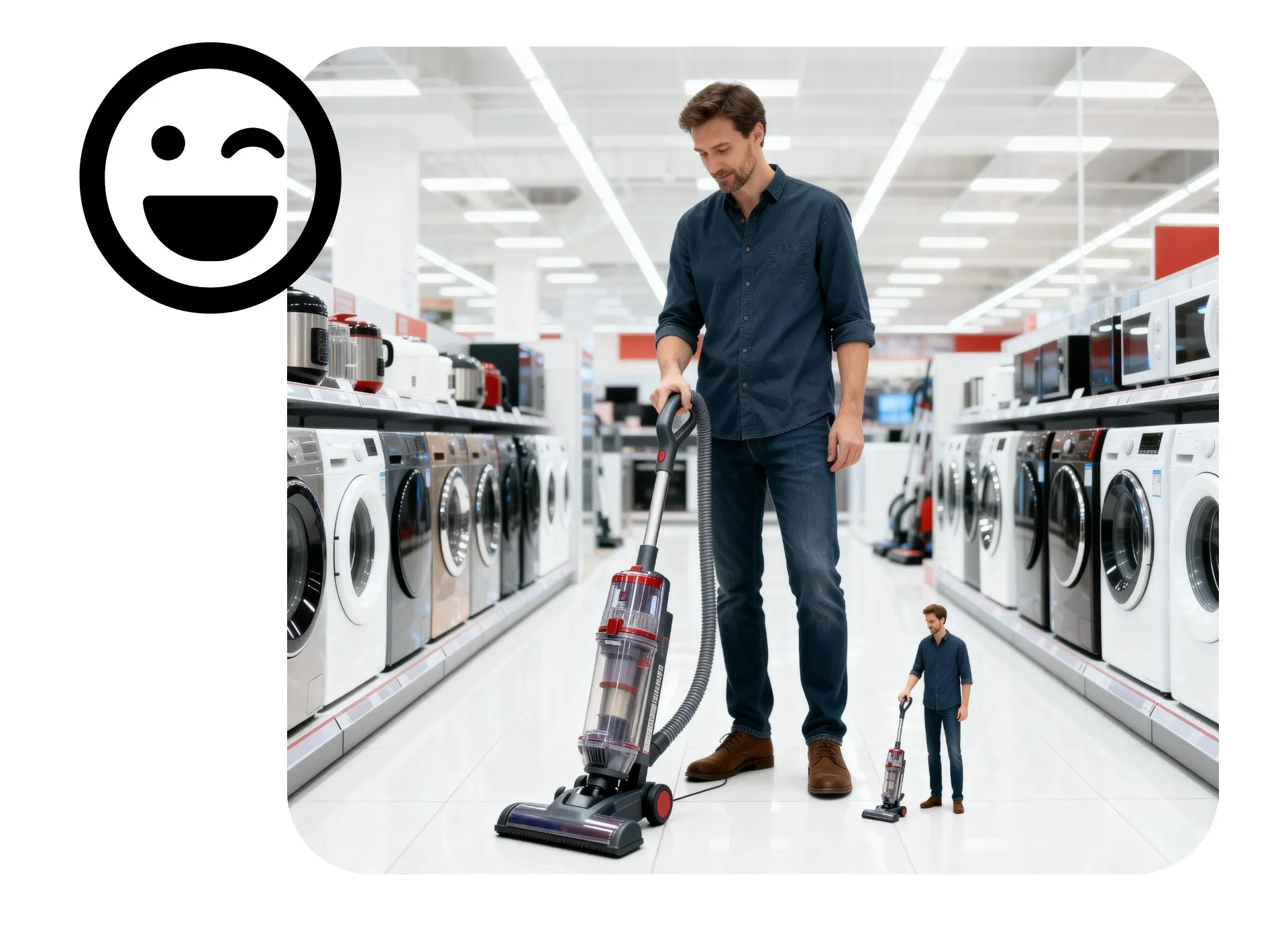
How to Do AI Pranks

- Step 1Choose prank
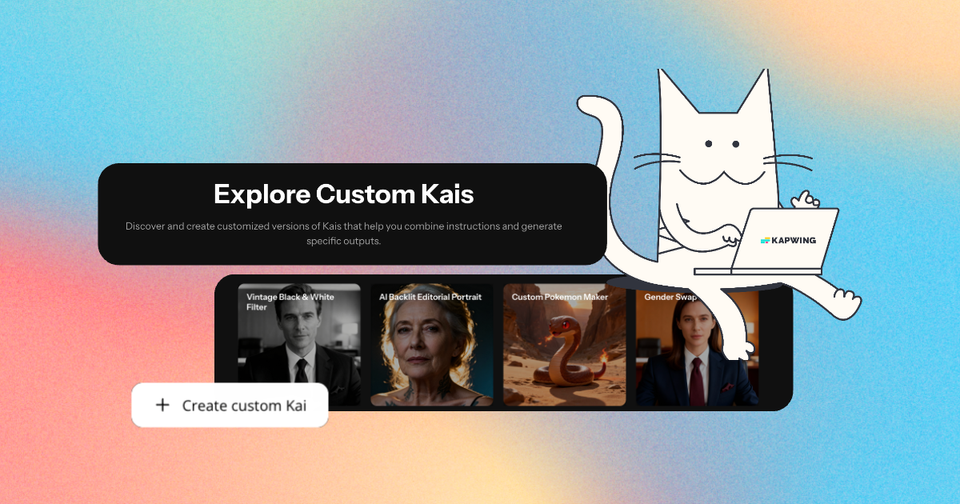
Browse our library of Custom Kai prank generators and choose your favorite.
- Step 2Upload photo
Click "Attach media" to upload your image.
- Step 3Generate & share
Enter a prompt with any specific instructions, then click the arrow to generate.
*To build a prank from scratch, open the AI chatbot, upload a photo, and describe what you want
Keep the fun going with creative AI tools
Design memes from scratch or customize popular templates using Kapwing's online meme maker. Our extensive template library spans over a decade of pop culture, from classic Drake Hotline Bling memes to the latest trends in 2026.

Already transforming video creation across industries
Hear directly from the teams who publish faster, collaborate better, and stay ahead.


Frequently Asked Questions
We have answers to the most common questions that our users ask.
Is the AI Prank Generator free?
How to do AI pranks
To create AI pranks with Kapwing, choose from one of our trending prank generators or create a new chat with Kapwing AI. Click to upload your photo. If you want to invent your own hilarious prank, type in a prompt describing the changes you want to see, like "Turn my hair pink." or "Make it look like the car bumper is dented." The AI will generate a realistic prank photo based on your prompt. Click to download it as JPG, or enter additional prompts to make changes. You can also move your photo to the Kapwing Studio to use professional image editing tools before exporting.
What file formats does Kapwing support?
Kapwing supports most popular file formats, including JPG, PNG, and WebP. You can upload and download images in any of these formats.
What kinds of pranks can I do with Kapwing?
You can use Kapwing to create any kind of fake AI prank, from classics like the AI plumber prank and AI homeless man prank to more niche pranks designed for your friends and family.
Edit images with the AI Prank Generator to make your boss think the ceiling collapsed at work. Or add a realistic scratch to your wife's beloved new car. We have lots of great prank ideas that you can try right away, or you can get creative and have Kapwing AI add or remove any element to create a hilarious joke.
Which AI models does Kapwing use?
Kapwing works with all of the latest advanced AI models, including Seedream, Google Nano Banana, and GPT Image 1. You can choose your model preferences by clicking the settings icon in the prompt box, or let Kapwing AI intelligently choose the best model for your generation.
Can I turn my AI pranks into videos?
Yes, you can use Kapwing's Image to Video Generator to animate any AI prank image. Enter a prompt describing the action and let the AI turn it into a realistic AI prank video.
Where can I use my AI pranks?
Kapwing's library of generators has fun options for pranks to play on friends, family, or followers. Prank your mom or dad by texting your AI prank photos, or prank your followers by posting them on TikTok or Instagram.
Discover Resources
Tips, templates, and deep dives to help you create faster and share with confidence.
View all
What's different about Kapwing?



Get started with your first video in just a few clicks. Join over 35 million creators who trust Kapwing to create more content in less time.