AI Eye Contact Corrector
Fix eye contact in videos with AI.
Works in your browser.

Record naturally, then fix eye contact with a click
Use AI eye tracking to automatically redirect off-camera glances
Focus on your delivery, not your gaze
Read a script, check your notes, or follow content on your screen without worrying about keeping your eyes fixed on the camera. After you record your video or upload existing footage, use Kapwing’s AI eye tracking to redirect off-camera glances toward the lens while preserving natural facial expressions.
Apply AI Eye Contact directly in Kapwing’s video editor, review the correction, and keep editing the same project. Correct a new recording or improve older footage, then trim, add captions, adjust audio, and make other edits before you publish.
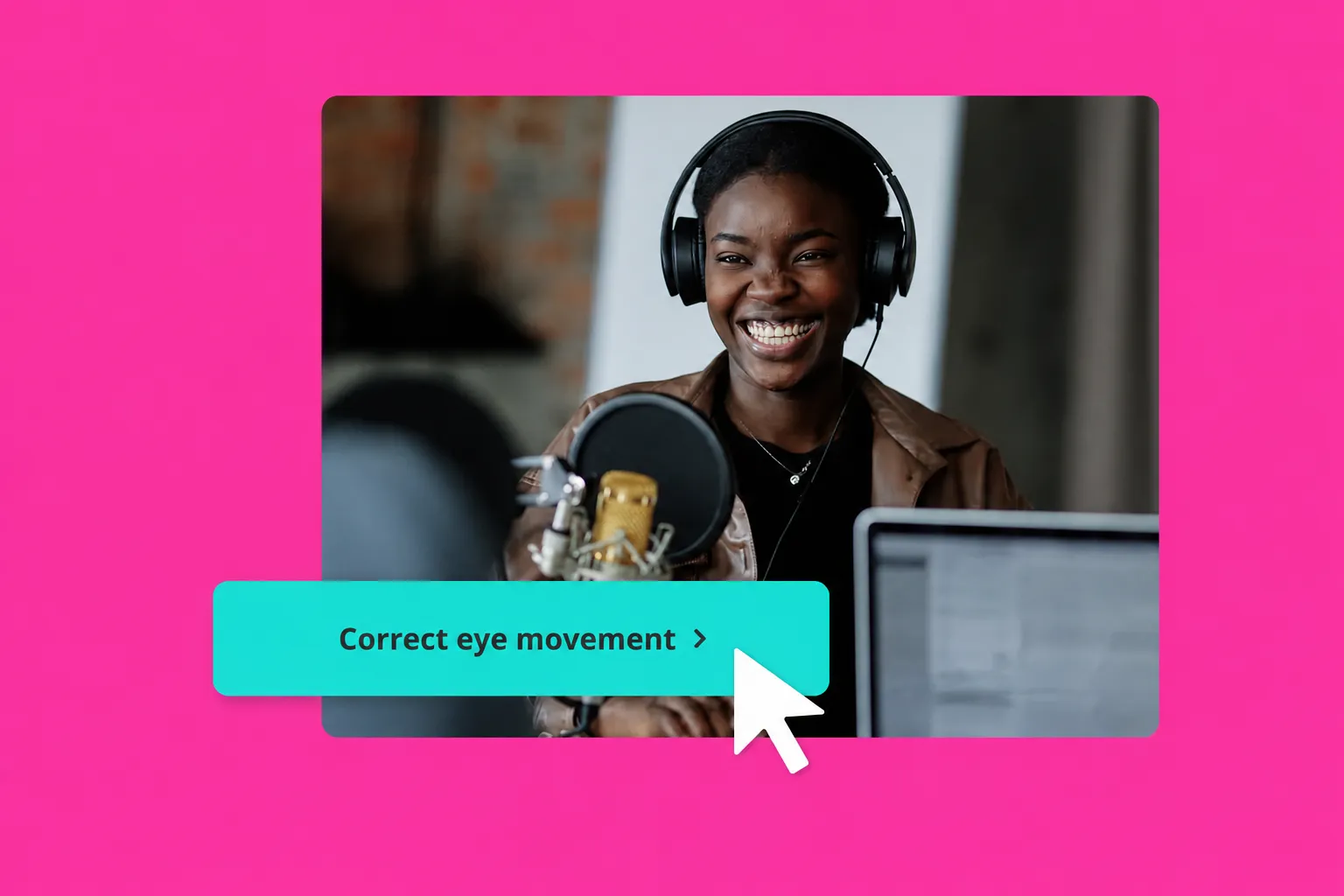
How to fix eye contact in three steps
Upload or record video, then correct wandering eyes in seconds
Upload
or record your video in the Kapwing Studio


Correct
eye contact by clicking the button in the sidebar
Export
your video in up to 4K as MOV, MP4, or WebM
Speak directly to your viewers
Correct off-camera glances for confident, engaging videos
Maintain eye contact while reading from a script
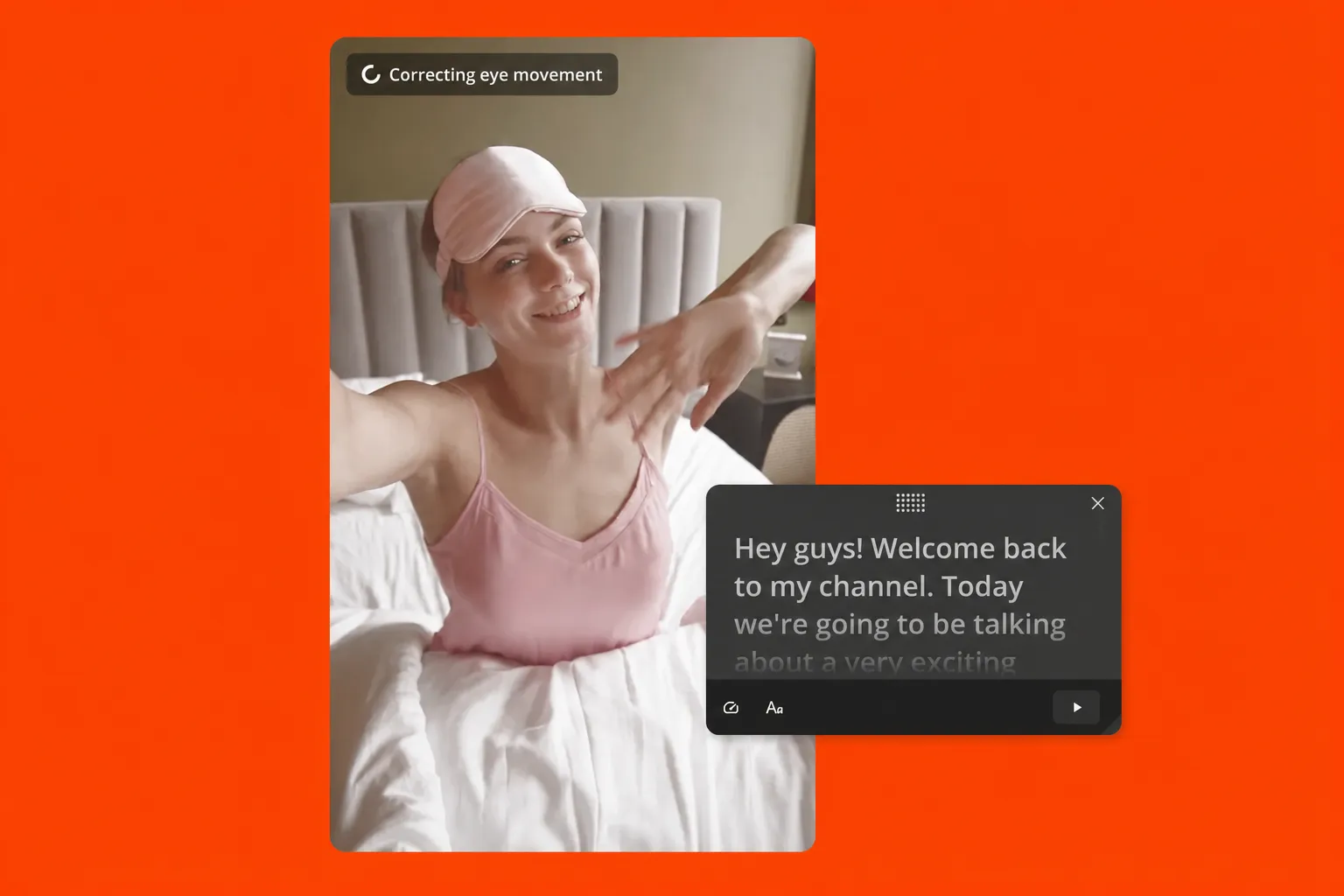
Stay on script without memorizing or making it obvious that you’re reading. Record with Kapwing’s built-in Teleprompter to keep your talking points in view, then apply AI Eye Contact to redirect your gaze toward the camera.
Adjust your script, text size, and scrolling speed while recording, then correct off-camera glances and continue editing in the same project. This helps thought leaders, YouTubers, and small businesses create polished on-camera videos faster, without extra takes or production resources.
Fix imperfect takes without reshooting
Turn a strong take into finished footage without re-recording every pause, glance, or background distraction. Use AI Eye Contact to redirect your gaze toward the camera, Auto-Cut to remove silences and awkward pauses, and Clean Audio to reduce distracting background noise.
Spend less time repeating scripts or trying to capture a flawless recording in one take. Keep the delivery you like, clean up the moments you don’t, and move on to editing your presentation, tutorial, commentary, or talking-head video.
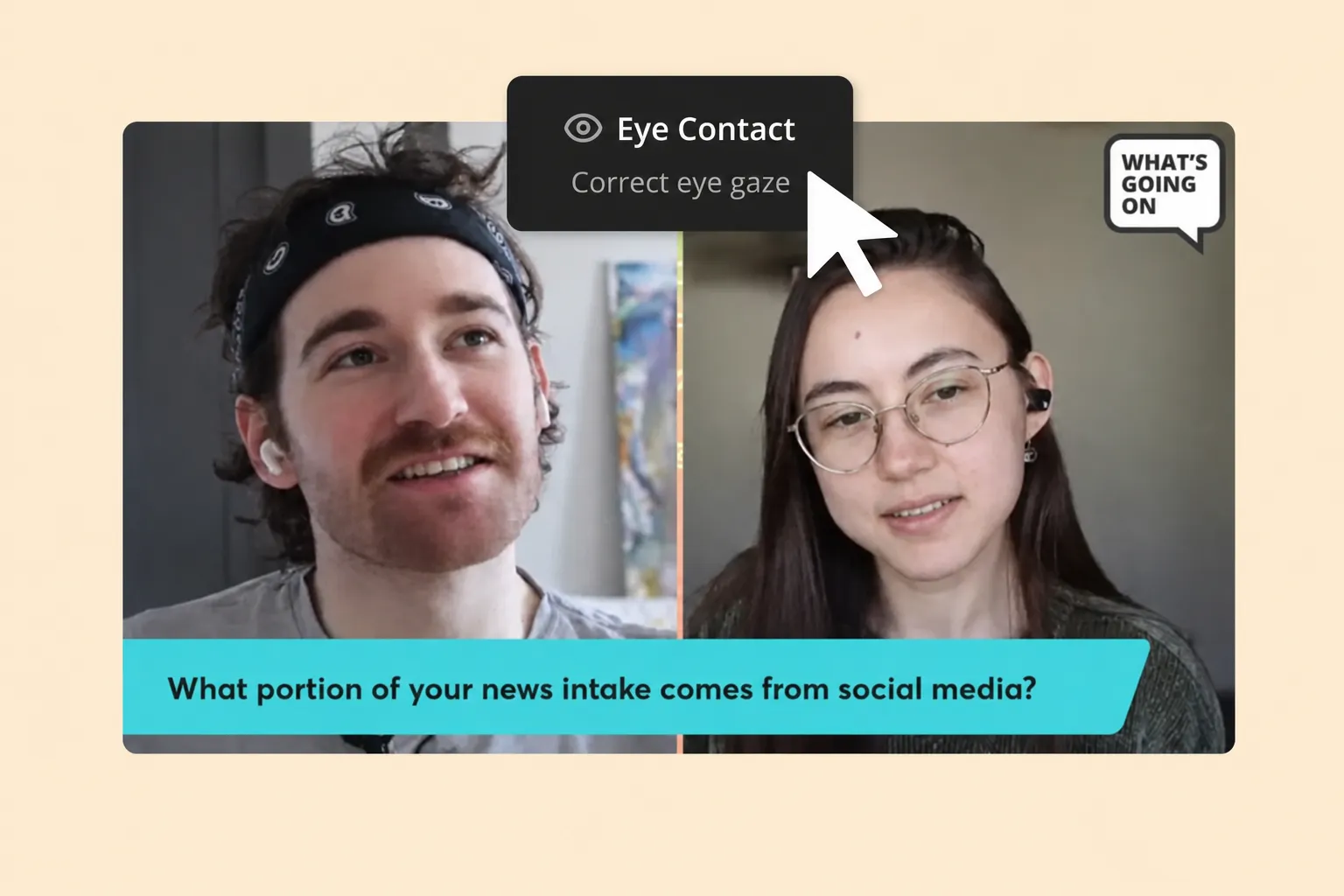
Fix eye contact.
Polish video.
Export.
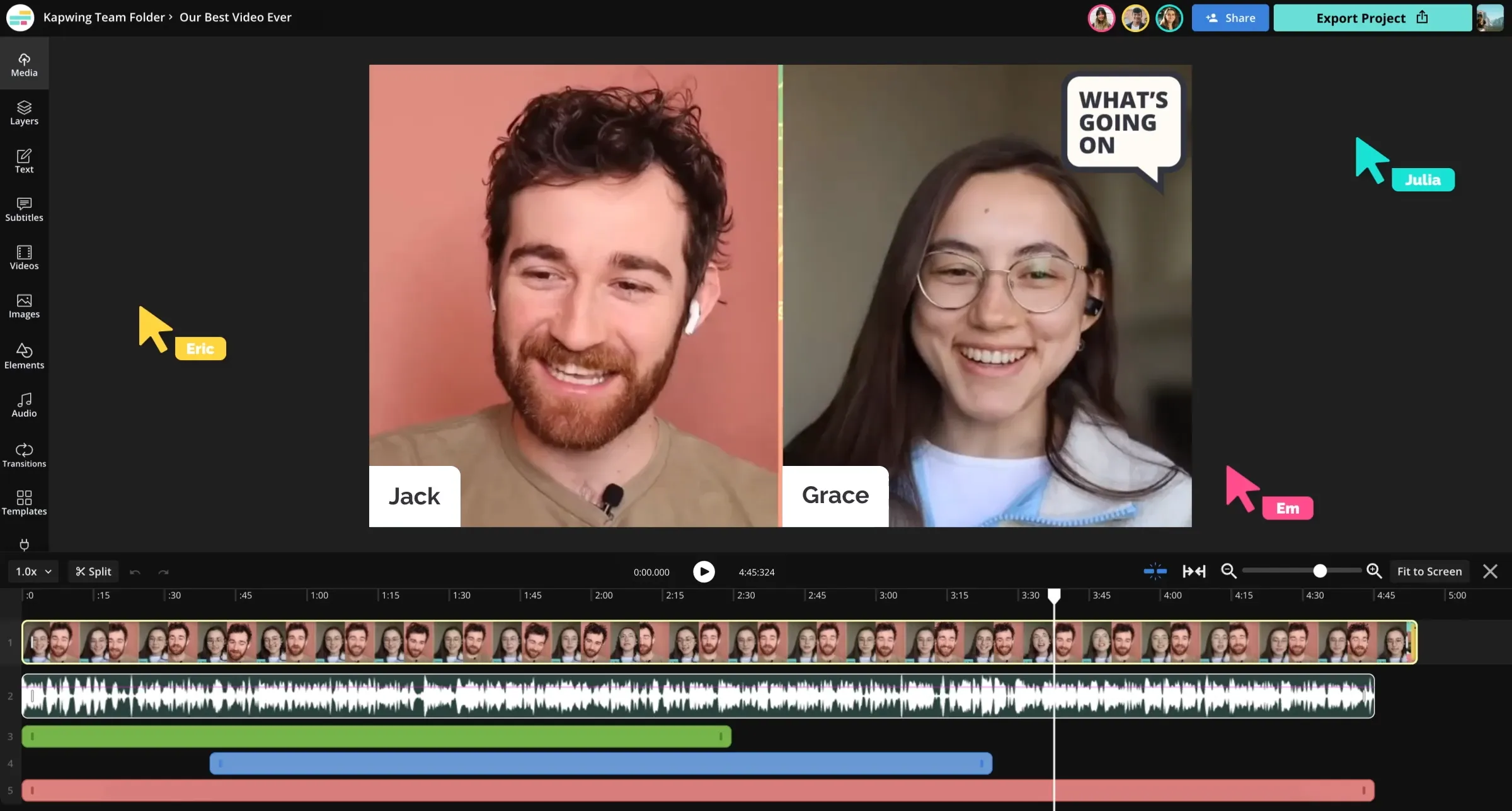
Eye contact correction is built into Kapwing’s Video Editor, so there’s no need to process your footage in a separate app and upload it again. Apply the correction, review your video, and keep working on the same project.
Trim clips, add subtitles, enhance vocals, resize for different platforms, and make other edits before you export. For team workflows, edit together in a shared workspace and keep brand assets, fonts, and styles consistent with the Brand Kit.
Already transforming video creation across industries
Hear directly from the teams who publish faster, collaborate better, and stay ahead.


How to Use AI Eye Contact
.webp)
- Step 1Upload video
Start by uploading a video to the Kapwing Studio. You can also record video inside the studio.
- Step 2Fix eye contact
Select your video in the canvas, then navigate to the right sidebar and click "Eye Contact" in the "AI Tools" section.
- Step 3Export project
Edit the video with a wide-range of video editing tools then select "Export Project" in the top righthand corner to download as MP4, MOV, or WebM.
Enhance every aspect of your video
AI Eye Contact tool is part of a diverse online toolkit designed to help creators fine-polish their recordings
Read and record side by side with Kapwing’s online Teleprompter — the perfect companion to AI Eye Contact.

Keep your audience engaged in any niche
Join diverse creators improving videos with direct eye contact

Scripted Videos
Read from a script or follow talking points without keeping your eyes fixed on the lens. AI Eye Contact redirects your gaze toward the camera for a more direct delivery.

Presentations
Keep your attention on slides, notes, or your screen while you record. Correct your eye contact afterward for training videos, sales presentations, webinars, and company updates.
.webp)
Podcast Clips
Podcasters use an AI-powered eye tracker to convert off-camera interviews into social-friendly, camera-facing clips that feel more personal and polished

Tutorials & Lessons
Reference instructions or on-screen material as you teach without sacrificing camera connection. Eye contact correction helps educators and creators keep explanations focused on the viewer.

Talking Head Videos
Polish commentary, updates, explainers, and webcam recordings when your gaze drifts away from the camera. Keep the take you like and correct distracting eye movements during editing.
What's different about Kapwing?



Frequently Asked Questions
We have answers to the most common questions that our users ask.
Is AI Eye Contact correction free?
Kapwing's AI Eye Contact correction requires upgrading to a Pro account, which also unlocks advanced editing features such as Smart Cut, Clean Audio, and Split Vocals.
What is eye tracking?
Eye tracking (also known as eye contact correction) is a technology that detects where a person is looking. In video, it's used to monitor eye movement and determine whether someone is making eye contact with the camera or looking elsewhere.
How does an eye tracker work?
Kapwing's eye tracker is powered by Texel, a video optimization API provider. The AI-powered software helps to follow the position and movement of your eyes. In the context of video editing, it detects when your gaze shifts so corrections can be applied to make it look like you're maintaining eye contact.
How do I use AI Eye Contact with a webcam?
To use the online AI Eye Contact correction tool in Kapwing, start by recording your video directly in the browser using the Record feature — you can also turn on the built-in Teleprompter to read your script. After recording, open the video in the editor and apply AI Eye Contact from the right-hand sidebar to enhance your eye alignment and engagement.
Will AI Eye Contact correction distort my face?
No, the correction is subtle and designed to preserve your natural appearance. It adjusts eye movement only, so your facial expressions and overall look remain unchanged.
Why is eye contact important for viewers?
Eye contact helps build trust and keeps viewers engaged. When someone appears to speak directly to the camera, the message feels more personal — which can improve viewer retention and connection. Research from Stanford University highlights how powerful eye contact is in digital communication, noting that mutual gaze is a key social cue that shapes how we connect with others, even through screens.
Can I use AI Eye Contact correction for live-streaming?
No, Kapwing’s online correction tool works in post-production, so it can’t be applied during a live stream. It’s designed for editing recorded video content.
How long does it take to apply AI Eye Contact correction?
For videos under one minute, fixing eye contact with AI usually takes just a few seconds. Longer videos may take a little more time depending on the file size and length, but the process is still quick.
How does AI eye tracking correct eye contact?
Kapwing uses AI eye tracking to analyze the direction of a speaker’s gaze and identify when their eyes move away from the camera. Eye Contact then redirects off-camera eye movements toward the lens, creating the appearance of direct eye contact while preserving natural facial expressions.
This eye tracking AI is useful for correcting videos where you’re reading from a script, checking notes, following a presentation, or looking at your screen instead of directly into the camera. Apply the correction after recording, preview the result in Kapwing, and continue editing the same video without having to reshoot your footage.
Discover Resources
Tips, templates, and deep dives to help you create faster and share with confidence.
View all

Get started with your first video in just a few clicks. Join over 35 million creators who trust Kapwing to create more content in less time.