Create realistic AI actors for video, social, ads, and UGC. Free to start.
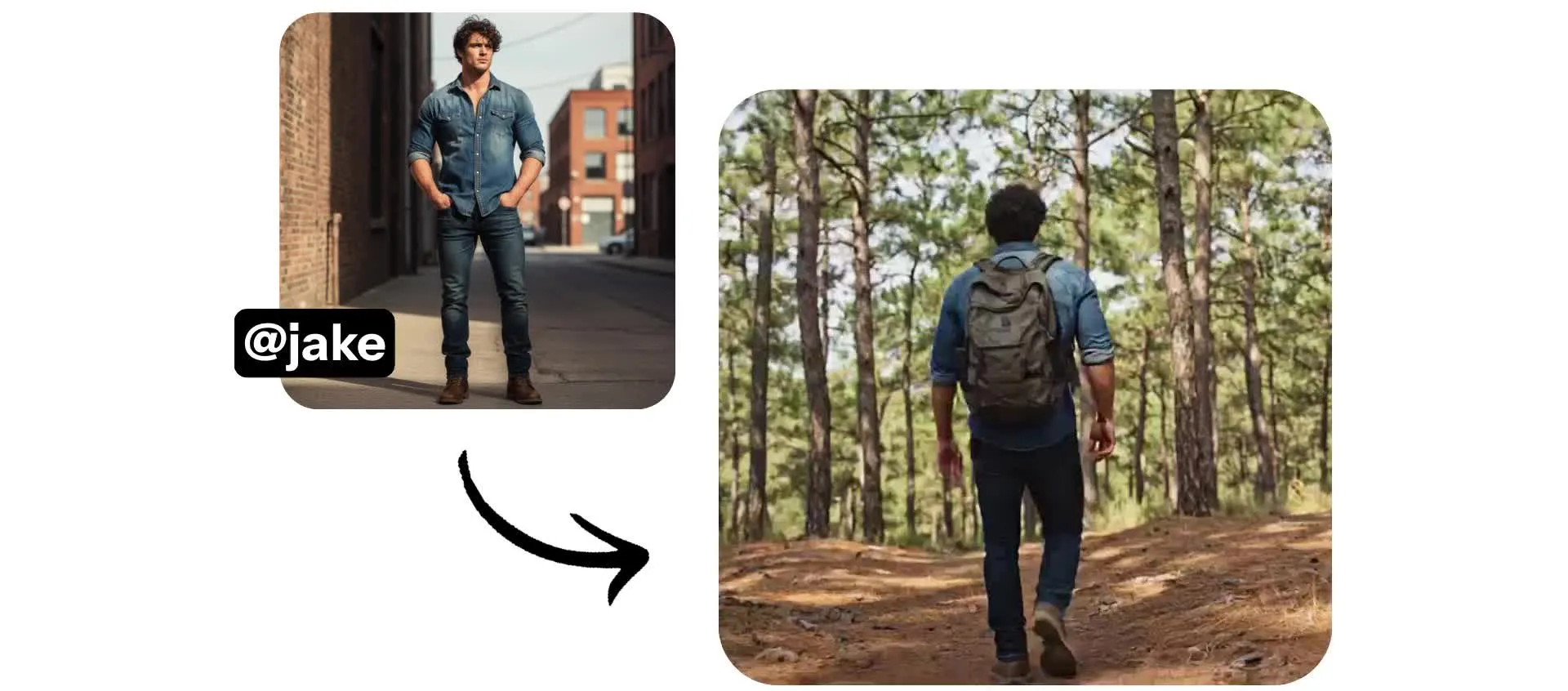
AI actors — talking, moving, and interacting naturally
Full commercial rights. Free to start.
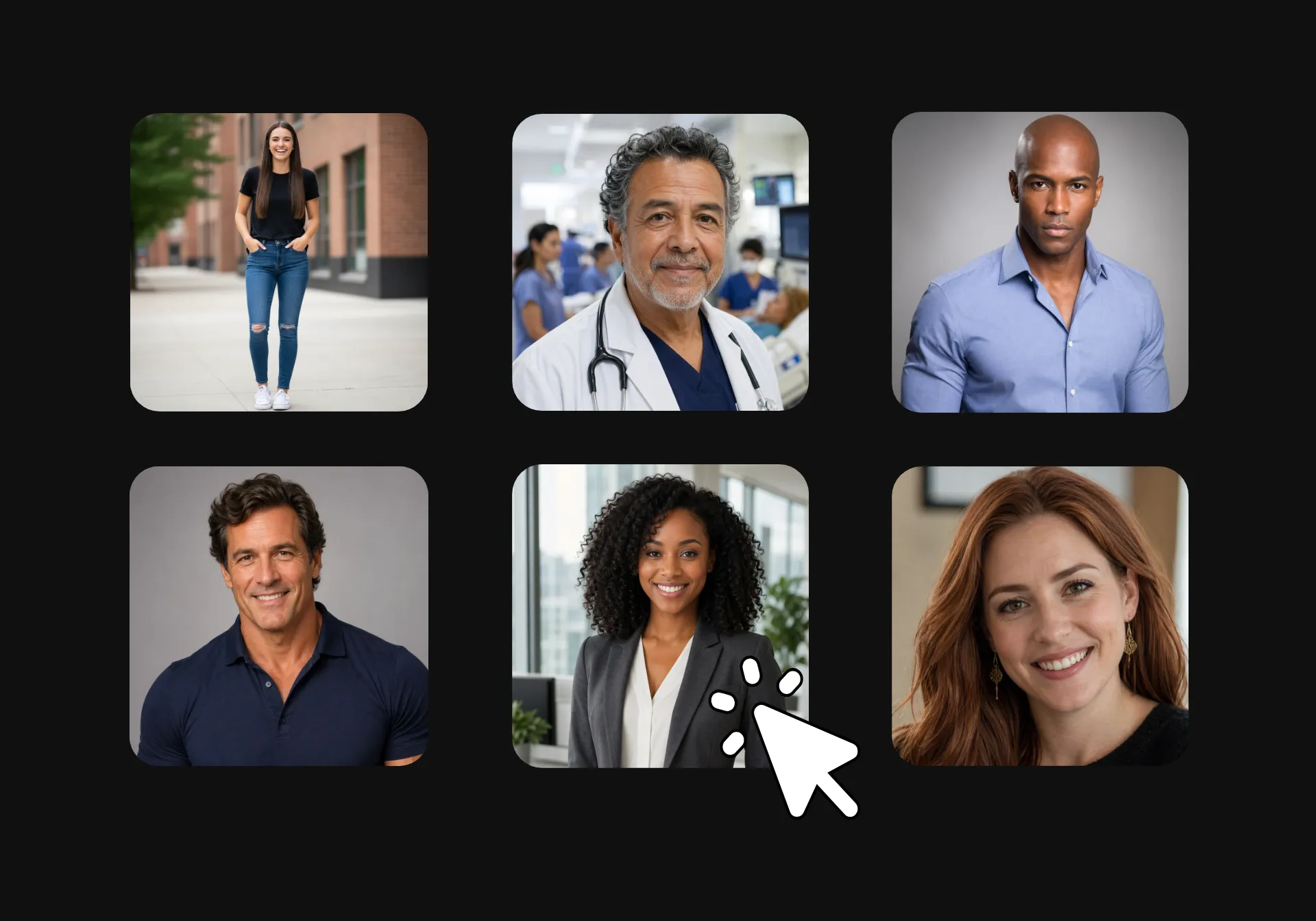
Create a personalized cast of AI actors
No casting, no licensing, no reshoots. Create ready-to-use AI actors in minutes, then direct them in your short-form video content.
Start with a simple description to generate a custom actor, defining their look, name, and personality. Or begin with a stock avatar and tailor it to fit your brand.
Adjust wardrobe and hair with quick prompts. Then save your customized AI actors to your Brand Library to use consistently in every project.
Every generation is exported as a HD MP4 — optimized for social media with 9:16, 1:1, or 16:9 aspect ratio.
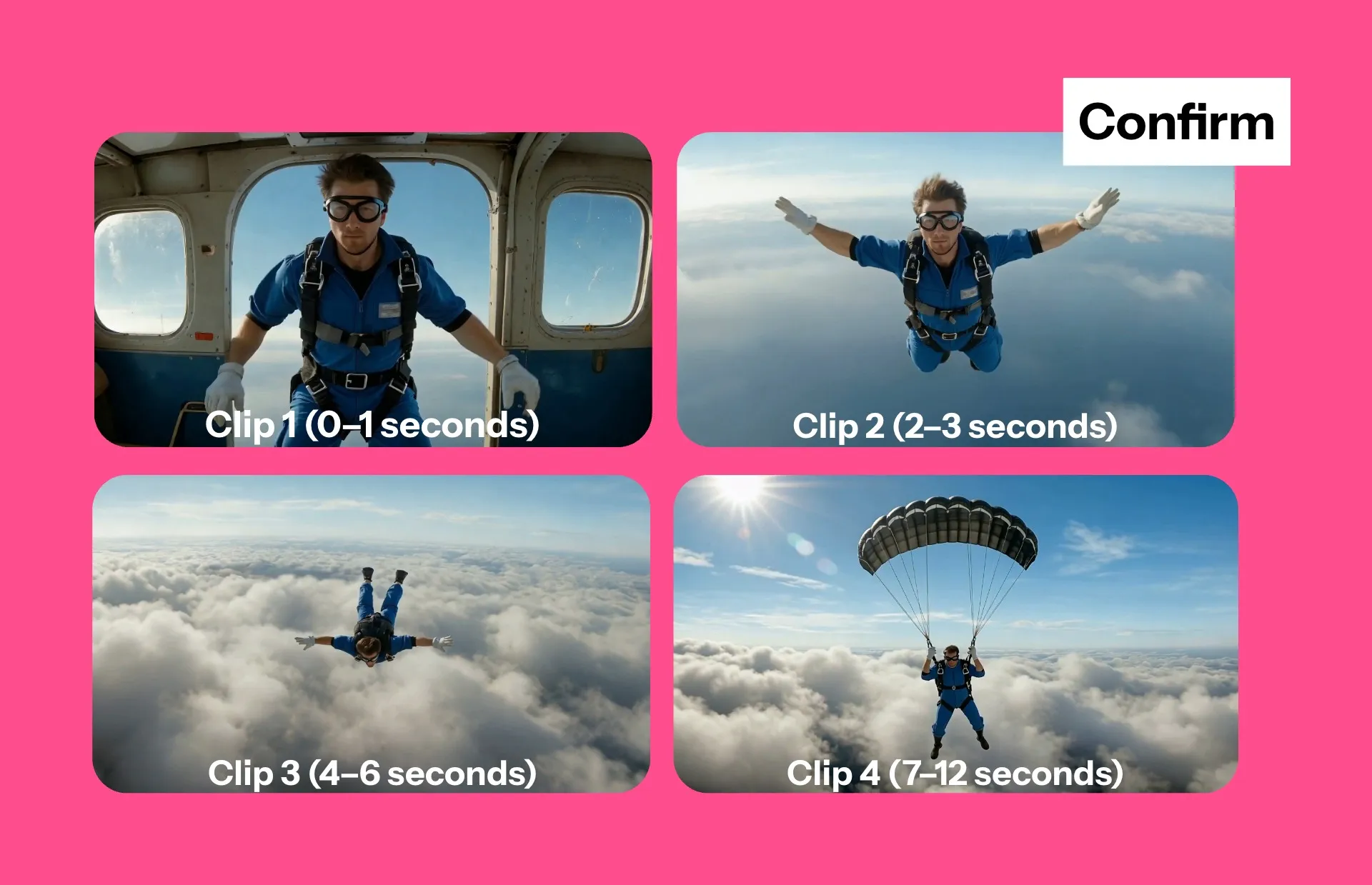
Create videos — stay in control from cast to credits
Start by customizing your actors, then map out your scenes with editable storyboards to stay in control of every frame.
When you’re ready, Kapwing brings it all together inside a full editing studio.
Your actor performs each line with natural motion and timing. Every video features lifelike speech powered by ElevenLabs AI voice technology, paired with automatic lip syncing.
Create video ads, UGC-style content, or product demos without picking up a camera.
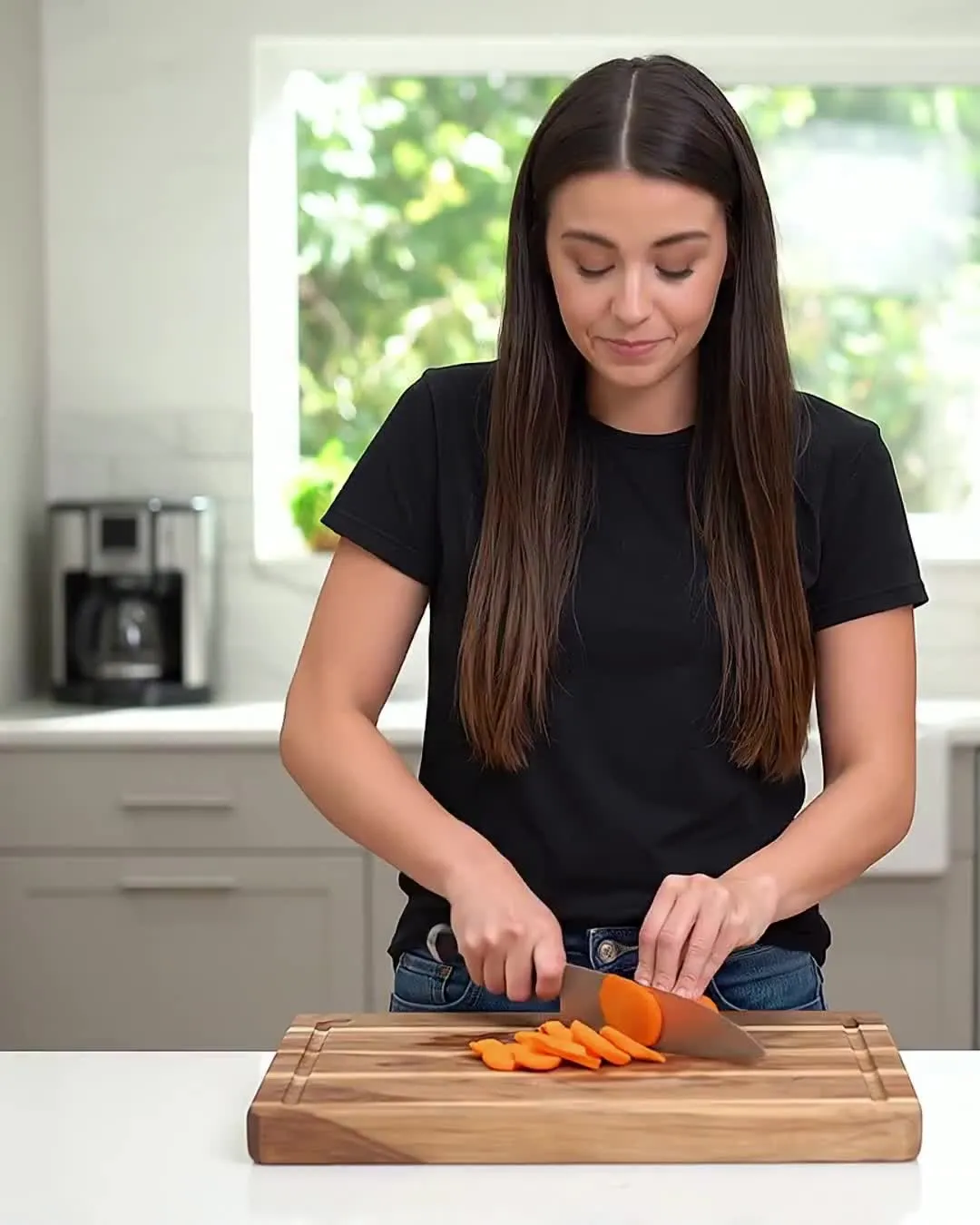
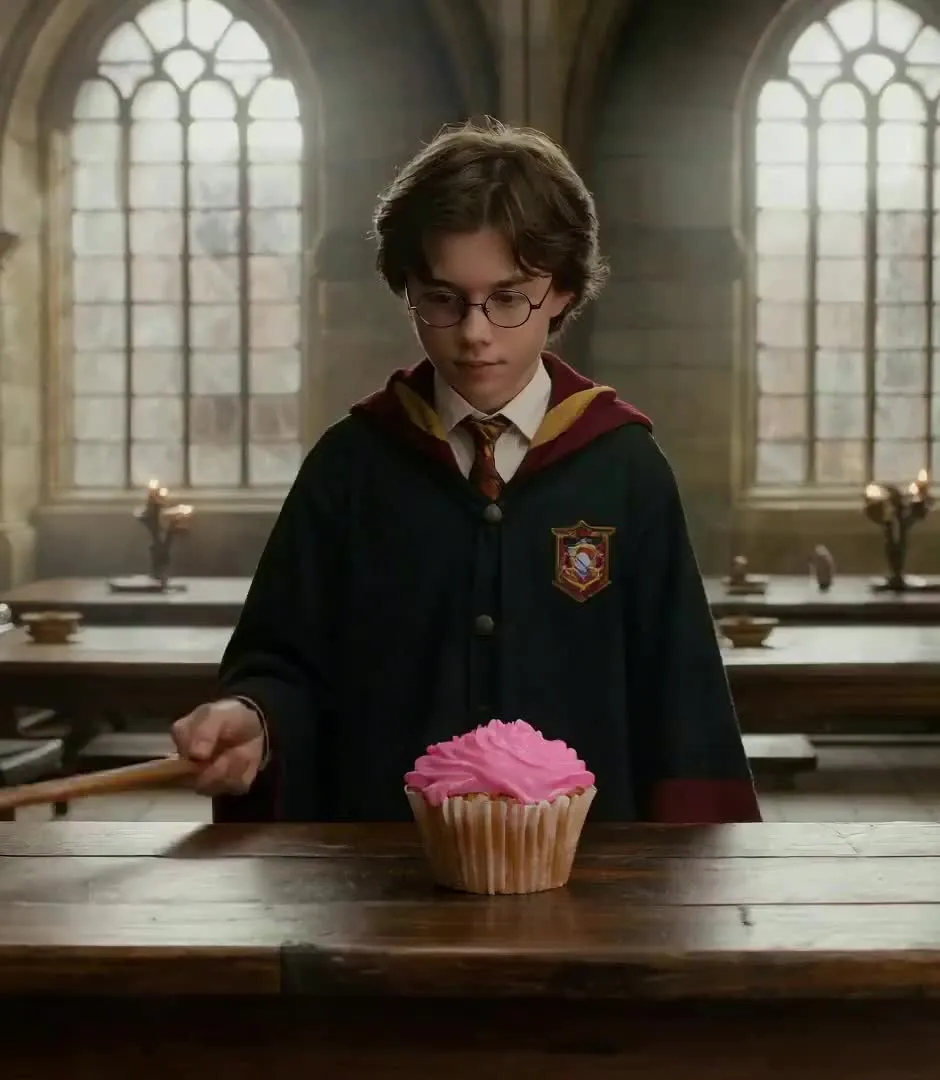
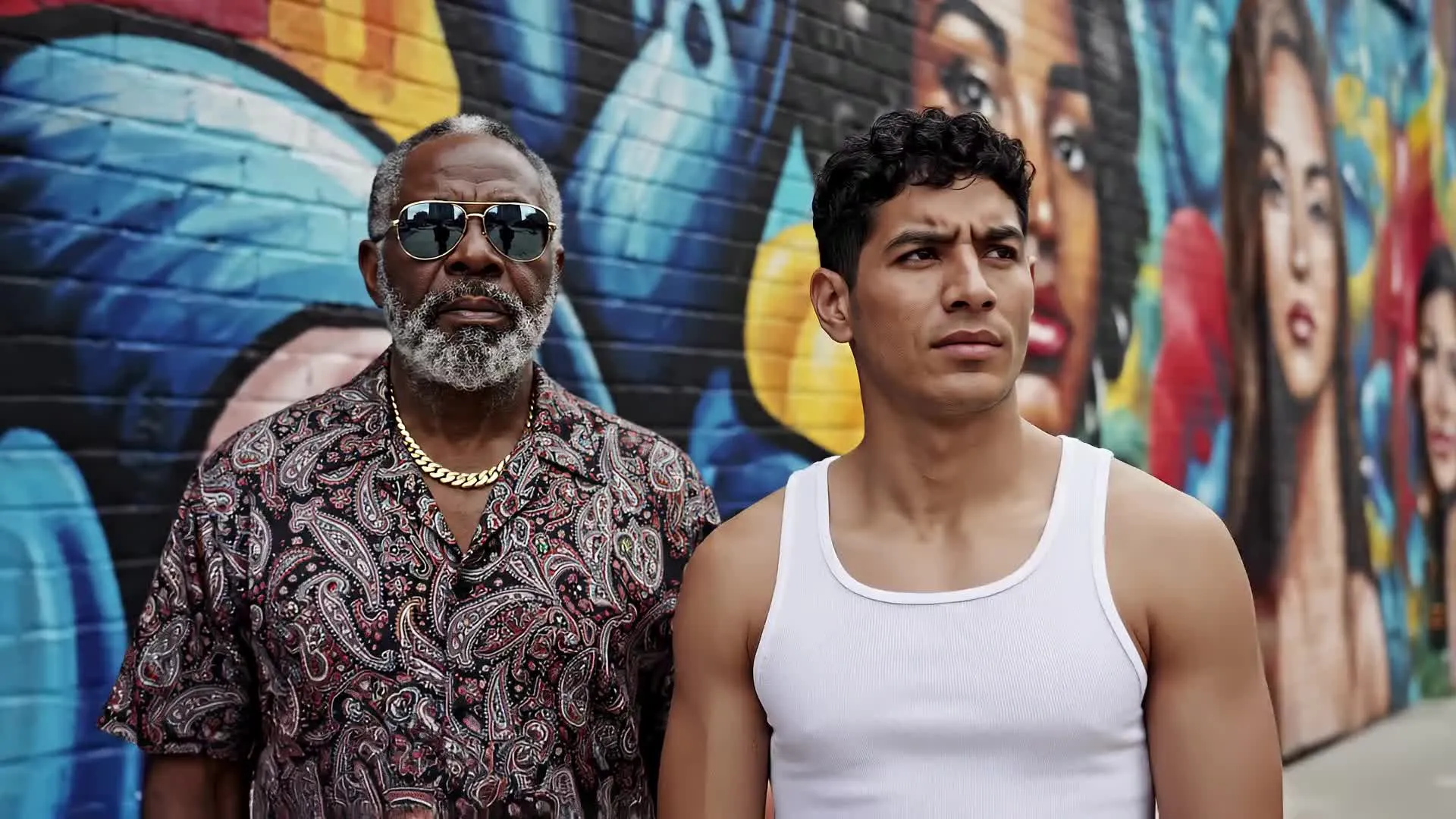
An AI actor for every project — in under a minute
50+ stock characters. 100% online.
-poster.webp)
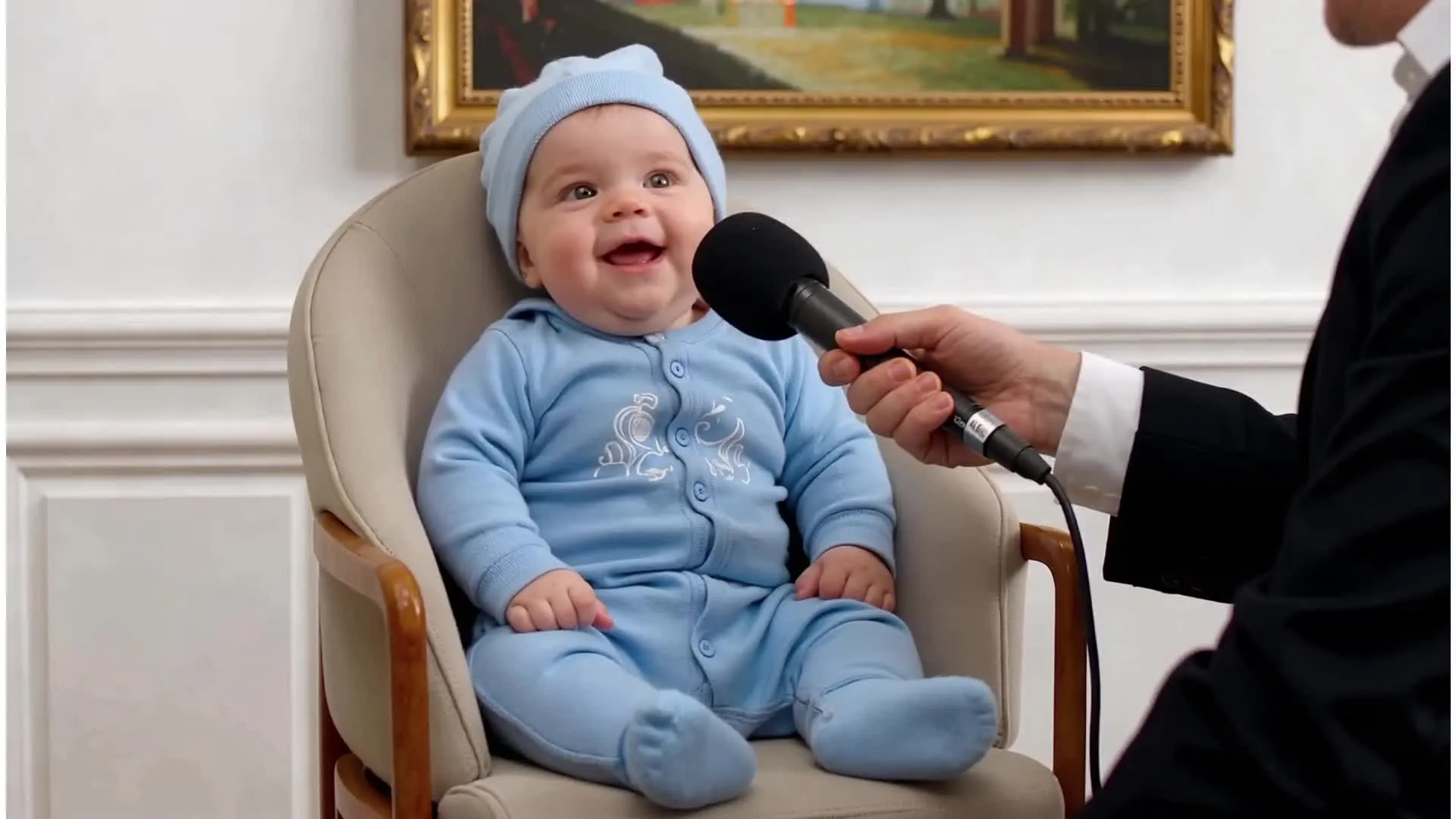
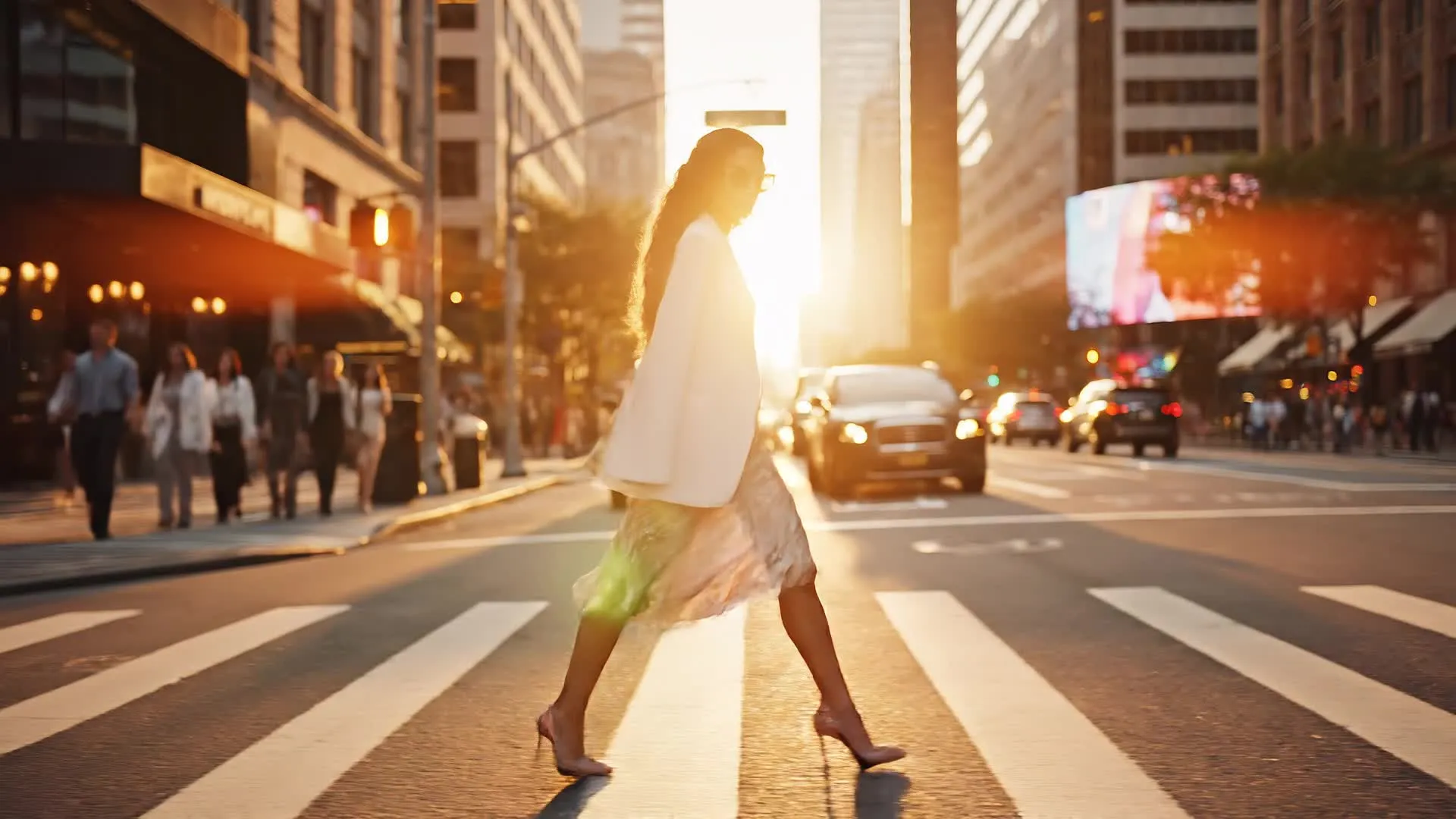
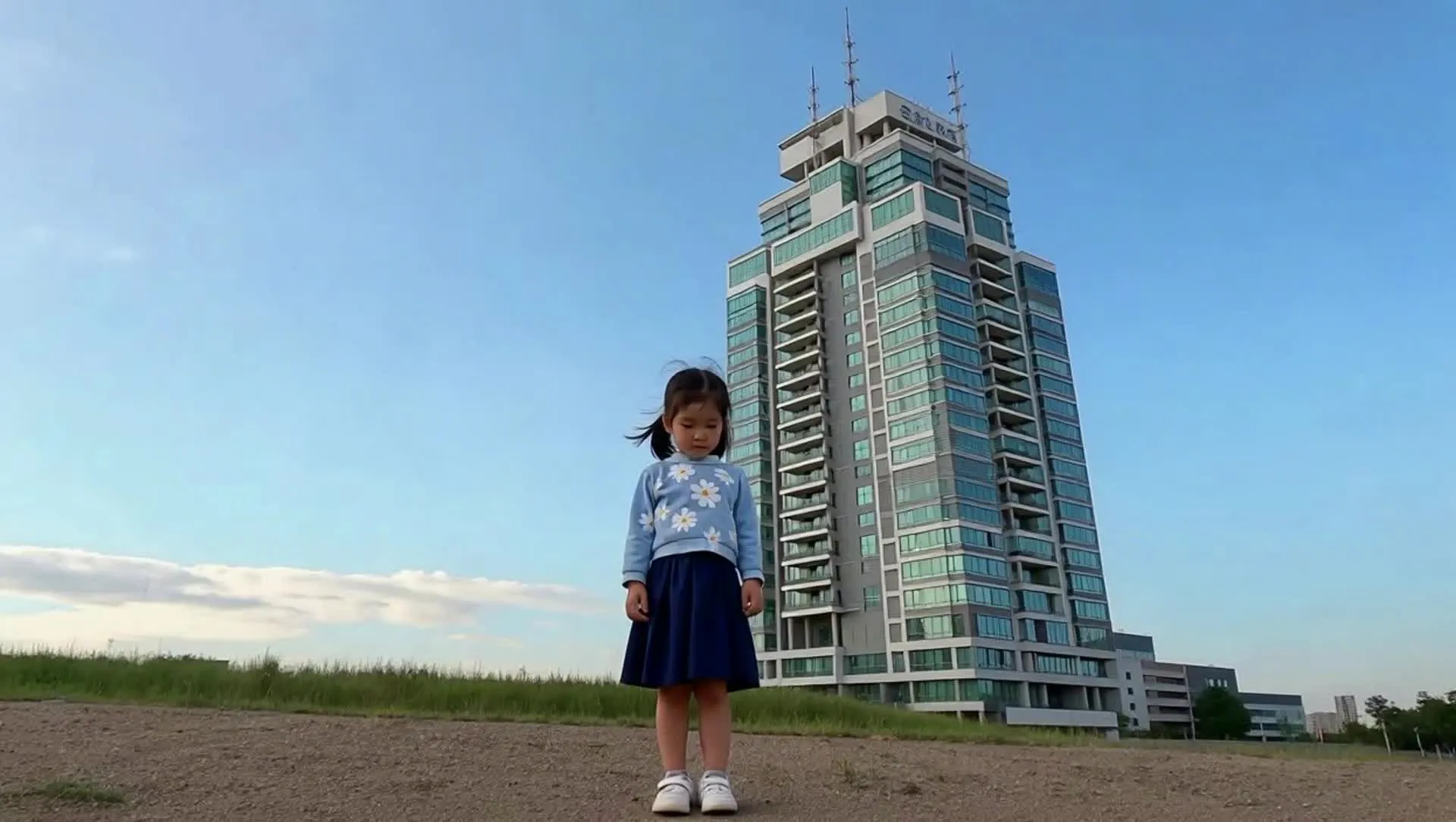
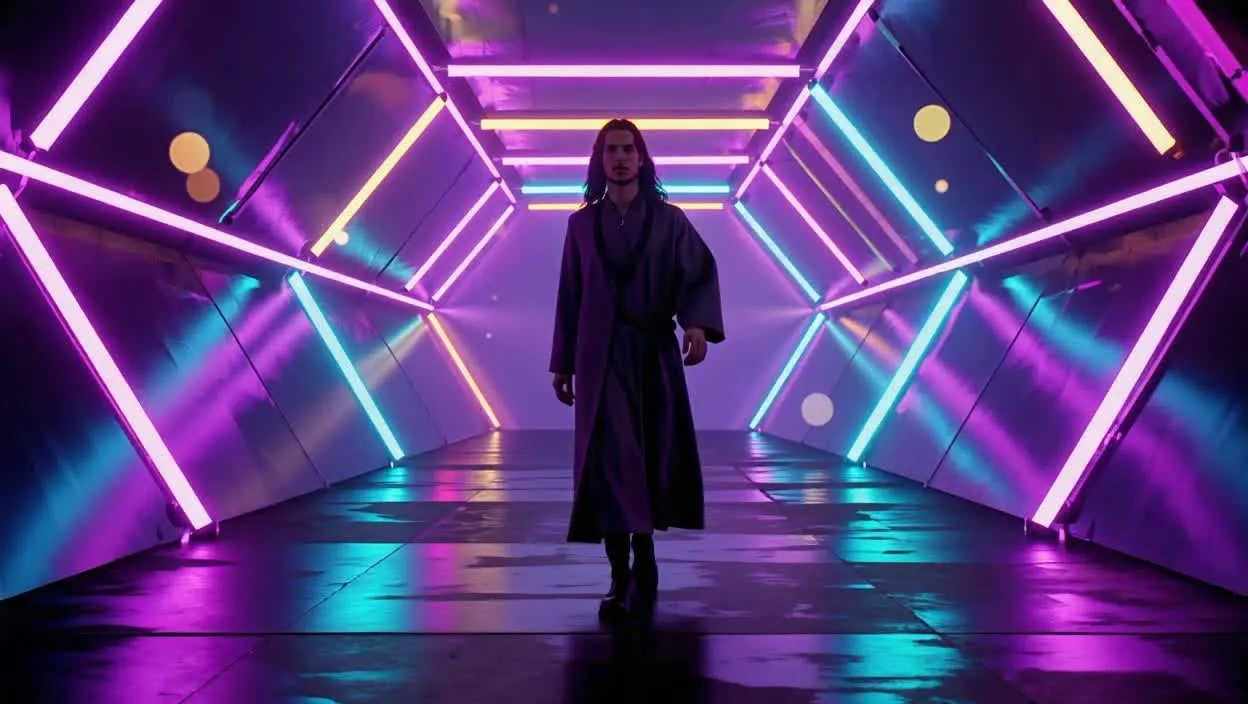

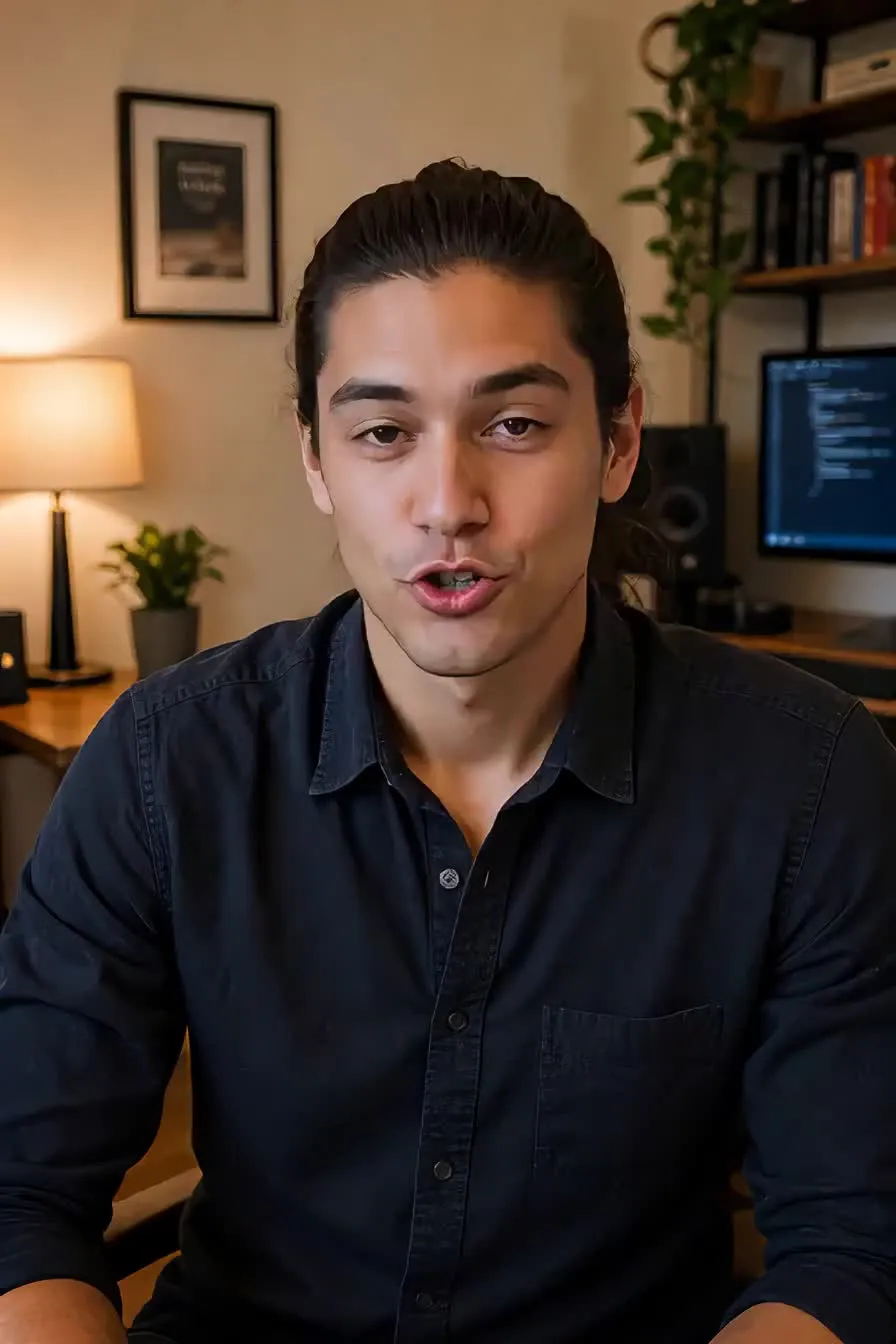
Add an AI actor to any video in minutes
Auto-generated lip-sync in 40+ languages — powered by ElevenLabs
Create
your AI actor and save them in the Brand Kit


Tag
your actor into videos with automatic lip-sync
Generate
realistic videos, then download as MP4 in up to 1080p
Actors for every kind of video — on demand
Trusted by 35M+ creators worldwide
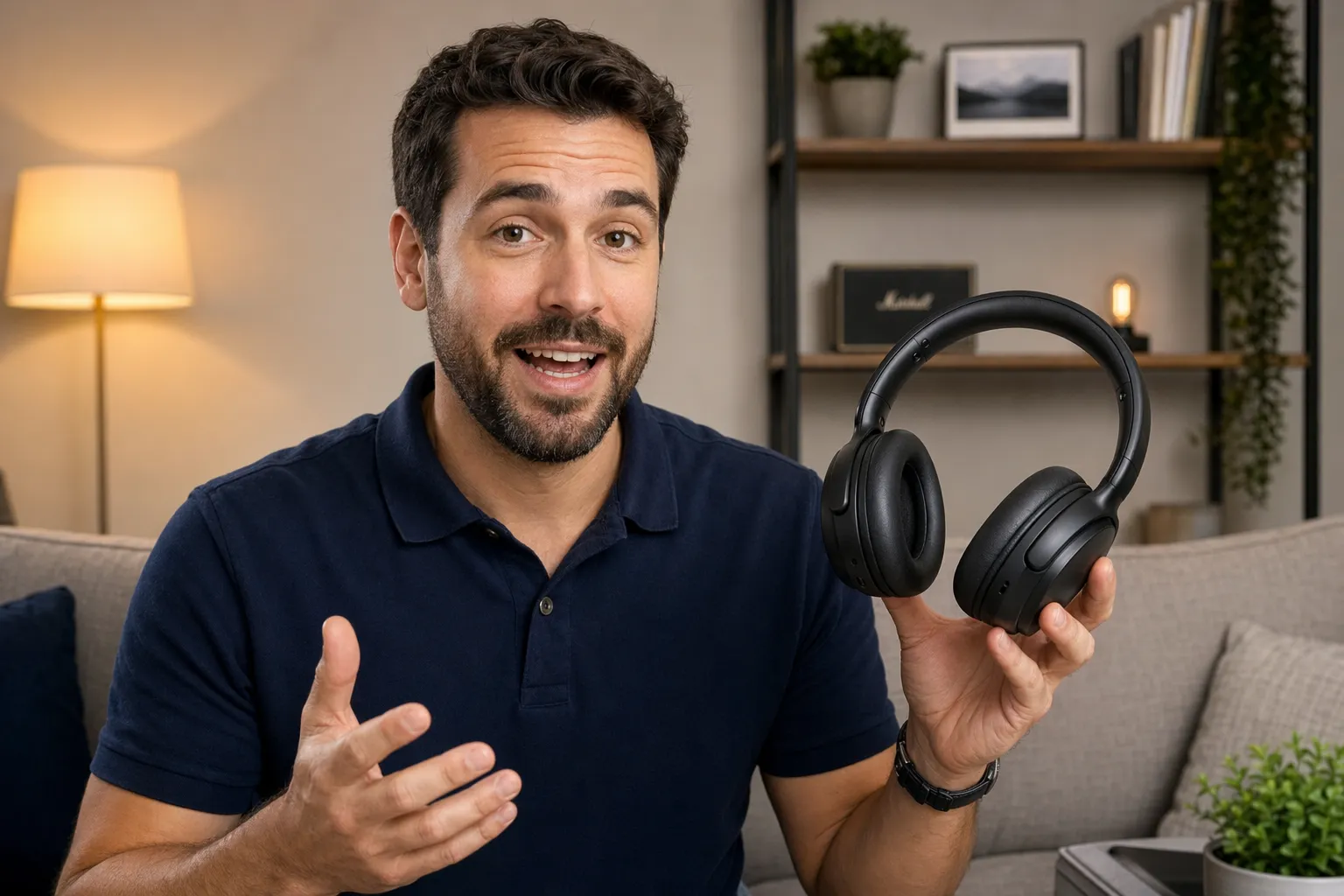
Product Demos
Instead of coordinating shoots, product marketers and e-commerce teams rely on AI generated actors to present features, walkthroughs, and updates on demand
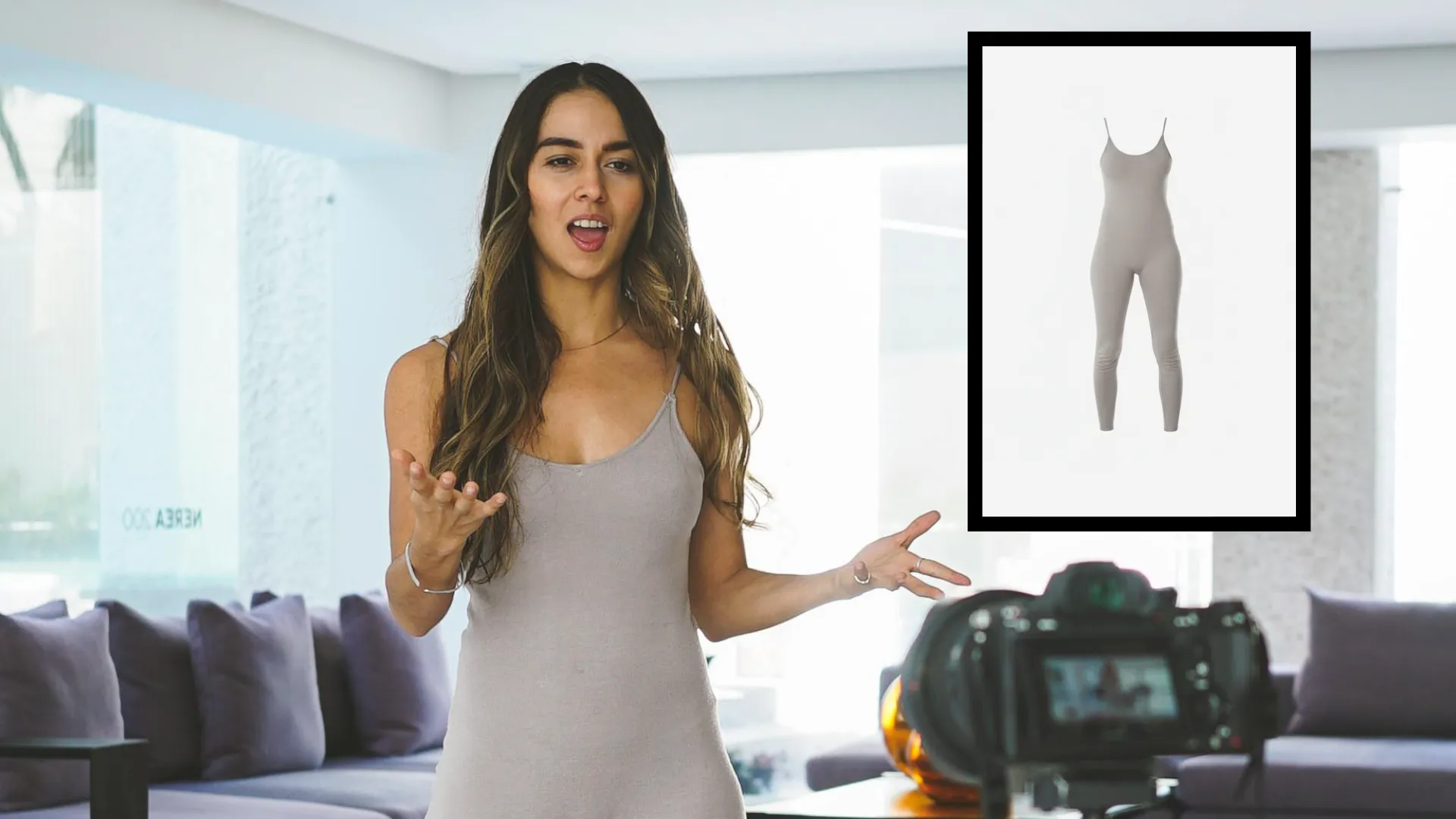
UGC
UGC creators and influencers produce high-volume, authentic-looking videos using the AI actor generator, testing hooks, scripts, and formats without needing to film every variation
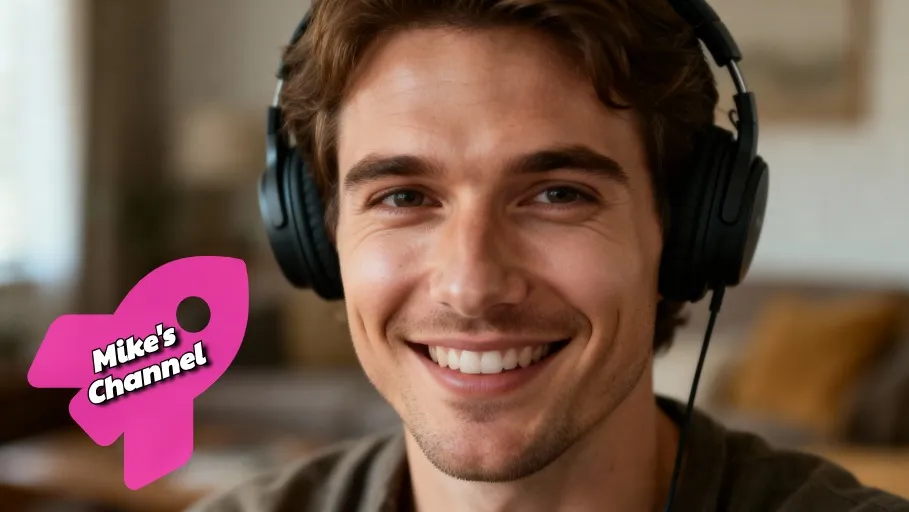
Social Ads
Maintain brand recognition with AI commercial actor videos tailored to different audiences, formats, and platforms
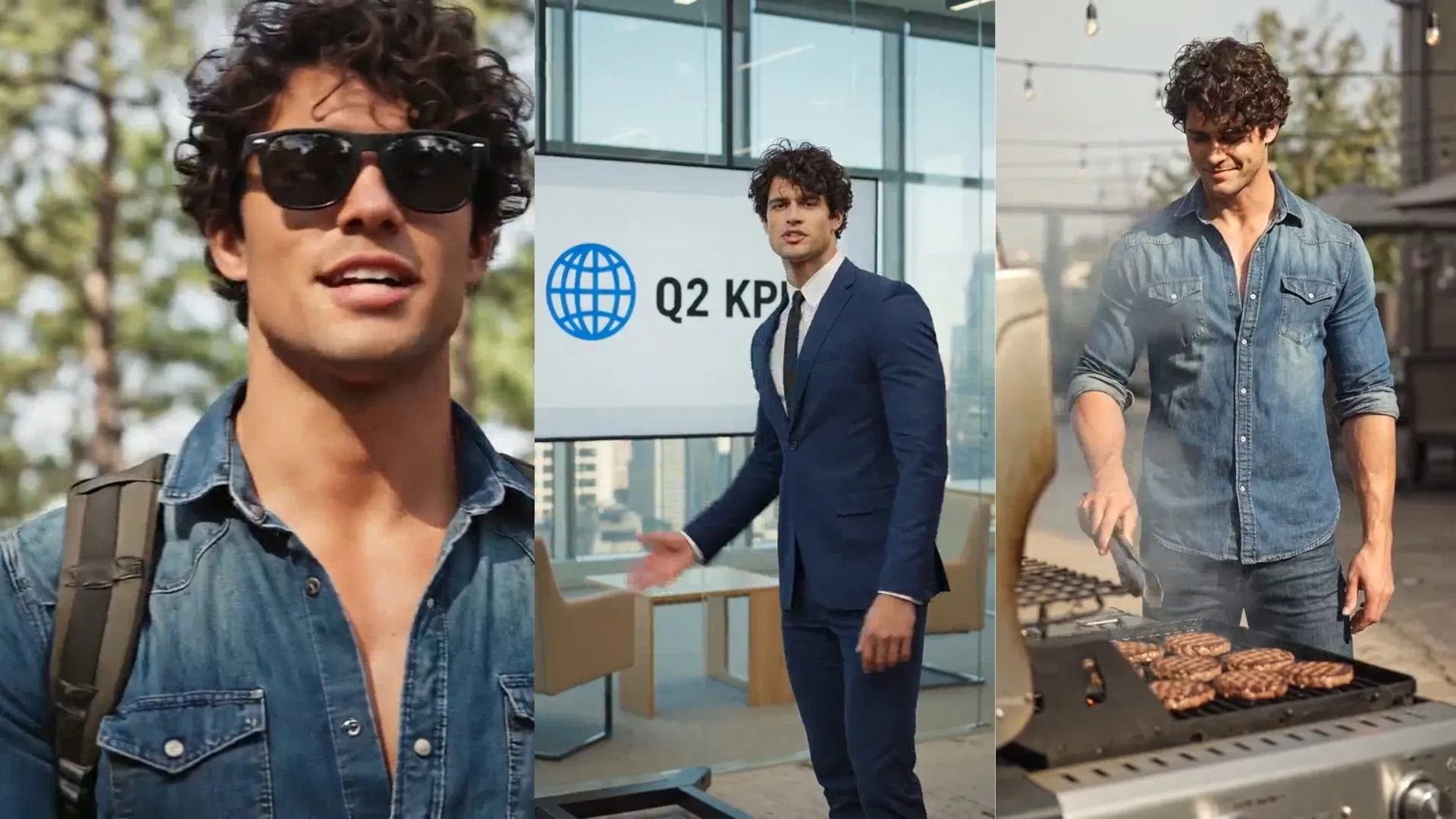
Consistent B-Roll
Video editors and YouTubers generate consistent B-roll featuring the same AI actors, filling gaps in footage without sourcing new clips

Explainer Videos
Educators, online coaches, and L&D teams use AI actor video generators to break down complex ideas into clear, engaging presentations

Customer Support
Support and customer success teams build AI actor-led tutorials and walkthroughs that guide users through common issues, inexpensively improving user experience
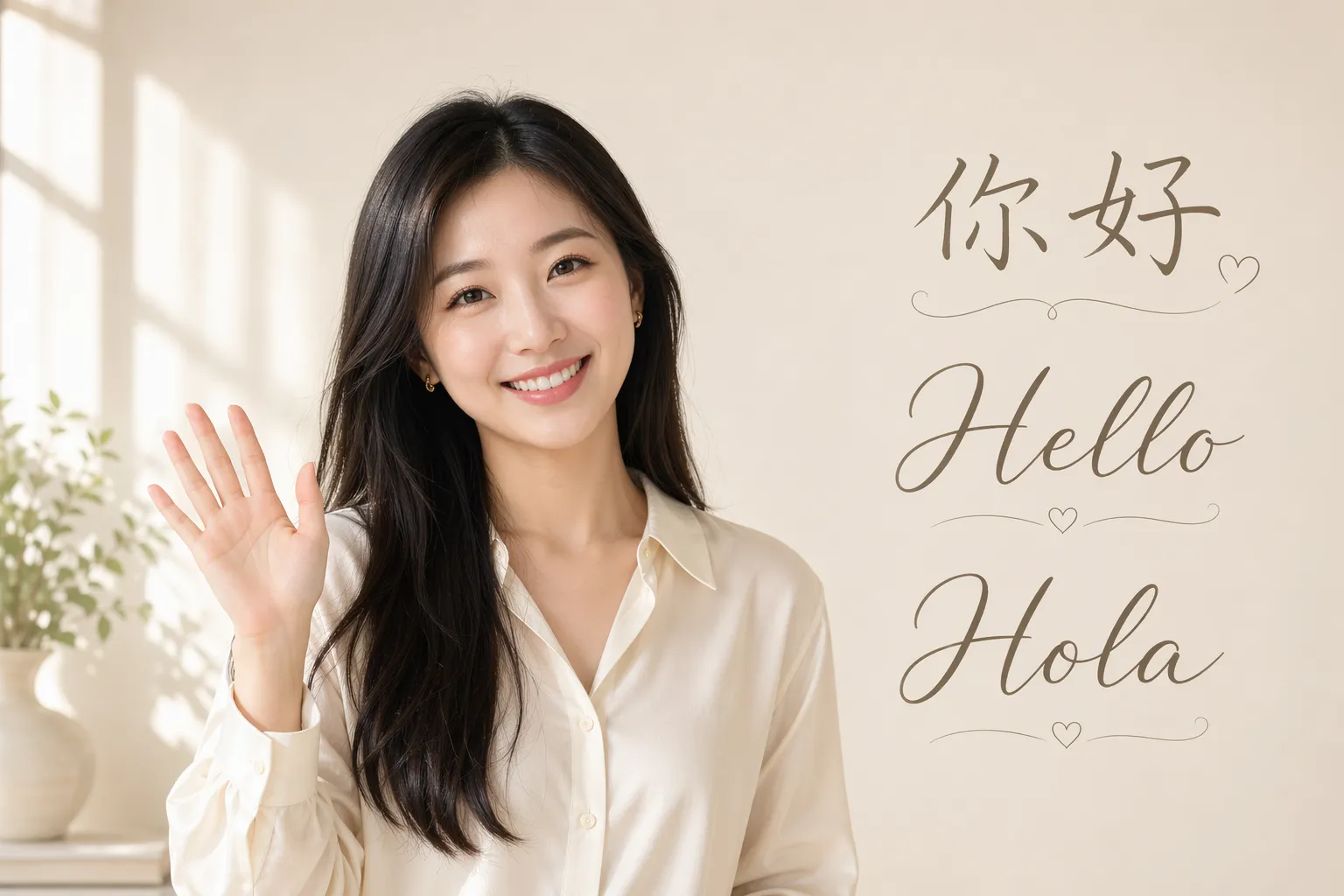
Multilingual Videos
Translation teams and global marketers organically adapt content using the same AI actor across languages, preserving visual consistency while localizing delivery
Designed for fast, studio-quality videos
AI actor generator built into a full video editing suite
Realistic AI actors — engaging videos
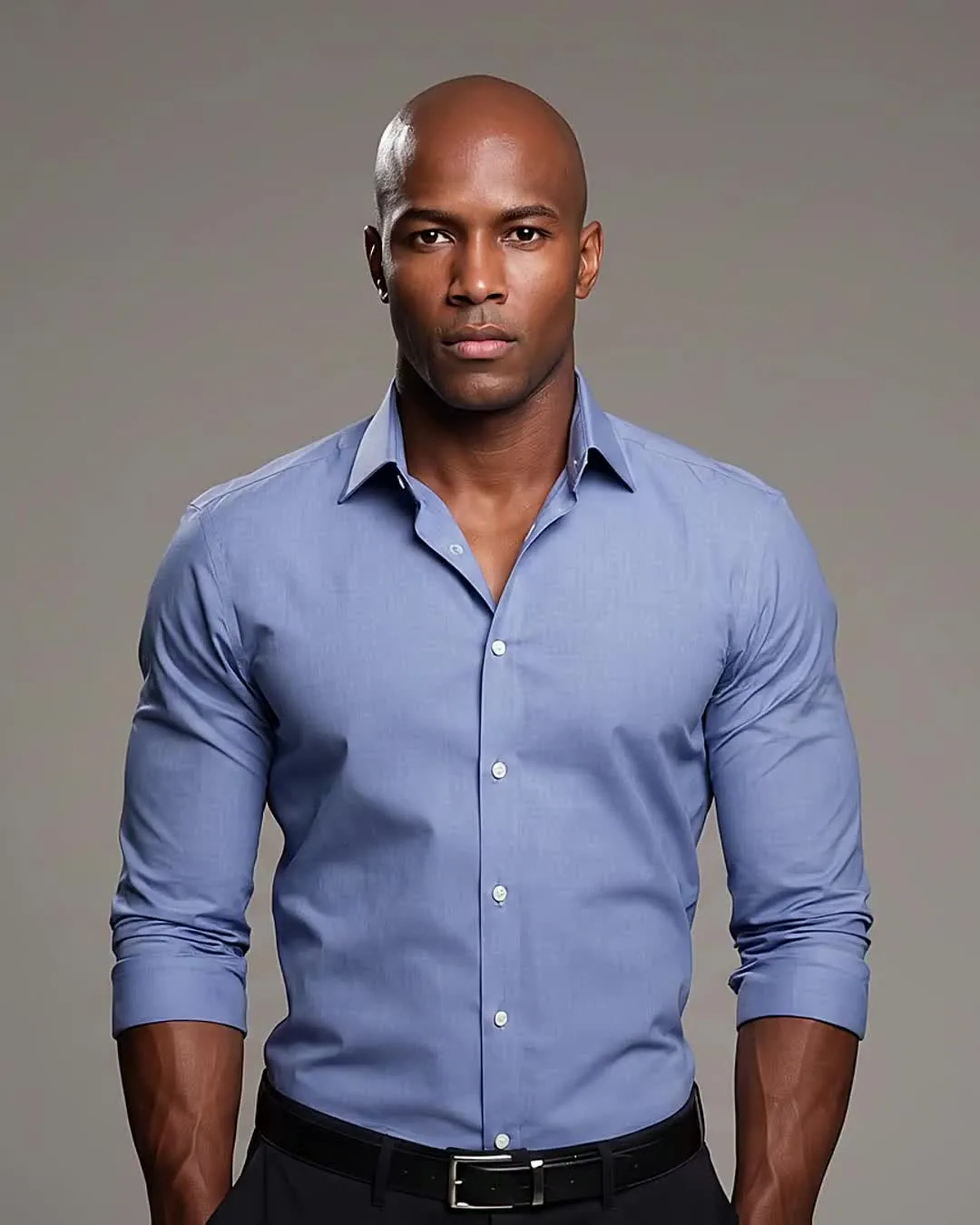
Select from multiple leading AI models like Kling, Veo, Seedance, and Wan to create actors with natural skin texture, hair, and movement.
Save to your Brand Kit to maintain consistent appearance and voice across every generation.
You can also upload photos of yourself to create an AI clone of yourself.
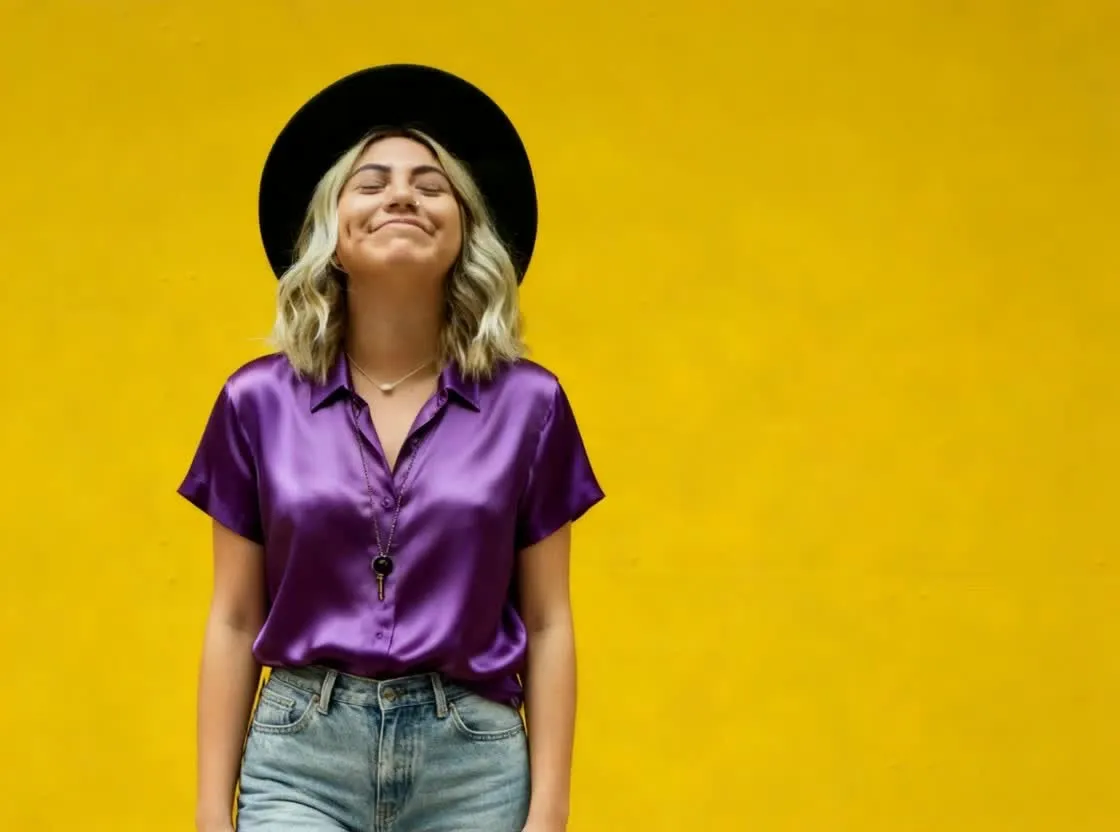
Consistent, collaborative storytelling
Save time with a shared library of actors. Teammates can create on-brand content featuring the same people.
Save fonts, brand colors, subtitle styles, and custom templates in the same Brand Kit for efficient workflow.
Move to the Studio to edit projects collaboratively, with simultaneous changes and real-time commenting.
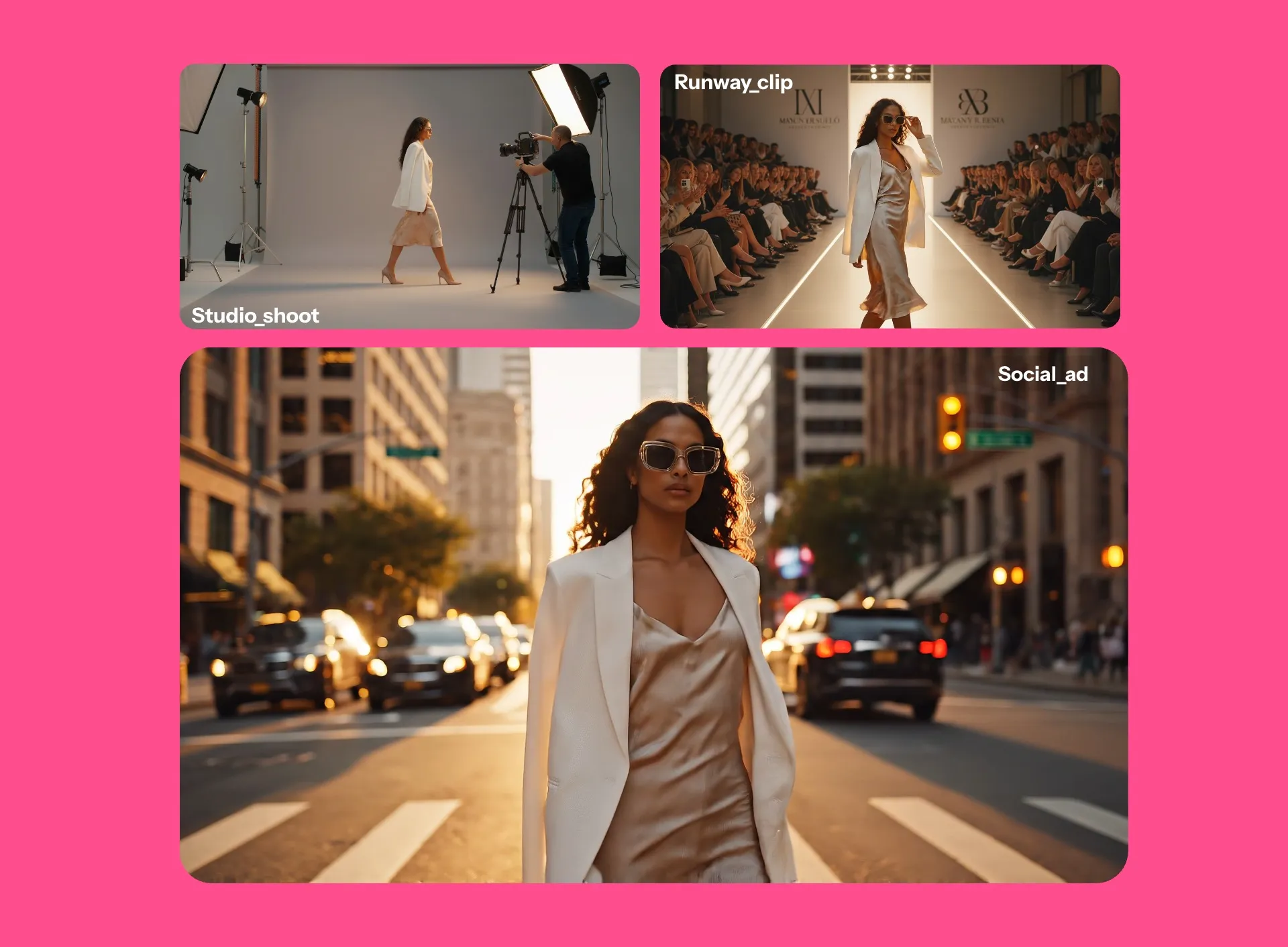
Multilingual videos — with lifelike voices and lip sync
Localize content without traditional dubbing.
In Kapwing, your AI actors can deliver lines in 40+ languages — from Spanish and French to Mandarin and English — while preserving tone and performance.
Add accurate, auto-generated subtitles to match. Videos stay clear, engaging, and ready for any platform.
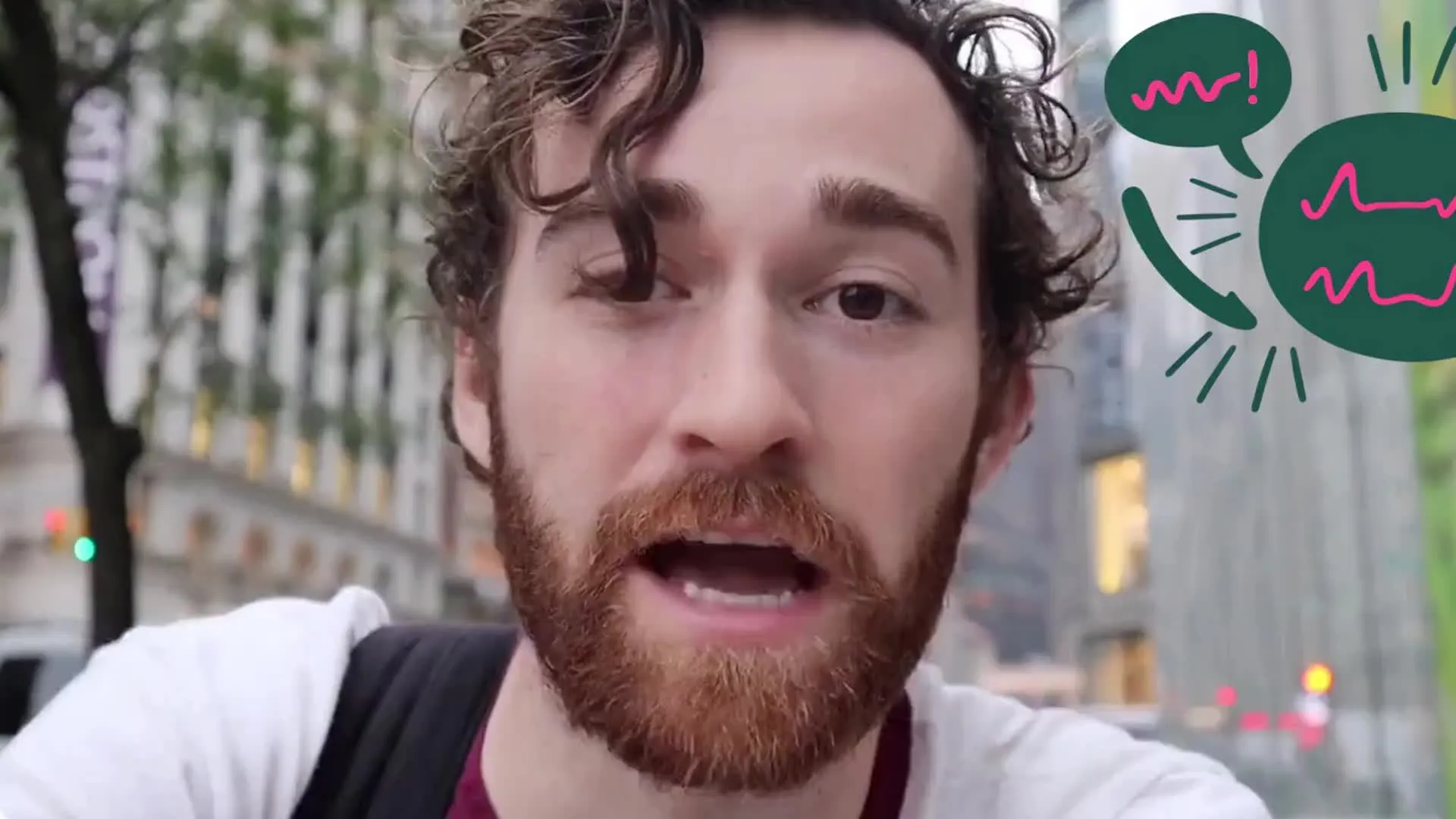
Already transforming video creation across industries
Hear directly from the teams who publish faster, collaborate better, and stay ahead.


Your AI models — ready to use in a professional studio
Trim, resize, clip, and edit your videos for free online
Generate
Edit
Export
Kapwing's AI Actors are integrated with a full video editing studio. Create actors, generate realistic clips featuring them, then edit into finished videos, all in the same browser.
Add transitions or overlay logos, text, and watermarks. Apply filters or adjust lighting and coloring with simple sliders. Crop and resize individual clips or your entire project.
Edit video using the transcript, customize subtitle styling, or add royalty-free music and sound effects. When you're ready, export video in 4K, 1080p, or 720p as MP4, MOV, or WebM.
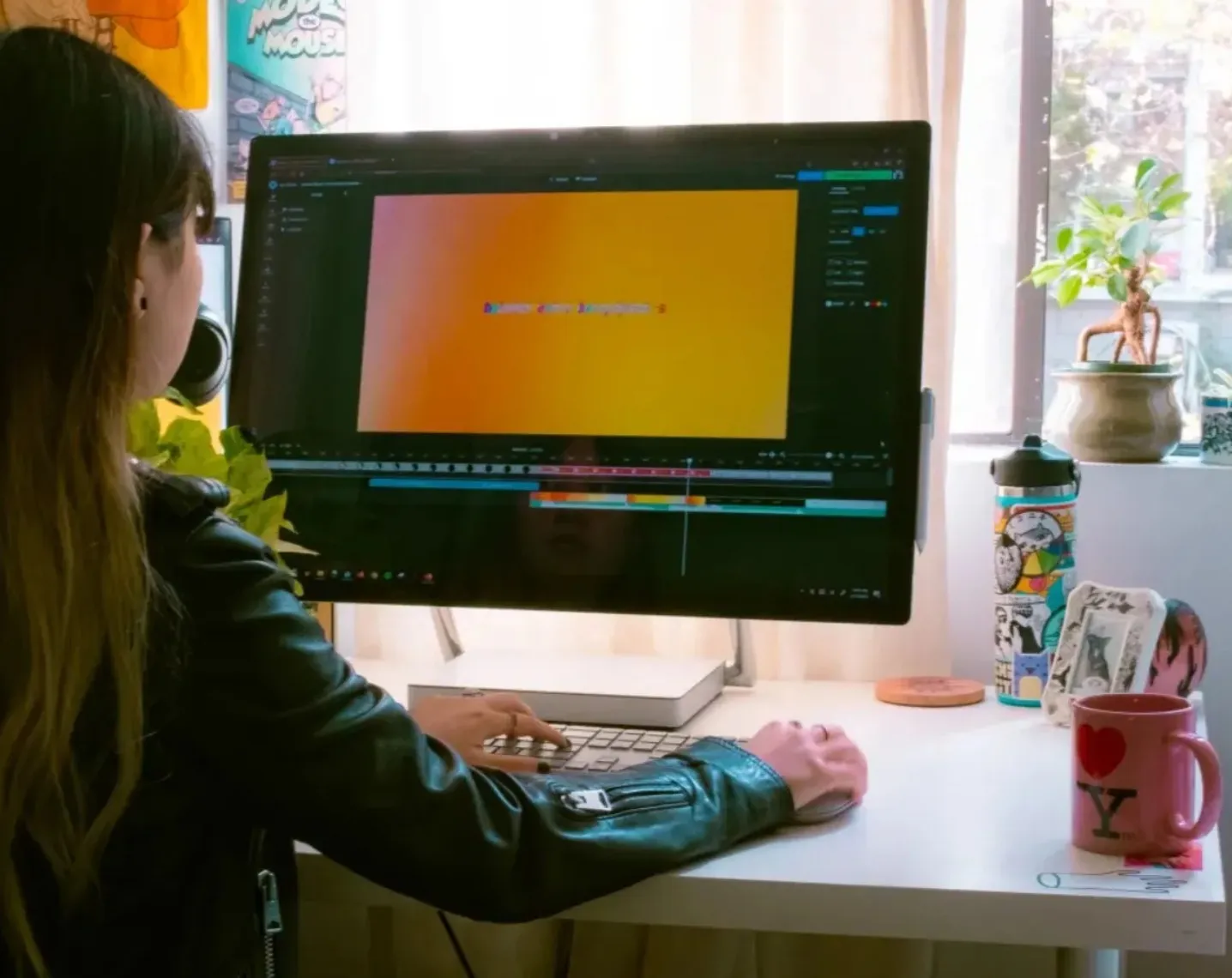
How to Create an AI Actor
- Step 1Prompt
Create a new chat with Kapwing AI. Enter a prompt describing the actor, setting, and speech for your video.
For consistent reuse, save your AI actor to the Brand Kit by clicking the @ icon.
- Step 2Generate
Click the arrow to generate. If you want to make changes, enter additional prompts or move your video to the Kapwing Studio.
- Step 3Edit and export
Edit by adding subtitles, music, watermarks, or by trimming and cutting. Download your UGC video in high resolution or share directly to your TikTok or YouTube account.
What's different about Kapwing?



Frequently Asked Questions
We have answers to the most common questions that our users ask.
Is the AI Actor generator free?
Yes, anyone can try Kapwing’s AI Actor Generator for free without watermarks, including generating a unique actor image or using actors from the stock library. To save a custom AI actor and reuse it consistently across projects, you’ll need a Pro account.
How to create an AI actor
To create and use an AI actor, start a new chat with Kapwing AI. Enter a prompt describing the actor you want to create, including facial features, body type, gender, and race. Customize with additional prompts, then download your generated actor headshot. Click the @ icon in the prompt box, then click "Add character." Give your AI actor a name and description, and click to upload your generated image.
Once you've saved your AI actor as a brand character, you can tag them into any generation by typing "@name."
What is an AI actor?
An AI actor is a digitally generated human created with artificial intelligence to appear and perform like a real person in videos. They can speak, show expressions, and be customized in appearance, voice, and language.
AI actors are used in movies, commercials, and UGC-style content to produce videos quickly and affordably. Instead of filming with real people, creators can script scenes and generate performances on demand.
Are AI actor videos royalty-free and commercially usable?
Yes, you have the right to use the images and videos you create with your AI actors anywhere, including for commercial purposes.
Can my AI actors speak?
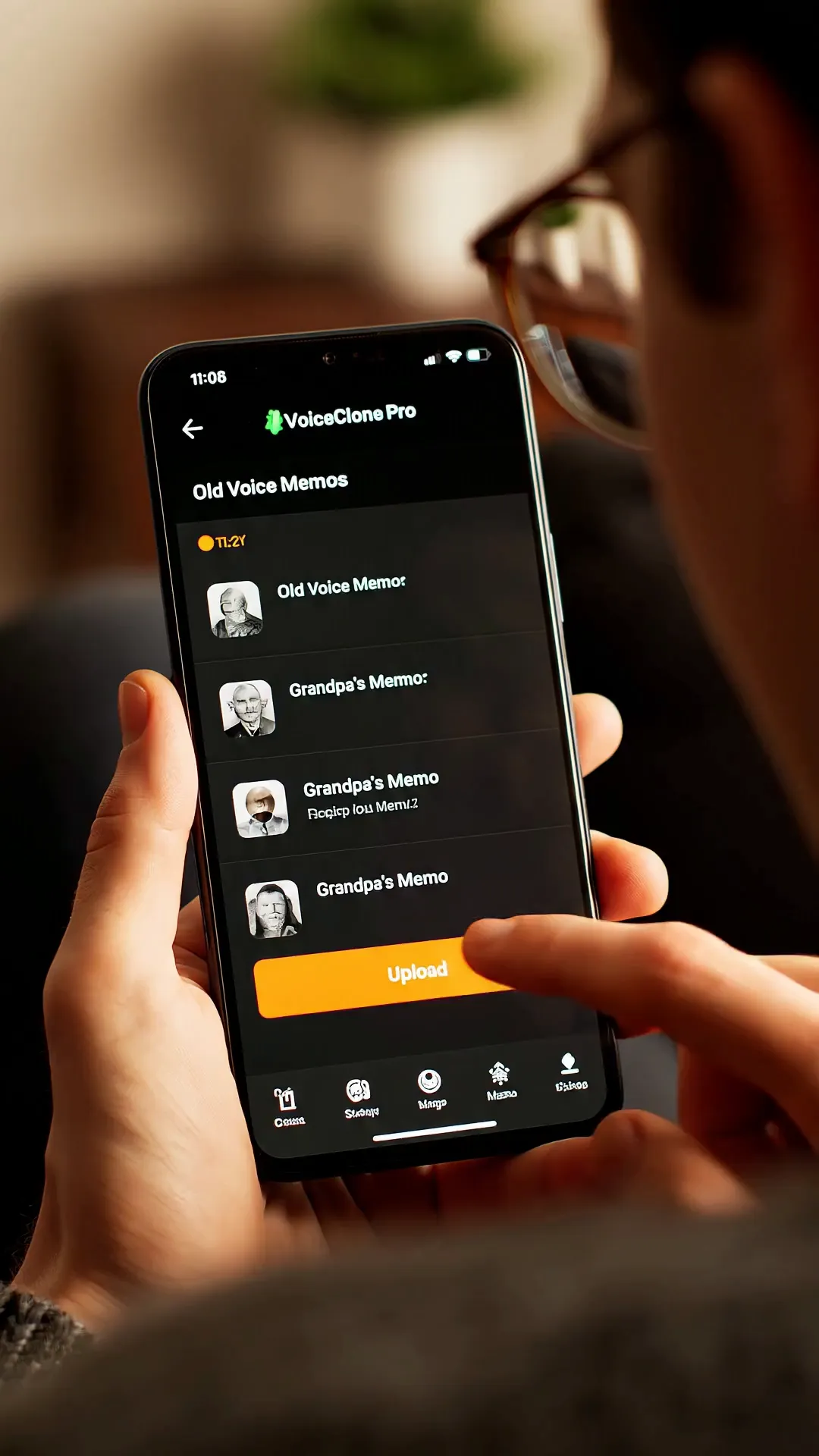
Yes, you can prompt Kapwing AI to have your actors speak naturally. Choose a voice for your character from our ElevenLabs-powered AI voice library, or upload recordings to create a voice clone. Then enter a prompt like "Create a video where @emily says 'Welcome to my channel!'" Kapwing AI will automatically sync your AI actor's lip movement to the speech.
Can I change the voices of my AI actors?
Yes, you can choose from our stock library of voices or create an AI voice clone by uploading voice recordings.
Which AI models does Kapwing use?
Kapwing uses leading AI models for every generation. Kapwing AI is integrated with Veo, Seedance, and Kling, so you can create multi-scene videos with the same actors. You can also design your own start frame using an AI image model like GPT Image or Google Nano Banana, then turn it into a realistic video.
Can I edit my AI actor video after generating it?
Yes. After generating a video, you can edit it in Kapwing Studio by adding subtitles, stickers, logos, overlays, B-roll, captions, and platform-specific resizing.
Can I make an AI actor from a photo of myself?
Yes. Kapwing lets you upload photos of yourself to create an AI clone, then use that AI actor in generated videos.
Can I create AI actor videos in different languages?
Yes. Kapwing supports AI actor videos in 40+ languages with lifelike voices, lip syncing, and subtitles, making it easier to localize videos for different audiences.
Discover Resources
Tips, templates, and deep dives to help you create faster and share with confidence.
View all

Get started with your first video in just a few clicks. Join over 35 million creators who trust Kapwing to create more content in less time.