Twitch Clips to Shorts
Resize, convert, and edit Twitch clips for YouTube Shorts
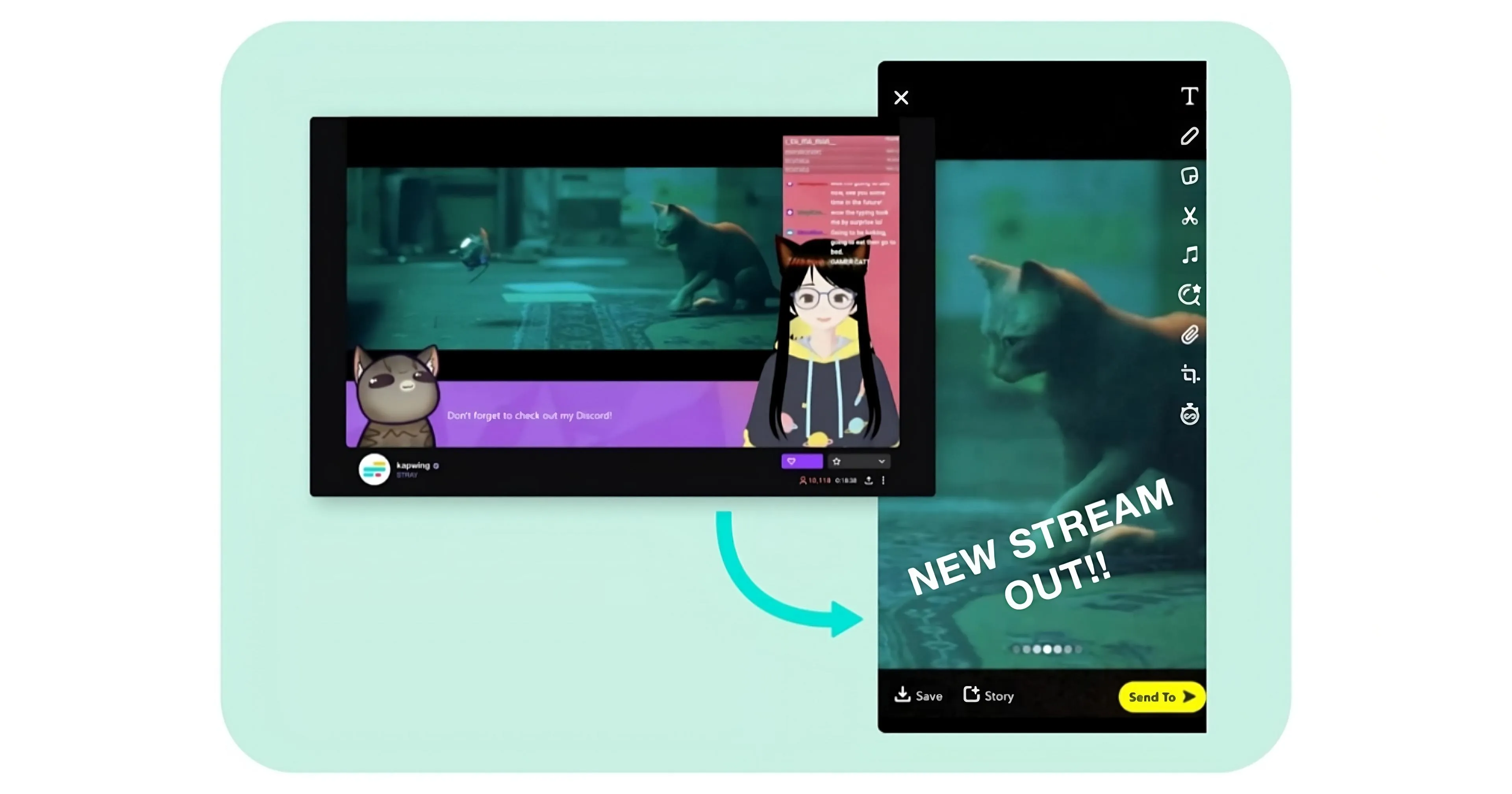
Grow faster — share your clips to YouTube Shorts
Use AI to resize Twitch videos, convert formats, and extract share-ready clips
Convert Twitch clips into Shorts-ready vertical videos
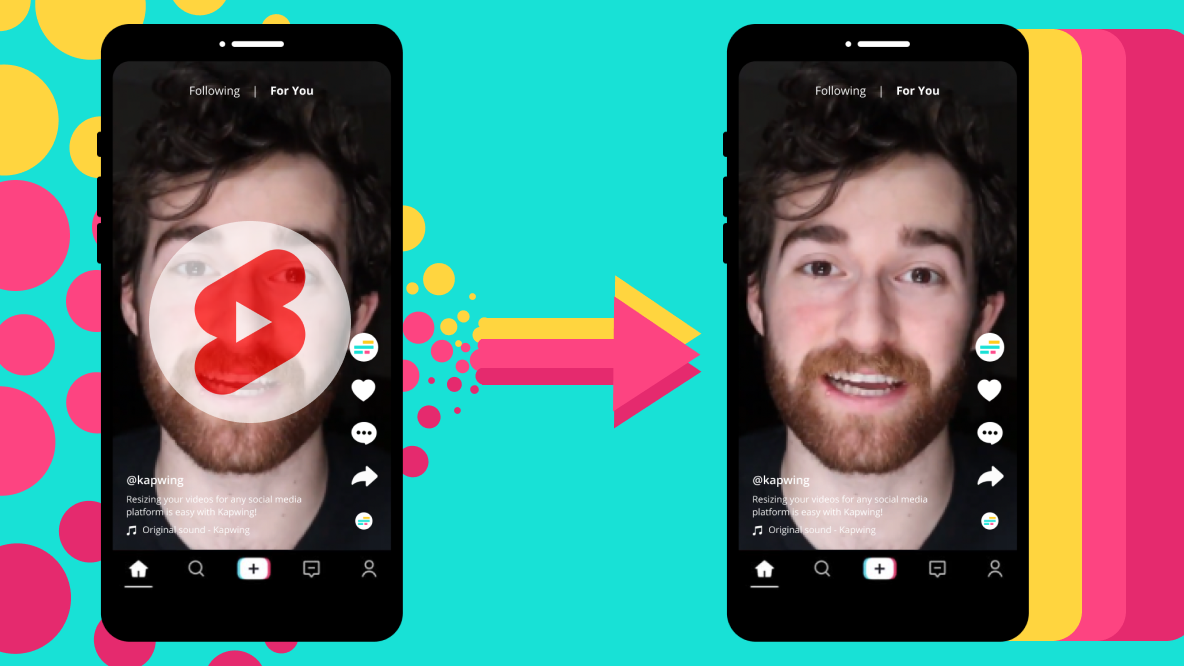
Kapwing's free Twitch to YouTube Shorts converter is an easy-to-use, automated resizing tool that changes Twitch clips from landscape (16:9) to portrait (9:16). With aspect ratios for every social media platform available in the top toolbar, you can repurpose content with just one click.
Quickly grow your online presence across multiple platforms with a streamlined solution that requires no prior editing experience.
.webp)
Save hours by auto-scanning Twitch streams for clips
Find the best moments from your streams without relying on Twitch's clip suggestions, which are often out of context or too long for YouTube.
Kapwing’s AI-powered Clip Maker automatically analyzes your video and identifies short, relevant highlights based on your prompt. You decide the length — whether 15-second highlights or 60-second moments — and the AI handles the rest.
Each clip is fully customizable, so you can adjust styles for different audiences, switching from Twitch to Shorts with new fonts, colors, layers, and uploads
.webp)
Keep active speakers front and center without losing quality
Quickly upload, resize, and convert Twitch clips to YouTube Shorts without losing focus on your main speaker. Kapwing’s Auto Speaker Focus tool automatically centers active speakers in videos with multiple personalities, streamlining the process for effortless, polished results.
.webp)
Increase watch times with auto-generated subtitles
All suggested clips include auto-generated subtitles, enhancing watch times and video accessibility. Customize subtitles with over 100 colors, sizes, and styles to match your Twitch aesthetic and appeal to a new audience.
Continue to expand your reach by auto-translating videos into 100+ languages with 99% accuracy. These features are integrated into the AI-powered clip converter and the manual editing studio, giving creators complete control and flexibility of every project.
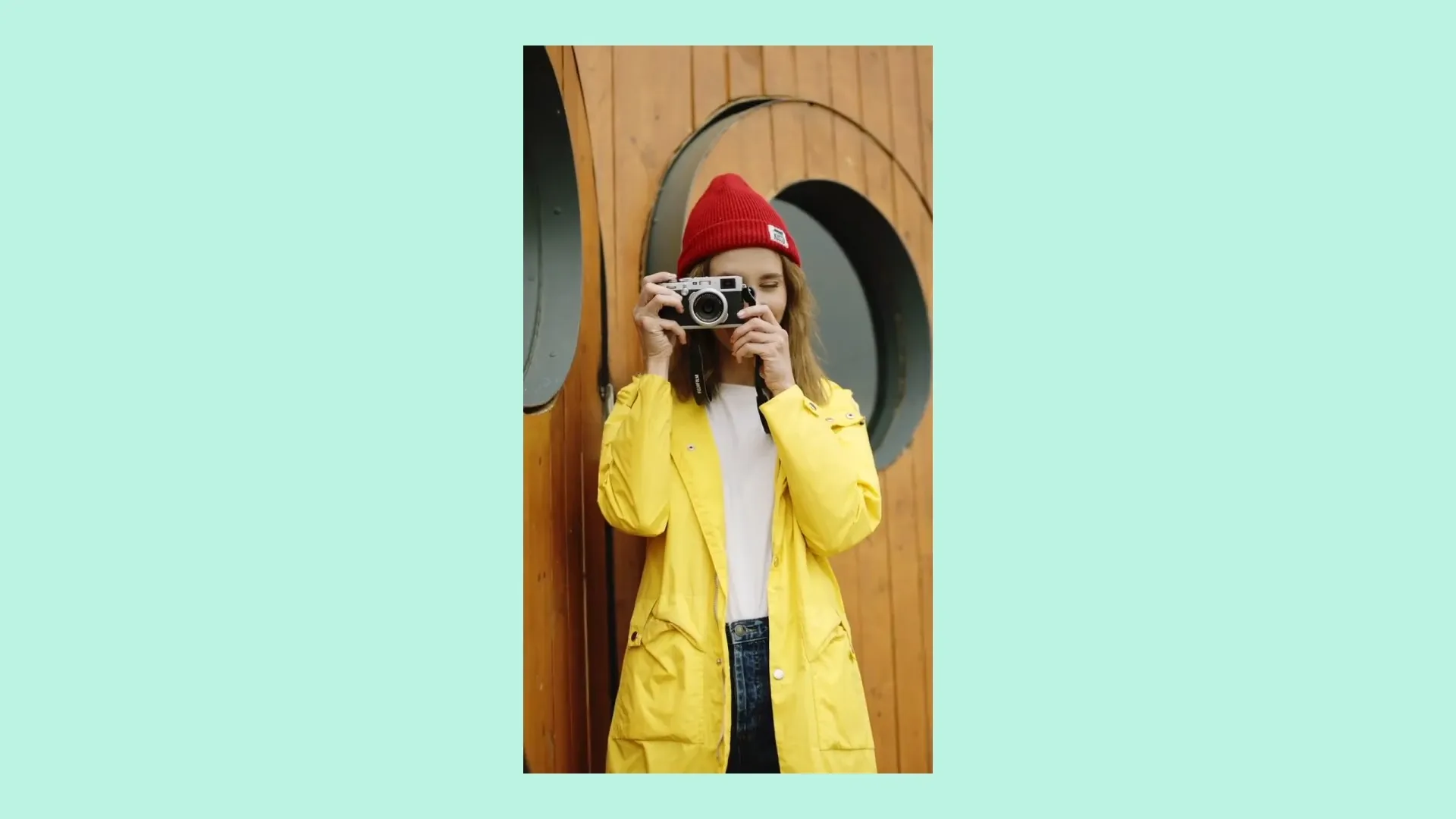
Tailor your clips with YouTube-ready designs
Save your favorite styles — like custom subtitle fonts, video transitions, and background music — and reuse them seamlessly across projects. Maintain consistency and appeal with templates and designs crafted for YouTube's broad audience, all in one online editing platform.
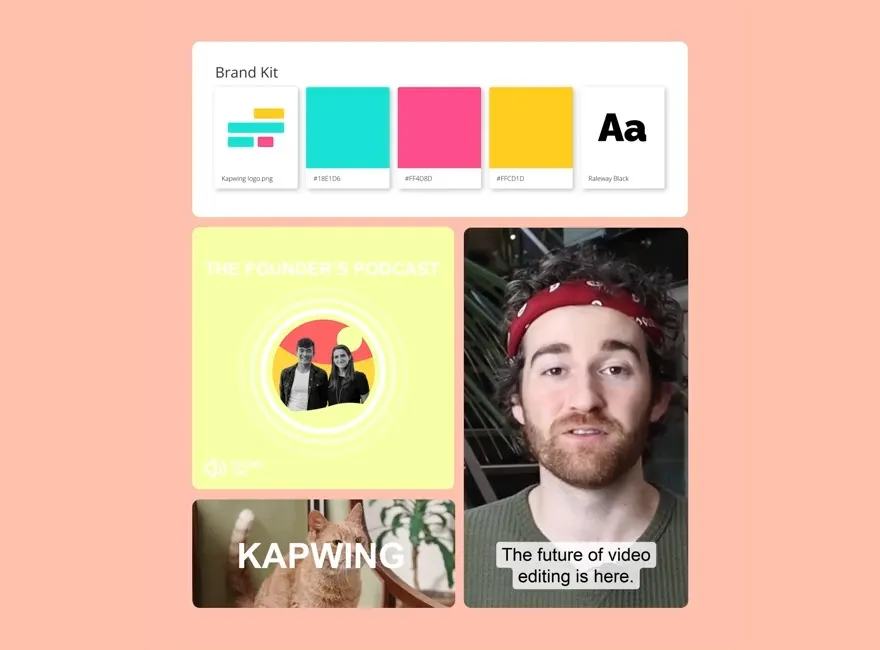
Already transforming video creation across industries
Hear directly from the teams who publish faster, collaborate better, and stay ahead.


Grow your audience with every clip
Millions of creators trust Kapwing to transform Twitch streams into shareable Shorts content
.webp)
Gaming Highlights
Gaming streamers automatically resize Twitch clips for YT Shorts to share epic gaming moments and funny team interactions with their YouTube followers
.webp)
Comedy Clips
Twitch streamers repurpose their videos for Shorts to share funny, unscripted game moments or laughable chat interactions with their fans, adding humorous captions as a final touch
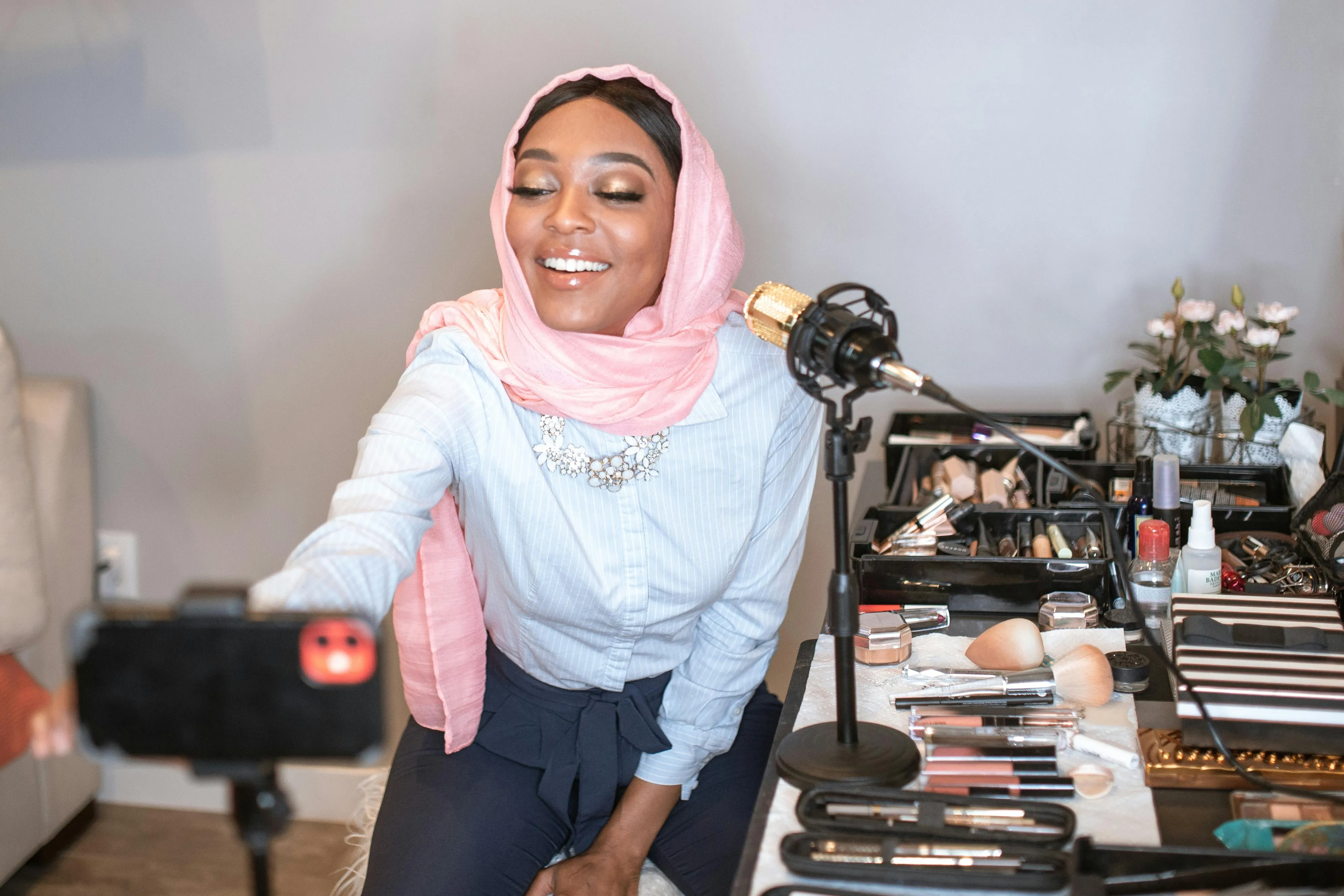
Beauty Tutorials & Tips
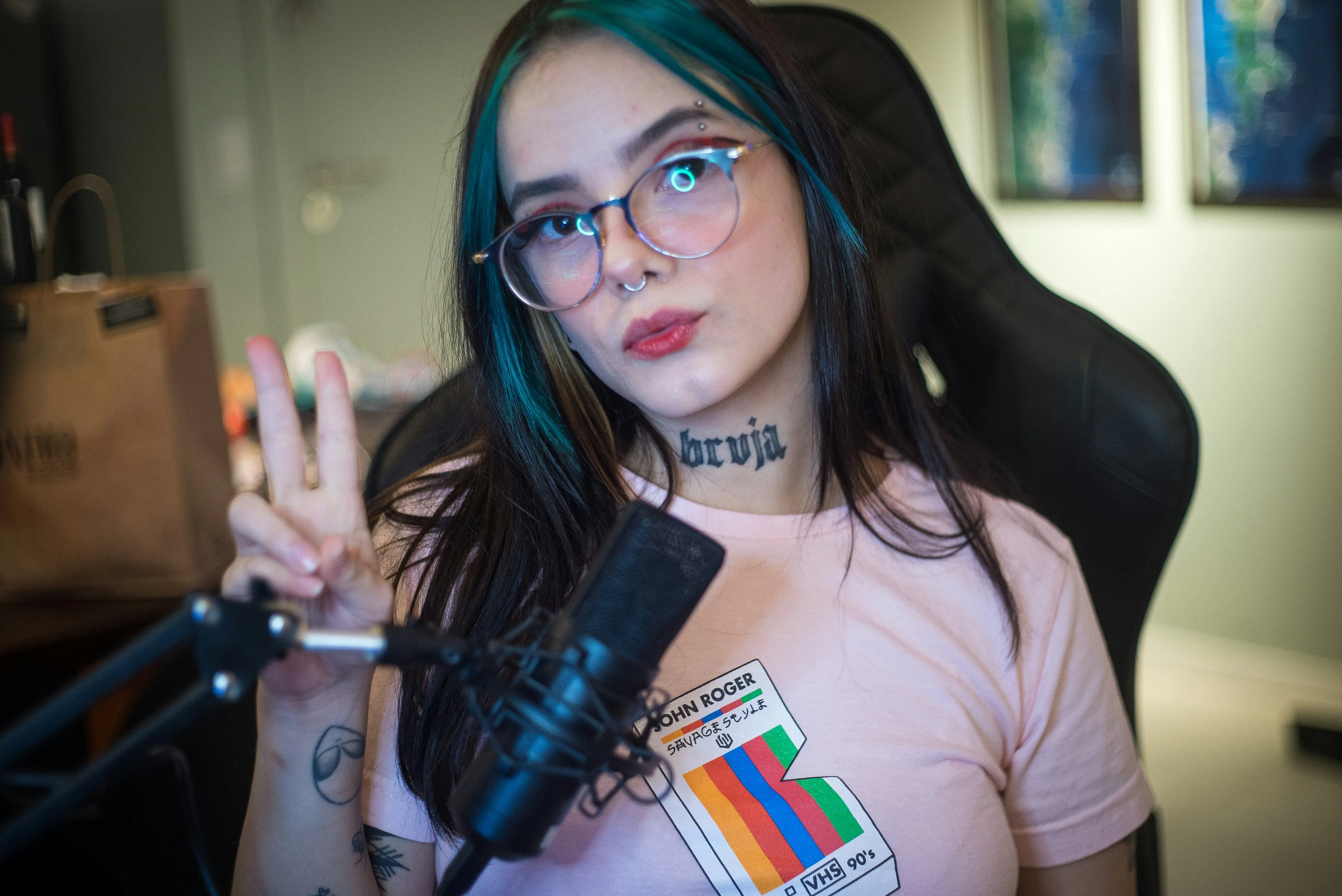
Beauty and body art streamers convert their Twitch streams into Shorts mini-tutorials that share makeup application techniques, skincare routines, and product reviews
Q&A Features
Streamers extract and upload Twitch clips to YouTube Shorts for free, showcasing high points from their live fan Q&A sessions and funny comment reactions
Speedrun Achievements
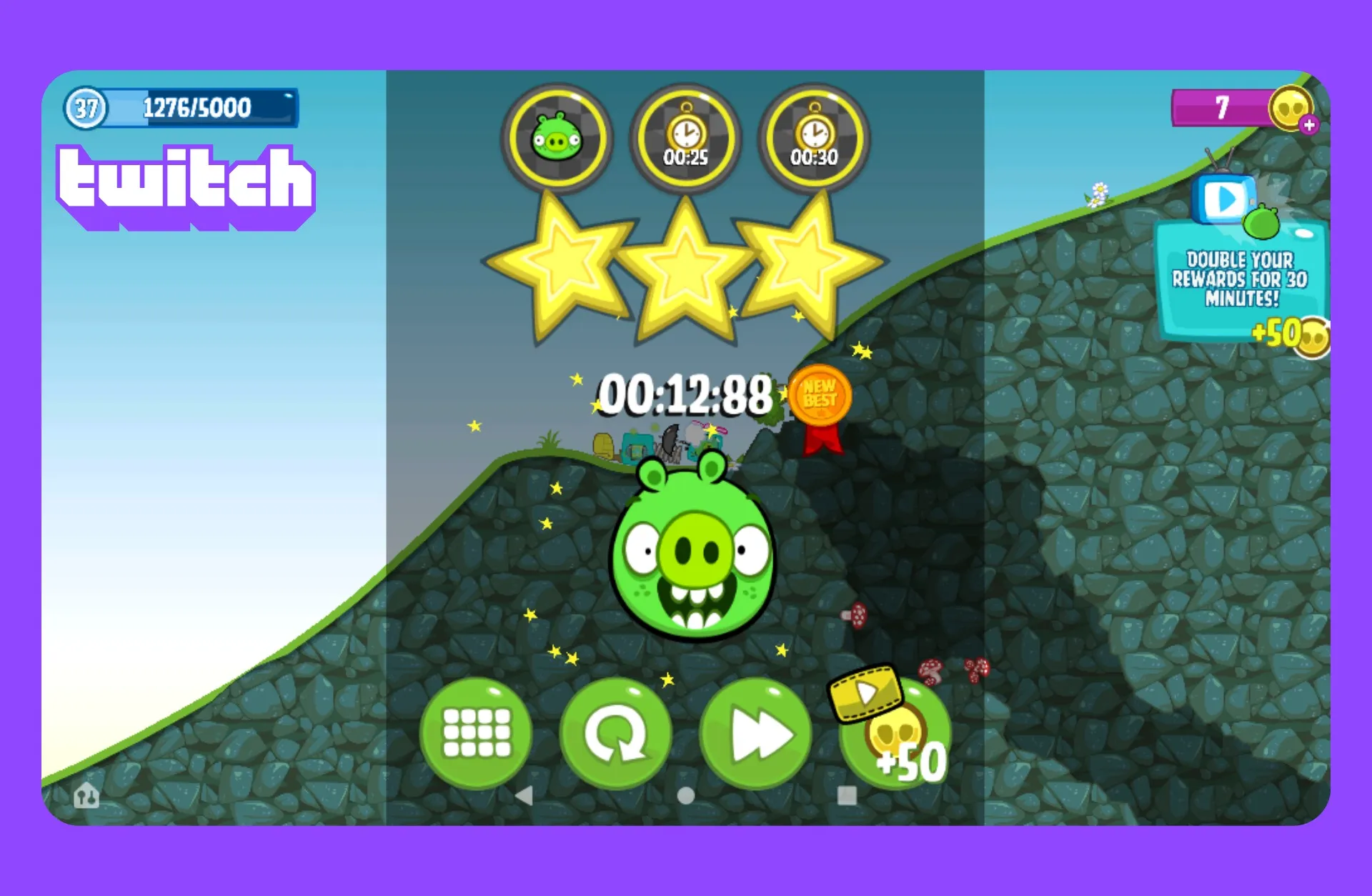
Gamers post clips on YouTube Shorts that focus on the peak moments of their speedruns, such as timer countdowns, impressive moves, or the exact moments when they set new records
Reaction Clips
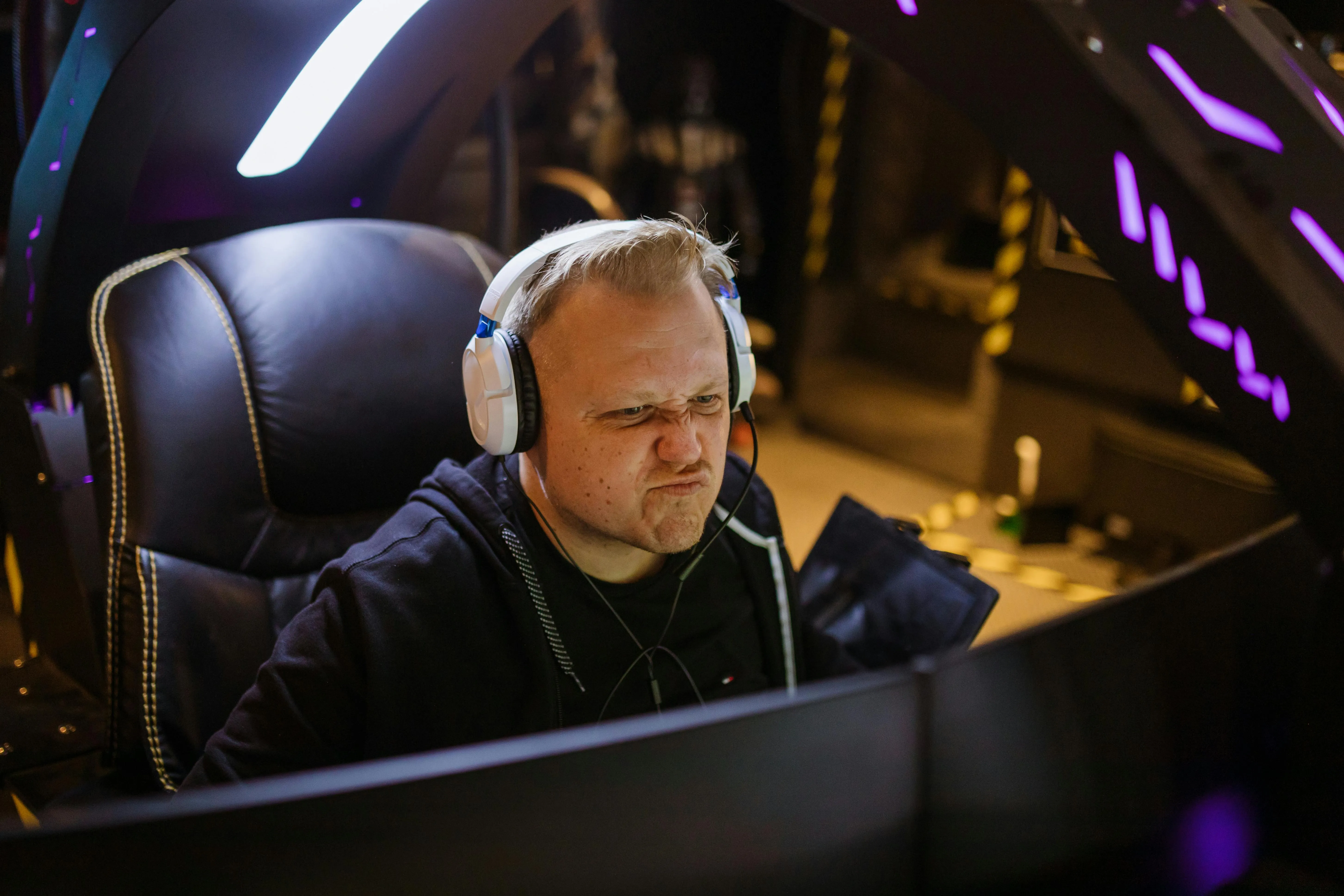
Kapwing's Auto Speaker Focus automatically zooms in on the streamer’s face or game footage, highlighting expressions and key moments without any manual editing

Tournament Recaps
Quickly crop out distracting stream overlays or sidebars to turn Twitch tournament streams into best-of clips, scoreboard time lapses, or exciting moment and reaction mashups
How to Share Twitch Clips to YouTube Shorts
- Step 1Add Twitch video
Copy your video URL from Twitch and paste it into Kapwing or upload straight from your device if you have the video downloaded
- Step 2Edit video
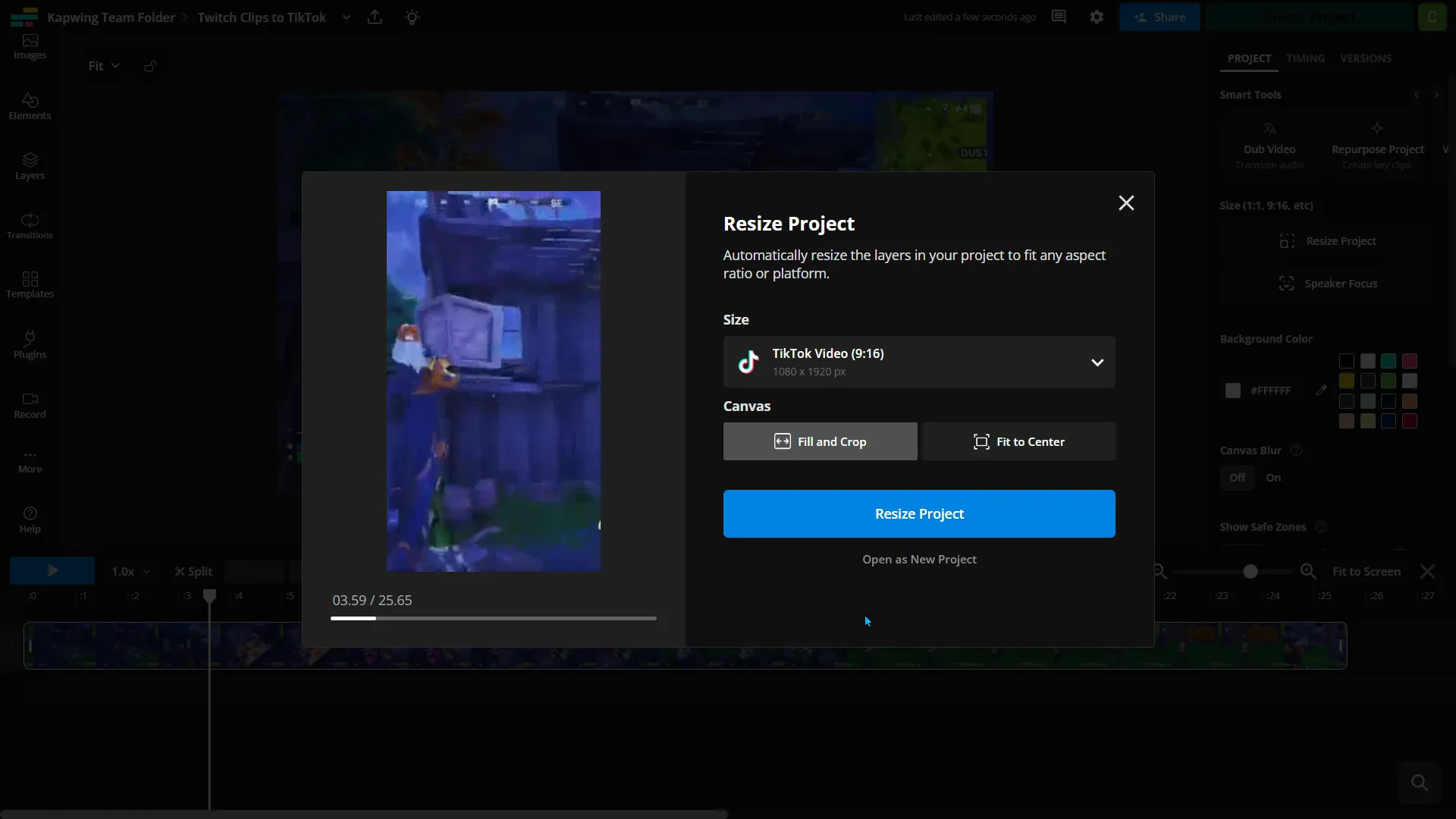
Click "Resize project" in the right-hand toolbar and resize your Twitch clips to vertical (9:16) format and choose from "Fill and crop" or "Fit to center"
- Step 3Export and post
Make any final edits, export and download the file as an MP4, and post the clips to YouTube Shorts.
*To use AI to automatically resize and find clips within your video, add the Twitch video to Kapwing's Clip Generator and follow the steps.
What's different about Kapwing?



Frequently Asked Questions
We have answers to the most common questions that our users ask.
Is Kapwing's Twitch to Shorts tool free?
Yes, Kapwing's Twitch to YouTube Shorts tool is free for all users and includes preset aspect ratios for quick and easy resizing. However, a Pro account is needed to get 4k video quality, unlimited auto-subtitling, and other features.
Is there a watermark on exports?
If you are using Kapwing on a Free account then all exports — including from the Twitch to Shorts tool — will contain a watermark. Once you upgrade to a Pro account the watermark will be completely removed from all the videos and images you create.
What is the right video size for YT Shorts?
For best results:
- YouTube Shorts: 1080 x 1920 px (vertical)
- Standard YouTube videos: 1920 x 1080 px (horizontal)
- Square clips for cross-posting: 1080 x 1080 px
YouTube Shorts are designed to be full-screen vertical, so 9:16 aspect ratio is ideal.
What are some of the most popular game streams on YouTube Shorts?
YouTube Shorts is a hotspot for gaming highlights, with popular titles like Fortnite, Minecraft, Call of Duty, Roblox, Apex Legends, and Genshin Impact. Many creators clip their Twitch streams into vertical Shorts to boost reach and engagement.
How do I make Twitch clips that are worth sharing on Shorts?
To make Twitch clips worth sharing on YouTube Shorts, focus on short, high-impact moments— like epic plays, funny reactions, or exciting highlights under 60 seconds. Use a vertical 9:16 layout, add captions or overlays for context, and keep the clip fast-paced and engaging.
How do I find my Twitch clips?
You can find your Twitch clips in the Clips page of your Creator Dashboard. Go to Creator Dashboard > Content > Clips. Here, you can sort and filter clips, edit titles, and watch or share clips.
How to post Twitch clips to YT Shorts
Follow these five steps to take a Twitch clip and post it to YouTube Shorts:
- Download Your Twitch Clip: Save clips from Twitch by selecting “Share” and then “Download.”
- Resize for Shorts: Use an editing tool like Kapwing’s Twitch to Shorts converter to adjust the clip to a vertical 9:16 format.
- Highlight Key Moments: Trim your clip and focus on the most exciting or funny moments (we recommend clips under 60 seconds).
- Customize for Shorts: Add captions, overlays, or music to make the clip more engaging for YouTube viewers.
- Upload to YouTube Shorts: Post directly via the YouTube app, adding a title, description, and hashtags to reach a wider audience.
Can I post a Twitch clip directly from Twitch to YouTube?
No, Twitch doesn’t currently let you post clips directly to YouTube. To share a Twitch clip on YouTube, you need to download the clip first, then edit or resize it (for example, into a vertical 9:16 format for Shorts) before uploading it to your YouTube channel.
How to keep your webcam visible when converting to vertical videos
Twitch streams are usually horizontal (16:9), but YouTube Shorts are vertical (9:16). To preserve your content, you should consider:
- Reframe the video: Crop the gameplay area while keeping the webcam overlay in view.
- Split the screen: Another method is adding a vertical background or duplicate gameplay as a blurred vertical frame behind your clip, keeping both the gameplay and webcam visible via a split screen.
- Highlight the action: Focus on the main gameplay moment or your reaction; don’t try to fit everything from the original stream into one vertical clip.
Discover Resources
Tips, templates, and deep dives to help you create faster and share with confidence.
View all
Get started with your first video in just a few clicks. Join over 35 million creators who trust Kapwing to create more content in less time.