Remove Filler Words
Automatically remove filler words, pauses, and silences — just by asking AI

Clean up recordings with— instantly
Use simple requests to remove anything from your speech
Eliminate filler words and pauses in seconds
Tired of cleaning up “um,” “uh,” “erm,” awkward pauses, and messy voice overs manually? Just ask Kapwing’s AI assistant.
Remove filler words, eliminate silences, or clean up speech entirely — AI instantly delivers a natural, professional-sounding audio or video recording in seconds.
It's the ultimate tool for voice overs, narration, talking head videos, interviews, podcasts, or any recording that needs to a polished and professional finish.
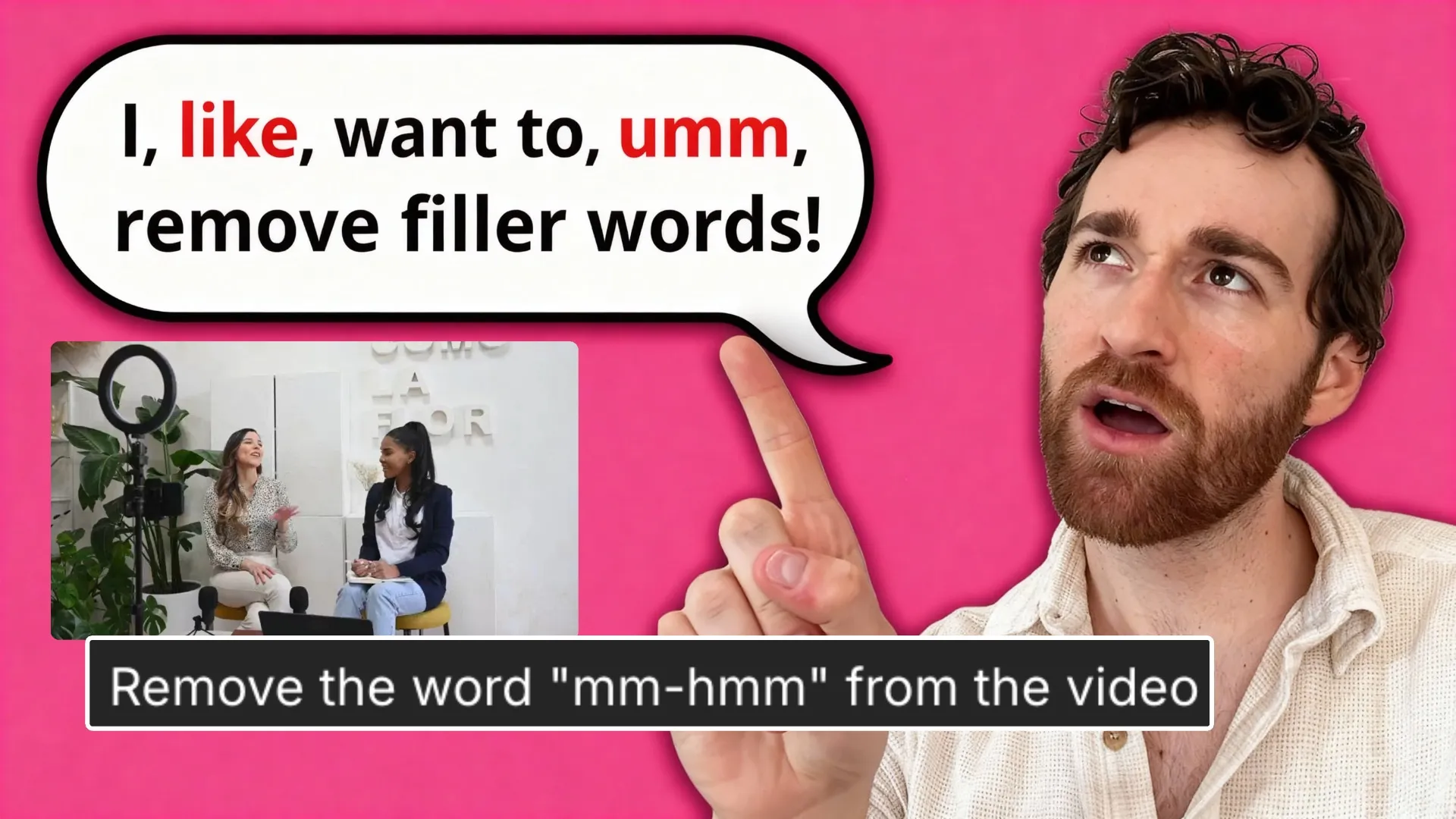
Automatic clean up with studio-grade quality
Video and audio editing is full of tedious tasks — especially cutting stutters, speech mistakes, and filler words that hurt retention and slow narration speed.
These interruptions affect engagement on social media, make creators sound less professional, and require hours of trimming.
With Kapwing, you simply tell the AI what you want fixed, and it handles the heavy lifting. Whether you give a broad command like “remove all silences” or specify certain filler phrases you commonly repeat, AI delivers a clean, polished result every time.

Faster audio and video editing
Kapwing’s streamlined workflow transforms narration cleanup for marketing teams, content creators, and podcasters who need studio-grade results quickly.
In the same studio you can eliminate background noise, manually split or trim, add subtitles, and finish your entire edit — all online, from one browser tab.
Teams and freelancers can collaborate in real time — reviewing edits, leaving feedback, and refining content in one shared platform. The payoff: cleaner audio, more confident speech, faster delivery, and professional-quality production without losing creative control.

Polished audio for every project
Millions of creators use Kapwing to remove filler words, trim pauses, and deliver professional results

Podcast Episodes
Podcasters rely on automatic filler word removal to cut “um,” “uh,” and long pauses from episodes without spending hours editing, improving pacing and making each podcast more engaging
.webp)
Social Clips
With tighter delivery, Reels, Shorts, and TikToks feel more confident and professional on screen, helping social media managers and content creators with engagement and retention
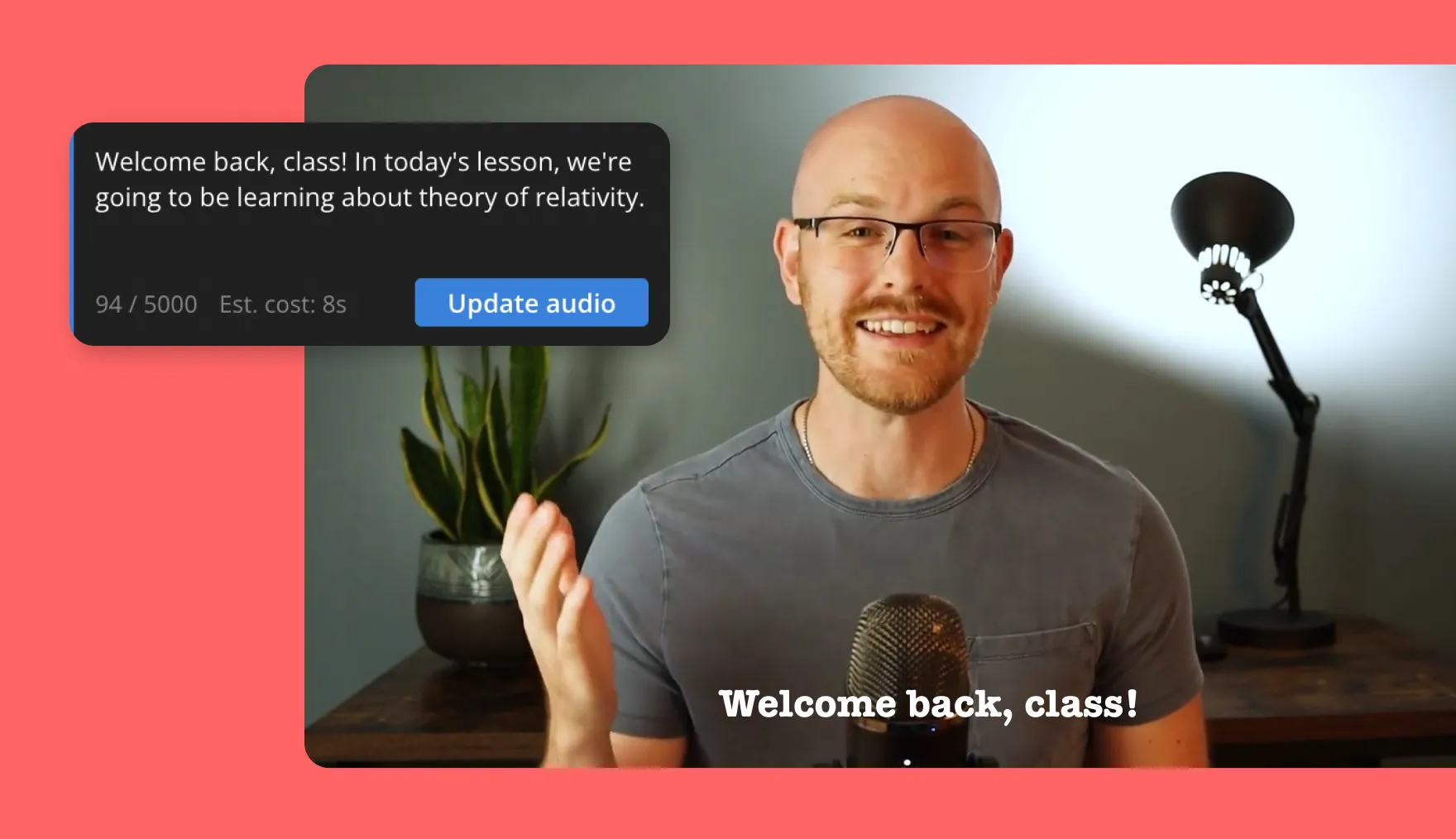
Video Tutorials
Online coaches, educators, and L&D teams use AI to clean up voice overs for step-by-step guides — removing hesitations make instructions easier to follow

Interviews
Journalists, thought leaders, and podcast hosts polish multi-speaker recordings to maintain conversational flow, cutting filler words while preserving authenticity

YouTube Videos
YouTubers clean up videos by automatically removing rambling moments, repeated words, silences, and slow delivery, reducing drop-off and enhancing storytelling

Demo Recordings
Editing recordings with Kapwing helps sales reps and customer success teams refine pitch recordings and product demos, ensuring every point is communicated with clarity and credibility

Online Courses & Lessons
Academic creators, tutors, and teachers refine their recordings by cutting filler words to make explanations clearer. This helps learners stay engaged and focused on core ideas.
How to Remove Filler Words
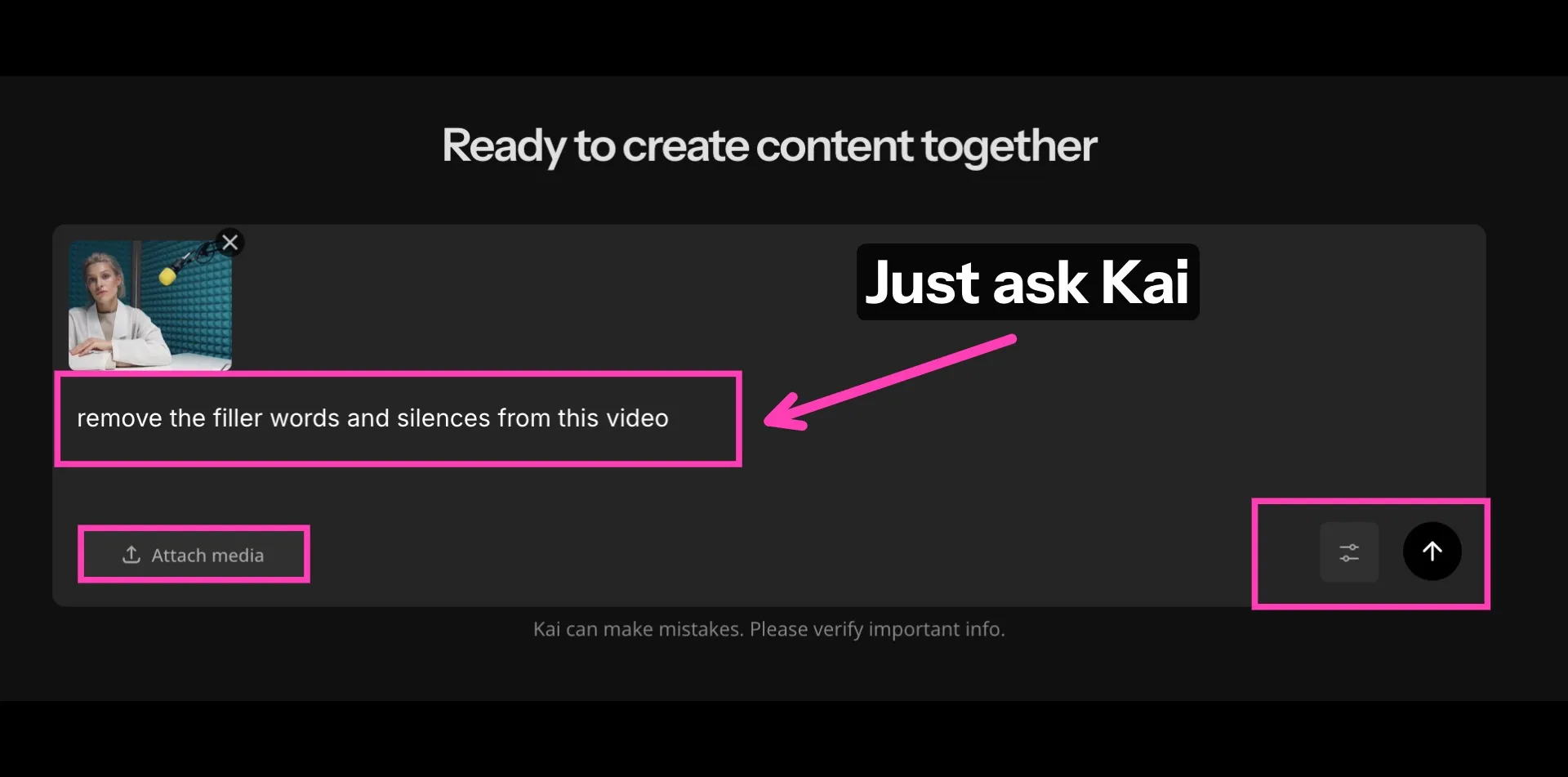
- Step 1Open Kapwing
Open Kapwing's AI Assistant. From there, upload the audio or video you want to edit.
- Step 2Remove filler words
Type in a prompt explaining what you want to remove — i.e filler words, certain phrases, or silences.
- Step 3Edit and export
Edit your video further using the AI Assistant or the timeline editor.
What's different about Kapwing?



Already transforming video creation across industries
Hear directly from the teams who publish faster, collaborate better, and stay ahead.


Frequently Asked Questions
We have answers to the most common questions that our users ask.
Is the Remove Filler Words tool free?
Yes, anyone can try Kapwing’s AI Assistant for free. Just open a chat, upload your file, and request the audio cleanup you need.
Does this change how my voice sounds?
No — the goal is to keep your voice natural. It simply cuts unwanted sounds and pauses, maintaining your tone and delivery while improving pacing and clarity.
Can I choose which words or pauses to remove?
Yes, you can specify exactly what to clean — like “remove ums,” “cut long silences,” or “delete repeated phrases.” You stay in control of what gets edited.
Does the Remove Filler Words tool work on all accents?
Yes — Kapwing supports all accents. The AI analyzes speech patterns and phrasing, so filler words are recognized even when spoken differently.
What audio files do you support?
Most standard audio formats are supported, including .mp3, .m4a, .flac, .wav, .aac, and .ogg.
Can I remove filler words from audio and video?
Yes, the tool works on both audio-only recordings and full video files, including podcasts, screen recordings, tutorials, and talking-head videos.
What if my audio recording is noisy?
Kapwing does a great job separating speech from background interference when removing filler words and silences. If you need extra cleanup, you can use our one-click Background Noise Remover first.
How long can my audio file be?
The maximum audio file size for a Kapwing upload is 250MB for free users and 6GB for paid users. This applies to both audio and video files, though Kapwing's free plan also has an export time limit of 4 minutes, while paid plans allow up to 120 minutes for export.
Can I add background music and sound effects?
Yes, Kapwing includes a library of thousands of background music tracks and sound effects. You can also ask the AI Assistant to generate a unique background track, full song, or custom sound effect from scratch using a short prompt.
Discover Resources
Tips, templates, and deep dives to help you create faster and share with confidence.
View all


Get started with your first video in just a few clicks. Join over 35 million creators who trust Kapwing to create more content in less time.