Compare, combine, and generate with MiniMax AI Music models 3.0 and 2.0
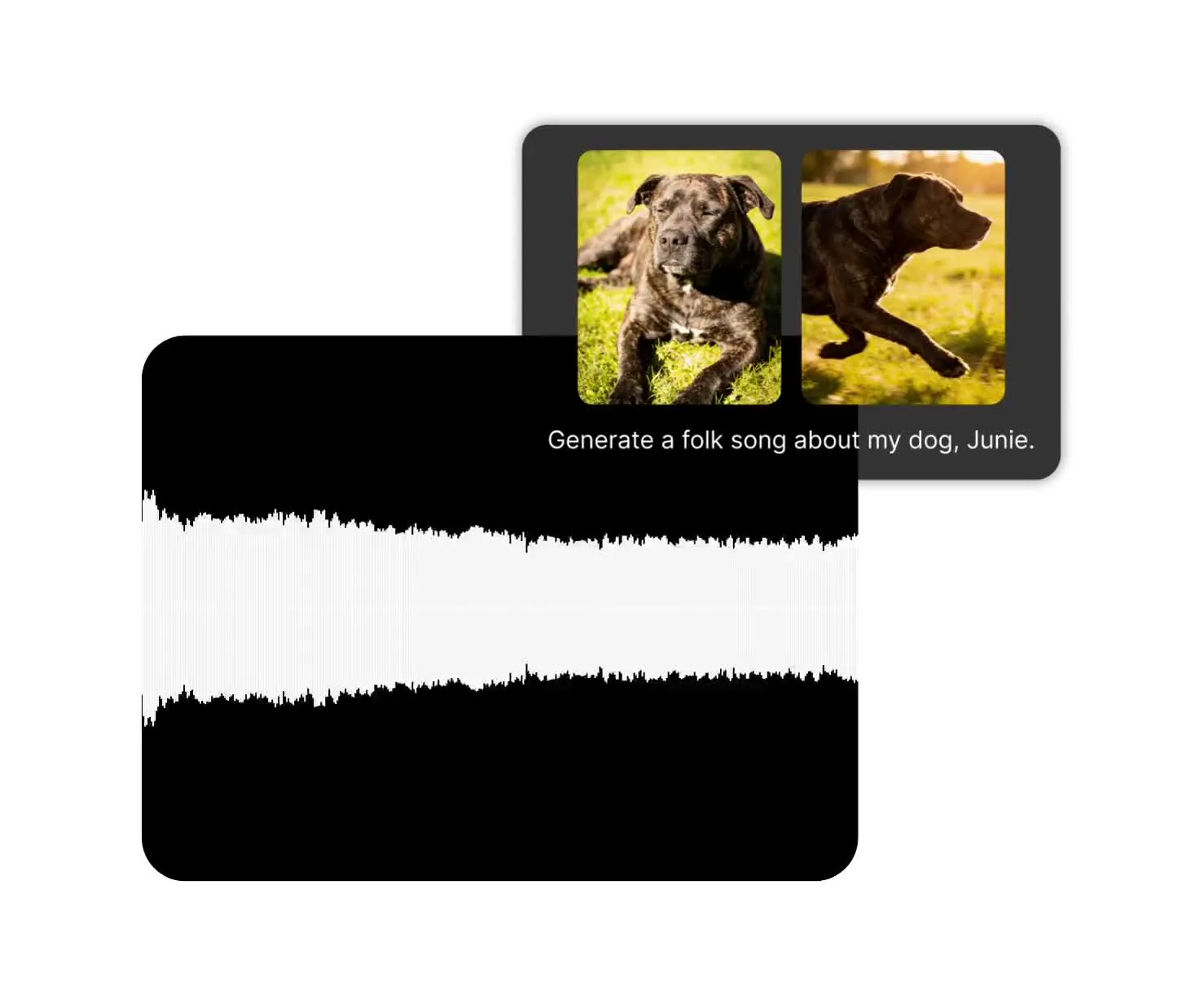
MiniMax AI Music generator in Kapwing
Try music 3.0 and music 2.0 for free
Multiple MiniMax AI models in one subscription
Kapwing brings multiple MiniMax AI Music models into one workspace.
Choose Music 3.0 for expressive vocal songs using your own lyrics or auto-generated lyrics.
Or, start with Music 2.0 for lower-cost audio drafts and testing song styles.
Generate the audio you need, then combine with video, images, B-roll, or add subtitles, voice over, and waveforms inside the online editing studio.
Generate music for every type of project
Songs, backing tracks, jingles, creative tests, and commercials.
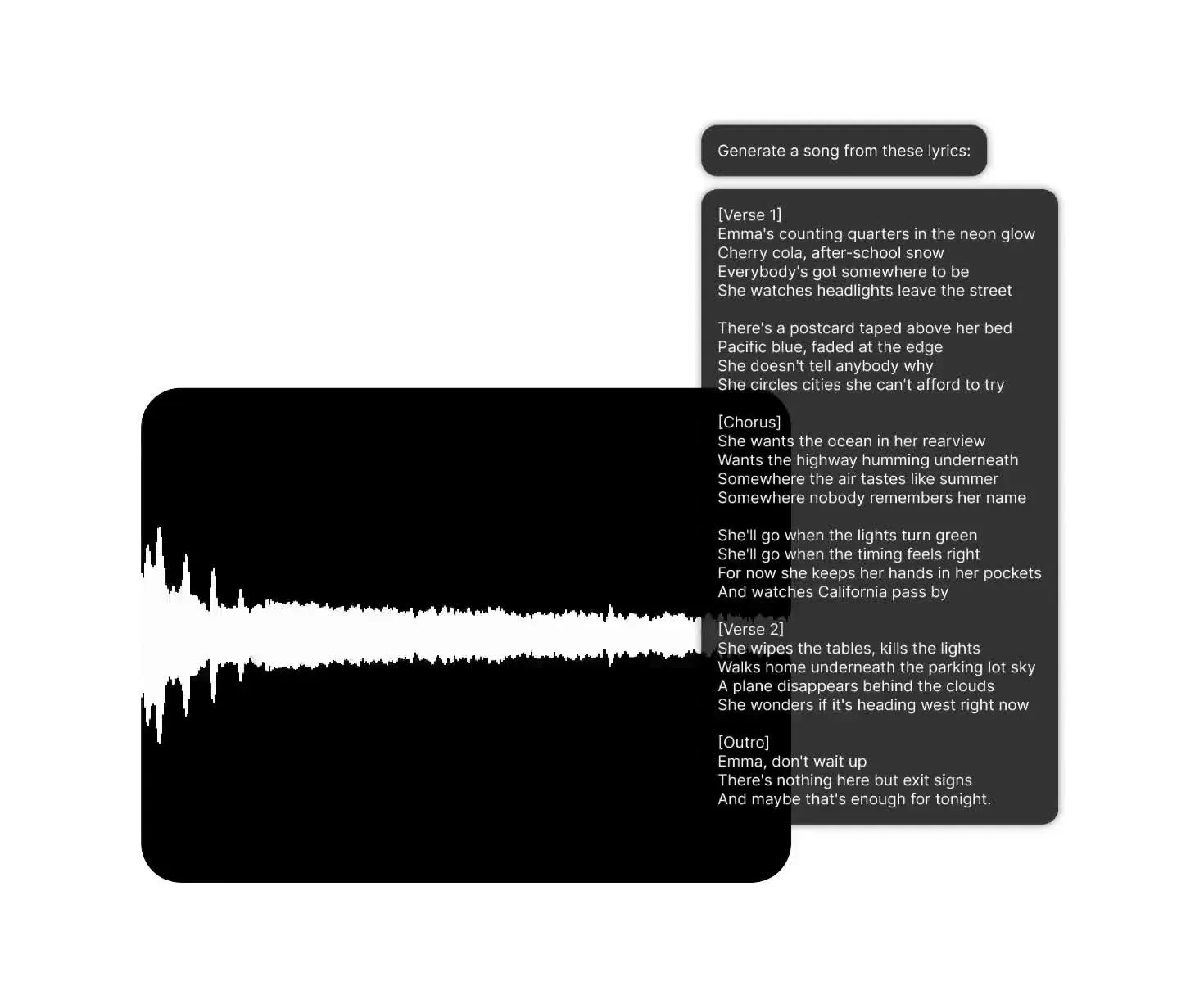
Realistic vocals
Describe the genre, vocal tone, and delivery you want from MiniMax Music 3.0. Generate natural, expressive singing, and guide the song’s structure with tags such as [Verse], [Chorus], and [Bridge].
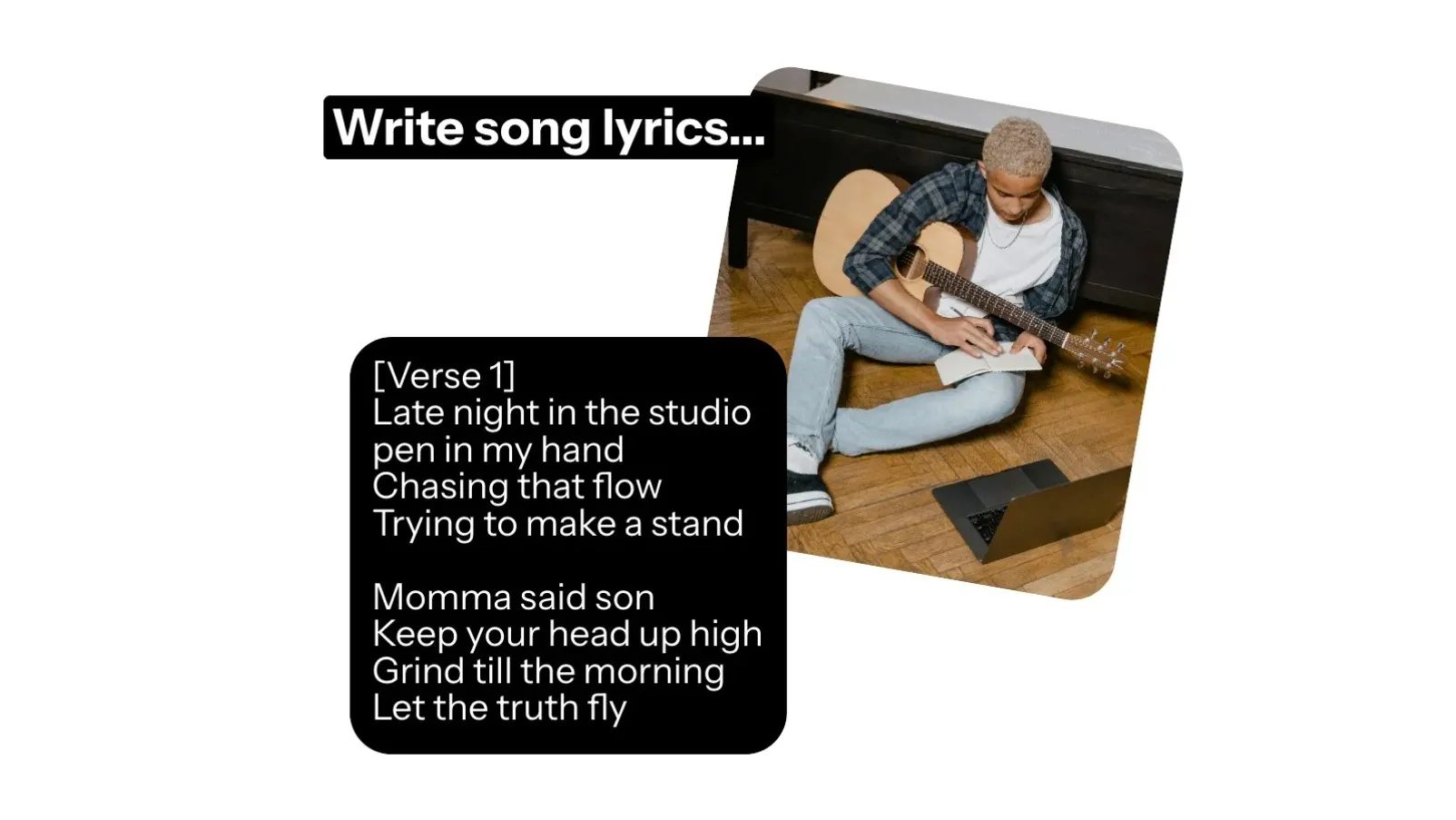
Auto or manual lyrics
Let MiniMax Music 3.0 write lyrics from your concept, or supply your own words when the message and phrasing need tighter control.
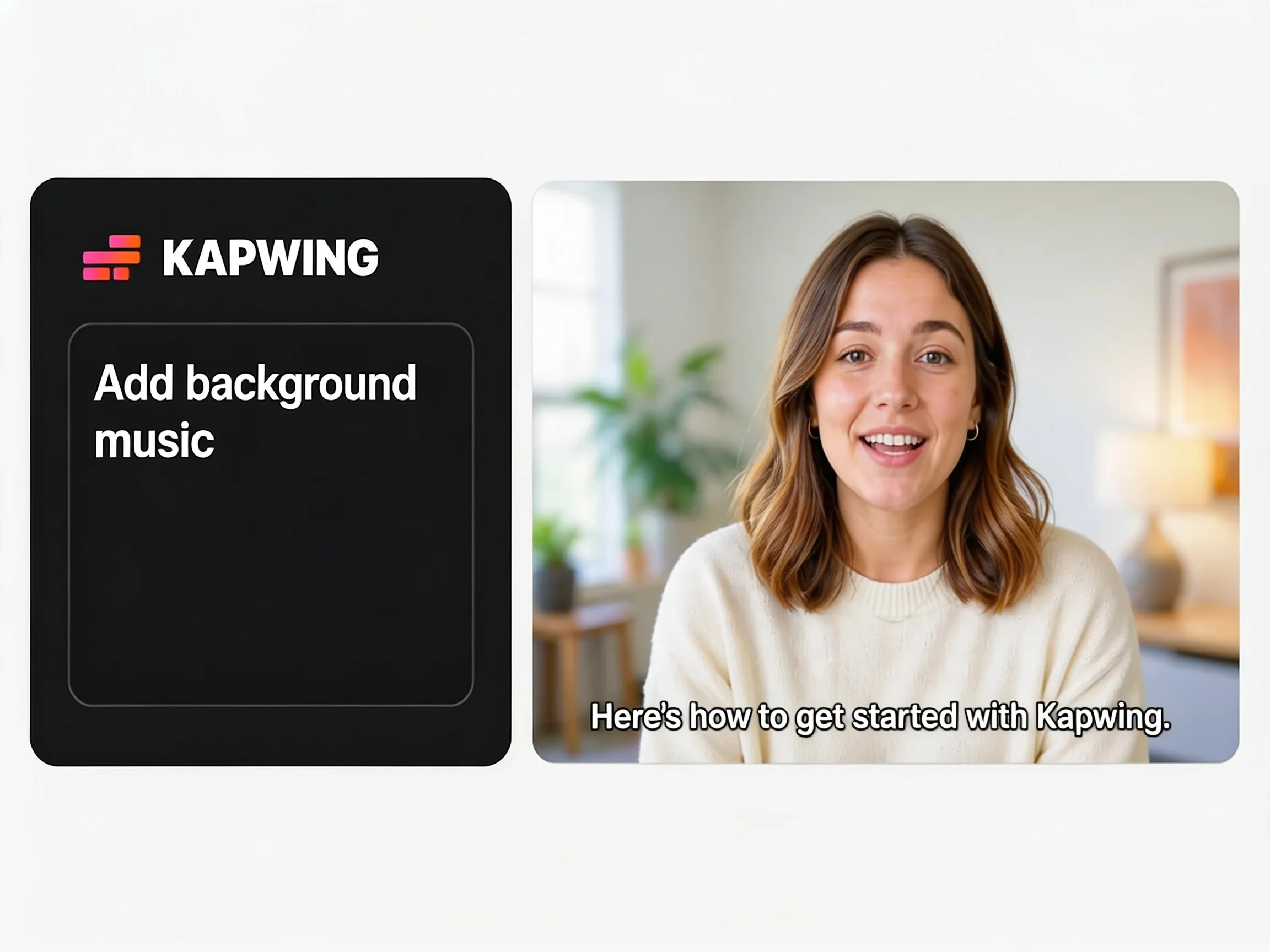
Low-cost music drafts
Use MiniMax Music 2.0 to turn your lyrics into lower-cost song ideas, hook tests, and early creative drafts before spending more credits on a final version.
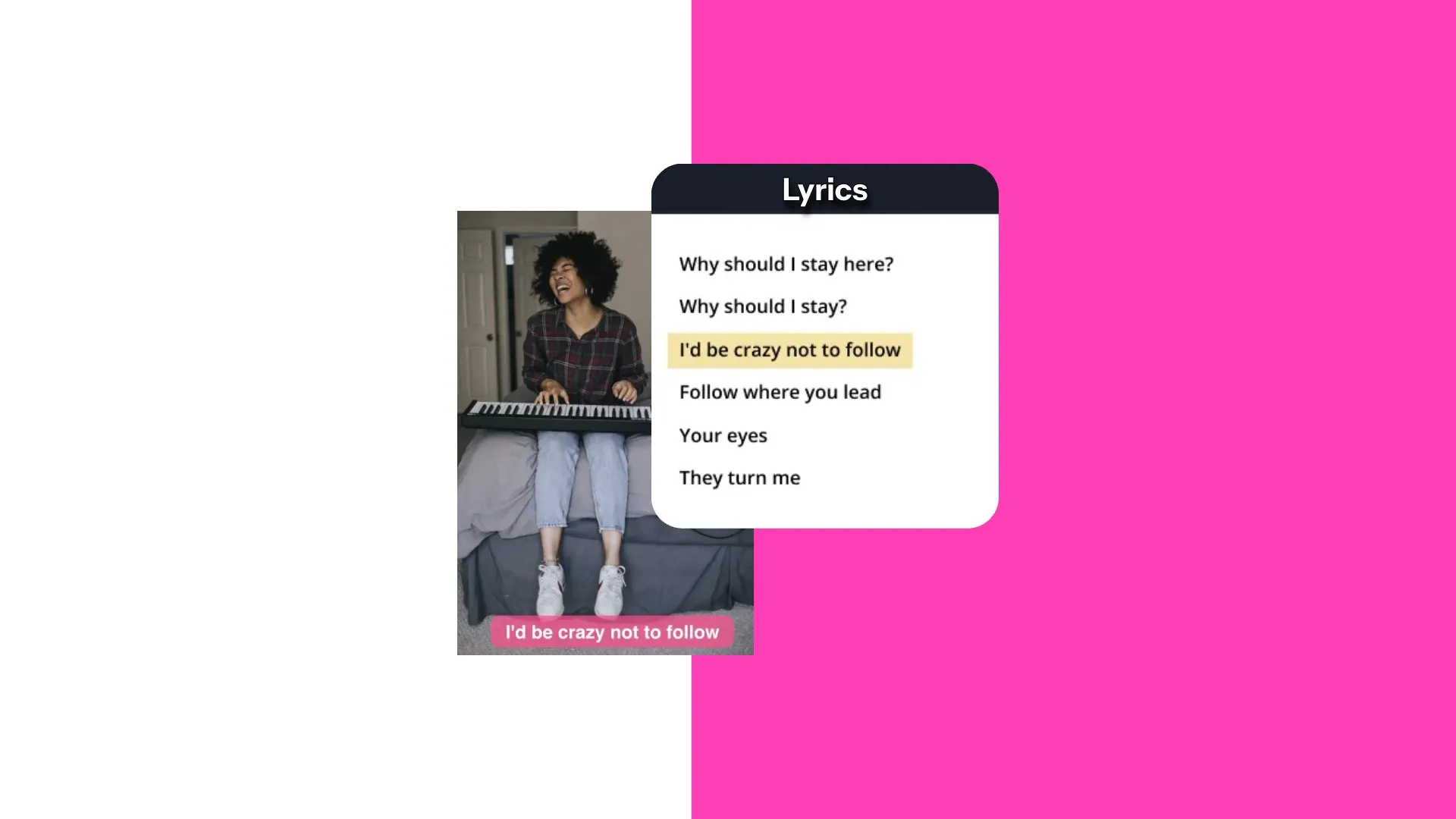
Full songs
Generate complete songs up to five minutes long with MiniMax Music 3.0. Guide the progression from verse to chorus, with changes in energy, evolving arrangements, and a clear ending.
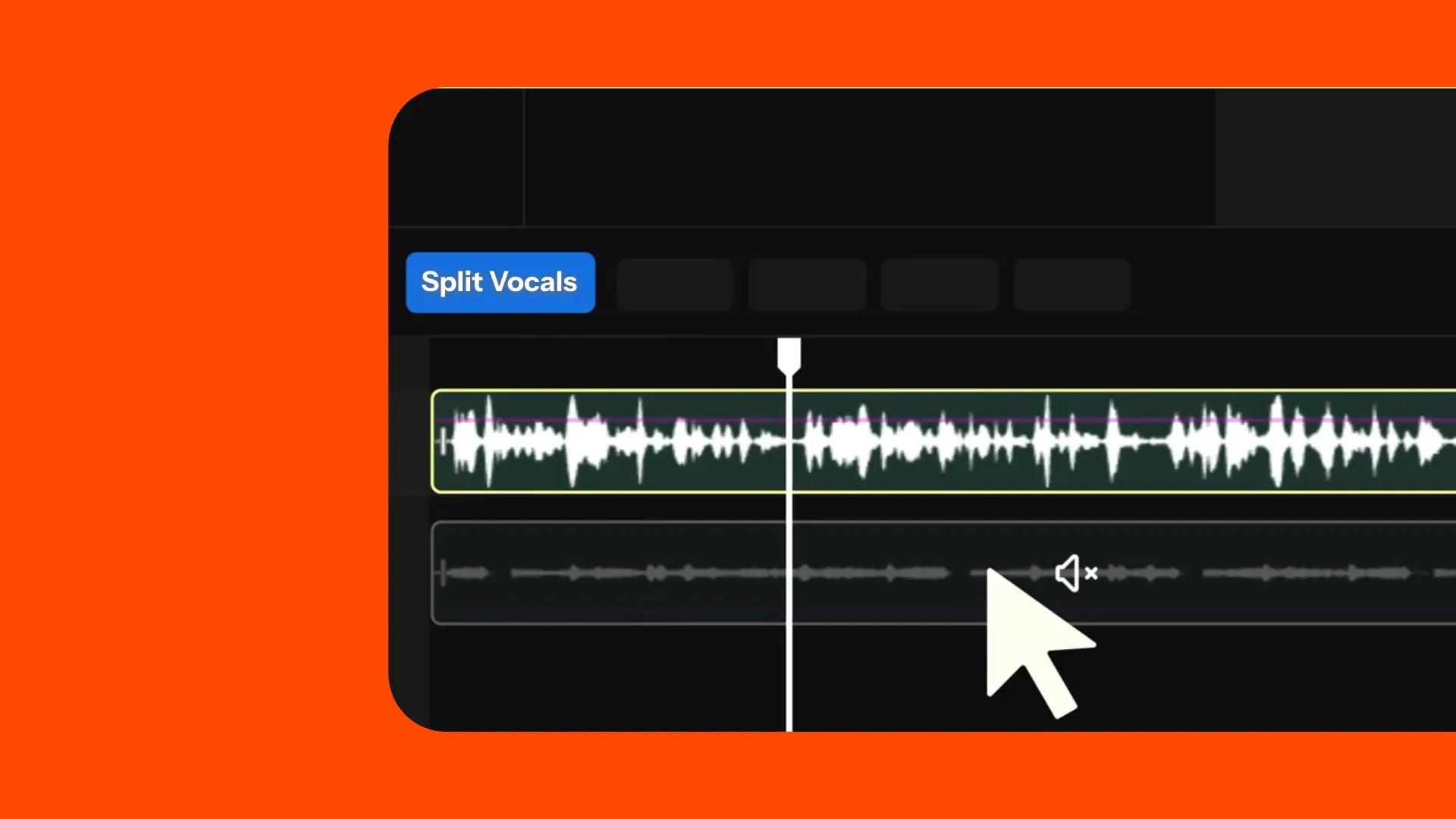
Generate, edit, combine
Use Kapwing’s audio tools to separate vocals from the instrumental. Trim each track, adjust the volume, add fades, and combine your music with video.
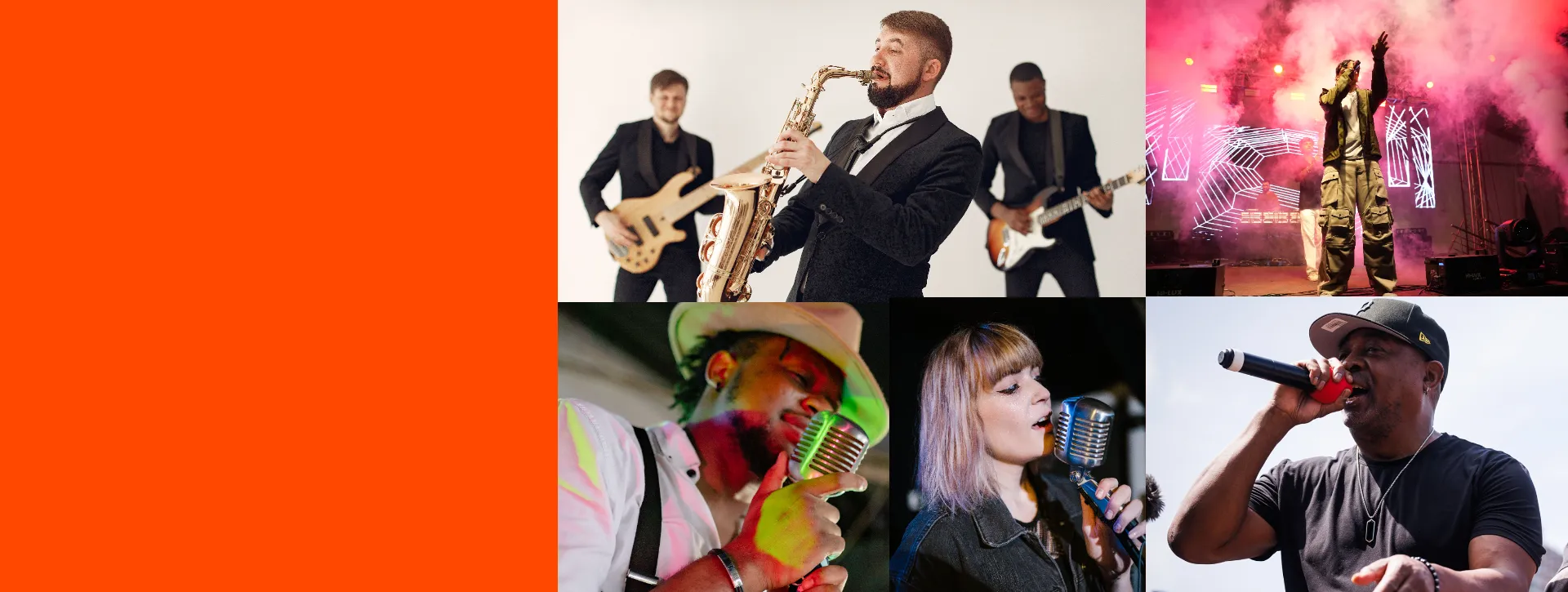
Explore genres
Hear your lyrics in pop, indie, electronic, country, and other genres, then compare which style fits best.
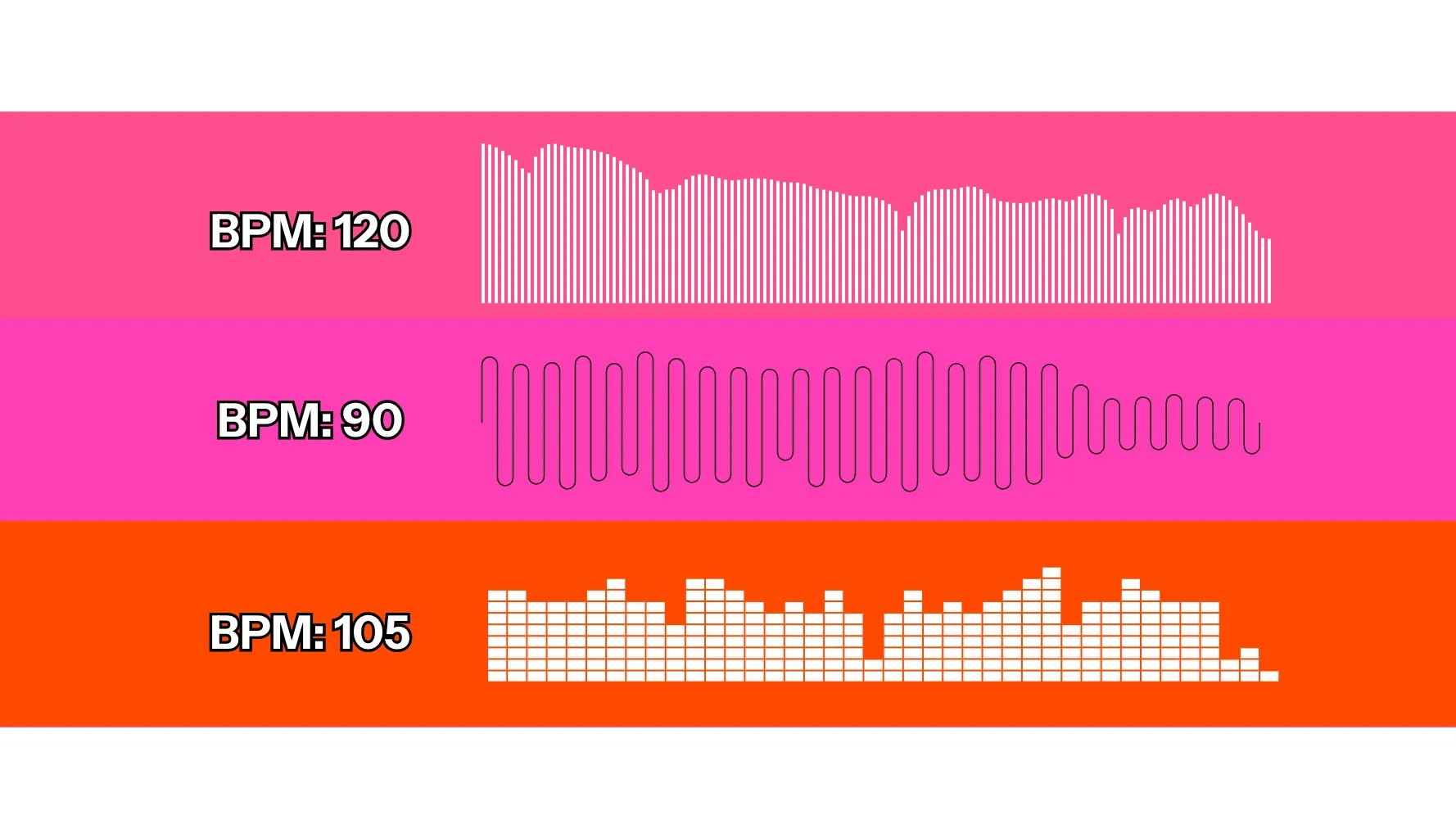
Compare arrangements
Keep your lyrics and genre consistent while experimenting with tempos, vocal styles, and song structures.
MiniMax Music 3.0 and Music 2.0
Low-cost music drafts and full songs up to five minutes long
MiniMax Music 3.0
Choose MiniMax Music 3.0 for complete songs up to five minutes long, with expressive vocals and evolving arrangements.
Use everyday language to describe the genre, mood, instruments, and singing style — or guide the structure with [Verse], [Chorus], and [Bridge] tags and up to 3,500 characters of lyrics.
Use to: Generate songs with natural vocal delivery, clear instrumentation, and a distinctive genre or mood. Supply your own lyrics, let AI write them, or request an instrumental.
Built for: Original songs for advertising campaigns, branded videos, theme songs, and jingles, plus instrumental backing tracks and trailer music
MiniMax Music 2.0
Choose MiniMax Music 2.0 to turn your lyrics into lower-cost song drafts and compare different genres, tempos, and vocal styles.
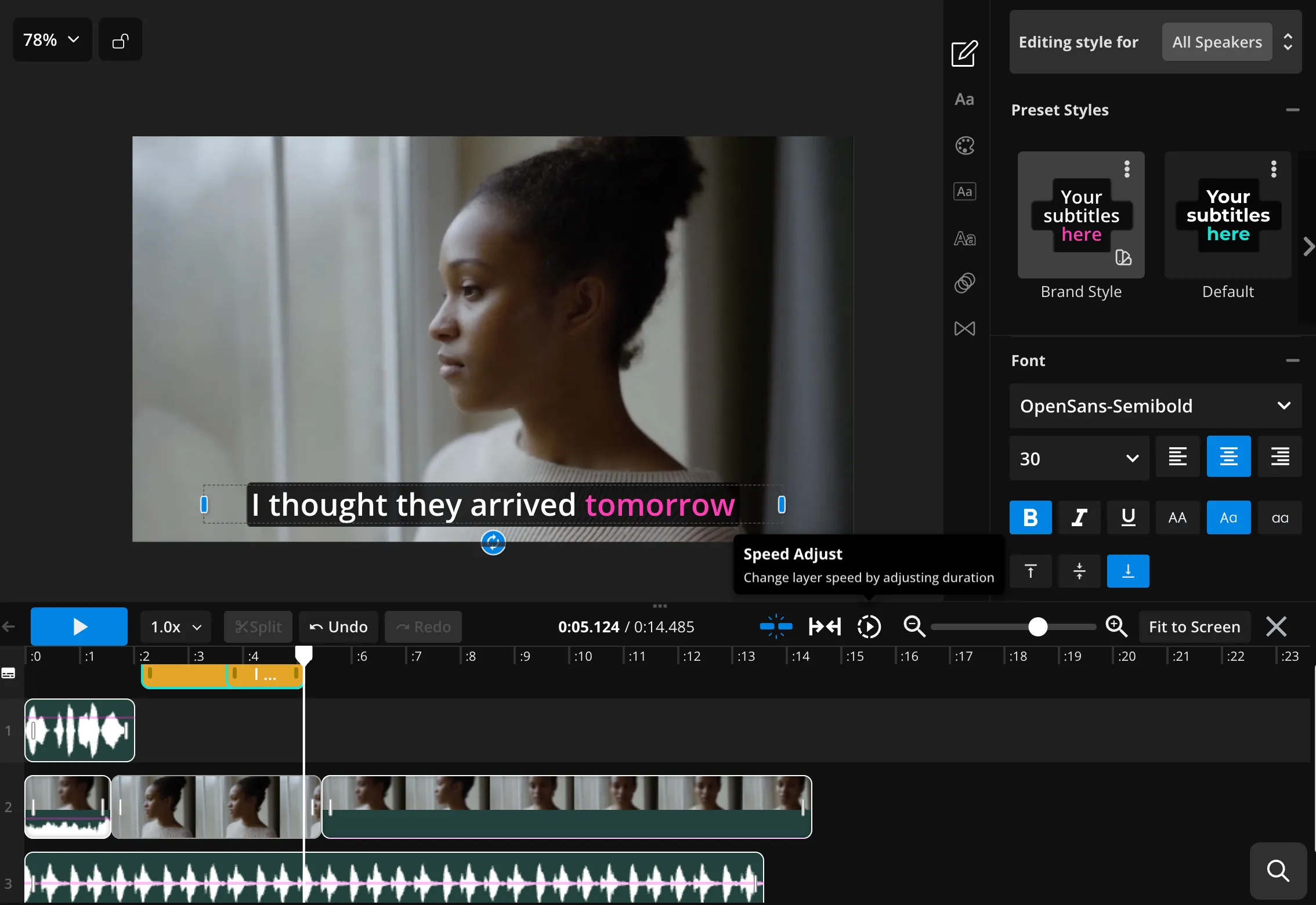
Bring the strongest track into the timeline editor to trim it, adjust the volume, add fades, and pair it with video.
Use to: Test hooks, explore arrangements, and generate early song ideas with vocals and instrumental accompaniment while keeping your lyrics consistent.
Built for: Songwriters and producers prototyping hooks and arrangements, and video creators, podcasters, and marketing teams drafting theme songs, intros, jingles, and campaign music for pitches and rough cuts.
Why use MiniMax in Kapwing
Generate the asset — keep building the project
Video and music belong in the same workflow
MiniMax can create multiple shots within a single generation. When your prompt needs more scenes, Kapwing generate several MiniMax clips and combines them into one cohesive sequence.
Crop, subtitle, translate, and resize the result in Kapwing’s timeline editor. Create a custom soundtrack with MiniMax Music 3.0 or Music 2.0, add it directly beneath your footage, and adjust the mix.
You can also use other Kapwing AI models — including ChatGPT Image, Nano Banana, Kling, and Seedance — to create reference images, additional footage, and sound effects. All from your browser, without paying for separate subscriptions.
Discover Resources
Tips, templates, and deep dives to help you create faster and share with confidence.
View all


Frequently Asked Questions
We have answers to the most common questions that our users ask.
MiniMax Music is a family of AI models that generate songs from lyrics and descriptions of musical style. In Kapwing, choose Music 3.0 for complete songs with expressive vocals or instrumental tracks, or Music 2.0 for lower-cost song drafts using your own lyrics.
Kapwing currently includes MiniMax Music 3.0 and MiniMax Music 2.0.
Kapwing is free to try. Music generation uses AI credits, with costs varying by model and longer songs generally requiring more credits. For more AI credits and regular use of MiniMax Music and other AI models in Kapwing, consider a Pro plan.
MiniMax Music 3.0 can generate complete songs up to five minutes long. The length varies with the lyrics, structure, and generation.
MiniMax Music 3.0 is Kapwing’s higher-quality MiniMax song model. It creates expressive vocal music with strong genre styling and realistic delivery, using either automatically generated lyrics or lyrics you provide.
Yes. Add your generated music to Kapwing’s timeline to trim it, adjust the volume, add fades, and combine it with video or voice-over. You can also use Kapwing’s vocal separator to separate singing from the instrumental for further editing.
Open Kapwing’s AI assistant, Kai, and select a MiniMax Music model. Describe the genre, mood, instruments, and vocal style you want. Add your lyrics — or let Music 3.0 write them — then generate your track and bring it into the editor.
Kapwing's AI video models include; Grok Imagine Video, Veo, Seedance, MiniMax, Kling, and Happy Horse.
Image AI models: ChatGPT Image, Google Nano Banana, Grok Imagine Image, and Seedream.
Audio AI models: Google Lyria, MiniMax Music, and ElevenLabs Music.
Yes. Both MiniMax Music 3.0 and 2.0 accept your own lyrics, with up to 3,500 characters. Add tags such as [Verse], [Chorus], and [Bridge] to guide the song’s structure. Music 3.0 can also generate lyrics from your concept, while Music 2.0 requires you to supply them.
Yes. Select MiniMax Music 3.0 and request an instrumental, describing the genre, mood, instruments, and tempo you want. Use it for backing tracks, podcast music, or video soundtracks. Kapwing’s Music 2.0 integration requires lyrics and doesn’t offer a dedicated instrumental mode.
Export your finished music as an MP3 audio file, or combine it with visuals and export an MP4 video.
Get started with your first video in just a few clicks. Join over 35 million creators who trust Kapwing to create more content in less time.