Create posters with AI online.
Download as JPEG without watermarks.
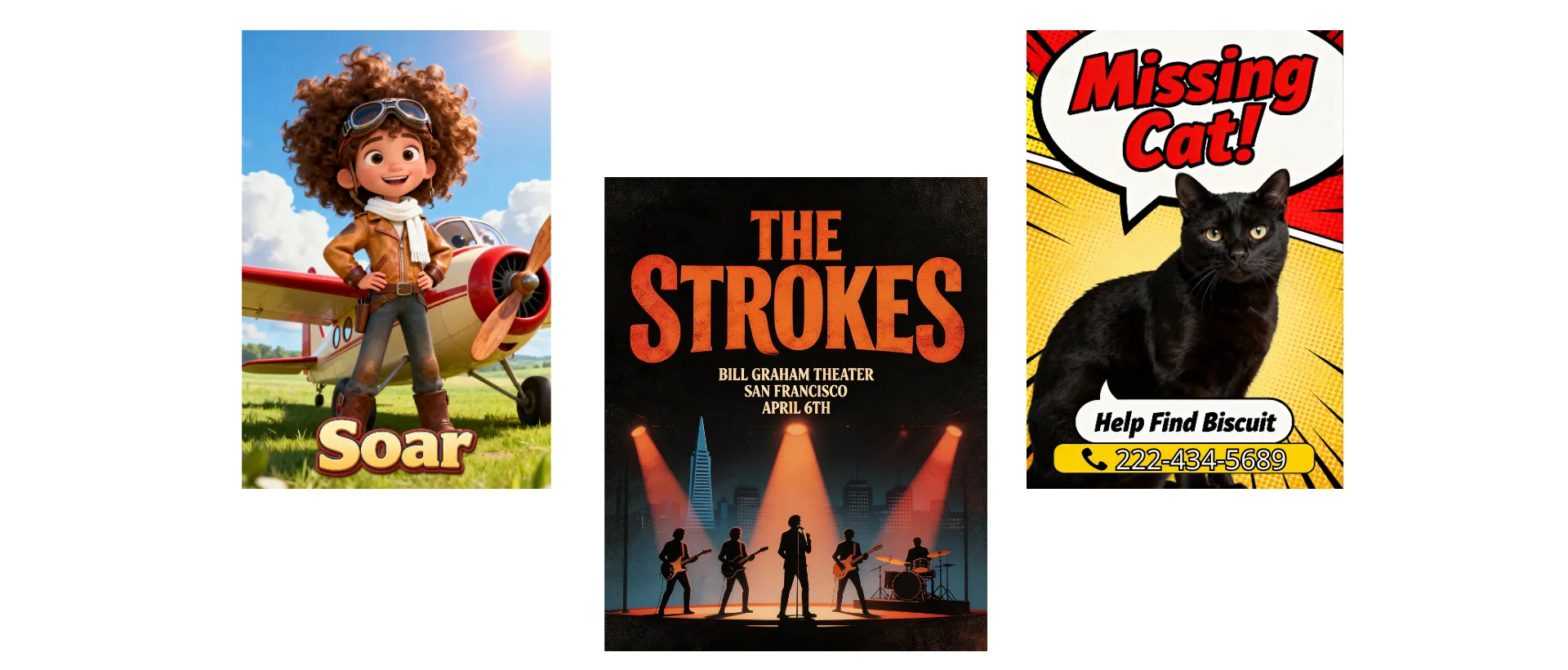
Professional poster designs, no experience needed
Accurate text, polished graphics, any aspect ratio
Idea to eye-catching poster in seconds
Create eye-catching posters for events, promotions, and online trends with Kapwing’s AI Poster Generator. Generate polished poster designs with accurate text, professional layouts, and customizable visuals in just a few clicks. Start from scratch with a prompt or customize a professional poster template with AI-generated text art, illustrations, and graphics.
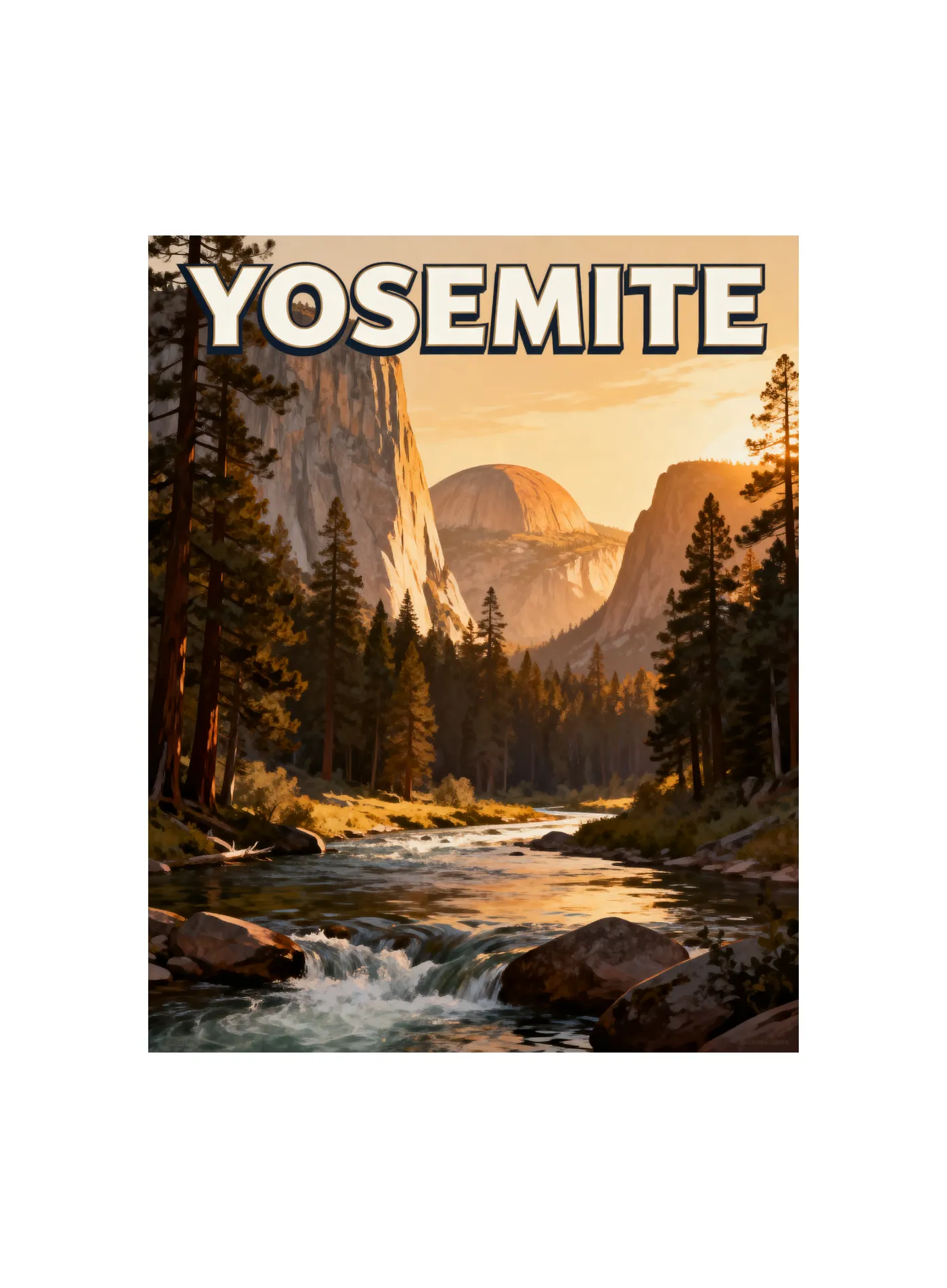
Promote your podcast, band, business, or upcoming event with a unique design that matches your style. Create fan posters inspired by your favorite movies, experiment with retro travel aesthetics, or explore modern, illustrated, cinematic, and vintage looks using simple descriptions and reference images.
Designed for everyone from experienced creatives to first-time designers, Kapwing’s AI Poster Generator makes it easy to create high-quality visuals that feel polished and on-brand. Download high-resolution posters for print or share instantly online.
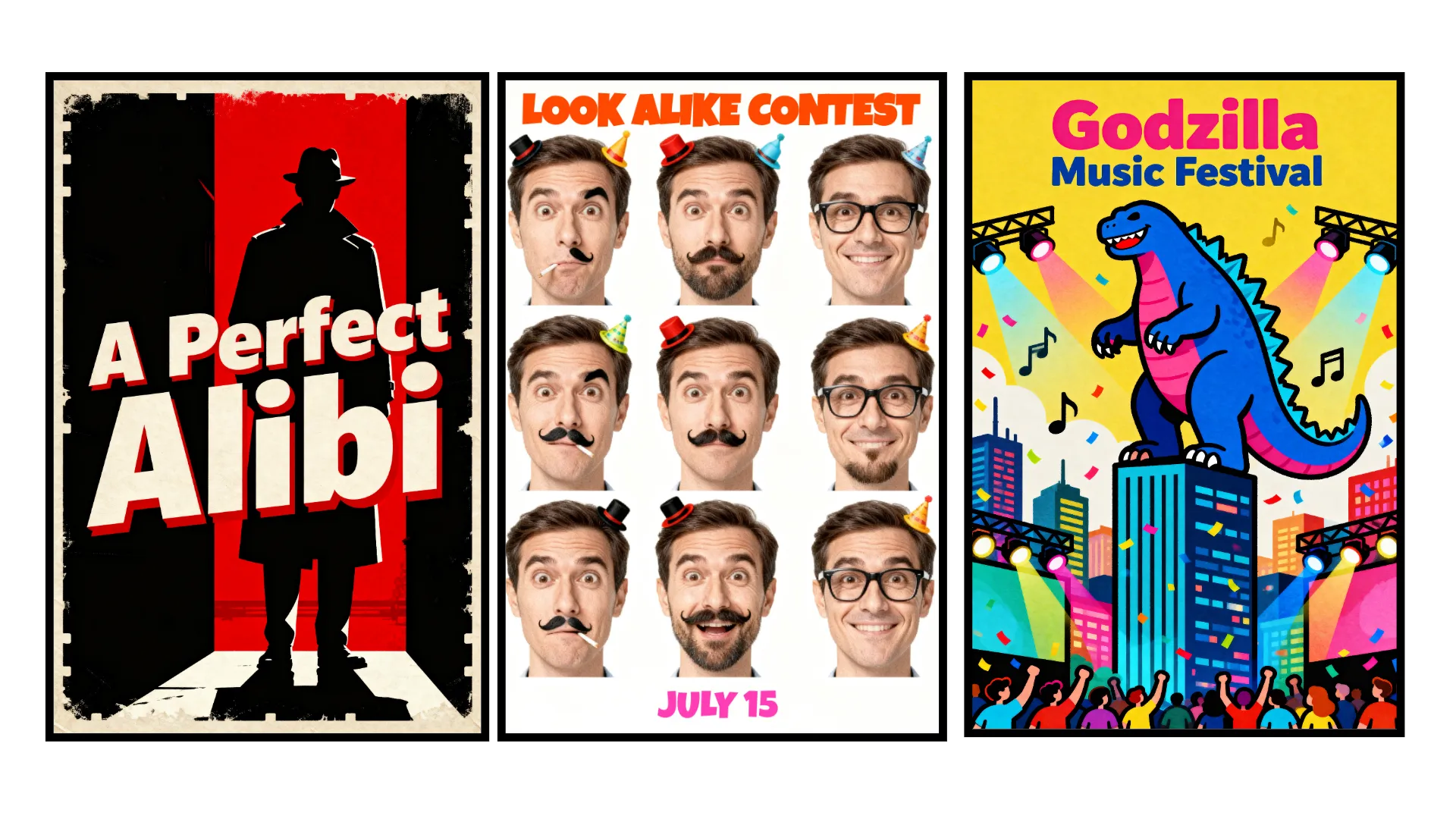
How to make an AI poster in 30 seconds
Any style, any aspect ratio. Start for free in your browser.
Prompt
Kapwing AI with your design ideas and poster text


Generate
your AI poster by clicking the arrow
Download
as watermark-free JPEG, PNG, or WebP
Attention-grabbing posters, designed by AI
Unique posters for movies, events, bands, or just for fun. Full commercial rights.
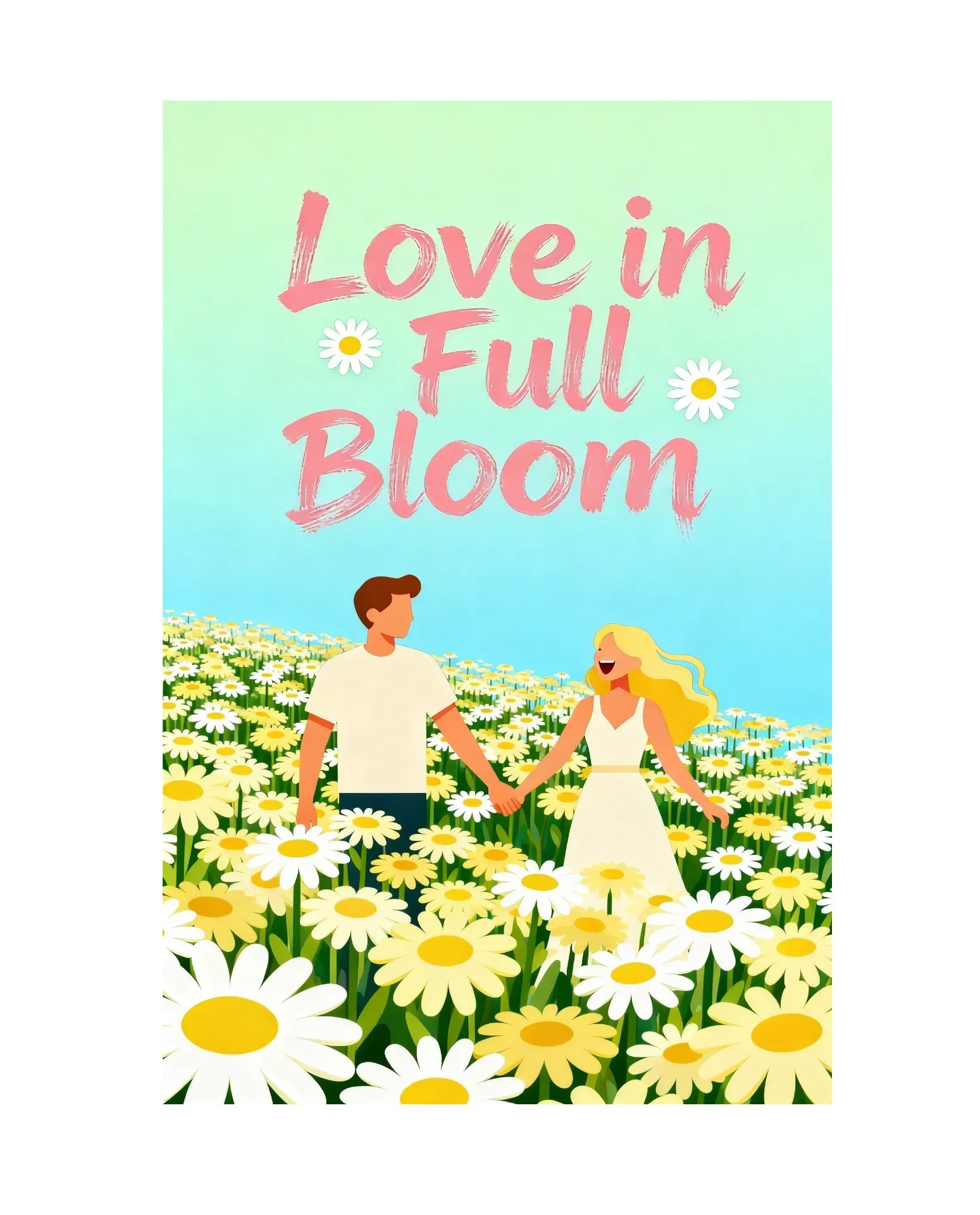
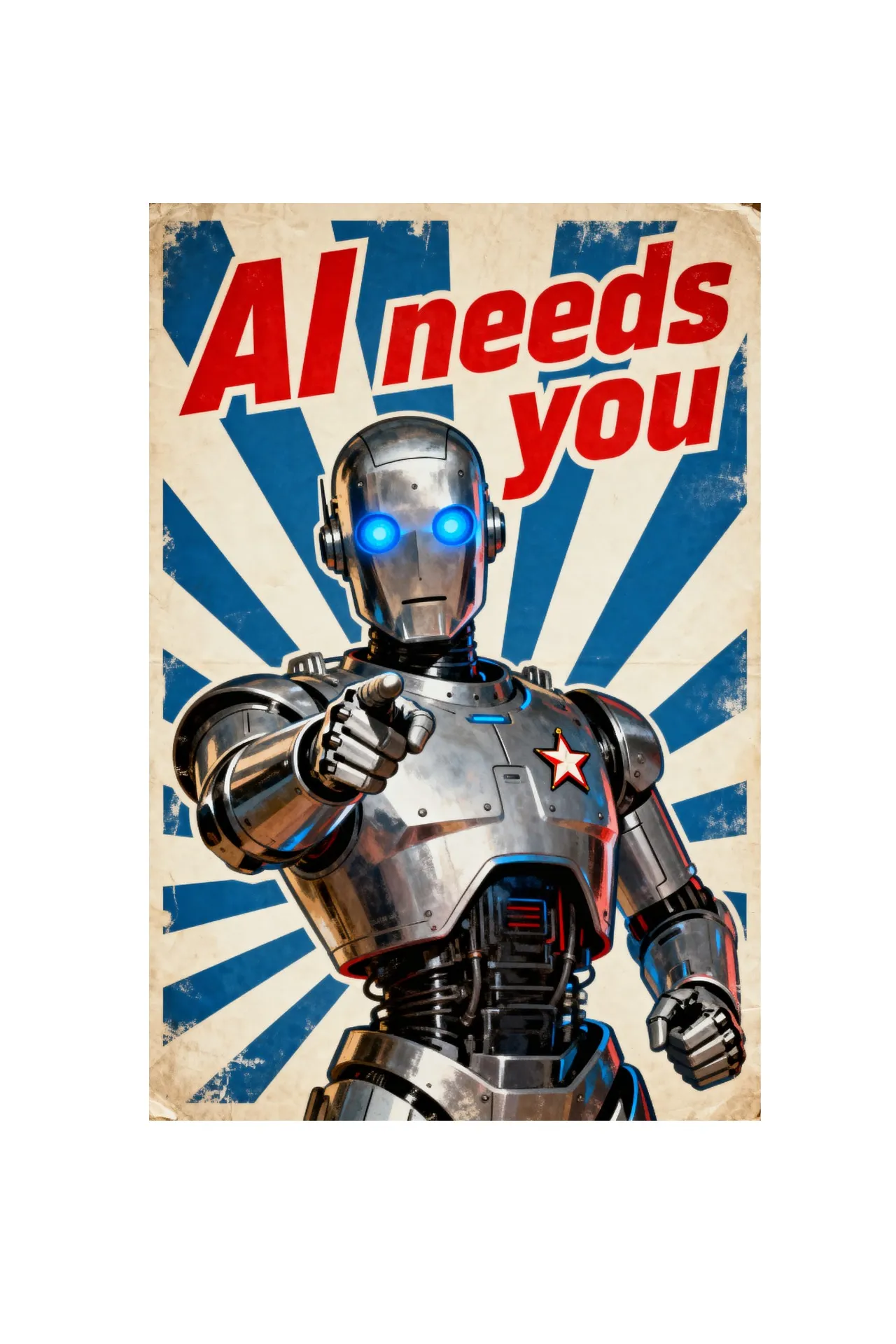
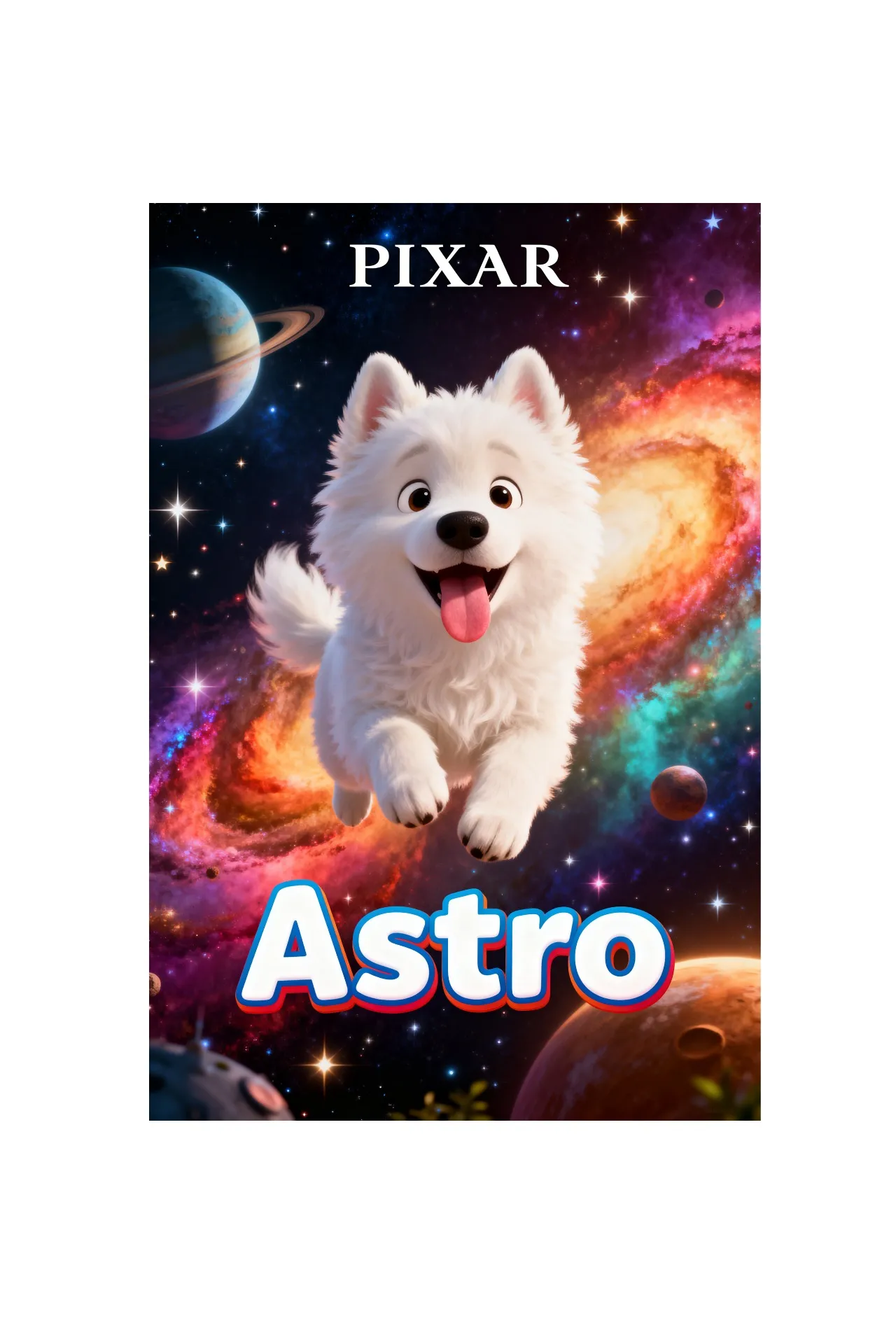
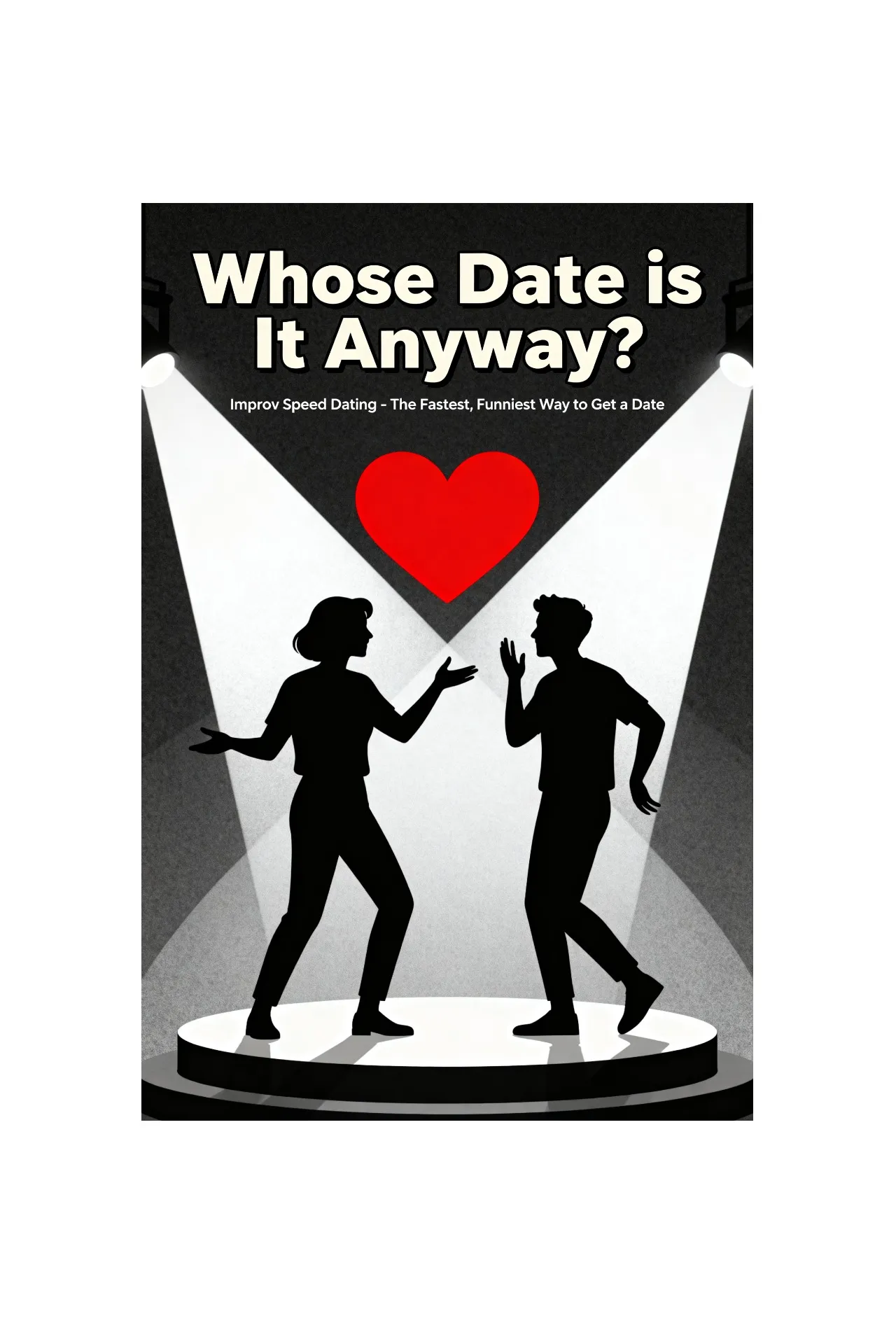
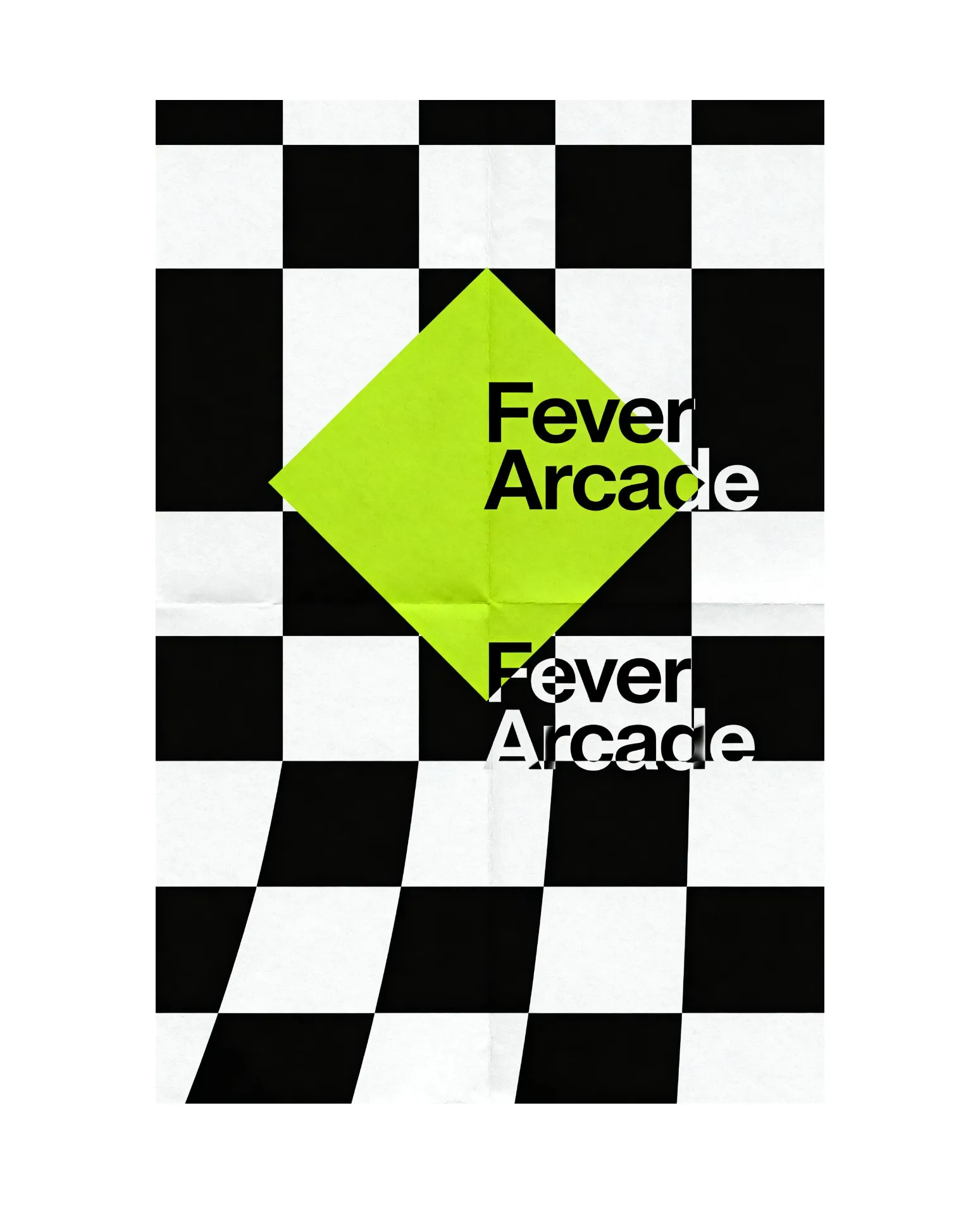
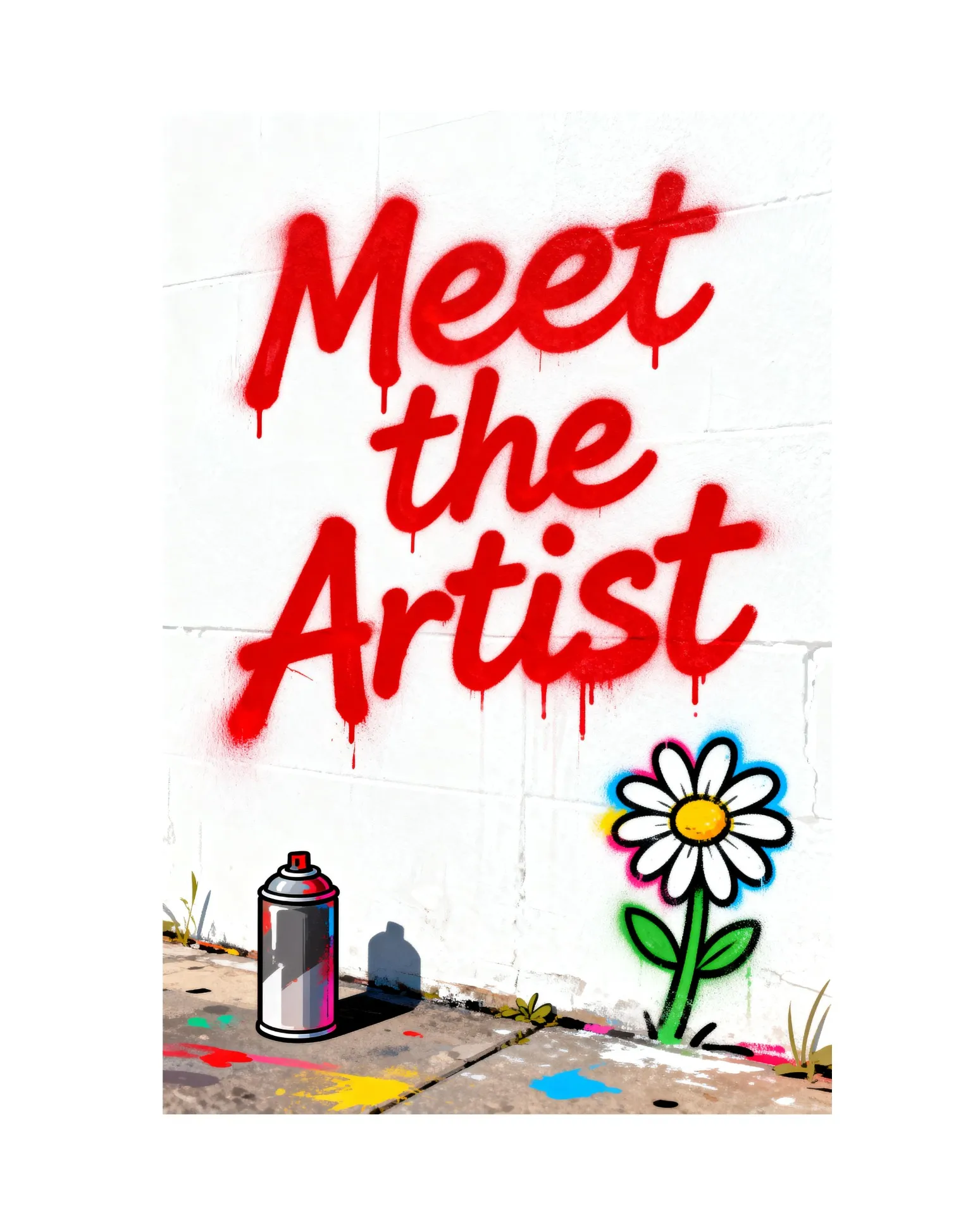
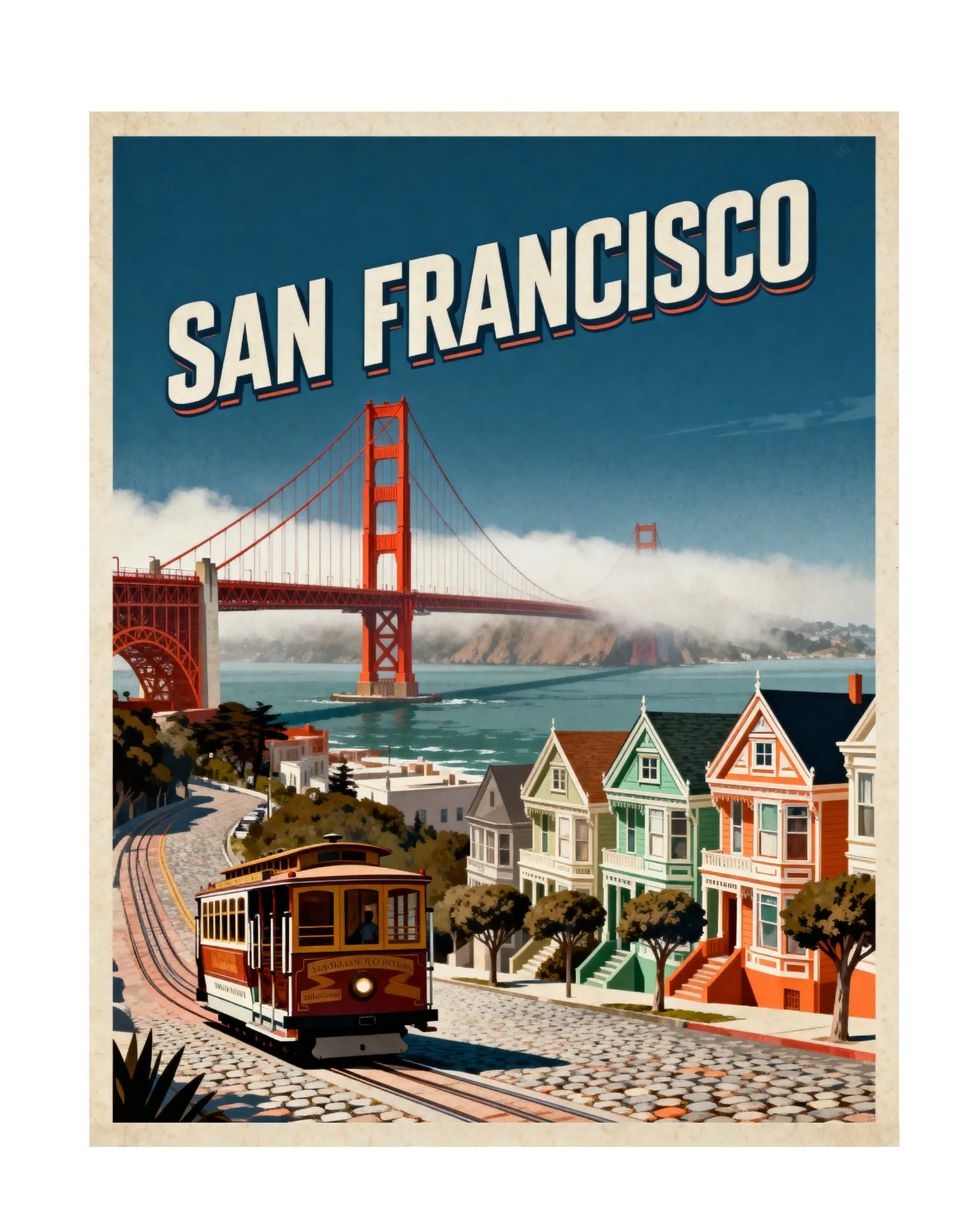
Reach your audience faster with AI posters
Create and customize in seconds. Download as watermark-free JPEG or PNG.
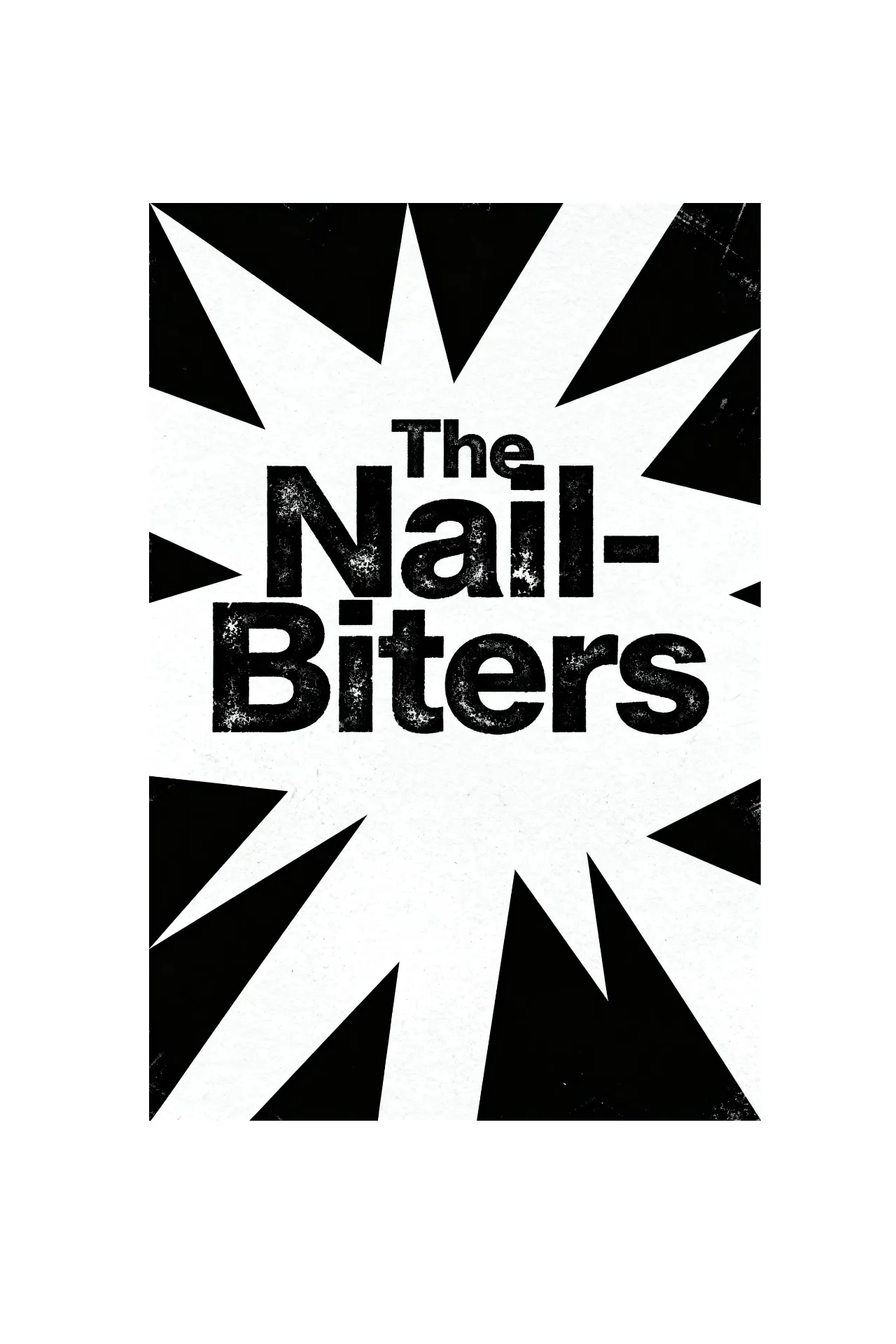
Accurate text, engaging designs
Create high-quality posters with accurate text and original artwork, generated from a simple prompt. From vintage noir movie posters to modern event flyers, Kapwing's AI Poster Generator produces polished designs in seconds. Upload a reference image to match a specific style, or transform a selfie into a custom poster with AI.
Generate posters, signs, and promotional graphics in any aspect ratio and style. Then download high-resolution files ready for printing, sharing on social media, or publishing online.
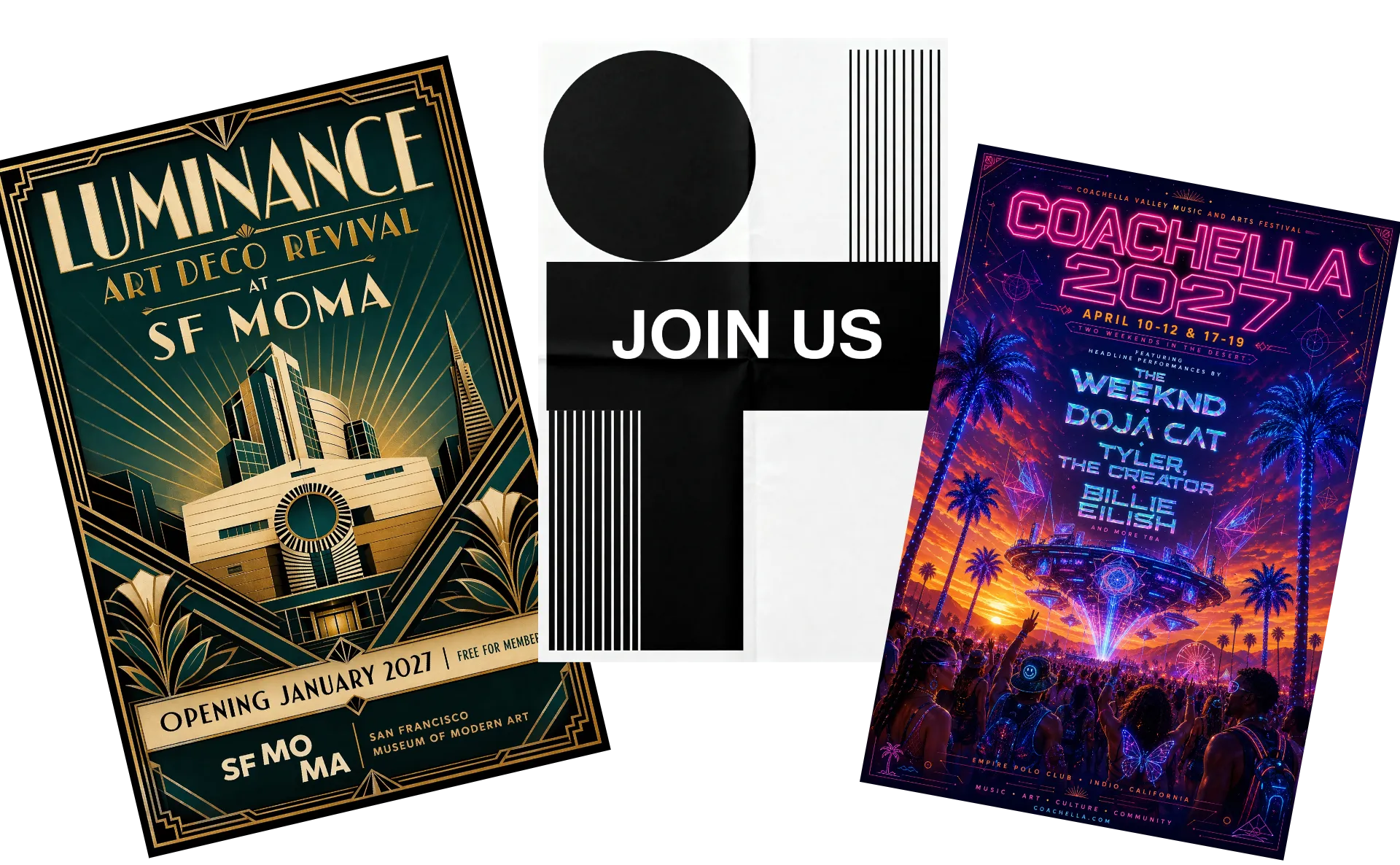
Generate with AI, finetune in studio
Need to update event details after your poster is generated? Add or edit dates, times, locations, and other text with simple overlays. Customize your design with 100+ fonts, free stock images, shapes, and graphics, all in the same editor.
Make final adjustments without switching tools. Change colors and lighting, create a black-and-white version, apply filters and borders, or draw directly on your poster for a custom touch.
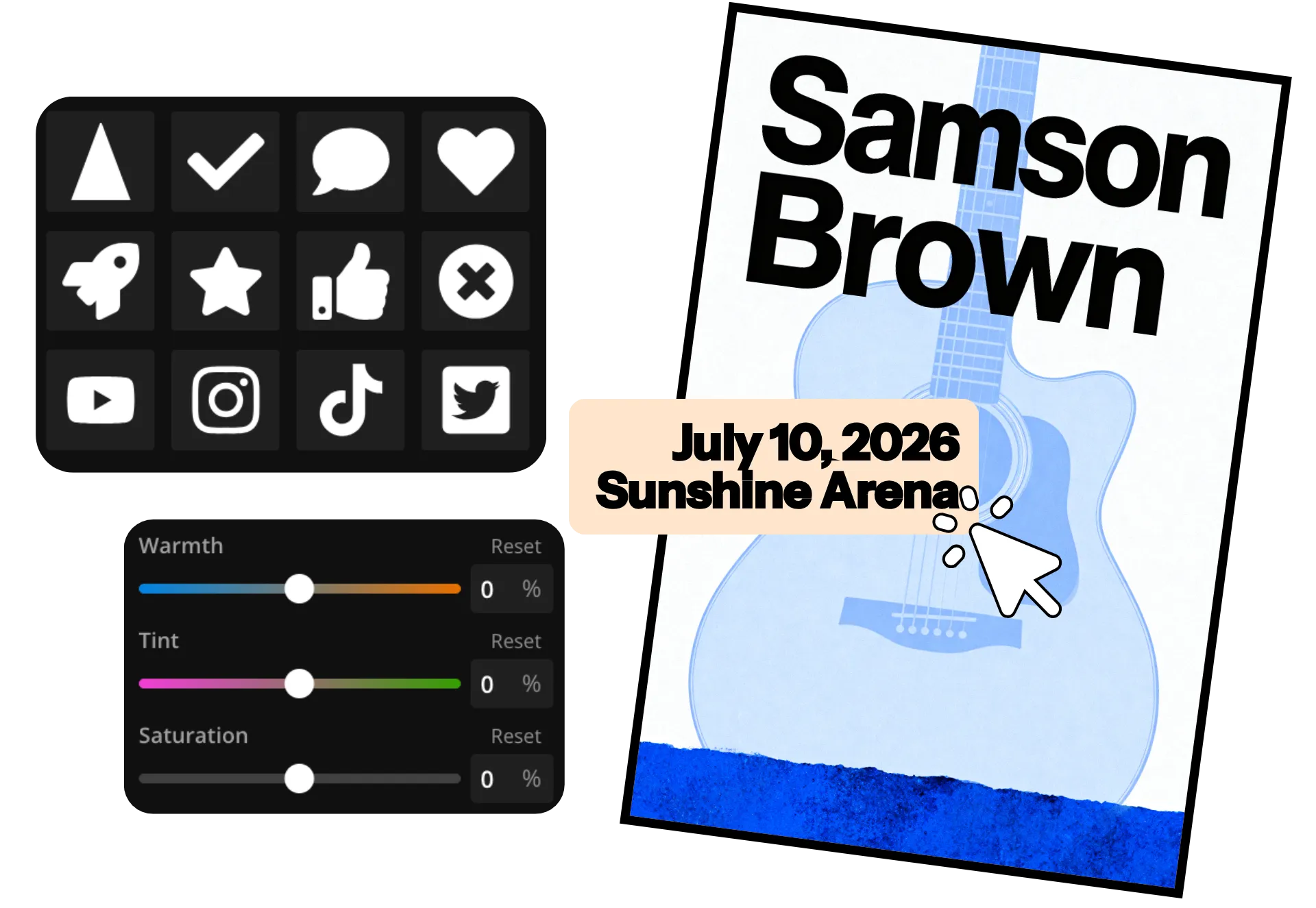
Keep every poster on-brand
Create posters for your business, event, or social channels in a collaborative online studio. Share projects with teammates, leave feedback in real time, and save approved fonts, colors, logos, and images to your Brand Kit for easy reuse.
Once you've developed a signature look, save it as a Custom Kai to generate consistent poster designs for future events, concerts, promotions, and giveaways. Spend less time recreating designs and more time creating new campaigns.
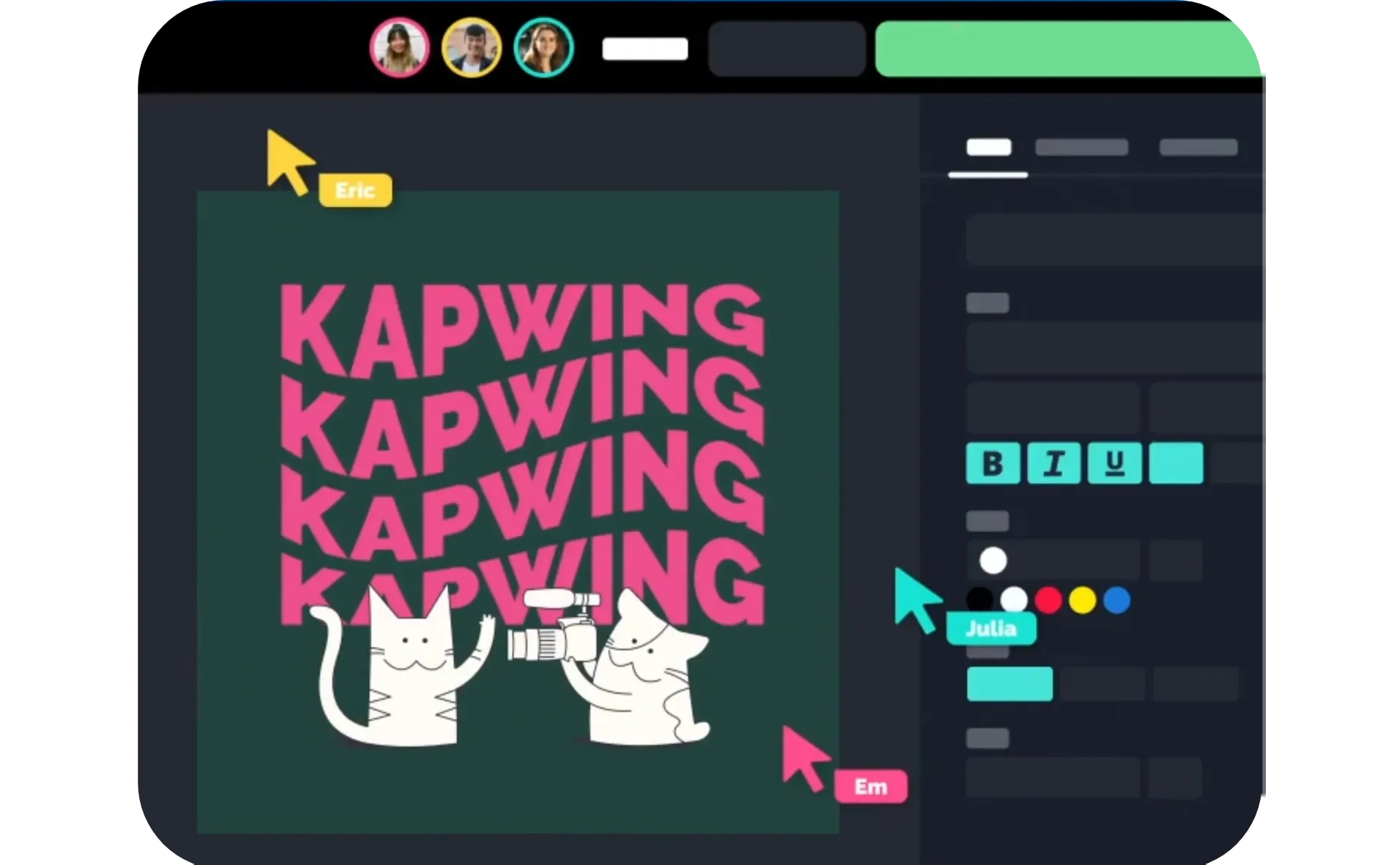
Eye-catching posters for every event
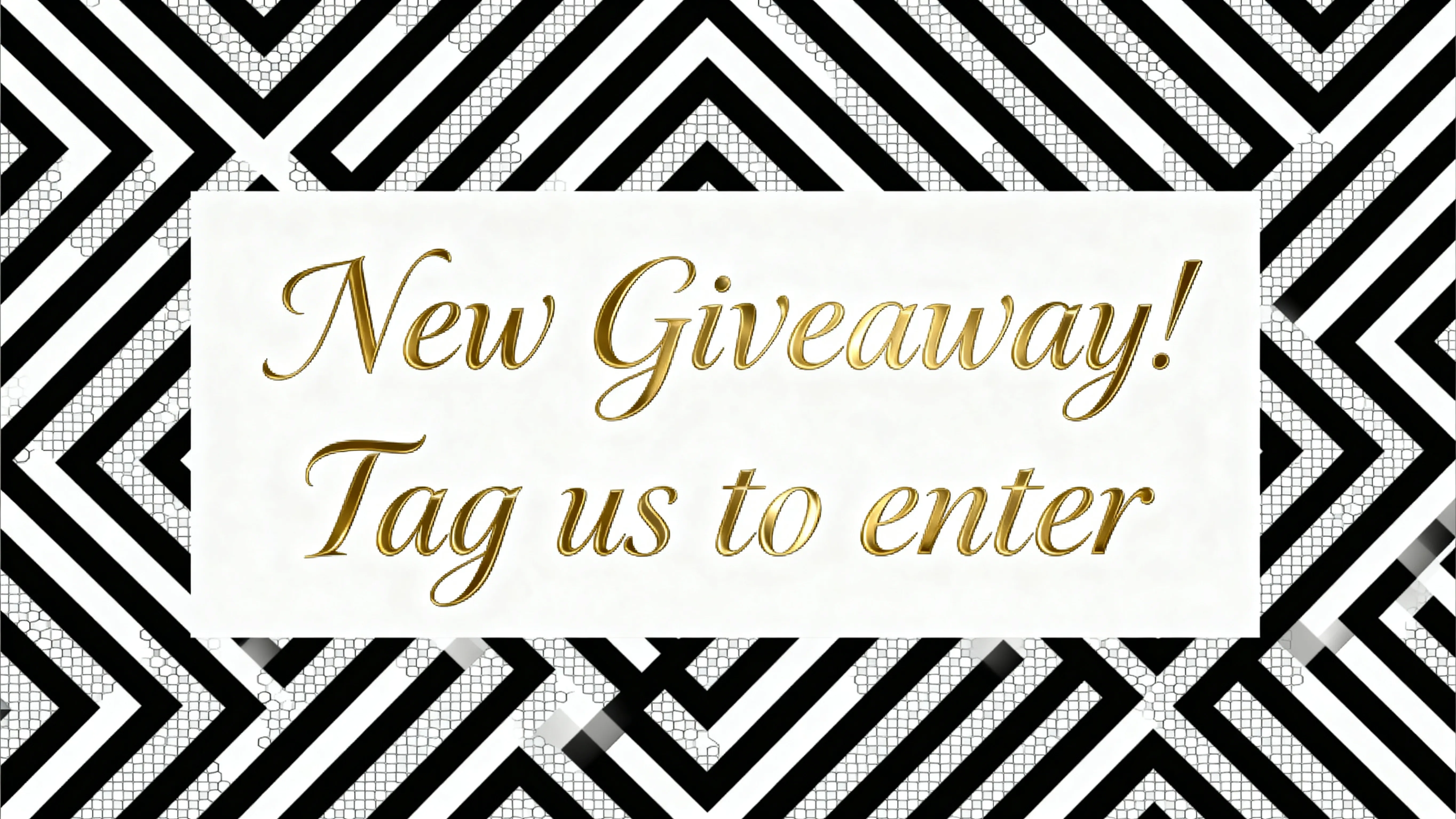
Social Content
Content creators and influencers use an AI poster maker to generate daily content like event updates, announcements, and giveaways that increase engagement
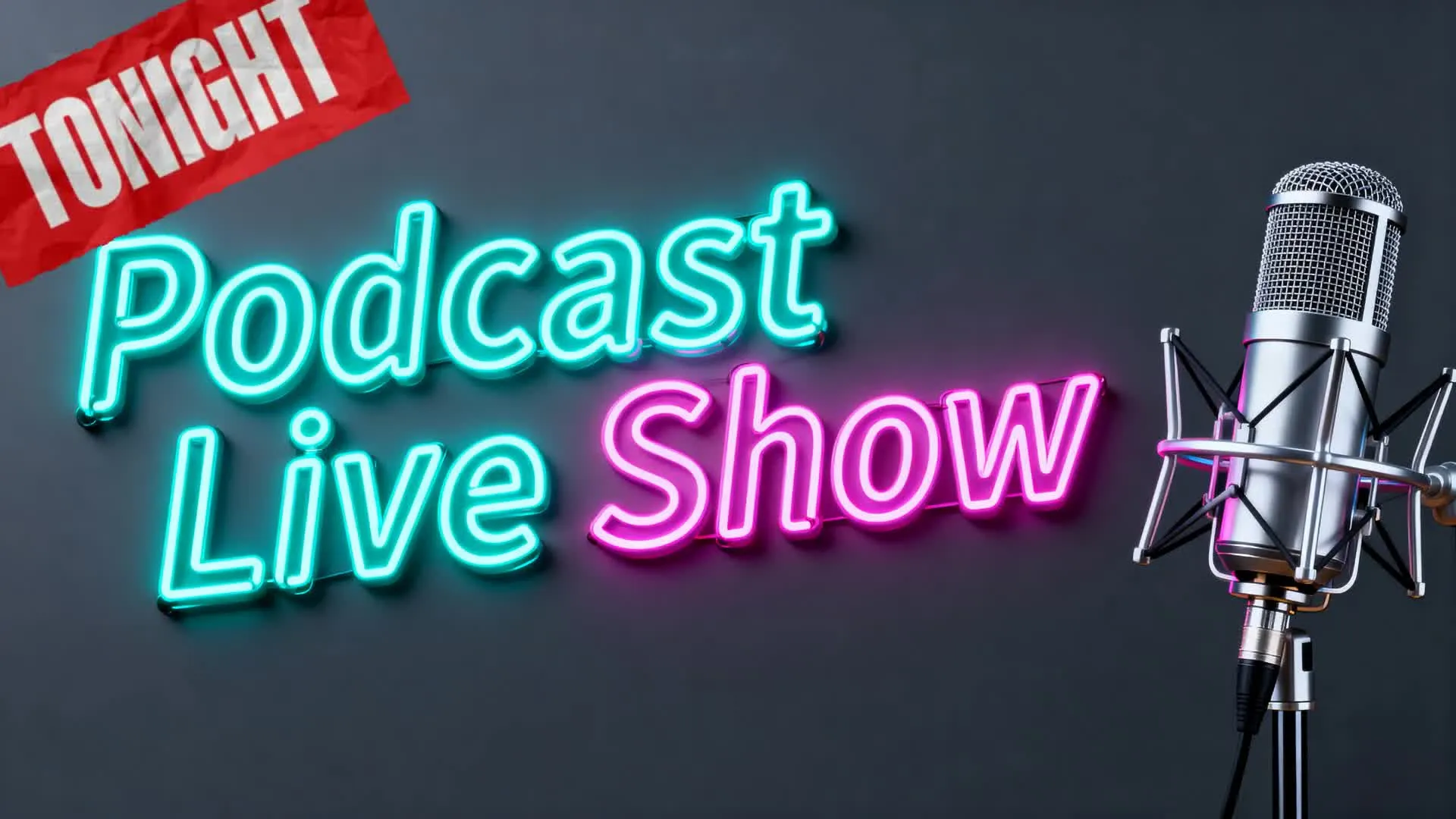
Streaming & Podcasts
Podcasters and streamers use the AI poster generator to promote upcoming episodes, guest appearances, and live events with eye-catching visuals that drive clicks and attendance
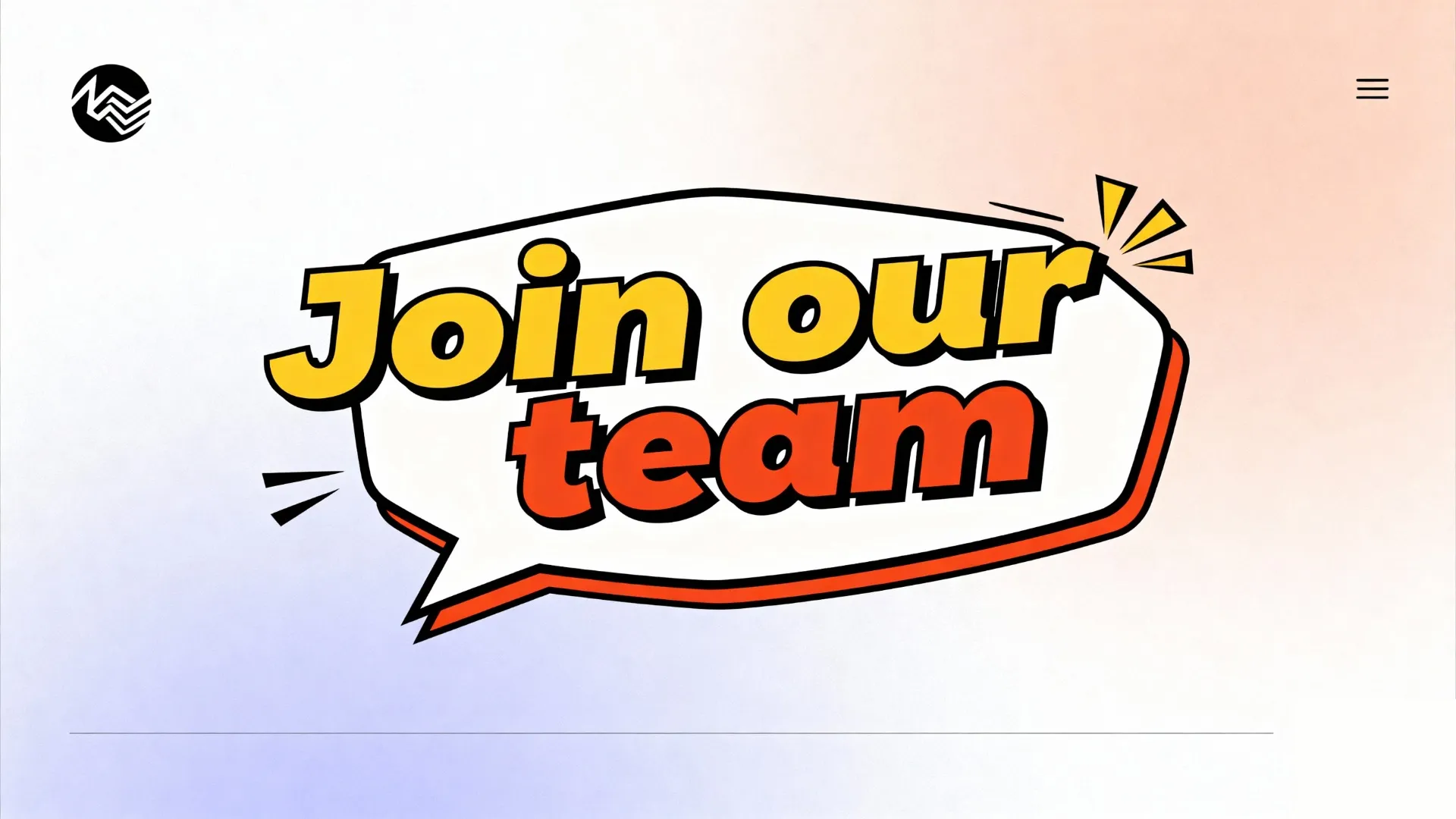
Product Launches
The AI poster creator helps e-commerce teams and product marketers create promotional posters for product drops, websites, seasonal sales, and paid ads
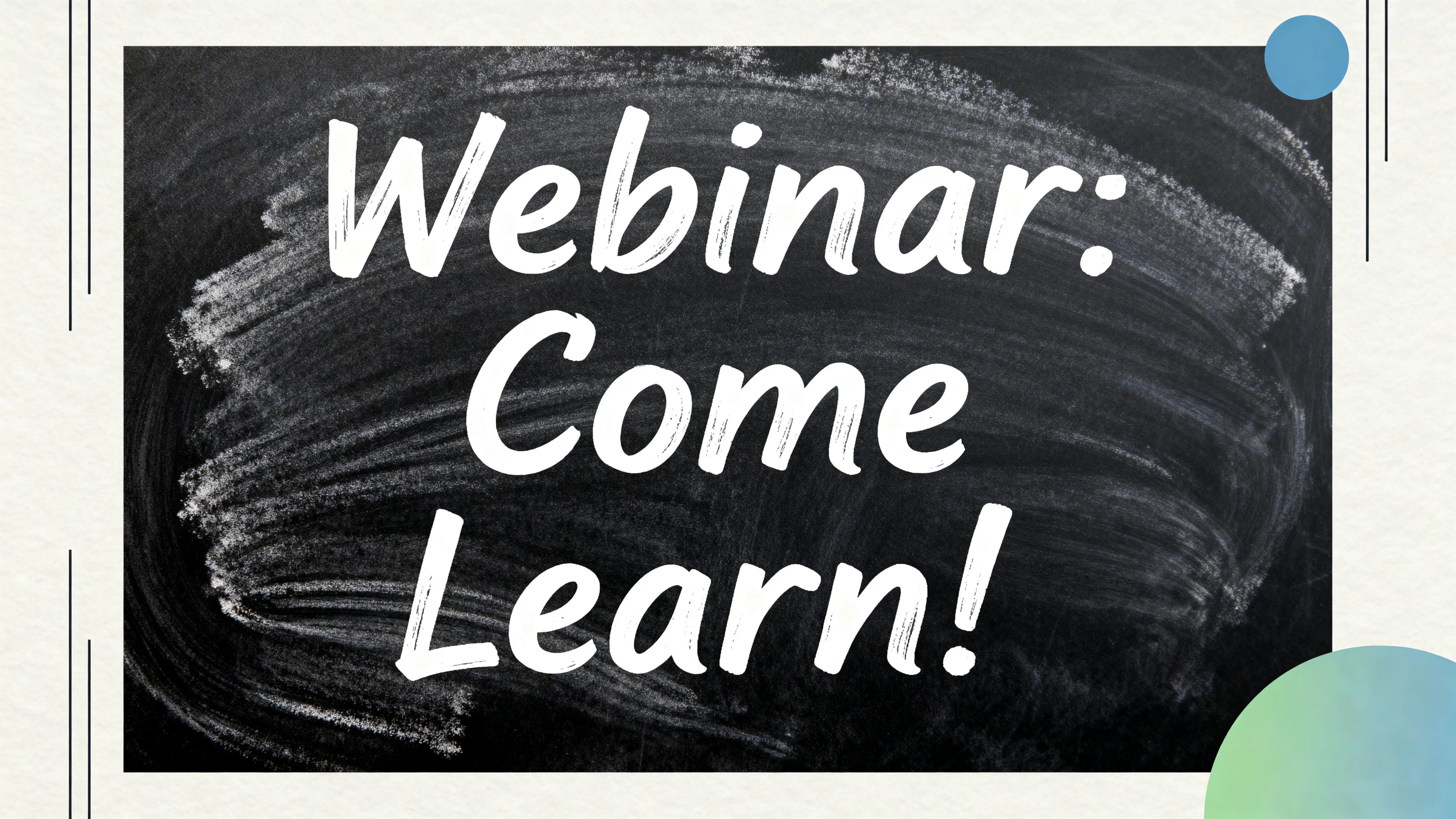
Events & Webinars
PR executives, educators, and online coaches use the poster maker AI for webinars, workshops, and virtual events. Quickly update dates, speakers, and details without redesigning from scratch.
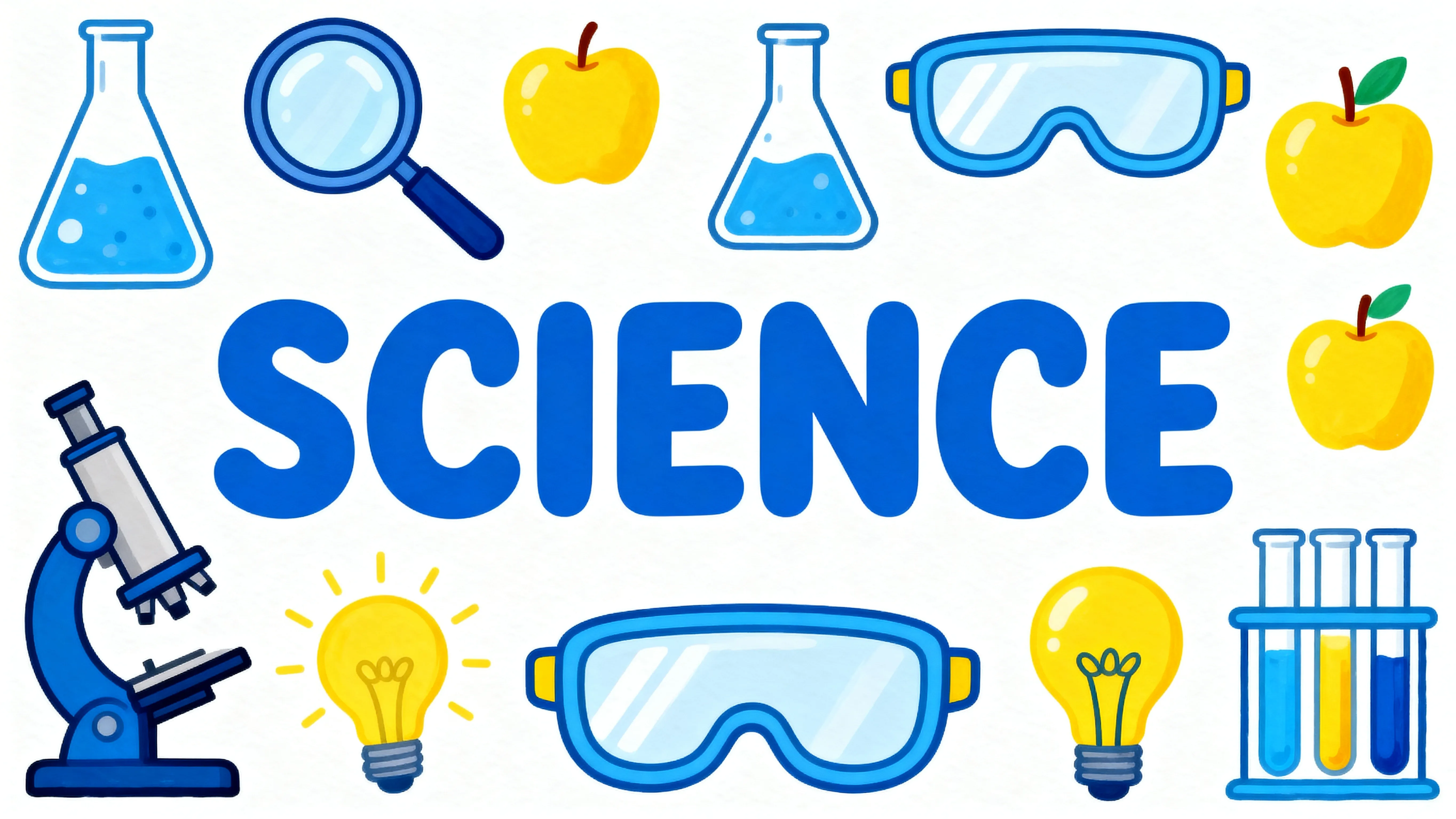
Educational Content
Educators use an AI academic poster generator to turn lessons, frameworks, and data into clear, structured visuals that are easier to understand
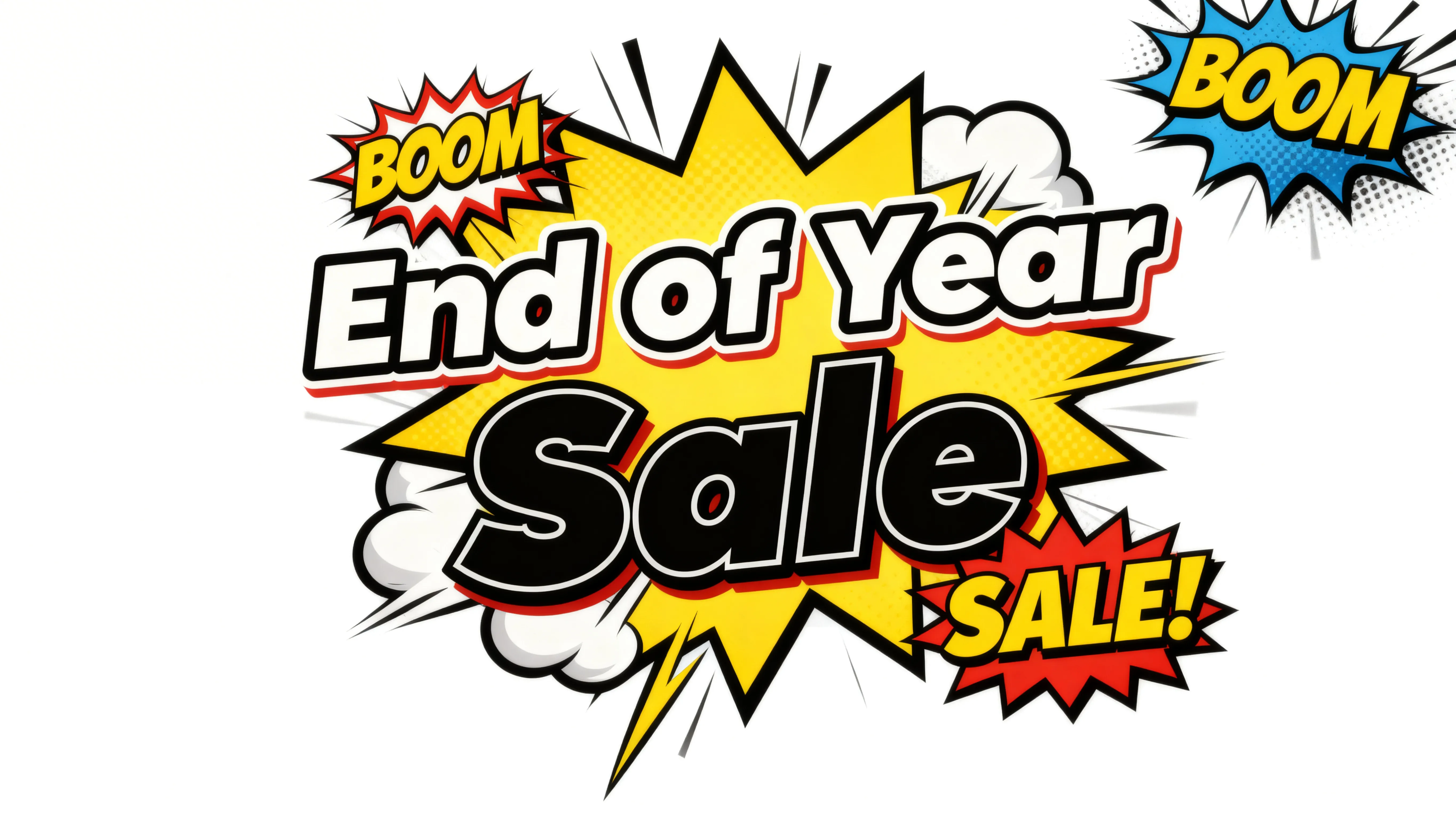
Signs and Flyers
Small business owners and entrepreneurs use an AI poster maker free tool to design in-store signage, flyers, and local ads that look professional and on-brand
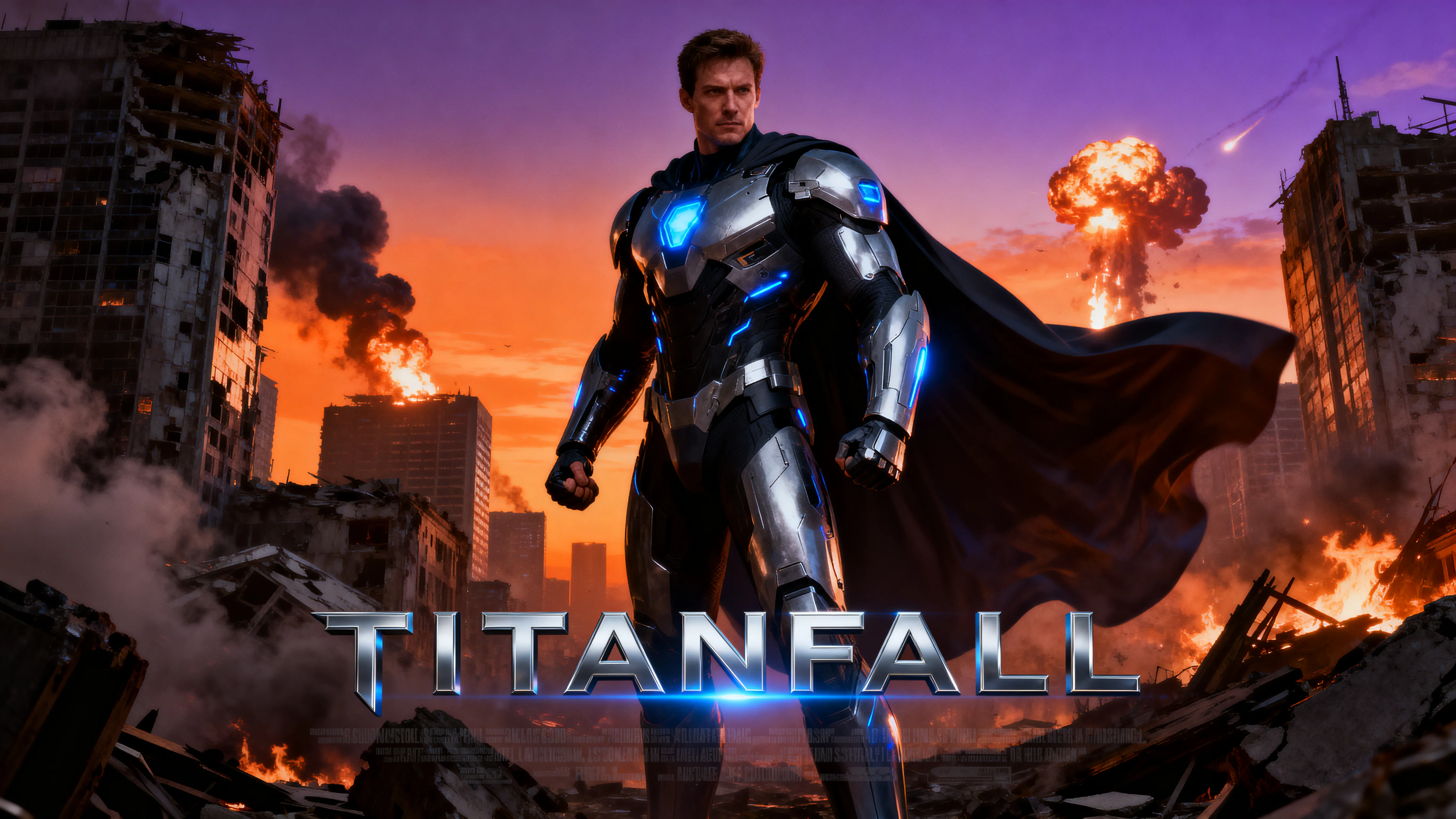
Movies and Films
Advertise your new movie — or create a fun fan edit for your old favorites. Kapwing's AI movie poster generator matches any genre, from retro noir to modern Pixar
Start with a Template
Click on a poster template to start editing it. Posters for movies, missing pets, parties, and more.

Already transforming video creation across industries
Hear directly from the teams who publish faster, collaborate better, and stay ahead.


How to Create a Poster with AI
- Step 1Start chat
Start a new chat with Kapwing AI.
- Step 2Create poster
Write a prompt describing your design, including colors, aspect ratio, imagery, and text. Click the arrow to generate your poster.
- Step 3Refine & share
Edit your design by continuing to chat with AI, or move to the studio for additional image editing tools. Then click "Export Project" to save and share your poster.
What's different about Kapwing?



Frequently Asked Questions
We have answers to the most common questions that our users ask.
Is the AI Poster Generator free?
Yes, anyone can try Kapwing’s AI toolkit for free without watermarks. Our AI tools run on a credit system, with each feature costing a set number of credits. For maximum creativity and the best value, upgrade to a Pro account to unlock the full power of AI-driven content creation.
How to create a poster with AI
To create a poster with Kapwing AI, create a new chat and enter a prompt describing your poster concept. Include details like style, font, color scheme, illustrations, and aspect ratio. Prompt for exact text by including it in quotation marks. Then click the arrow to generate your poster.
Download as JPEG directly from chat by clicking the button, or continue editing by entering additional prompts. You can also move your AI poster to the Kapwing Studio to access a full library of stock images, shapes, and text overlays. When you're ready, export your poster as a high-resolution JPEG, PNG, or WebP.
What poster styles can I create?
You can create any poster style that you can describe, from Bauhaus and watercolor to graffiti, noir, or old-fashion travel designs. Just describe your preferred style and upload reference images if you have them.
Will the text be accurate?
Yes, modern AI models like GPT Image can produce accurate, readable text in every image you generate. If you want specific text included in your poster design, put it in quotation marks in your prompt.
Can I create posters for social media?
Absolutely, you can generate posters for your Instagram, LinkedIn, or TikTok account. Generate in any aspect ratio, including social media-ready 9:16 and 16:9. Or drop posters into video projects, then share directly to social media.
What resolution and aspect ratios can generated posters have?
Kapwing's AI Poster Generator can create posters in a full range of aspect ratios, from vertical 9:16 to horizontal 16:9. Standard poster sizes include 3:4 and 4:5, and you can also request a square poster. Kapwing also supports a range of resolutions, including 480p, 720p, 1080p, and 4K.
How should I write my prompt for the best results?
For the best results, be as specific as possible in your AI poster prompt. Describe the overall style, individual design elements, fonts, color schemes, and aspect ratio. Include reference images if you want, and put specific text in quotations. If you don't have a specific design in mind, you can give Kapwing AI a topic and see what it comes up with, then edit as much as you want.
What AI models does Kapwing use?
Kapwing is integrated with the latest AI models, including GPT Image, Google Nano Banana, Seedream, and WAN. You can also access AI video models, like Seedance, Veo, and Kling Motion Control, in the same platform. You can set your preferred AI model using the settings in the prompt box, or let Kapwing AI choose the best model for your generation.
Discover Resources
Tips, templates, and deep dives to help you create faster and share with confidence.
View all


Get started with your first video in just a few clicks. Join over 35 million creators who trust Kapwing to create more content in less time.