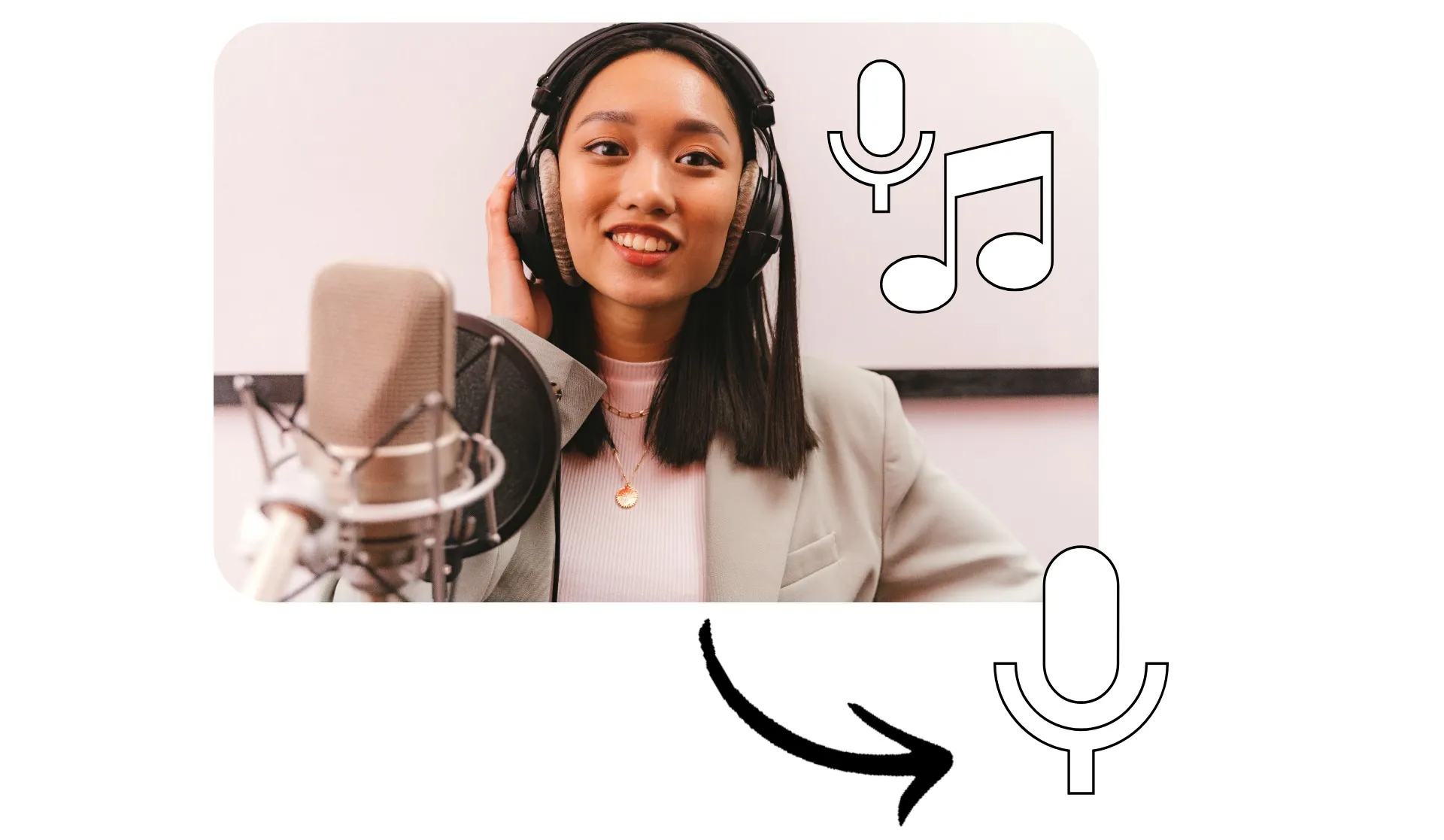
Extract crisp, clear speech from any recording
Isolate vocals, edit, and enhance online
Sharp, editable voice tracks in seconds
Isolate voices from background noise and music with one-click AI voice isolation. Kapwing's voice isolator automatically separates speech from video, background music, and ambient sound, giving you clean, editable tracks without complicated audio software.
Extract a clean voice track from videos, remove music from interviews, or enhance dialogue clarity for streaming and podcasts.
Designed for content creators, educators, and marketers, AI voice isolation detects human speech patterns and lifts them from mixed audio, helping you improve intelligibility, reduce distractions, and salvage recordings.
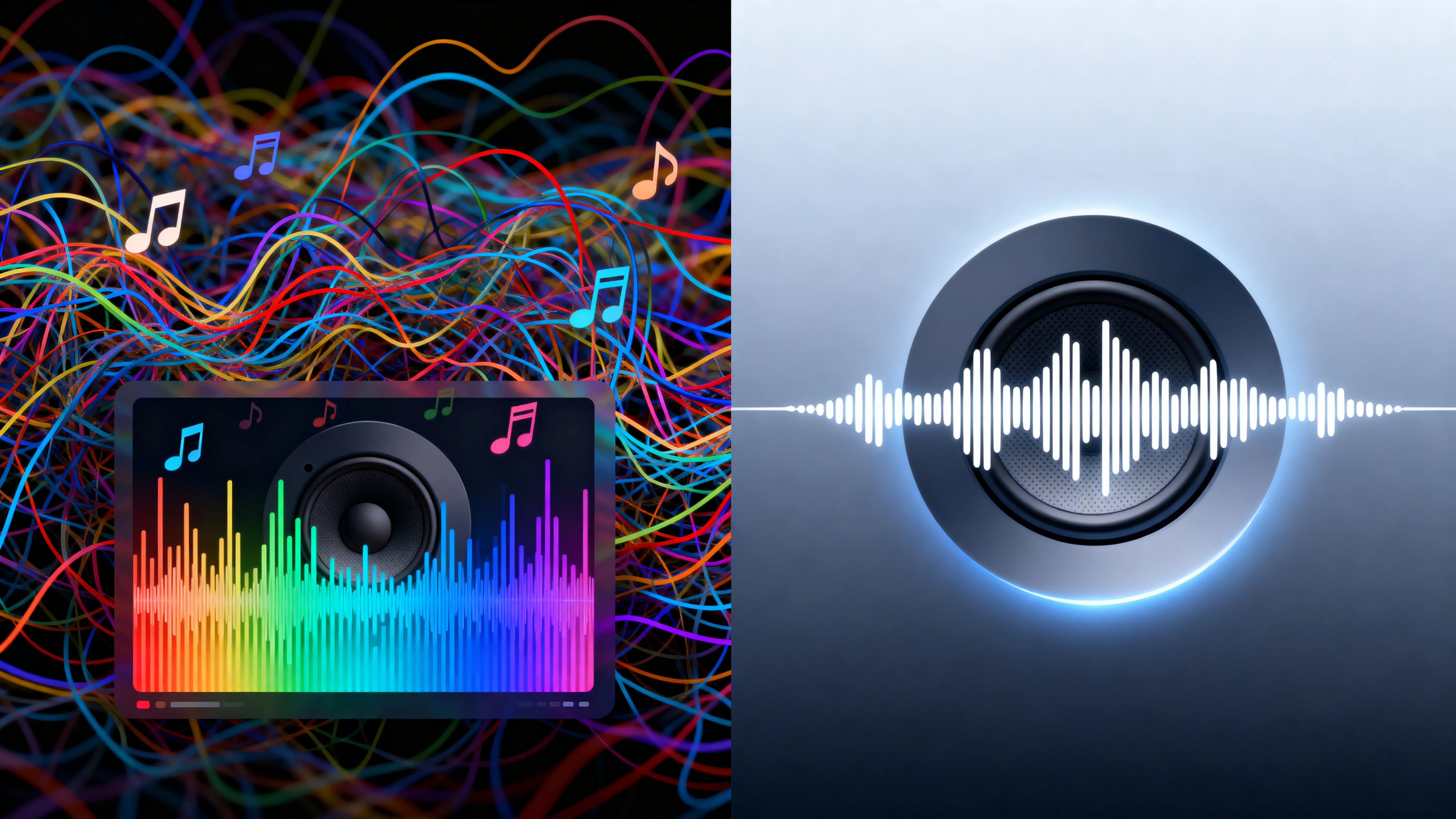
Isolate
Edit
Export
Kapwing's Isolate Audio tool is integrated with a powerful editing studio. Enhance and use your isolated vocals in video and audio projects, all without leaving your browser.
Apply other one-click AI tools to remove background noise and enhance vocal quality. Boost audio volume, add sound effects, or automatically subtitle your voice tracks. Then download and share your isolated vocals.
Already transforming video creation across industries
Hear directly from the teams who publish faster, collaborate better, and stay ahead.


How to Isolate Voice Online

- Step 1Upload
Create a project in the Kapwing studio and click to upload an audio or video file.
- Step 2Isolate voice
Select your file in the timeline, then click "Split Vocals" under Audio in the tools sidebar.
- Step 3Edit and export
Remove or edit your vocal track, then click "Export Project" to download your file.
What's different about Kapwing?



Frequently Asked Questions
We have answers to the most common questions that our users ask.
Is the Isolate Voice tool free?
Although Kapwing offers many video and audio editing features for free, the Isolate Voice tool requires a Pro account.
Is there a watermark on exports?
If you use Kapwing on a Free account, then all video exports — including those that use Isolate Voice — contain a watermark. Once you upgrade to a Pro account, the watermark is completely removed from your creations.
What is voice isolation?
Voice isolation is an AI-powered process that separates human speech from background music, noise, or ambient sound in a recording. Instead of manually adjusting EQ or filters, the tool detects speech patterns and creates a clean vocal track you can edit independently.
If you’re wondering what voice isolation does, it gives you more control over your audio, letting you mute, enhance, replace, or rebalance background sound without re-recording your original video.
How to isolate voices with Kapwing
To isolate voice tracks in an audio or video file, start a new project in the Kapwing studio, then click to upload your file. Select the file in the timeline and scroll to "Audio" in the righthand sidebar. Click "Split Vocals" to separate your voice track from video and background noise.
At this point, you can edit each track separately, boosting the audio on your vocal track, applying audio enhancement tools, or replacing background music. When you're ready, click "Export Project" to save your isolated voice file.
Can I use Isolate Voice as a vocal remover?
Yes, Kapwing's tool works as a vocal remover and isolation tool. You can isolate voice from video files, then delete it.
Can I isolate vocals from music and songs?
Yes, you can upload music and song files, then isolate the vocals for individual editing. You can also isolate your voice, then replace the background music or remove unwanted background noise.
The AI voice isolation tool separates speech and music into distinct layers, so you can lower, mute, or replace the background audio while keeping the original voice intact.
What file types are supported?
Kapwing supports uploading common audio and video formats, including MP3 and MP4 files. You can also paste a URL to import content directly. The AI voice isolator works entirely online, no downloads or installations required.
Once processed, you can export your project with separate tracks or a finalized video, ready to publish anywhere.
Discover Resources
Tips, templates, and deep dives to help you create faster and share with confidence.
View all

Get started with your first video in just a few clicks. Join over 35 million creators who trust Kapwing to create more content in less time.