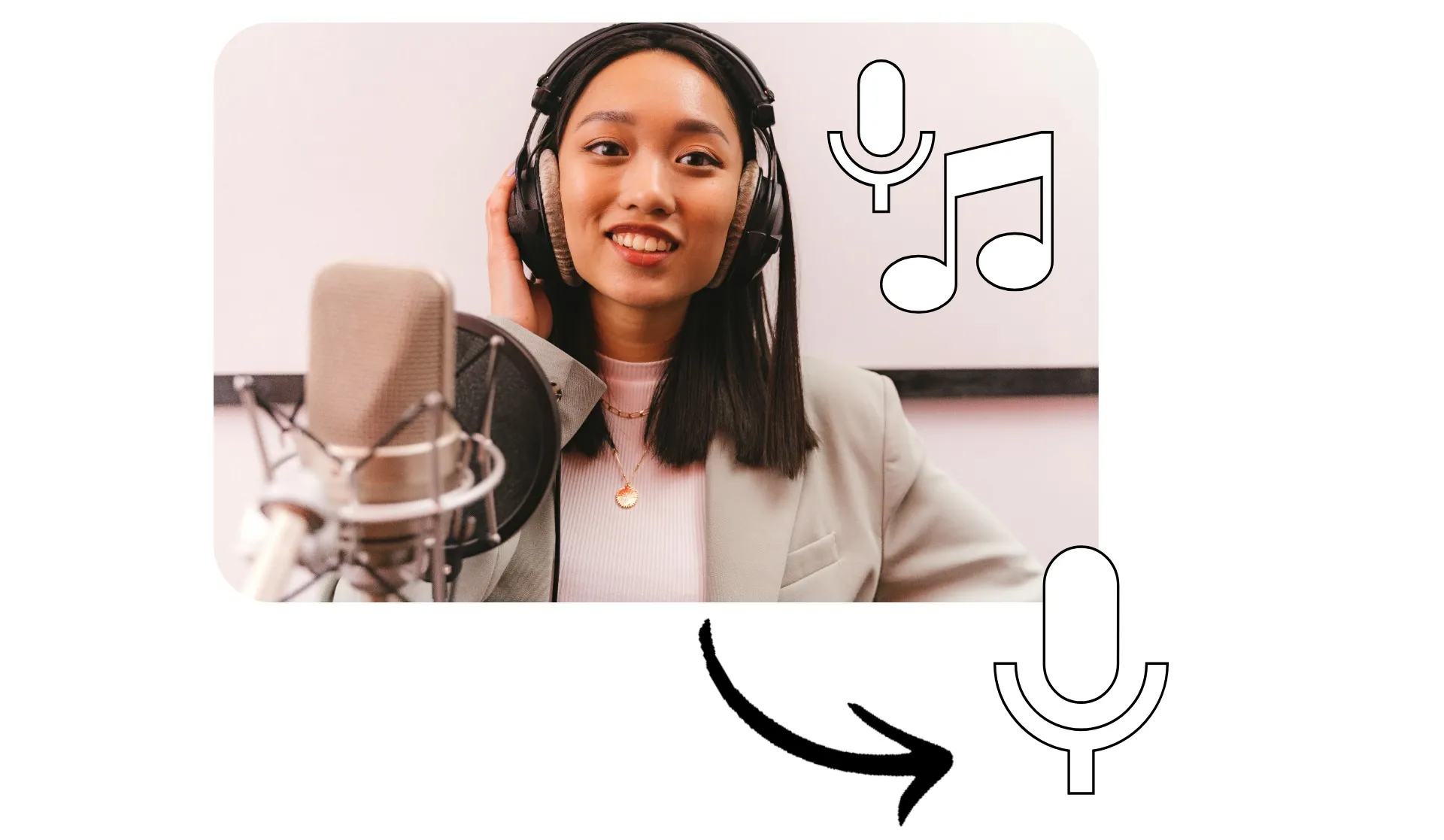
Estrai discorsi nitidi e chiari da qualsiasi registrazione
Isola i vocali, modifica e migliora online
Tracce vocali nitide e modificabili in pochi secondi
Isolate voices from background noise and music with one-click AI voice isolation. Kapwing's voice isolator automatically separates speech from videos, background music, and ambient sounds, giving you clean, editable tracks without complicated audio software.
Extract a clean vocal track from videos, remove music from interviews, or enhance dialogue clarity for streaming and podcasts.
Designed for content creators, educators, and marketers, AI voice isolation detects human language patterns and extracts them from mixed audio, helping you improve intelligibility, reduce distractions, and save your recordings.
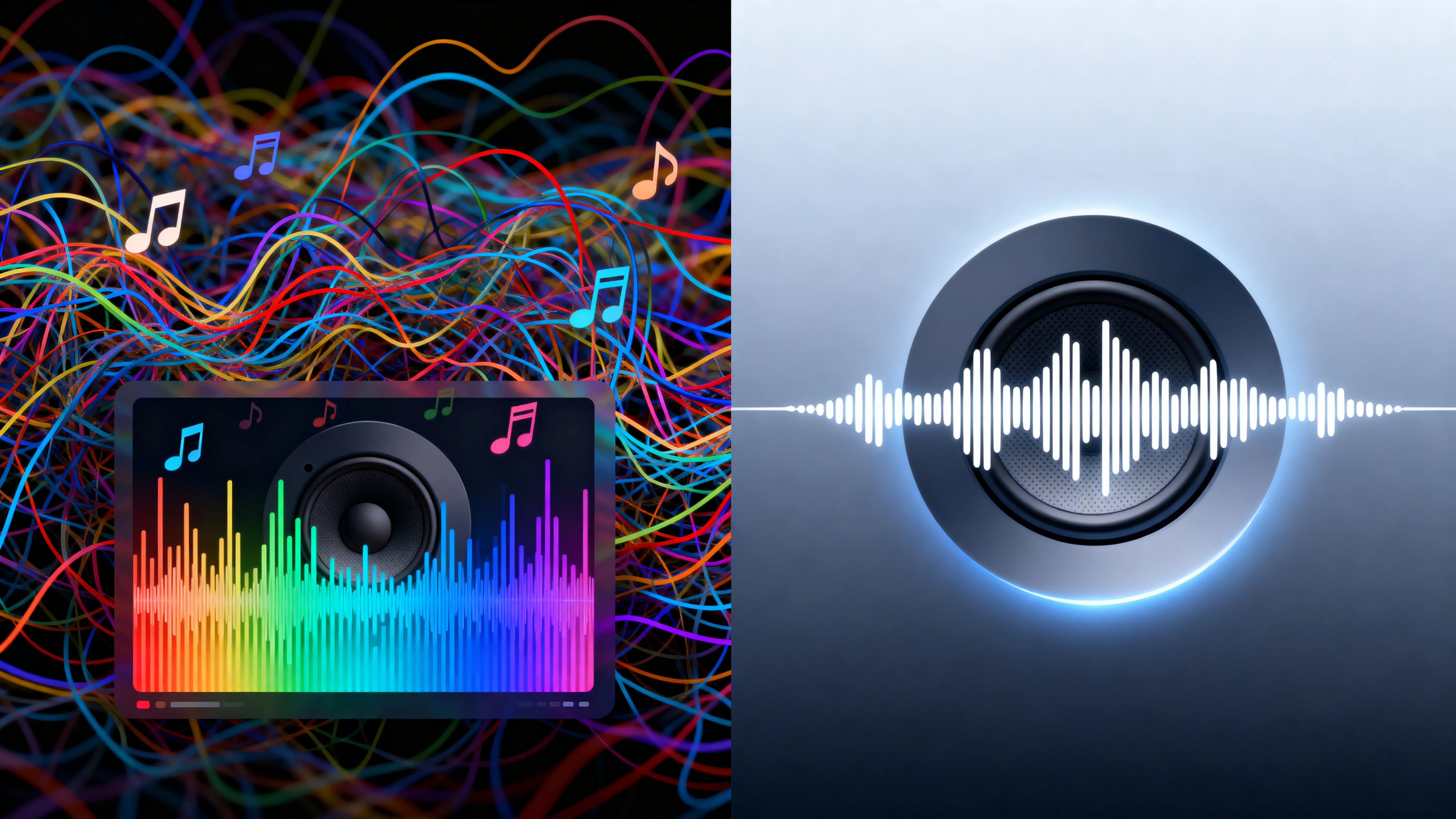
Isola
Modifica
Esporta
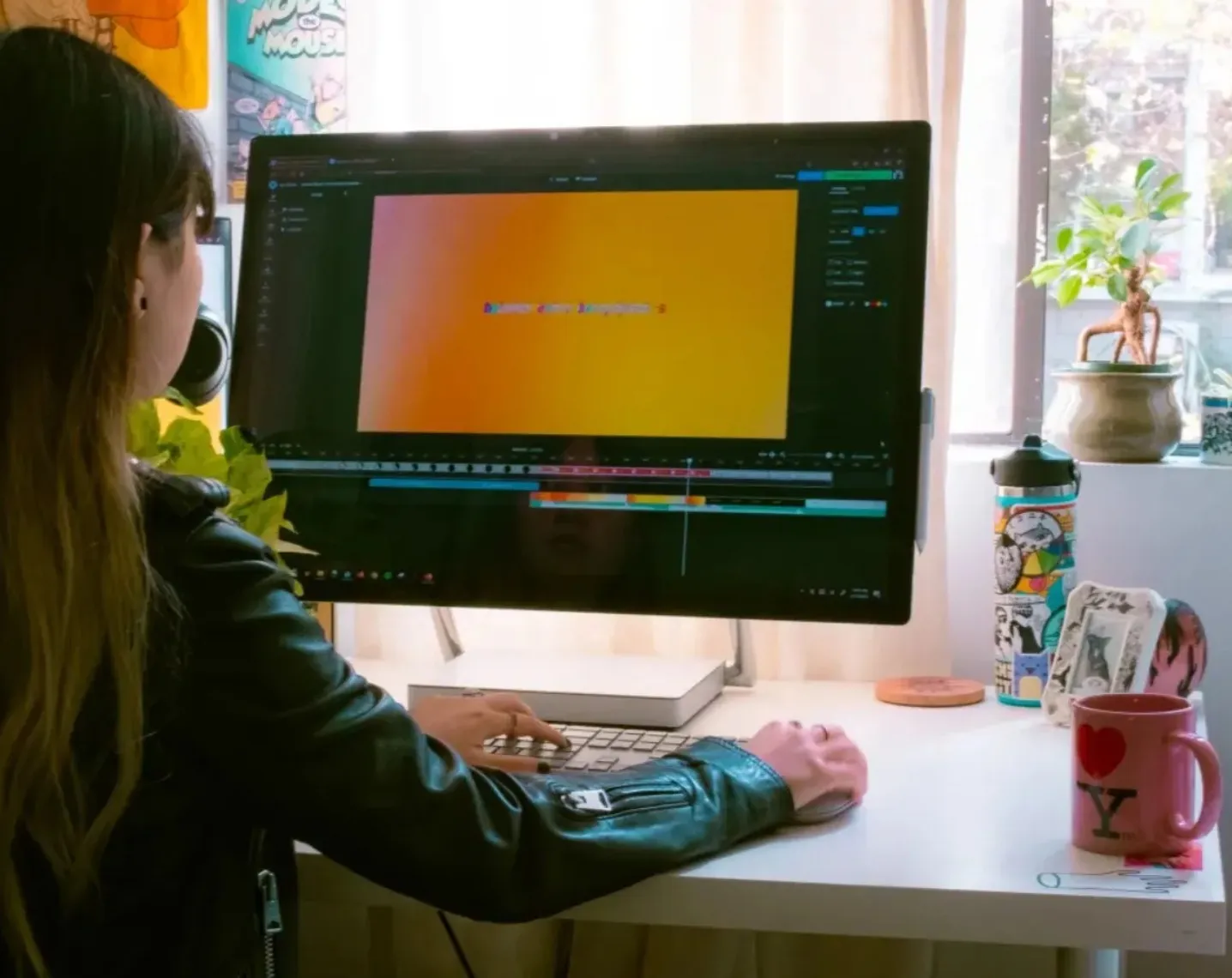
Lo strumento Isolate Audio di Kapwing è integrato con un potente studio di editing. Migliora e utilizza i tuoi vocali isolati in progetti video e audio, il tutto senza lasciare il tuo browser.
Applica altri strumenti AI con un solo clic per rimuovere il rumore di fondo e migliorare la qualità vocale. Aumenta il volume audio, aggiungi effetti sonori, o aggiungi automaticamente i sottotitoli alle tue tracce vocali. Poi scarica e condividi i tuoi vocali isolati.
Già rivoluzionando la creazione di video in diversi settori
Ascolta direttamente dai team che pubblicano più velocemente, collaborano meglio e rimangono sempre avanti.


Come isolare la voce online

- Step 1Carica
Crea un progetto nello studio Kapwing e fai clic per caricare un file audio o video.
- Step 2Isola la voce
Seleziona il tuo file nella timeline, poi clicca su "Split Vocals" sotto Audio nella barra degli strumenti laterale.
- Step 3Modifica ed esporta
Rimuovi o modifica la tua traccia vocale, quindi fai clic su "Export Project" per scaricare il tuo file.
Che cosa rende Kapwing diverso?



Domande Frequenti
Abbiamo le risposte alle domande più comuni che i nostri utenti ci fanno.
Is the Isolate Voice tool free?
Even though Kapwing offers lots of free video and audio editing features, the Isolate Voice tool requires a Pro account.
Is there a watermark on exports?
If you use Kapwing with a free account, all your exported videos — including those using Isolate Voice — will have a watermark. Once you upgrade to a <Pro account, the watermark gets completely removed from your content.
What is vocal isolation?
Voice isolation is an AI-powered process that separates human speech from background music, noise, or ambient sounds in a recording. Instead of manually tweaking your equalizer or filters, the tool detects speech patterns and creates a clean vocal track that you can edit independently.
If you're wondering what voice isolation does, it gives you more control over your audio, letting you mute, enhance, replace, or rebalance background sound without having to re-record your original video.
Come isolare le voci con Kapwing
To isolate vocal tracks in an audio or video file, start a new project in Kapwing studio, then click to upload your file. Select the file in the timeline and scroll to "Audio" in the right sidebar. Click on "Split Vocals" to separate your vocal track from the video and background noise.
From there, you can edit each track separately, boosting the audio on your vocal track, applying audio enhancement tools, or swapping out the background music. When you're ready, click "Export Project" to save your isolated vocal file.
Can I use Isolate Voice as a vocal remover?
Sì, lo strumento di Kapwing funziona come un rimozione vocale e uno strumento di isolamento. Puoi isolare la voce dai file video, quindi eliminarla.
Can I isolate vocals from music and songs?
Yep, you can upload music and song files, then isolate the vocals so you can edit them separately. You can also isolate your own voice, then swap out the background music or remove unwanted background noise.
The AI vocal isolation tool separates speech and music into distinct layers, so you can lower, mute, or replace the background audio while keeping your original voice totally intact.
What types of files are supported?
Kapwing supporta il caricamento di formati audio e video comuni, inclusi file MP3 e MP4. Puoi anche incollare un URL per importare i contenuti direttamente. L'isolatore vocale AI funziona completamente online, senza download o installazioni necessarie.
Una volta elaborato, puoi esportare il tuo progetto con tracce separate o un video finalizzato, pronto per essere pubblicato ovunque.
Scopri le Risorse
Consigli, modelli e approfondimenti per aiutarti a creare più velocemente e condividere con sicurezza.
Visualizza tutto

Inizia con il tuo primo video in pochi click. Unisciti a oltre 35 milioni di creator che si fidano di Kapwing per creare più contenuti in meno tempo.