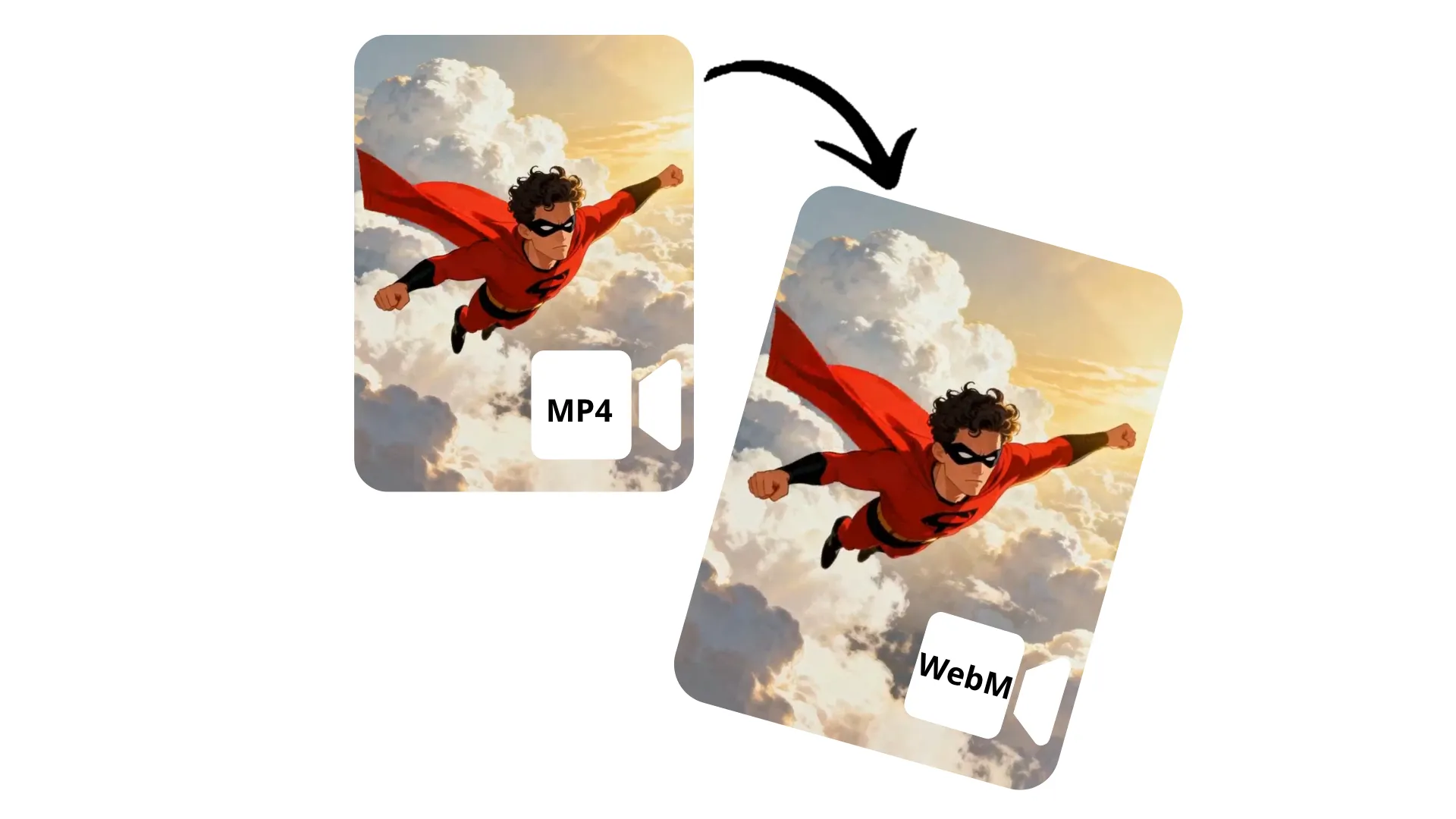
Change MP4 to WebM — with a free online tool
Effortlessly switch to web-optimized WebM
Optimize video for web without losing quality
Quickly change MP4 to WebM with Kapwing's free online converter. Improve browser performance, add transparency, and compress efficiently without losing visual quality. Maintain control over aspect ratio, color, and resolution.
No technical skills or software downloads required: upload any MP4 file, then download for free as a web-friendly WebM video.
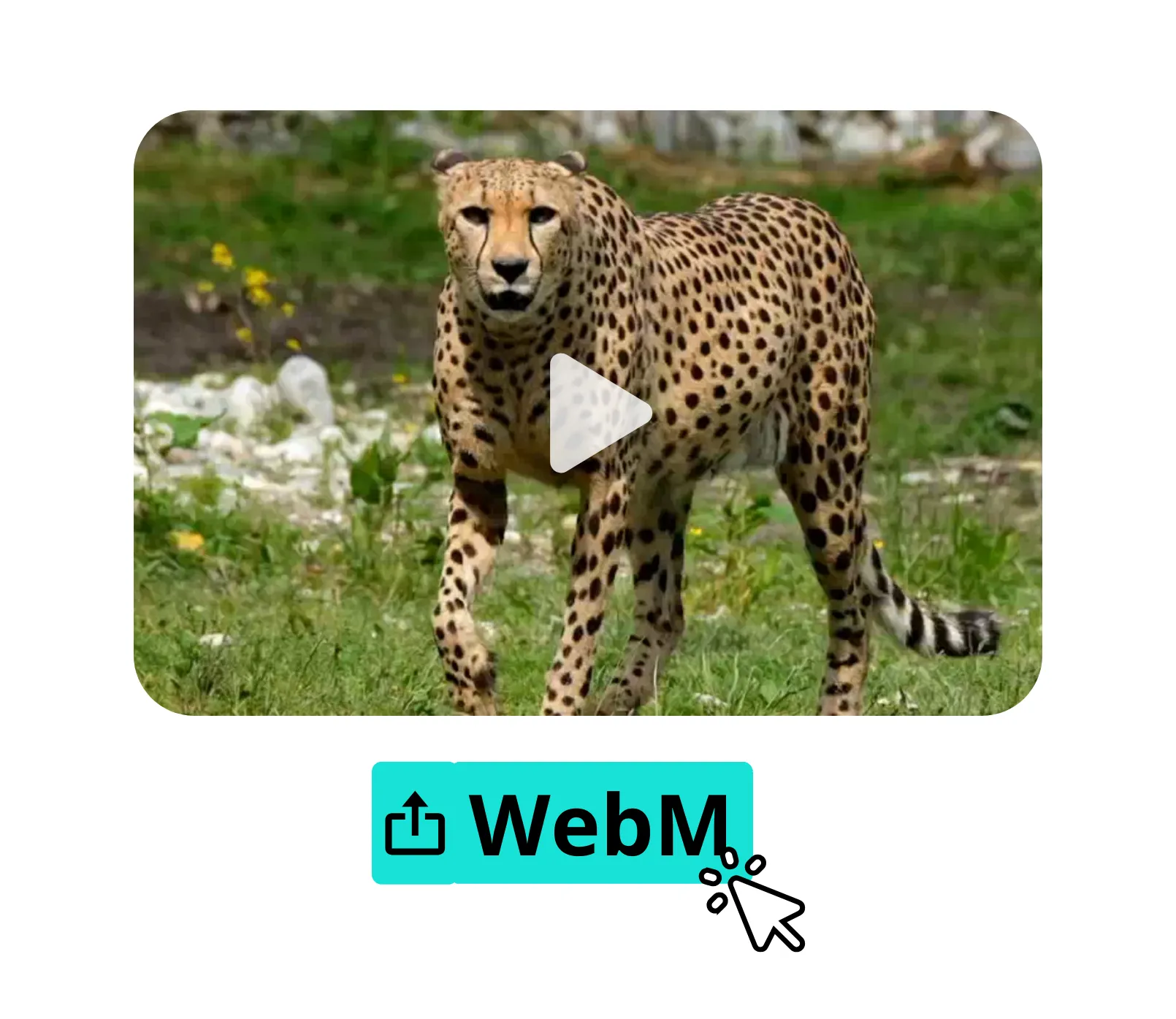
Integrated with a powerful video editor
Kapwing's converter is fully integrated with an extensive video editing studio, so you can seamlessly change MP4 to WebM, collaboratively edit videos, and share to social media, all in the same online tool.
Correct eye contact, stabilize shaking, intelligently find scenes, and enhance audio with one-click AI tools. Upscale resolution, add text and image overlays, and automatically resize for any platform.
Already transforming video creation across industries
Hear directly from the teams who publish faster, collaborate better, and stay ahead.


How to Convert MP4 to WebM
- Step 1Upload MP4
Create a new project in the Kapwing studio, then click to upload your MP4 file.
- Step 2Edit
Optionally, edit your video with Kapwing's full suite of video editing tools.
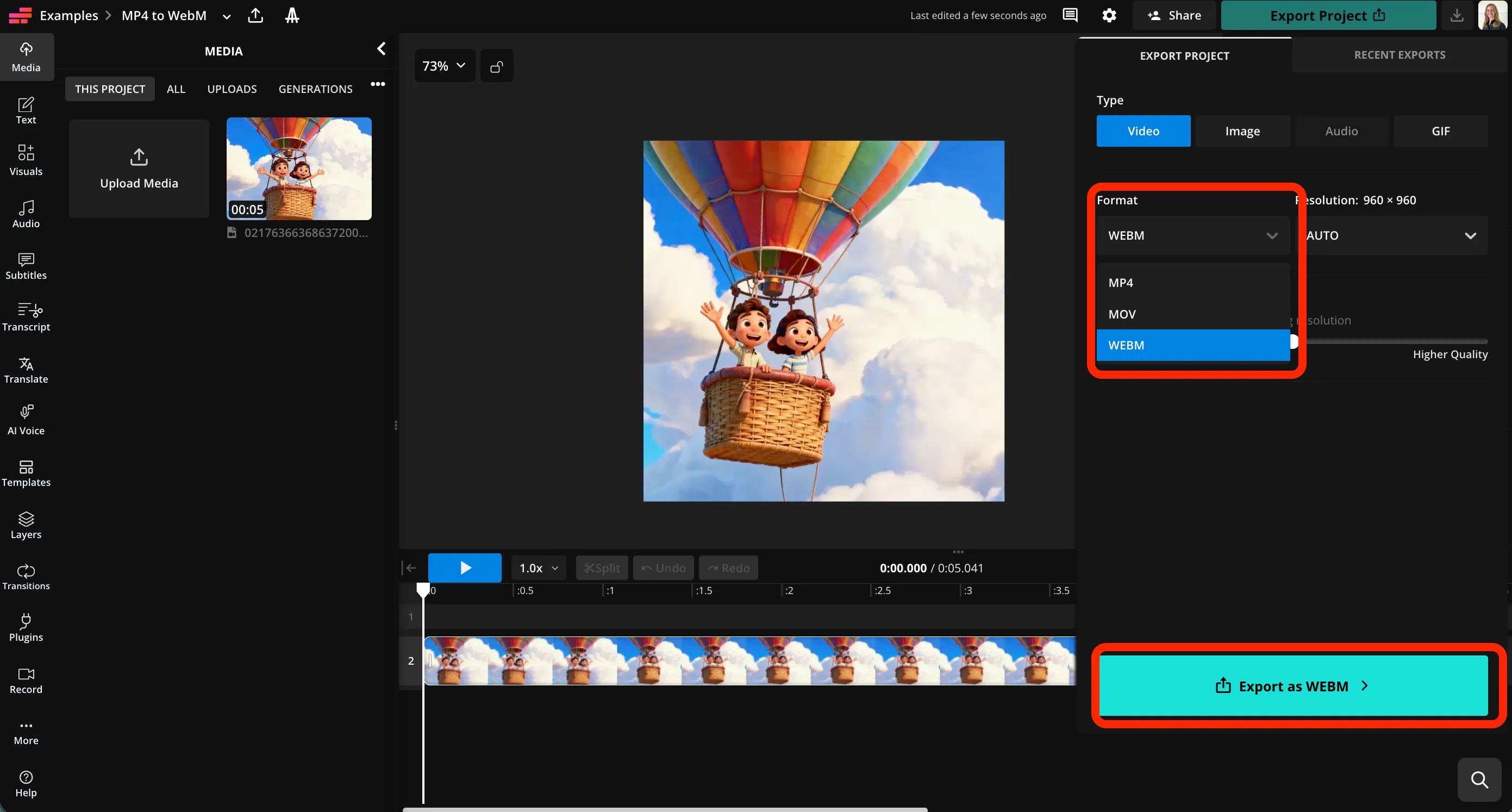
- Step 3Export WebM
Click "Export Project" at the top right, then select WebM from the format dropdown menu. Click "Export as WebM" to download your video.
What's different about Kapwing?



Frequently Asked Questions
We have answers to the most common questions that our users ask.
Is the MP4 to WebM converter free?
Yes, Kapwing's MP4 to WebM Converter is free for all users.
Is there a watermark on exports?
If you use Kapwing on a Free account, then all exports — including MP4 to WebM — contain a watermark. Once you upgrade to a Pro account, the watermark is completely removed from your creations.
How to change MP4 to WebM with Kapwing
To convert MP4 to WebM, first open a new project in the Kapwing studio. Click to upload your MP4 file, then use any of Kapwing's video editing tools, including AI-powered audio enhancement, stabilizing, and eye contact, to make any adjustments to your video.
When you're ready to convert your video, click "Export Project" at the top right of the navigation bar. In the video tab, click the dropdown menu under "Format." Select WebM from the list, then click "Export as WebM." Kapwing will convert your video to a downloadable WebM file.
Can I convert files using my phone?
Yes, you can convert MP4 to WebM using your phone or tablet, including Apple and Android devices, by opening the Kapwing studio on your mobile browser. Click to upload your MP4 file, then export as WebM using the "Export Project" button at the top of the page.
Why convert MP4 to WebM?
WebM is often used for websites because it can produce smaller files and efficient streaming while keeping good visual quality. It also supports features like transparency (alpha channel) for overlays and animations, which MP4 usually doesn’t. WebM is especially common for modern web apps, landing pages, and looping background videos.
Can I convert to other file types?
Yes, you can use Kapwing to convert MP4 videos into MOV, WebM, and GIF formats. You can also convert WebM videos to MP4.
Will my video quality be affected?
No, Kapwing's converter transforms MP4 to WebM format while preserving the original resolution and video quality. If you want a smaller file, you can also adjust the compression level using a slider.
Can I edit my video before I convert it?
Yes, you can use Kapwing's full suite of video editing tools before you convert your file. Add visual and text overlays, resize for your favorite social media platform, or use AI tools like Smart Cut and Split Vocals. Adjust color, remove background, and apply animations and effects. When you're ready, convert the edited file to a high quality WebM and download or share.
Discover Resources
Tips, templates, and deep dives to help you create faster and share with confidence.
View all

Get started with your first video in just a few clicks. Join over 35 million creators who trust Kapwing to create more content in less time.