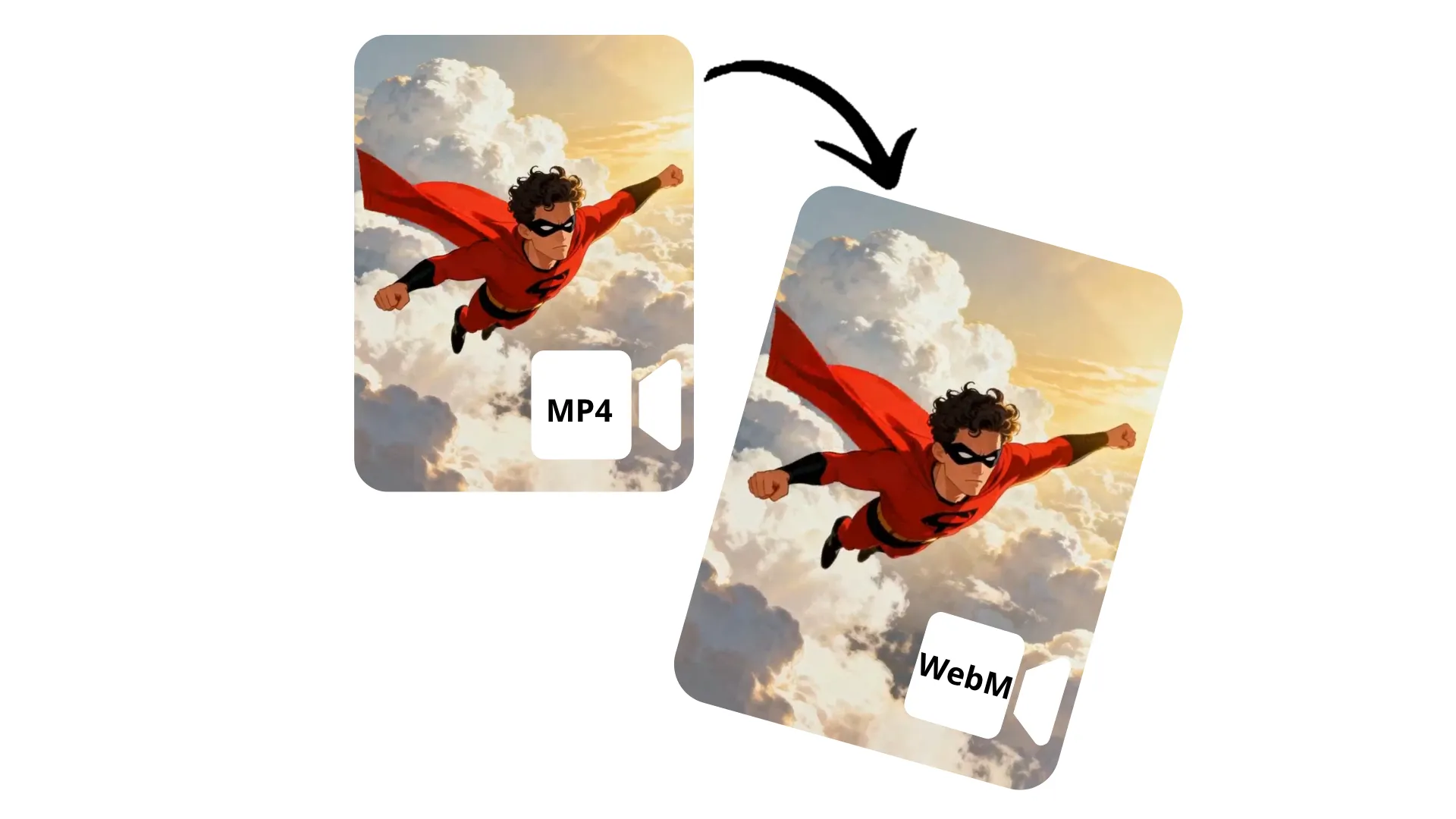
Cambia MP4 a WebM — con una herramienta en línea gratuita
Passa facilmente a WebM ottimizzato per il web
Ottimizza il video per il web senza perdere qualità
Converti rapidamente MP4 in WebM con il convertitore online gratuito di Kapwing. Migliora le prestazioni del browser, aggiungi trasparenza e comprimi in modo efficiente senza perdere la qualità visiva. Mantieni il controllo su rapporto di aspetto, colore e risoluzione.
Nessuna competenza tecnica o download di software richiesti: carica qualsiasi file MP4 e scaricalo gratuitamente come video WebM compatibile con il web.
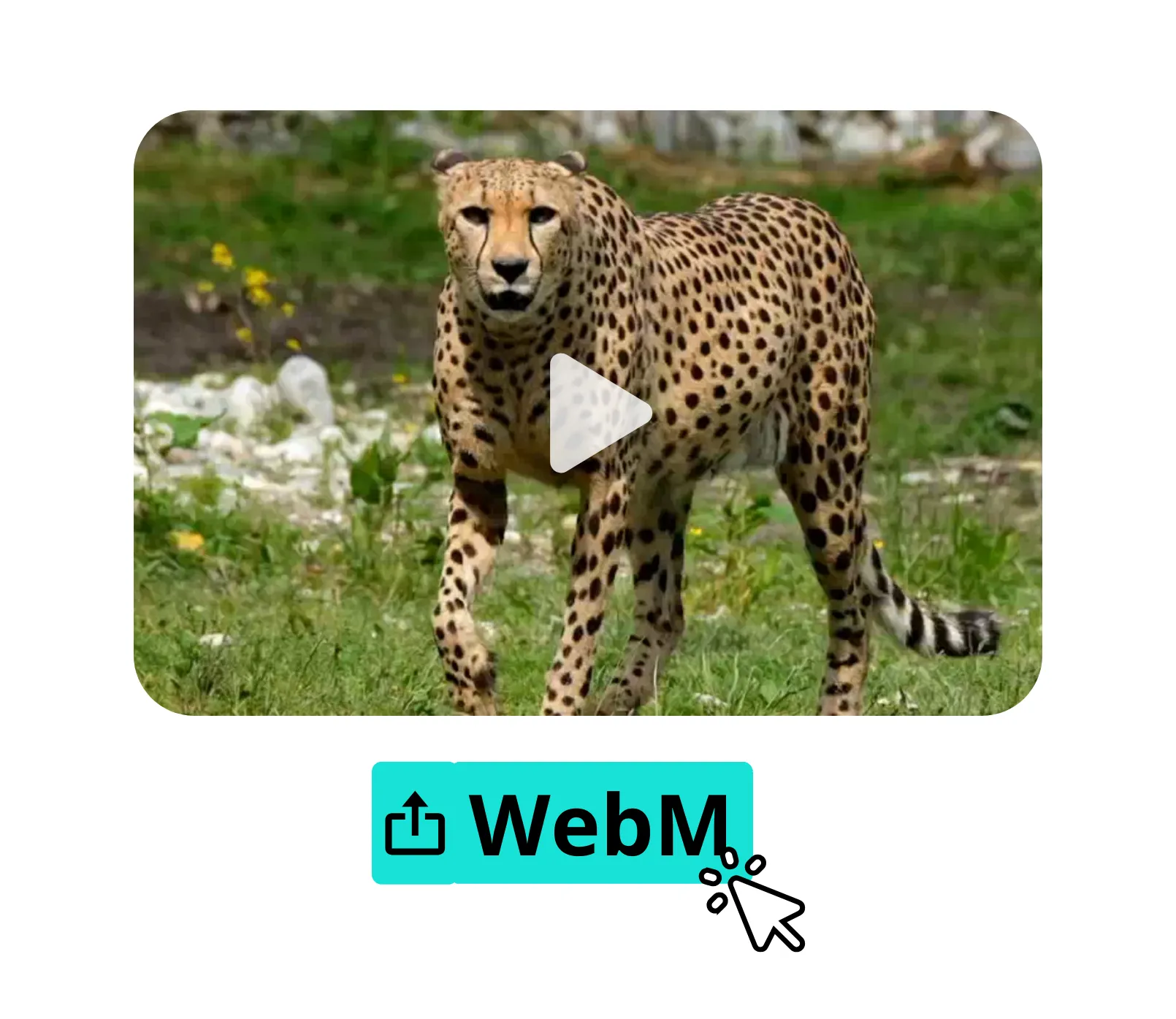
Integrato con un potente editor video
Lo strumento di conversione di Kapwing è completamente integrato con un esteso studio di editing video, quindi puoi passare facilmente da MP4 a WebM, modificare i video in collaborazione e condividerli sui social media, il tutto nello stesso strumento online.
Correggi il contatto visivo, stabilizza le vibrazioni, trova intelligentemente le scene e migliora l'audio con strumenti AI con un solo clic. Aumenta la risoluzione, aggiungi sovrapposizioni di testo e immagini, e ridimensiona automaticamente per qualsiasi piattaforma.
Già rivoluzionando la creazione di video in diversi settori
Ascolta direttamente dai team che pubblicano più velocemente, collaborano meglio e rimangono sempre avanti.


Come convertire MP4 in WebM
- Step 1Carica MP4
Crea un nuovo progetto nello studio Kapwing, quindi fai clic per caricare il tuo file MP4.
- Step 2Modifica
Se vuoi, puoi modificare il tuo video con la gamma completa di strumenti di editing video di Kapwing.
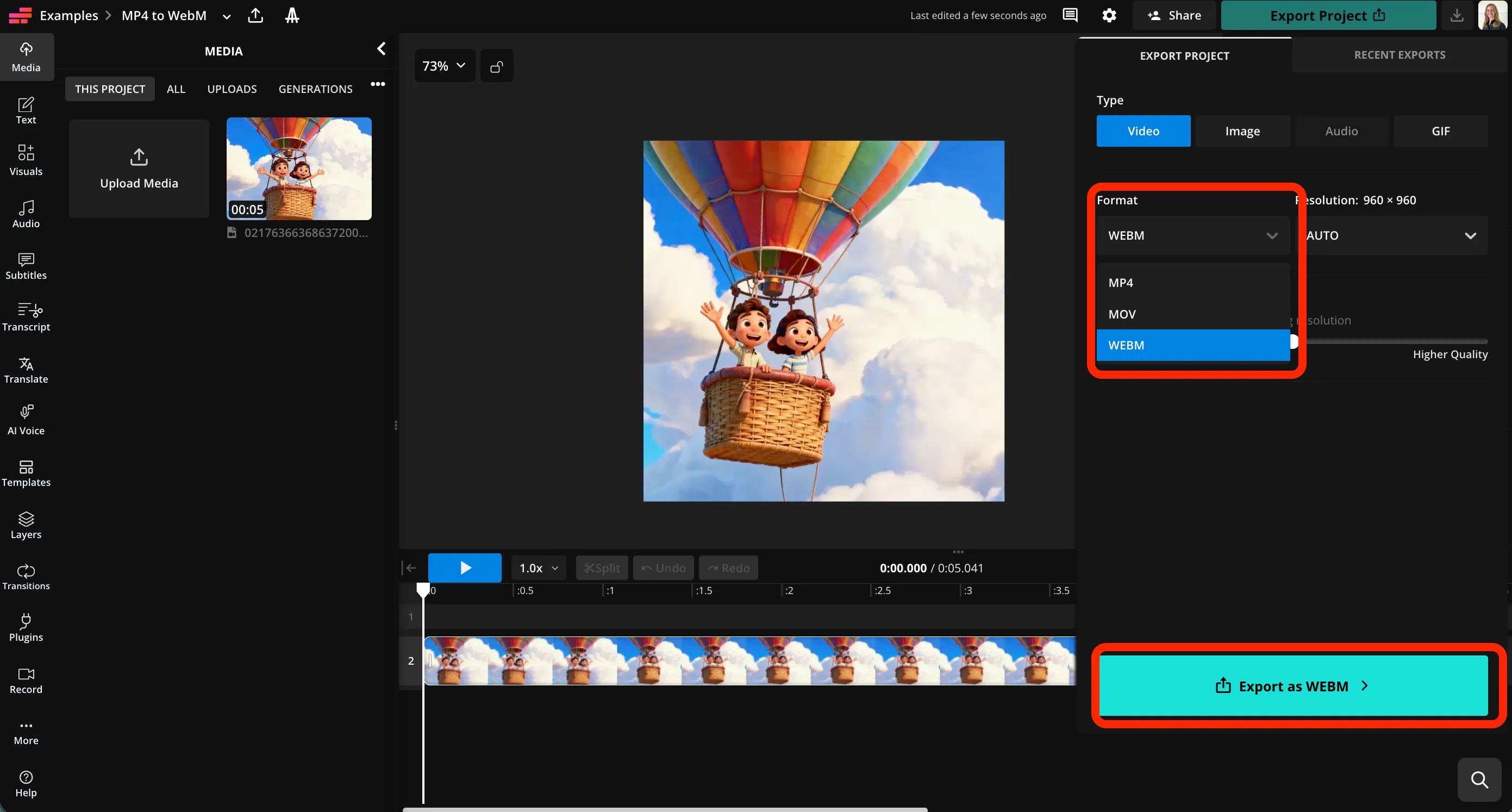
- Step 3Esporta WebM
Fai clic su "Esporta progetto" in alto a destra, quindi seleziona WebM dal menu a discesa dei formati. Fai clic su "Esporta come WebM" per scaricare il tuo video.
Che cosa rende Kapwing diverso?



Domande Frequenti
Abbiamo le risposte alle domande più comuni che i nostri utenti ci fanno.
Il convertitore MP4 a WebM è gratuito?
Sì, il convertitore MP4 to WebM di Kapwing è gratuito per tutti gli utenti.
C'è una filigrana sulle esportazioni?
Se usi Kapwing con un account gratuito, allora tutti gli export — incluso da MP4 a WebM — contengono una filigrana. Una volta che passi a un account Pro, la filigrana viene completamente rimossa dalle tue creazioni.
Come cambiare MP4 in WebM con Kapwing
Per convertire MP4 a WebM, apri prima un nuovo progetto in Kapwing studio. Clicca per caricare il tuo file MP4, poi usa uno qualsiasi degli strumenti di editing video di Kapwing, incluso il miglioramento audio basato su intelligenza artificiale, stabilizzazione e contatto visivo, per fare eventuali regolazioni al tuo video.
Quando sei pronto a convertire il tuo video, clicca "Export Project" in alto a destra della barra di navigazione. Nella scheda video, clicca il menu a tendina sotto "Format." Seleziona WebM dall'elenco, poi clicca "Export as WebM." Kapwing convertirà il tuo video in un file WebM scaricabile.
Posso convertire i file usando il mio telefono?
Sì, puoi convertire MP4 in WebM usando il tuo telefono o tablet, inclusi dispositivi Apple e Android, aprendo Kapwing studio nel tuo browser mobile. Fai clic per caricare il tuo file MP4, quindi esporta come WebM utilizzando il pulsante "Export Project" in cima alla pagina.
Perché convertire MP4 in WebM?
WebM viene spesso utilizzato per i siti web perché può produrre file più piccoli e streaming efficiente mantenendo una buona qualità visiva. Supporta anche funzioni come la trasparenza (canale alfa) per sovrapposizioni e animazioni, che MP4 solitamente non ha. WebM è particolarmente comune per le app web moderne, le landing page e i video di sfondo in loop.
Posso convertire in altri tipi di file?
Sì, puoi usare Kapwing per convertire i video MP4 in formati MOV, WebM e GIF. Puoi anche convertire i video WebM in MP4.
La qualità del mio video sarà compromessa?
No, il convertitore di Kapwing trasforma MP4 in formato WebM preservando la risoluzione originale e la qualità video. Se desideri un file più piccolo, puoi anche regolare il livello di compressione utilizzando un cursore.
Posso modificare il mio video prima di convertirlo?
Sì, puoi utilizzare l'intera suite di strumenti di editing video di Kapwing prima di convertire il tuo file. Aggiungi sovrapposizioni visive e di testo, ridimensiona per la tua piattaforma di social media preferita, oppure utilizza strumenti AI come Smart Cut e Split Vocals. Regola il colore, rimuovi lo sfondo e applica animazioni ed effetti. Quando sei pronto, converti il file modificato in un WebM di alta qualità e scarica o condividi.
Scopri le Risorse
Consigli, modelli e approfondimenti per aiutarti a creare più velocemente e condividere con sicurezza.
Visualizza tutto

Inizia con il tuo primo video in pochi click. Unisciti a oltre 35 milioni di creator che si fidano di Kapwing per creare più contenuti in meno tempo.