Explore the AI models behind Kapwing's creative workflows — Seedance, Veo, GPT, Kling, and more
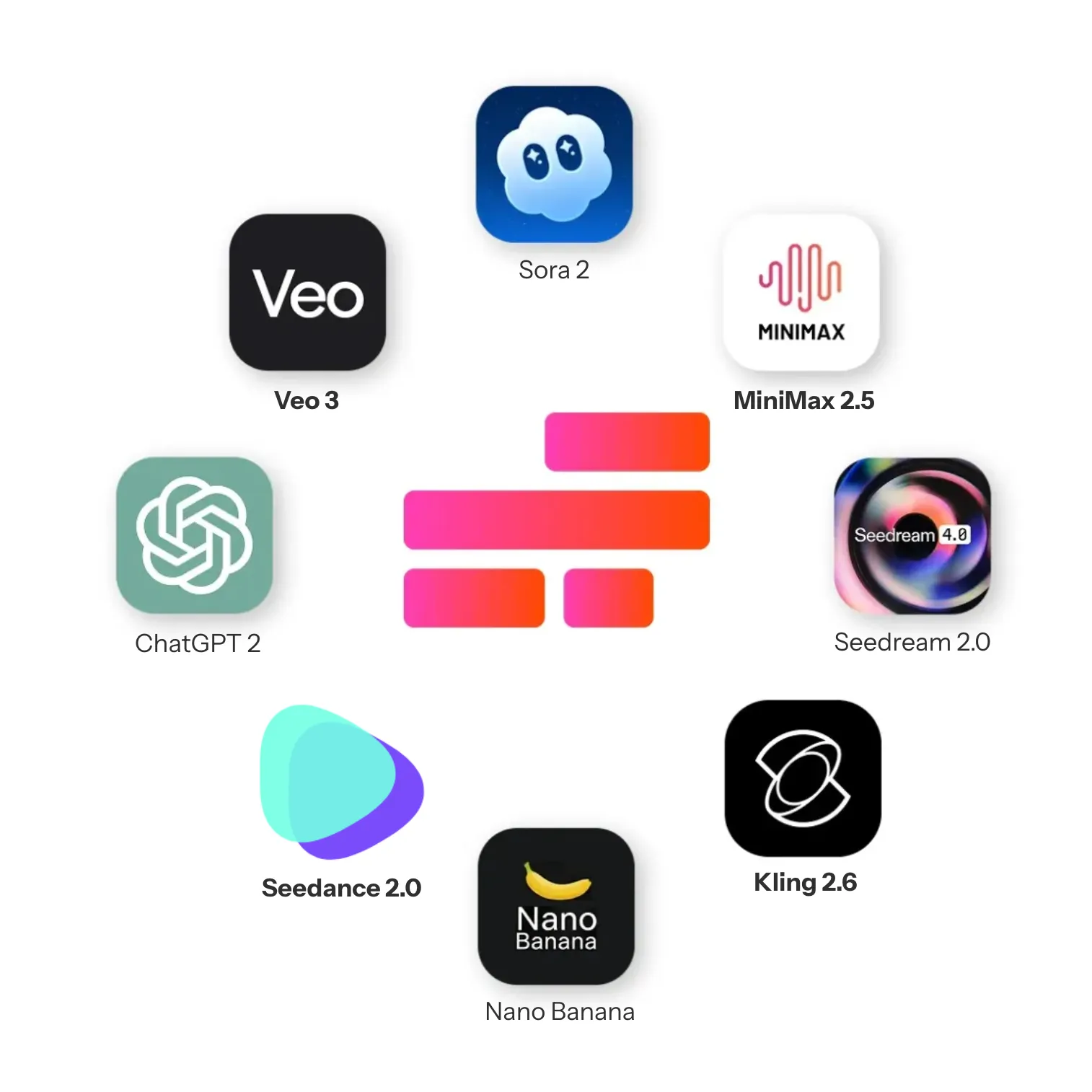
Why Kapwing uses multiple AI models
Each creative task is suited to a different AI model
No single AI model excels at every creative task. Some models are designed for realistic motion and cinematic continuity, others prioritize speed, cost efficiency, animation, or transformation tasks like editing and translation.
Kapwing AI integrates multiple best-in-class generative models to ensure each stage of the creative process uses the most appropriate underlying technology. Rather than forcing creators into a one-model-fits-all system, Kapwing applies different models based on the task .
This model-agnostic approach allows creators to benefit from rapid advances in generative AI without needing to understand or manage the complexity behind each model. As new models emerge and existing ones improve, Kapwing can adopt them where they add real creative value.
.webp)
AI video generation models available in Kapwing
Realistic motion, multi-shot scenes, and visually consistent characters
Seedance 2.0
A versatile option for cinematic, high-motion video generation. Seedance 2.0 combines fluid movement, deliberate camera direction, and synced audio.
Best for: Character-led stories, stylized action sequences, and scenes involving complex movement or choreography
Veo 3
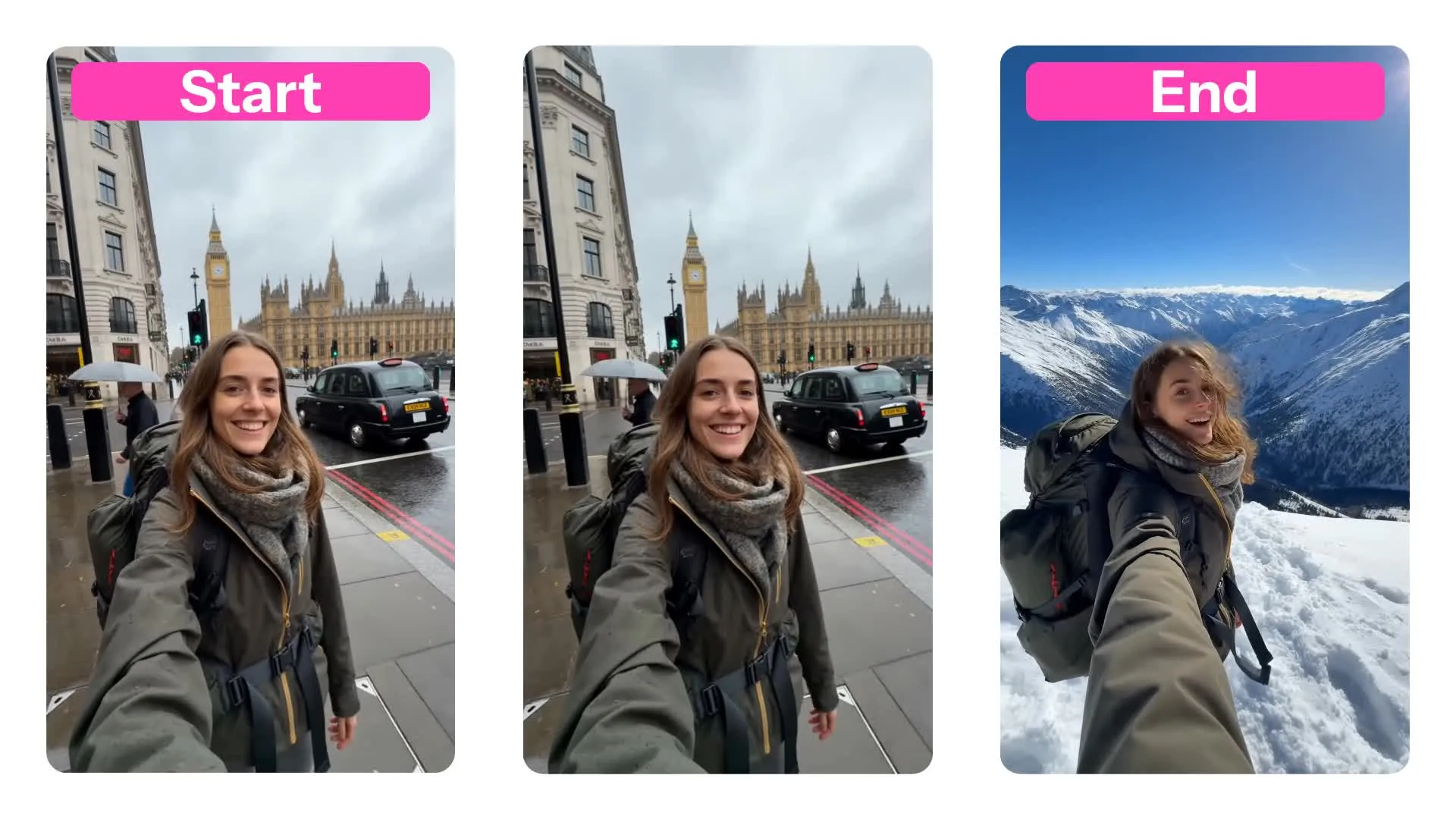
Veo 3 generates polished 1080p video with native audio, and is the only model in Kapwing that supports both start and end frames.
Best for: Transitions between two images, product reveals, before-and-after sequences, and clips that must end on a specific shot.
Kling 2.6 (Motion Control)
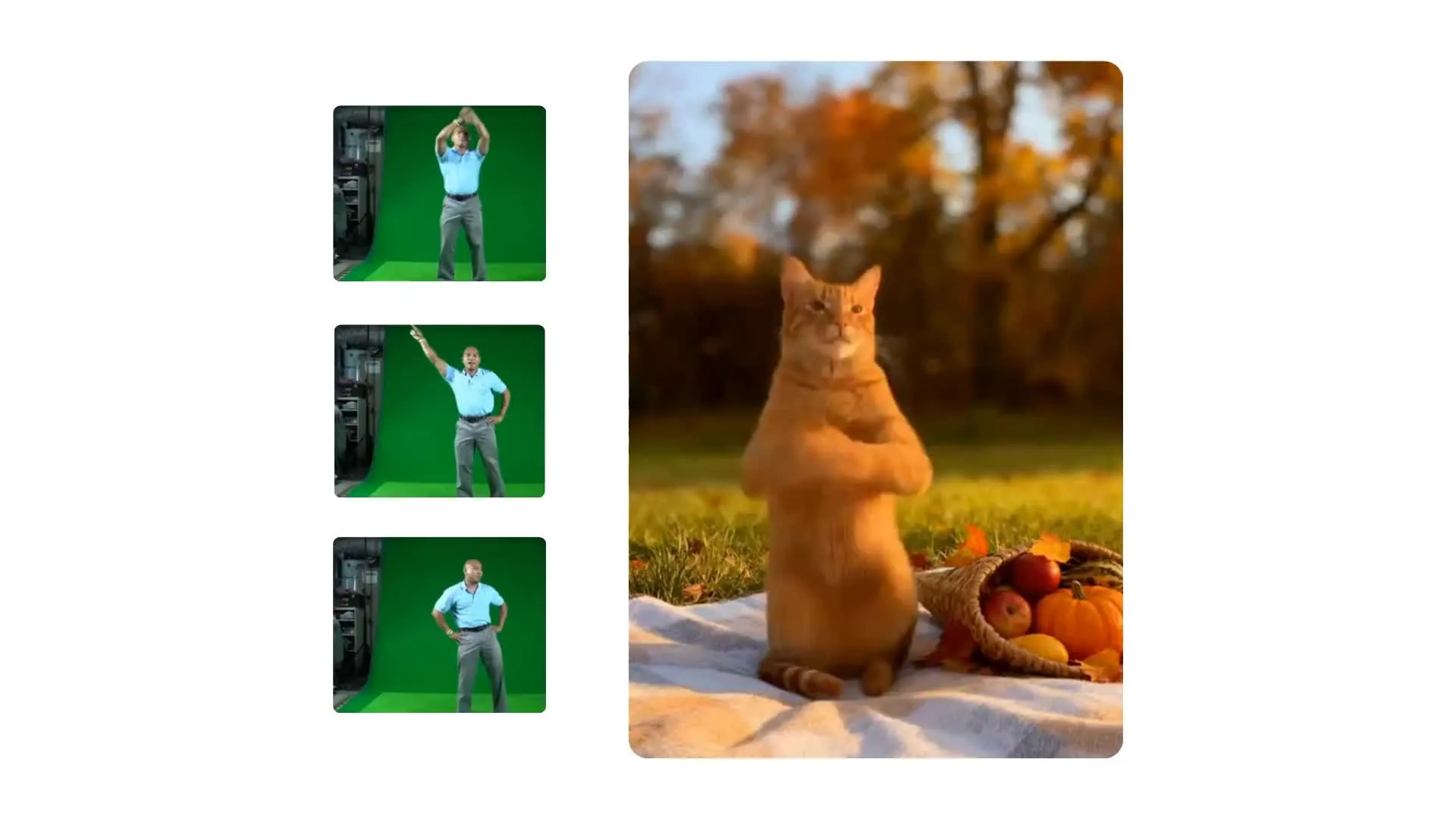
Designed for motion transfer rather than general text-to-video generation. In Kapwing, Kling 2.6 uses a reference video to control how your subject moves.
Best for: Dance videos, character performances, gestures, expressions, and recreating specific movements or choreography
Wan 2.2
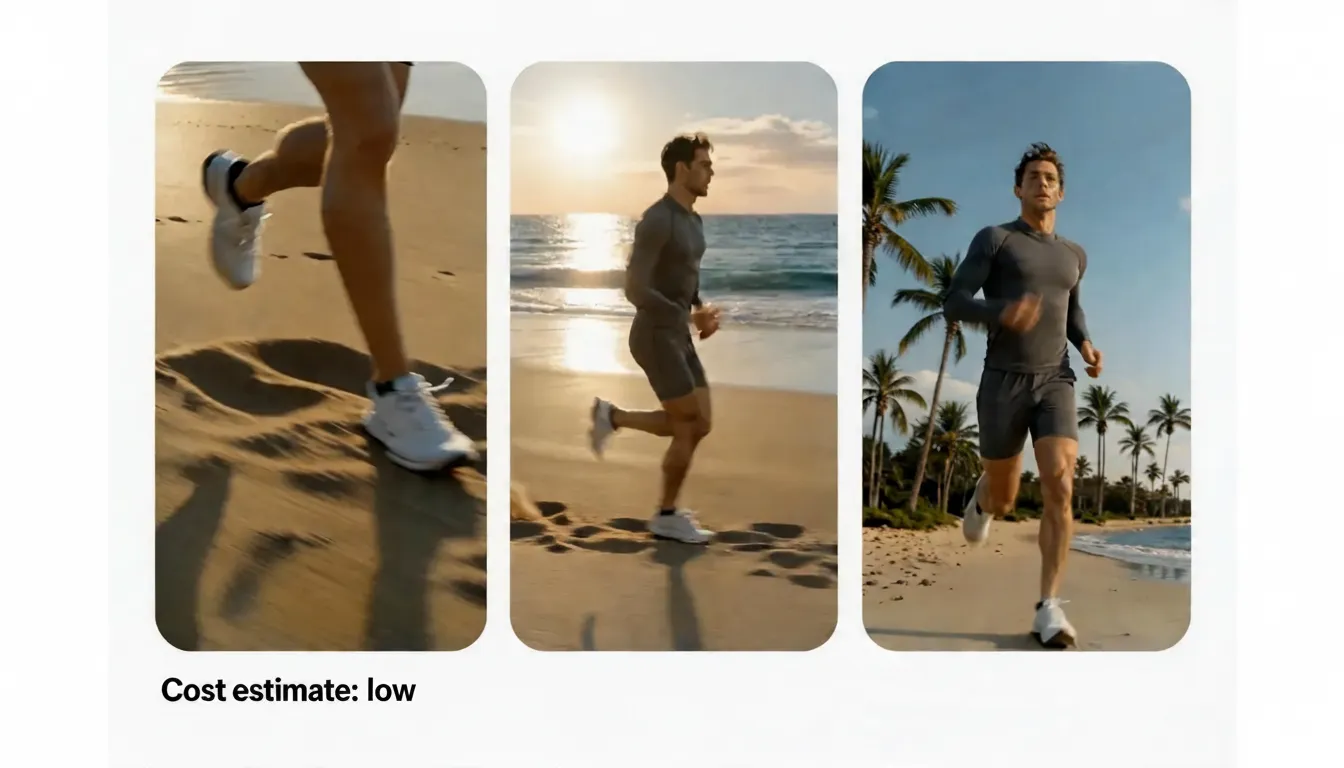
Wan 2.2 is a fast, cost-efficient option for generating 720p video from text or an opening image. The integrated Lightning model is designed for quick iteration.
Best for: Testing prompts, generating multiple variations, producing B-roll, and creating first draft video concepts
Sora 2
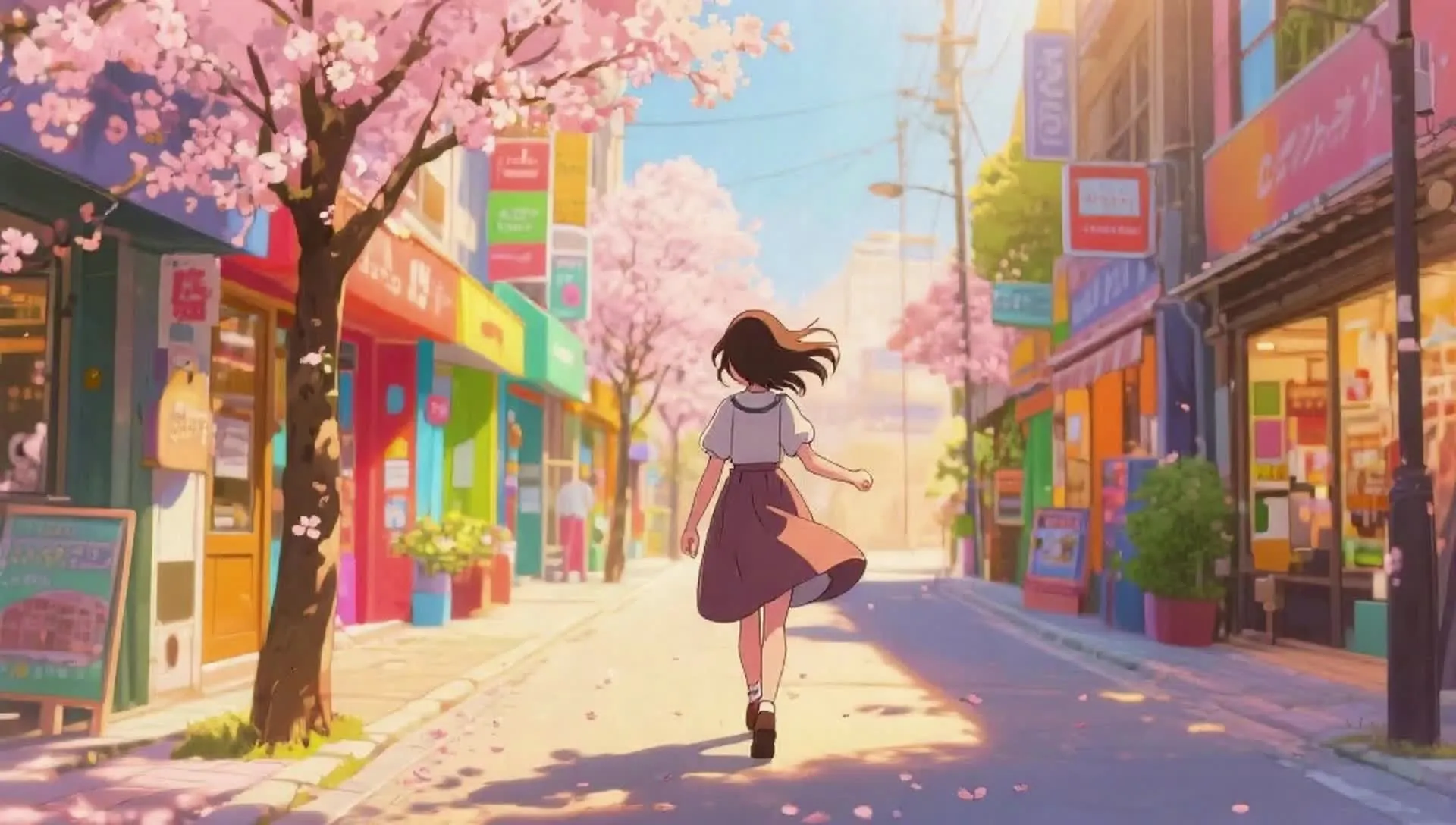
Built for multi-shot scenes, animated styles, and synchronized sound. In Kapwing, Sora 2 generates with 4-, 8-, or 12-second outputs.
Best for: Animated and cartoon styles, multi-shot continuity, and prompts that require strong visual interpretation
Happy Horse 1.0
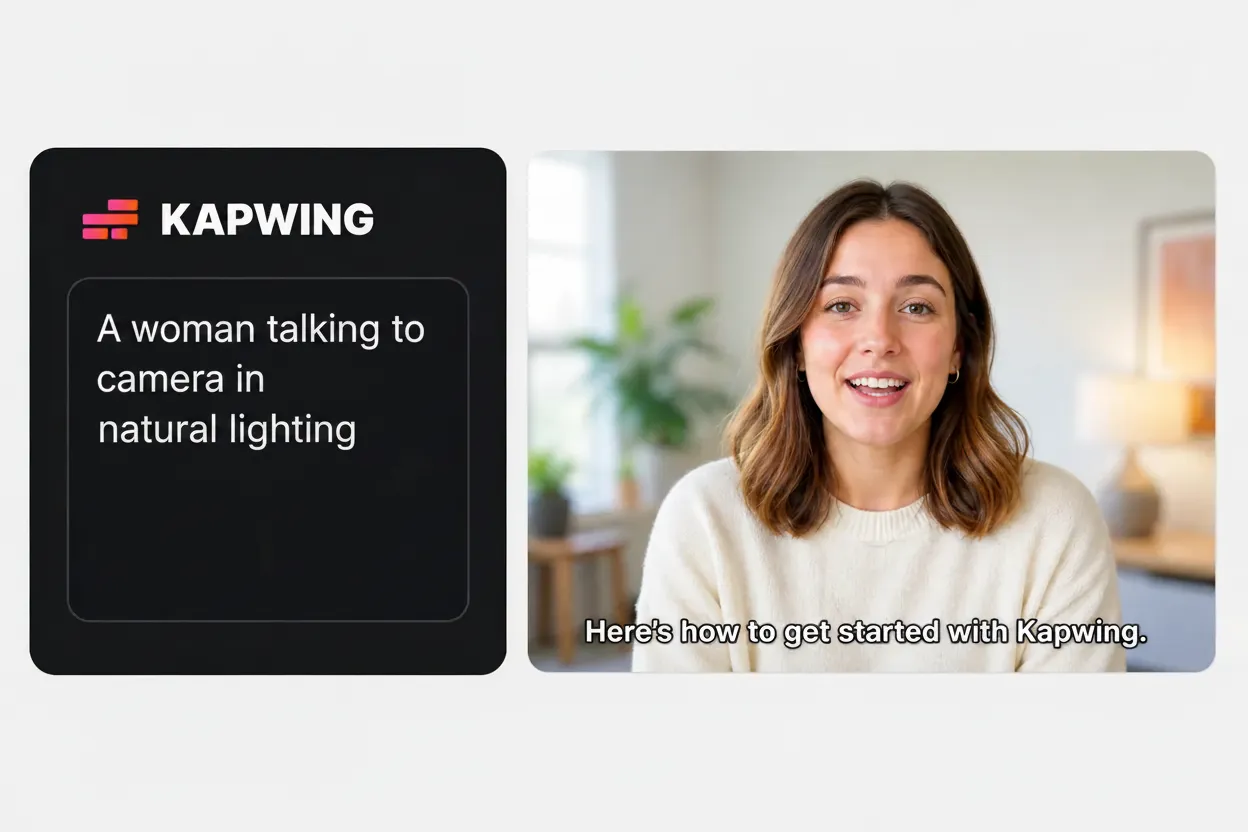
Happy Horse 1.0 is Kapwing's only dedicated text-to-video model. It generates entirely from a written prompt and does not support image-to-video.
Best for: Videos where you want the model to interpret your prompt and determine the composition, movement, and visual direction
Grok Imagine Video
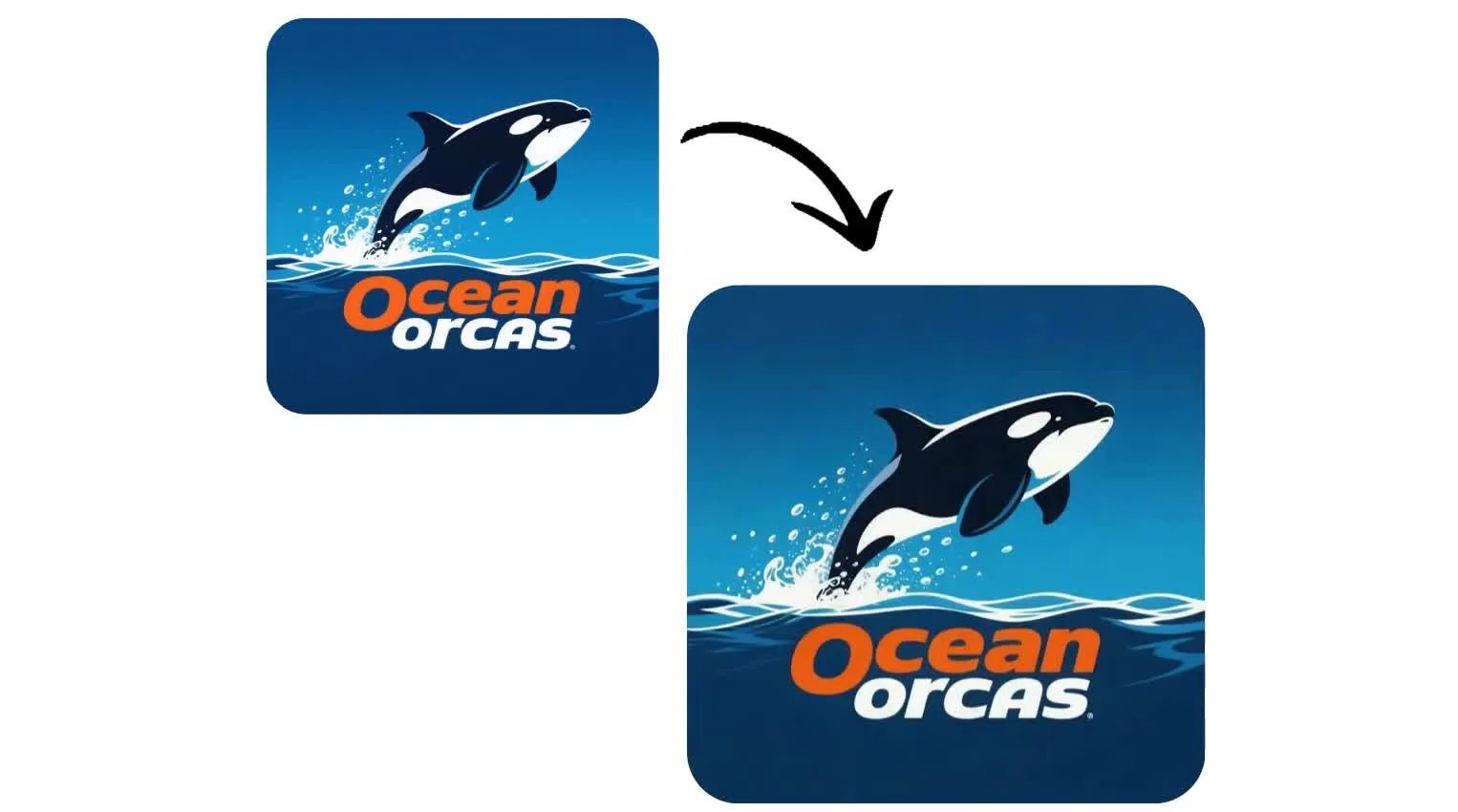
Grok Imagine Video generates clips from 1 to 15 seconds, making it a strong choice for ultra-short social content and quick image or logo animations.
Best for: Animating still images, social media videos, logo reveals, and short, attention-grabbing clips.
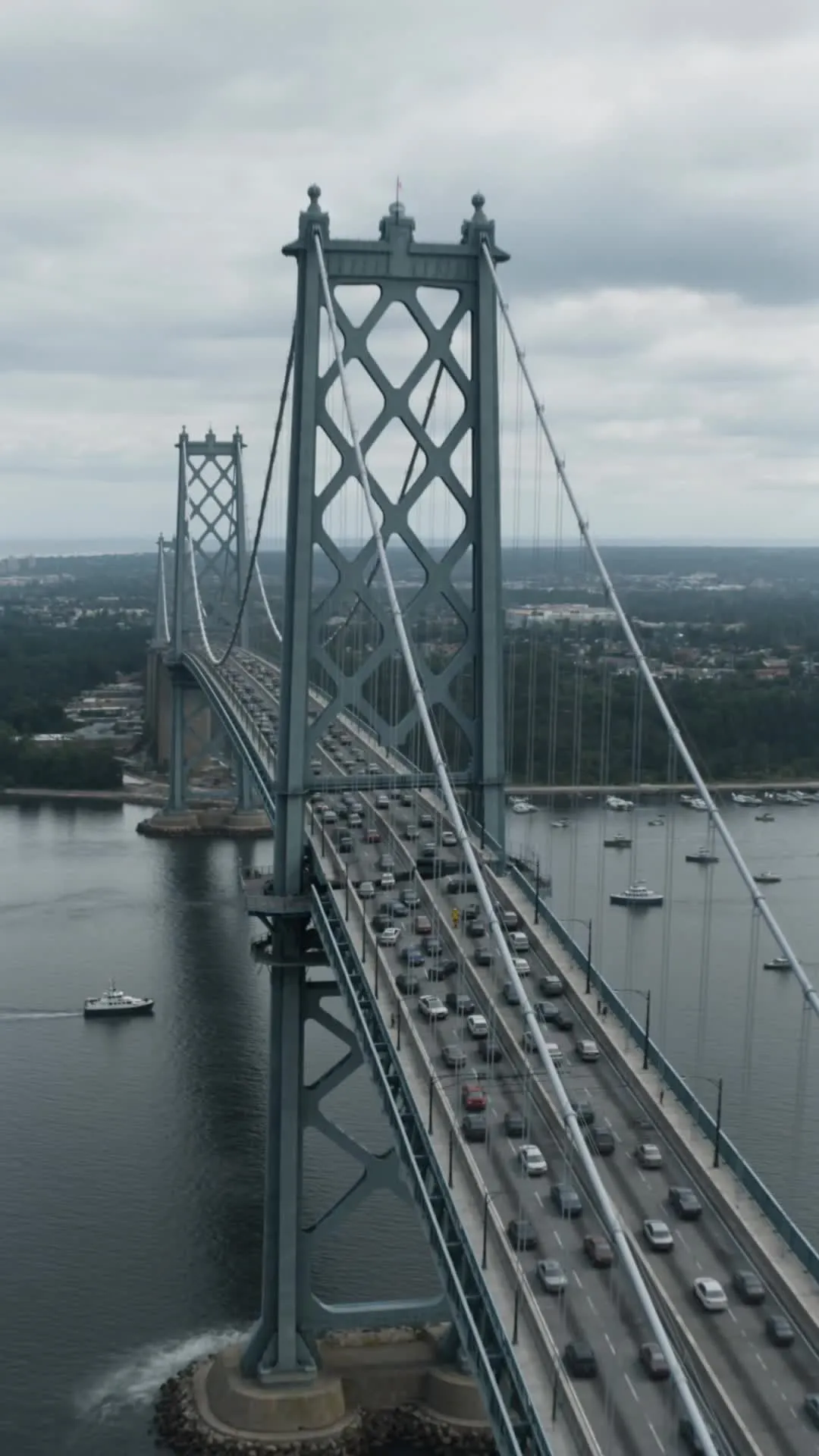
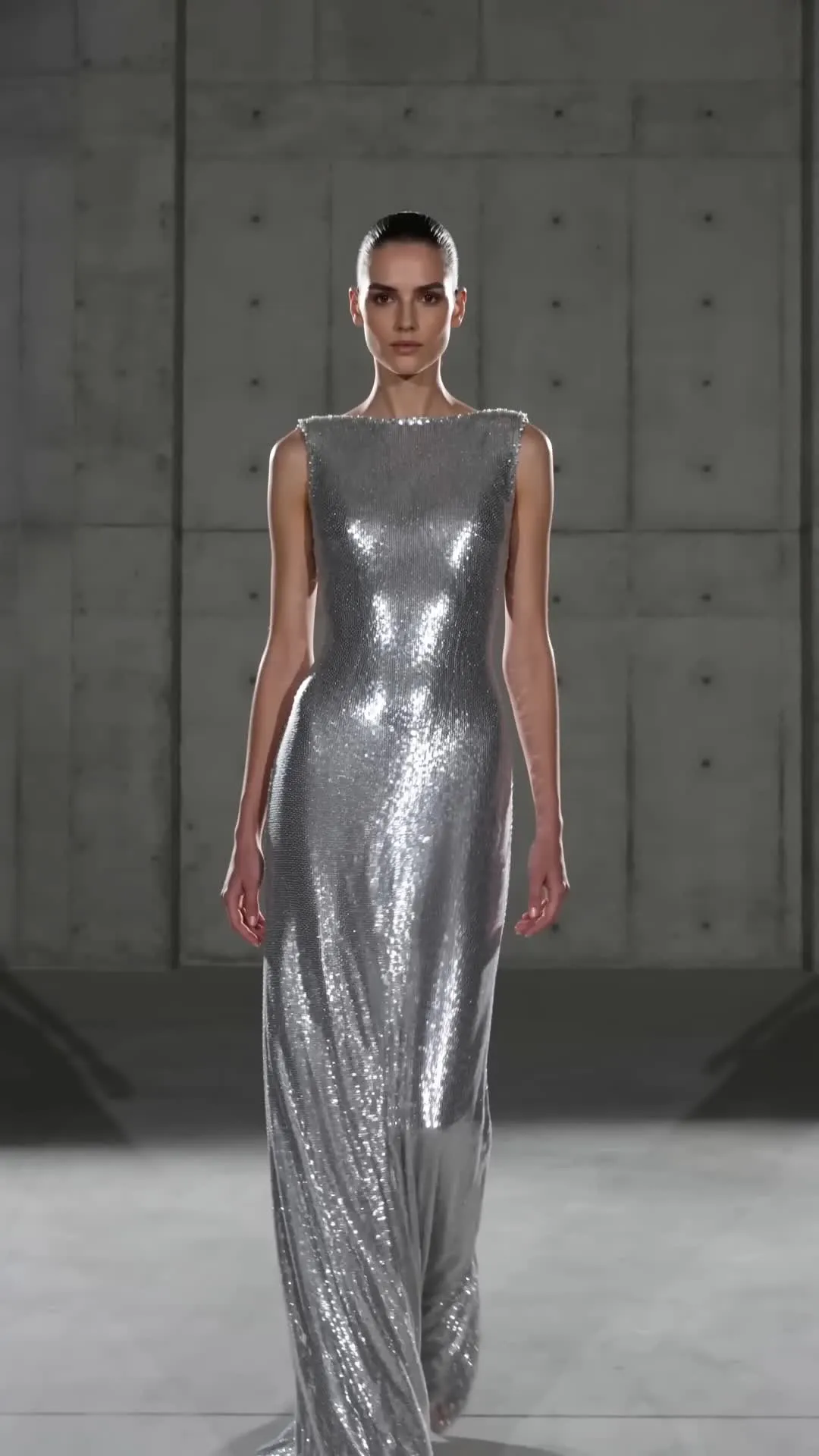
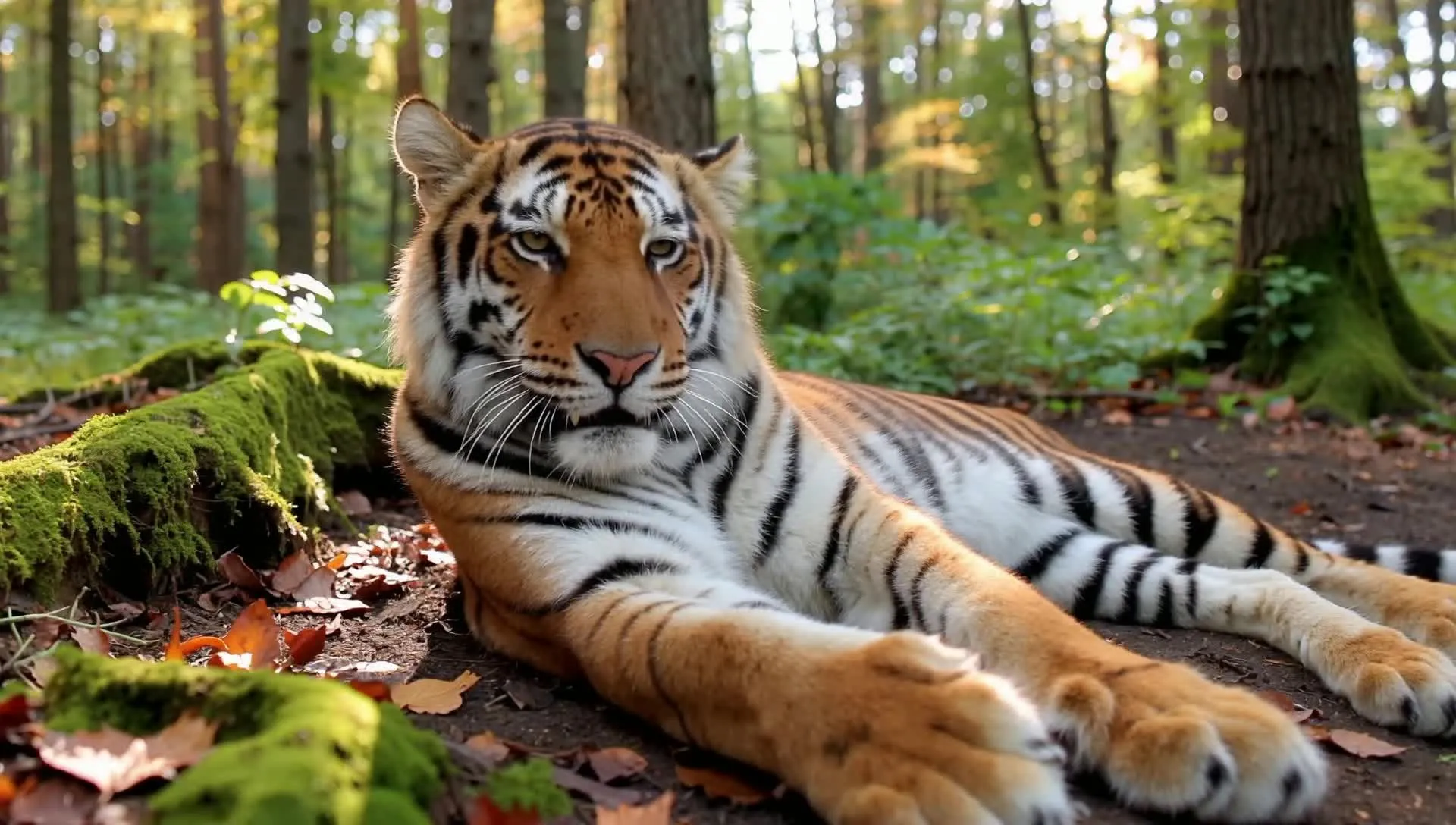
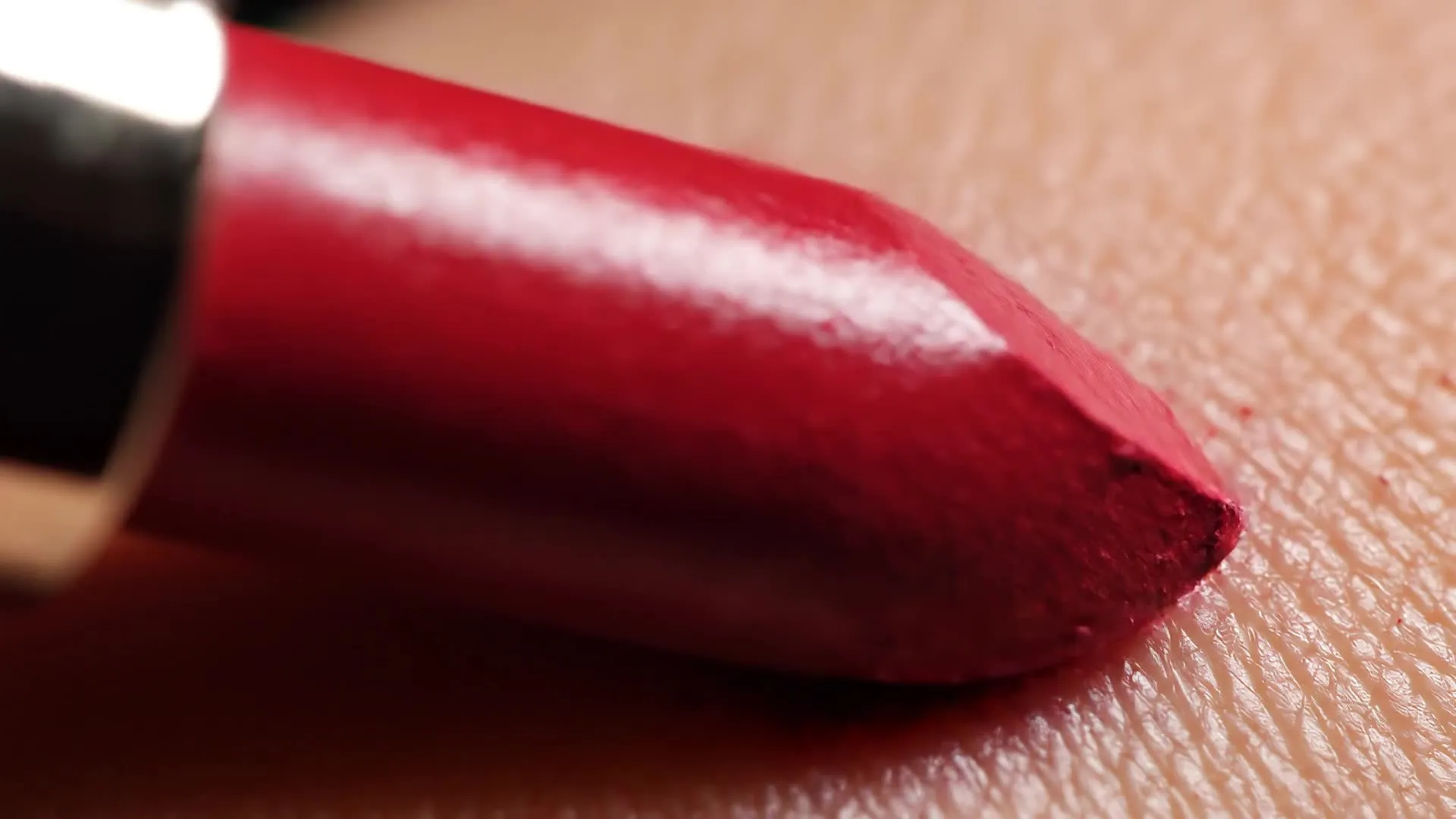
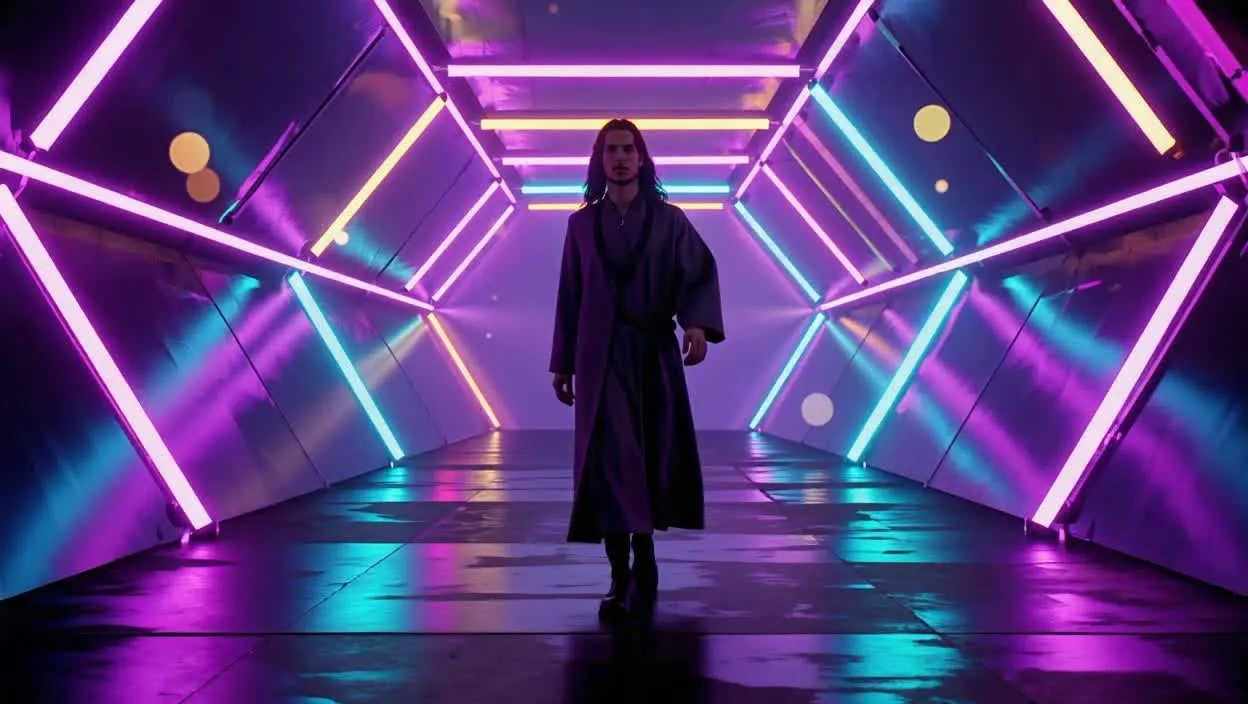
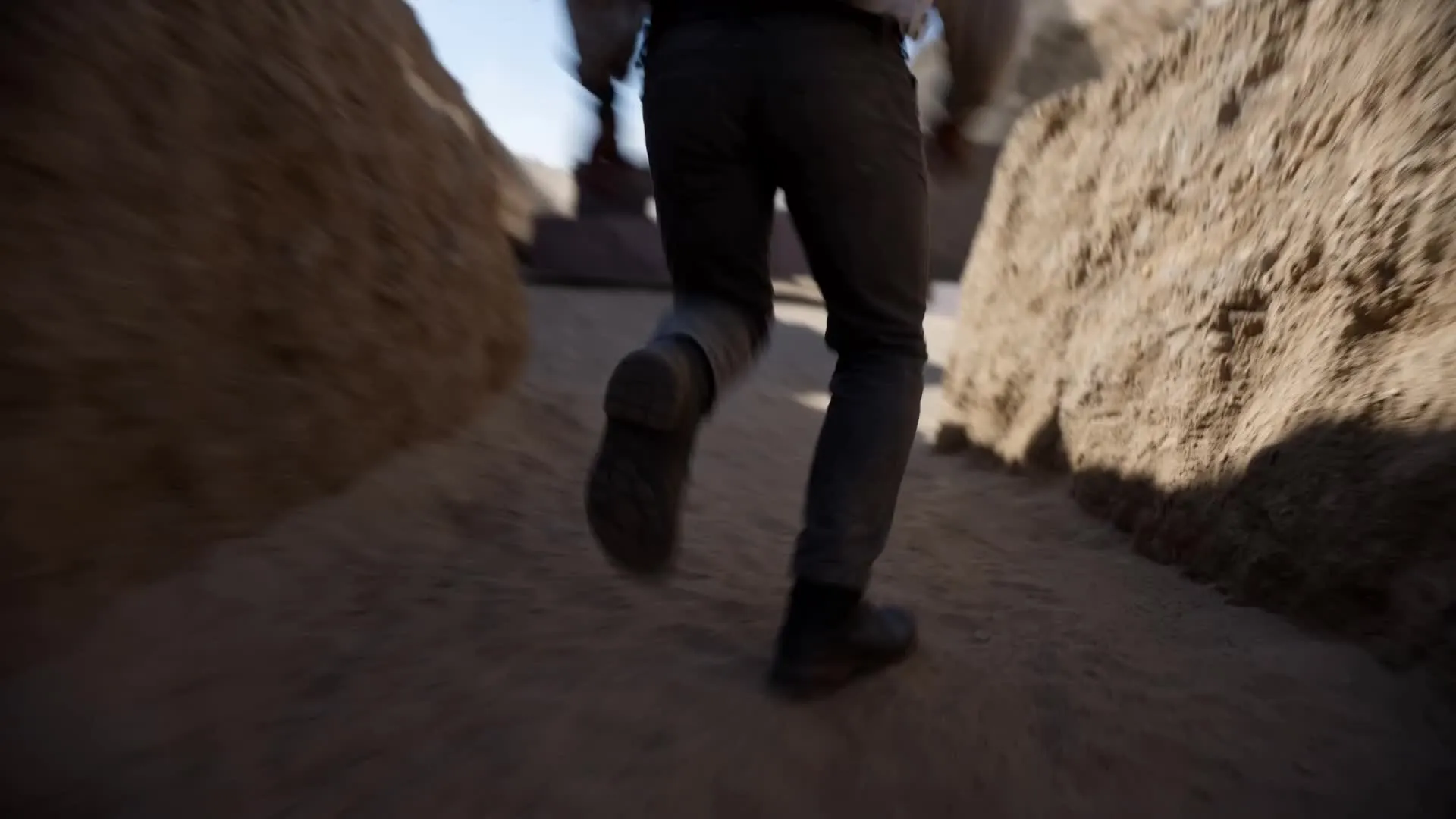
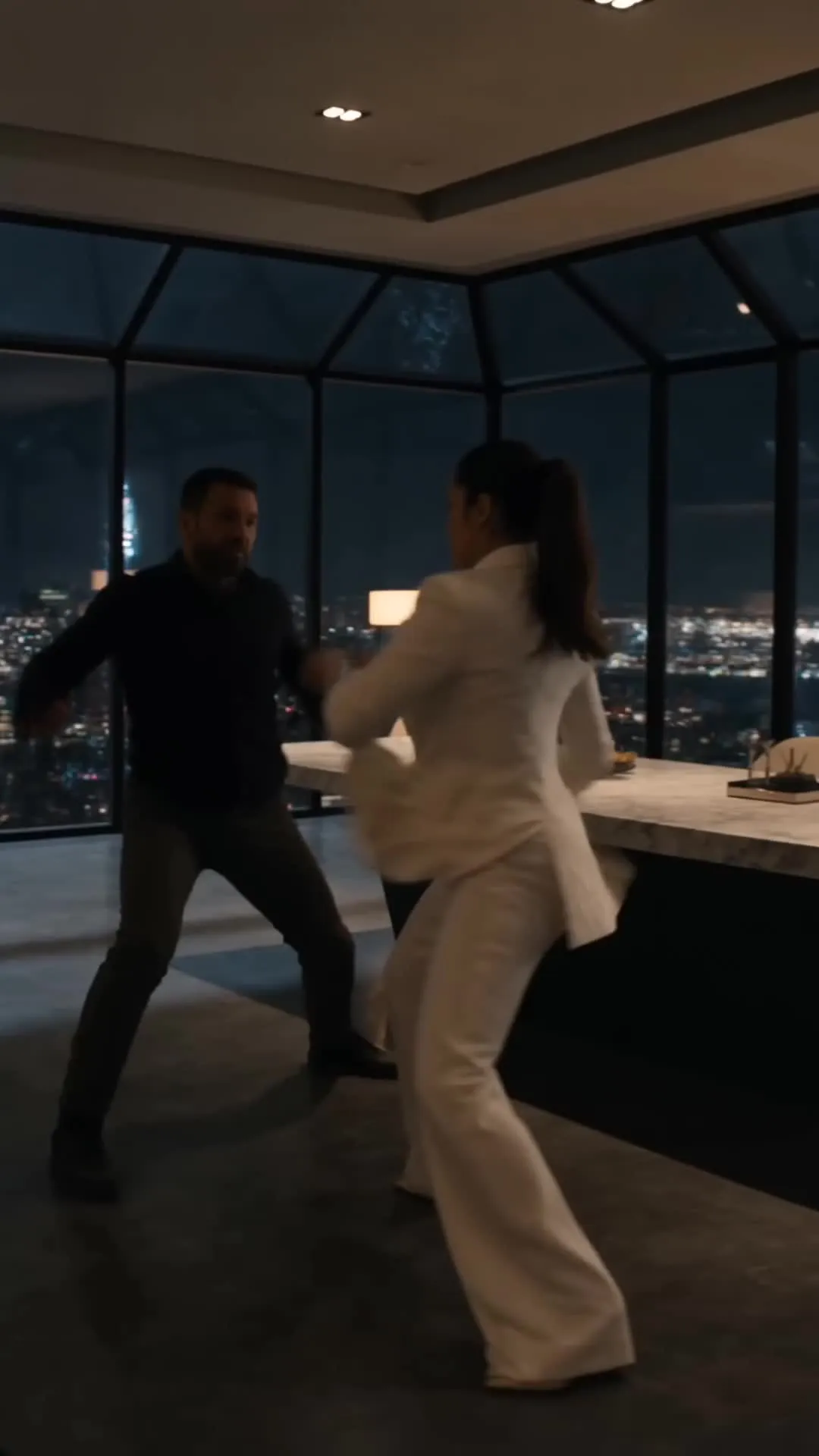
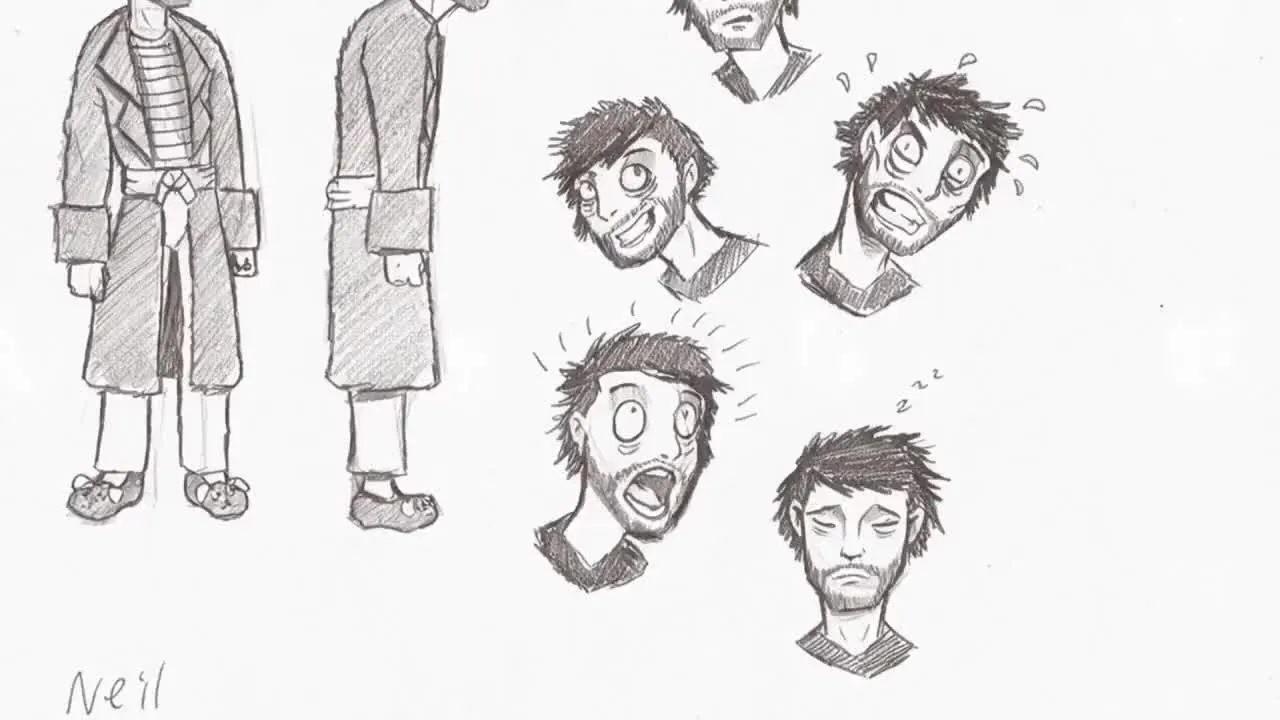
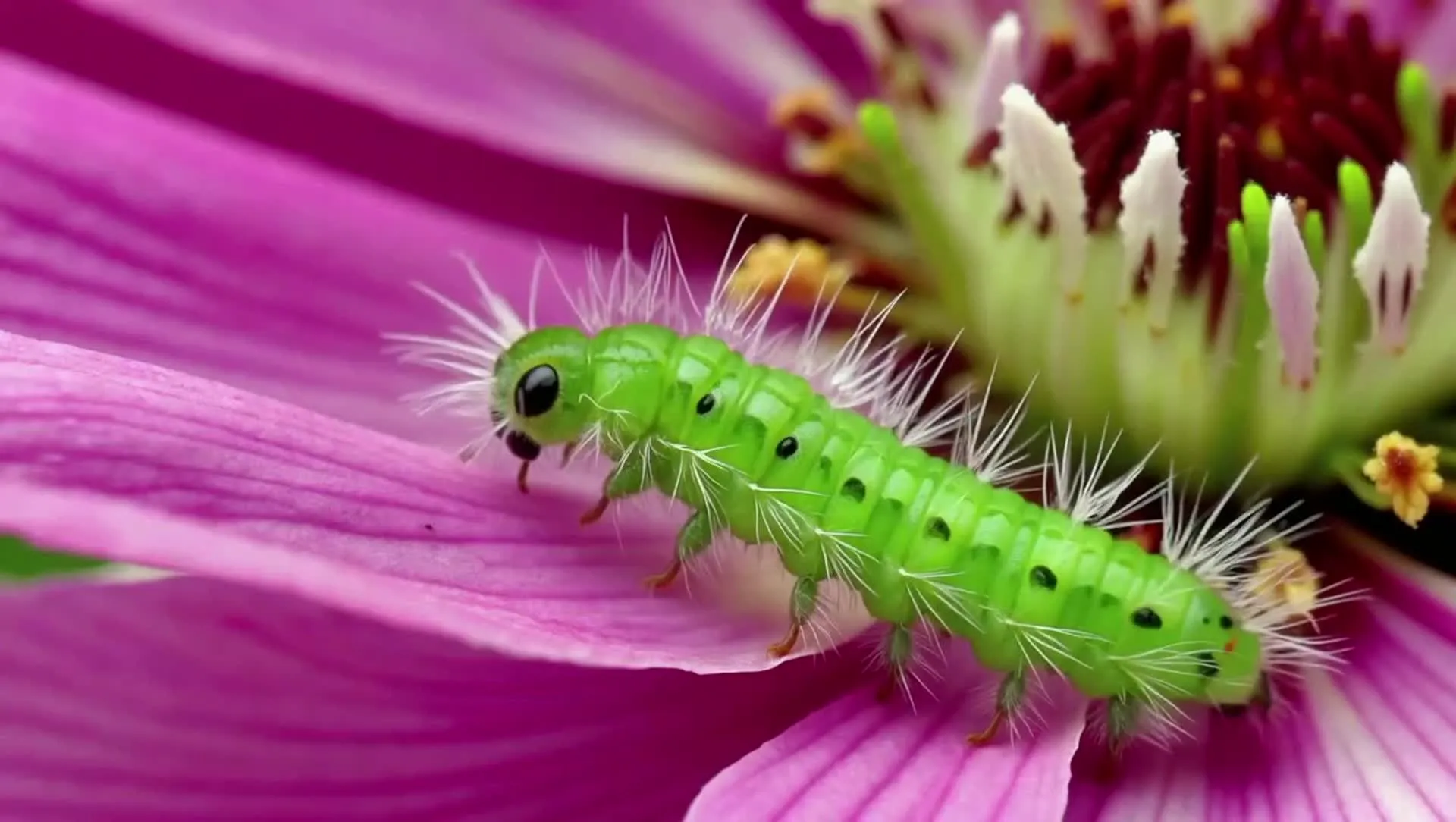
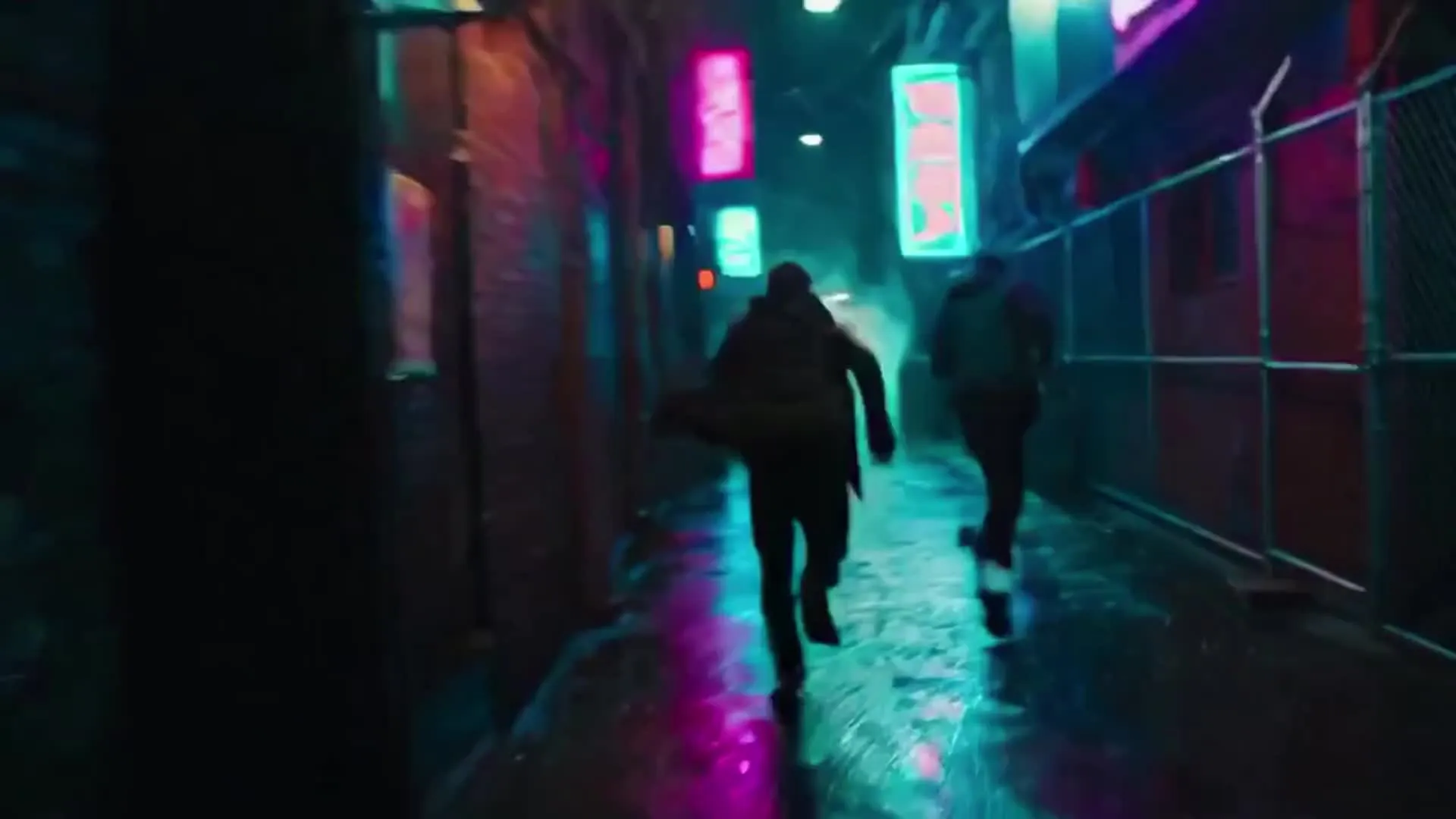
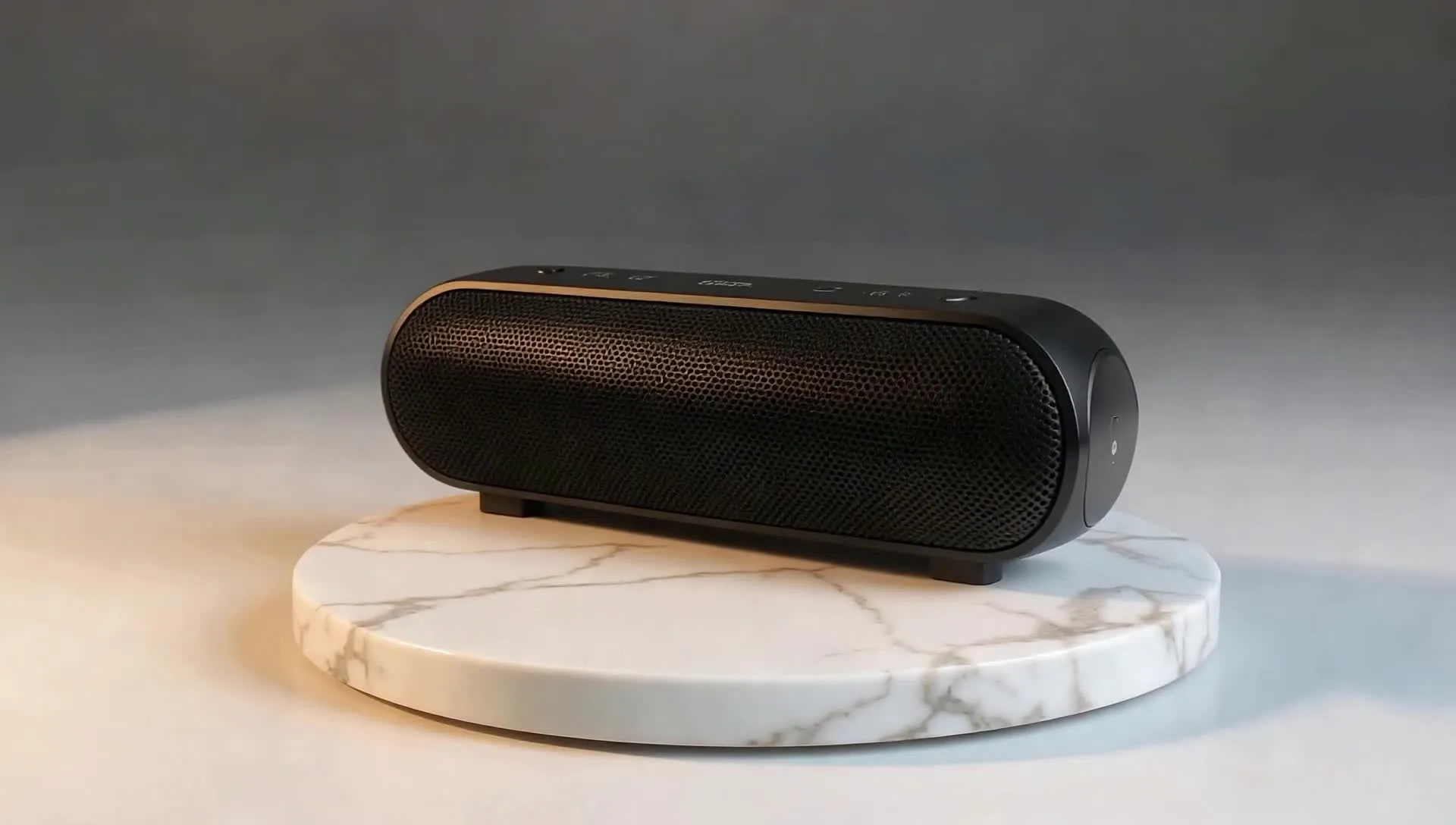
Made in Kapwing — by leading AI models


-poster.webp)
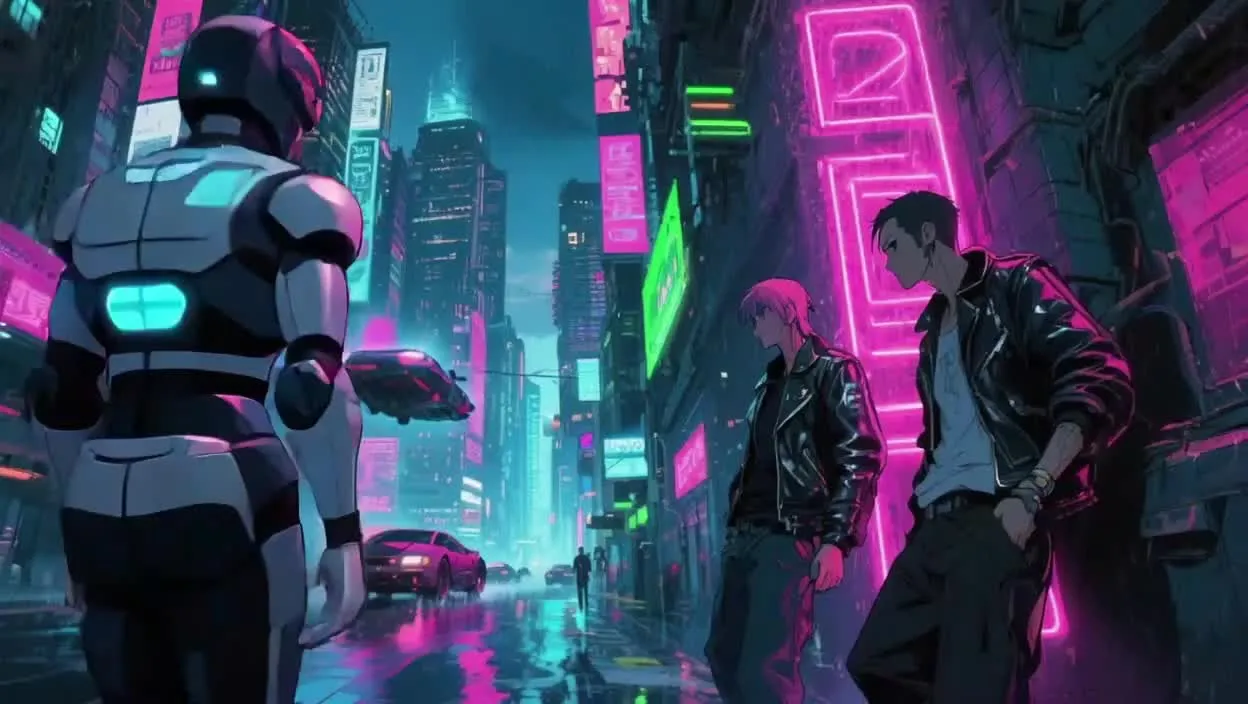
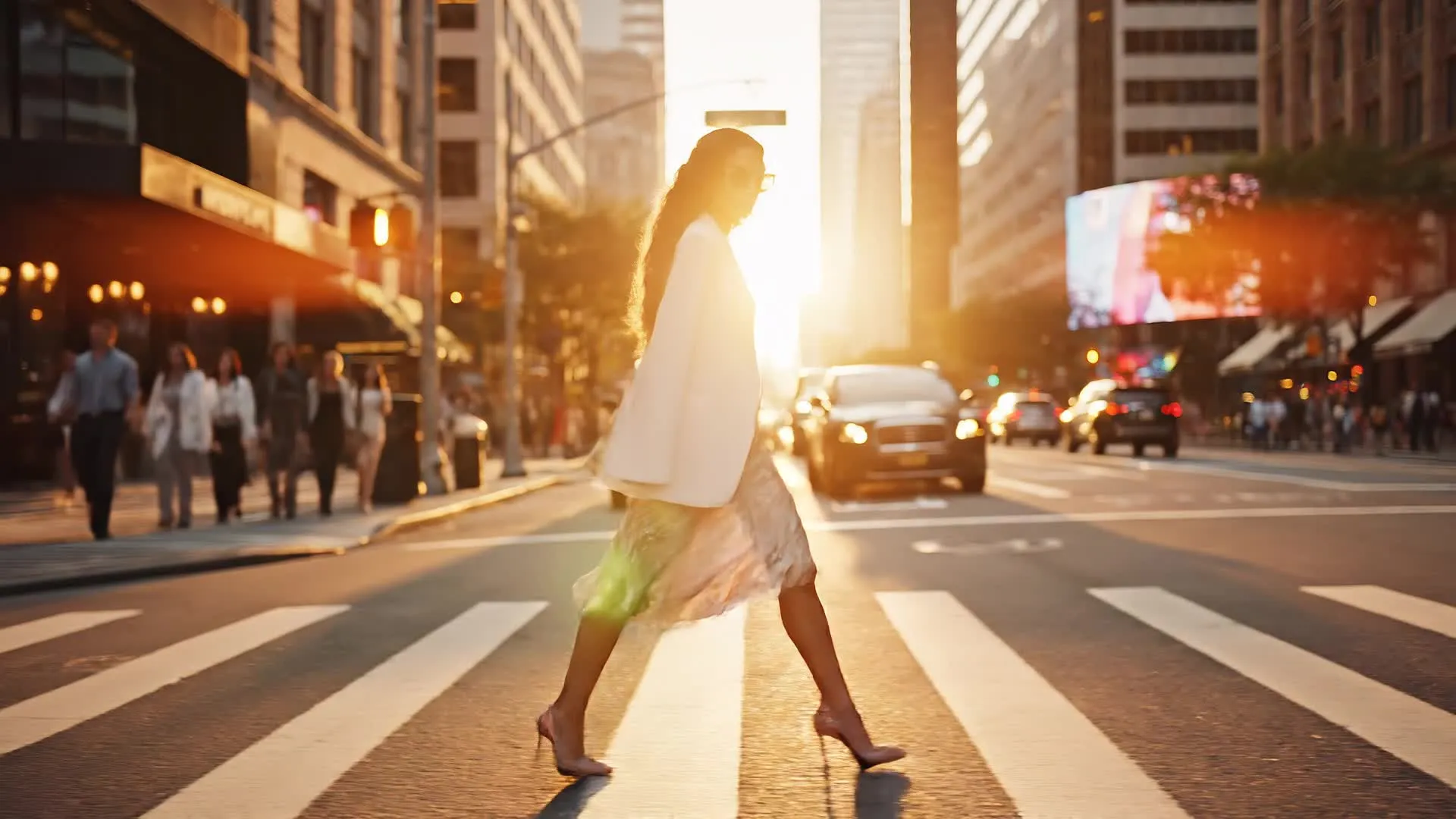
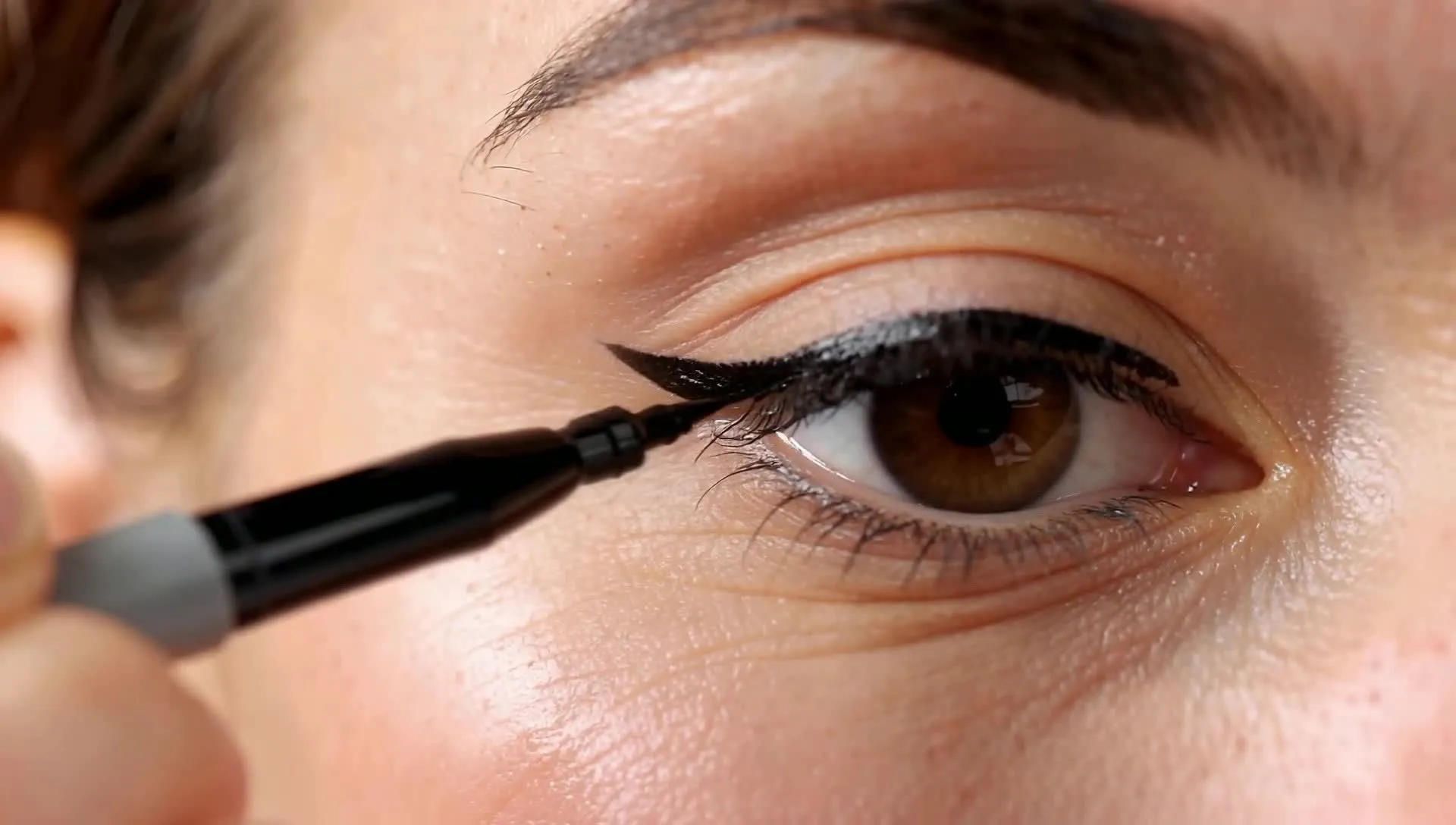
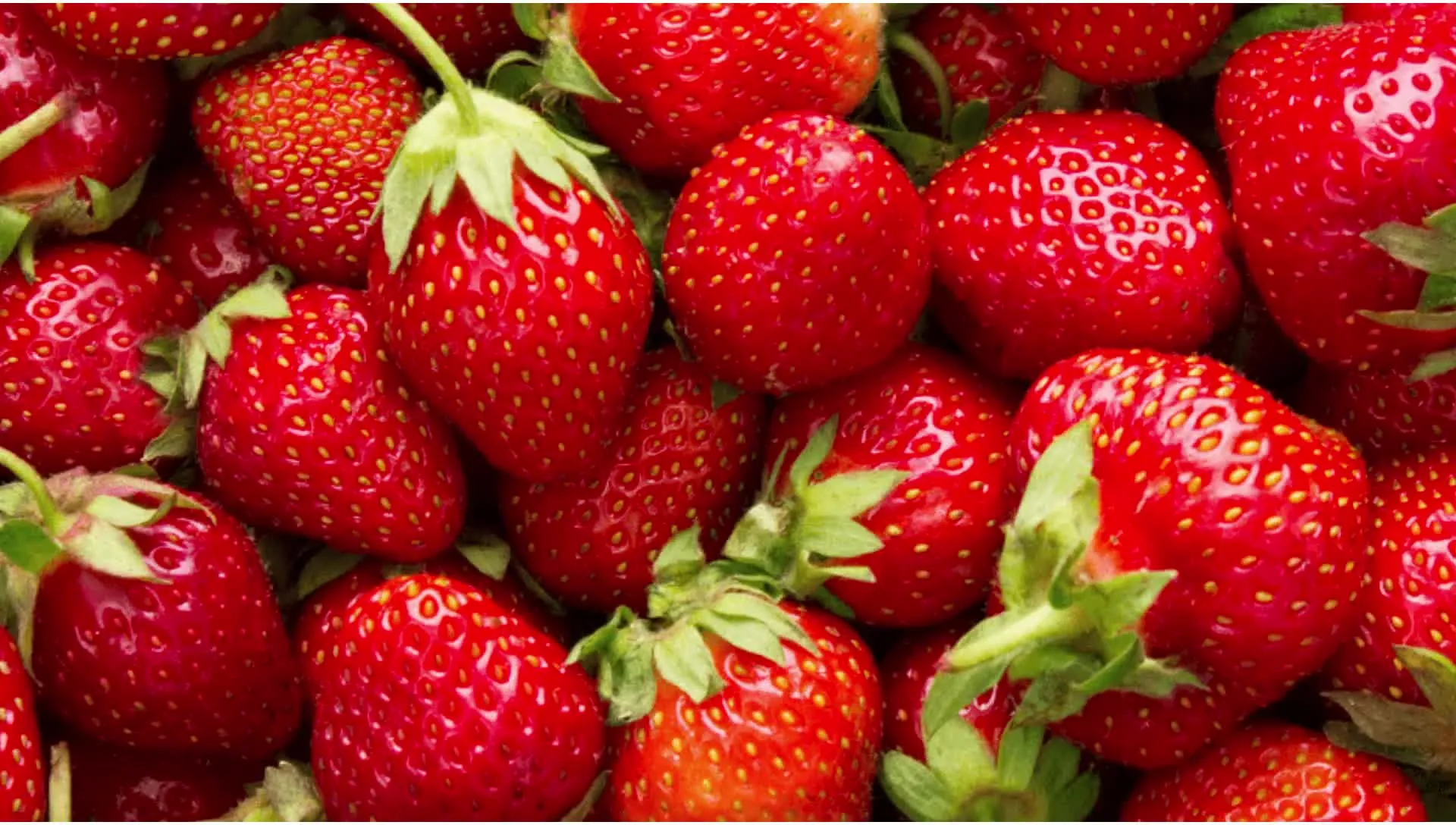
Image and audio models to support every project
Kapwing integrates specialized models that support visuals, sound, and post-production tasks

ChatGPT Image 2
Used for generating images from scratch with strong prompt interpretation and customization. Built for text-heavy designs like posters, infographics, illustrations, CVs, and diagrams where layout and readable text matter.

Google Nano Banana
Designed for image generation and editing with object-level control. Nano Banana is well suited for adding, adjusting, or layering individual elements within an image while preserving overall visual consistency.

MiniMax 2.5
Generates custom music, audio tracks, and sound effects to enhance video content. Purpose-built for social media, music videos, and creative audio experiments
Seedream 4.5
Optimized for large-scale image transformation and re-imagination. Seedream is well suited for generating entirely new visual interpretations based on existing concepts, styles, or source imagery.
How different AI models power creative workflows
Applied across ideation, generation, and refinement
Kapwing applies different categories of AI models at different stages of the creative process. Each model type is selected based on the kind of problem being solved — whether that’s generating new content, transforming existing media, or understanding language and sound.
Rather than relying on a single system, Kapwing combines generative, transformation, and understanding models to support end-to-end video creation while keeping the workflow simple for creators.
- Generative models: Used to create new visual, audio, or video content from text or prompts, including video scenes, images, music, and animations.
- Transformation models: Used to modify, refine, or repurpose existing content — such as editing video with text commands, extracting clips, enhancing audio, or translating speech.
- Understanding models: Used to analyze and interpret media and language, enabling tasks like subtitle generation, dubbing, lip sync, and content structuring.
Frequently Asked Questions
We have answers to the most common questions that our users ask.
What is an AI model?
An AI model is a trained system that learns patterns from large datasets to generate, edit, or analyze content such as text, images, audio, or video. In tools like Kapwing, AI models power generative features, turning prompts into videos, creating images, producing voice overs, and enhancing media automatically.
Which AI models does Kapwing support?
Kapwing currently integrates 18 AI models across video, image, audio, and language workflows. These include models used for AI video generation, image creation and editing, text-to-speech voice overs, music and sound effects, and structured text generation. Individual AI models include; Seedream, MiniMax, Google Nano Banana, ChatGPT Image, Wan, Sora, Veo, Kling, and Seedance.
Is Sora available to use on Kapwing?
Yes, Kapwing currently integrates Sora as part of its AI video workflows. The Sora web and app experiences were discontinued on April 26, 2026. The Sora API integrated into Kapwing will remain available until September 24, 2026, giving you a few extra months to use Sora after its public-facing site shuts down. If you’re looking for replacement AI video generation models, read our blog on Sora alternatives.
Is Veo available to use on Kapwing?
Yes, Kapwing integrates Veo as one of the AI video models available to create content.
Are the AI models free?
Yes, most Kapwing AI models are free to try. Each model uses a different number of AI credits, and some advanced models, such as Veo, require a paid plan. Upgrading to Pro gives you more credits, higher export limits, and access to multiple AI models in one workspace without separate subscriptions.
What did Kapwing’s AI Diversity Report find on AI models?
Kapwing’s AI Diversity Report found that many AI-generated videos under-represent women and people of color and can reinforce biased portrayals of roles and professions. The findings highlight industry-wide challenges in generative AI and the importance of transparency and ongoing efforts to improve fairness.
Can I choose which AI model Kapwing uses?
Yes, when using AI generation tools for images, video, or audio, you can choose which AI model to use. In other cases, Kapwing automatically selects the most appropriate AI model based on your task. This helps simplify the creative process while delivering optimal results.
Will Kapwing add new AI models in the future?
Yes. Kapwing actively evaluates and integrates new AI models as the technology evolves. This ensures creators always have access to the latest advancements across video, image, audio, and language generation.
What’s the difference between AI models and AI tools?
AI models are the underlying systems trained to generate, analyze, or transform content, such as video, images, audio, or text. They provide the core capabilities — for example, AI video generation, AI image creation, or speech synthesis. AI tools are the user-facing features built on top of those models. In Kapwing, tools combine AI models with an editor, controls, and workflows so creators can apply model capabilities easily without interacting with the models directly.
Does Kapwing train its own AI models?
Kapwing primarily integrates third-party AI models developed by leading AI research organizations and technology companies. These models are incorporated into our platform to power creative workflows across video, image, audio, and language tasks.
Is Kling available to use on Kapwing?
Yes, Kapwing integrates Kling 2.6 Motion Control as one of the advanced AI video models used across its creative workflows.
Which AI model is best for creating cinematic videos?
We recommend using Seedance 2.0 for cinematic video generation in Kapwing. These AI models are designed for high-quality, story-driven clips with smooth scene continuity, natural motion, and realistic visuals.
Which AI model is best for creating realistic animals?
According to Kapwing’s testing, Kling 2.6 consistently produces the most realistic animal videos — it excels in animal anatomy, surface texture, natural movement, and environmental interaction, scoring highest across realism, motion, and scene integration
Can AI models in Kapwing generate audio?
Yes, most AI video models include audio generation in Kapwing. We recommend using Veo for the best control over synchronized ambient sounds. Kapwing also supports dedicated audio models like MiniMax to generate custom music and sound effects.
What’s the difference between Sora, Veo, Seedance, and Kling?
Kapwing offers multiple AI video models, each suited to a different creative workflow:
Sora 2 — Best for realistic standalone scenes, natural motion, atmospheric B-roll, and prompts that require strong visual interpretation.
Veo 3 — Best for controlled transitions, product reveals, and clips that must begin or end on a specific composition. It is the only model in Kapwing that supports both start and end frames.
Seedance 2.0 — Best for cinematic, character-led videos involving complex movement, deliberate camera direction, or multi-shot storytelling.
Kling 2.6 (Motion Control) — Best for transferring the movement from a reference video onto a character or subject image, including dance routines, gestures, and choreographed performances.
For a closer look at their strengths and output quality, read our complete AI video model comparison.
Do Kapwing's AI models support start frames, end frames, and character consistency?
Yes, Kapwing's AI models support multi-scene generation, start frames, end frames, and character consistency.
Is Seedance 2.0 available to use on Kapwing?
Yes, Kapwing integrates Seedance 2.0 as one of the advanced AI video models used across its creative workflows.
Get started with your first video in just a few clicks. Join over 35 million creators who trust Kapwing to create more content in less time.