AI Background Generator
Generate custom backgrounds with AI.
Describe the backdrop you need and download as JPEG.
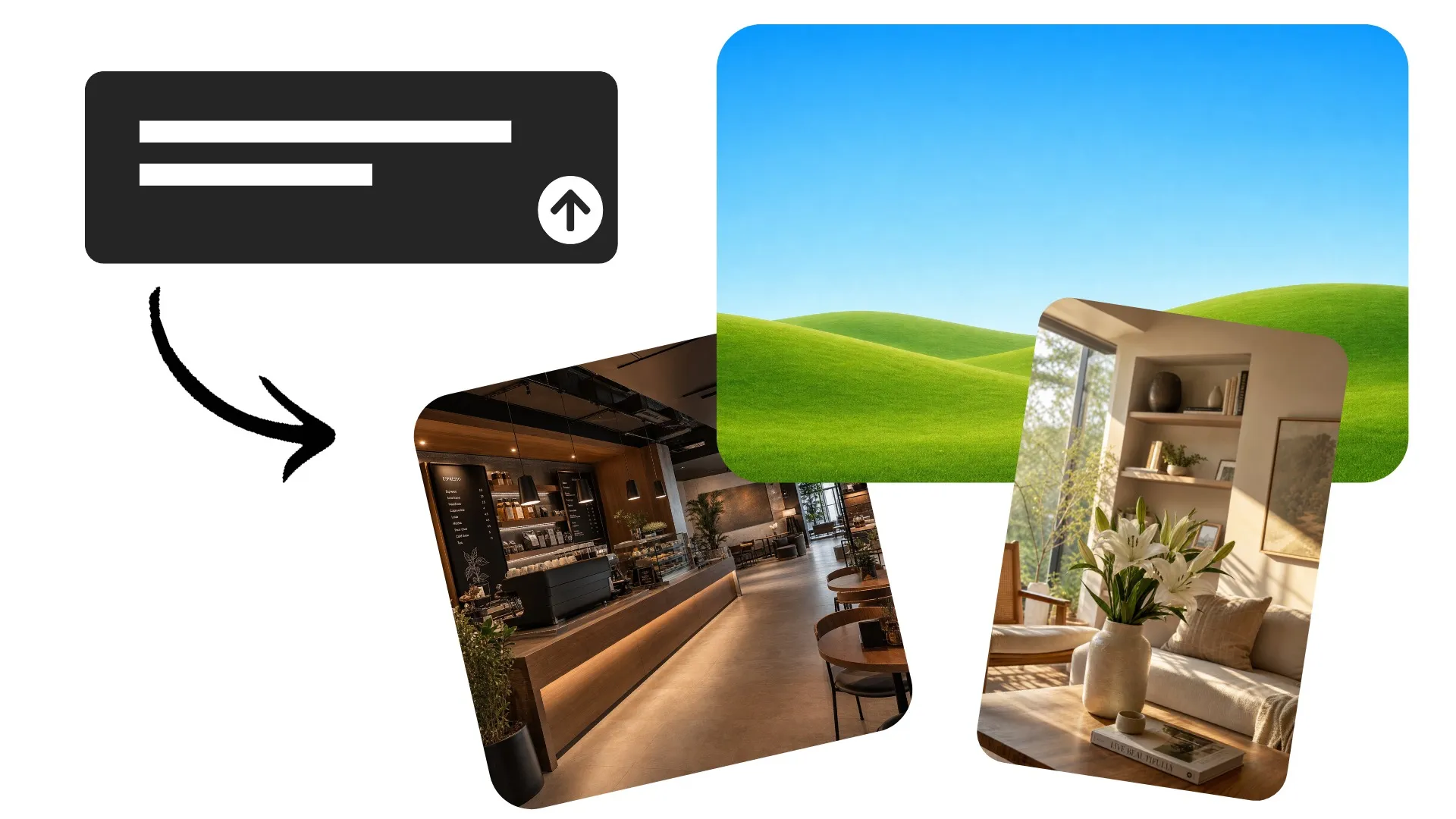
Create any background with AI
Turn a simple text prompt into a custom background for your content
Generate a unique backdrop in seconds
Generate the background scene you need instead of adapting your content to a stock background. Create a studio setup for a product, an office with space for a speaker, a branded backdrop for a podcast or stream, or a custom environment for a social post or video.
Describe details like the setting, lighting, colors, perspective, and visual style, plus where you want space for people, products, text, or graphics. Refine your prompt or add reference images until the composition fits your project, then download as a high-resolution JPEG or PNG.
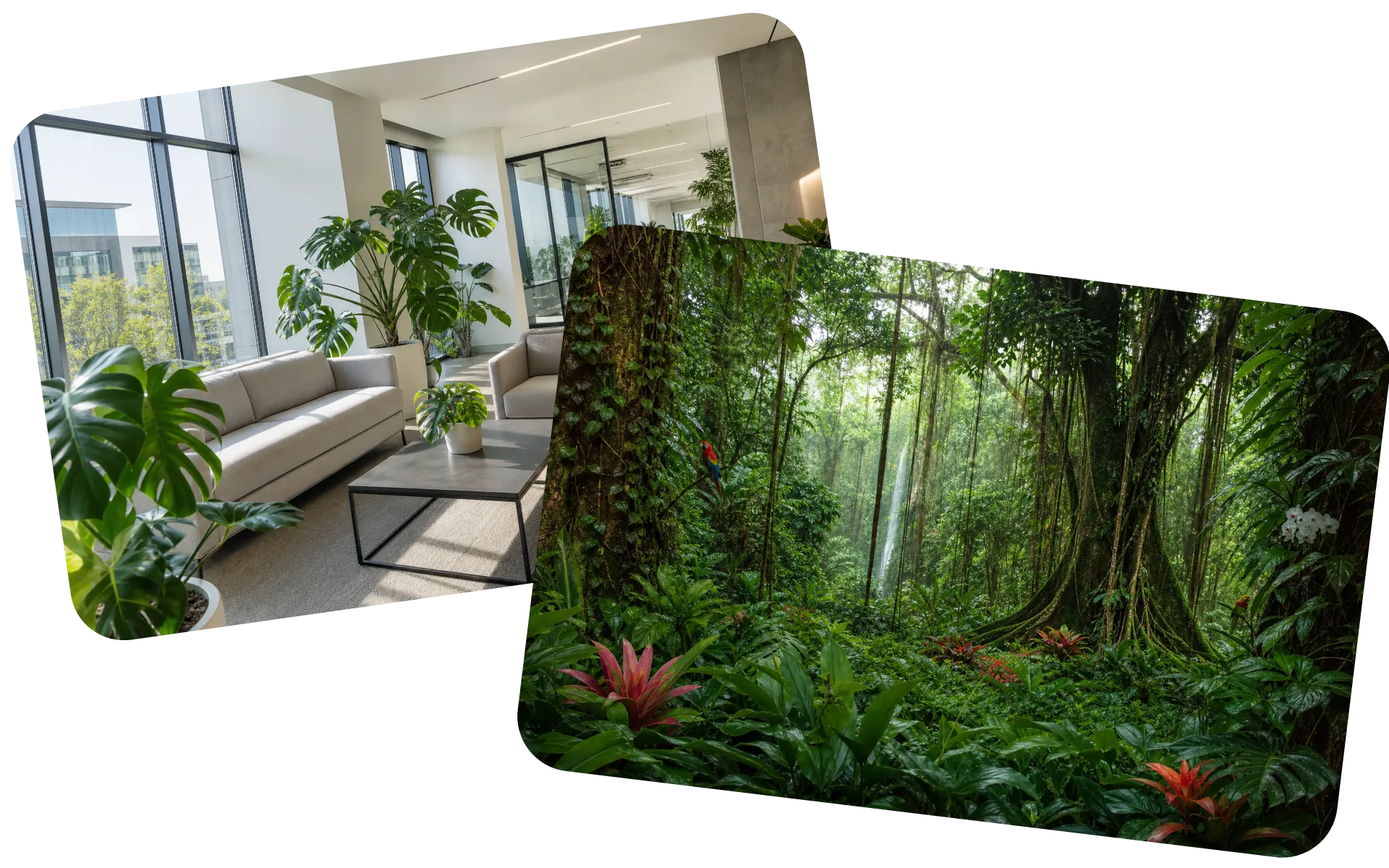
How to generate an AI background in 3 steps
Create the exact backdrop you need from a single prompt
Describe
the background you need in a chat with Kapwing AI


Generate
your high-resolution backdrop in any aspect ratio
Download
as JPEG or PNG, or keep editing in the Kapwing Studio
Generate a background for any project
Create an AI background for product photos, social posts, presentations, and videos
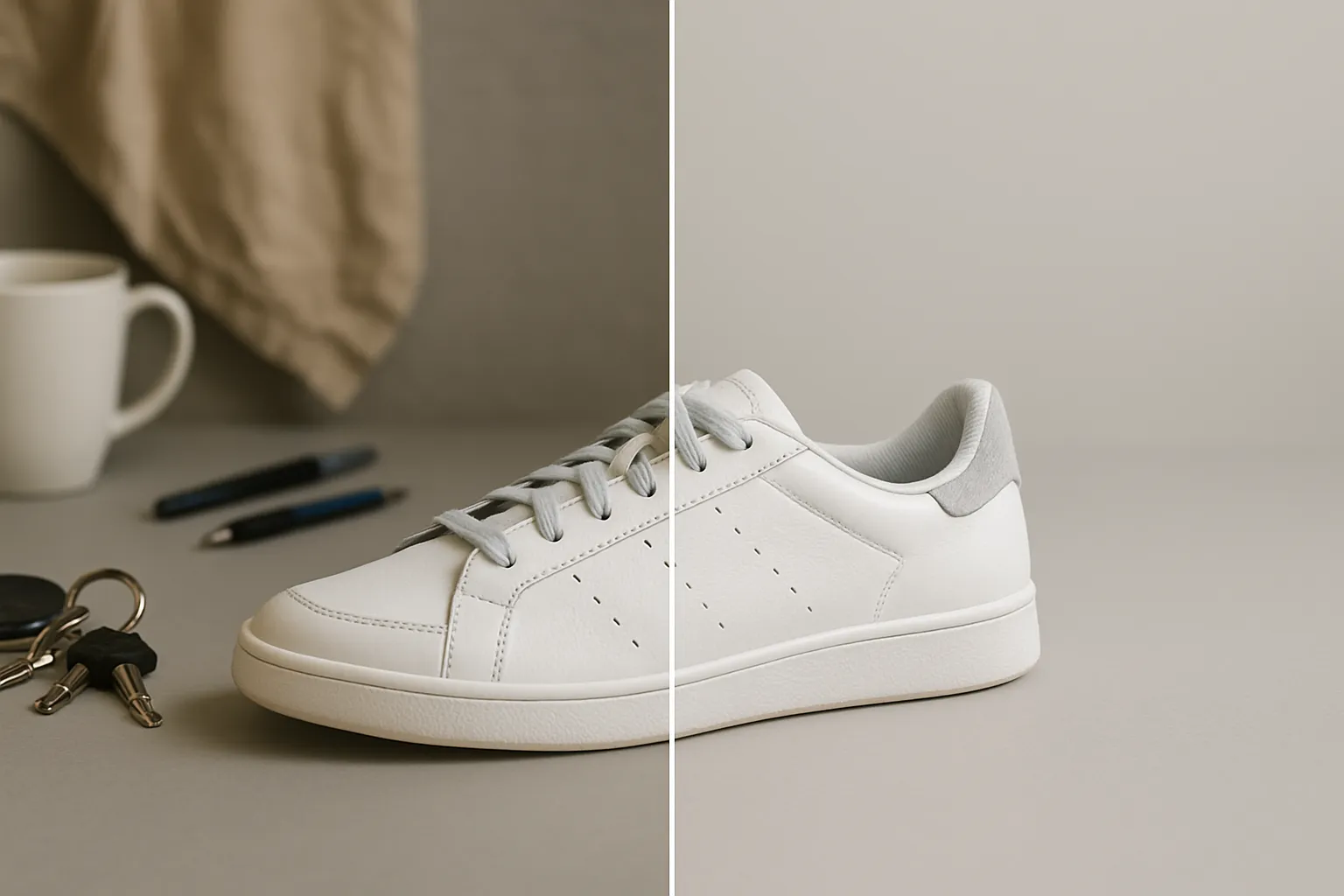
Product Backgrounds
Create studio setups, surfaces, and lifestyle scenes for product visuals without organizing another photoshoot
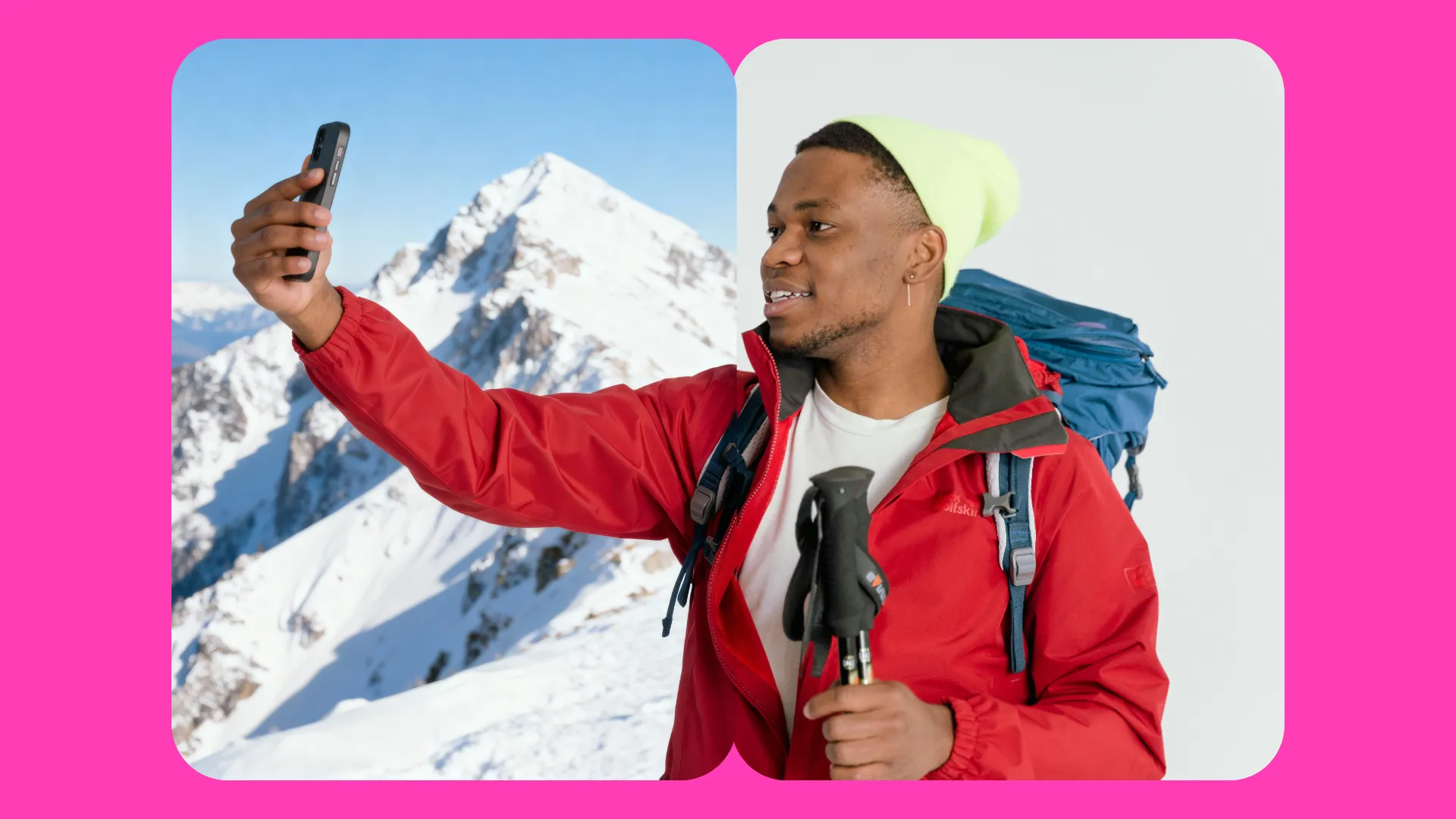
Social Media Backdrops
Generate custom backgrounds for Instagram or TikTok posts, Stories, ads, and other social content
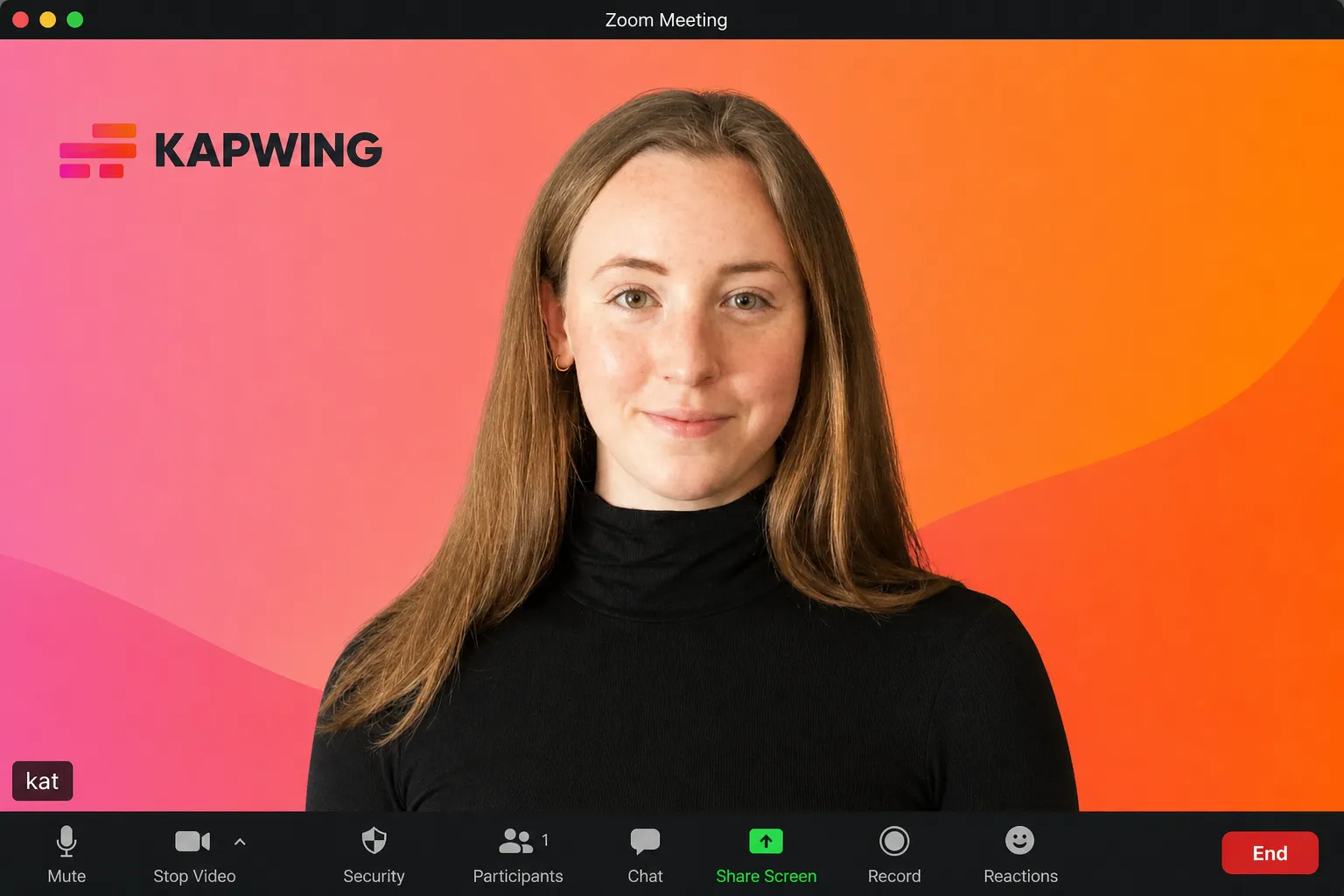
Video Calls
Generate custom fun or branded backgrounds for Zoom, Google Meet, presentations, interviews, and remote meetings
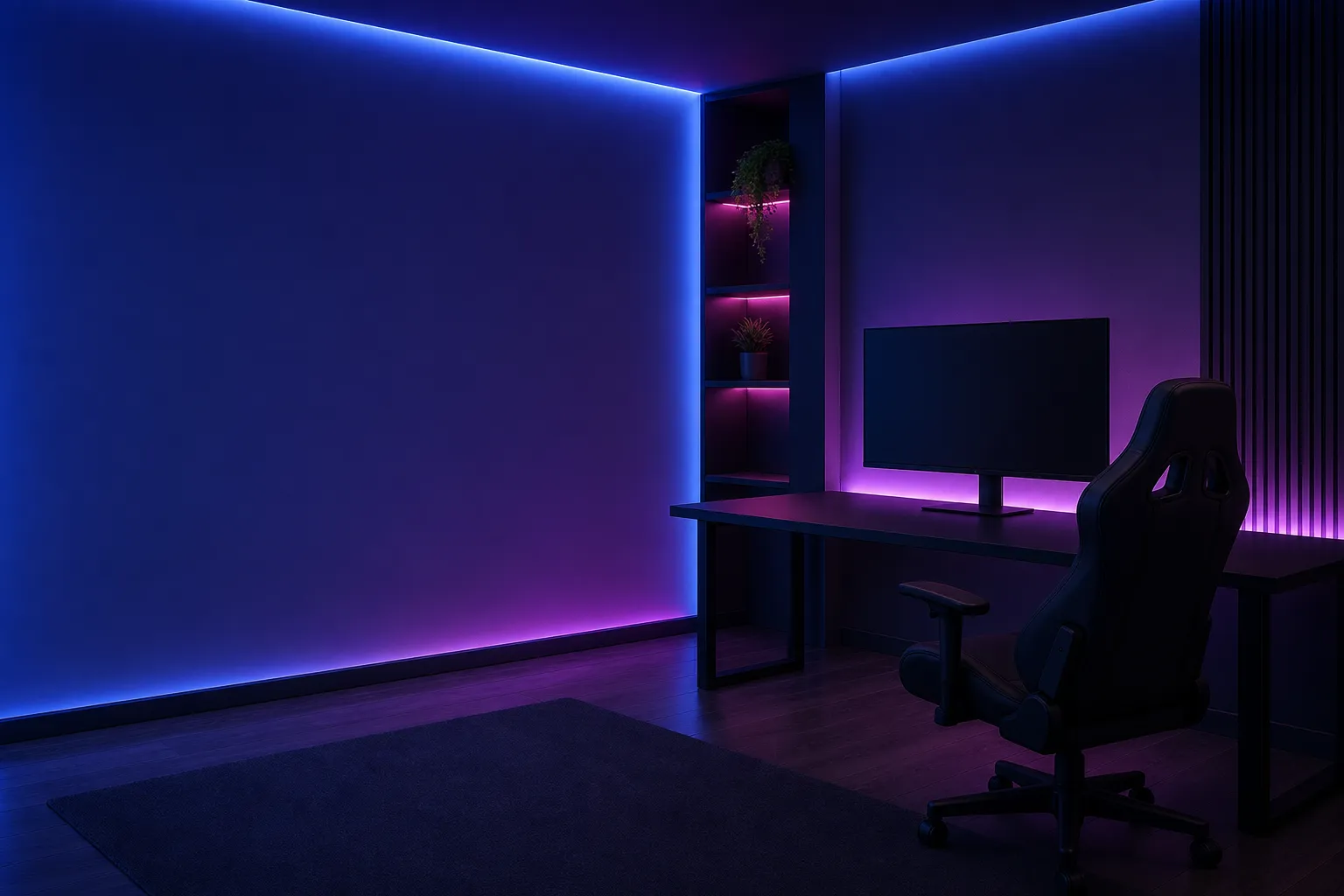
Live Streams
Create backgrounds for gaming streams, podcasts, livestreams, webinars, and other on-camera content

Thumbnails
Generate bold scenes and backdrops for YouTube thumbnails, podcast covers, and other promotional graphics
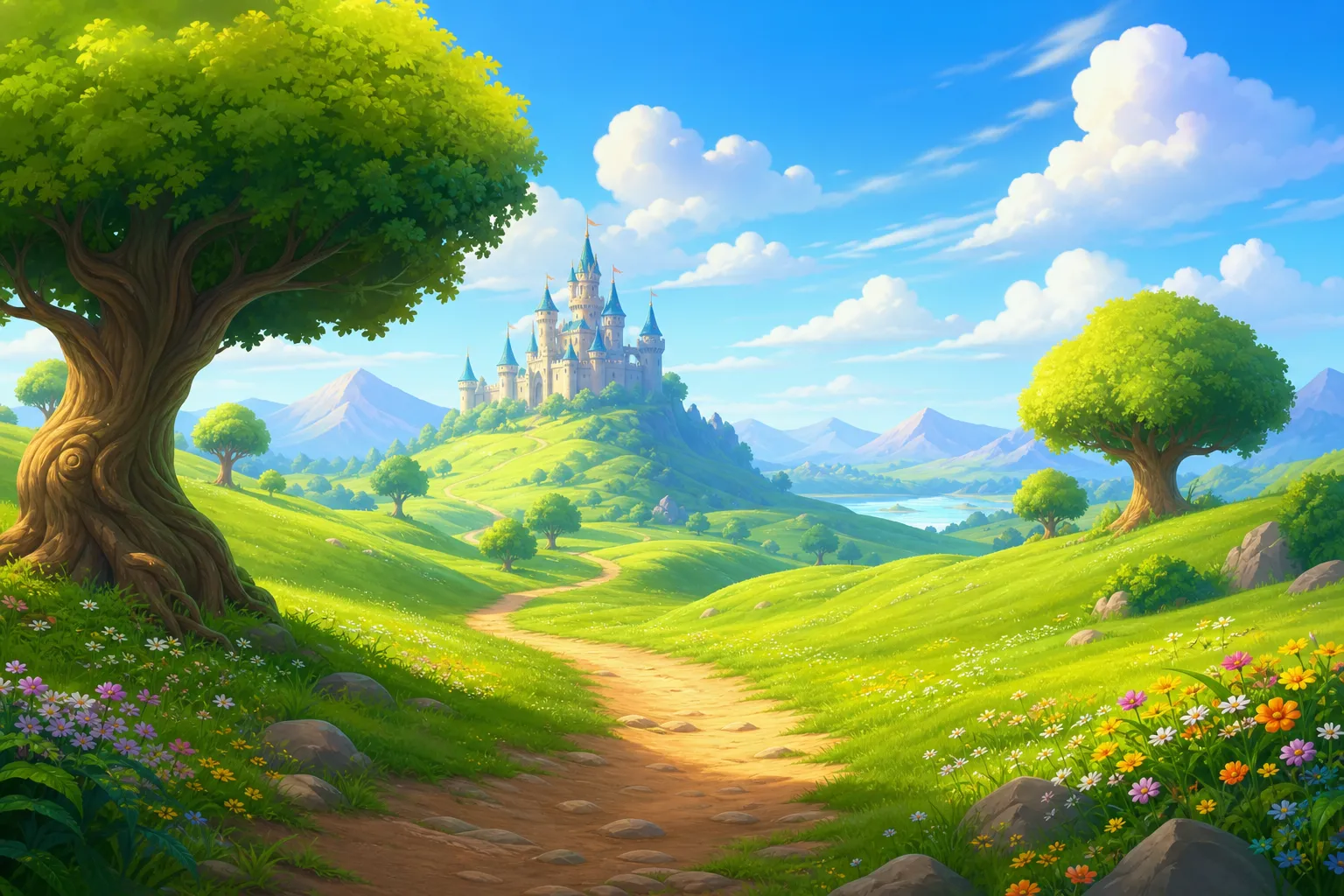
Creative Projects
Create landscapes, textures, abstract designs, fictional environments, and other backgrounds for videos, graphics, and presentations
Create AI backdrops that match your vision
Realistic, fantastical, abstract. 16:9, 1:1, 9:16. Warm, cool, or neutral tone.
Control the scene with prompts and reference images
Start with a simple idea or describe specific details like the location, lighting, colors, materials, mood, and visual style. Refine your prompt to try different directions until you create a background that fits your project.
You can also upload reference images to include real furniture, signs, and other objects in your background image. Already have a photo and just need a different backdrop? Use Kapwing's Photo Background Changer to replace the existing background while keeping your subject.
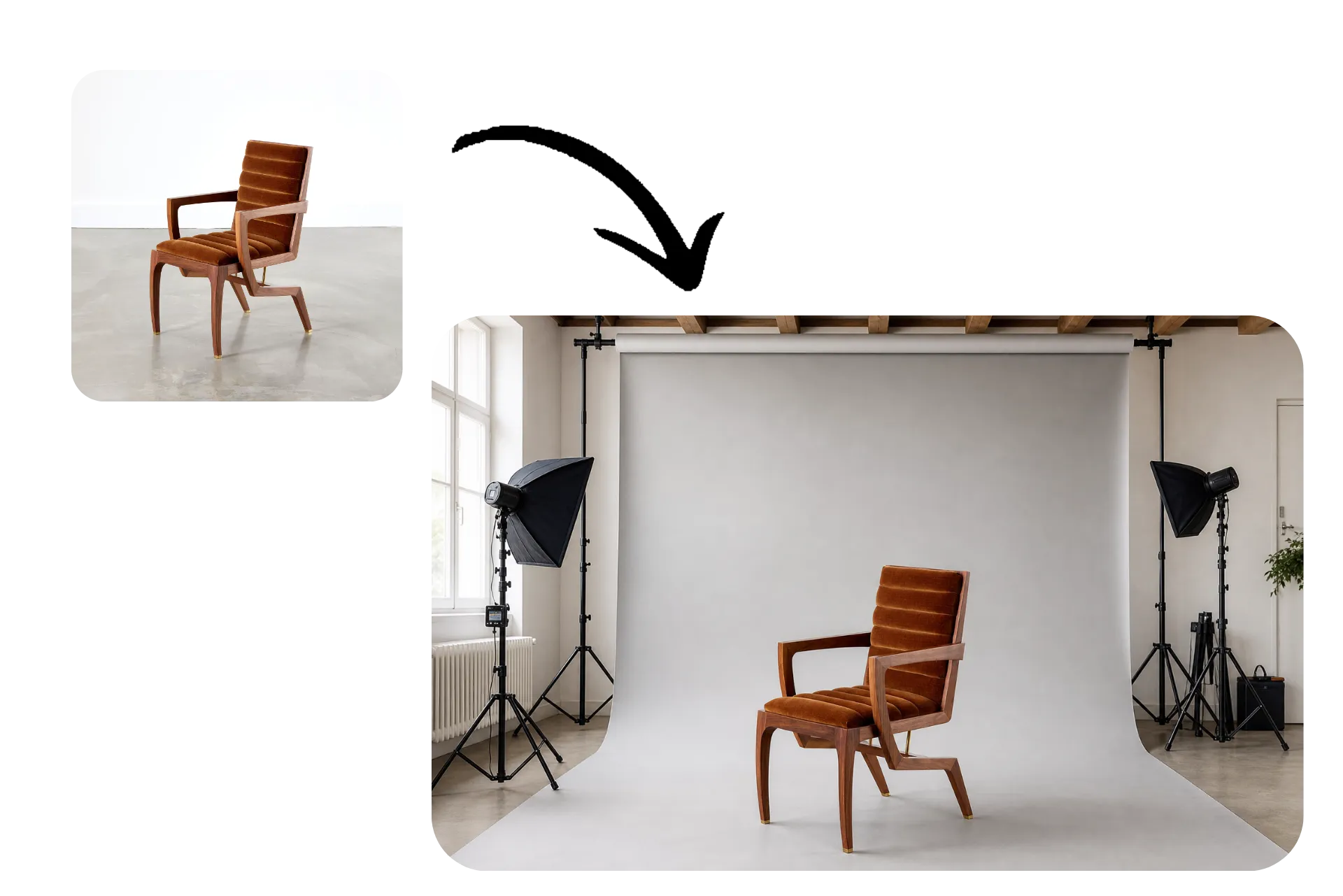
Turn background into finished content
Your AI background is ready to use in Kapwing’s full creative editor. Remove the background from a product photo to create a realistic product mockup, cut out a person and place them in a new setting, or add video over a custom backdrop for interviews, podcasts, and streams.
Add logos, text, captions, graphics, and other brand elements to build complete visuals around your background. You can also create a library of branded video backdrops for recurring content, then resize and adapt your designs for social posts, vertical videos, thumbnails, presentations, and more.
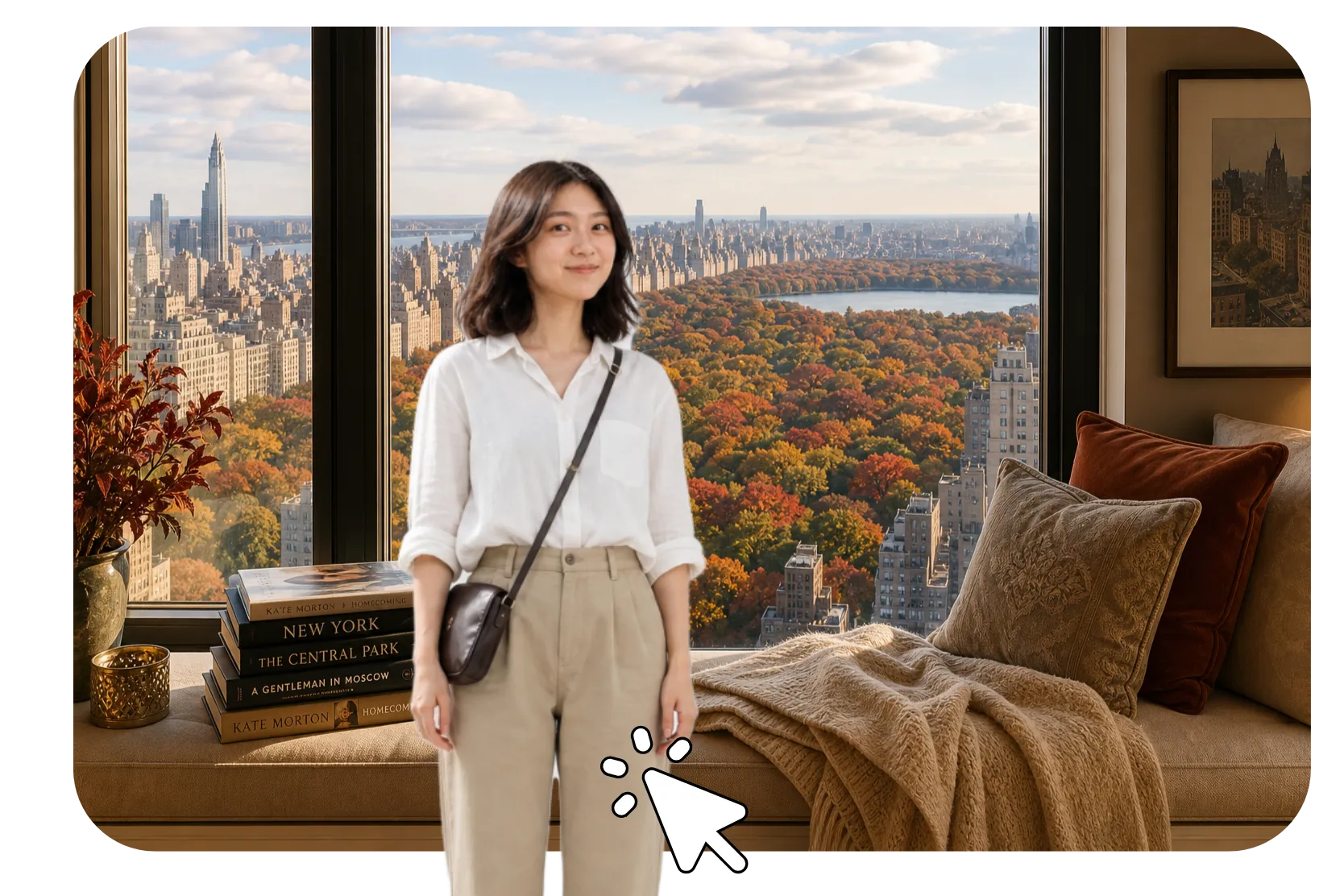
How to Create Backgrounds with AI

- Step 1Describe background
Create a new chat with Kapwing AI and write a prompt describing the background you want to generate. Add details like setting, lighting, aspect ratio, and visible objects.
- Step 2Add references
Click "Attach media" to add reference images if you want to include real objects like furniture, signs, or products.
- Step 3Generate and download
Click the arrow to generate your AI background. Refine with additional prompts, download without watermark, or move your background to the studio to use in image or video projects.
What's different about Kapwing?


Frequently Asked Questions
We have answers to the most common questions that our users ask.
Is the AI Background Generator free?
Yes, anyone can try Kapwing’s AI toolkit for free without watermarks. Our AI tools run on a credit system, with each feature costing a set number of credits. For maximum creativity and the best value, upgrade to a Pro account to unlock the full power of AI-driven content creation.
How to create an AI background
Use Kapwing's AI Background Generator and describe the backdrop you want in a text prompt. Include details like the setting, lighting, colors, style, and composition, then generate your background. Refine the prompt to try different results, and leave space for any people, products, text, or graphics you plan to add. Once you're happy with the background, download it or continue editing in Kapwing.
What is an AI background generator?
An AI background generator creates custom background images from text prompts. Describe a setting, color palette, lighting style, texture, or other visual details, and AI generates a new backdrop based on your description.
Can I edit my AI background after generating it?
Yes, continue refining the image with AI prompts or open your project in Kapwing's Studio to combine your background with text, images, graphics, video, and other design elements. Kapwing's current Image Generator supports prompt-based refinements and continued Studio editing.
How do I write a good AI background prompt?
Describe the setting, visual style, lighting, colors, and important details you want to see. Be specific about how you plan to use the background, especially if you need open space for a person, product, or text.
For example, instead of prompting “office background,” try “bright modern office with large windows, warm natural lighting, neutral colors, plants, and open space in the center for a person.” If the first result isn't right, refine your prompt with more details or remove elements you don't need.
For more prompting advice, take a look at our guide to writing advanced AI prompts for image generators.
Discover Resources
Tips, templates, and deep dives to help you create faster and share with confidence.
View all

Get started with your first video in just a few clicks. Join over 35 million creators who trust Kapwing to create more content in less time.