Abstract Background Generator
Create custom abstract backgrounds with AI.
Describe, generate, and download in your browser.
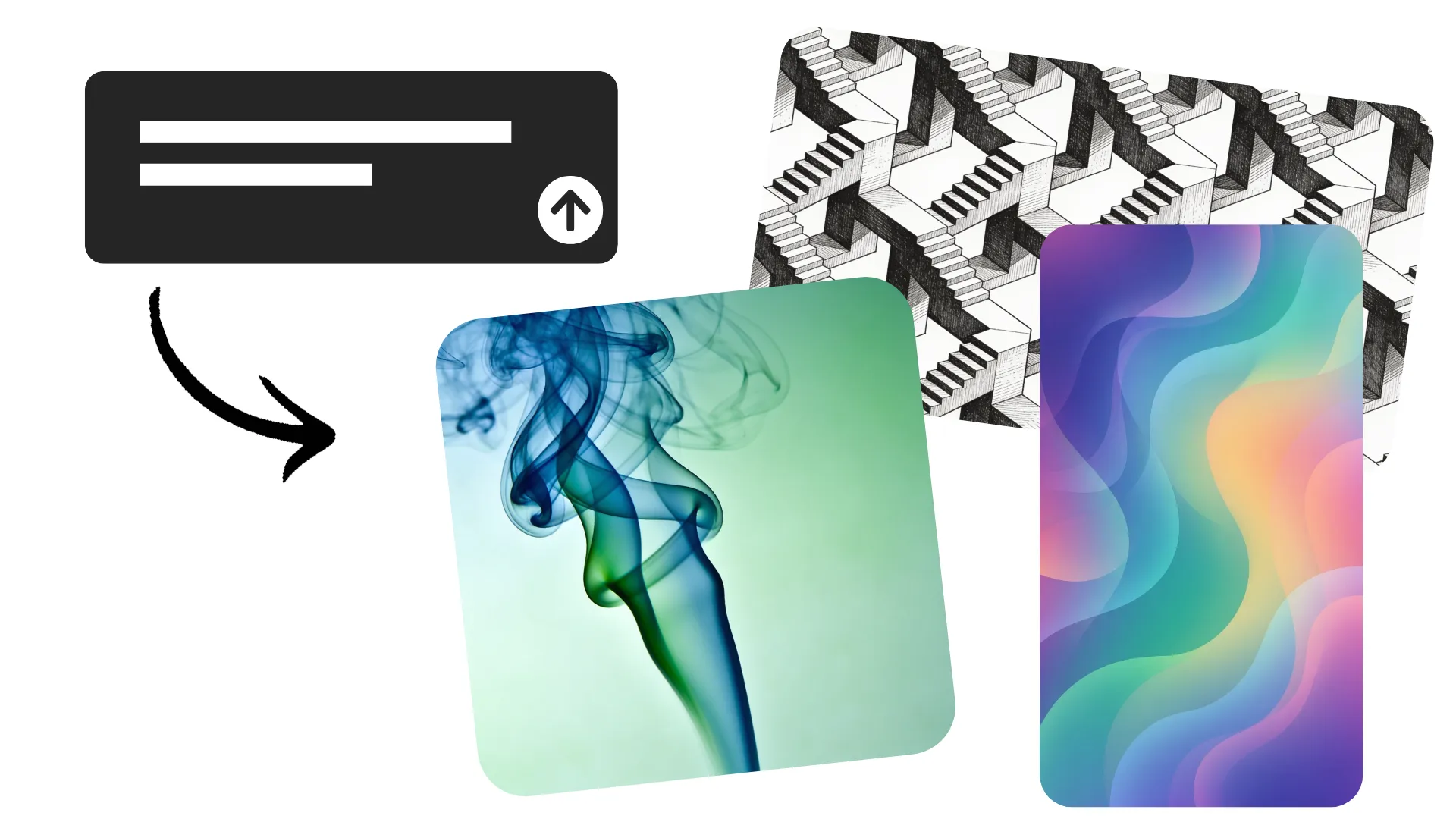
Generate custom abstract backgrounds online
Prompt to generate any background. Start for free in your browser.
Turn text into abstract backgrounds
Turn a simple description into an original abstract background with AI. Describe the colors, shapes, patterns, textures, and composition you want, then generate a background that fits your project.
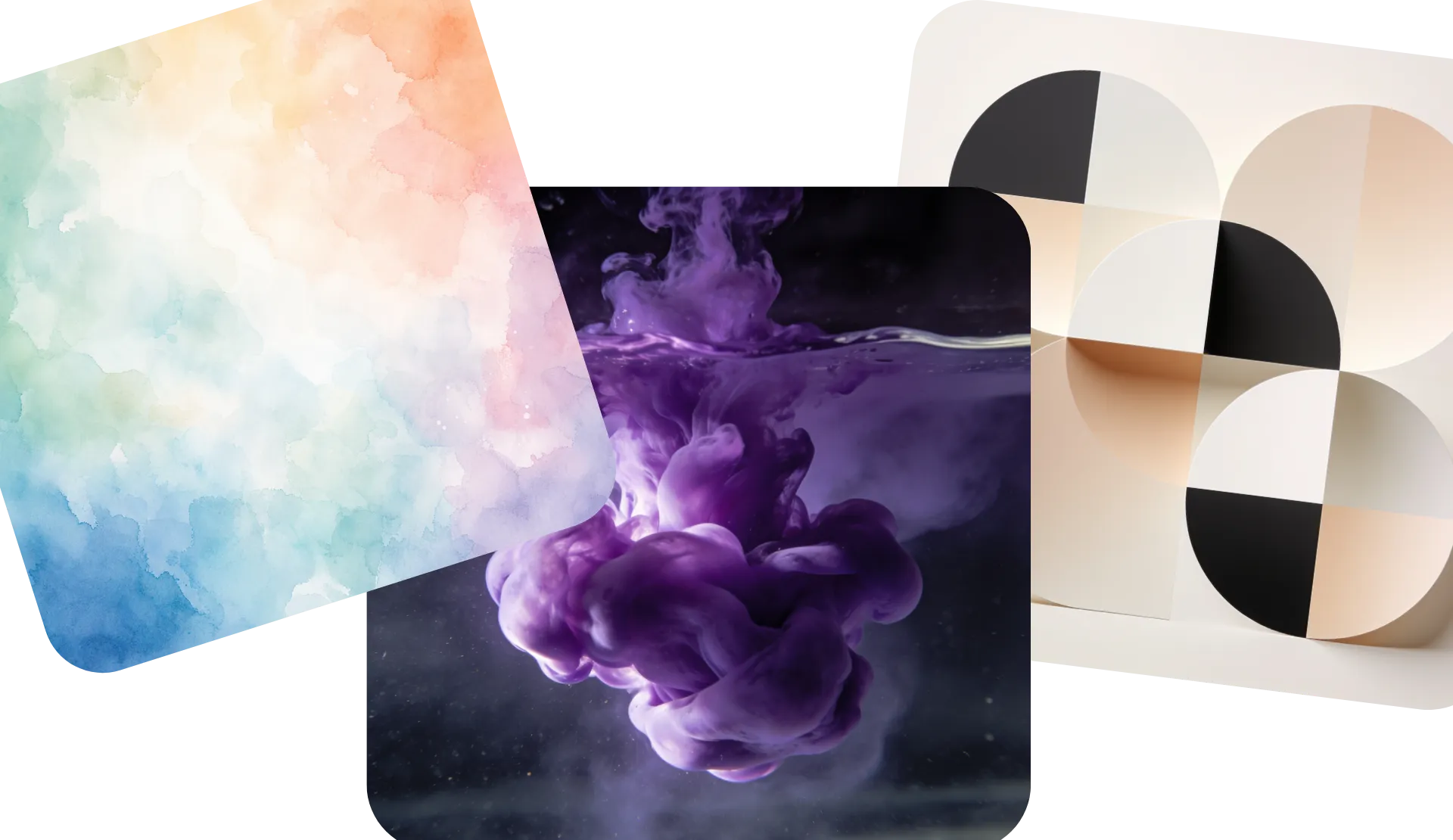
Create fluid gradients, geometric designs, 3D shapes, colorful patterns, minimalist textures, and abstract art without searching through stock images. Generate abstract backgrounds for websites, presentations, social media, videos, wallpapers, and more.
Download your abstract background image as a high-resolution JPEG, PNG, or WebP, or move to the Kapwing Studio to use in any project.
How to make an abstract background with AI
Full commercial rights. No watermarks.
Describe
the background you want to create, including colors, patterns, and aspect ratio, in a chat with Kapwing AI


Generate
your abstract background by clicking the arrow. If needed, adjust the style or colors with additional prompts
Download
as high-resolution JPEG or PNG without watermarks, or move to the Studio to drop into projects
The right abstract background for any project
Any color. Any style. Any aspect ratio. Ready in seconds.
Websites
Create abstract website backgrounds with intentional space for headlines, buttons, product images, and other page content
Social Media
Generate colorful or minimal abstract backgrounds for Instagram posts, Stories, ads, thumbnails, and other social graphics
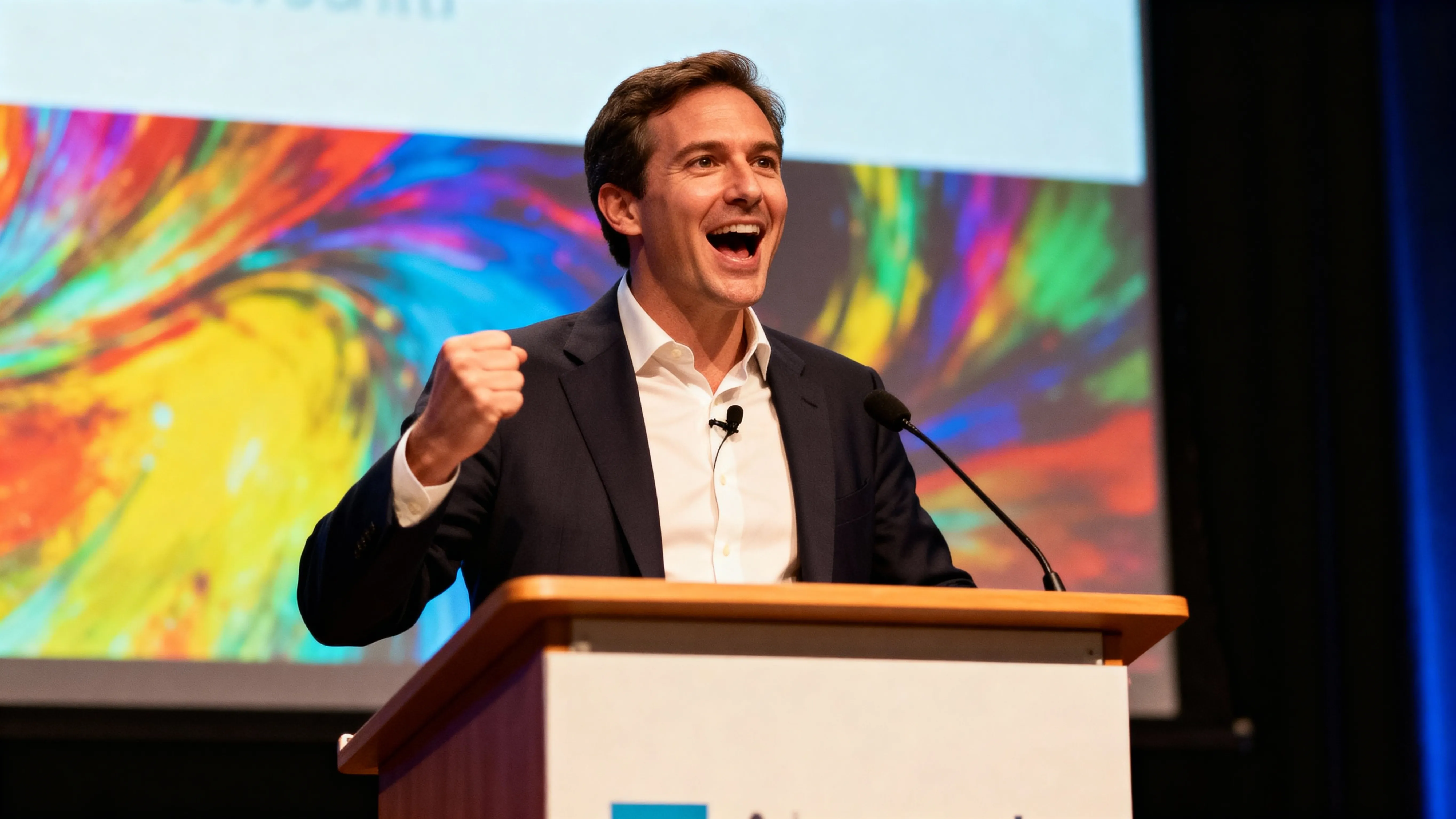
Presentations
Design abstract backgrounds for title slides, pitch decks, presentations, and visual reports without relying on stock templates
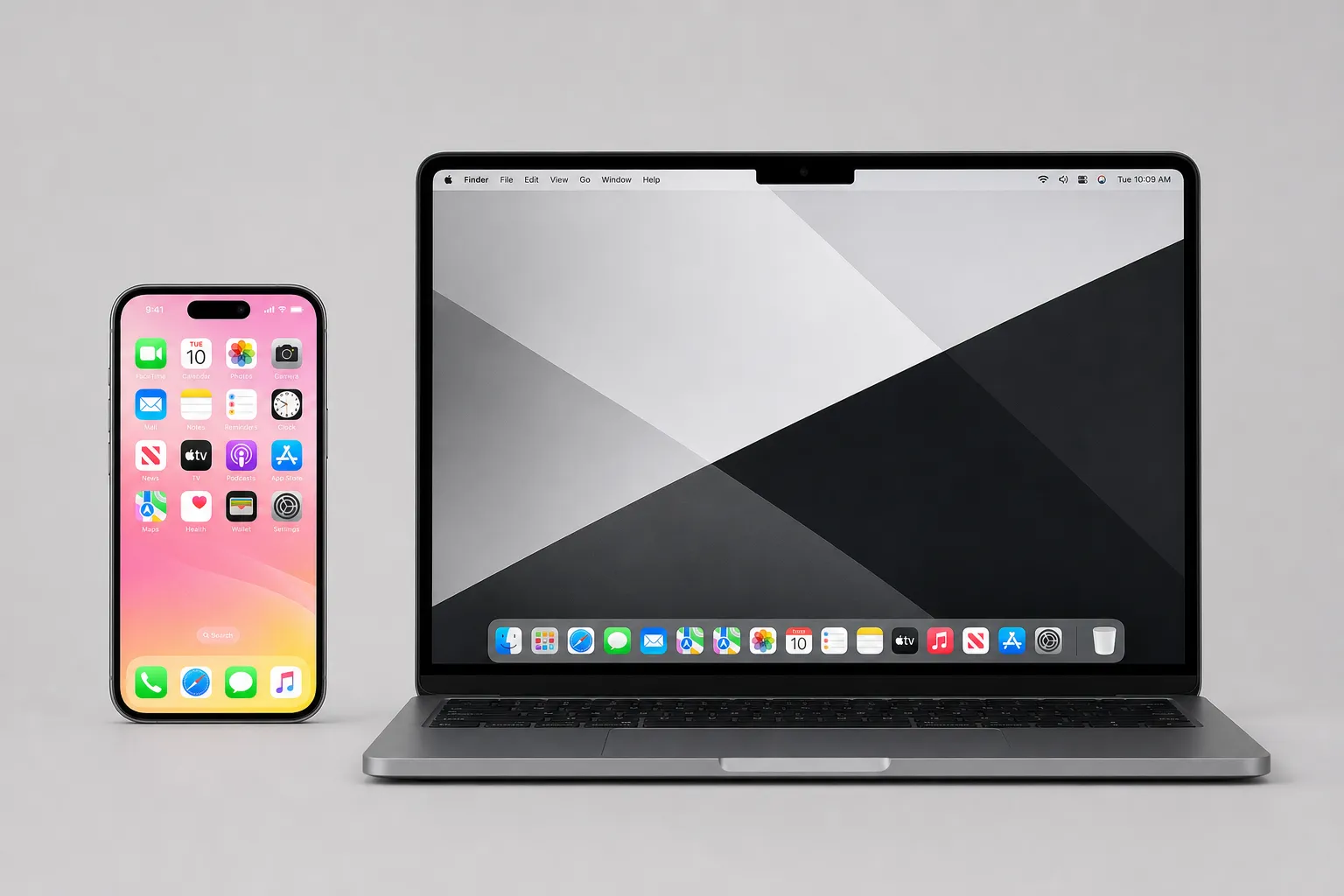
Wallpaper
Create abstract wallpaper around your preferred colors, patterns, shapes, and visual style for desktop or mobile screens
Video Projects
Generate an abstract backdrop, then bring it into Kapwing to use behind text, graphics, subjects, intros, and other video elements
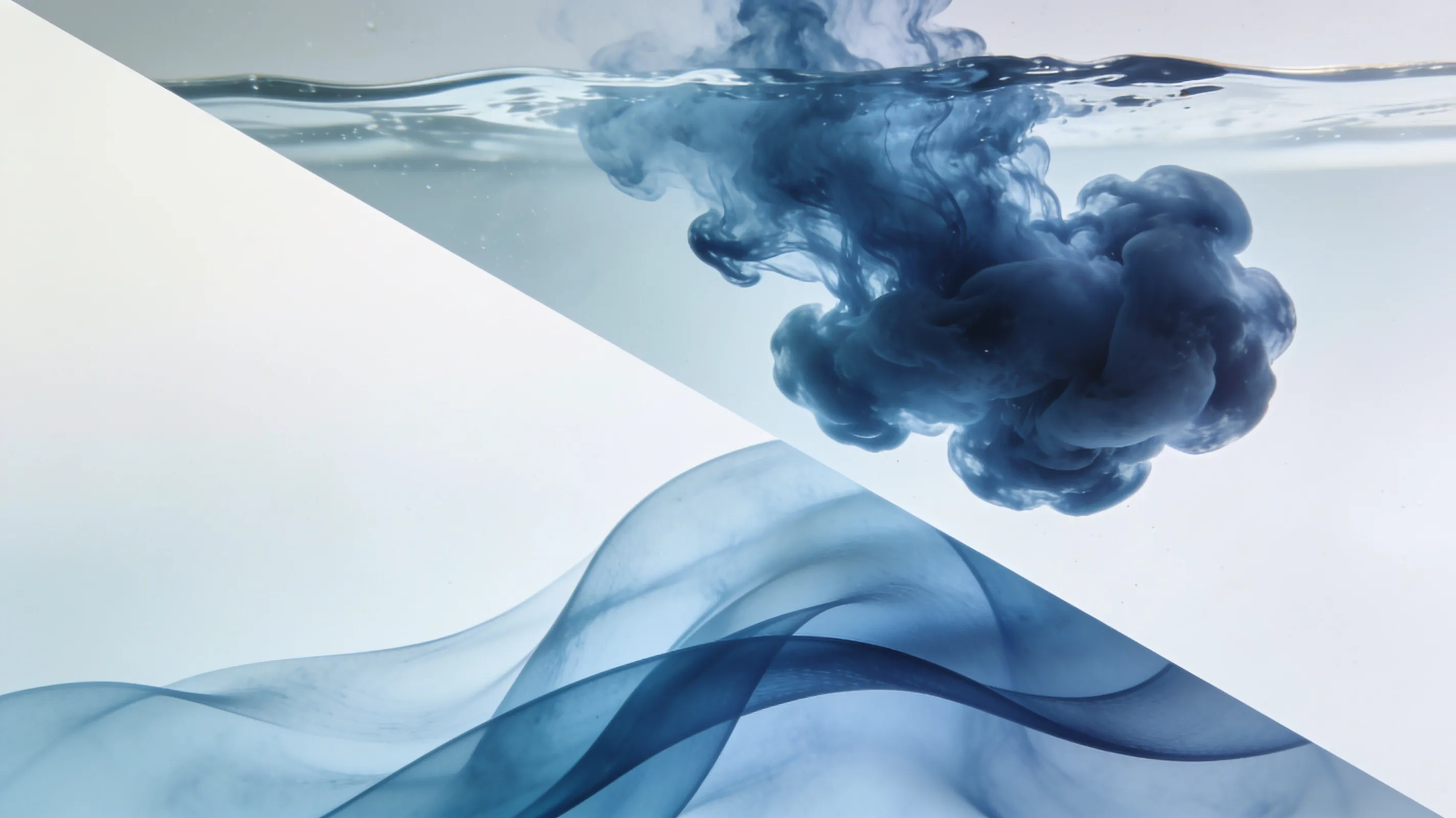
Abstract Art
Experiment with gradients, flowing forms, geometric patterns, 3D designs, textures, and other abstract art styles from a prompt
Describe a style.
Generate an abstract design.
Create and use abstract background images in an online studio
Control your abstract design with a prompt
Create more than a random pattern. Tell Kapwing how the background should look and how you plan to use it.
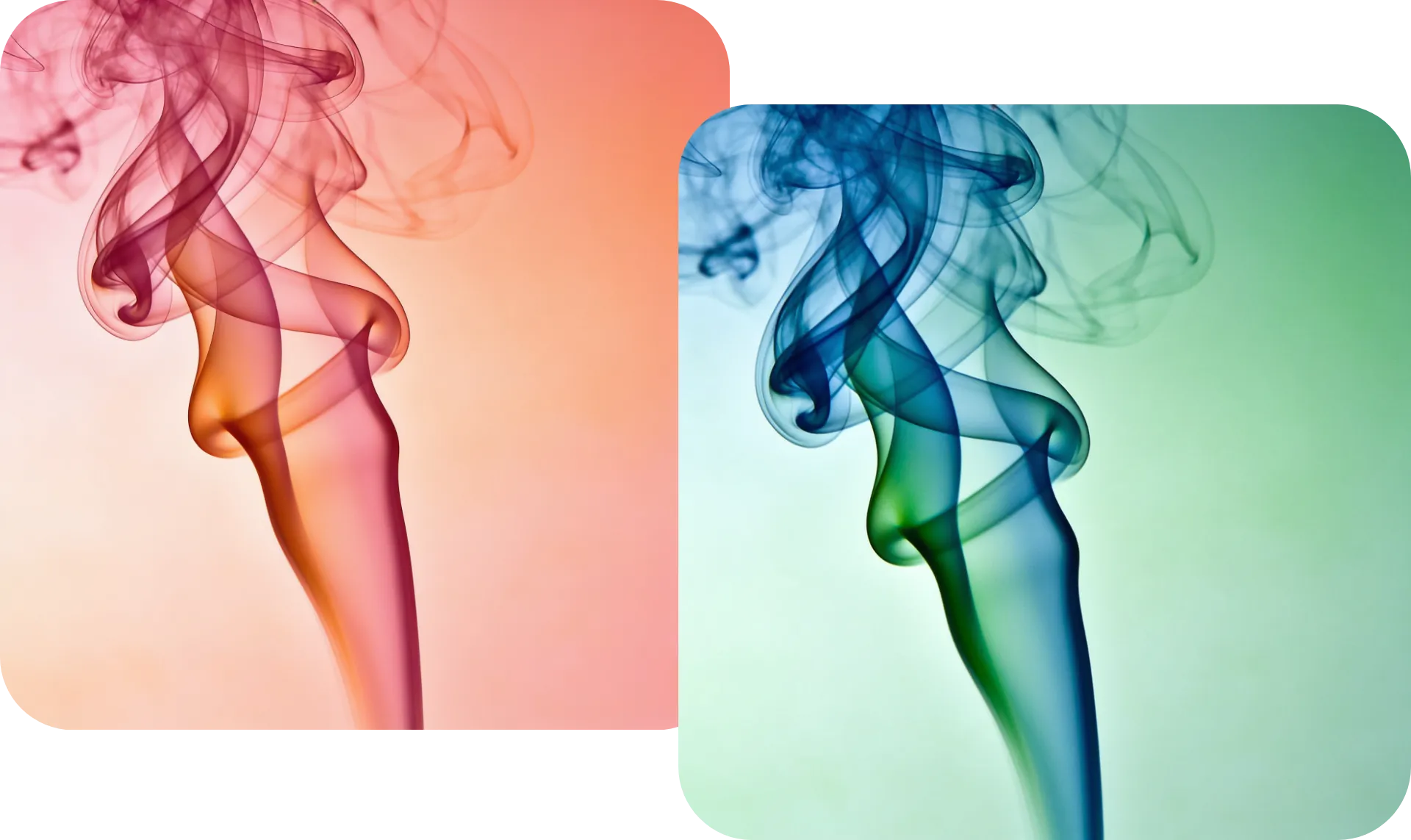
Specify a color palette, geometric or organic shapes, gradients, line work, lighting, depth, texture, or visual style. You can also describe the composition you need, such as a minimal center for a presentation title or open space on the left side of a website hero.
If the first result is close but not quite right, keep refining it through conversation. Ask for softer colors, fewer shapes, more texture, a darker background, or a completely different abstract style without starting over.
Turn backgrounds into ready-to-share projects
Your generated background can become part of a larger project without leaving Kapwing.
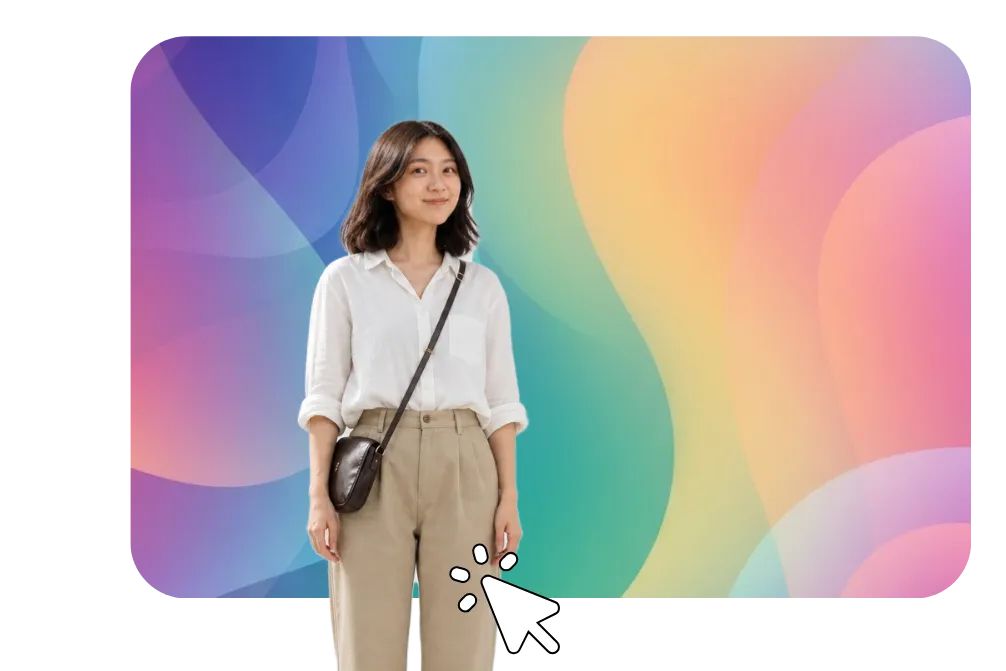
Add your background to the Studio to layer in headlines, logos, photos, graphics, and other media. Resize the design for different platforms or use the same abstract visual direction across social posts, presentations, website graphics, and videos.
For larger creative projects, you can also work with Kai, Kapwing's AI assistant, to generate assets and make additional edits through conversation.
How to Generate Abstract Backgrounds with AI

- Step 1Enter prompt
Start a chat with Kapwing AI and write a prompt describing your abstract background style, including aspect ratio, colors, and design type
- Step 2Generate background
Click the arrow to generate your abstract image. Edit the colors, style, or ratio by entering additional prompts.
- Step 3Download and use
Click to download your background image as a JPEG, or click the "Edit" button to move to the Studio and overlay images, graphics, or videos to complete your project.
What's different about Kapwing?


Frequently Asked Questions
We have answers to the most common questions that our users ask.
Is the Abstract Background Generator free?
Yes, anyone can try Kapwing’s AI toolkit for free without watermarks. Our AI tools run on a credit system, with each feature costing a set number of credits. For maximum creativity and the best value, upgrade to a Pro account to unlock the full power of AI-driven content creation.
How do I make an abstract background with AI?
Describe the background you want in a text prompt. Include details about its colors, shapes, style, texture, composition, and intended use or desired aspect ratio. Kapwing generates an image from your description, which you can refine with additional prompts or continue editing in the Studio. You can download your image as an HD JPEG directly from the chat.
What should I include in an abstract background prompt?
Start with the visual style and add specific details about color, shapes, texture, composition, and format. For example: “Minimal abstract background with soft blue and purple gradients, translucent 3D shapes around the edges, subtle grain texture, and open space in the center for text.” If you have a specific use in mind, make sure to include the aspect ratio you need (9:16, 1:1, 4:5, 16:9).
What types of abstract backgrounds can I create?
You can create geometric backgrounds, gradients, colorful patterns, 3D abstract designs, fluid shapes, minimalist backgrounds, textured designs, futuristic visuals, line art, and other abstract styles. Adjust your prompt to explore different visual directions. Kapwing AI can turn any design you can describe into a high-resolution background image.
Where can I use my abstract backgrounds?
Use abstract backgrounds across websites, presentations, social media posts, ads, thumbnails, posters, digital art, wallpapers, and videos. You can also bring your generated background into Kapwing to add text, logos, images, and other design elements.
What aspect ratio should I use?
The right aspect ratio depends on where you want to use your abstract bg image. The best ratio is 9:16 for phone wallpapers, TikTok, or Instagram Reels, 1:1 for Instagram posts or profile pictures, and 16:9 for YouTube videos, computer wallpapers, and other landscape uses.
Can I generate seamless patterns?
Absolutely, you can prompt for repeating patterns, continuous textures, and seamless-style abstract designs. Describe the pattern, colors, density, and visual style you want for more specific results.
How do I make an abstract background for text?
Tell Kapwing AI where you plan to place your text and ask for negative space in that area. For example, you could request an abstract design with colorful shapes around the edges and a simple center area for a headline. After you generate, click "Add to project," then add text to your background image using the "Text" section of the lefthand sidebar.
Discover Resources
Tips, templates, and deep dives to help you create faster and share with confidence.
View all


Get started with your first video in just a few clicks. Join over 35 million creators who trust Kapwing to create more content in less time.