Focus your videos with custom overlays
Add video on video, text, and logo overlays in an online studio
Precision overlays without complex editing
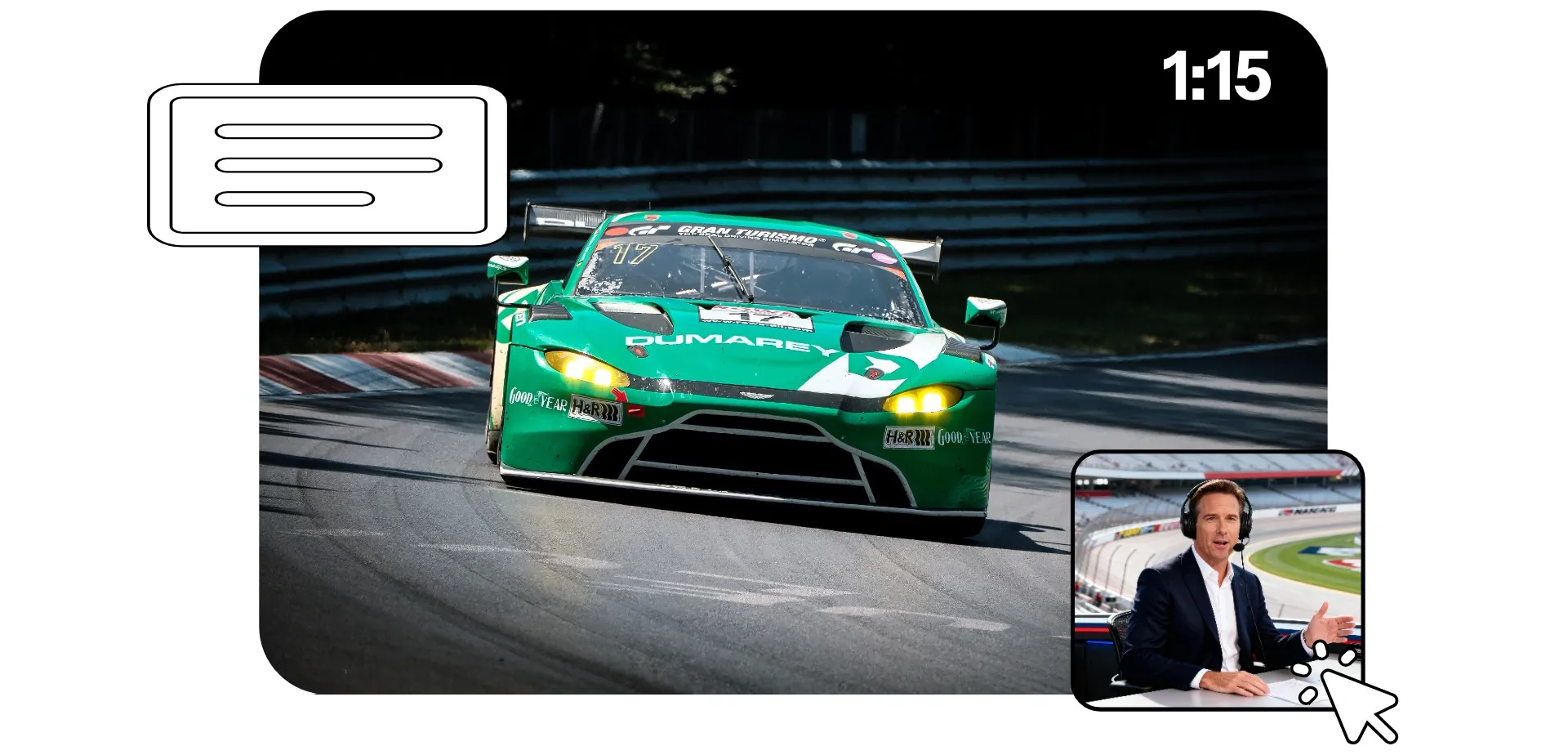
Create engaging content with an overlay video editor built for speed. Kapwing's Overlay Video tool helps you add text, image, and video on video overlays to change the look and focus of your content.
Apply video overlay effects like film grain and glitch. Overlay aesthetic backgrounds for videos. Add custom lower-thirds, logos, and watermarks. Fill out your video with a talking head, reaction video, or B-roll inset. Create TikTok video overlays, then ensure they're always visible with built-in Safe Zones.
Kapwing's drag-and-drop interface includes a multi-layer timeline so you can adjust duration, position, transitions, and opacity on every overlaid element.
Built into a professional video editing studio
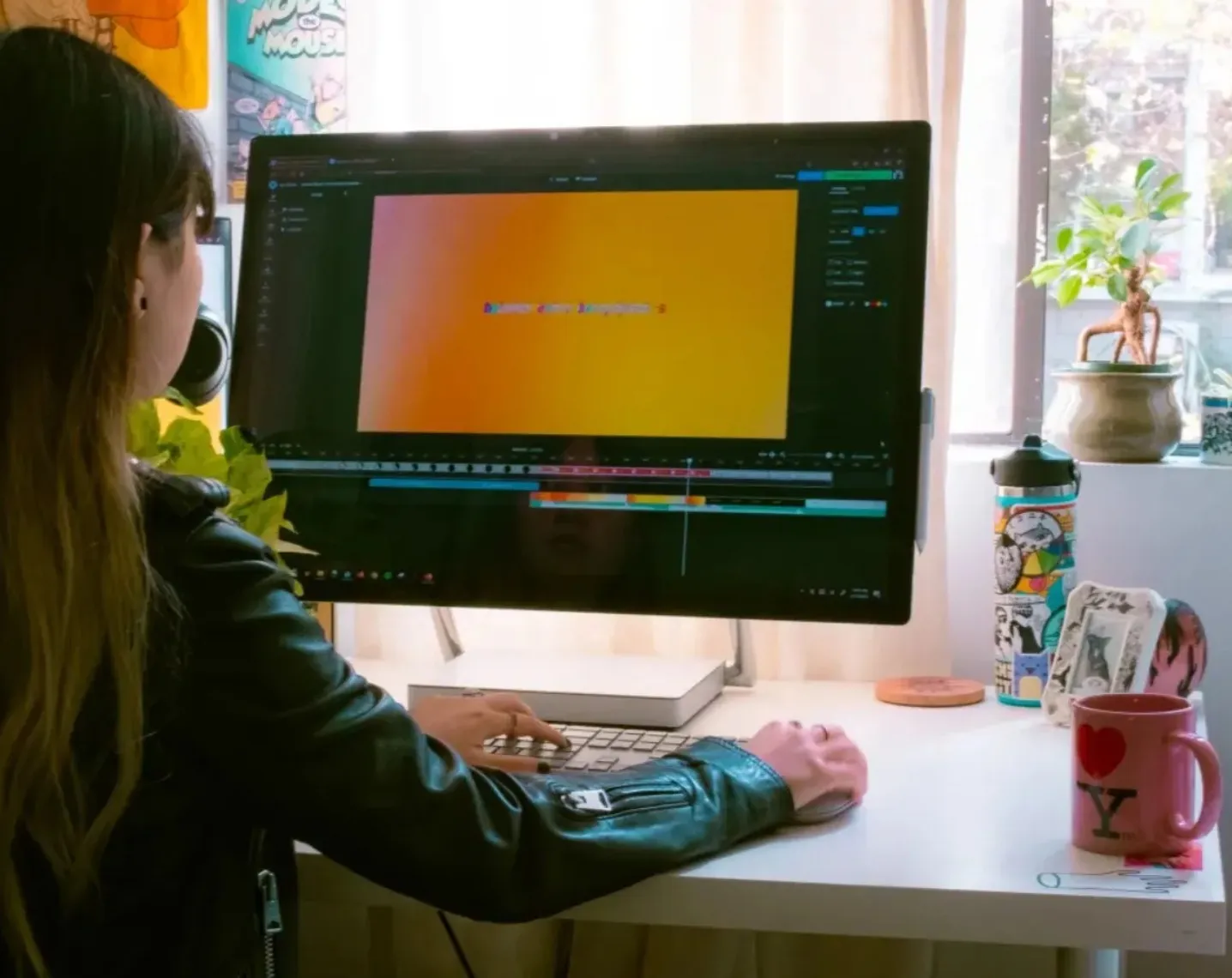
Go beyond video overlays with a video editing studio designed for content creators and marketers. Customize overlays, then complete your video with professional editing tools.
Apply AI tools to enhance video and audio quality, fix eye contact, split into scenes, and stabilize shaky footage. Adjust color and saturation, apply filters, and add subtitles.
Automatically resize for any platform, then share directly to social media without leaving your browser.
Polished overlays for every project
Join the creative professionals using Kapwing to clarify, brand, and annotate video

Reaction Videos
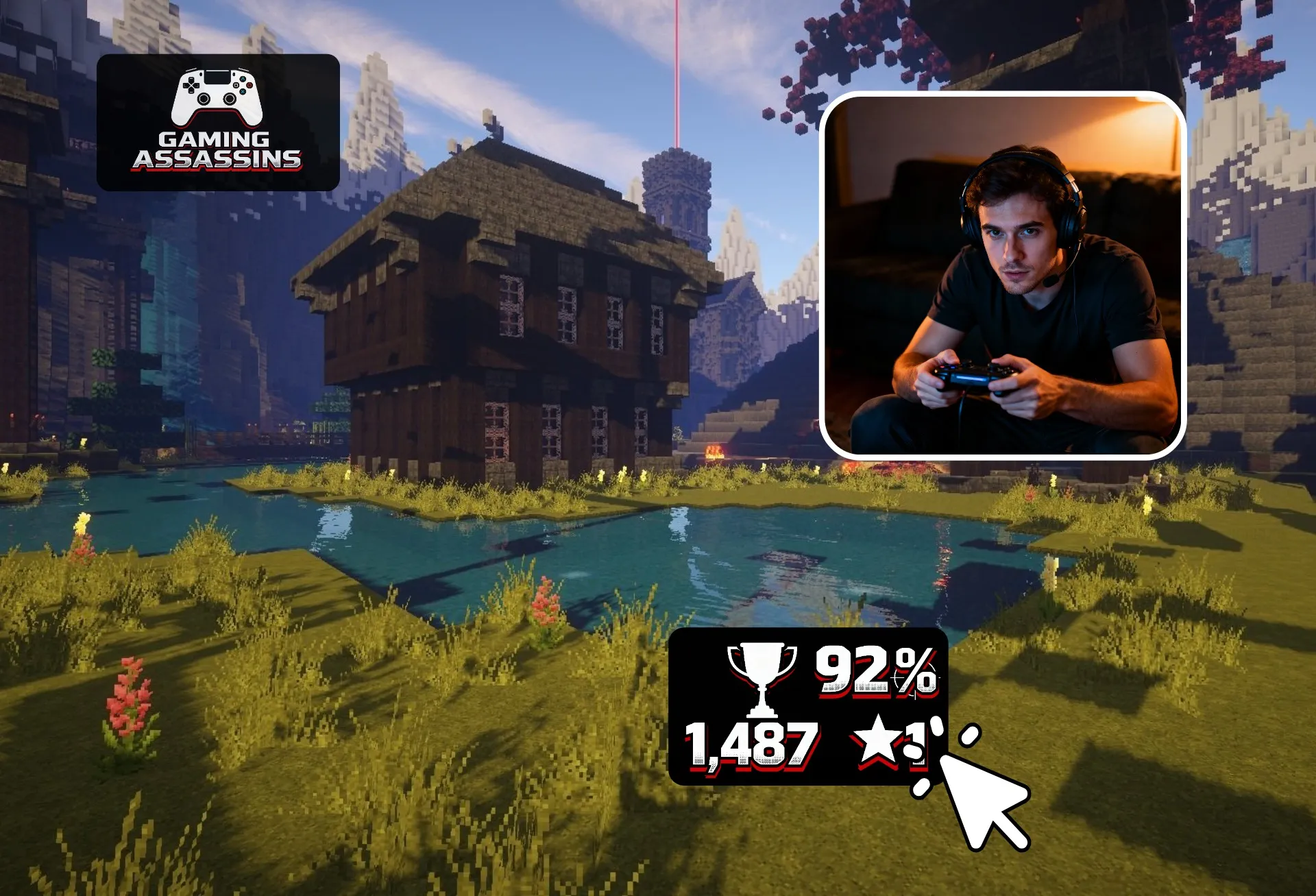
Streamers and YouTube creators add GIFs, custom graphics, and stats to gaming and reaction videos

Logos and Watermarks
Marketing teams, entrepreneurs, and content agencies overlay image on video by adding logos or watermarks to keep content visibly on-brand
Social Media Graphics
Influencers and social media teams create TikTok video overlay elements like captions, icons, and reactions that stay visible in safe viewing areas
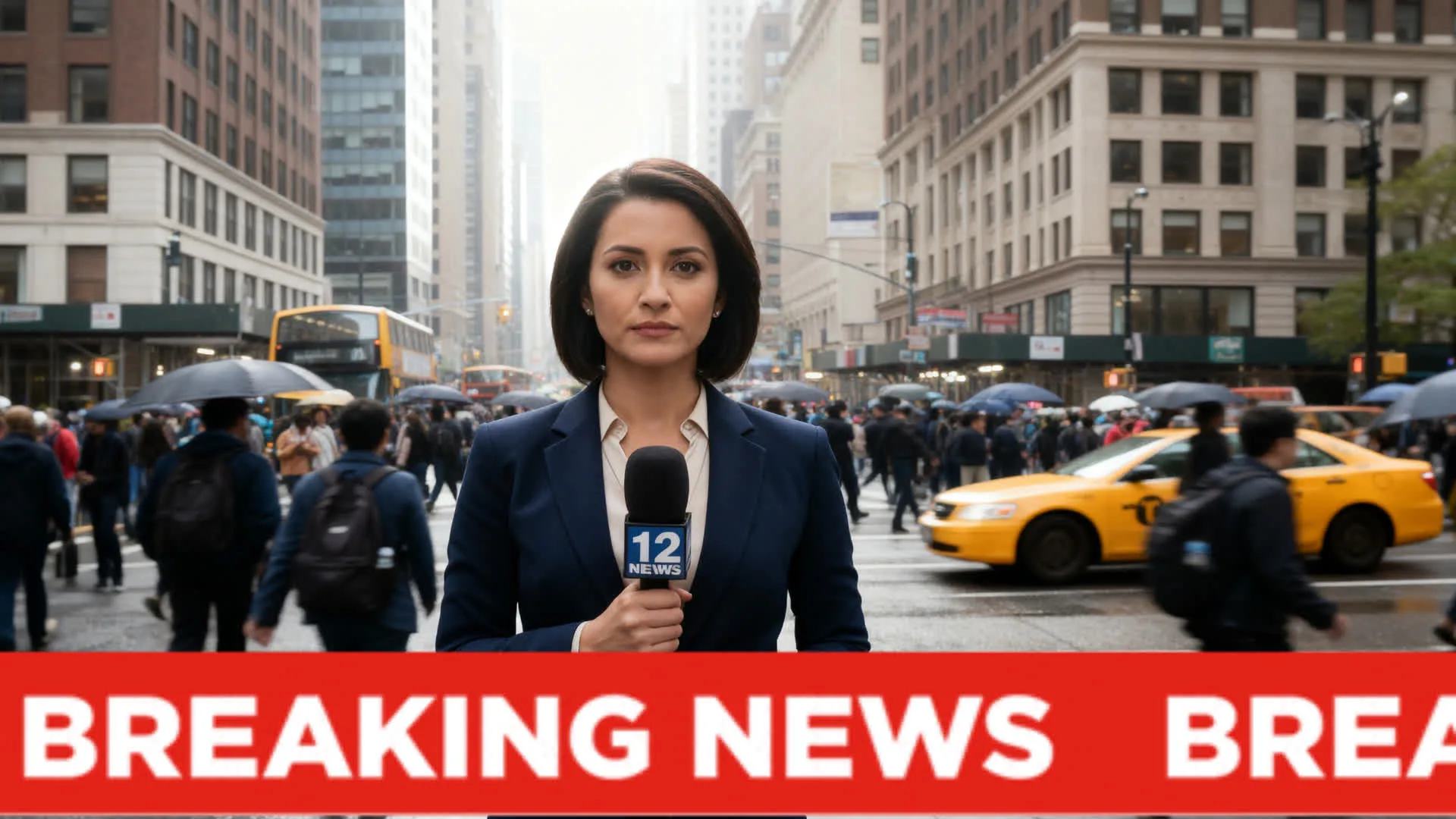
Lower Thirds
Journalists, PR professionals, and podcasters add text overlay on video for names, titles, and topic highlights during interviews or commentary, helping viewers follow stories
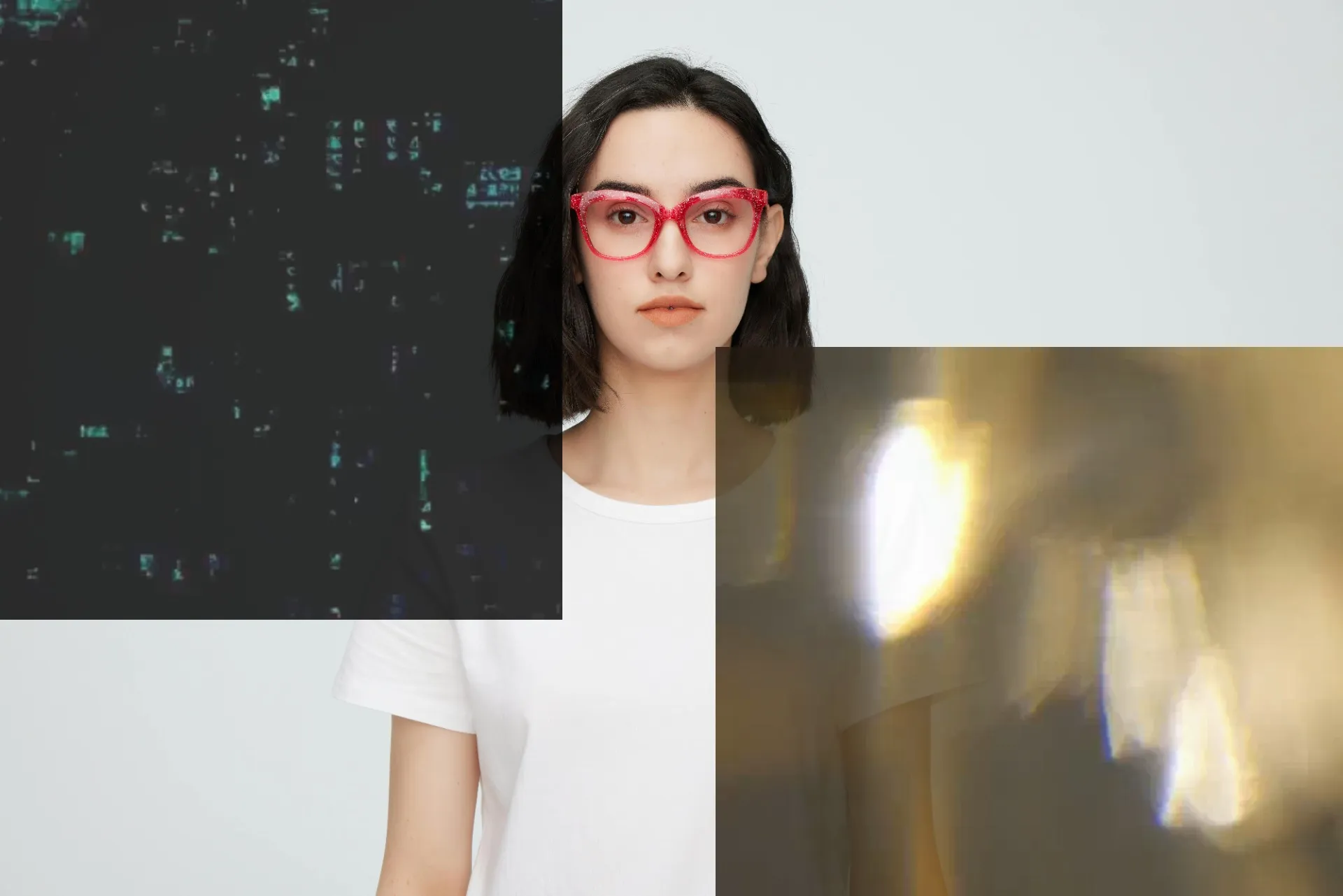
Visual Aesthetics
Add visual texture and change the mood and appearance of your footage with a glitch or film grain video overlay
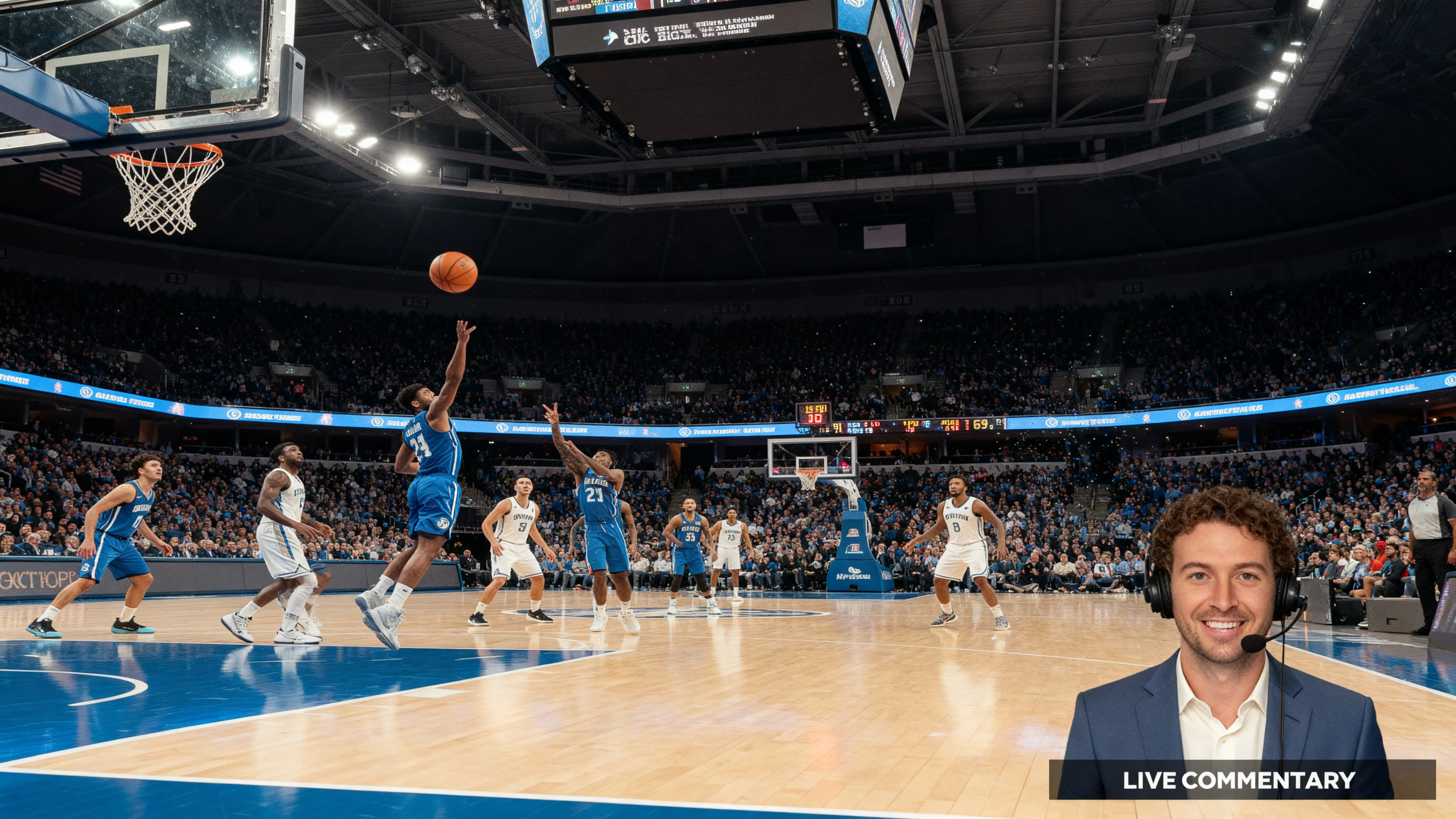
Talking Heads
Educational creators, commentators, and online coaches overlay talking head video to explain ideas and events visually
Already transforming video creation across industries
Hear directly from the teams who publish faster, collaborate better, and stay ahead.


Start with a Template
Click on an overlay template to start editing and add your own videos.

How to Overlay Videos
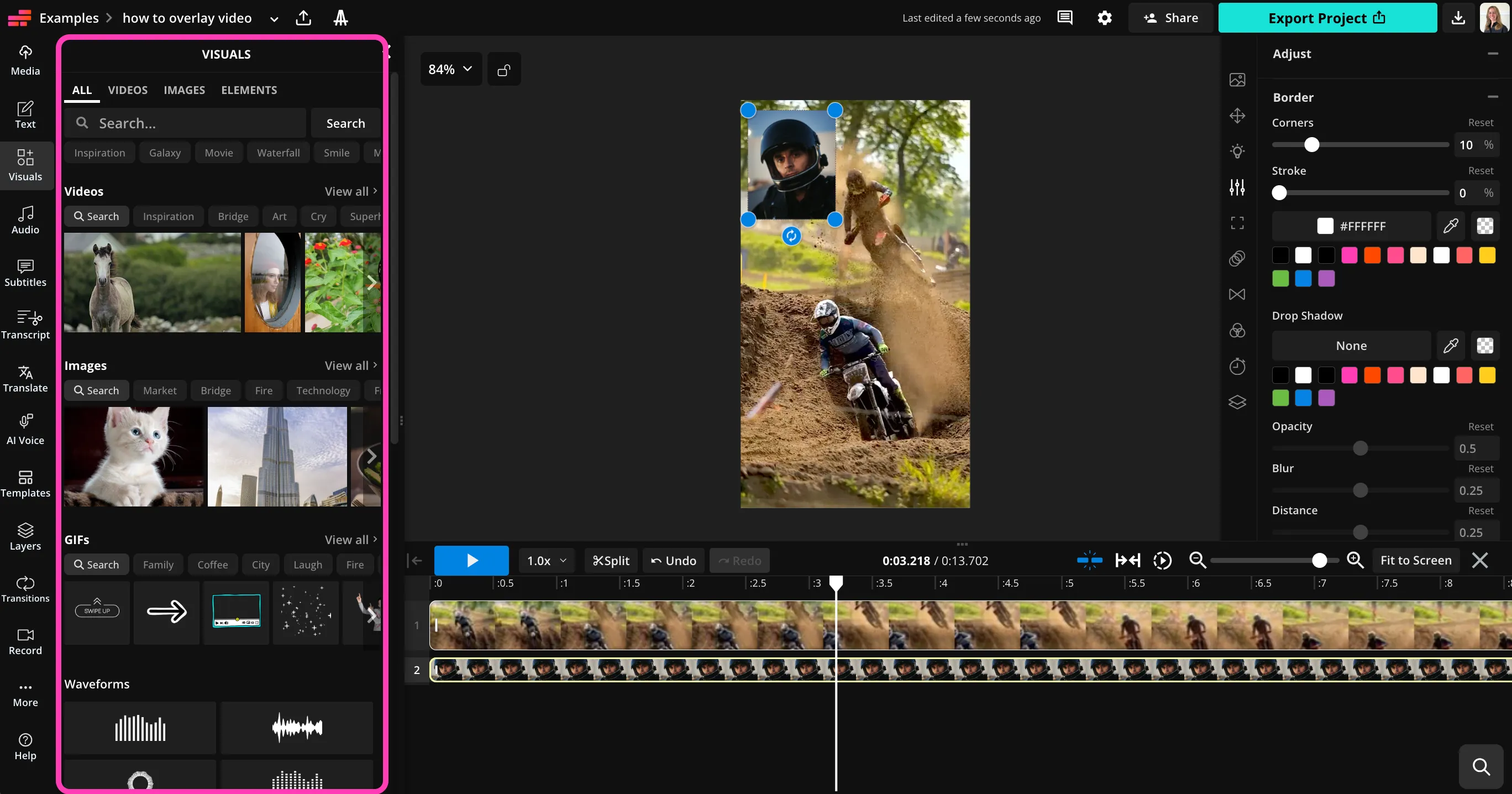
- Step 1Upload video
Create a new project in the Kapwing studio and click to upload your video.
- Step 2Add overlay
Use the left sidebar to add text, music, video, or image overlays. Adjust with sliders.
- Step 3Edit and download
Apply any of Kapwing's video editing tools, then download your video overlay as MP4, MOV, or WebM.
What's different about Kapwing?



Frequently Asked Questions
We have answers to the most common questions that our users ask.
Is the Overlay Video tool free?
Yes, Kapwing's video overlay tool is free for all users.
Is there a watermark on exports?
If you use Kapwing on a Free account, then all exports — including from the Video Overlay tool — contain a watermark. Once you upgrade to a Pro account, the watermark is completely removed from your creations.
How to overlay an image or video on video
To overlay video on video or image on video, create a project in the Kapwing studio and click to upload your images and videos. Add them to the same canvas, then use the overlay video editor's drag and drop controls to adjust the position and appearance. To change which image or video appears on top, right click, then select "Send forward" or "Send backward."
Can I add film grain or old film video overlays?
Yes, you can add a video effect like a film grain video overlay or old film video overlay by layering a textured image or video on top of your main video. Adjust the opacity of the top layer by dragging the slider.
How to overlay video on mobile
To overlay image, text, or video on video on your phone or tablet, open the Kapwing studio in your mobile browser. Click to upload your media, then drag to adjust size and position. When you're ready, click "Export Project" to download your overlaid video in high resolution.
What is a video overlay?
A video overlay is any visual or audio element layered on top of a base video to add context, branding, or style. Common overlays include a text overlay on video, logos, images, GIFs, effects, music, or even another video.
Creators use video overlays to improve clarity, highlight key moments, add an overlay background for video, or create more engaging content without re-recording footage.
Can I add music or audio as an overlay?
Yes. You can easily overlay music on video by uploading audio or choosing from Kapwing’s built-in stock library. Audio layers can be trimmed, faded, and balanced with your original sound.
This makes it simple to add background music, sound effects, or voiceovers without disrupting your existing video track.
Can I make TikTok video overlays?
Yes. Kapwing is built for social media, including TikTok video overlay creation. Built-in Safe Zones help ensure your overlays stay visible and aren’t covered by UI elements.
You can design once, then resize and adapt your overlays for vertical, square, or horizontal formats in just a few clicks.
Can I use Kapwing to add fun or aesthetic overlays?
Yes. In addition to professional tools, Kapwing works well for creative styling like cute video overlays, animated stickers, GIFs, and playful text.
Whether you’re making memes, vlogs, or casual social posts, you can mix fun overlays with polished editing for a look that fits your brand or personality.
Discover Resources
Tips, templates, and deep dives to help you create faster and share with confidence.
View all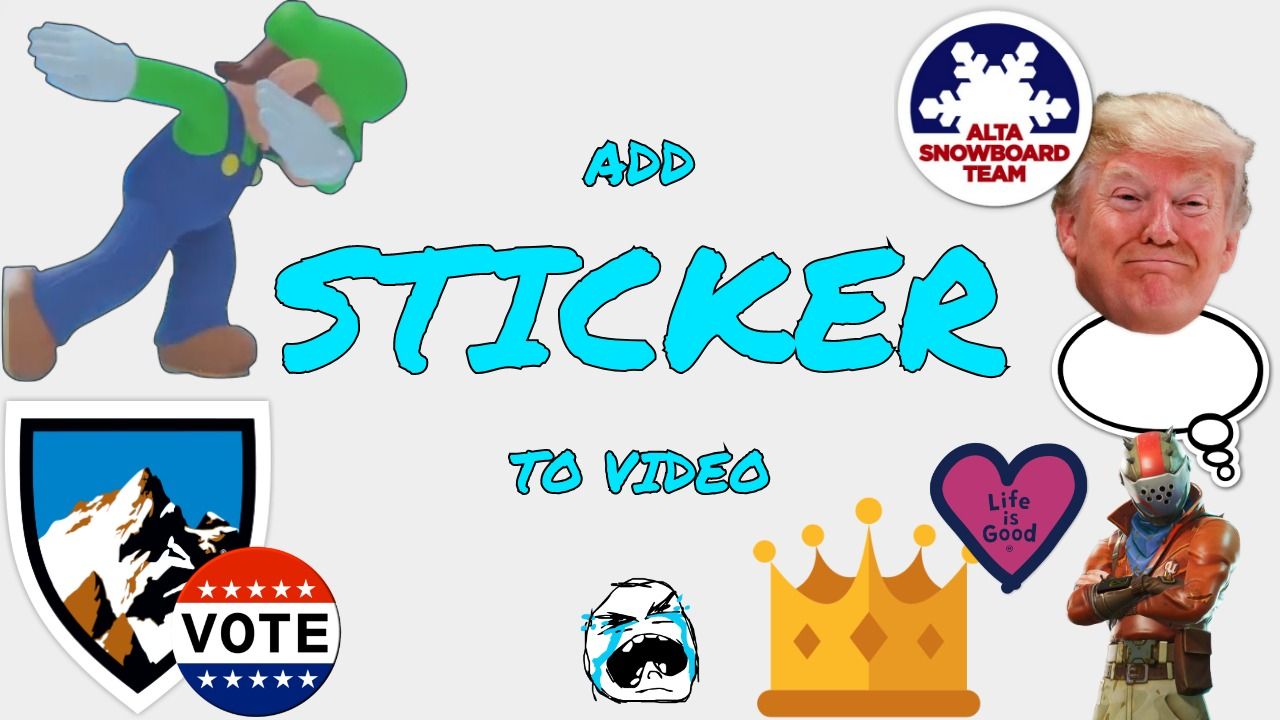


Get started with your first video in just a few clicks. Join over 35 million creators who trust Kapwing to create more content in less time.