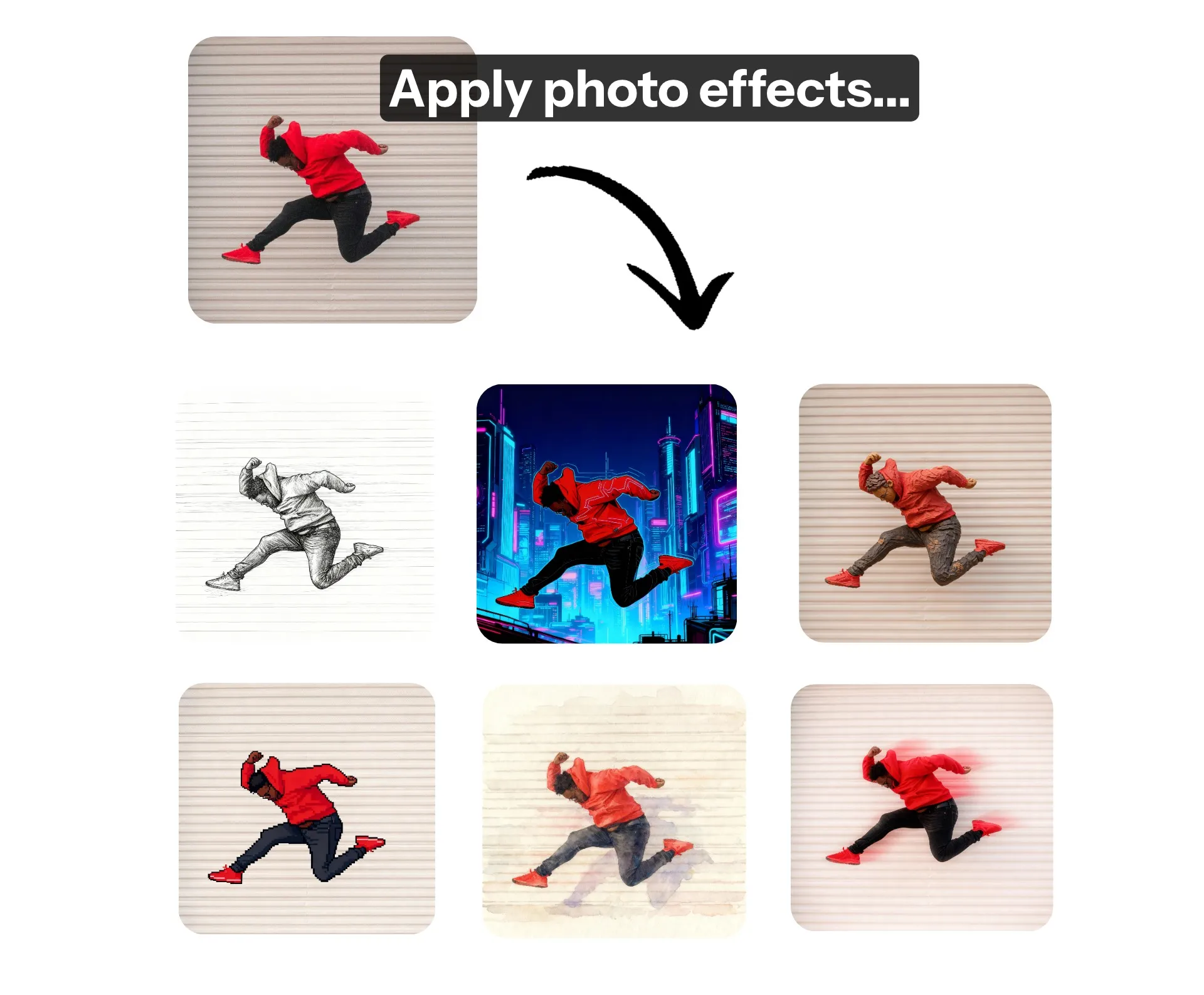
Instantly add effects to photos
Any filter and visual effect you can imagine — effortlessly applied by asking AI
Endless image effects
Apply studio-quality effects to any photo in seconds using Kapwing's AI-powered Photo Effects tool. No need for technical skills or advanced prompts: the AI Assistant seamlessly applies visual effects, animations, and filters to any image. Backed by automatic prompt enhancement, Kapwing intelligently selects the best AI model to apply each realistic or stylized effect.
Just upload an image, prompt the assistant to apply any effects, and download or share the results — all from your browser.
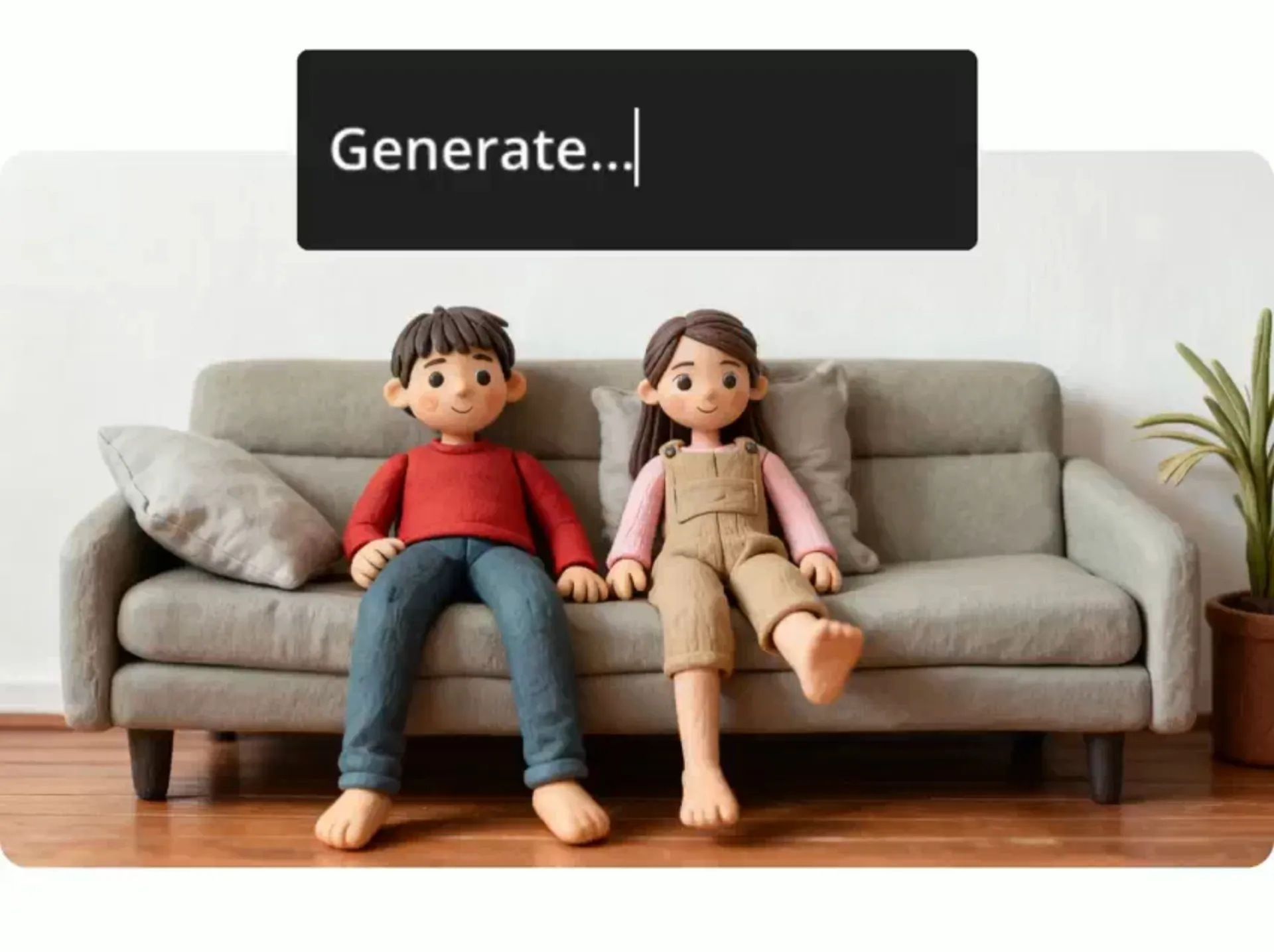
The fastest way to reapply styles
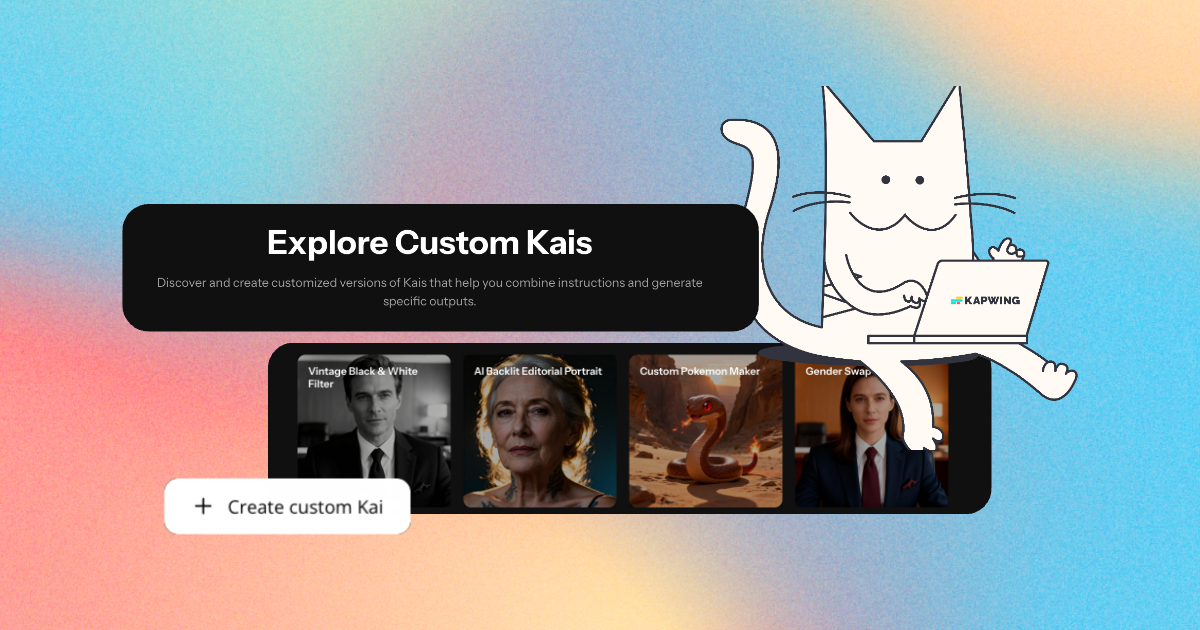
Design your own photo effect and save it as a Custom Kai to apply consistent edits to unlimited images. Streamline creative workflows by consistently producing the same effect, or effortlessly combine and apply effects like lens flare, glitch, and motion blur.
Designed for content creators, marketers, and small business owners but equally ready for fun, the Photo Effects tool can help you quickly edit an entire photoshoot or campaign.
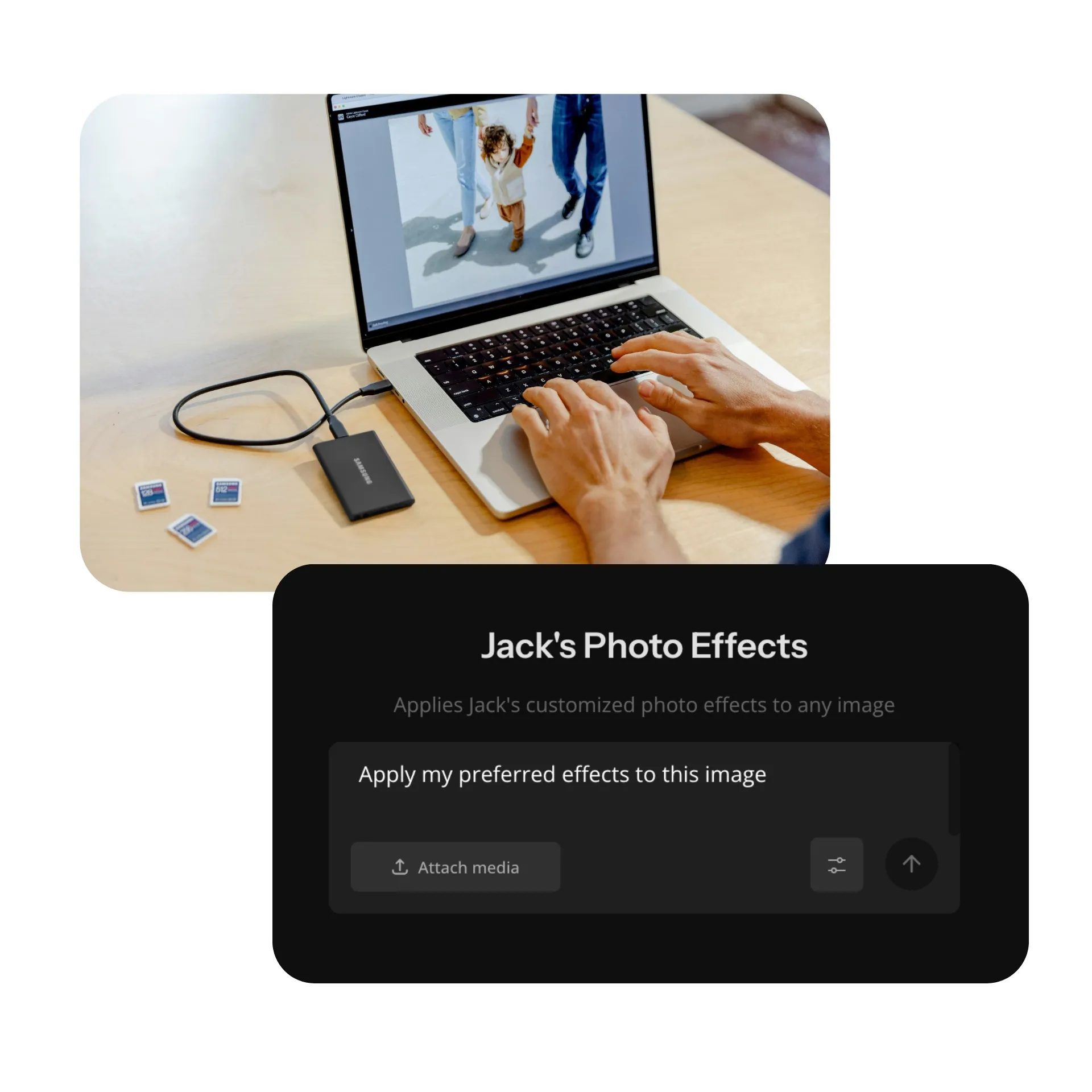
Your personal editing studio
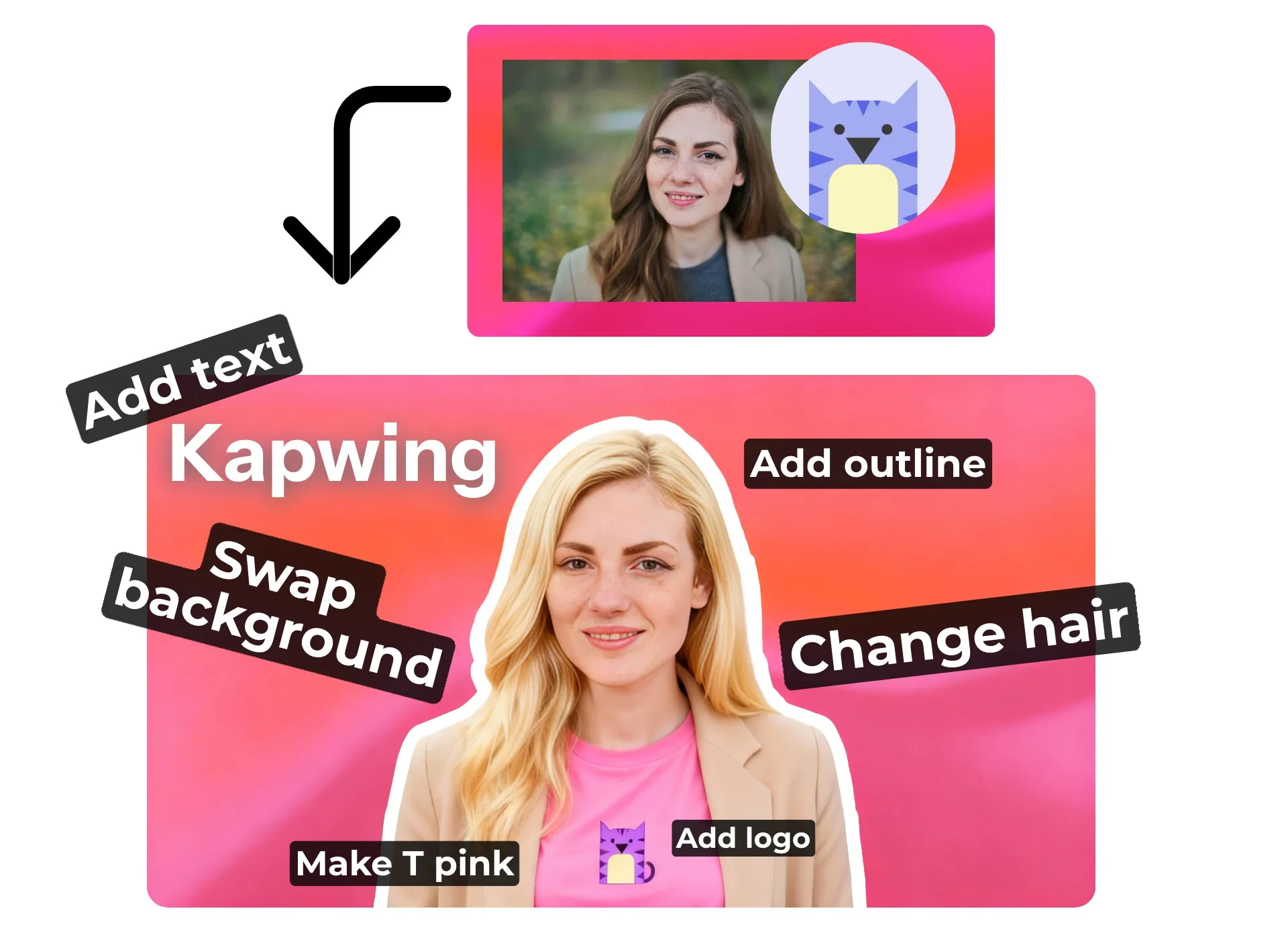
Go beyond filters: Kapwing combines a powerful AI assistant with a full editing studio for complete creative control. Ask the AI Assistant to add effects to your photos and also remove objects, change outfits, or replace backgrounds.
Then move to the studio for access to hundreds of free image editing tools, including color and saturation, text overlays, and automatic background removal.
Whether you need AI automation or advanced manual control, Kapwing gives you everything you need to create scroll-stopping, professional-quality visual.
Any image effect you can imagine
Just ask AI
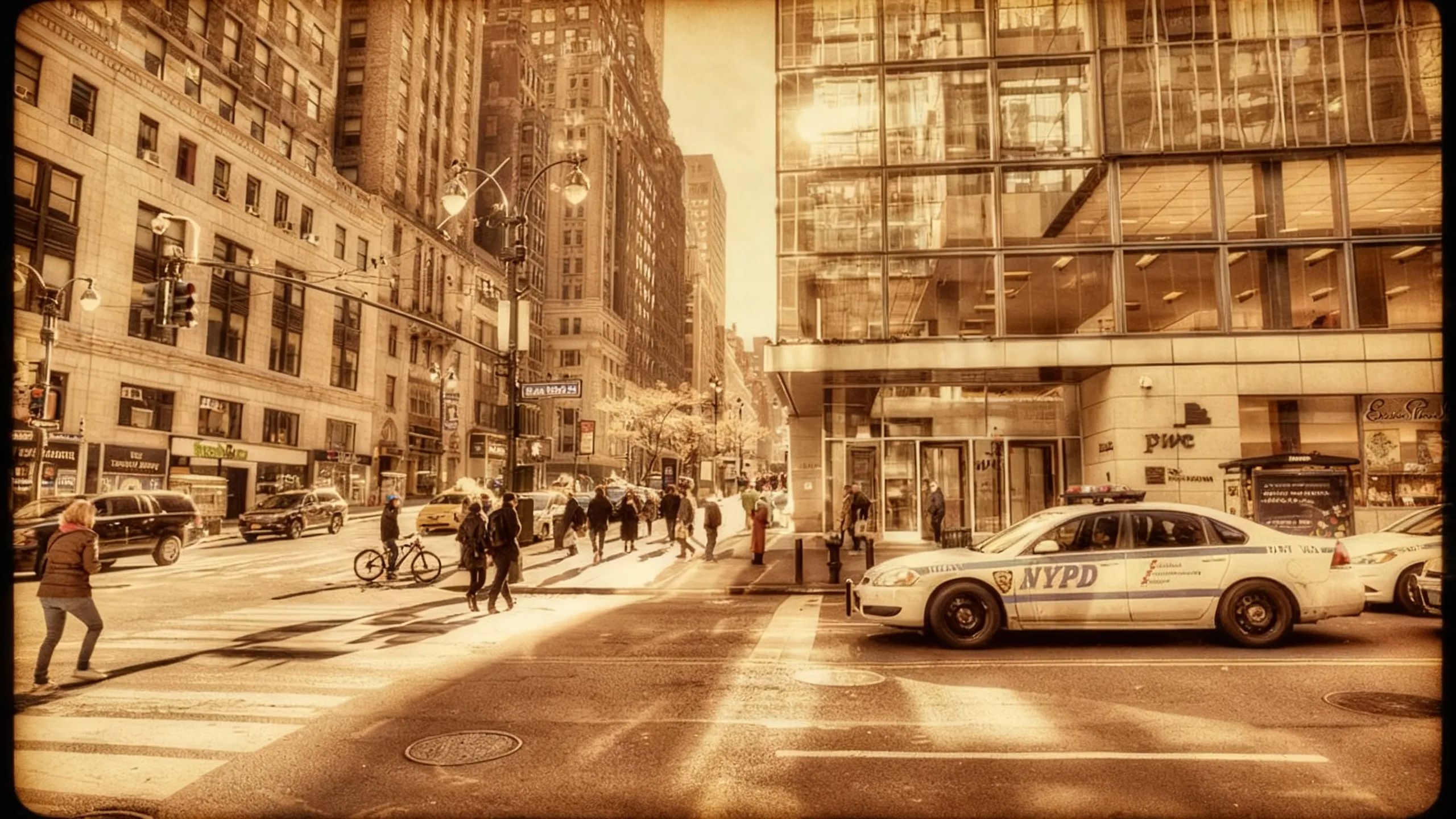
Antique
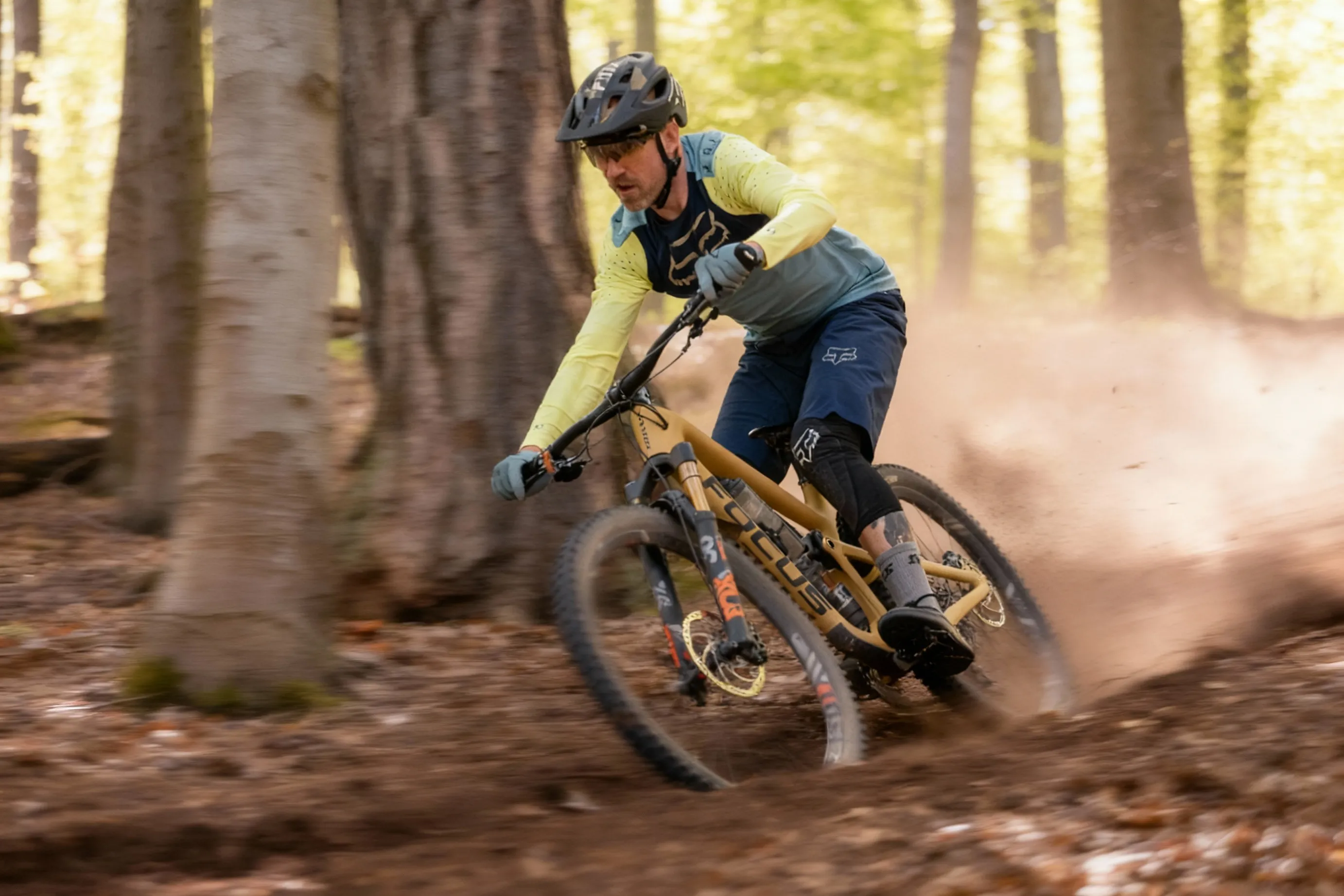
Motion Blur
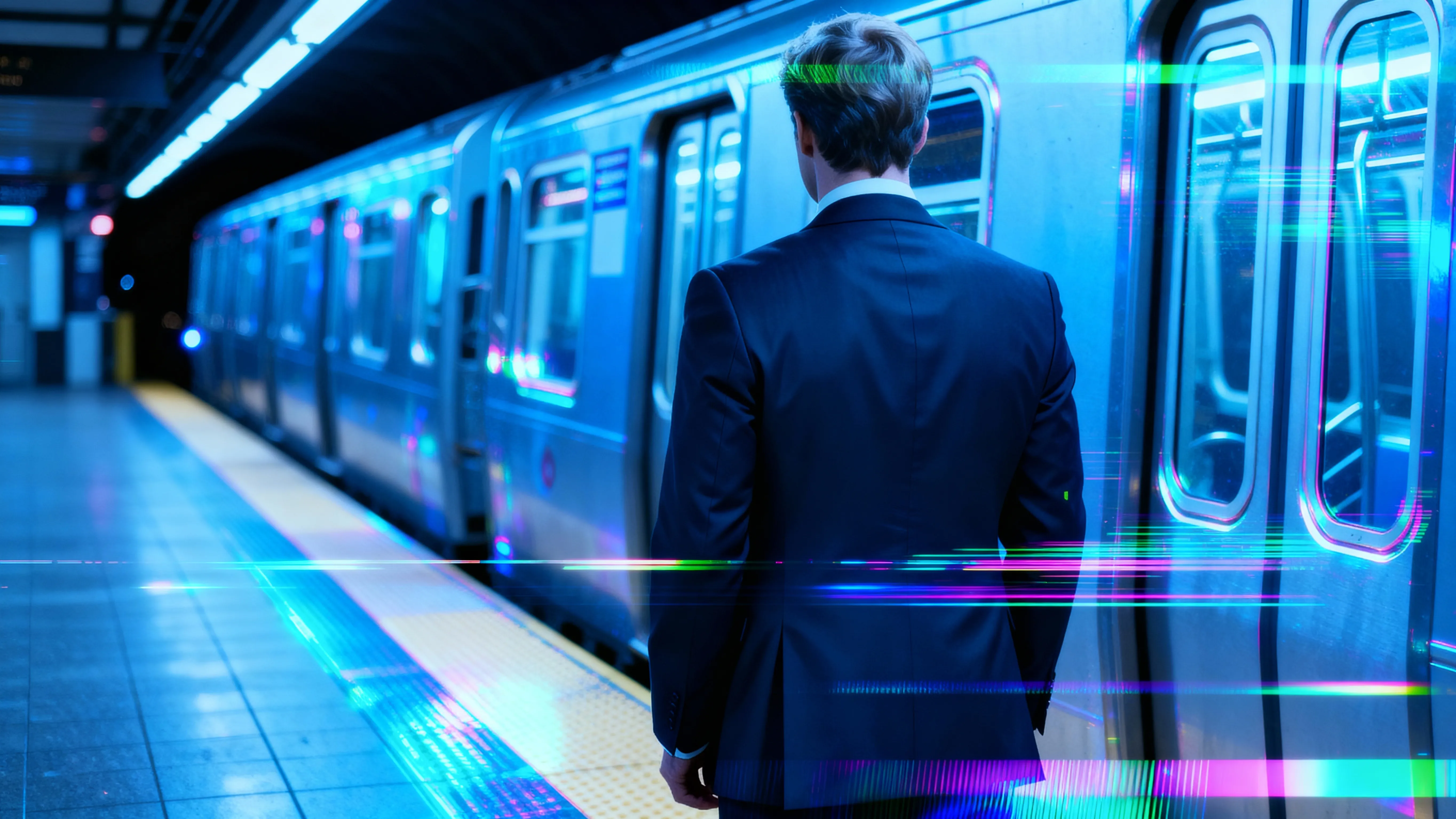
Glitch Effect
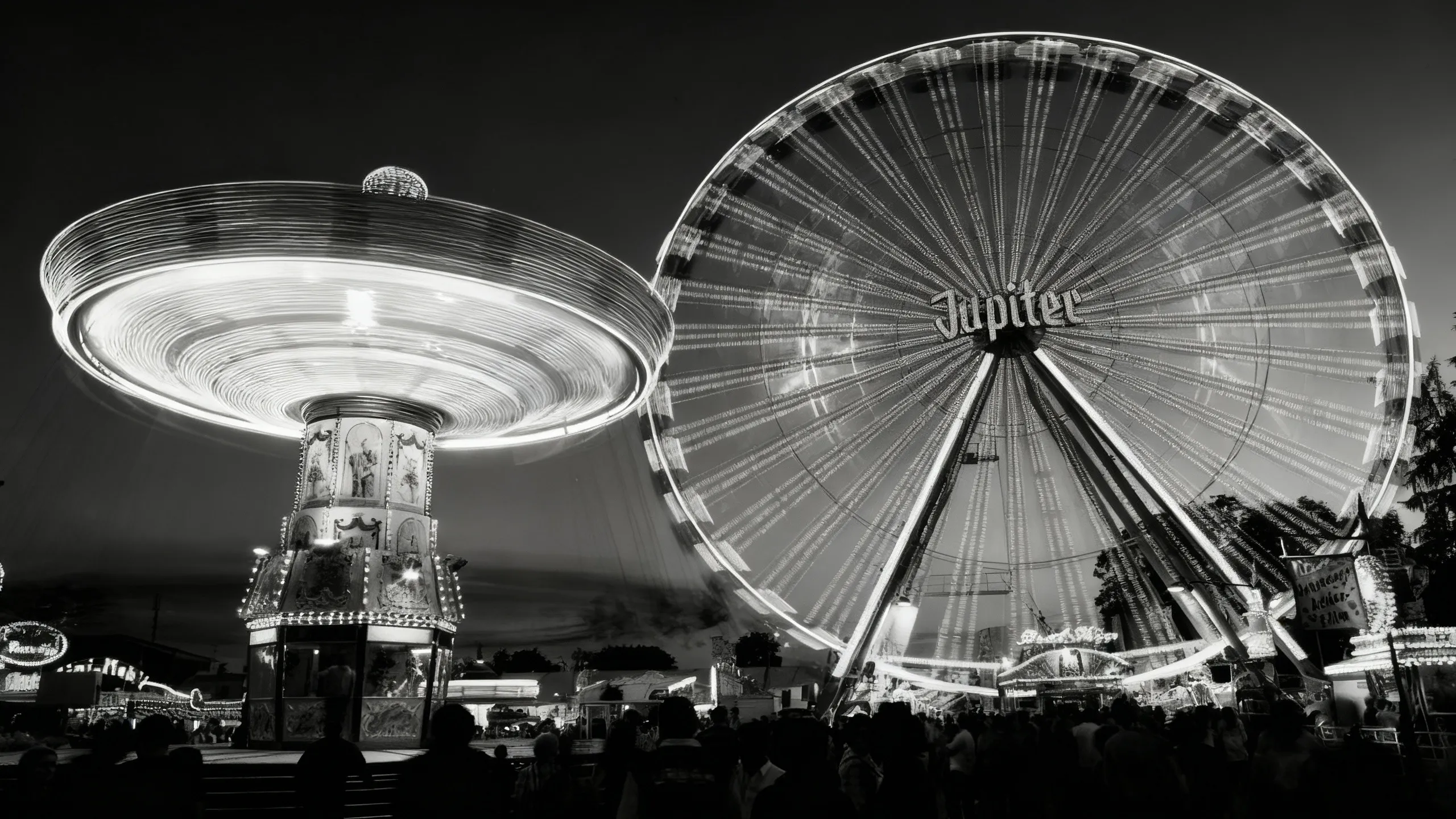
Black and White
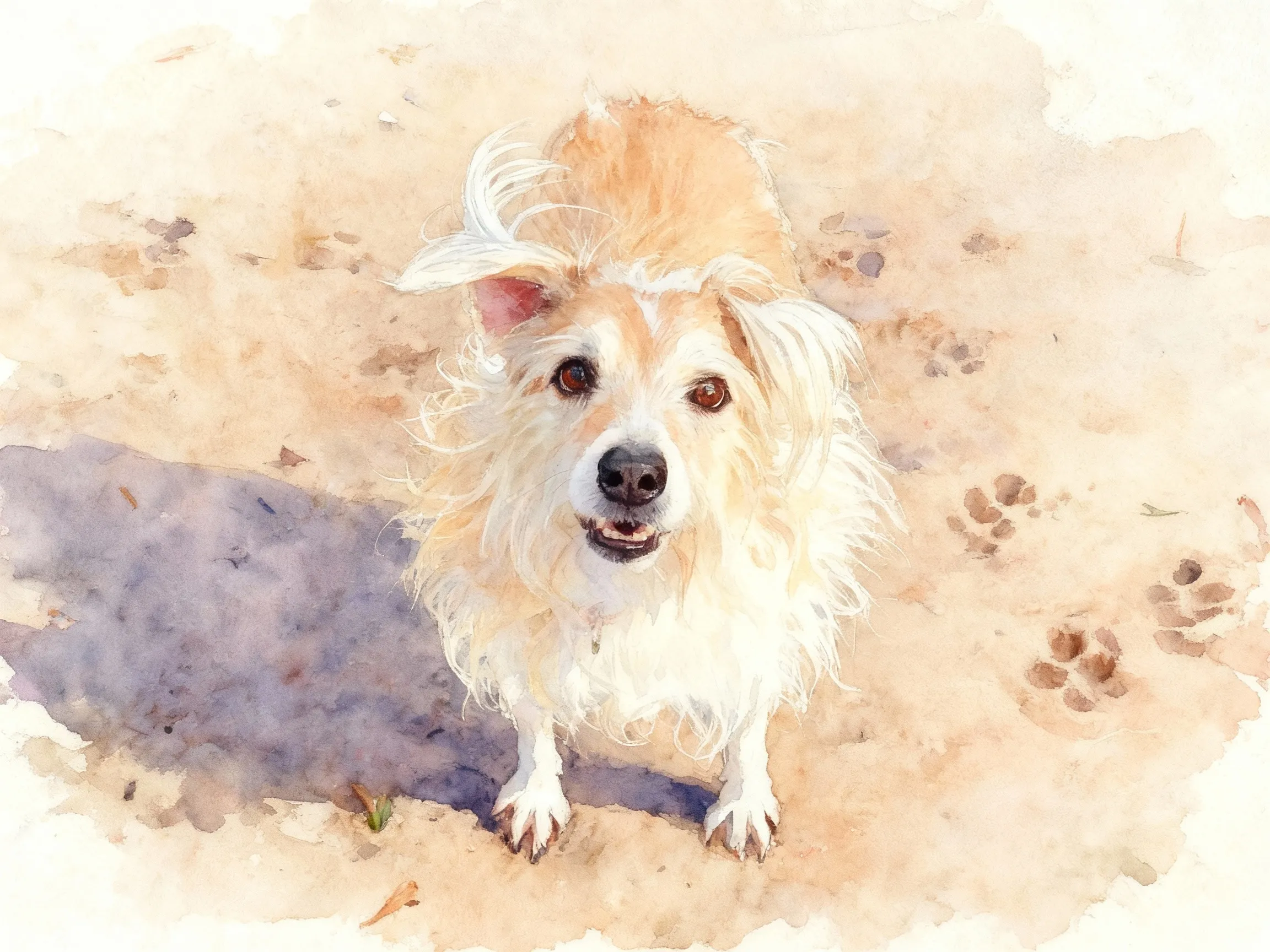
Watercolor
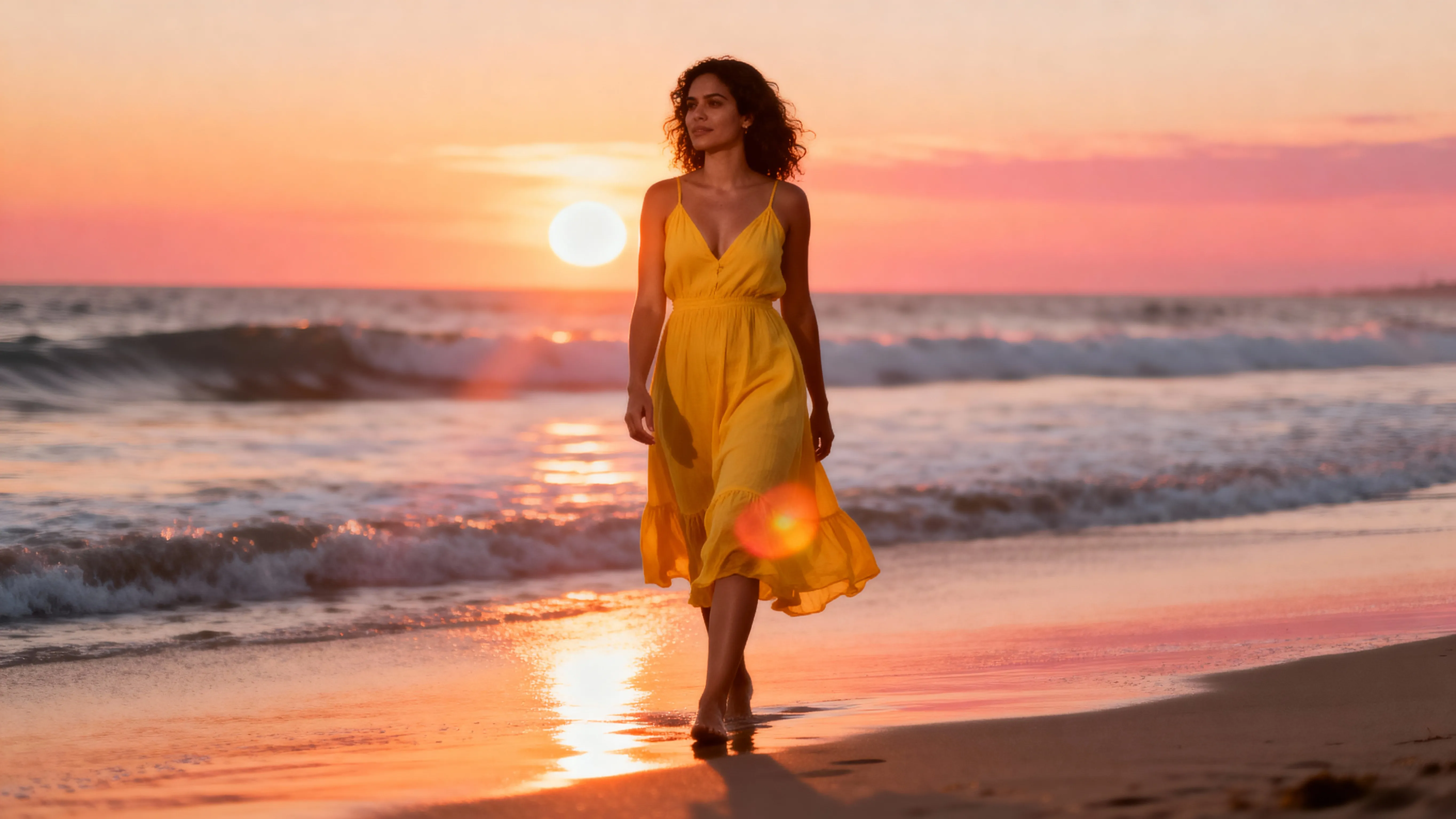
Lens Flare
.webp)
Photo Booth
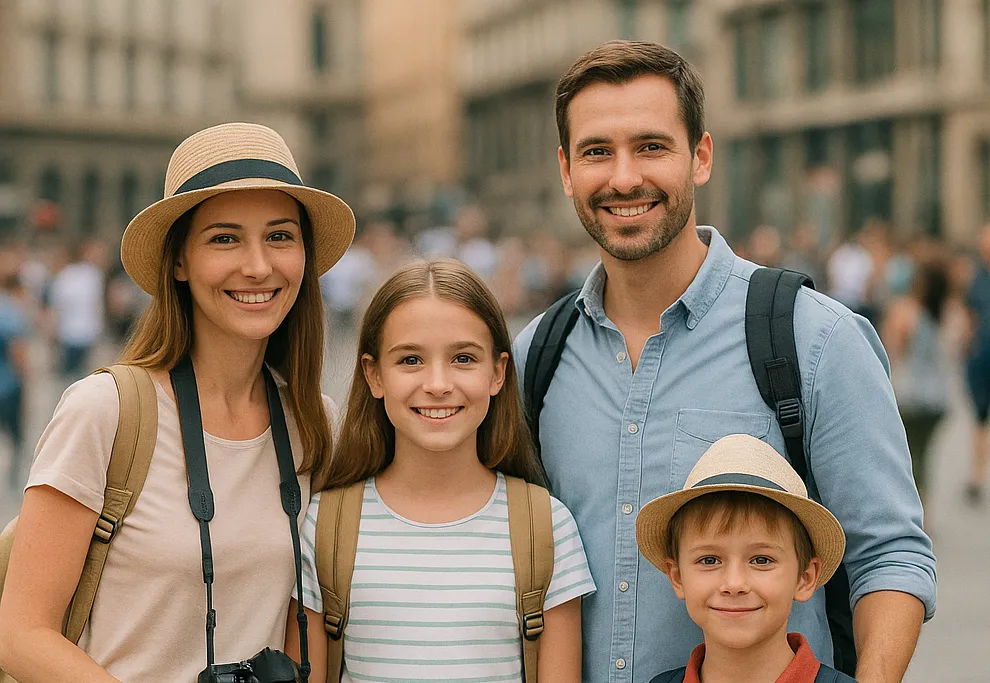
Blurred Background
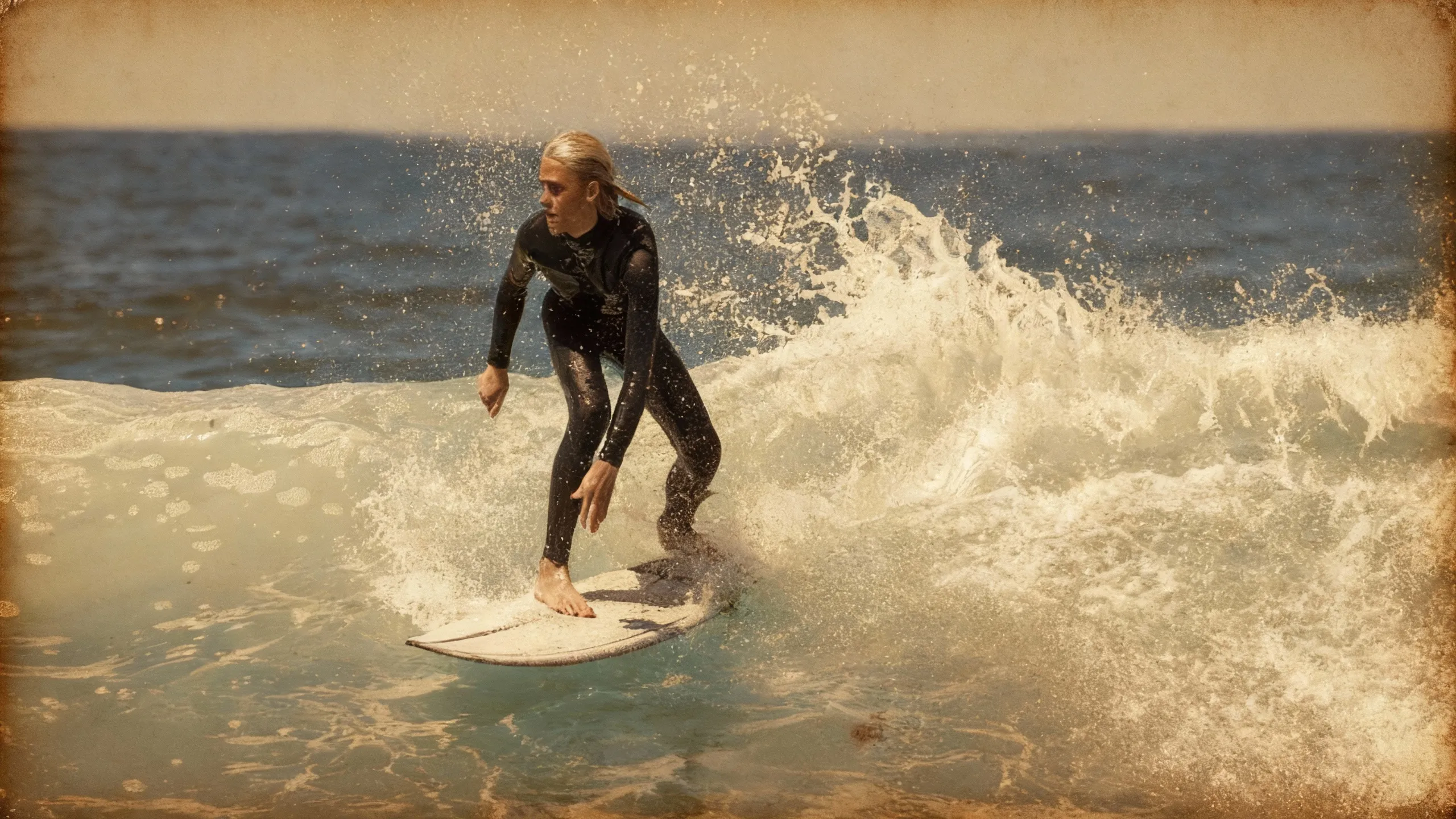
Vintage
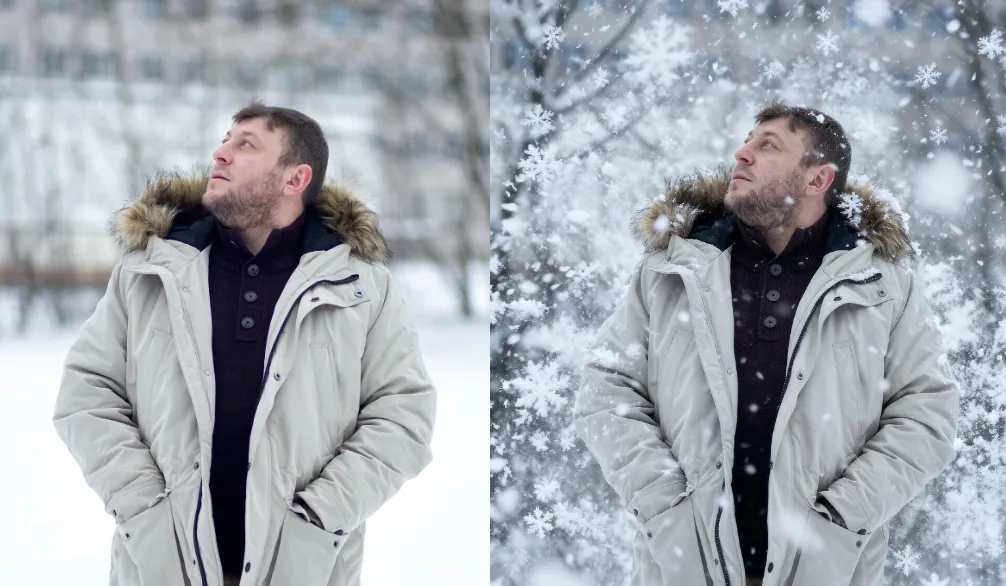
Falling Snow
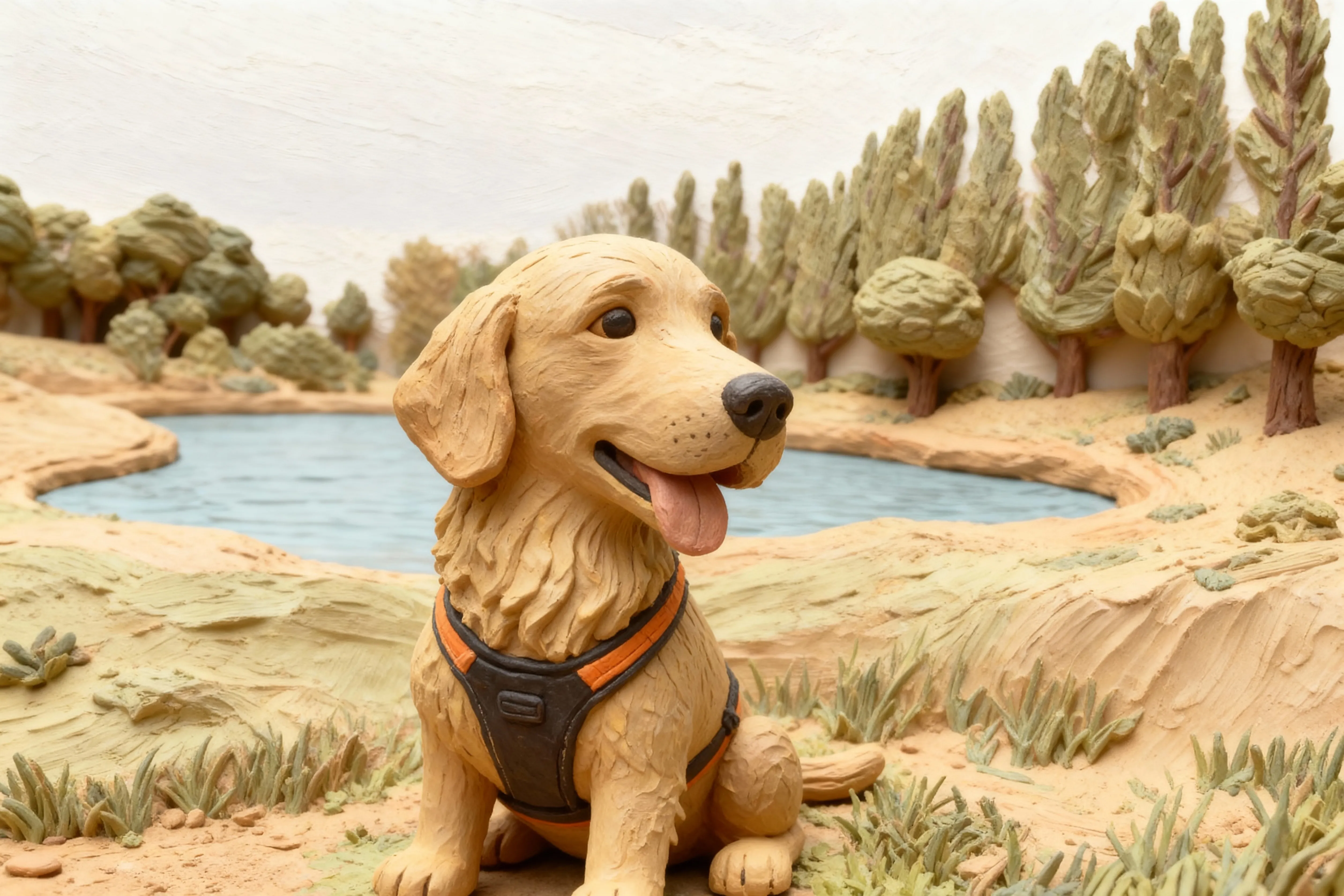
Clay
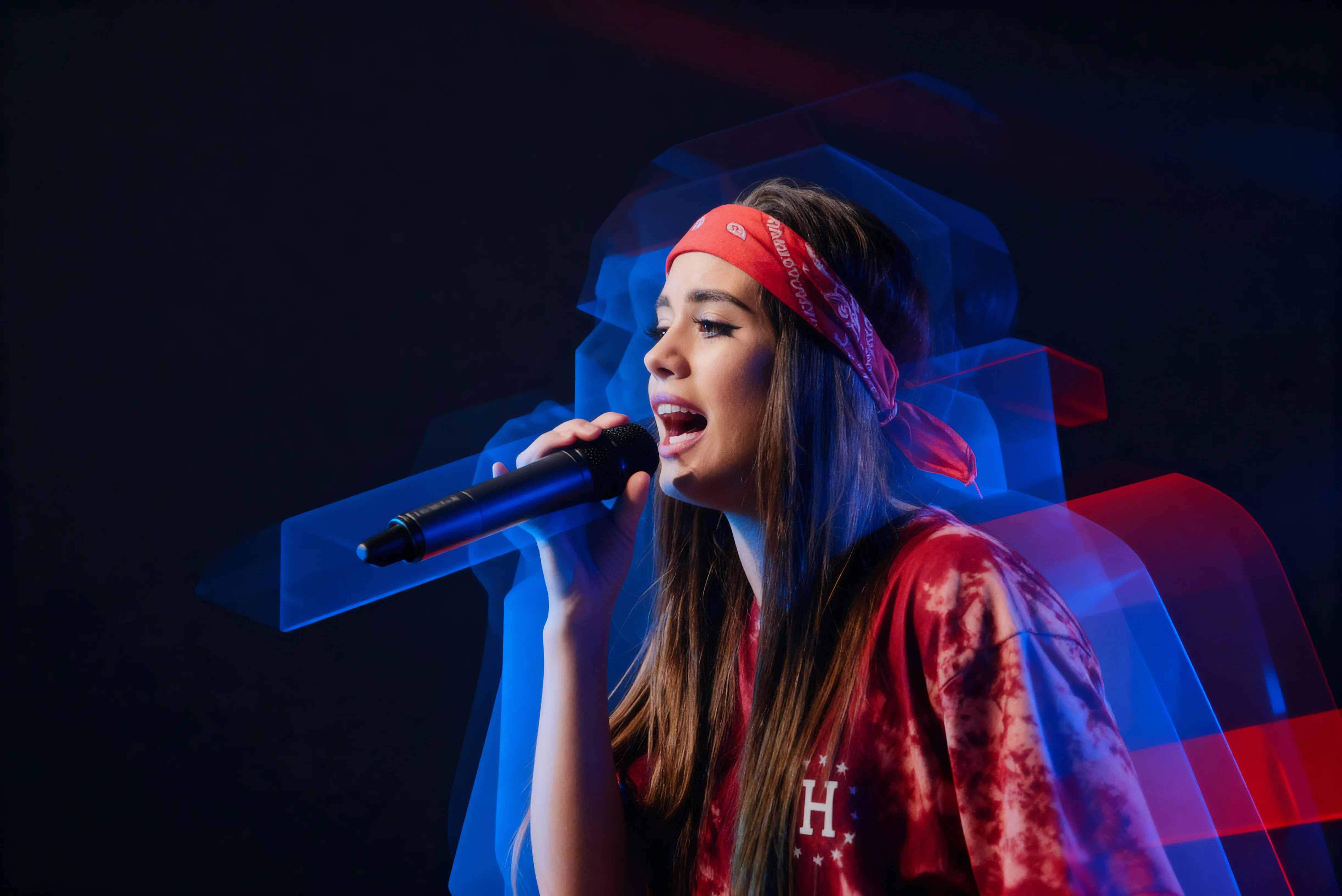
3D
How to Add Effects to Photos
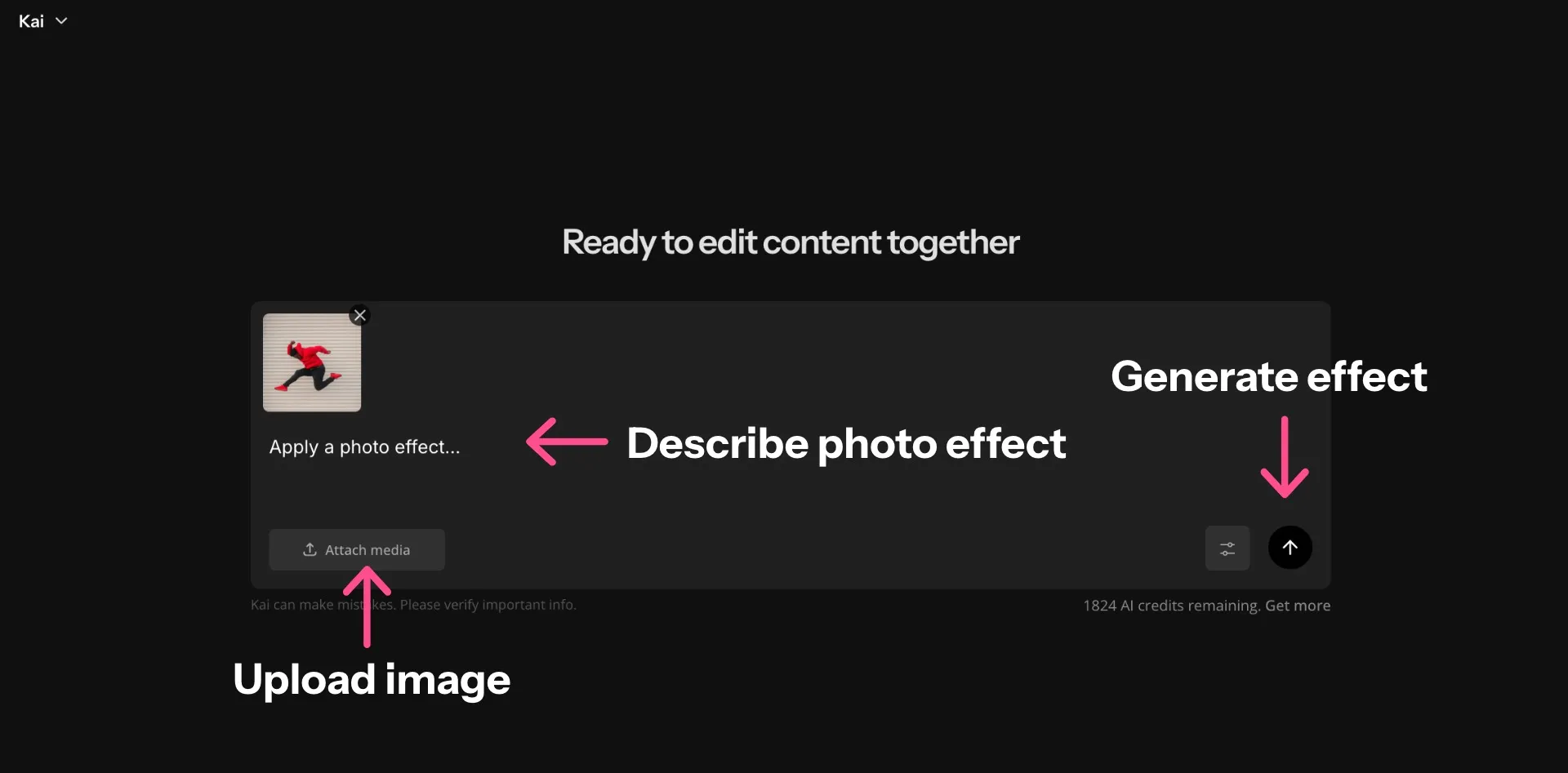
- Step 1Open Kapwing
Create a new chat in your AI workspace.
- Step 2Upload photo
Drag and drop or click "Attach Media" to upload an image.
- Step 3Apply effects
Use conversational prompts to apply effects like watercolor, glitch, or vintage.
Already transforming video creation across industries
Hear directly from the teams who publish faster, collaborate better, and stay ahead.


Frequently Asked Questions
We have answers to the most common questions that our users ask.
Is Kapwing's Photo Effects tool free?
Yes, anyone can try Kapwing’s AI tools for free without watermarks. Our AI tools run on a credit system, with each feature costing a set number of credits. For maximum creativity and the best value, upgrade to a Pro account to unlock the full power of AI-driven content creation.
How do I apply photo effects using Kapwing?
To add effects to photos using Kapwing's Photo Effects tool, just upload an image and enter a prompt describing the edits you want. For example, enter prompts like Apply a vintage filter, Make this picture look like a watercolor painting, or Apply a photo mirror effect.
Can I create custom effects to reuse on new images?
Yes, you can create a Custom Kai that will apply the same prompt to any image you upload. Save your effect to reuse on any image. You can also share your personal photo effect creator with friends or coworkers.
Can I add image effects for social media posts?
Yes, you can apply effects to photos and then easily resize them for social media platforms like Instagram or Facebook. You can also share your creations directly to your social media accounts without leaving your browser.
Can I edit the images manually?
Absolutely, you can move any image into Kapwing's editing studio for access to the full set of free image editing tools. Adjust saturation, add text overlays, apply simple animations, and more.
Can I add photo effects using my phone or tablet?
Yes, the AI Assistant works on mobile and tablet browsers, including iPhone and Android devices. Just open a new chat from your mobile device, upload your image, and enter your prompt.
What are the most popular types of photo effects?
Popular photo effects include watercolor, blur, mirror, antique, brush, and 3D effects. You can add any of these filter effects for photos by describing the edits in your prompt.
Can I combine multiple image effects on one photo?
Yes, you can request multiple edits, like layering a falling snow effect with an antique photo effect. Enter a prompt like Make this photo look vintage and add a lens flare on the sunset.
What image file types can I upload?
Kapwing supports most popular image file types, including JPEG and PNG. You can download your edited images as JPEG, PNG, or WEBP.
What is a Custom Kai?
Custom Kais are pre-built AI image and video effects in Kapwing. Our team has created hundreds of them so you can instantly produce eye-catching content — no prompt writing required. Just apply a Custom Kai and the style is handled for you.
You can also create your own Custom Kai to capture your brand’s unique look and reuse it anytime for consistent, on-brand content with one click. This makes the process of applying photo effects in identical styles a seamless, automated process.
Which AI models does Kapwing use?
Kapwing supports several advanced AI image models including ChatGPT, Google Nano Banana, and Seedream. These models power tasks like inpainting, object replacement, background edits, and generative image creation directly inside the Kapwing editor
Discover Resources
Tips, templates, and deep dives to help you create faster and share with confidence.
View all
What's different about Kapwing?



Get started with your first video in just a few clicks. Join over 35 million creators who trust Kapwing to create more content in less time.