Effetti Fotografici
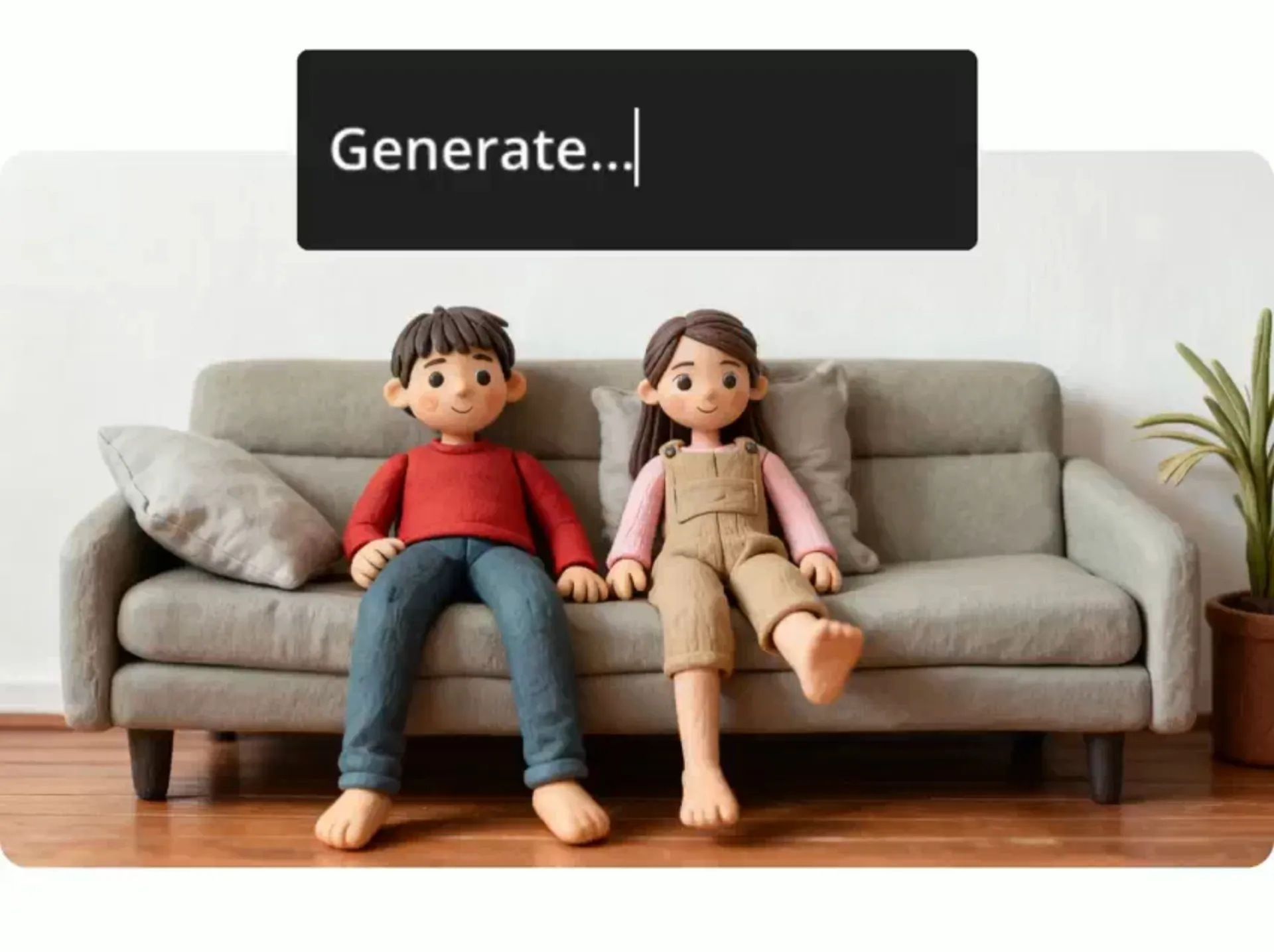
Applica qualsiasi effetto fotografico — semplicemente chiedendo all'AI
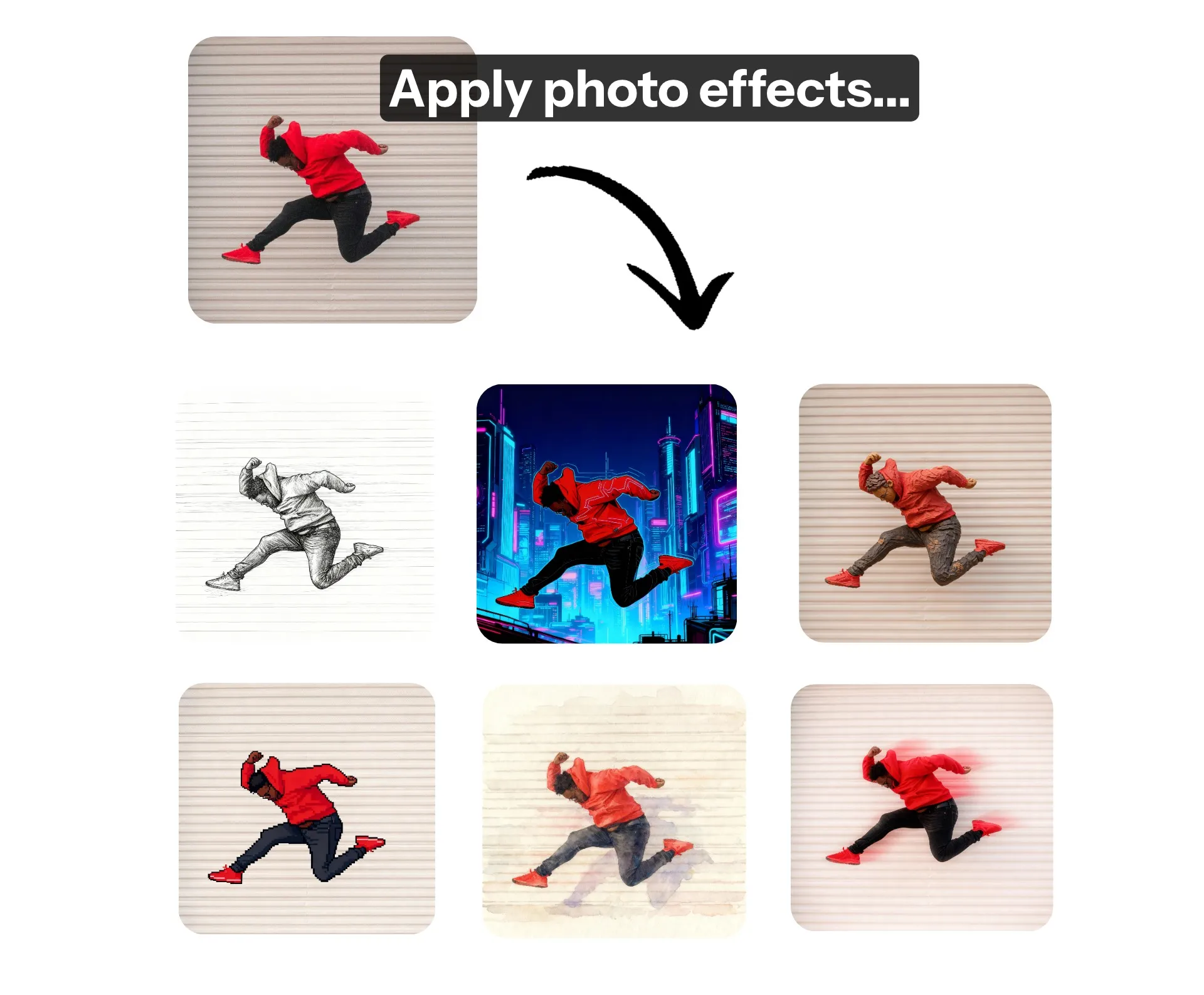
Istantaneamente aggiungi effetti alle foto
Qualsiasi filtro ed effetto visivo che tu possa immaginare — applicati senza sforzo chiedendo all'AI
Effetti immagine infiniti
Applica effetti di qualità professionale a qualsiasi foto in pochi secondi usando lo strumento Photo Effects di Kapwing alimentato da AI. Non hai bisogno di competenze tecniche o prompt avanzati: l'AI Assistant applica perfettamente effetti visivi, animazioni e filtri a qualsiasi immagine. Supportato dal miglioramento automatico dei prompt, Kapwing seleziona intelligentemente il miglior modello AI per applicare ogni effetto realistico o stilizzato.
Carica semplicemente un'immagine, chiedi all'assistente di applicare qualsiasi effetto e scarica o condividi i risultati — il tutto dal tuo browser.
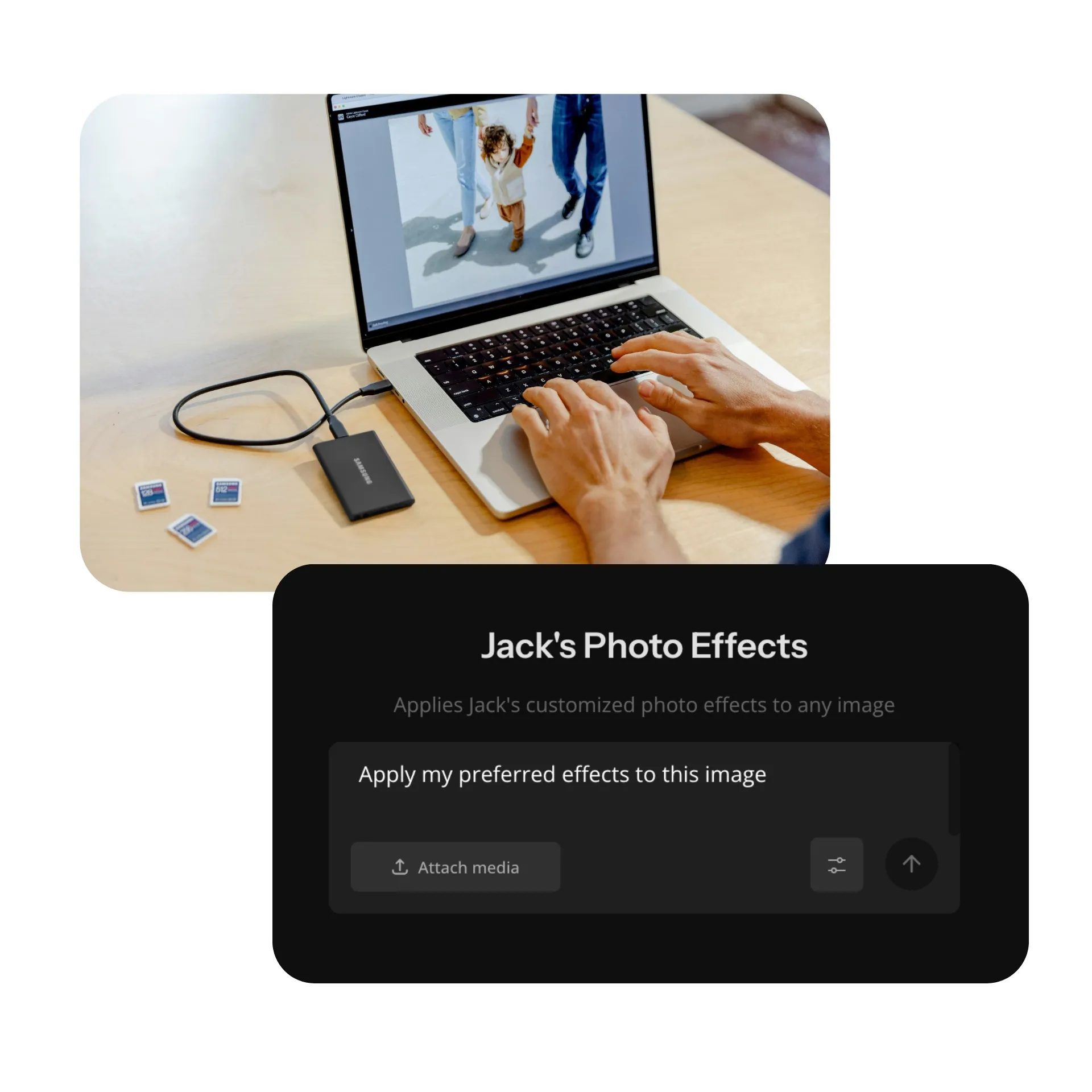
Il modo più veloce per riapplicare gli stili
Progetta il tuo effetto fotografico personale e salvalo come Custom Kai per applicare modifiche coerenti a un numero illimitato di immagini. Semplifica i flussi di lavoro creativi producendo coerentemente lo stesso effetto, o combina e applica facilmente effetti come lens flare, glitch e motion blur.
Progettato per content creator, marketer e proprietari di piccole aziende ma altrettanto pronto per il divertimento, lo strumento Photo Effects può aiutarti a modificare rapidamente un intero servizio fotografico o una campagna.
Il tuo studio di editing personale
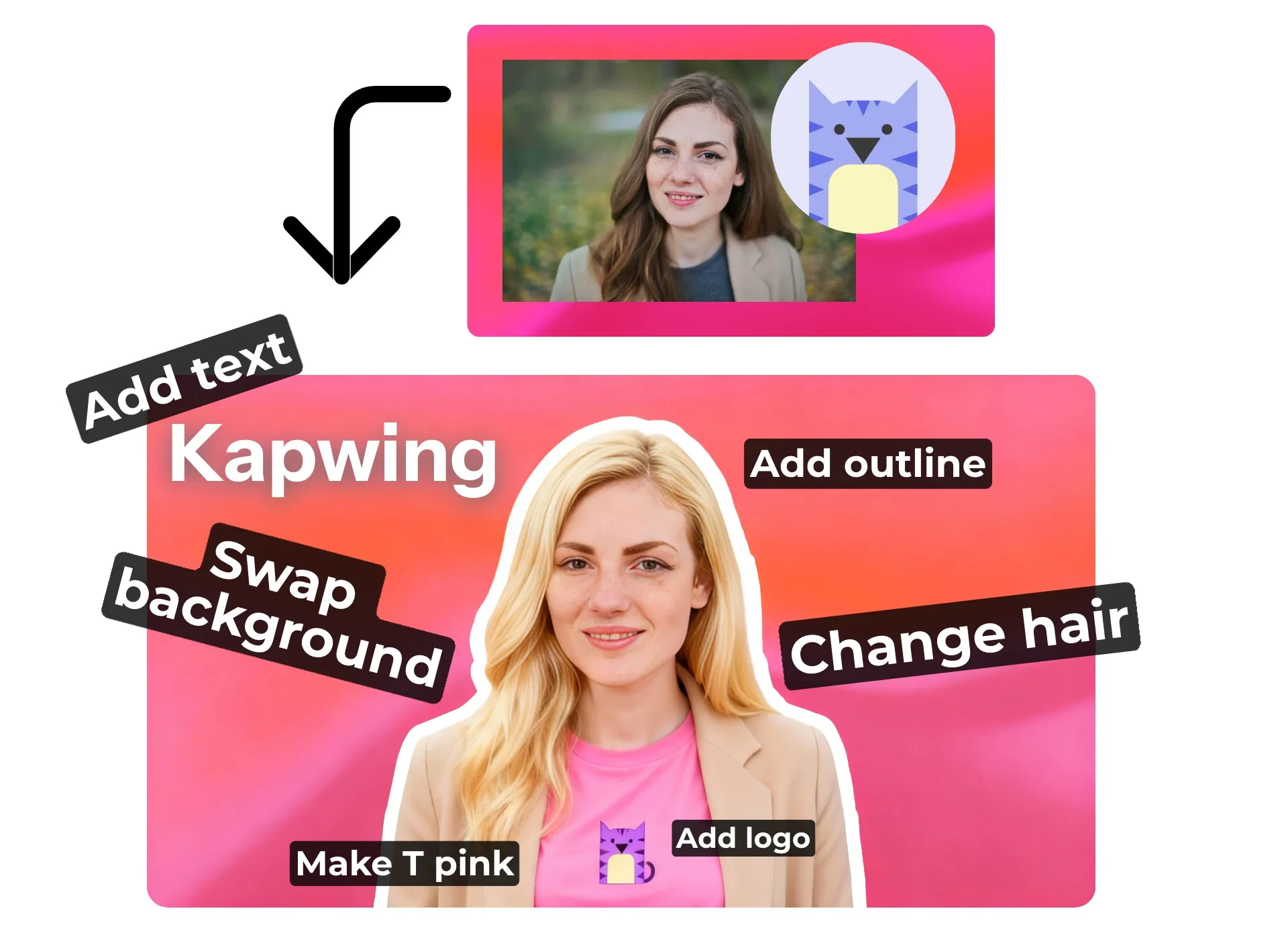
Vai oltre i filtri: Kapwing combina un potente assistente AI con uno studio di editing completo per il controllo creativo totale. Chiedi all'Assistente AI di aggiungere effetti alle tue foto e anche di rimuovere oggetti, cambiare outfit, o sostituire sfondi.
Poi passa allo studio per accedere a centinaia di strumenti di editing gratuiti, inclusi colore e saturazione, sovrapposizioni di testo, e rimozione automatica dello sfondo.
Che tu abbia bisogno di automazione AI o di controllo manuale avanzato, Kapwing ti offre tutto ciò di cui hai bisogno per creare contenuti visivi professionali che catturano l'attenzione.
Qualsiasi effetto immagine che tu possa immaginare
Chiedi semplicemente all'AI
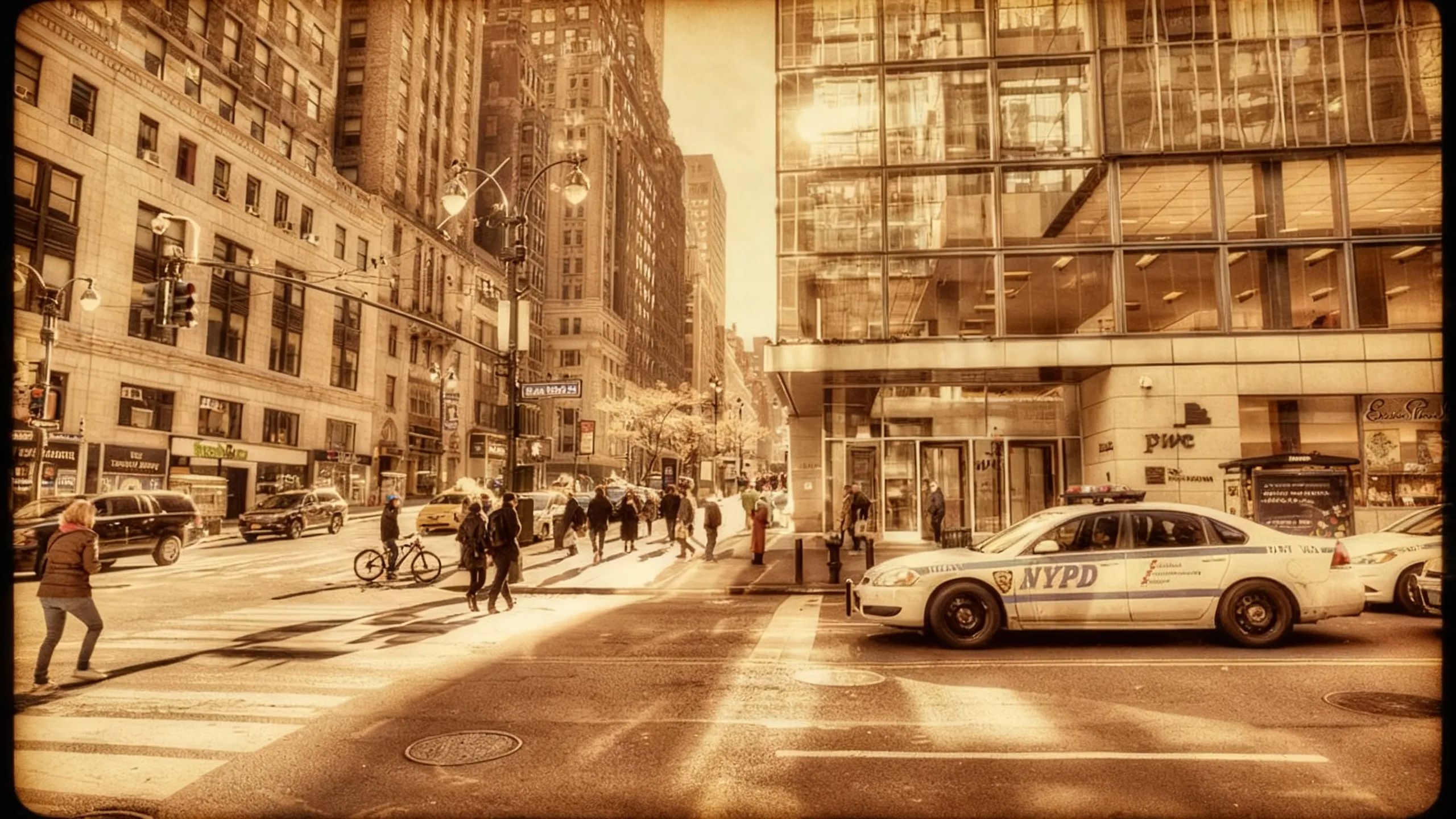
Antico
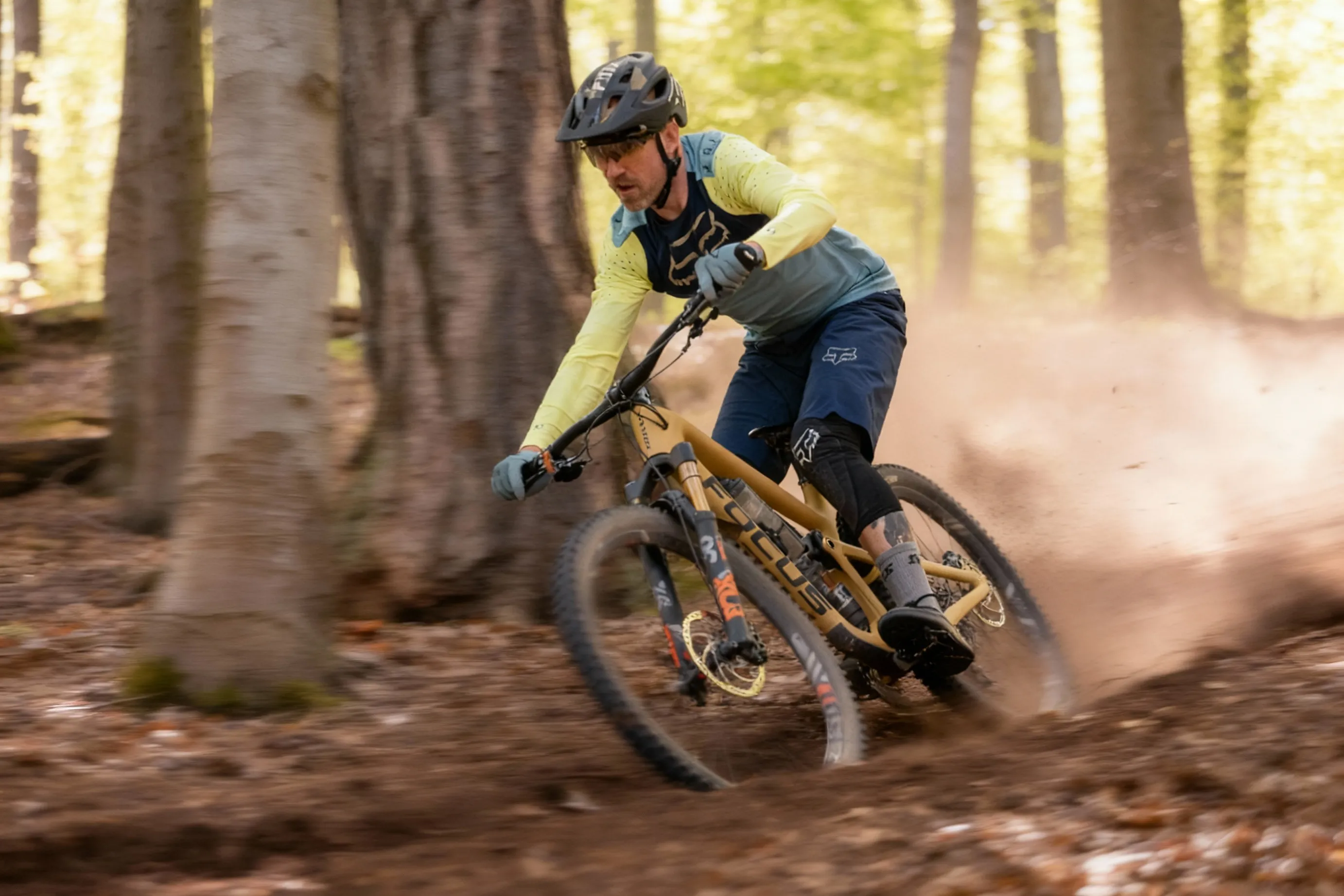
Sfocatura di movimento
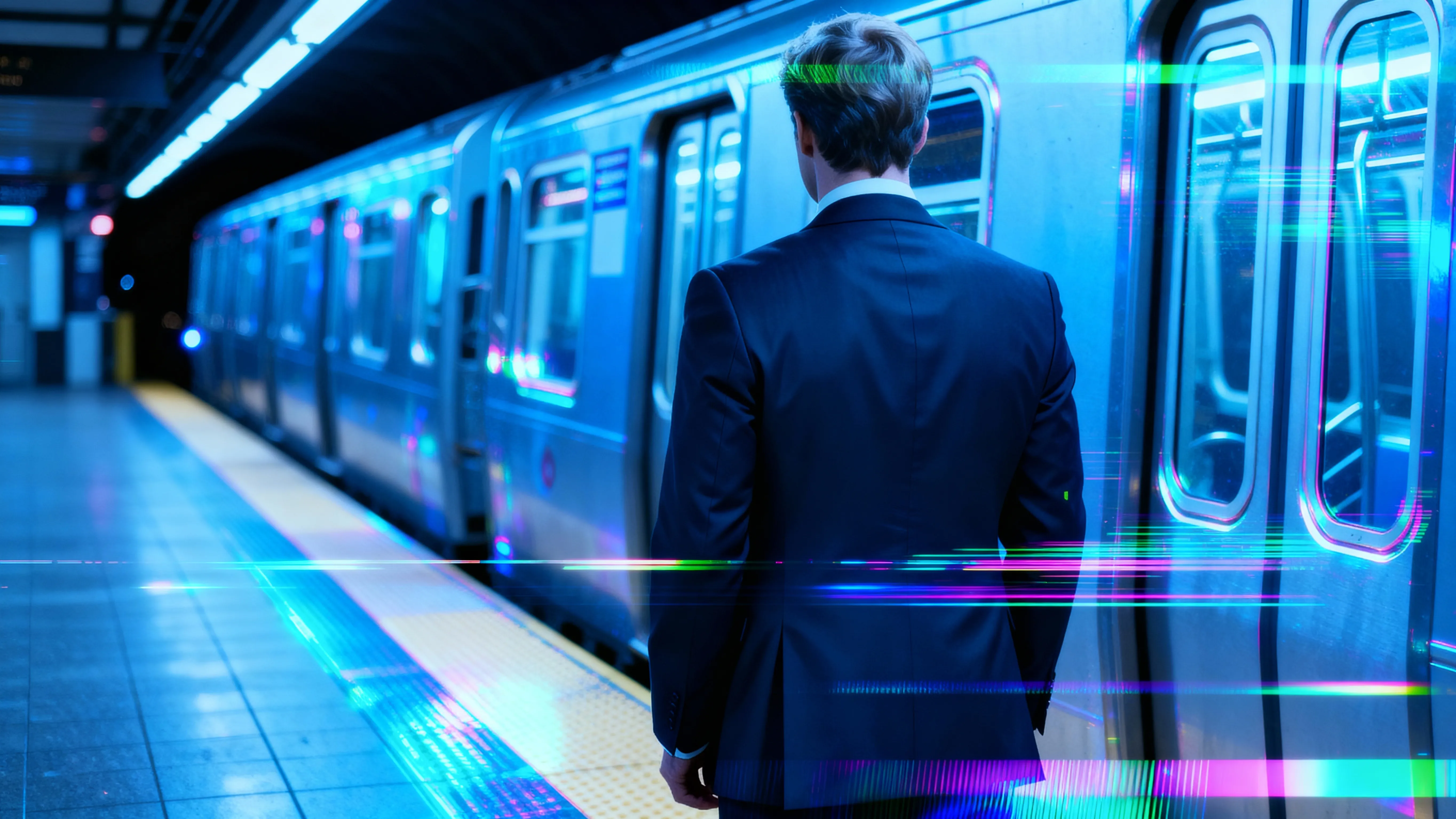
Effetto Glitch
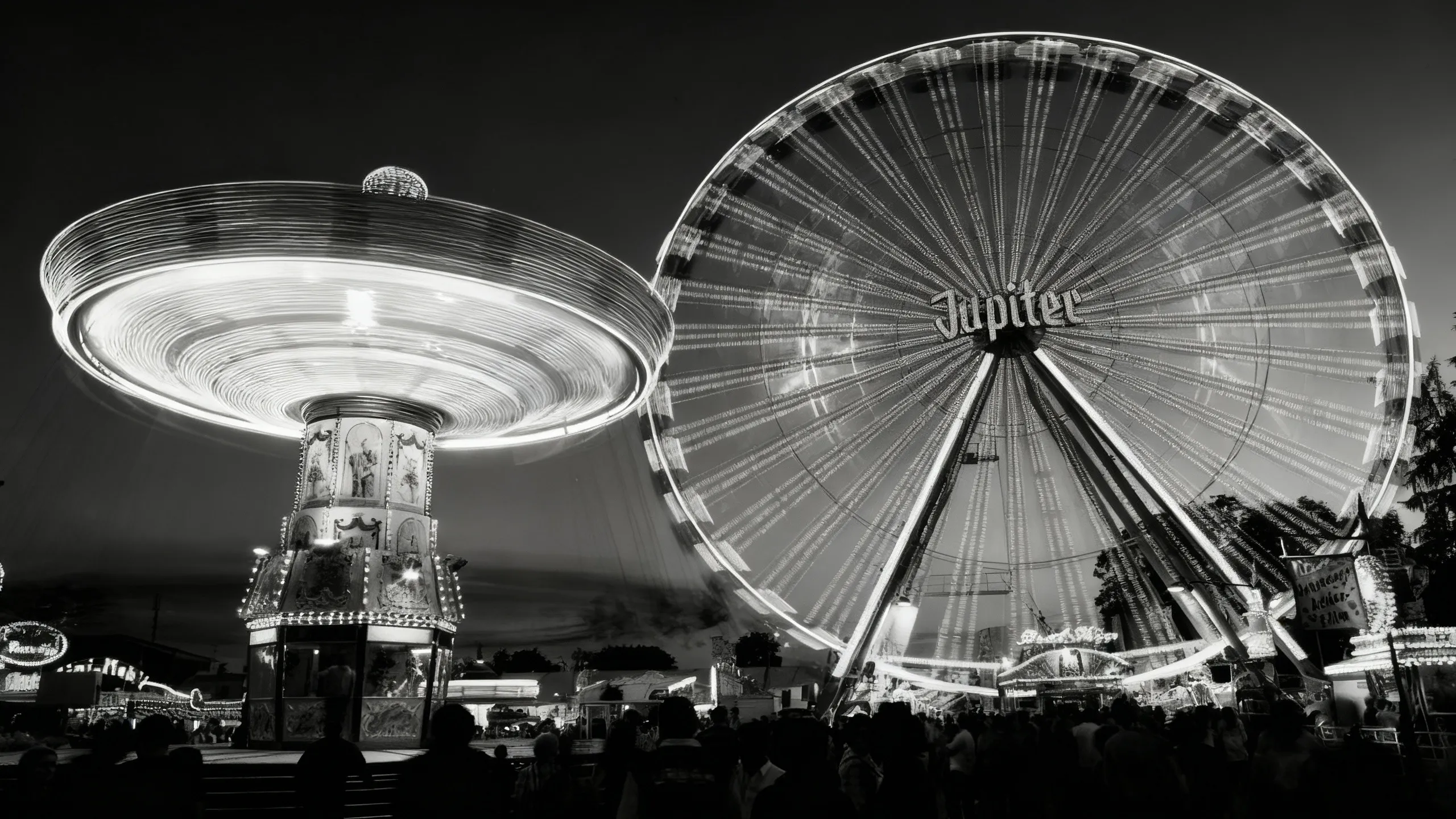
Bianco e nero
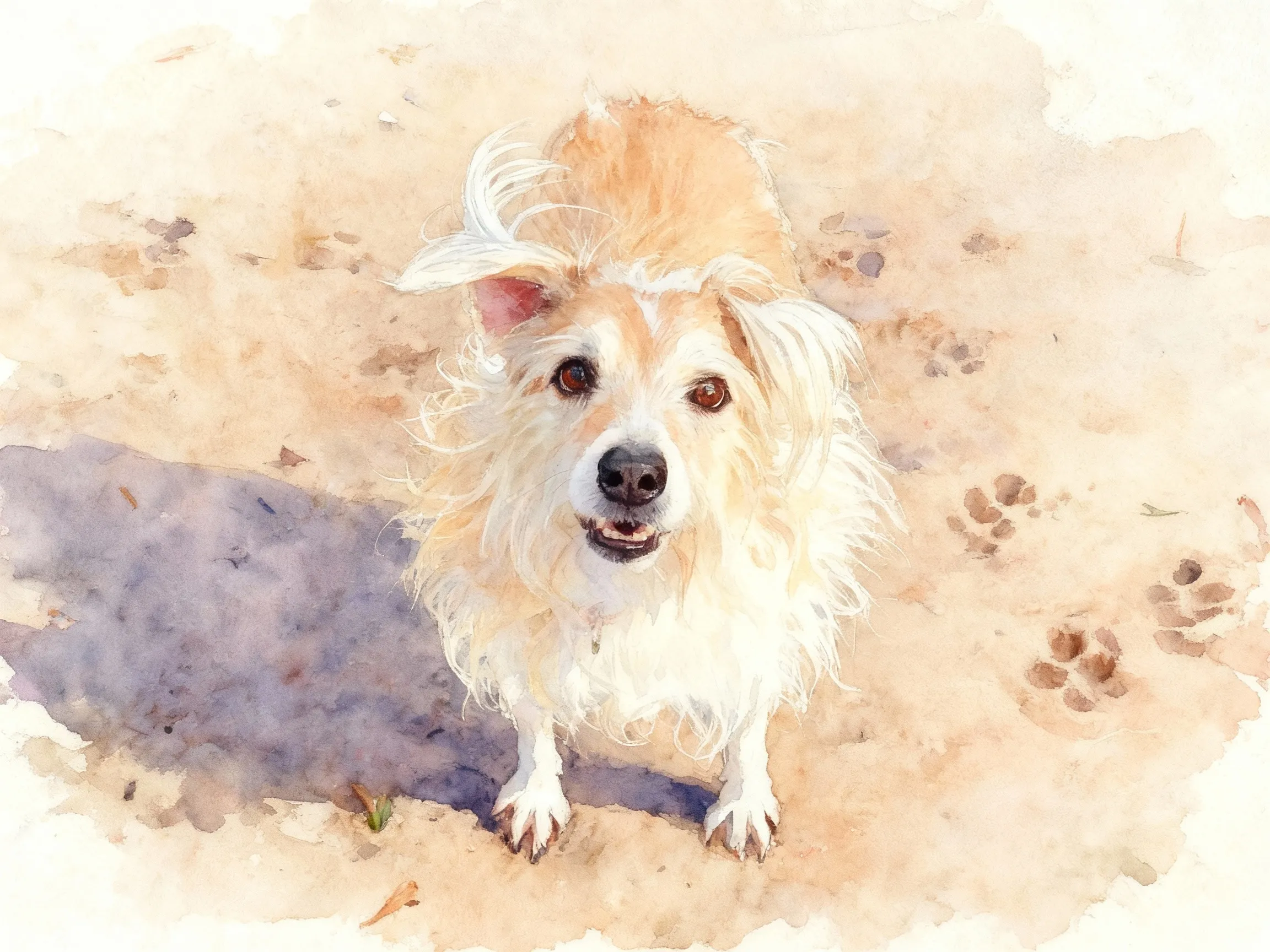
Acquerello
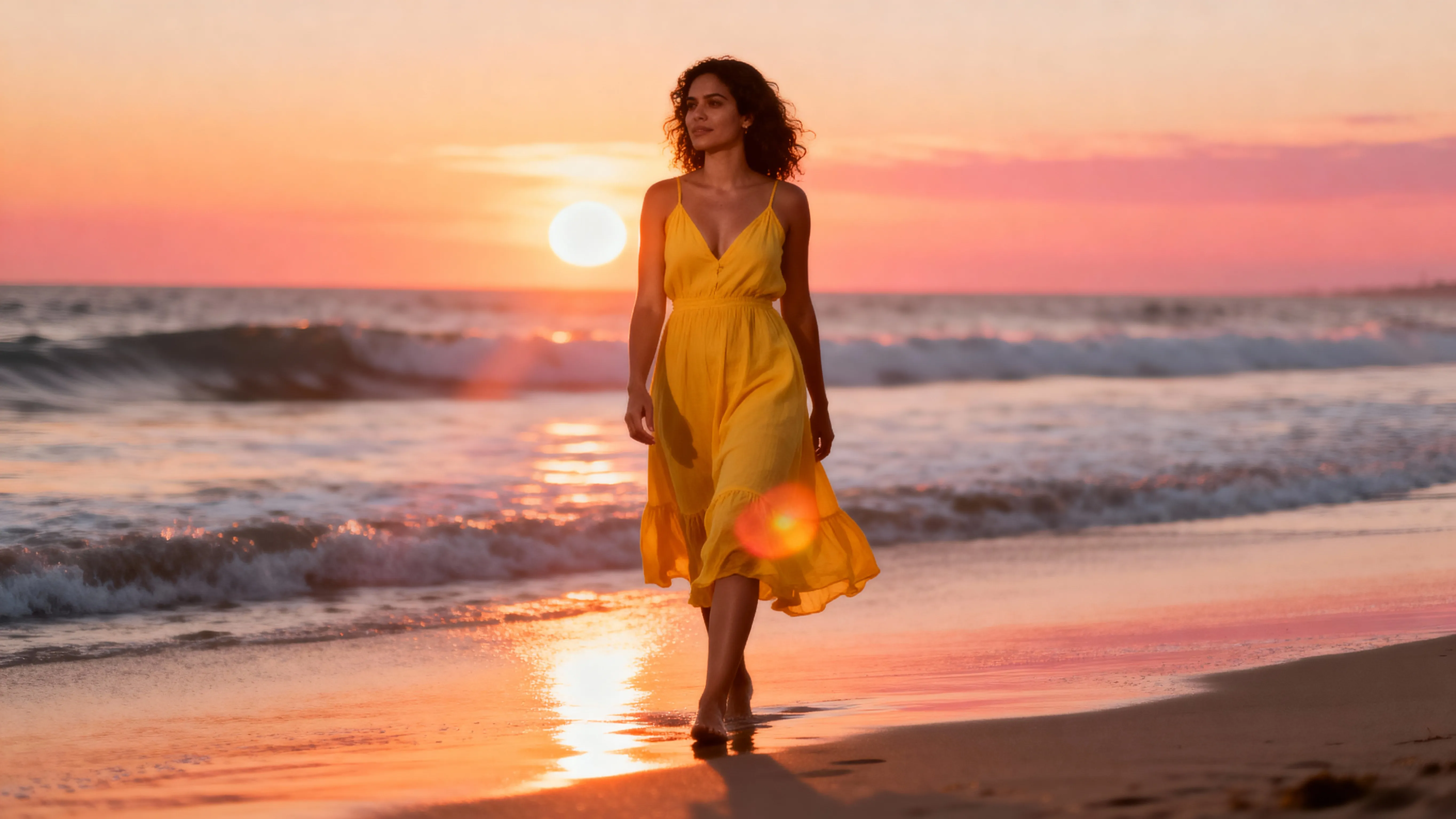
Bagliore Lente
.webp)
Cabina Fotografica
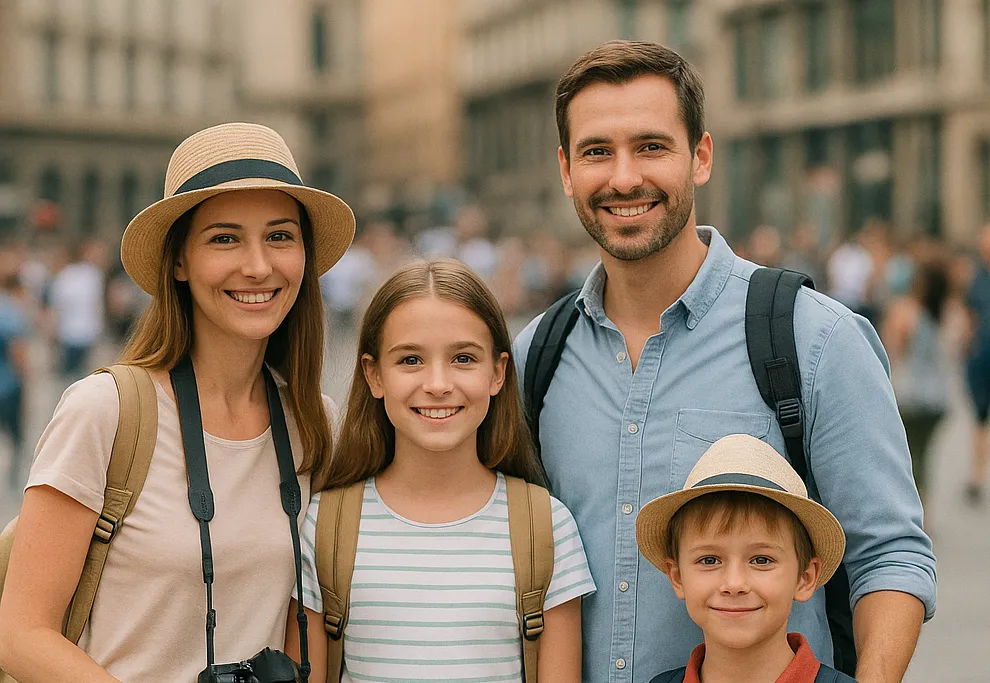
Sfondo Sfocato
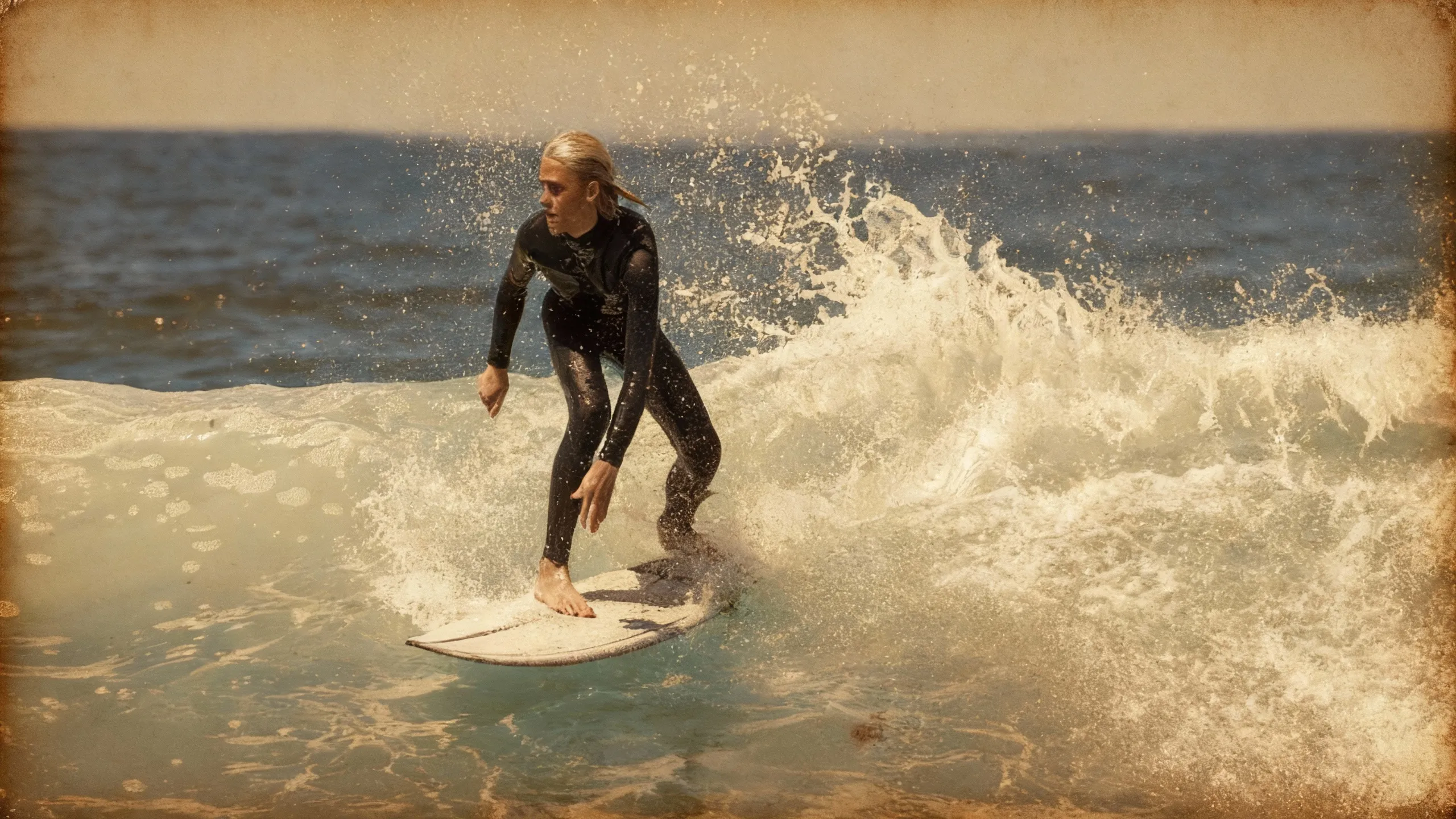
Vintage
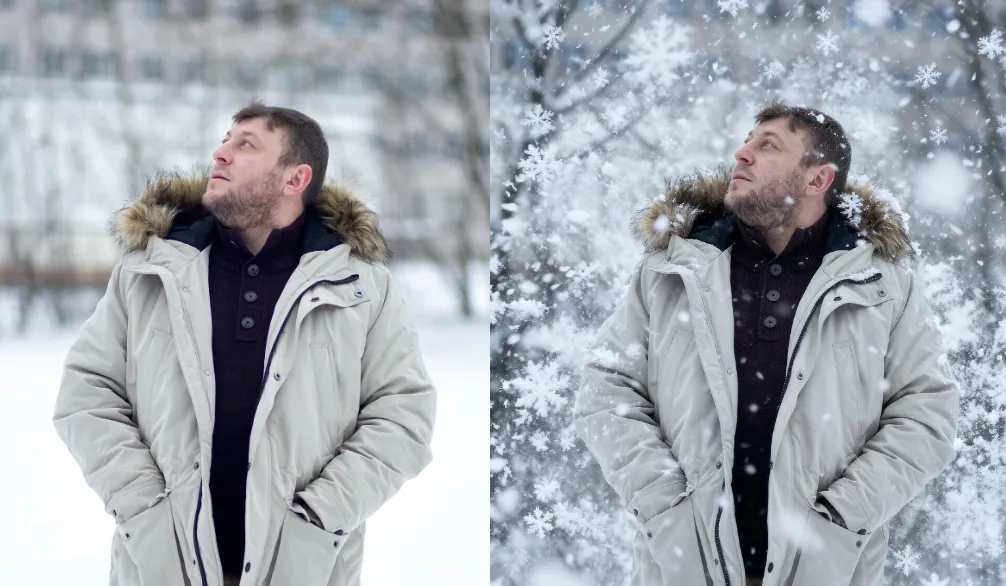
Neve Cadente
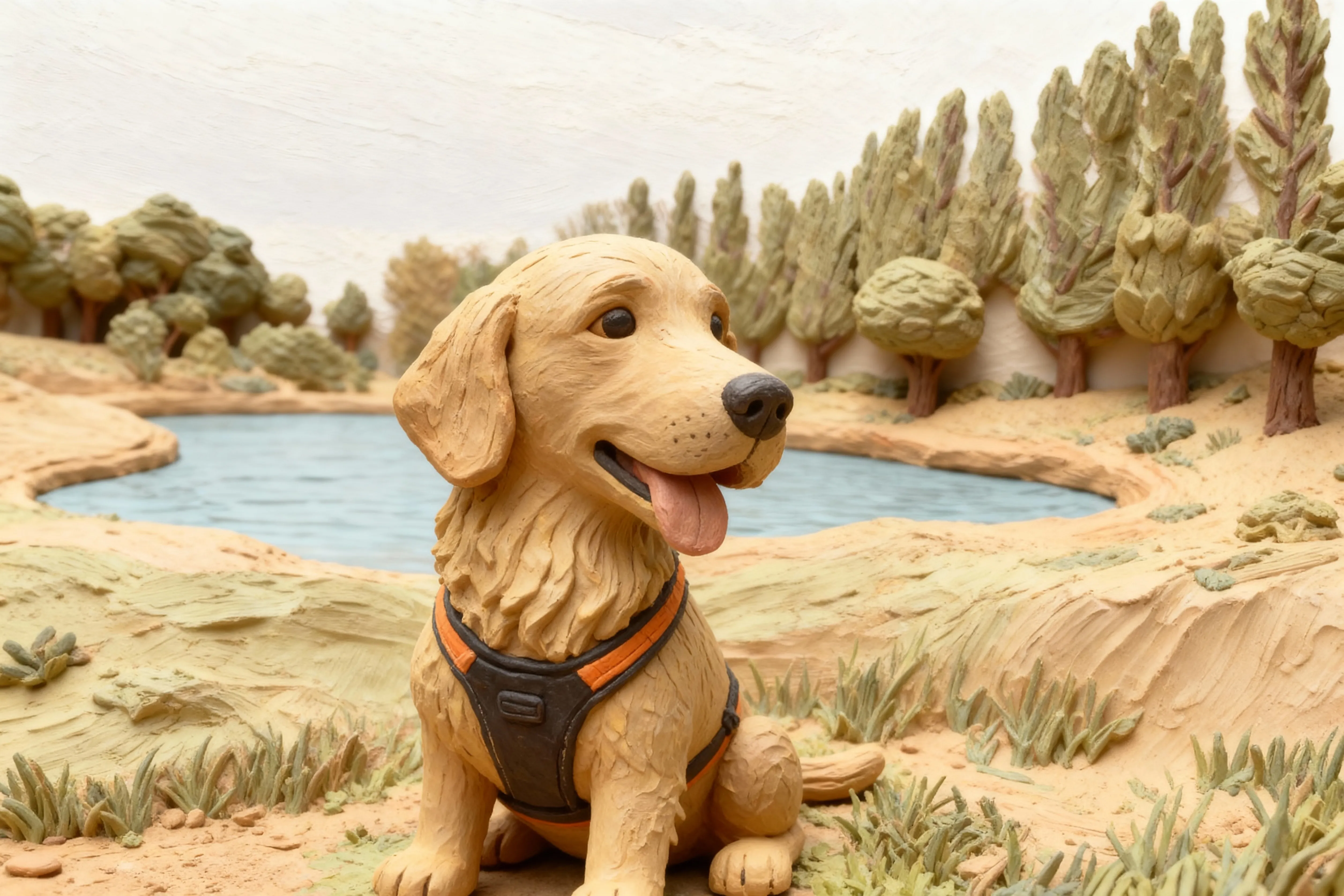
Clay
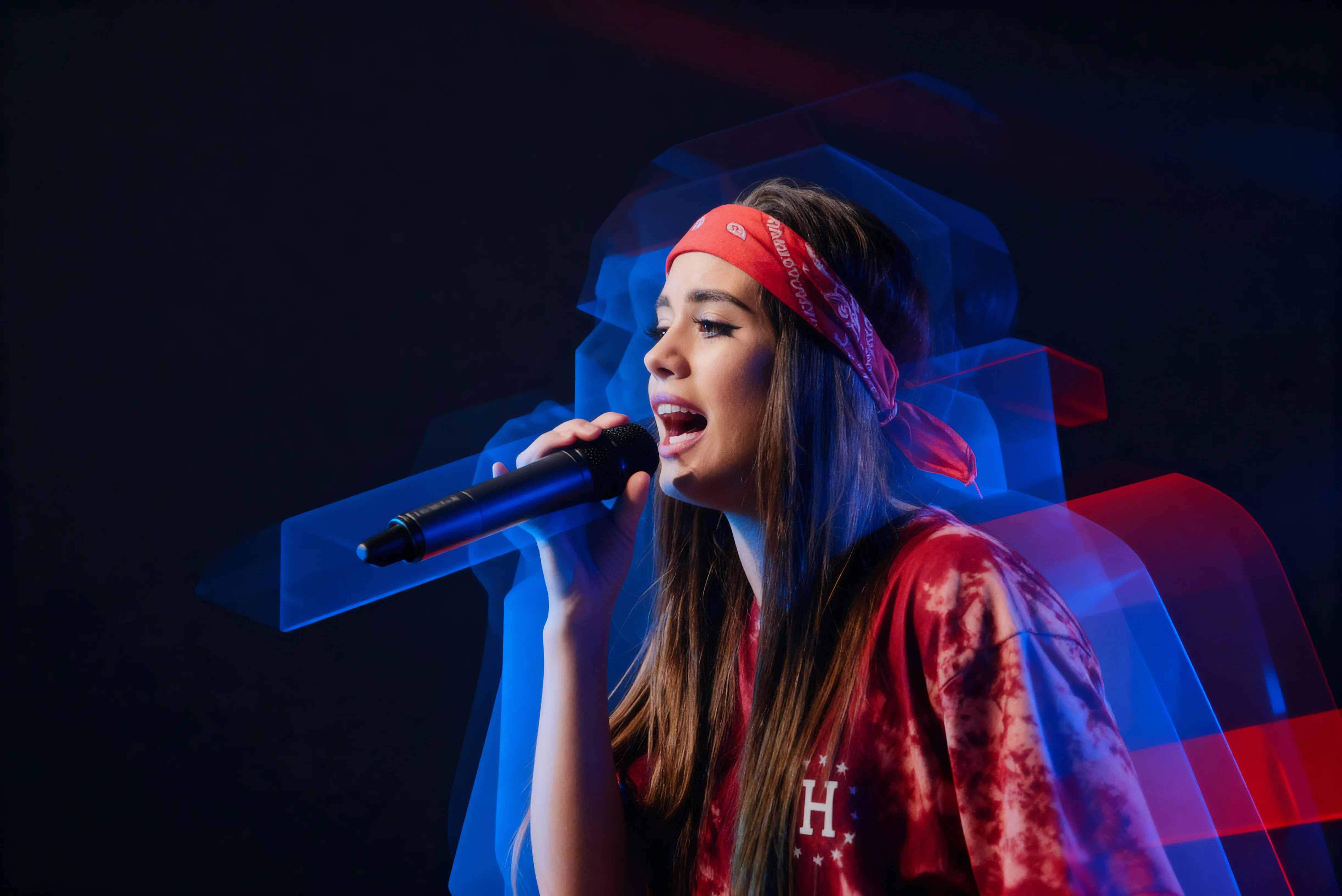
3D
Come aggiungere effetti alle foto
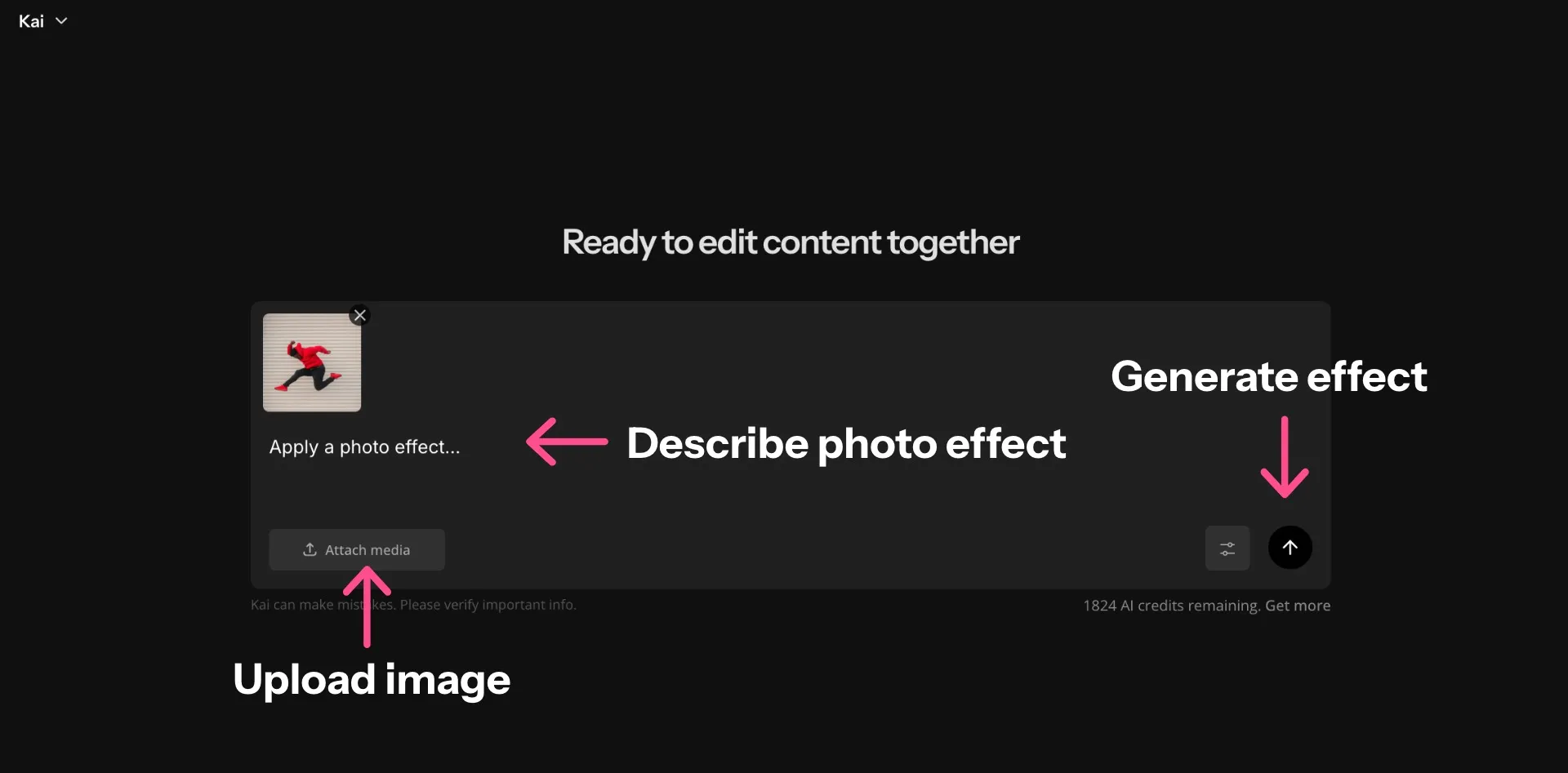
- Step 1Apri Kapwing
Crea una nuova chat nel tuo spazio di lavoro AI.
- Step 2Carica foto
Trascina e rilascia oppure fai clic su "Allega Media" per caricare un'immagine.
- Step 3Applica effetti
Usa prompt conversazionali per applicare effetti come acquerello, glitch o vintage.
Già rivoluzionando la creazione di video in diversi settori
Ascolta direttamente dai team che pubblicano più velocemente, collaborano meglio e rimangono sempre avanti.


Domande Frequenti
Abbiamo le risposte alle domande più comuni che i nostri utenti ci fanno.
Lo strumento Photo Effects di Kapwing è gratuito?
Sì, chiunque può provare gratuitamente gli strumenti AI di Kapwing senza filigrane. I nostri strumenti AI funzionano con un sistema di crediti, con ogni funzione che costa un numero fisso di crediti. Per la massima creatività e il miglior rapporto qualità-prezzo, passa a un account Pro per sbloccare tutta la potenza della creazione di contenuti basata su AI.
Come applico gli effetti fotografici usando Kapwing?
Per aggiungere effetti alle foto utilizzando lo strumento Photo Effects di Kapwing, carica semplicemente un'immagine e inserisci un prompt che descriva le modifiche che desideri. Ad esempio, inserisci prompt come Applica un filtro vintage, Fai sembrare questa foto come un dipinto ad acquerello, o Applica un effetto specchio fotografico.
Posso creare effetti personalizzati da riutilizzare su nuove immagini?
Sì, puoi creare un Custom Kai che applicherà lo stesso prompt a qualsiasi immagine carichi. Salva il tuo effetto per riutilizzarlo su qualsiasi immagine. Puoi anche condividere il tuo creatore di effetti fotografici personali con amici o colleghi.
Posso aggiungere effetti immagine per i post sui social media?
Sì, puoi applicare effetti alle foto e poi ridimensionarle facilmente per piattaforme di social media come Instagram o Facebook. Puoi anche condividere le tue creazioni direttamente sui tuoi account social media senza lasciare il tuo browser.
Posso modificare manualmente le immagini?
Certo, puoi spostare qualsiasi immagine nello studio di editing di Kapwing per accedere all'intera serie di strumenti gratuiti di editing delle immagini. Regola la saturazione, aggiungi sovrapposizioni di testo, applica semplici animazioni e molto altro.
Posso aggiungere effetti fotografici usando il mio telefono o tablet?
Sì, l'AI Assistant funziona su browser mobile e tablet, inclusi dispositivi iPhone e Android. Basta aprire una nuova chat dal tuo dispositivo mobile, caricare l'immagine e inserire il tuo prompt.
Quali sono i tipi di effetti fotografici più popolari?
Gli effetti fotografici più popolari includono acquerello, sfocatura, specchio, antico, pennello ed effetti 3D. Puoi aggiungere uno qualsiasi di questi effetti filtro per le foto descrivendo le modifiche nel tuo prompt.
Posso combinare più effetti immagine su una foto?
Sì, puoi richiedere più modifiche, come sovrapporre un effetto di neve che cade con un effetto foto antica. Inserisci un prompt come Rendi questa foto vintage e aggiungi un lens flare al tramonto.
Quali tipi di file immagine posso caricare?
Kapwing supporta la maggior parte dei formati di file immagine più popolari, inclusi JPEG e PNG. Puoi scaricare le tue immagini modificate come JPEG, PNG o WEBP.
Che cos'è un Custom Kai?
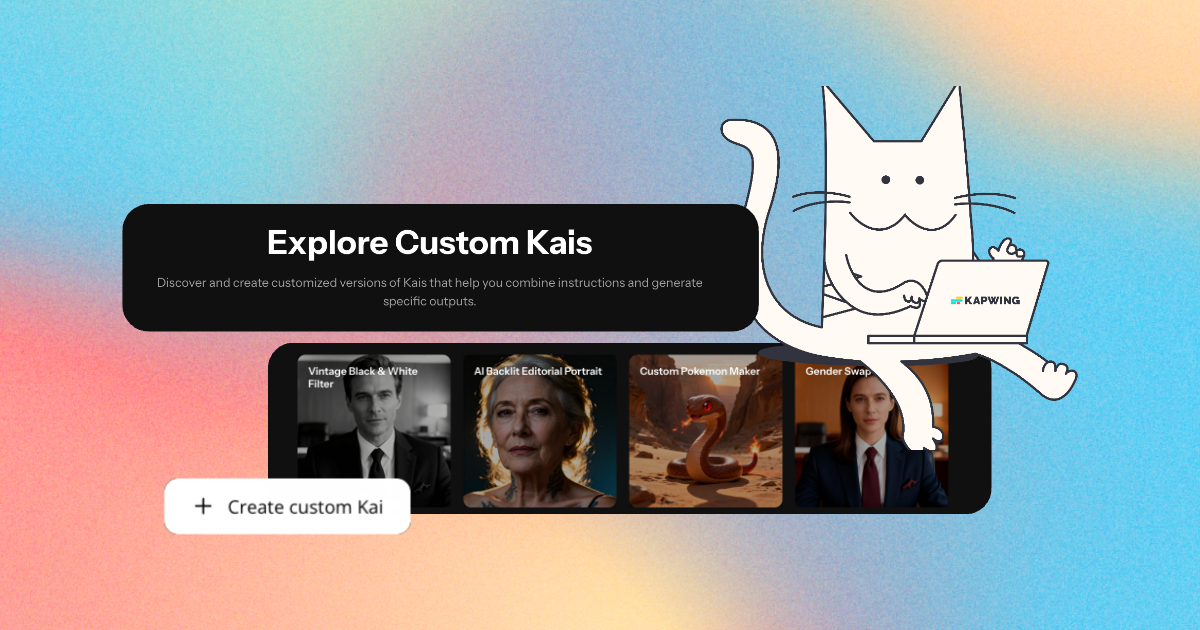
Custom Kais sono effetti precostruiti di immagini e video AI in Kapwing. Il nostro team ne ha creati centinaia così puoi produrre istantaneamente contenuti accattivanti — niente scrittura di prompt richiesta. Basta applicare un Custom Kai e lo stile è gestito per te.
Puoi anche creare il tuo Custom Kai per catturare lo stile unico del tuo brand e riutilizzarlo quando vuoi per contenuti coerenti e in linea con il brand con un solo click. Questo rende il processo di applicazione degli effetti foto in stili identici un procedimento fluido e automatizzato.
Quali modelli di intelligenza artificiale utilizza Kapwing?
Kapwing supporta diversi modelli avanzati di intelligenza artificiale per le immagini, tra cui ChatGPT, Google Nano Banana e Seedream. Questi modelli alimentano compiti come l'inpainting, la sostituzione di oggetti, le modifiche dello sfondo e la creazione di immagini generative direttamente nell'editor di Kapwing
Scopri le Risorse
Consigli, modelli e approfondimenti per aiutarti a creare più velocemente e condividere con sicurezza.
Visualizza tutto
Che cosa rende Kapwing diverso?



Inizia con il tuo primo video in pochi click. Unisciti a oltre 35 milioni di creator che si fidano di Kapwing per creare più contenuti in meno tempo.