Instagram to TikTok Converter
Resize and convert Instagram videos for TikTok in seconds
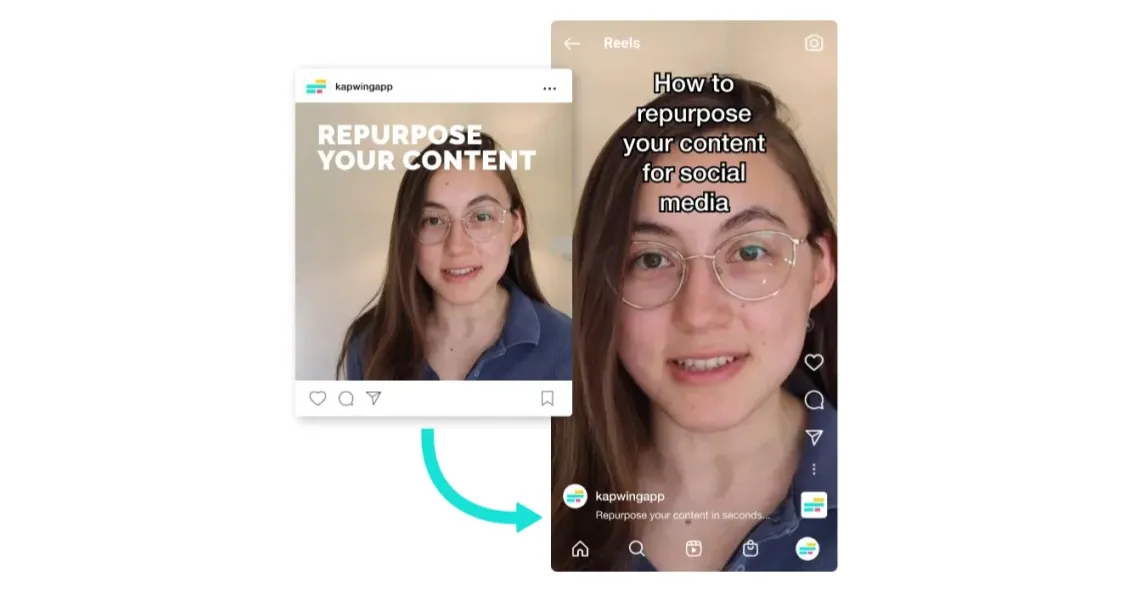
Restyle Reels from Instagram to TikTok — fast
Make TikTok-ready content in seconds
Styles and aspect ratios optimized for TikTok
Kapwing makes converting Instagram videos to TikTok effortless, with built-in templates, trending memes, and editing styles designed specifically for TikTok’s 9:16 format and Gen Z audience
With the studio's intuitive drag-and-drop timeline, you can easily trim, split, and rearrange your footage, then add transitions or overlays to create a more cohesive story.
There's even a Safe Zones feature that displays TikTok’s interface elements (like captions, likes, and buttons), so you never have to worry about covered or cropped visuals.
.webp)
Reusable branding for instant style alignment
Create a Brand Kit that applies consistent fonts, colors, and logos to every upload, helping marketers, agencies, and small businesses maintain visual cohesion across Instagram and TikTok.
Publish videos from 10 seconds to 10 minutes straight to TikTok directly from the online editor, eliminating phone syncing and unnecessary steps.
From resizing to redesigning and posting, the workflow is fully streamlined for creators like beauty influencers and travel vloggers who need to transform Instagram content into refined TikTok-ready highlights.
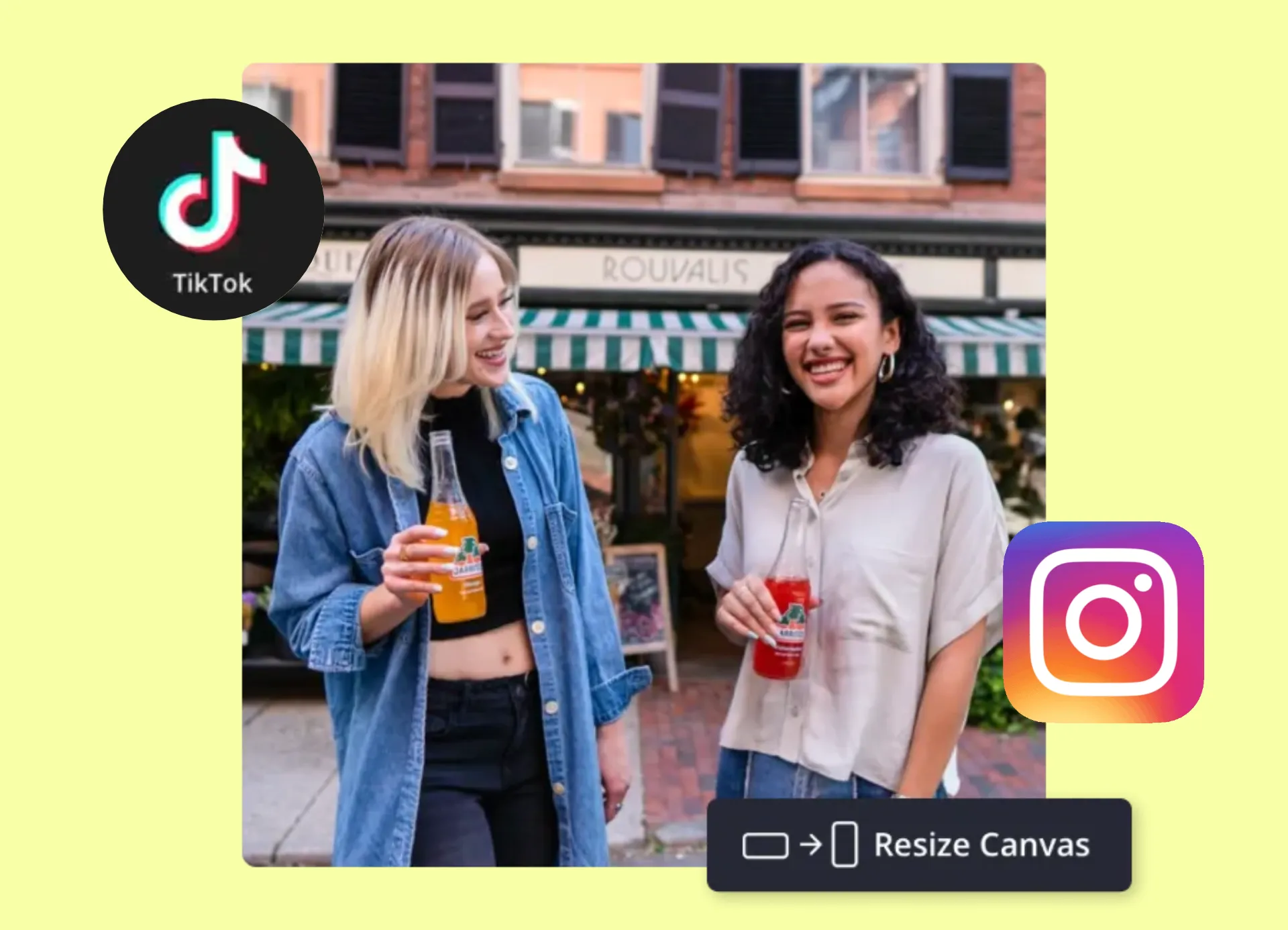
Clip or combine Instagram videos using AI
Converting long Instagram videos like interviews, podcasts, and tutorials into TikTok-ready clips is time-consuming. Kapwing’s Auto-Clip Maker uses AI to automatically trim your content, creating short, shareable moments, ready to post online.
The same AI can merge and combine footage, letting you stitch together multiple Instagram clips from different sources. And if your content isn’t all in the same aspect ratio, Kapwing automatically resizes it to fit TikTok’s 9:16 format.
AI makes it easier to post consistent content across all your social channels — no manual editing required.
Already transforming video creation across industries
Hear directly from the teams who publish faster, collaborate better, and stay ahead.


Reach more people with your Instagram content
Convert, polish, and post your Reels to TikTok
Keep active speakers centered in-frame
Use Auto Speaker Focus detects and centers the active speaker, even as they move on screen. Whether you're editing a guest Q&A or repurposing a multi-person panel interview, the crop dynamically follows the conversation.
It gives your TikTok content a cleaner, more professional look without requiring manual keyframing or reframing, and saves podcasters or panel-style creators a ton of time.
.webp)
Expand your reach with subtitles and dubbing
If you're already targeting a bigger audience through repurposing, why not set your sights on a global audience? Kapwing’s built-in Translation Studio localizes content without the need for additional tools or editing platforms. Auto-Subtitles, Dubbing, and Lip Sync make it easy to adapt your Instagram video into other languages with just a few clicks.
Subtitles are generated instantly and are fully customizable— adjust fonts, colors, timing, and create something that stands out from the creators rehashing the same styles on CapCut. For educators, journalists, and creators sharing Instagram Reels to TikTok, Kapwing's tools make content more accessible, more engaging, and more likely to resonate across cultures and communities.

Fine-tune every video for TikTok
Templates, styles, and AI tools built for TikTok creators

Safe Zones
TikTok Safe Zones are used by PR teams, advertisers, and social media strategists to keep text and visuals clearly visible in TikTok’s layout when reformatting Instagram videos
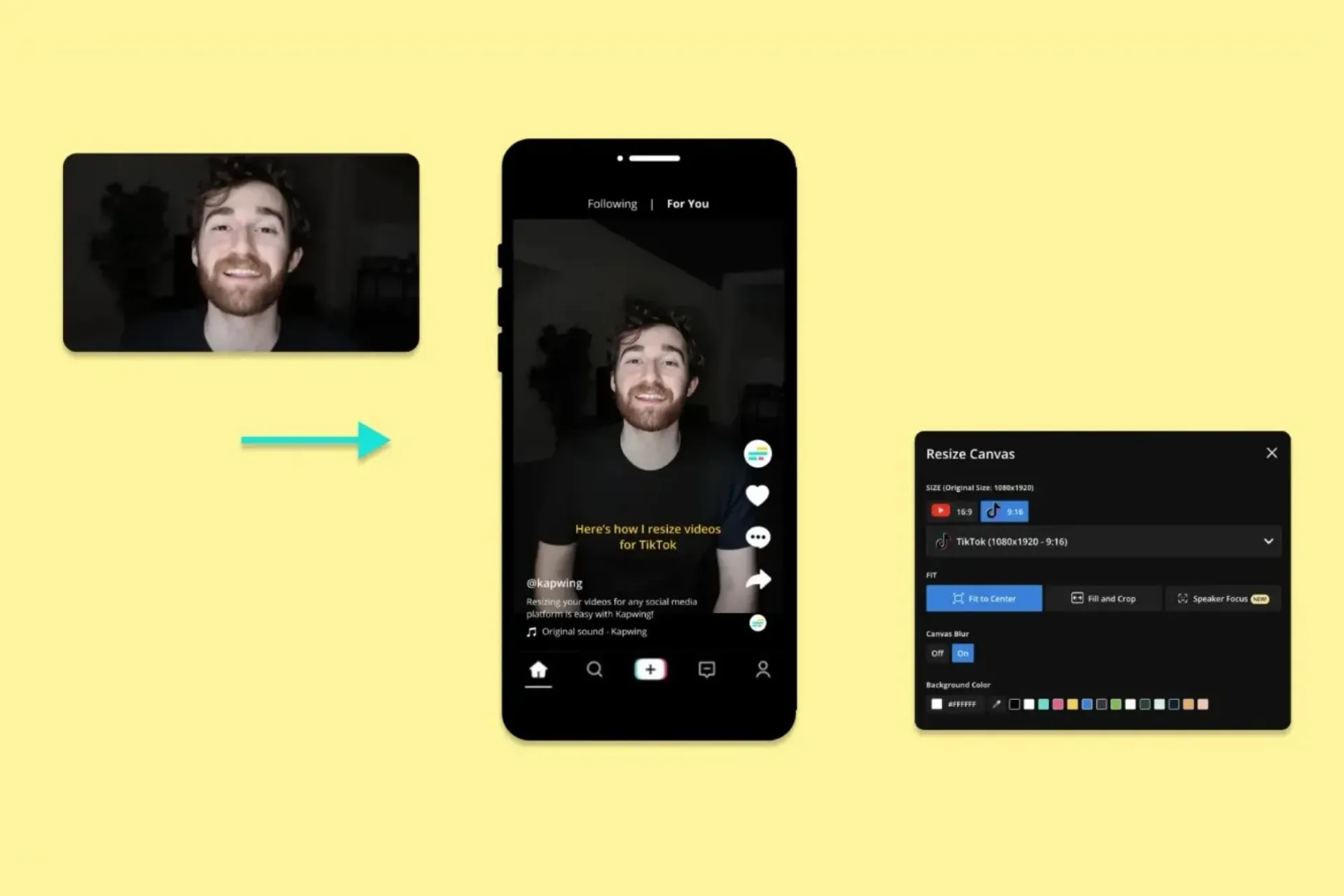
Resize
Vloggers, educators, and small business owners reformat Instagram’s 4:5 or square videos into TikTok’s 9:16 aspect ratio without losing critical on-screen content

Trending Memes
It's easy for social media managers to jump on TikTok trends by applying meme templates to existing Instagram clips — making older content feel fresh and relevant
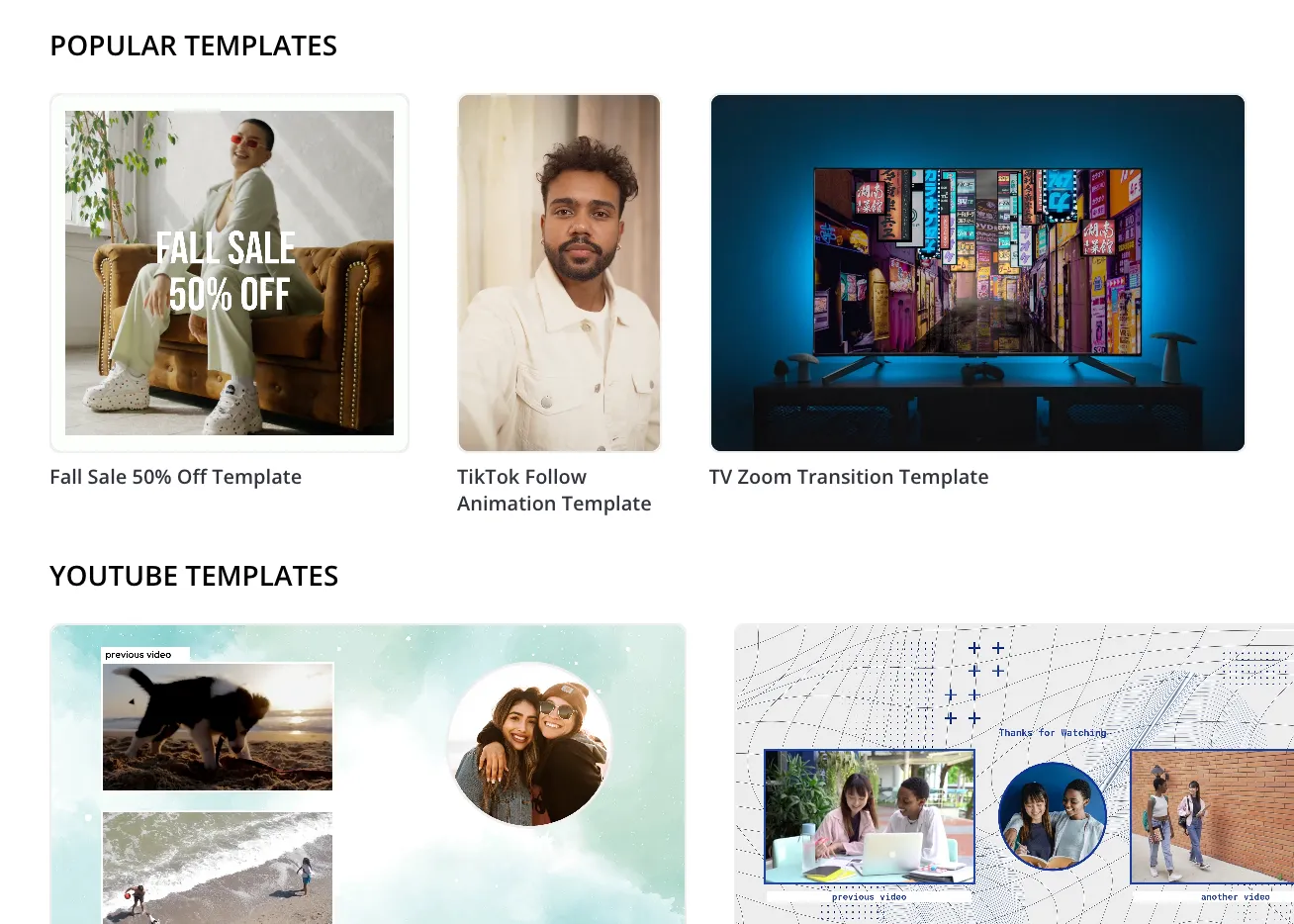
Templates
Content teams and brand managers use Kapwing's diverse range of Templates to repurpose Instagram posts into polished TikTok formats that stay consistent with their visual identity

Speaker Focus
Podcasters, vloggers, and thought leaders rely on Speaker Focus to keep faces centered and sharp, helping talking-head Instagram clips feel more dynamic on TikTok
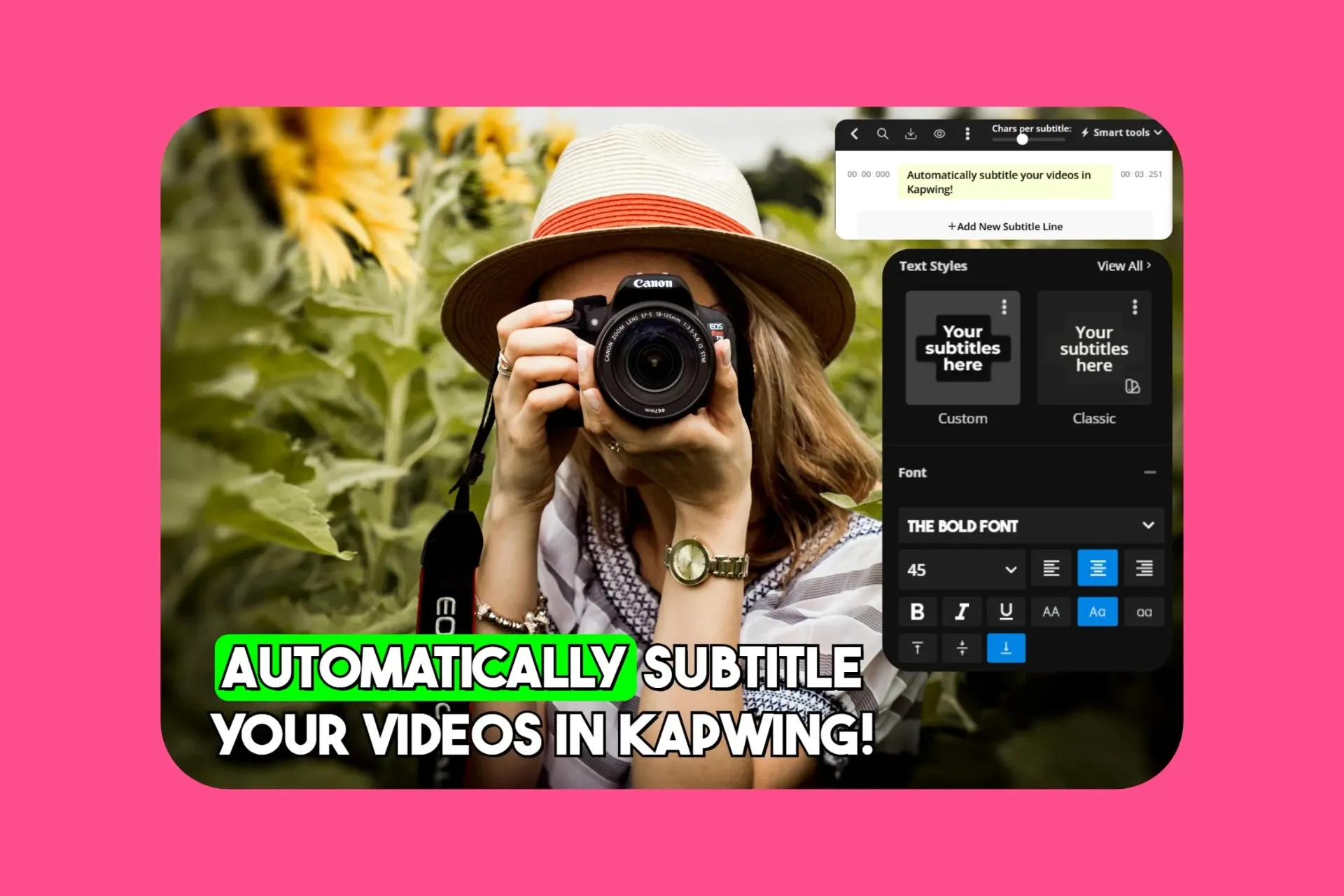
Subtitles
Educators, thought leaders, and creators add captions to make Instagram content even more accessible on TikTok, where many users watch without sound
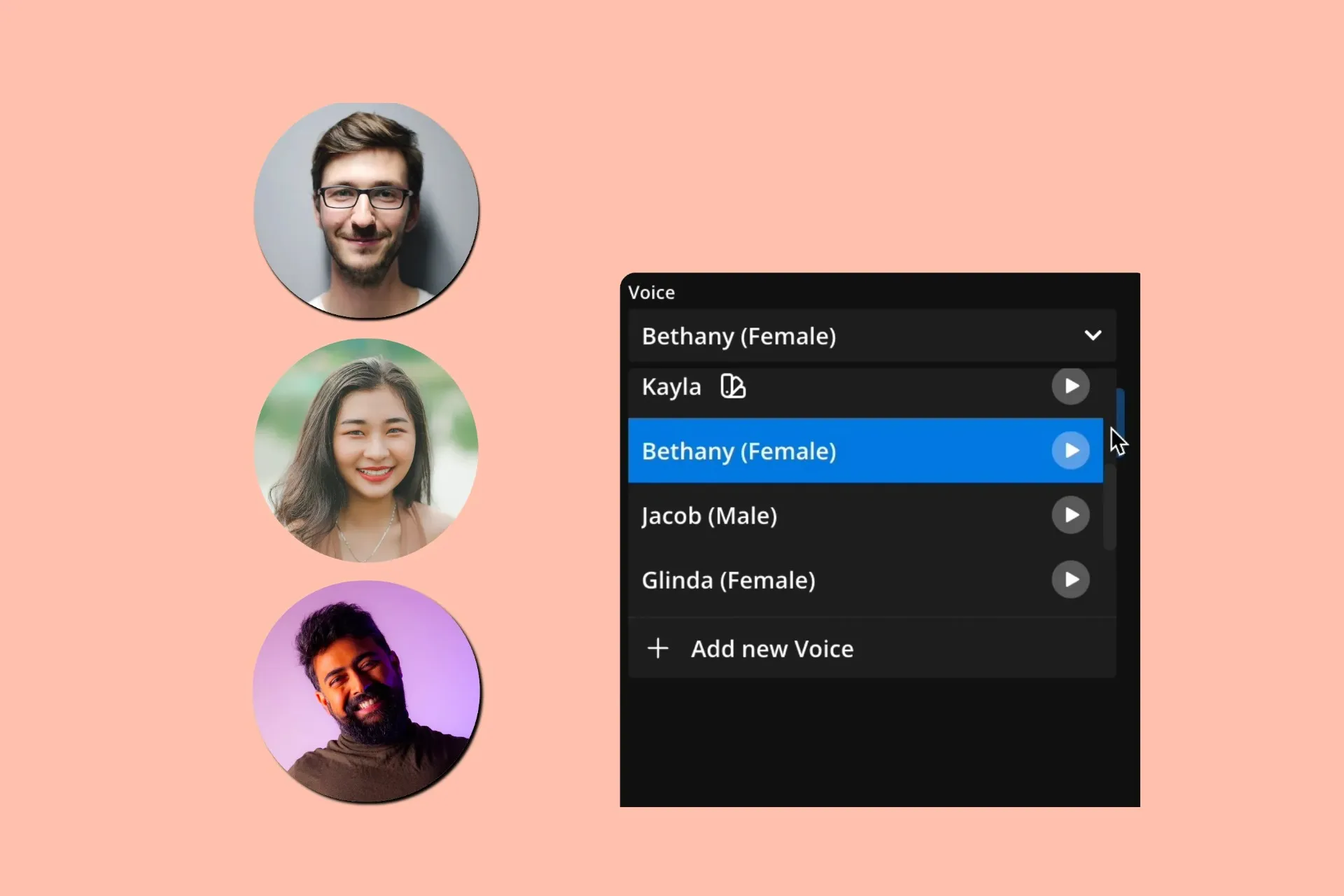
AI Dubbing
Influencers use AI Dubbing to quickly repurpose Instagram videos for non-English-speaking audiences on TikTok, which is available in over 100 more countries than Instagram
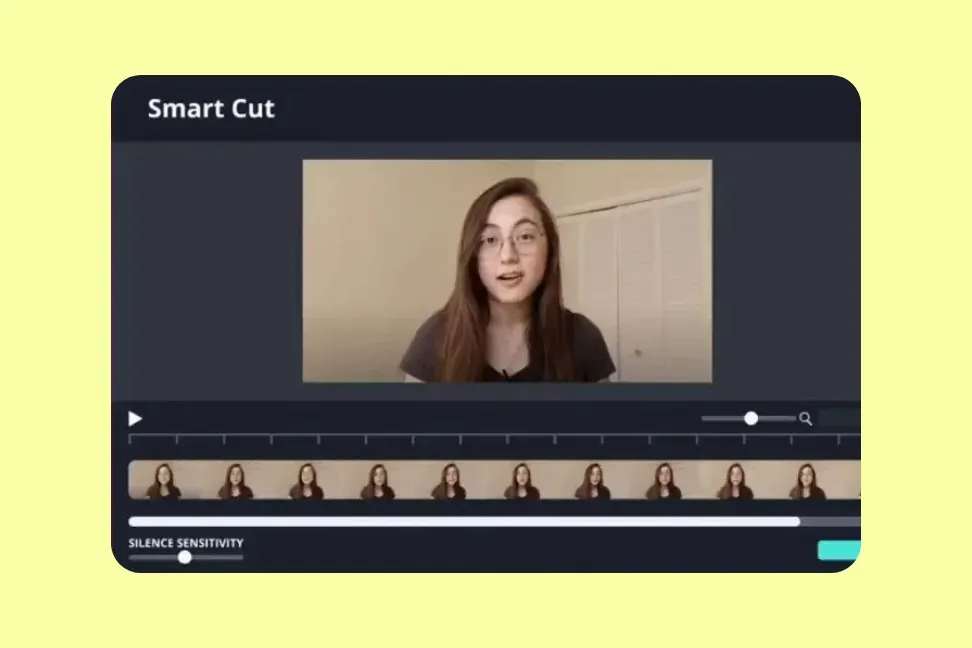
Smart Cut
Vloggers, podcasters, and educators save hours with Smart Cut, which automatically removes pauses and filler words — ideal for keeping short-form content fast and engaging
Audio Editor
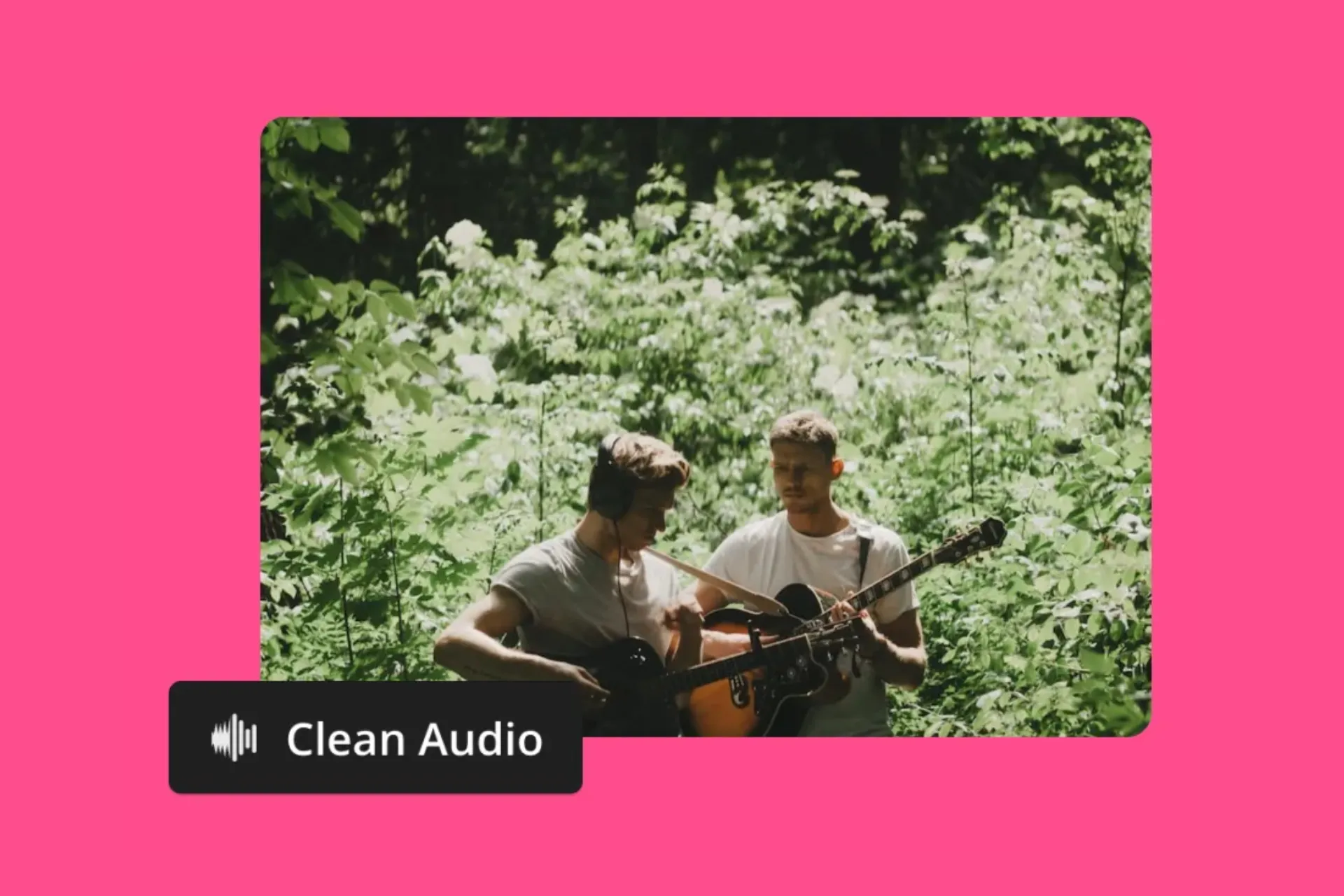
Social media managers fine-tune their Instagram soundtracks for re-posting on TikTok, removing background noise, layering music, or splitting instrumentals from vocals
How to Share Instagram Reels to TikTok
- Step 1Add Instagram Video
Download an Instagram video and upload it to Kapwing, or paste an Instagram URL directly into the studio. You can add multiple videos to the studio, dragging and dropping them into the editing timeline.
- Step 2Edit for TikTok
Use the 'Resize Project' tool on the right toolbar if your original video isn't in a 16:9 aspect ratio, then customize with subtitles, translations, text, logos, automatic B-roll, and other editing tools.
- Step 3Export and post
When finished editing, export as an MP4 and post directly to TikTok using the 'Share' button or save to your mobile or desktop device.
*To use AI to automatically find clips or add them together, add your video to Kapwing's AI Clip Generator.
What's different about Kapwing?



Frequently Asked Questions
We have answers to the most common questions that our users ask.
Is the Instagram to TikTok tool free?
Yes, Kapwing's Repurpose Instagram to TikTok tool is free for all users. The free plan includes some limitations to other editor features and applies a small watermark to the final video.
Is there a watermark on exports?
If you are using Kapwing on a Free account then all exports will contain a watermark. Once you upgrade to a Pro account the watermark will be completely removed from your creations.
What’s the best video size for TikTok?
The optimal video size for TikTok is 1080×1920 pixels with a 9:16 aspect ratio (vertical). This full-screen format is designed for mobile viewing and ensures your video fits TikTok’s layout without black bars or cropping. Read our full TikTok size guide to find out more on resolution, file size, and video length.
TikTok vs Instagram Reels
TikTok is considered more flexible in video length and discovery, while Instagram Reels benefits from Meta integration and built-in cross-posting. If you create for both platforms, using tools to resize and optimize your content will help you save time and maximize reach.
- TikTok supports videos from 3 seconds up to 10 minutes when recorded in the app (up to 30 minutes via desktop).
- Instagram Reels now supports videos up to 3 minutes, increased from the earlier 90-second cap.
- Instagram Reels is fully integrated with Facebook, making it easy to post to both platforms at once.
What does repurposing mean?
Repurposing means taking existing content, such as an Instagram Reel or Story, and adapting it for another platform or audience. This could include changing the video’s aspect ratio, editing its length, adding subtitles, or updating visuals to match YouTube’s viewing experience. Repurposing saves time and maximizes the value of your content by extending its reach.
Can you use Kapwing on iPhone and Android?
Yes, Kapwing’s editing tools work seamlessly on mobile devices, including iPhone, Android, iPad, and desktop. To use the Instagram to TikTok Converter on mobile, go to Kapwing.com in your browser and upload your video. Once it’s in the timeline, tap the “Project” button at the bottom of the screen to resize the video. All other tools can be found via the bottom toolbar scroll.
How to link Instagram to TikTok
To add Instagram to your TikTok bio:
- Open the TikTok app and go to your profile.
- Tap "Edit Profile."
- Under the "Social" section, tap "Add Instagram."
- Sign into your Instagram account and authorize the connection. This adds a direct Instagram link on your TikTok profile.
How to add Instagram to your TikTok bio
To add Instagram to your TikTok bio:
- Use the “Edit Profile” option in TikTok.
- Connect your Instagram via the social links section, or
- Paste your Instagram handle or link directly into your bio text.
Note: Only one clickable link is allowed in the TikTok bio, so use a link-in-bio tool if you want to include both TikTok and Instagram together.
What is the best way to download an Instagram Reel for reuse?
To download an Instagram Reel for editing, copy the Reel’s URL and paste it into Kapwing. The video will automatically be added to your media library, where you can drag it onto the canvas for editing, trimming, or adding TikTok-ready enhancements.
Does TikTok penalize reposted or repurposed content?
TikTok does not automatically penalize reposted or repurposed content, but the platform favors videos that engage viewers. To avoid low reach, make sure to give your content a fresh twist — add captions, music, effects, or edits that make the video feel native to TikTok. Repurposing content creatively can help it perform as well as original content.
How do I convert an Instagram photo post into a TikTok slideshow?
You can turn a series of Instagram photos into a TikTok slideshow using Kapwing. Upload your images by copying their URLs or using the ‘Attach Media’ button. Arrange them on the timeline and adjust each photo’s duration to control how long it appears. Then, enhance your slideshow with background music, subtitles, voice overs, stickers, waveforms, and other TikTok-style effects.
What editing changes should I make for TikTok’s style and algorithm?
TikTok videos perform best when they are vertical (9:16), fast-paced, and visually engaging. Use text overlays, captions, transitions, stickers, or effects to make your content stand out in the feed. Keep the first 2–3 seconds attention-grabbing, and consider trending audio or hashtags to boost discoverability. Shorter, dynamic edits tend to increase watch time and engagement, which helps the algorithm promote your content.
Discover Resources
Tips, templates, and deep dives to help you create faster and share with confidence.
View all

Get started with your first video in just a few clicks. Join over 35 million creators who trust Kapwing to create more content in less time.