Convertitore da Instagram a TikTok
Ridimensiona e converti i video di Instagram per TikTok in pochi secondi
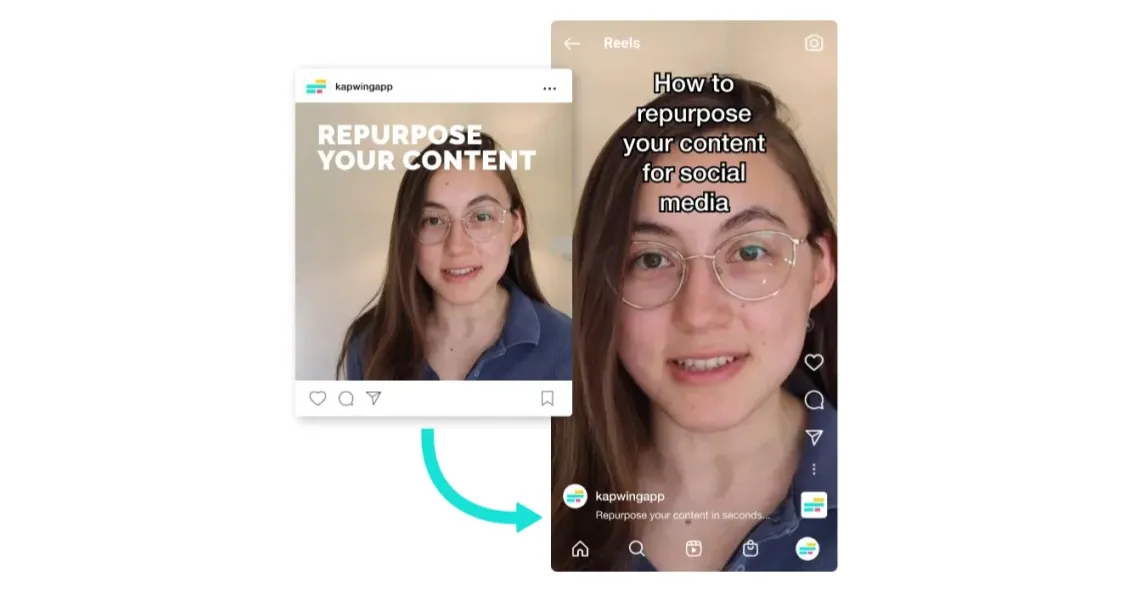
Dai un nuovo stile ai Reels da Instagram a TikTok — velocemente
Crea contenuti pronti per TikTok in pochi secondi
Stili e proporzioni ottimizzati per TikTok
Kapwing rende super facile convertire i video di Instagram in TikTok, con template già pronti, meme di tendenza e stili di editing pensati apposta per il formato 9:16 di TikTok e il pubblico della Gen Z
Con la timeline intuitiva drag-and-drop dello studio, puoi facilmente tagliare, dividere e riordinare i tuoi video, poi aggiungere transizioni o overlay per creare una storia più coerente.
C'è anche una funzione Safe Zones che mostra gli elementi dell'interfaccia di TikTok (come didascalie, like e pulsanti), così non devi mai preoccuparti di elementi visivi coperti o ritagliati.
.webp)
Branding riutilizzabile per un allineamento di stile istantaneo
Crea un Brand Kit che applica font, colori e loghi coerenti a ogni caricamento, aiutando marketer, agenzie e piccole imprese a mantenere la coesione visiva su Instagram e TikTok.
Pubblica video da 10 secondi a 10 minuti direttamente su TikTok dall'editor online, eliminando la sincronizzazione del telefono e i passaggi inutili.
Dal ridimensionamento alla riprogettazione e alla pubblicazione, il flusso di lavoro è completamente semplificato per creator come influencer di bellezza e travel vlogger che hanno bisogno di trasformare i contenuti di Instagram in highlight pronti per TikTok.
Taglia o combina i video di Instagram usando l'IA
Convertire video lunghi di Instagram come interviste, podcast e tutorial in clip pronte per TikTok è molto dispendioso in termini di tempo. Kapwing's Auto-Clip Maker utilizza l'IA per tagliare automaticamente i tuoi contenuti, creando momenti brevi e condivisibili, pronti da pubblicare online.
La stessa IA può unire e combinare i filmati, permettendoti di cucire insieme più clip di Instagram da fonti diverse. E se i tuoi contenuti non hanno tutti lo stesso rapporto di aspetto, Kapwing li ridimensiona automaticamente per adattarsi al formato 9:16 di TikTok.
L'IA rende più facile pubblicare contenuti coerenti su tutti i tuoi canali social — nessuna modifica manuale necessaria.
Già rivoluzionando la creazione di video in diversi settori
Ascolta direttamente dai team che pubblicano più velocemente, collaborano meglio e rimangono sempre avanti.


Raggiungi più persone con i tuoi contenuti Instagram
Converti, perfeziona e pubblica i tuoi Reels su TikTok
Keep your speakers front and center in the frame
Use Auto Speaker Focus to detect and center the active speaker, even as they move around the screen. Whether you're editing a Q&A session with guests or repurposing a multi-person interview, the crop dynamically follows the conversation.
Give your TikTok content a cleaner, more professional look without needing manual keyframing or cropping, and save tons of time for podcasters or panel-style content creators.
.webp)
Espandi la tua portata con sottotitoli e doppiaggio
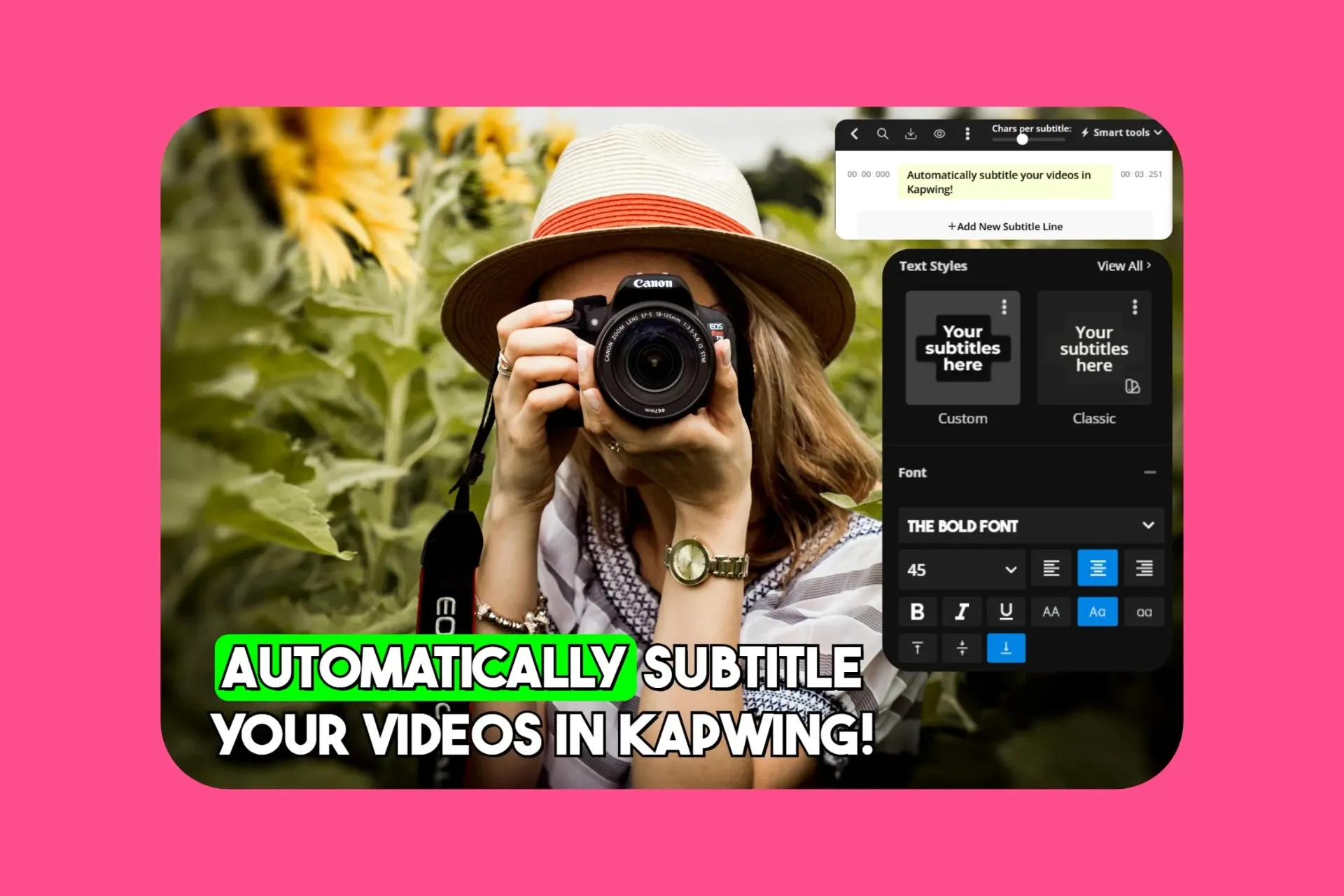
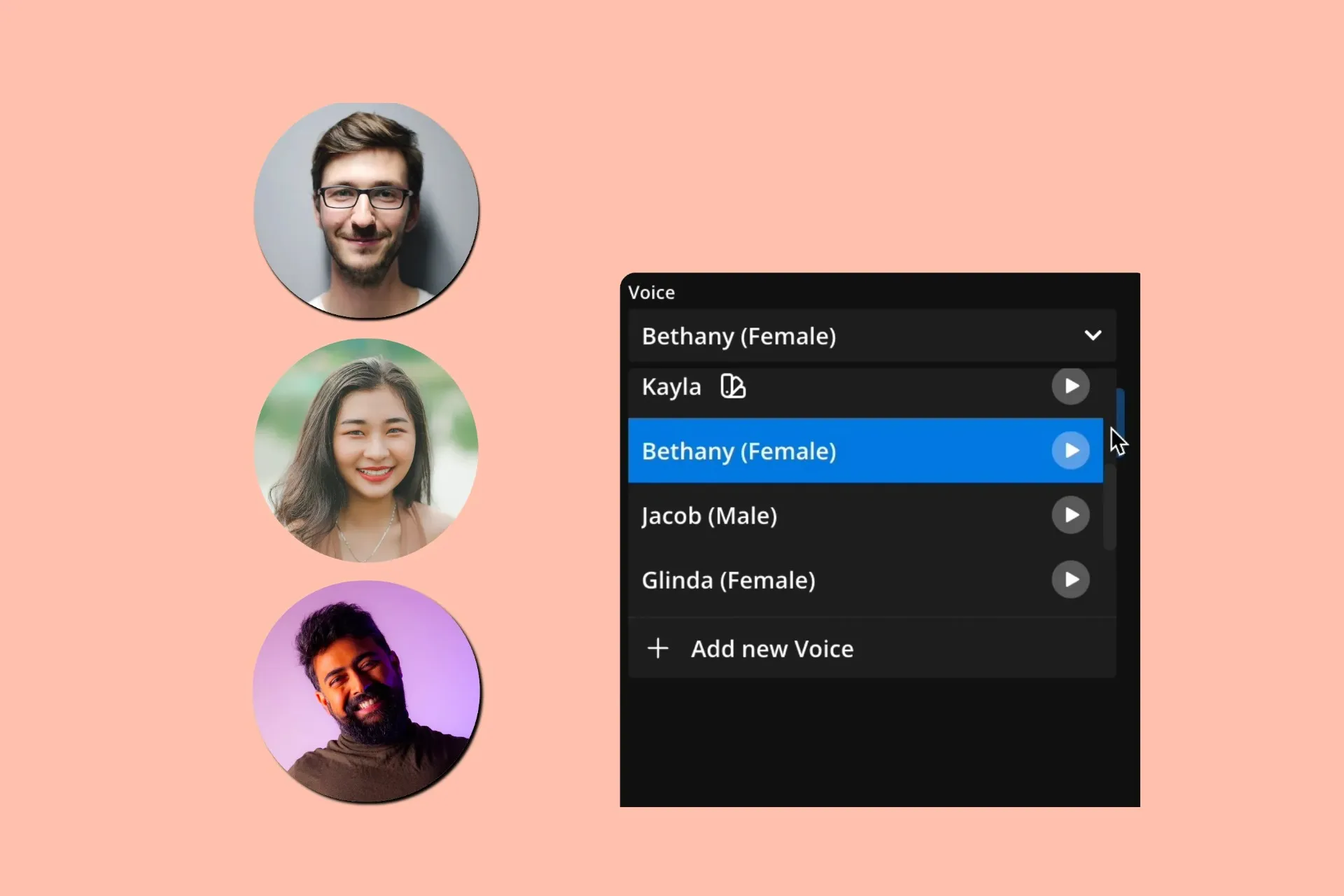
If you're already reaching a wider audience by reusing content, why not aim for a global one? Kapwing's built-in Translation Studio localizes your content without needing extra tools or editing platforms. Auto-Subtitles, Dubbing, and Lip Sync make it super easy to adapt your Instagram video into other languages with just a few clicks.
Subtitles are generated instantly and totally customizable—tweak fonts, colors, timing, and create something that stands out from other creators just copying the same styles on CapCut. For educators, journalists, and creators sharing Instagram Reels on TikTok, Kapwing's tools make your content more accessible, more engaging, and way more likely to hit with different cultures and communities.

Perfeziona ogni video per TikTok
Template, stili e strumenti AI creati per i creator di TikTok

Zone Sicure
Le zone sicure di TikTok vengono utilizzate dai team di PR, dagli inserzionisti e dagli esperti di social media per mantenere testo e immagini chiaramente visibili nel layout di TikTok quando si riformattano i video di Instagram
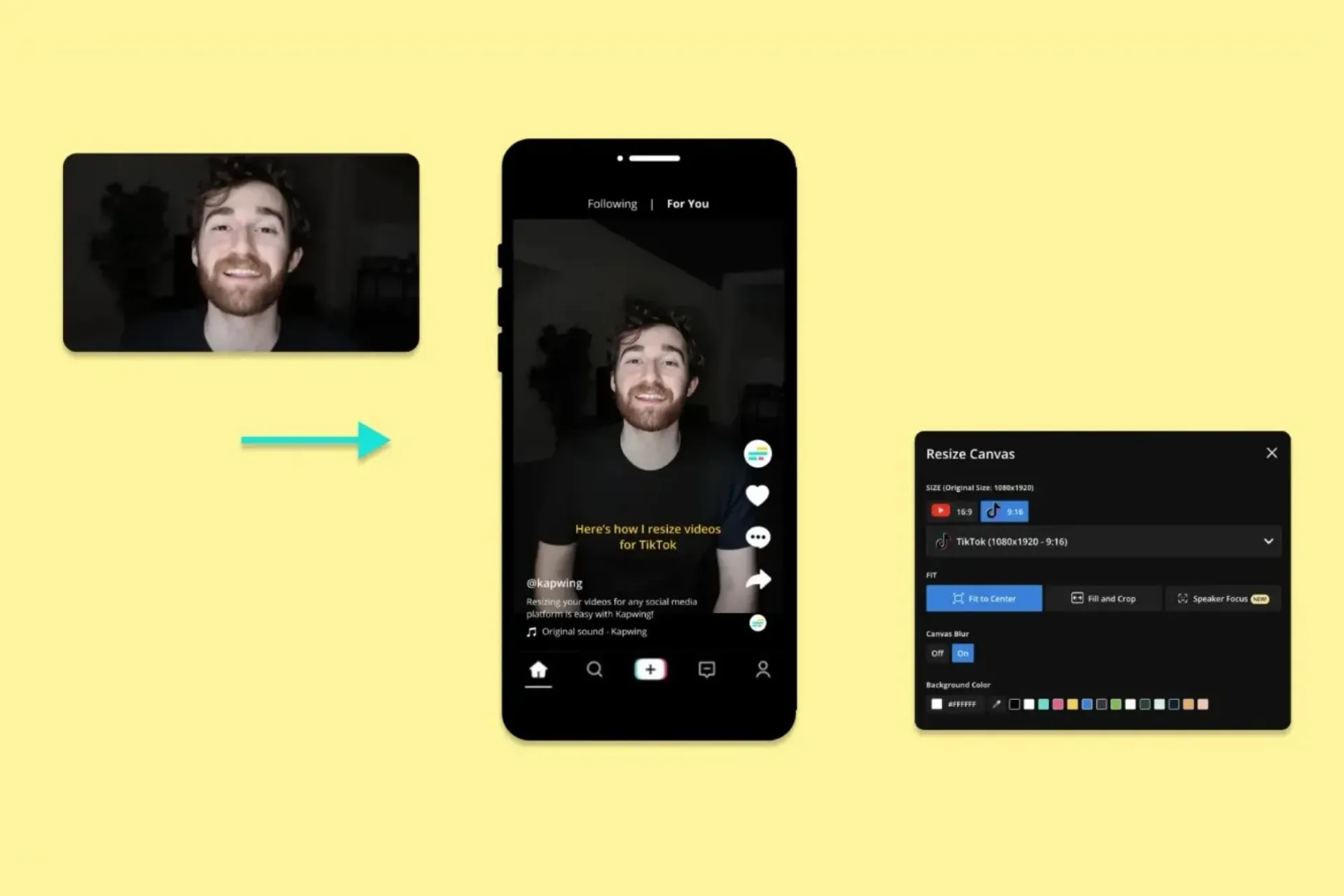
Ridimensiona
Vlogger, educatori e piccoli imprenditori stanno riformattando i video 4:5 o quadrati di Instagram nel rapporto di aspetto 9:16 di TikTok senza perdere i contenuti più importanti sullo schermo

Meme alla Moda
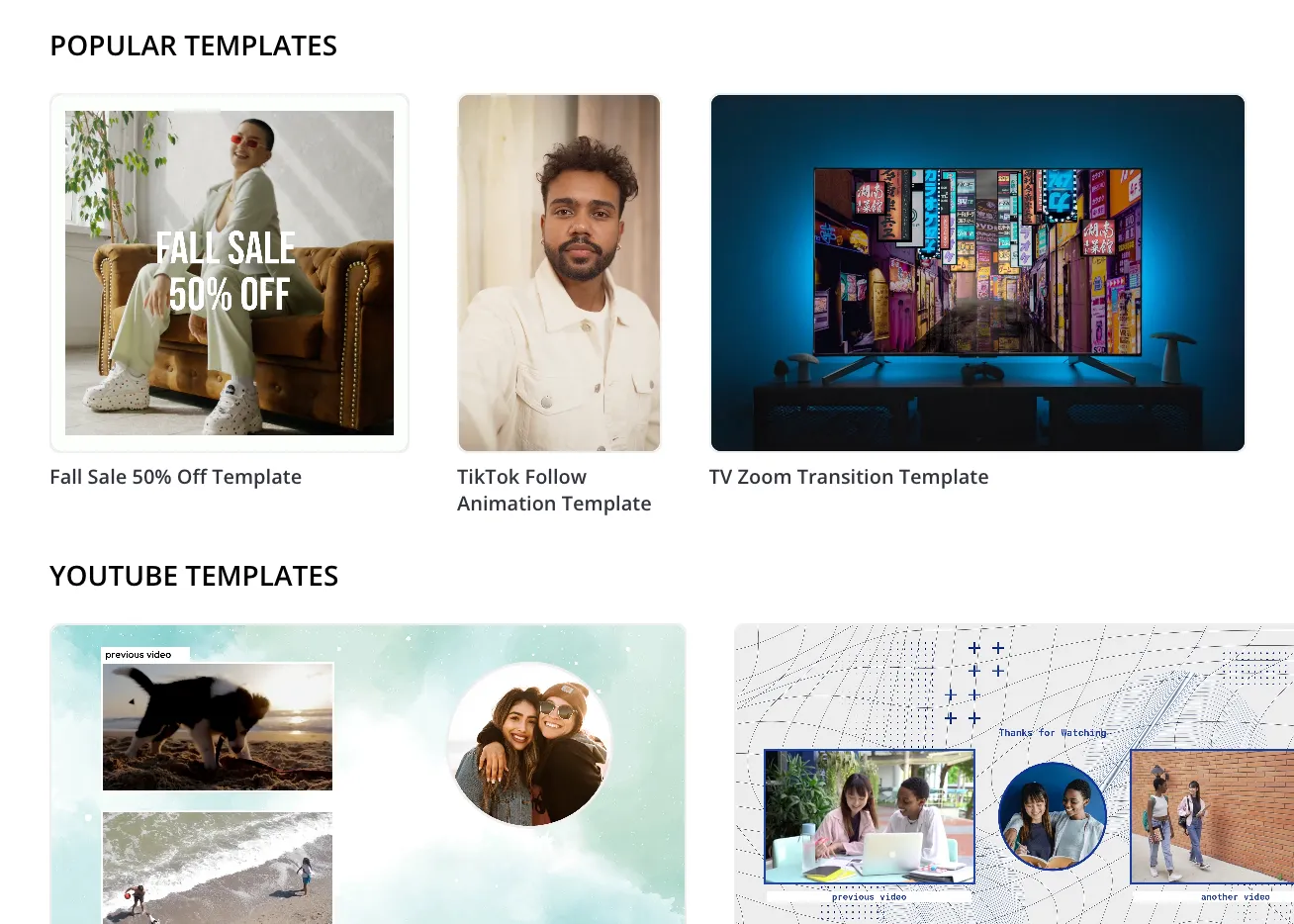
It's easy for <social media managers to jump on TikTok trends by slapping meme templates onto existing Instagram clips — making older content feel fresh and relevant
Models
I team di contenuti e i brand manager usano la vasta gamma di Template di Kapwing per trasformare i post di Instagram in video TikTok raffinati che mantengono coerenza con la loro identità visiva

Speaker Focus
I podcaster, i vlogger e i thought leader si affidano a Speaker Focus per mantenere i volti centrati e nitidi, aiutando i clip di Instagram con persone che parlano a sembrare più dinamici su TikTok
Sottotitoli
Educators, opinion leaders and creators add subtitles to make Instagram content even more accessible on TikTok, where many users watch without sound
Doppiaggio AI
Gli influencer usano AI Dubbing per adattare velocemente i video di Instagram per il pubblico che non parla inglese su TikTok, che è disponibile in oltre 100 paesi in più rispetto a Instagram
Smart Cut
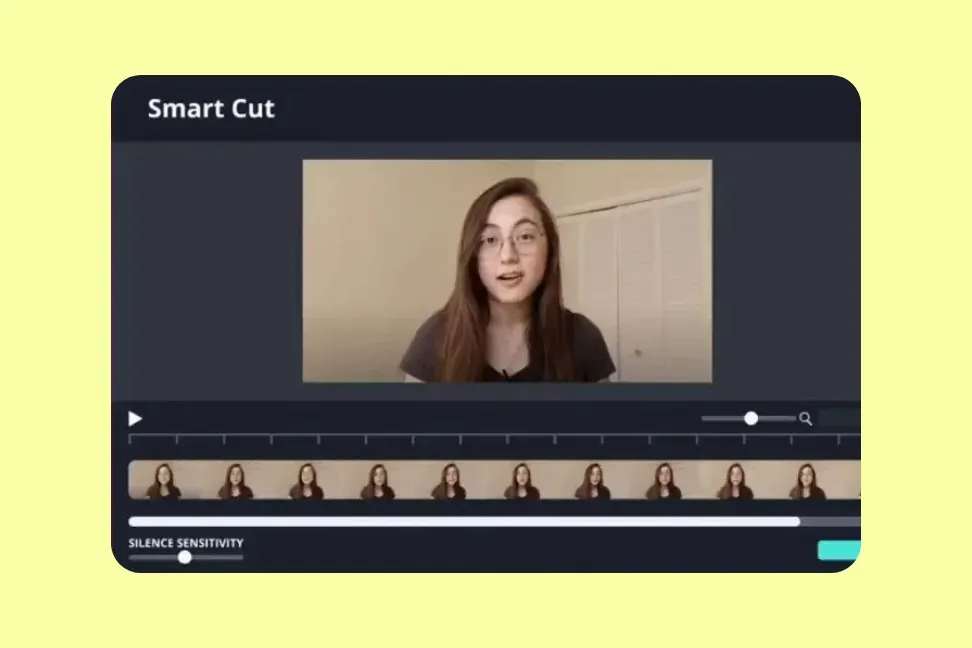
I vlogger, i podcaster e gli educatori risparmiano ore con Smart Cut, che rimuove automaticamente le pause e le parole di riempimento — perfetto per mantenere i contenuti in formato breve veloci e coinvolgenti
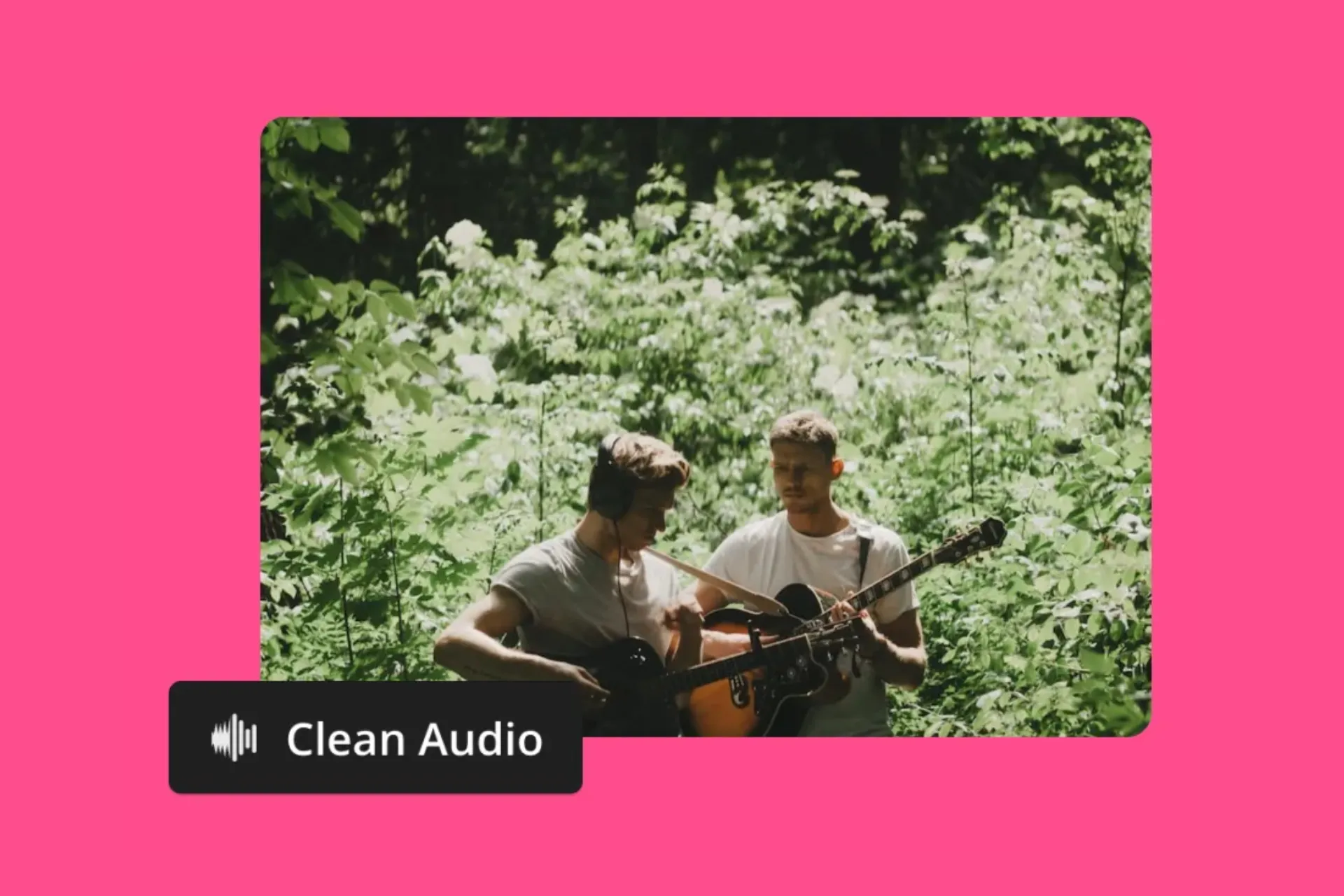
Editor Audio
Social media managers are perfecting their Instagram soundtracks to repost them on TikTok, removing background noise, layering music, or separating instruments from vocals
Come condividere Instagram Reels su TikTok
- Step 1Aggiungi Video Instagram
Scarica un video di Instagram e caricalo su Kapwing, oppure incolla direttamente un URL di Instagram nello studio. Puoi aggiungere più video allo studio, trascinandoli e rilasciandoli nella timeline di editing.
- Step 2Modifica per TikTok
Usa lo strumento 'Ridimensiona progetto' nella barra degli strumenti a destra se il tuo video originale non è in formato 16:9, poi personalizzalo con sottotitoli, traduzioni, testo, loghi, B-roll automatico, e altri strumenti di editing.
- Step 3Esporta e pubblica
Quando hai finito di modificare, esporta come MP4 e pubblica direttamente su TikTok usando il pulsante 'Condividi' oppure salva sul tuo dispositivo mobile o desktop.
*Per usare l'AI per trovare automaticamente clip o unirle insieme, aggiungi il tuo video a Kapwing's AI Clip Generator.
Che cosa rende Kapwing diverso?



Domande Frequenti
Abbiamo le risposte alle domande più comuni che i nostri utenti ci fanno.
Is the Instagram to TikTok tool free?
Yep, Kapwing's Repurpose Instagram to TikTok tool is totally free for everyone. The free plan does have some limits compared to other editor features and adds a small watermark to your final video.
Is there a watermark on exports?
If you're using Kapwing with a free account, all your exports will have a watermark. Once you upgrade to a Pro account, the watermark will be completely removed from your content.
Qual è la migliore dimensione video per TikTok?
The optimal video size for TikTok is 1080×1920 pixels with a 9:16 aspect ratio (vertical). This full-screen format is designed for mobile viewing and makes sure your video fits TikTok's layout without any black bars or cropping. Check out our complete guide to TikTok sizes to learn more about resolution, file size, and video length.
TikTok vs Instagram Reels
TikTok è considerato più flessibile in termini di lunghezza dei video e scoperta, mentre Instagram Reels beneficia dell'integrazione Meta e della cross-posting integrata. Se crei contenuti per entrambe le piattaforme, utilizzare strumenti per ridimensionare e ottimizzare i tuoi contenuti ti aiuterà a risparmiare tempo e massimizzare la portata.
- TikTok supporta video da 3 secondi fino a 10 minuti quando registrati nell'app (fino a 30 minuti tramite desktop).
- Instagram Reels ora supporta video fino a 3 minuti, aumentati dal precedente limite di 90 secondi.
- Instagram Reels è completamente integrato con Facebook, rendendo facile pubblicare su entrambe le piattaforme contemporaneamente.
Cosa significa riproporre?
Repurposing means taking existing content, like an Instagram Reel or Story, and adapting it for another platform or audience. This could include changing the video's aspect ratio, tweaking its length, adding captions, or updating the visuals to fit YouTube's viewing experience. Repurposing content saves you time and maximizes your content's value by extending its reach.
Can you use Kapwing on iPhone and Android?
Yep, Kapwing's editing tools work great on mobile devices, including iPhone, Android, iPad, and desktop. To use Instagram to TikTok Converter on mobile, head over to Kapwing.com in your browser and upload your video. Once it's on the timeline, tap the "Project" button at the bottom of the screen to resize your video. All the other tools are there by scrolling through the toolbar at the bottom.
Come collegare Instagram a TikTok
To add Instagram to your TikTok bio:
- Open the TikTok app and go to your profile.
- Tap "Edit profile".
- In the "Social" section, tap "Add Instagram".
- Sign in to your Instagram account and authorize the connection. This adds a direct link to Instagram on your TikTok profile.
Come aggiungere Instagram alla tua bio di TikTok
To add Instagram to your TikTok bio:
- Use the "Edit Profile" option on TikTok.
- Link your Instagram through the social links section, or
- Paste your Instagram username or link directly into your bio.
Note: TikTok bios only allow one clickable link, so use a link-in-bio tool if you want to include both TikTok and Instagram together.
Qual è il modo migliore per scaricare un Instagram Reel per riutilizzarlo?
To download an Instagram Reel to edit, copy the Reel's URL and paste it into Kapwing. The video will automatically be added to your media library, where you can drag it onto the canvas to edit it, trim it, or add enhancements ready for TikTok.
Does TikTok penalize reposted or adapted content?
TikTok non penalizza automaticamente i contenuti ripostati o riadattati, ma la piattaforma favorisce i video che coinvolgono gli spettatori. Per evitare una portata bassa, assicurati di dare al tuo contenuto una piega fresca — aggiungi didascalie, musica, effetti o modifiche che rendono il video nativo di TikTok. Riadattare i contenuti in modo creativo può aiutarli a funzionare bene quanto i contenuti originali.
Come faccio a convertire un post foto di Instagram in una presentazione TikTok?
You can turn a bunch of Instagram photos into a TikTok slideshow using Kapwing. Upload your images by copying their URLs or using the 'Attach Media' button. Lay them out on the timeline and adjust how long each photo stays on screen. Then, spice up your slideshow with background music, captions, voice overs, stickers, waveforms, and other TikTok-style effects.
Quali modifiche di editing dovrei fare per lo stile e l'algoritmo di TikTok?
TikTok videos work best when they're vertical (9:16), fast-paced, and visually eye-catching. Use text overlays, captions, transitions, stickers, or effects to make your content stand out in the feed. Keep the first 2-3 seconds engaging and consider using trending audio or hashtags to boost visibility. Shorter, more dynamic edits tend to increase watch time and engagement, which helps the algorithm push your content out there.
Scopri le Risorse
Consigli, modelli e approfondimenti per aiutarti a creare più velocemente e condividere con sicurezza.
Visualizza tutto
Inizia con il tuo primo video in pochi click. Unisciti a oltre 35 milioni di creator che si fidano di Kapwing per creare più contenuti in meno tempo.