AI HALLOWEEN COSTUME GENERATOR

Upload images — try on Halloween costumes
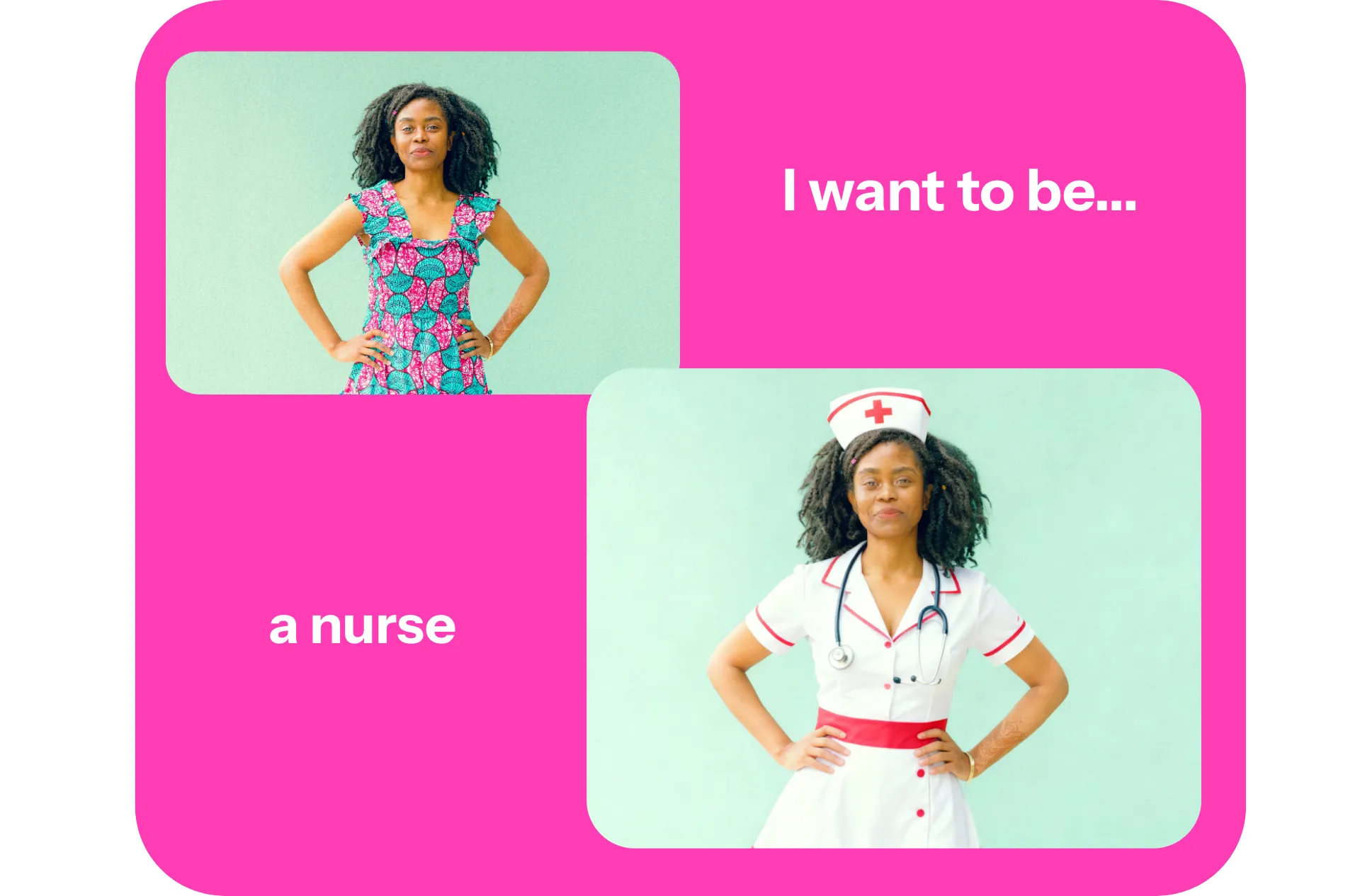
Video Poster
Spotify
Google
Code.Org
Dyson
NYU
Facebook
Columbia
Whole Foods
Verizon
Harvard
UK Parliament
Louis Vuitton
Alberta

See yourself in any Halloween costume

Realistic AI costume images in seconds

Instantly try on Halloween costumes

Create lifelike images wearing any costume with Kapwing's AI Halloween Costume Generator. Generate realistic, funny, scary, or sexy Halloween costumes perfect for prepping your party look, planning last-minute DIYs, or showcasing your brand.


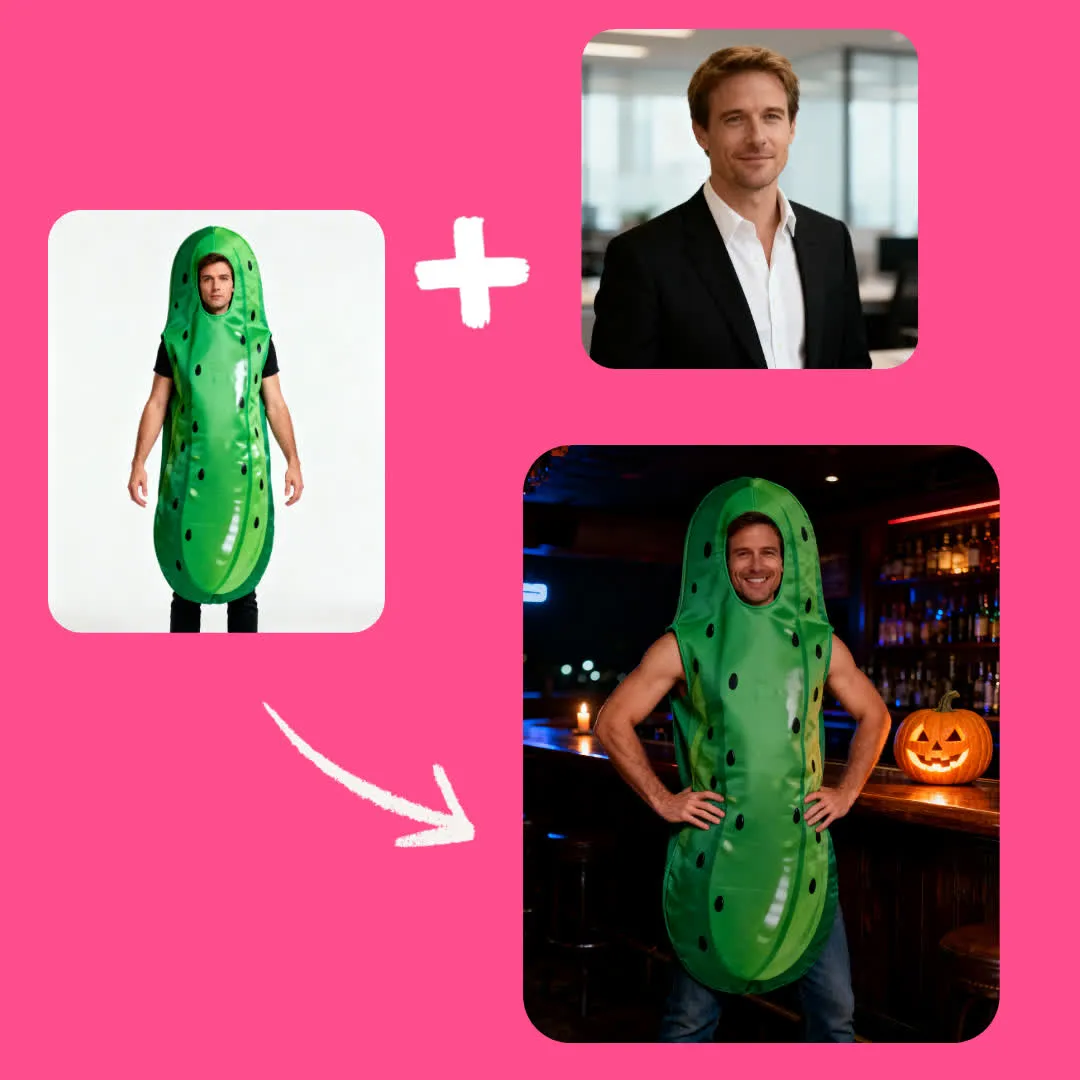
Upload a picture, then use simple prompts to generate your AI costume. Instantly wear any costume you see online, or use as a random Halloween costume generator for endless outfit ideas.
Generate Costume
Man trying on a pickle costume with AI

Effortless spooky season content

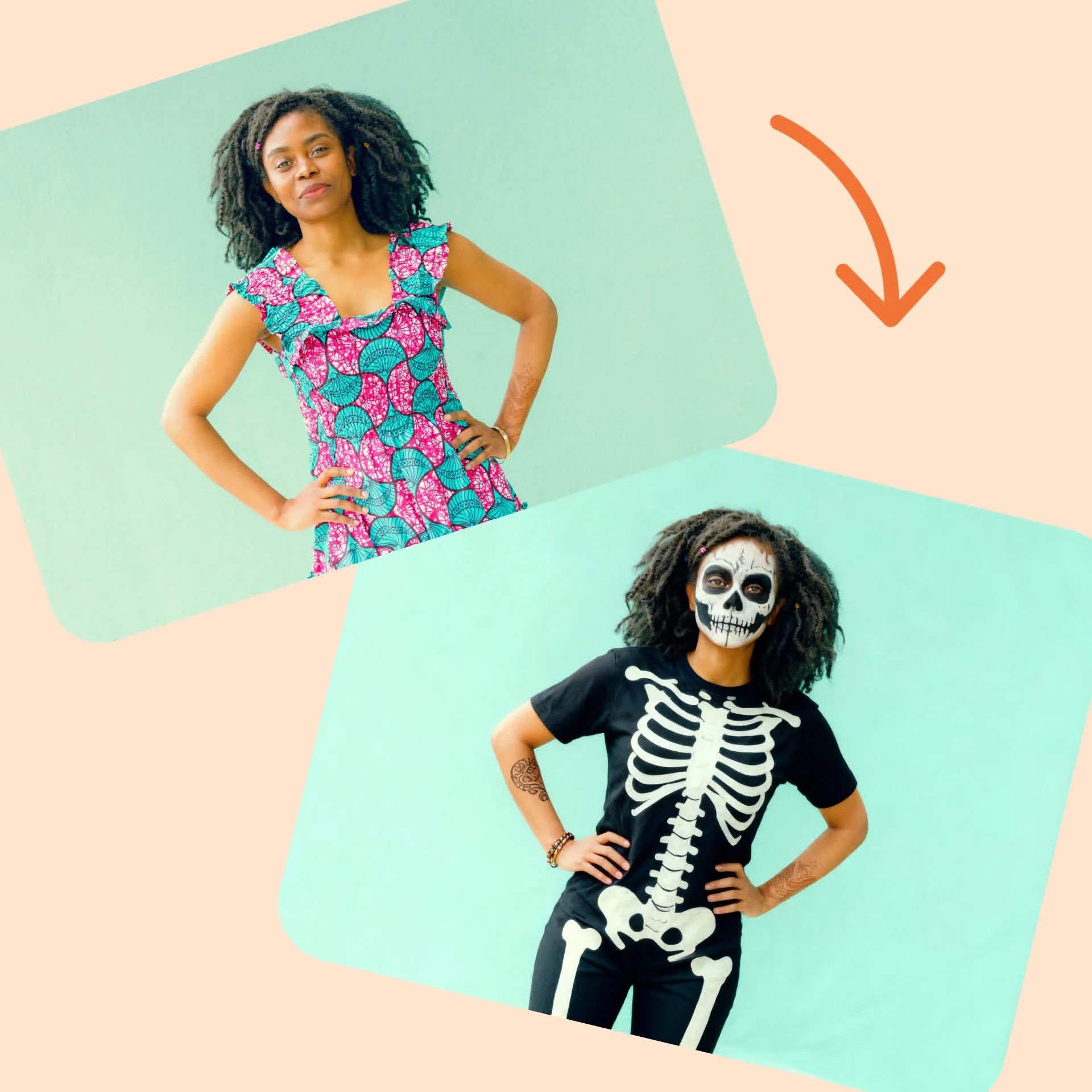
Create all the shareable Halloween content you need in seconds. Don't stop at clothes: instantly add a killer background, remove visual clutter, or incorporate spooky props.


Then use Kapwing's AI Image to Video to bring your Halloween outfit to life, letting you test looks in motion or create scroll-stopping posts. Generate, edit, and share directly to Instagram, TikTok, and YouTube using one online tool.
Video Poster

Easy couple and family costumes

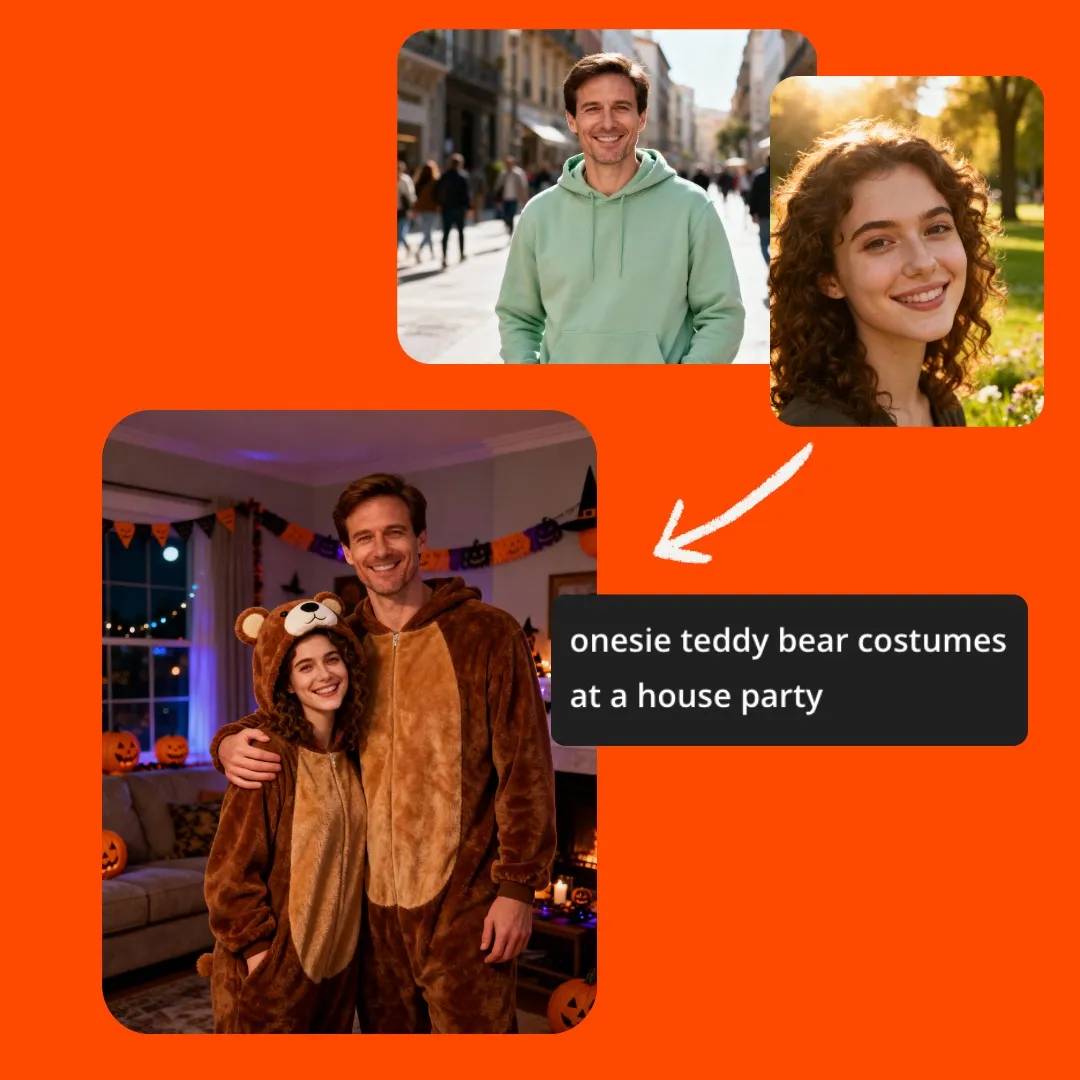
Design unique family, group, and couple costumes in seconds for easy planning or social sharing. Upload group photos or have the Halloween costume idea generator combine separate shots, then put everyone in coordinated costumes.


Need Halloween images for newsletters, holiday cards, or profile pictures? Easily customize for any platform and download professional-quality photos.
Design Costumes
Couple dressed in onesie teddy bear costumes using AI
Reivews Gradient Background
Trusted by millions of creators all over the world
Headshot of Michael Trader
Best online video service ever. And a miracle for deaf people.
[Subtitler] is able to autogenerate subtitles for video in almost any language. I'm deaf (or almost deaf, to be correct) and thanks to Kapwing I'm now able understand and react on videos from my friends :)
Michael Trader
Information Services Freelancer
Headshot of Dina Segovia
This tool should be in every social media account managers' bookmark list.
I use this daily to help with video editing. Even if you're a pro video editor, there is no need to be spending hours trying to get the format correct. Kapwing does the hard work for you.
Dina Segovia
Virtual Freelance Worker
Headshot of Eunice Park
It just works!
Kapwing is incredibly intuitive. Many of our marketers were able to get on the platform and use it right away with little to no instruction. No need for downloads or installations - it just works.
Eunice Park
Studio Production Manager at Formlabs
Headshot of Vannesia Darby
With Kapwing, we're always ready to create.
Kapwing is an essential tool that we use in MOXIE Nashville every day. As a social media agency owner, there's a variety of video needs that my clients have. From adding subtitles to resizing videos for various platforms, Kapwing makes it possible for us to create incredible content that consistently exceeds client expectations. With Kapwing, we're always ready to create - from anywhere!
Vannesia Darby
CEO at MOXIE Nashville
Headshot of Grant Taleck
Spend less time learning... and more time crafting stories.
Kapwing helps you spend less time learning complex video editing platforms and more time crafting stories that will connect with your audience and customers. We've used the platform to help create engaging social media clips from our clients' podcasts and we can't wait to see how the platform simplifies this process going forward. If you've learned graphic design with Canva, you can learn video editing with Kapwing.
Grant Taleck
Co-Founder at AuthentIQMarketing.com
Headshot of Panos Papagapiou
It keeps getting better!
Kapwing is probably the most important tool for me and my team. It’s always there to meet our everyday needs in creating scroll-stopping and engaging videos for us and our clients. Kapwing is smart, fast, easy to use and full of features that are exactly what we need to make our workflow faster and more effective. We love it more each day and it keeps getting better.
Panos Papagapiou
Managing Partner at EPATHLON
Headshot of Kerry-lee Farla
By the far the most user friendly software to use.
As a housewife at home looking to start a YouTube channel for fun with absolutely zero editing experience, it was so easy for me to teach myself via their YouTube channel. It takes the tediousness out of editing and encourages creativity. As long as Kapwing is around, I will be using their software.
Kerry-lee Farla
Youtuber
Headshot of Gracie Peng
Kapwing is my secret weapon!
This is one of the most powerful, yet inexpensive and easy-to-use video editing software I've found. I blow my team away with how fast and efficiently I can edit and turnaround video projects.
Gracie Peng
Director of Content
Headshot of Martin James
Kapwing is king.
When I use this software, I feel all sorts of creative juices flowing because of how jam-packed with features the software really is. A very well-made product that will keep you enticed for hours.
Martin James
Video Editor
Headshot of Heidi Rae
Love this site.
As an English Foreign Language Teacher, this site helps me to quickly subtitle interesting videos that I can use in class. The students love the videos, and the subtitles really help them to learn new vocabulary as well as better understand and follow the video.
Heidi Rae
Education
Headshot of Natasha Ball
Excellent subtitling features
[It] works perfectly for me. Have been using Kapwing for a year or so, and their automatic subtitle tool gets better and better every week, it's rare that I have to correct a word. Keep up the good work!
Natasha Ball
Consultant
Headshot of Mitch Rawlings
Best online video service ever. And a miracle for deaf people.
[Subtitler] is able to autogenerate subtitles for video in almost any language. I'm deaf (or almost deaf, to be correct) and thanks to Kapwing I'm now able understand and react on videos from my friends :)
Mitch Rawlings
Information Services Freelancer

How to create an ai halloween costume

Video Poster
  1. Open Kai

    Start by opening Kapwing's AI Assistant, Kai.

  2. Generate image

    Click Add images to upload reference images. Enter a simple prompt describing your costume, then click Generate.

  3. Edit and export

    Edit your AI costume images with prompts or using the full editing studio. Then download and share!

What's different about Kapwing?

Easy
Easy
Start creating immediately with thousands of templates and copyright free videos, images, music, and GIFs. Repurpose content from the internet by pasting a link.
Free
Free
Kapwing is completely free to start. Just upload a video and start editing. Supercharge your editing workflow with our powerful online tools.
Accessible
Accessible
Automatically subtitle and translate videos with our AI-powered Subtitler tool. Caption your videos in seconds, so that no viewers get left behind.
Online
Online
Kapwing is cloud based, which means your videos are wherever you are. Use it on any device and access your content anywhere in the world.
No spam or ads
No spam or ads
We don't serve ads: we're committed to building a quality, trustworthy website. And we will never spam you nor sell your information to anyone.
Powerful
Powerful
Kapwing works hard to help make the content you want, when you want it. Get started on your project today.

Frequently Asked Questions

Bob, our kitten, thinking

Is the AI Halloween Costume Generator free?

Yes, anyone can try Kapwing’s AI Assistant, Kai, for free. Our AI tools run on a credit system, with each feature costing a set number of credits. For maximum creativity and the best value, upgrade to a Pro account to unlock the full power of AI-driven content creation.

Is there a watermark on exports?

If you use Kapwing on a Free account, then all exports — including the AI Halloween Costume Generator — contain a watermark. Once you upgrade to a Pro account, the watermark is completely removed from your creations.

What is an AI Halloween Costume Generator?

An AI Halloween Costume Generator is an online tool that uses artificial intelligence to instantly show you in any Halloween outfit. Simply upload a photo, type a prompt (like “put me in a vampire costume” or “make this a witch outfit”), and Kapwing's Halloween costume maker creates a lifelike image. The Halloween costume maker is perfect for testing looks before a party, planning DIY costumes, or sharing fun content on TikTok, Instagram, YouTube, and Snapchat.

How do I create my AI costume?

Upload an image of yourself, enter your costume idea (or use as a random Halloween costume generator for inspiration), and watch the AI transform your photo. You can try on scary Halloween costume ideas, funny group looks, or trendy pop-culture outfits in seconds.

Can I use the AI Halloween Costume Generator to make family costumes?

Yes, the tool works as a family Halloween costume ideas generator, too. You can upload group photos or combine separate images to create matching costumes. Whether you want easy couple costume ideas, group costumes, or family-friendly options, the AI costume generator makes planning coordinated outfits simple.

Does it work for both men's and women's costumes?

Absolutely. Whether you’re searching for Halloween costume ideas for men, Halloween costume ideas for women, or even kid-friendly costumes, the Halloween costume idea generator adapts to different styles and body types. Just upload reference images and tweak your prompts to generate endless AI costume ideas tailored to your input.

Can I edit and customize my AI costume images?

Yes, after generating, you can use the AI Halloween photo editor to refine your costume, or bring the image into Kapwing's editing studio for full control. Change backgrounds, adjust lighting, add props, or resize images for social media. You can even animate your AI costume with Kapwing’s Image to Video tool to create scroll-stopping posts for TikTok, Instagram, or YouTube.

Can I create non-Halloween outfits?

Yes, Kapwing's AI Outfit Generator works for all types of outfits, not just Halloween. Simply upload an image of an outfit or enter a prompt — you can upload photos of clothes, screenshots from fashion websites, and more!

Ready? Let's do this.

Kapwing is free to use for teams of any size. We also offer paid plans with additional features, storage, and support.