Create studio-quality pop-art images and videos
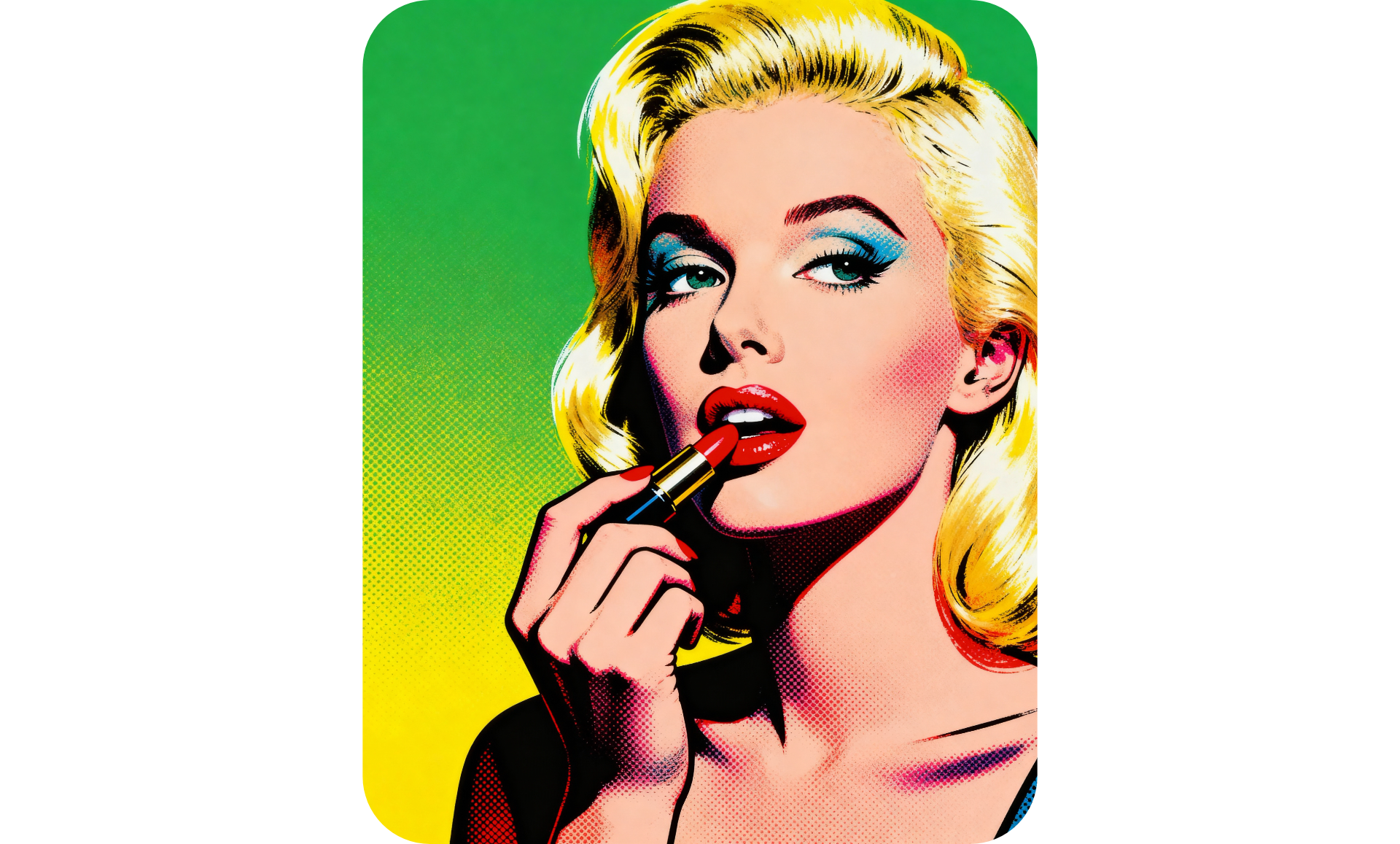
Generate stunning pop-art images and videos — instantly
Completely customizable. Fully online. Free to start.
Eye-catching pop-art images anyone can make
Generate studio-quality pop-art images in seconds with Kapwing's powerful AI pop-art Generator. Using simple conversational prompts, make completely original stylized scenes or transform your favorite pictures into the pop-art style.
No need for experience or tedious manual editing: just chat with Kapwing's AI assistant, to design and refine your pop-art masterpiece. Switch image styles, remove objects, change backgrounds or outfits, and overlay custom text art, all in the same chat.
Whether you're creating content for the latest social trend, designing marketing campaigns, or just having fun, Kapwing lets you design consistent, high-quality pictures that match the lighting, texture, and atmosphere found in true pop-art works.
And the best part? You own full copyright to every visual you create!
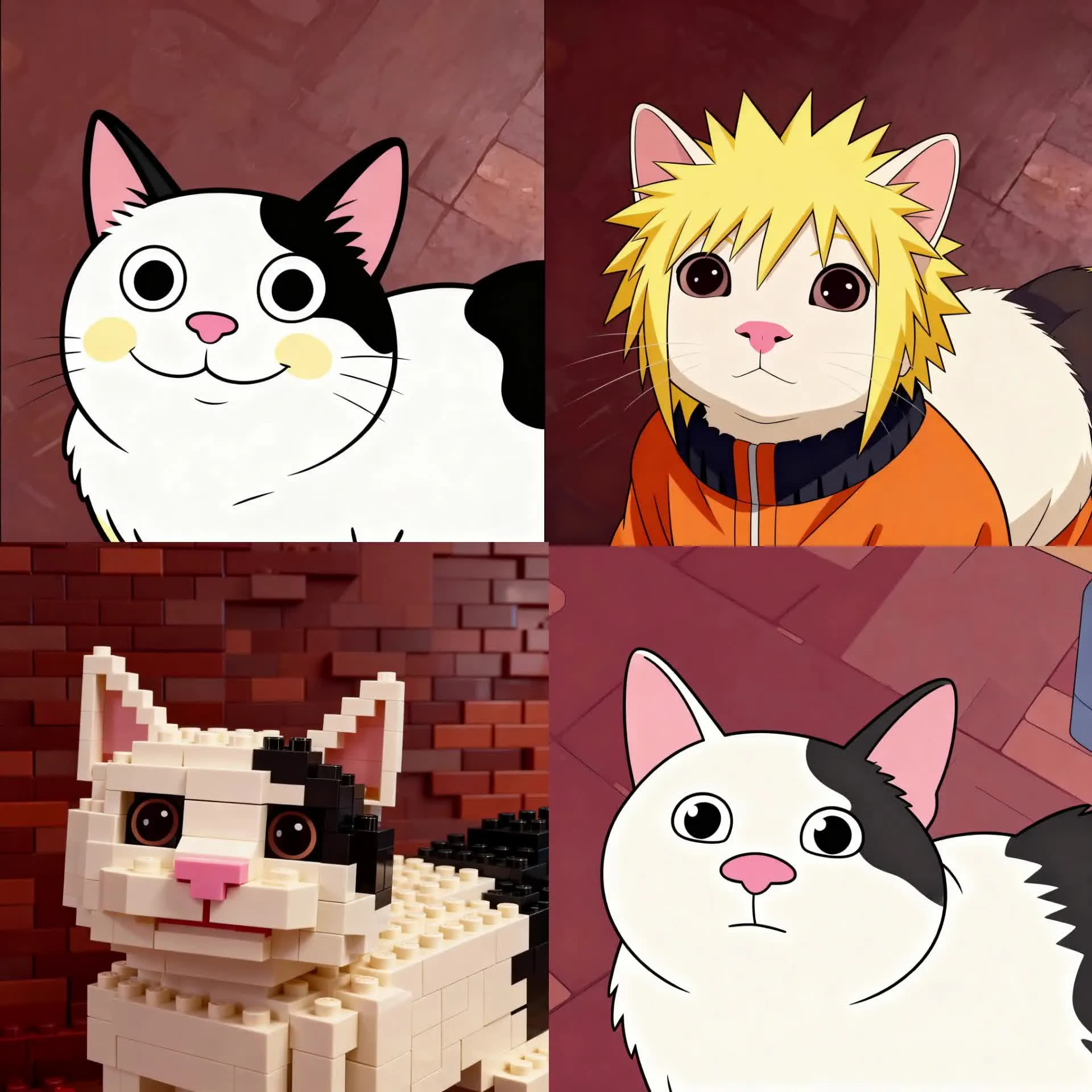
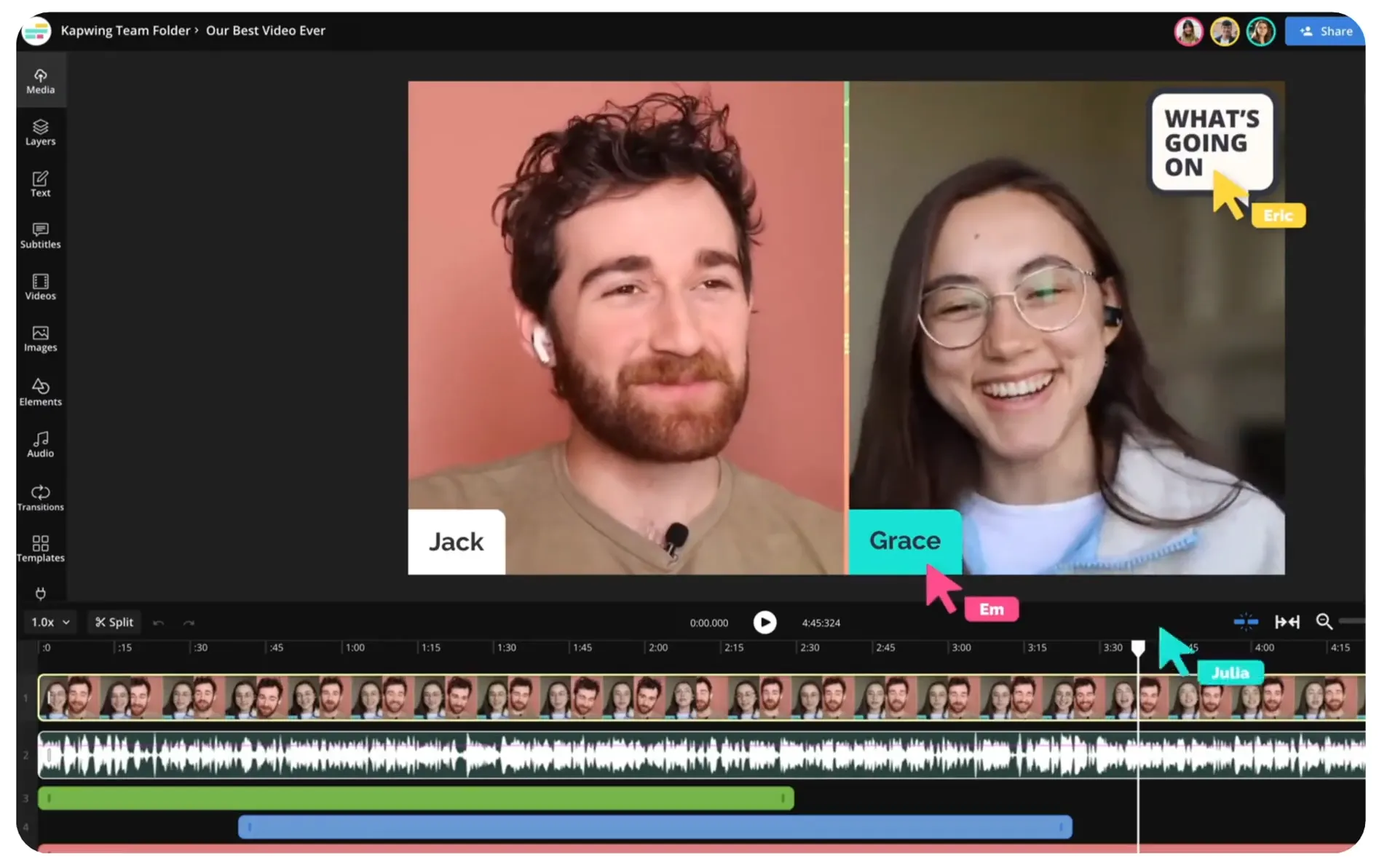
Generate and refine with an advanced video editor
Create cinematic, high-resolution pop-art videos — no animation skills required. Direct the motion, adjust the style, lighting, and cropping, and set the background and duration using straightforward prompts.
Sit back and watch as Kapwing's AI Video Generator generates 3-12 second clips that exactly match the classic pop-art style your requested.
Move to the full editing studio to seamlessly stitch clips together and apply a suite of professional video tools or drop your pop-art videos into larger projects. Boost engagement on TikTok, YouTube, or other video-focused platforms, or export as ready-to-share GIFs in just a few clicks.
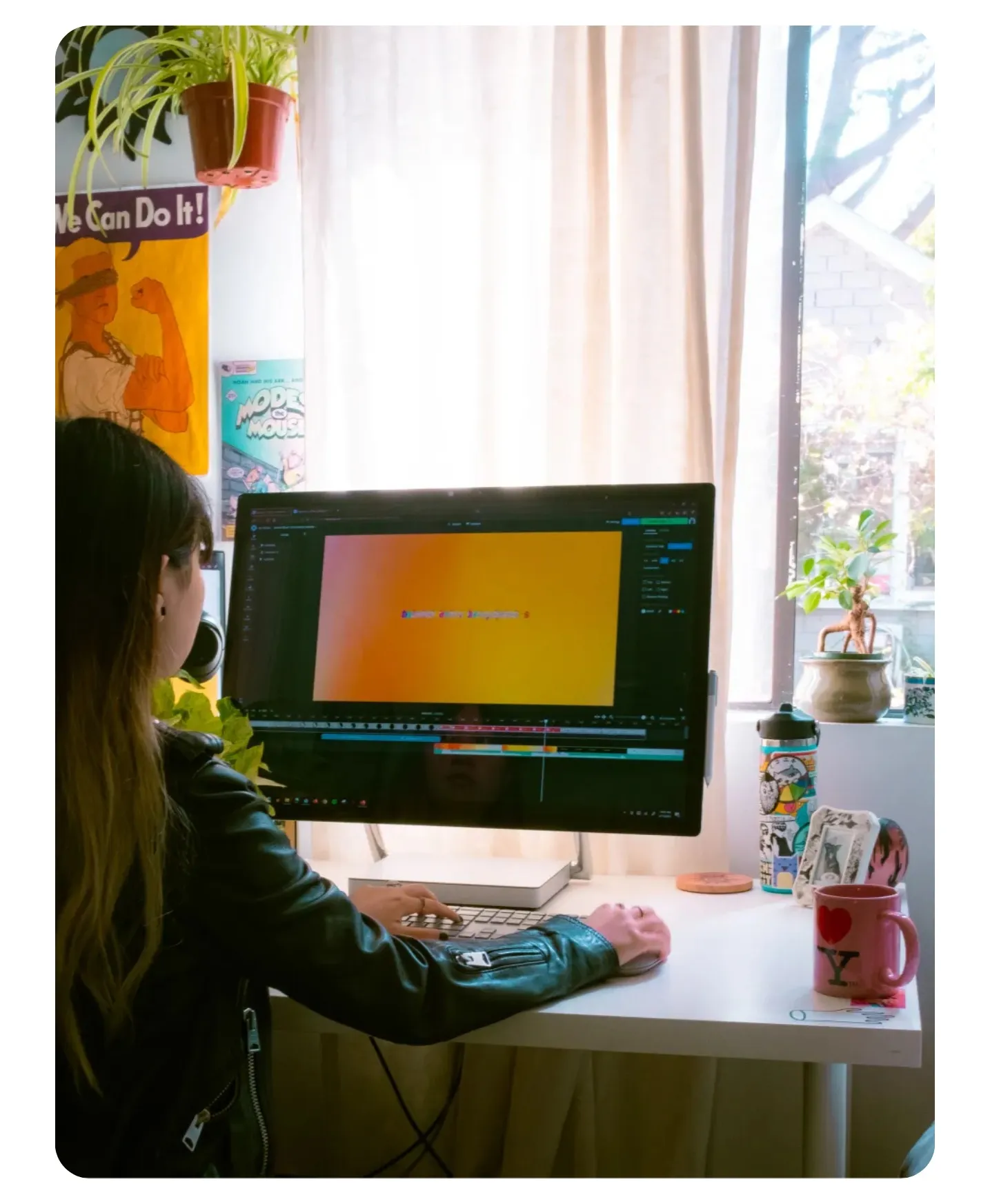
Already transforming video creation across industries
Hear directly from the teams who publish faster, collaborate better, and stay ahead.


Your pop-art visuals — ready to use in a full content editor
Generate, refine, and share, all from your browser
Kapwing's AI pop-art Generator is integrated with a complete editing suite, so you can immediately take advantage of a full range of professional tools. No downloads or additional software: your pop-art creations appear instantly in your media library, ready to edit or to drop into any project.
Designed for professionals, content creators, and pop-art fans, the AI pop-art Generator makes it easy to scale up your creations. Create endless consistent pop-art images and videos with a shareable Custom Kai that saves your prompts and model preferences. Streamline teamwork with simultaneous studio editing, instant feedback, and a convenient Brand Kit.
Refine your generations with features like social media safe zones and smart resizing tools to match any platform’s specifications. Skip tedious editing tasks with easy-to-use AI tools. Resize for any platform and share directly to social media, all without leaving your browser.
How to Create AI pop-art Images and Videos
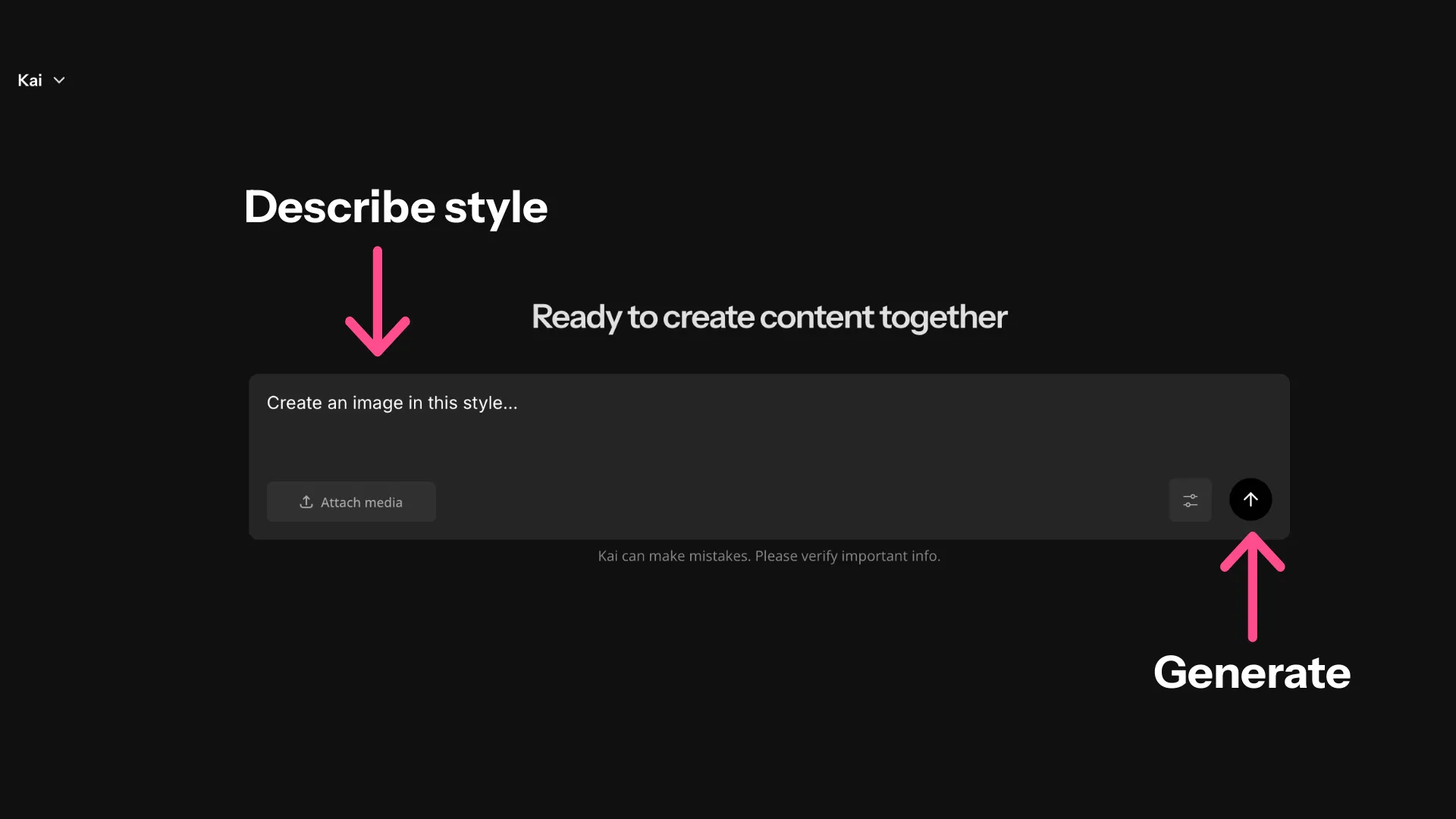
- Step 1Open Kapwing
- Step 2Enter prompt
Enter a prompt describing the pop-art style you want in as much detail as possible. Optionally, upload an image to transform.
- Step 3Generate pop-art
Click the arrow at the right to generate your pop-art masterpiece.
What's different about Kapwing?



Frequently Asked Questions
We have answers to the most common questions that our users ask.
Is Kapwing's AI pop-art Generator free?
Yes, anyone can try Kapwing’s AI Toolkit for free without watermarks. Our AI tools run on a credit system, with each feature costing a set number of credits. For maximum creativity and the best value, upgrade to a Pro account to unlock the full power of AI-driven content creation.
How do I create pop-art images?
To create a pop-art image or video with Kapwing, open a new chat in the AI tab. Enter a prompt requesting a pop-art image, describing the visuals you want to create in detail. Optionally, you can upload a reference image or an image you want to transform into the pop-art style. Then click the arrow at the right to generate your image. Refine it with additional prompts or use the one-click download button.
Can I turn my pop-art images into videos?
Yes, you can ask AI to animate your pop-art pictures into dynamic videos. Just enter a prompt like Turn this image into a video and describe the movement you want to see. Kapwing's AI Image to Video Generator will create a ready-to-share video matching your image.
Can I create pop-art images and videos on my phone?
Yes, you can use the AI pop-art Generator on your phone or tablet by opening Kapwing's AI toolkit on your mobile browser. From there, you can chat with AI to create your custom images and videos.
How should I write my prompt for the best results?
Kapwing's AI pop-art Generator has built-in prompt enhancement, so you don't have to worry about getting your prompt exactly right. Start with a prompt like Turn this picture into a pop-art-style image. Add a description of the exact style and details you want to see. Then watch as AI generates your pop-art masterpiece.
What file formats does Kapwing support?
Kapwing supports most popular file formats. You can upload images as JPEG, PNG, or WEBP. When you generate a pop-art image, you can immediately download it as JPEG, or move it to the editing studio to export as PNG, WEBP, or GIF.
What models or AI technologies does Kapwing use?
Do I need design or editing skills?
Kapwing's AI pop-art Generator is built for anyone, from design professionals to beginners. Whether you're a small business owner, content creator, or personal user, you can instantly create ready-to-share images and videos in the iconic pop-art style. Enter a simple prompt describing the pop-art scene and let Kapwing's built-in prompt enhancement take it from there.
What AI image models power the pop-art Generator?
Kapwing's AI pop-art Generator is powered by multiple AI models.
- Video AI models: Wan, Veo, Seedance, Kling
- Image AI models: ChatGPT Image, Seedream, Nano Banana
Discover Resources
Tips, templates, and deep dives to help you create faster and share with confidence.
View all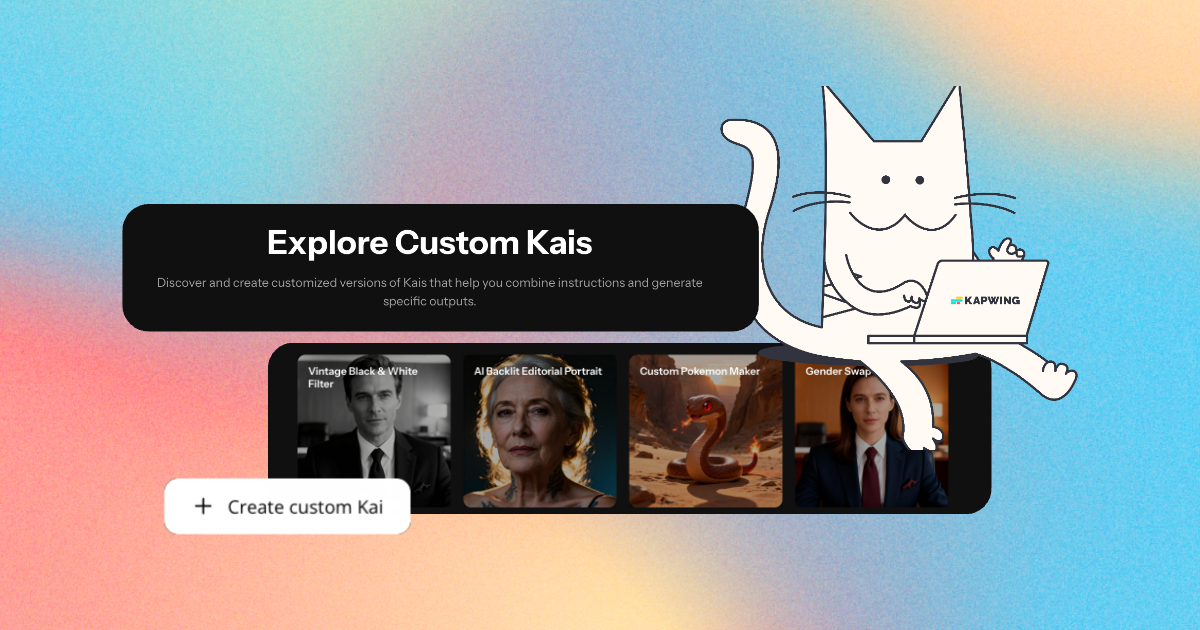
Get started with your first video in just a few clicks. Join over 35 million creators who trust Kapwing to create more content in less time.