Make Valentine's Day Videos
Create stunning, personalized Valentine's videos in minutes — no experience needed
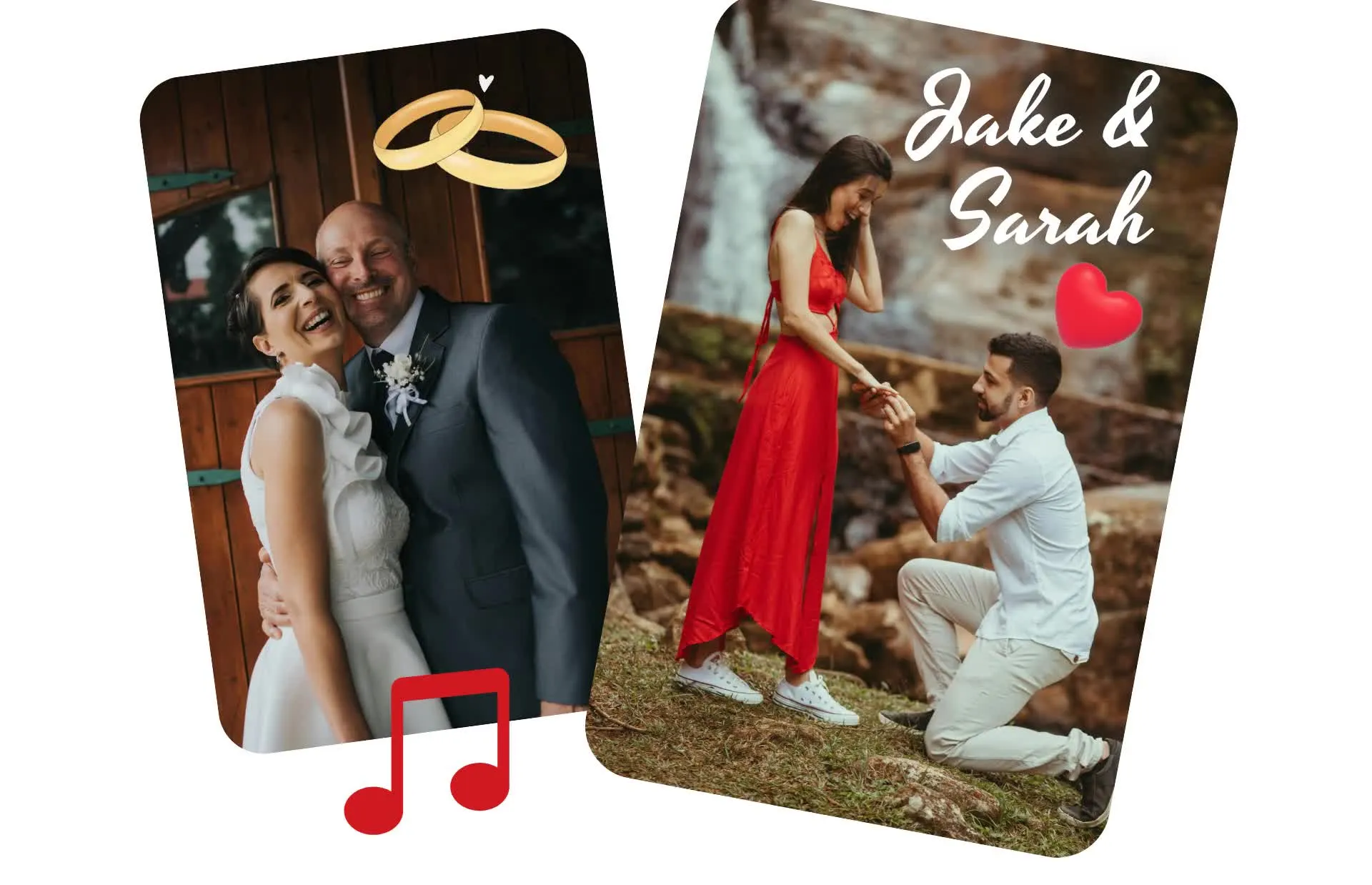
A video memory they'll treasure forever
Your photos, your song, your message ❤️
Personal touch, professional quality
Design a fully personalized Valentine's video in minutes. Make every detail unique to your relationship — upload your favorite song, add treasured pictures, and combine your most romantic moments.
Our easy-to-use editor gives you hundreds of Valentine-themed fonts and visual elements like hearts and roses. Simply drag and drop to bring your vision to life.
Want to add your voice? Record a personal message or video greeting right in the studio. No templates. No generic messages. Just your love story, beautifully told.
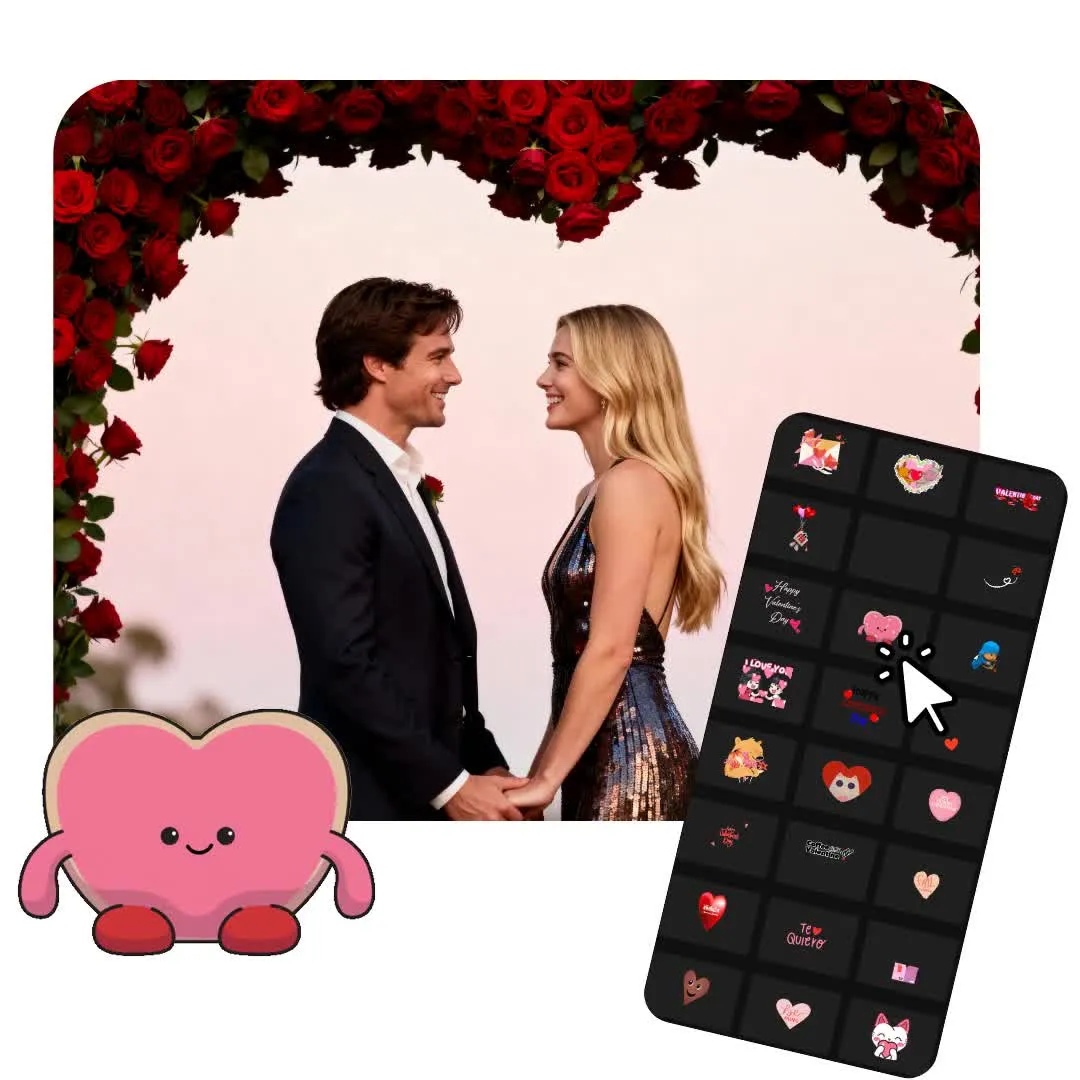
A thoughtful video storyline
Capture your relationship’s unique energy, whether it’s heartfelt and romantic or fun and playful. Choose from 100s of Valentine-themed designs or start from scratch to make something completely unique.
Turn your favorite photos into cute animations, add custom text and stickers, or combine dozens of clips from your camera roll into one emotional montage. Our AI takes care of the editing, so your story comes together effortlessly.
Your finished video is ready to share anywhere — TikTok, Instagram, or a private message — so you can share your message any way you want.
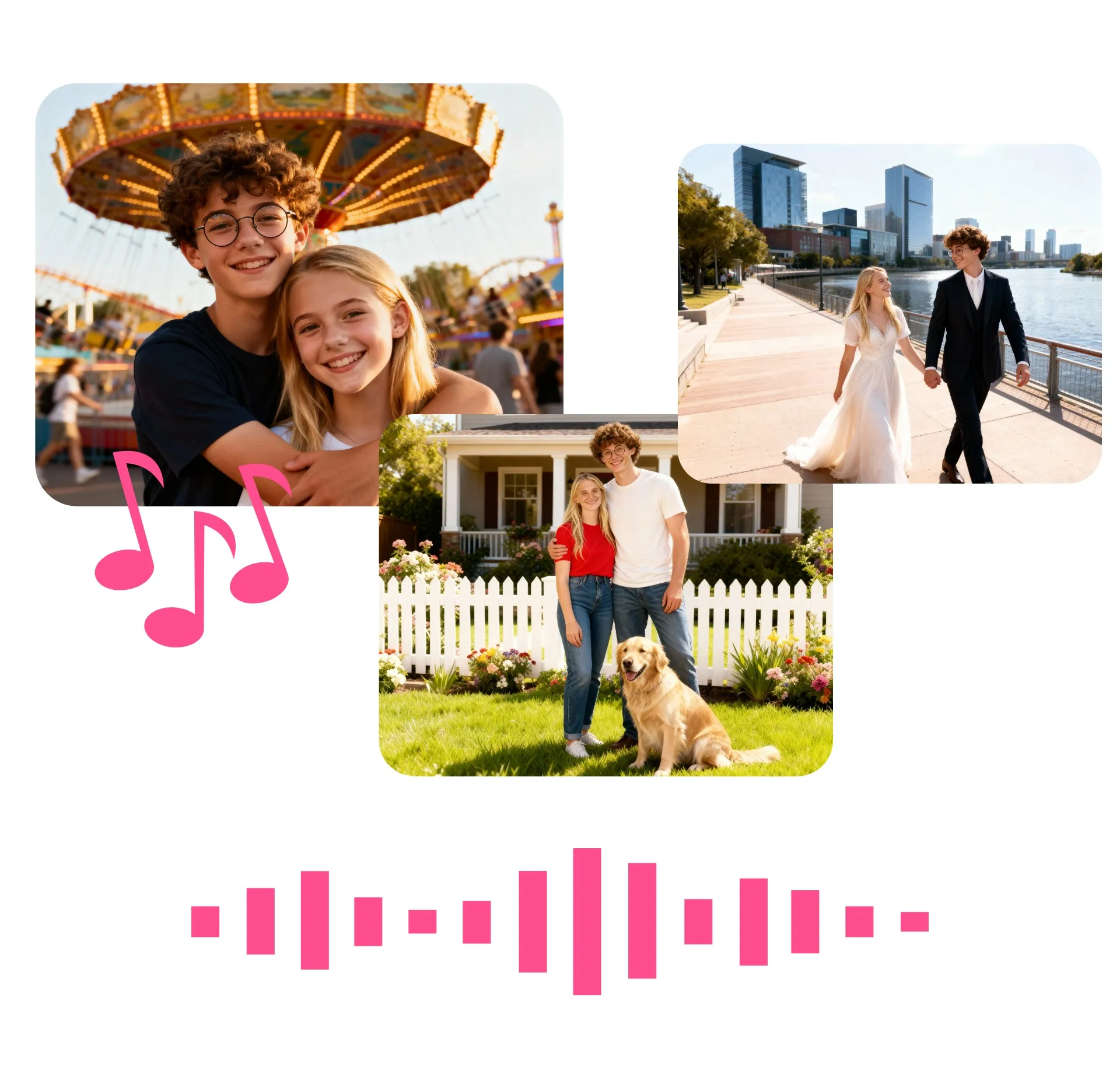
Valentine's videos, tailored to you
Make it unforgettable — whether it's a 3 second clip or 3 minute project
Photo to Video
Bring your favorite photos to life with AI. Add one-click motion, complete with romantic touches like falling rose petals, soft zooms, and floating hearts.
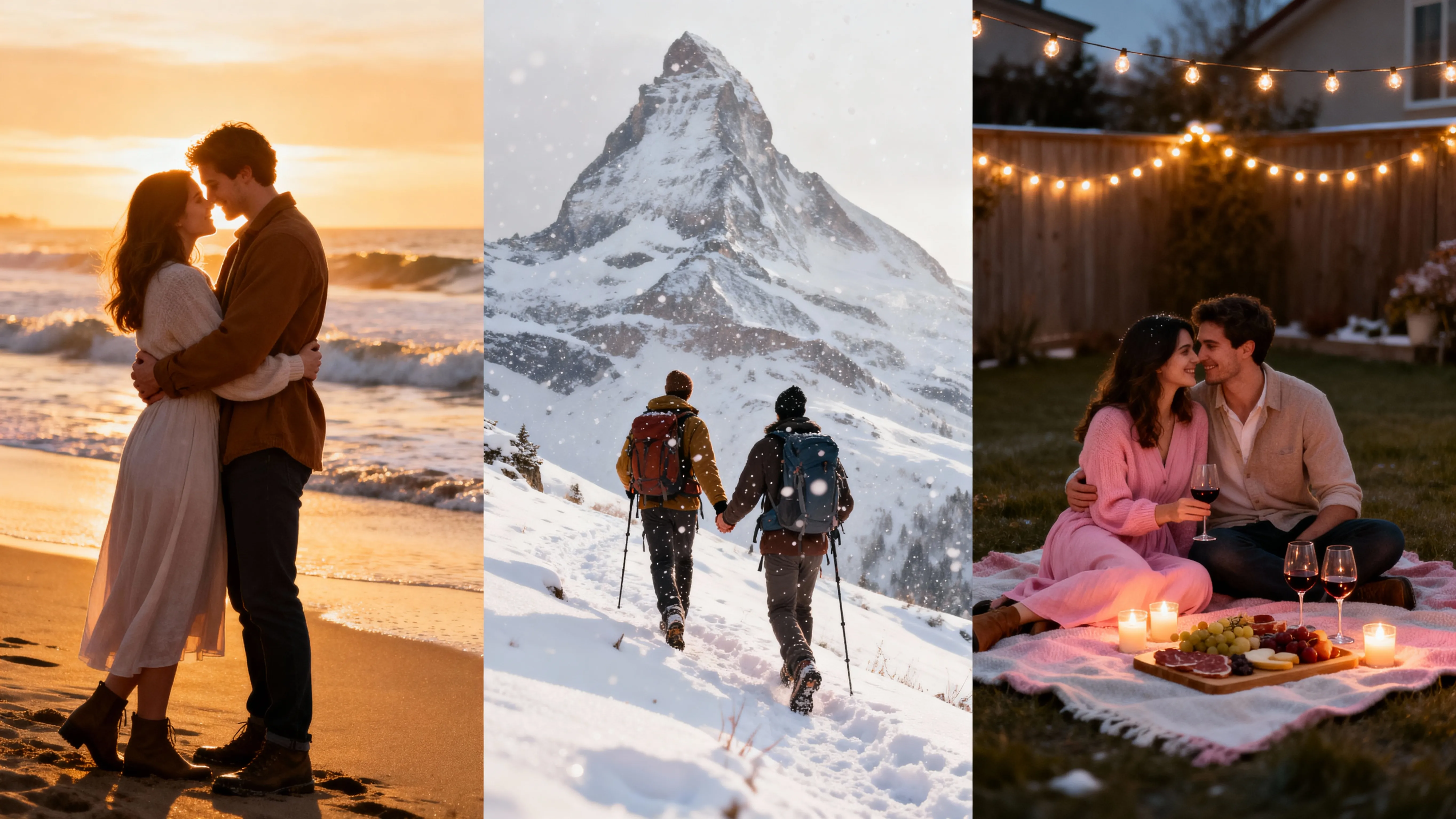
Moments to Montage
Upload a batch of video memories and prompt Kapwing’s Valentine’s Video Maker to automatically stitch them into a heartfelt montage — perfect for anniversaries, love stories, and year summaries.

Personalized Voice Over
Record your own voice over directly in the online studio — or get creative and clone a voice from a favorite character or celebrity. Just upload a 30-second sample to get started.
.webp)
Your Relationship Soundtrack
Music is the heartbeat of your video. Upload songs from YouTube or other platforms, or generate a personalized love song using AI
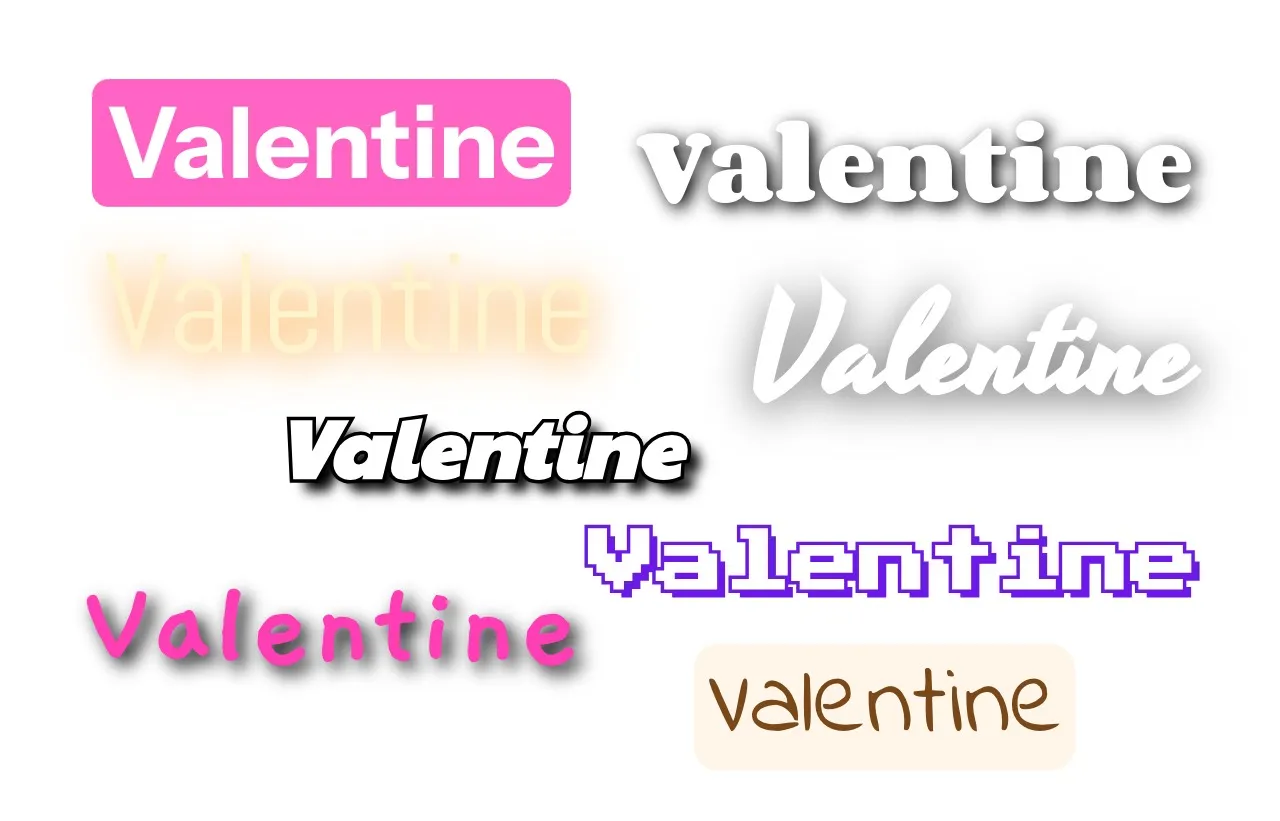
The Perfect Font
Set the tone with text that feels like you. Choose from elegant script fonts, bold handwritten styles, or playful options — all curated to match Valentine’s themes and moods.
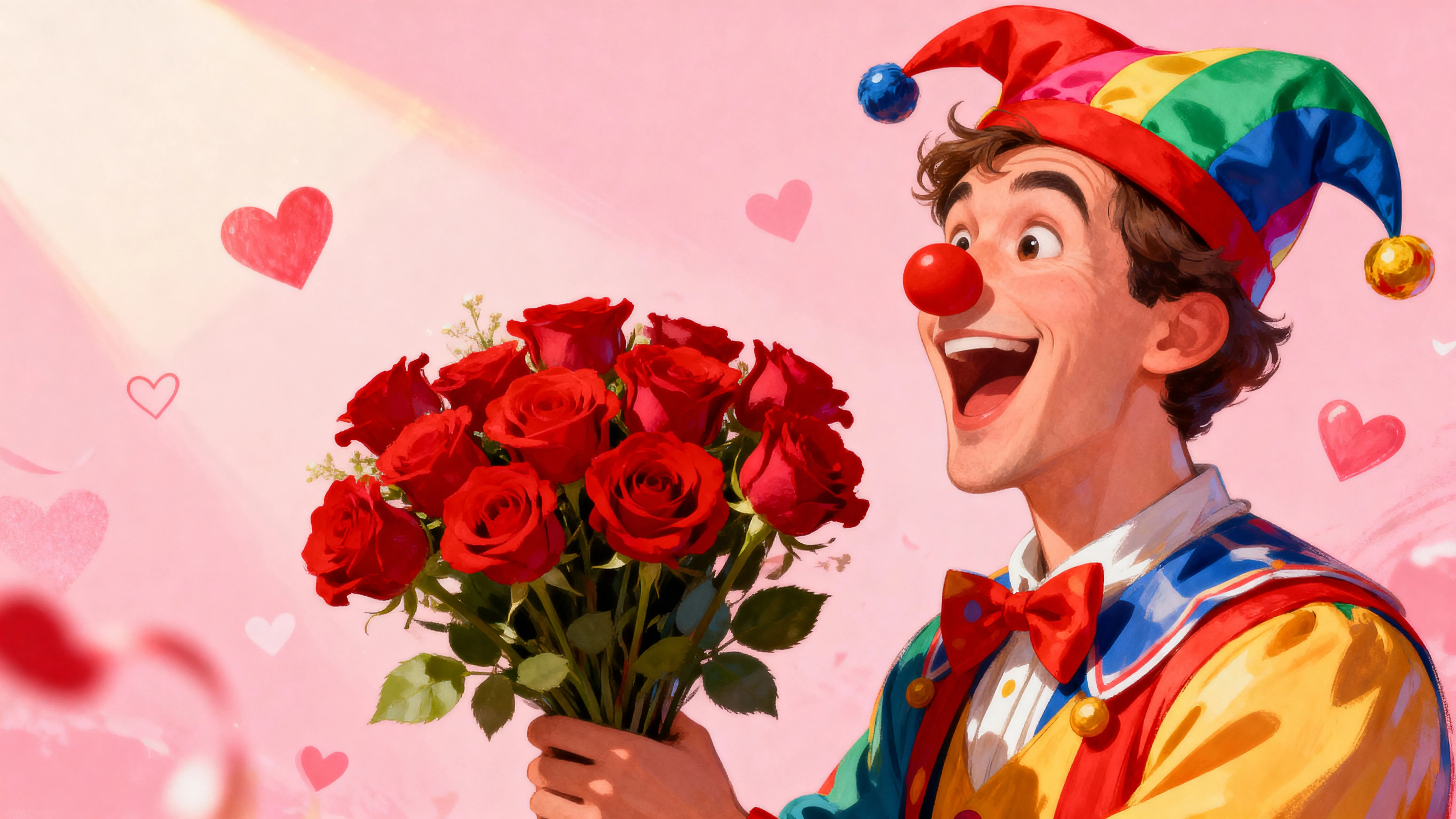
Capture Your Humor
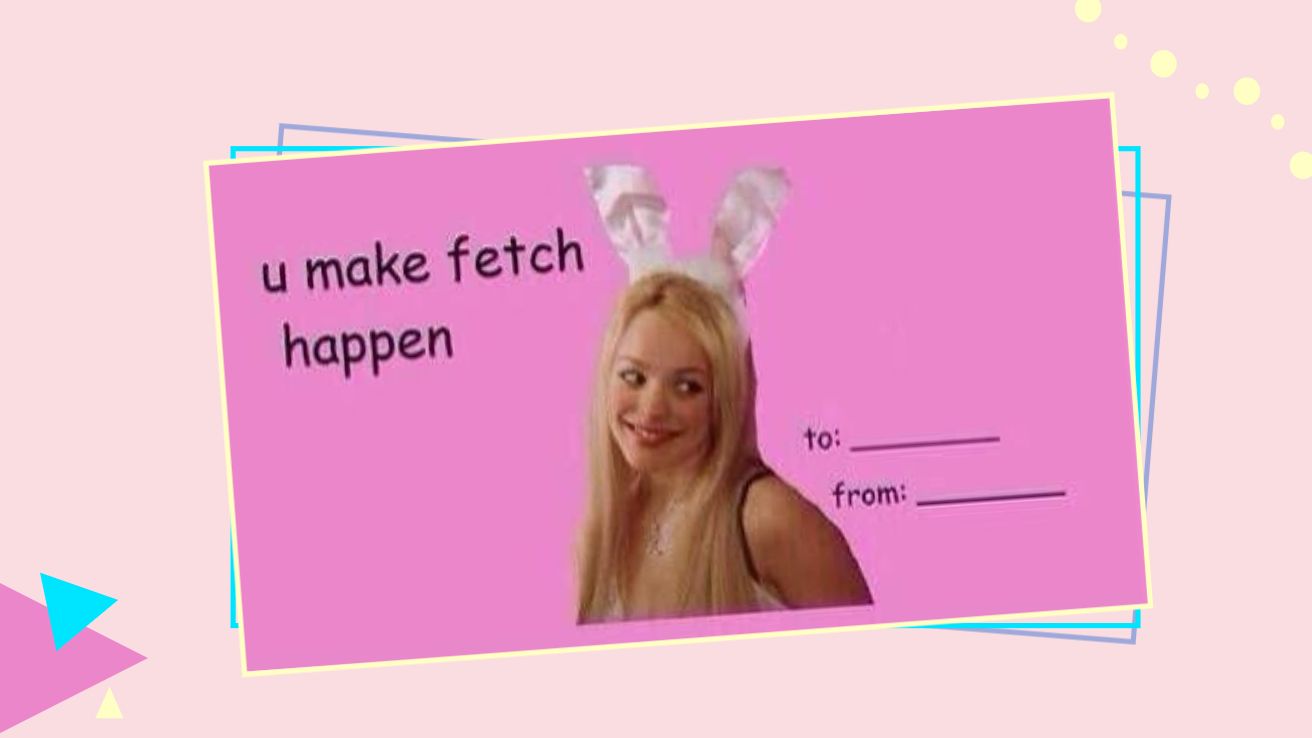
Generate funny Valentine videos using playful text, pacing, and music choices, including access to a library of Valentines Day-themed memes
How to Create Valentine's Day Videos
- Step 1Upload media
Open kapwing.com and upload your media, including images, video, and audio.
- Step 2Edit video
Edit your video using the drag and drop timeline or AI-powered tools such as the Montage Maker, Image to Video, or AI Video Generator
- Step 3Download and share
Click "Export" to save your Valentine's Day video to your desktop, mobile, or other device
Frequently Asked Questions
We have answers to the most common questions that our users ask.
Is the Valentine's Day Video creator free?
Yes, anyone can try Kapwing’s editing studio for free without watermarks. Our AI tools run on a credit system, with each feature costing a set number of credits. For maximum creativity and the best value, upgrade to a Pro account to unlock the full power of AI-driven content creation.
How to create a Valentine's Day video
Start by opening Kapwing and uploading your favorite photos, video clips, and music. Arrange your media on the drag-and-drop timeline, or use our AI Montage Maker to automatically stitch clips together. Customize your video with Valentine-themed fonts, stickers, hearts, and rose petal animations. You can also record a voice over message directly in the studio. Once you're happy with the result, click "Export" to download your video or share it directly to social media.
Can I make Valentine's Day videos on my phone?
Yes, you can create Valentine videos on your phone or tablet, including Android and Apple devices. You can download your video directly to your phone or move it to the studio to edit, export in a different file format, or share directly to social media.
What file formats does Kapwing support?
Kapwing supports all major file formats, including JPG, PNG, WebP, MOV, MP4, WebM, and GIF. When you generate a video with Kapwing AI, it will automatically be in MP4 format. If you want to convert to a different file type, you can move your video to the studio for additional export options.
Can I make Valentine's Day videos for kids?
Yes, you can create a Valentine’s Day video for kids with Kapwing using age-appropriate visuals, text, and music that are fun and family-friendly.
Do I need video editing skills?
No. The Valentine’s Day video maker is powerful but beginner-friendly, so anyone can create polished videos quickly. With built-in prompt enhancement, you don't have to write advanced video generator prompts to produce a high-quality result.
How long does it take to make a Valentine's Day video?
Valentine's videos can take anywhere from 15 minutes to create, depending on complexity. Our AI tools can auto-generate montages and transform images into moving videos in seconds. Fully customized projects with voice overs, multiple uploaded media, and effects may take a bit longer.
Can I add my own music to Valentine's Day videos
Yes. Upload any song from your device, import music from YouTube or other platforms, or use Kapwing's AI to generate a personalized love song. You have complete control over your video's soundtrack.
What's the best Valentine's Day video length?
For Instagram Stories or TikTok, keep it under 60 seconds. For a heartfelt message sent privately, 2-3 minutes works beautifully. Kapwing supports videos from a few seconds to several minutes long.
Discover Resources
Tips, templates, and deep dives to help you create faster and share with confidence.
View all

Get started with your first video in just a few clicks. Join over 35 million creators who trust Kapwing to create more content in less time.