Subtitle Templates for Every Video Style
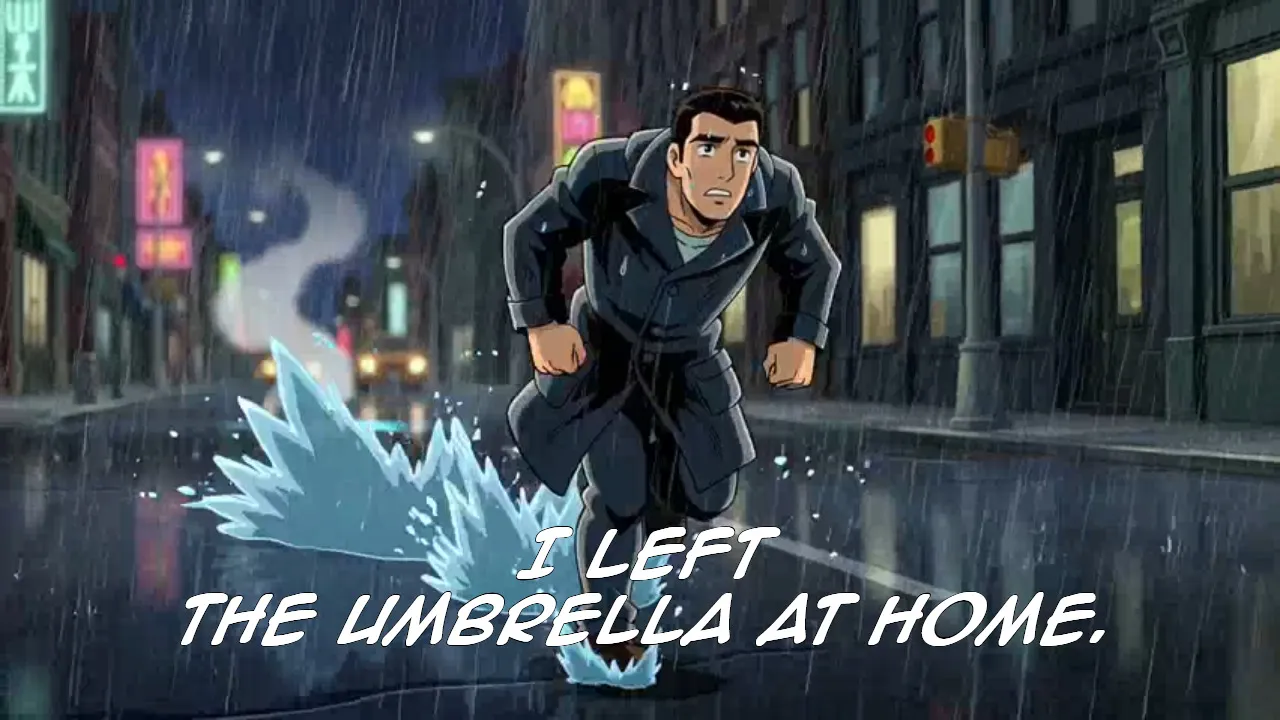
Explore free subtitle templates for every video style. Choose from Netflix-inspired captions, comic-book text, timed karaoke lyrics, bold animations, and handwritten designs. These ready-to-use templates make it easy to add professional, eye-catching captions to any video. No design experience needed.
Trending Now
Free, Customizable Subtitle Templates
Discover a library of free subtitle templates for every caption style, content format, and creator workflow. Browse platform-matched TikTok captions and Instagram aesthetics, bold pop-up and animated formats, or cinematic designs inspired by Netflix, the BBC, and retro TV. Every template is free and ready to use in seconds.
Unlike subtitle templates for Premiere Pro, After Effects, or DaVinci Resolve, Kapwing's templates work entirely in the browser with no software to install. Every template comes preloaded with an example video and caption style already applied. Replace it with your own footage, reapply auto-subtitles, and the style carries across your entire video instantly — no manual formatting required.
Want to go further? Kapwing's automatic subtitles let you adjust fonts, colors, timing, animations, and positioning directly in your browser. Customize any template to match your aesthetic, and export as am MP4 in any aspect ratio.
Frequently Asked Questions
We have answers to the most common questions that our users ask.
What are subtitle templates?
Subtitle templates are pre-styled caption formats with a preset font, color scheme, and animation already applied to a sample video. The sample footage is an example use case — simply replace it with your own video, reapply auto-subtitles, and the caption style carries across your content instantly.
Can I use these subtitle templates on any video?
Yes — the templates work with any video length or format. Replace the sample footage, reapply auto-subtitles, and the preset style is applied to your content automatically.
Can I change the font in a subtitle template?
Yes. Every template font can be swapped out directly in the editor, and Kapwing also supports custom font uploads if you want to use your own typeface.
Are these subtitle templates free?
Yes, all subtitle templates are free to open and edit. Free accounts include a limited number of subtitle minutes — upgrade to Pro for unlimited subtitles and watermark-free exports.
Do I need to redesign the captions after replacing the sample video?
No. The subtitle style is preserved when you reapply auto-subtitles to your own footage. You can also add static text in the same style without using the auto-subtitle tool — useful for quote posts, title cards, or any content that doesn't require generated captions.
What types of subtitle templates are available?
The collection includes platform-matched styles like TikTok and Netflix captions, animated formats like karaoke and pop-up subtitles, aesthetic styles like neon, glowing, and handwritten fonts, broadcast-accurate styles like BBC captions, and creator-specific styles like MrBeast and Alex Hormozi captions.
Can I use these subtitle templates iPhone and Android?
Yes — all subtitle templates open directly in Kapwing's browser-based editor, which works on mobile without any app or download required. Replace the sample video, reapply auto-subtitles, and export your finished video from any device.