Create an AI clone from reference images.
Tag it in any project to generate lip-synced videos from text.
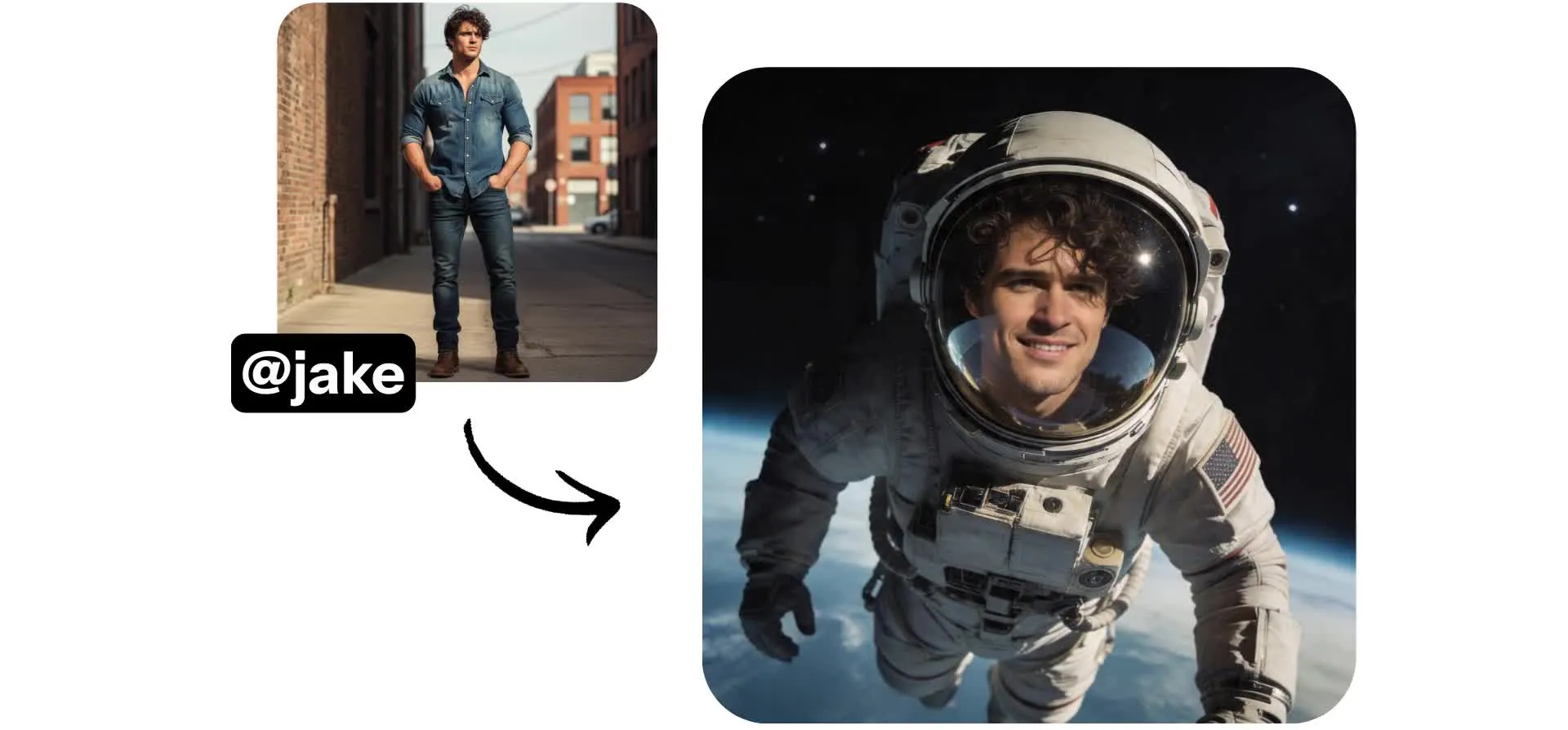
One AI Persona. Unlimited on-camera videos.
Create your AI clone in under 60 seconds on a Pro account — no video recording needed
Your AI clone, ready for any project
Create a high-quality AI clone from up to 10 reference images. Tag your AI Persona in any project to drop them into scenes with consistent voice and appearance. Generate in any aspect ratio you need, from 16:9 to 9:16.
Your AI Persona delivers every script with precision, no matter how complex the topic, and can be used in any video made by Kapwing's AI Video Generator.
Use your clone to create tutorials, product demos, explainer videos, and B-roll-heavy content from scripts, text prompts, PDFs, or starting images.
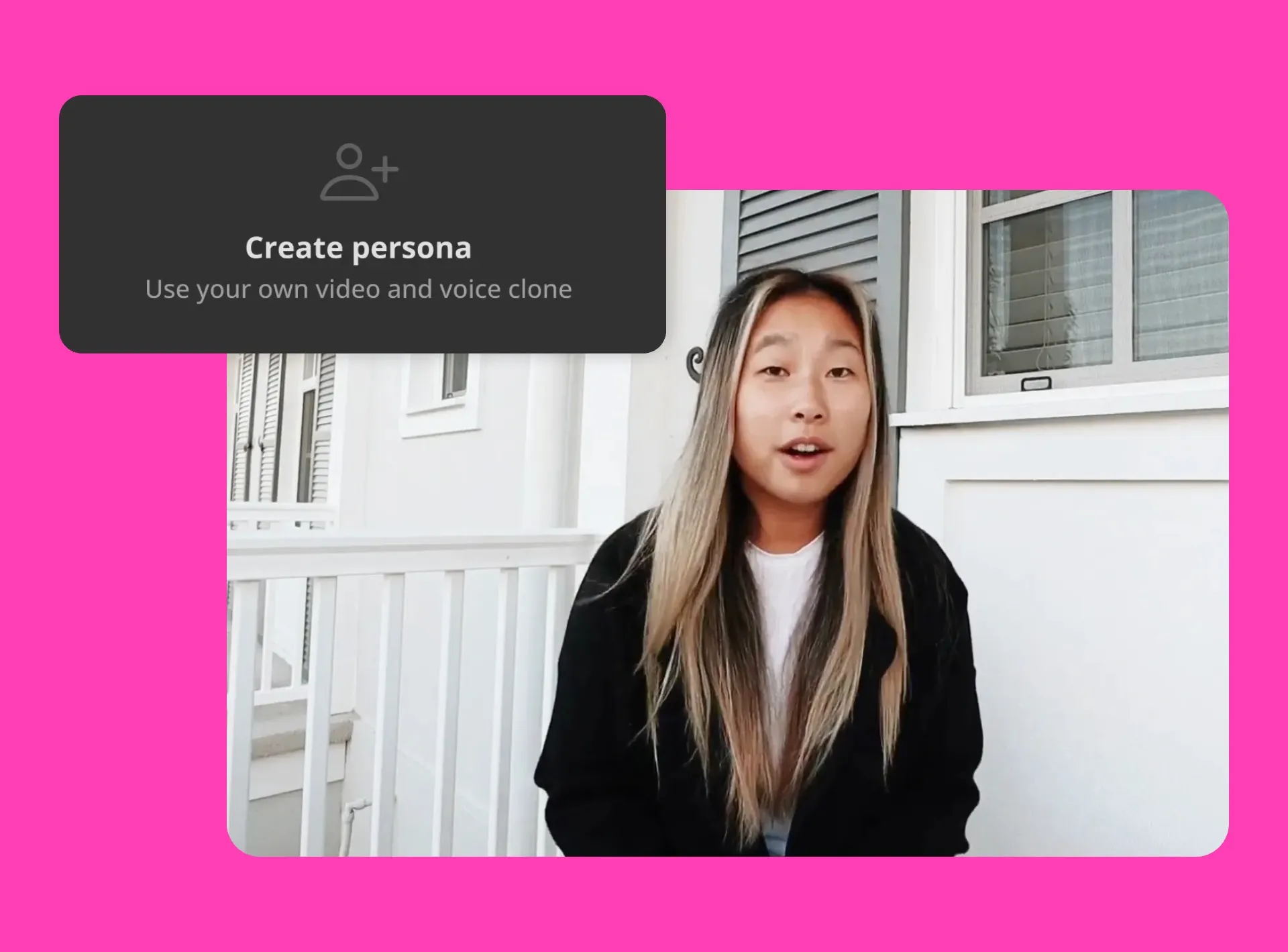
An AI presenter that never goes off-brand
AI Personas help creative teams produce serial content at speed — without breaking brand consistency or booking a presenter. No more retakes, no more bulk-recording days.
Kapwing's ElevenLabs-powered AI voice technology locks in your speaker's pitch, tone, emphasis, and intonation across every video, so episode 1 sounds exactly like episode 50.
Whether you're producing educational content, promotional videos, or social posts, your AI clone delivers the same high standard every time.
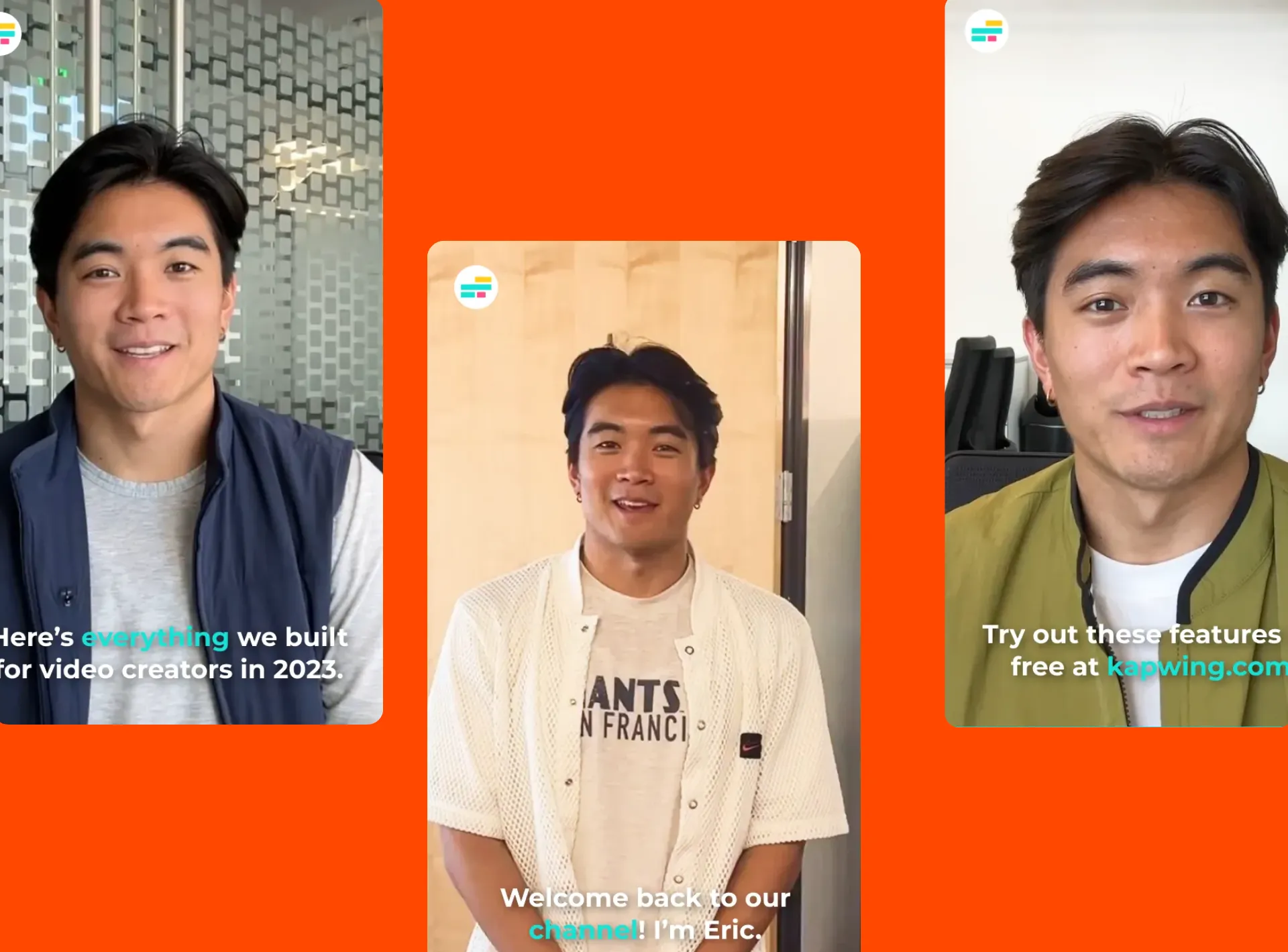
Build a team of AI characters — UGC creators, actors, and influencers
Don't want to clone yourself? Generate an AI Persona from scratch by uploading reference images using Kapwing's AI Image Generator — from a polished human spokesperson to a fully animated character.
Or skip creation entirely with 50+ free stock AI characters spanning ages, nationalities, accents, and delivery styles. The library includes cartoon, anime, and stylized characters like Santa, Dracula, Cupid, zombies, and superheroes.
Pick from authoritative voices for corporate presentations, friendly tones for social media, or a specific accent to resonate with a regional audience.

Accurate lip-sync applied automatically
Your AI Persona's mouth movements are generated automatically — no manual frame matching, no third-party plugins, no clean-up pass.
Hit Generate and your video renders with realistic lip movements synced to every syllable, in any of 40+ supported languages.
Kapwing's lip-sync engine is trusted by creators publishing straight to TikTok, YouTube Shorts, and LinkedIn at scale.

How to clone yourself with AI in under 60 seconds
AI voices powered by ElevenLabs. No video recording required.
Create
your AI clone with reference images and a voice recording


Tag
your clone in any AI video
Generate
using your clone and export as an MP4 in up to 1080p
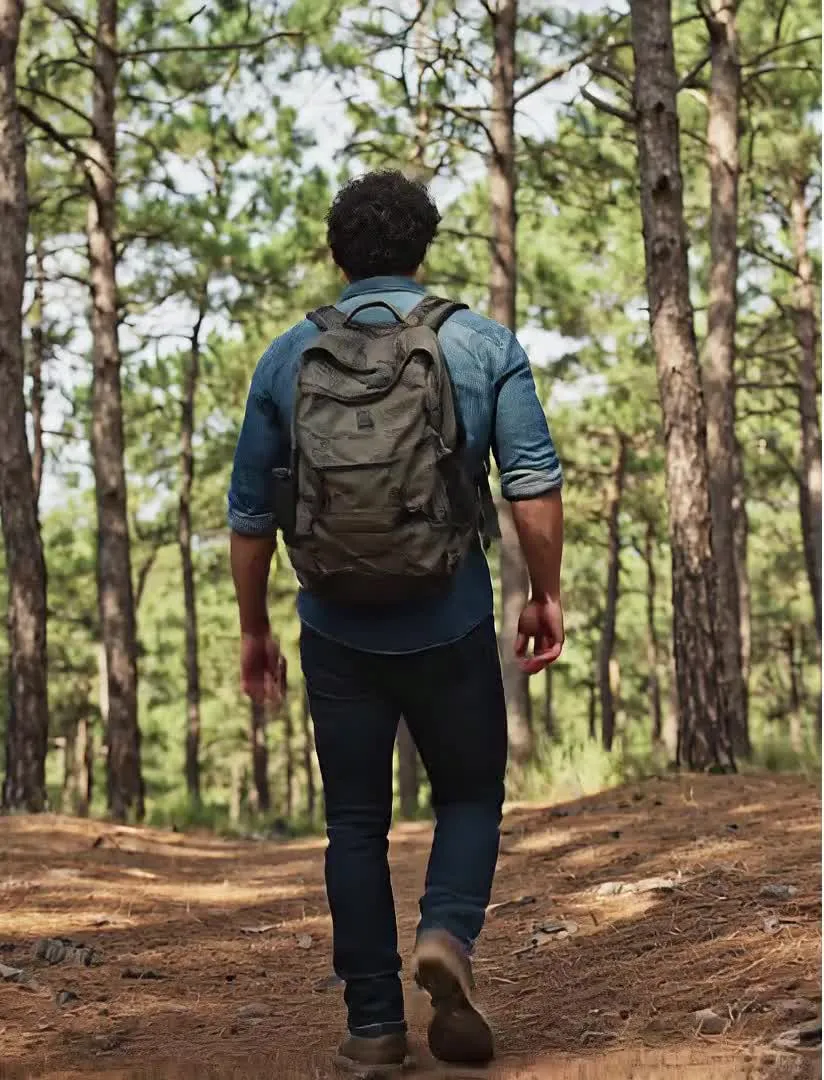
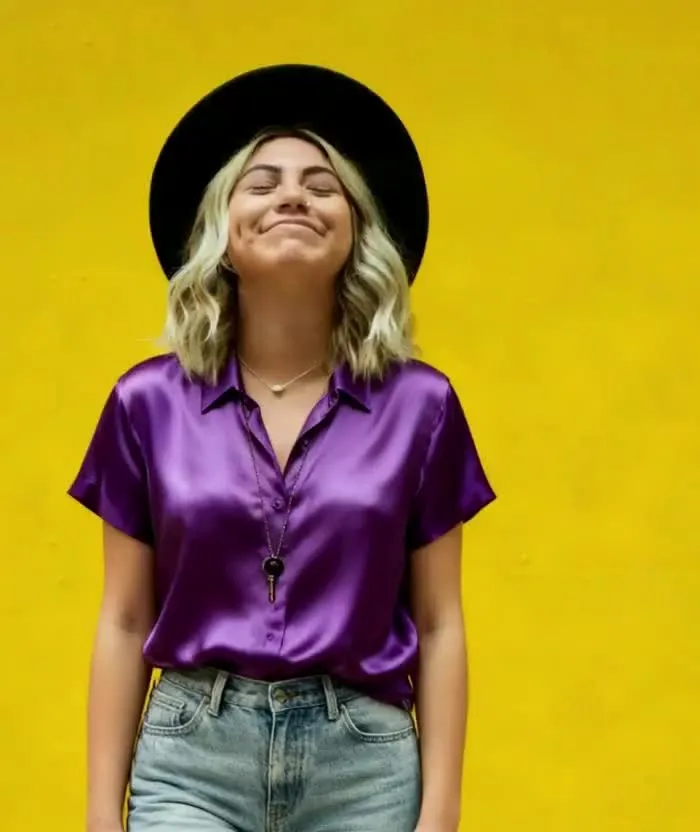
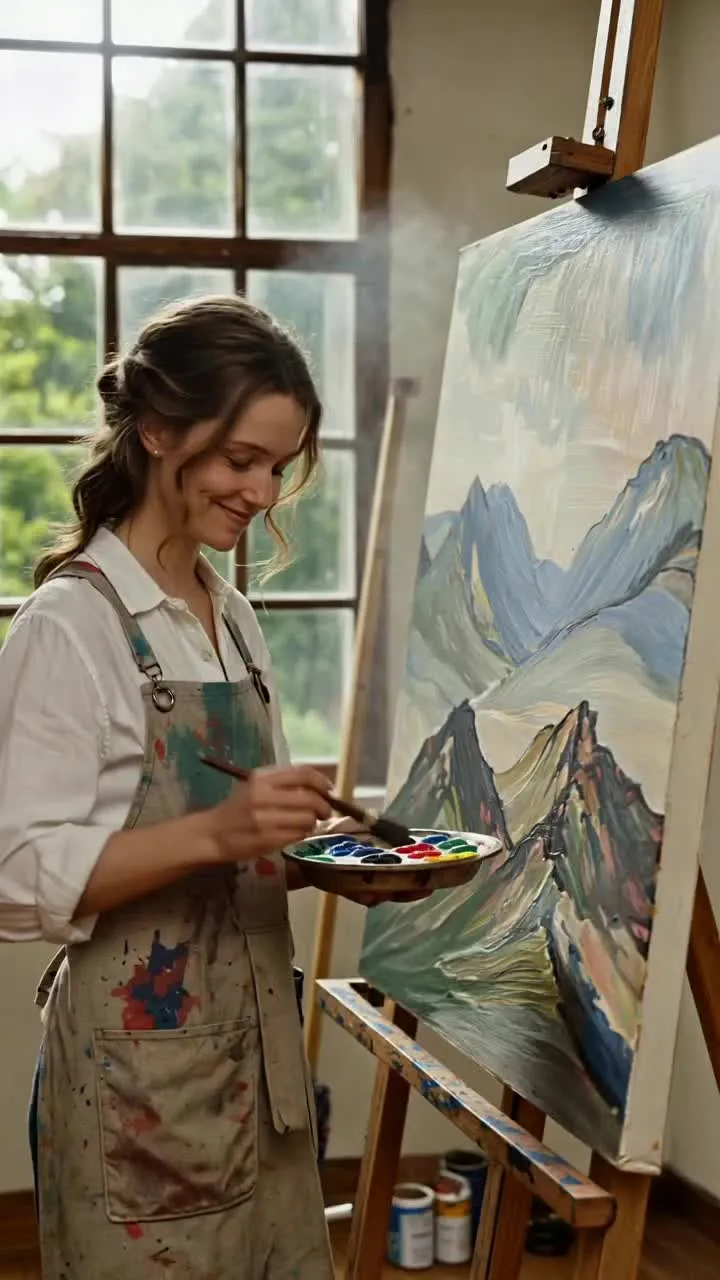
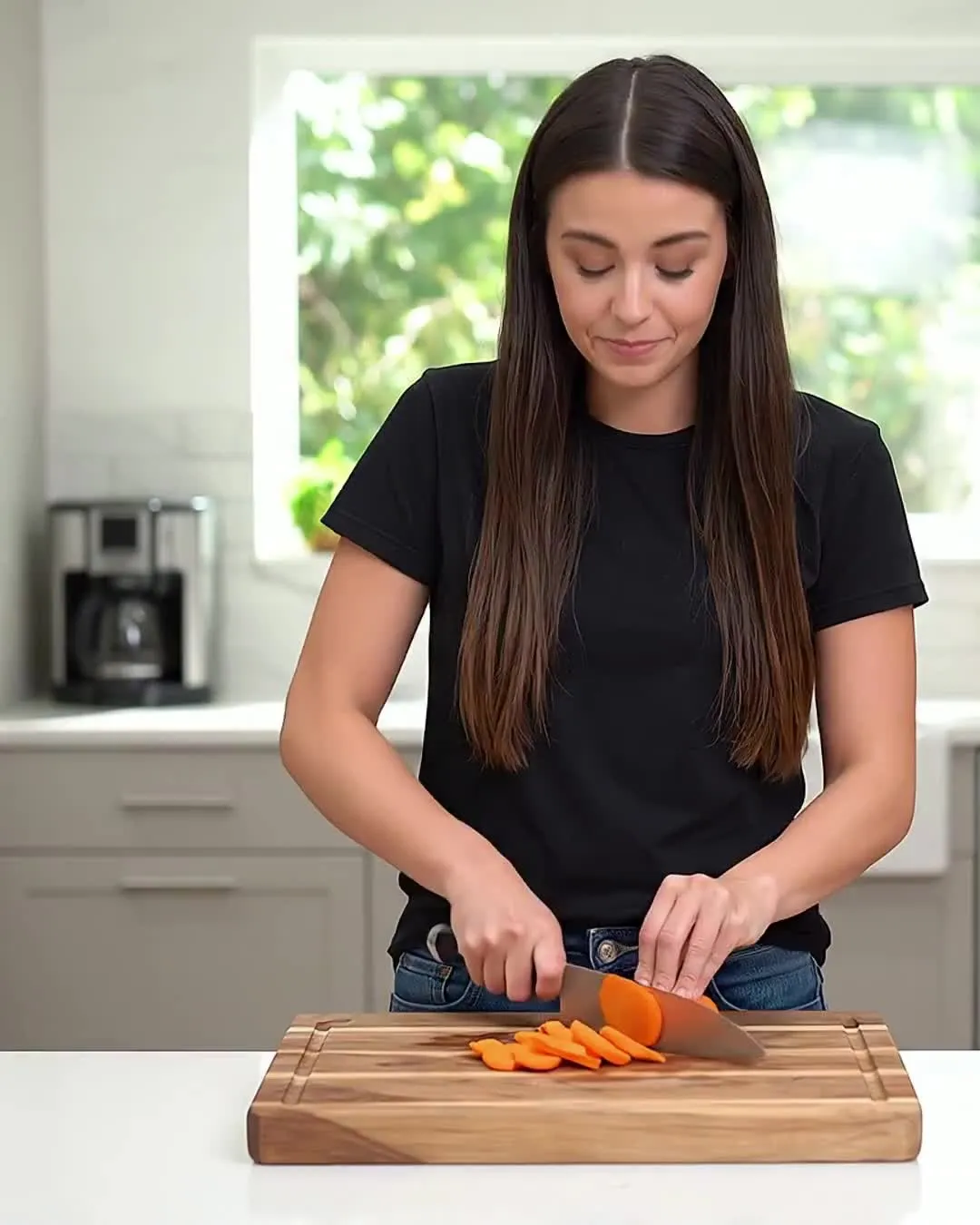

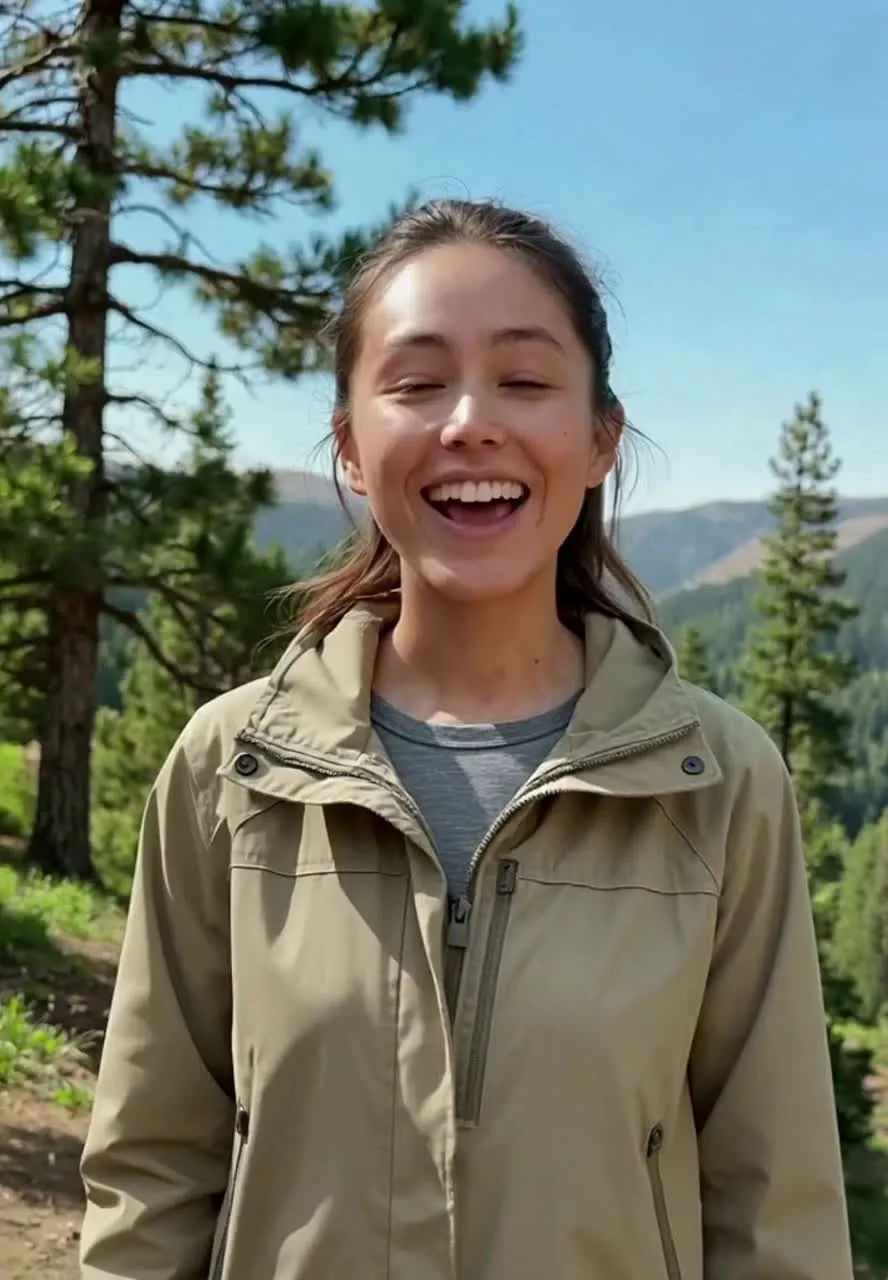
Join a diverse community of storytellers
Trusted by 35M+ creators worldwide
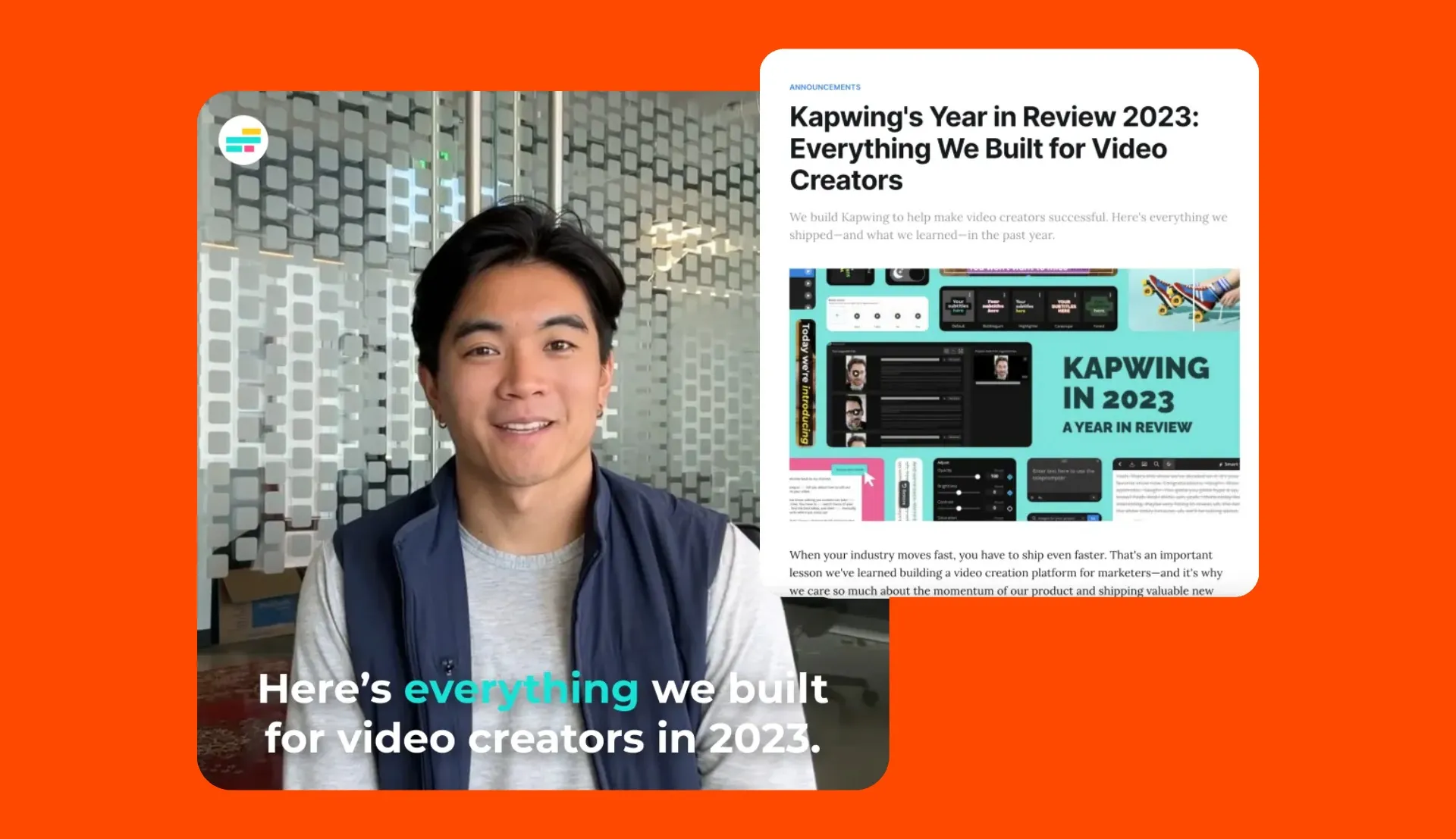
Online Courses
Coaches, educators, and thought leaders use AI Personas to deliver engaging, personalised learning experiences across modules and MOOCs
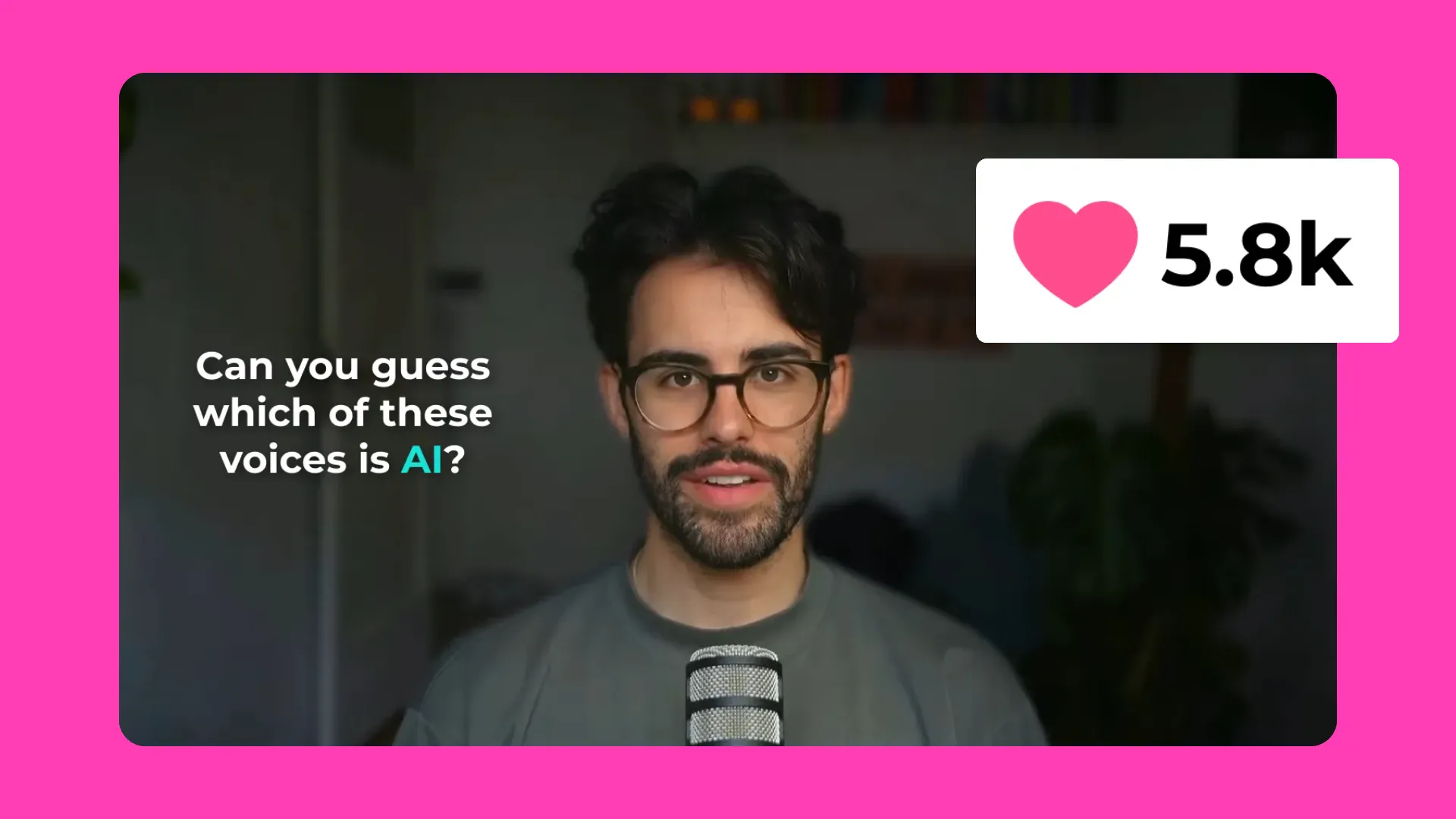
Campaigns & Ads
Marketers use AI Personas to put a human face on ads, promotions, and targeted creatives — without booking talent or studio time

Tutorials
Customer success teams build a library of AI clones to cover how-to videos, product updates, and help center content at scale
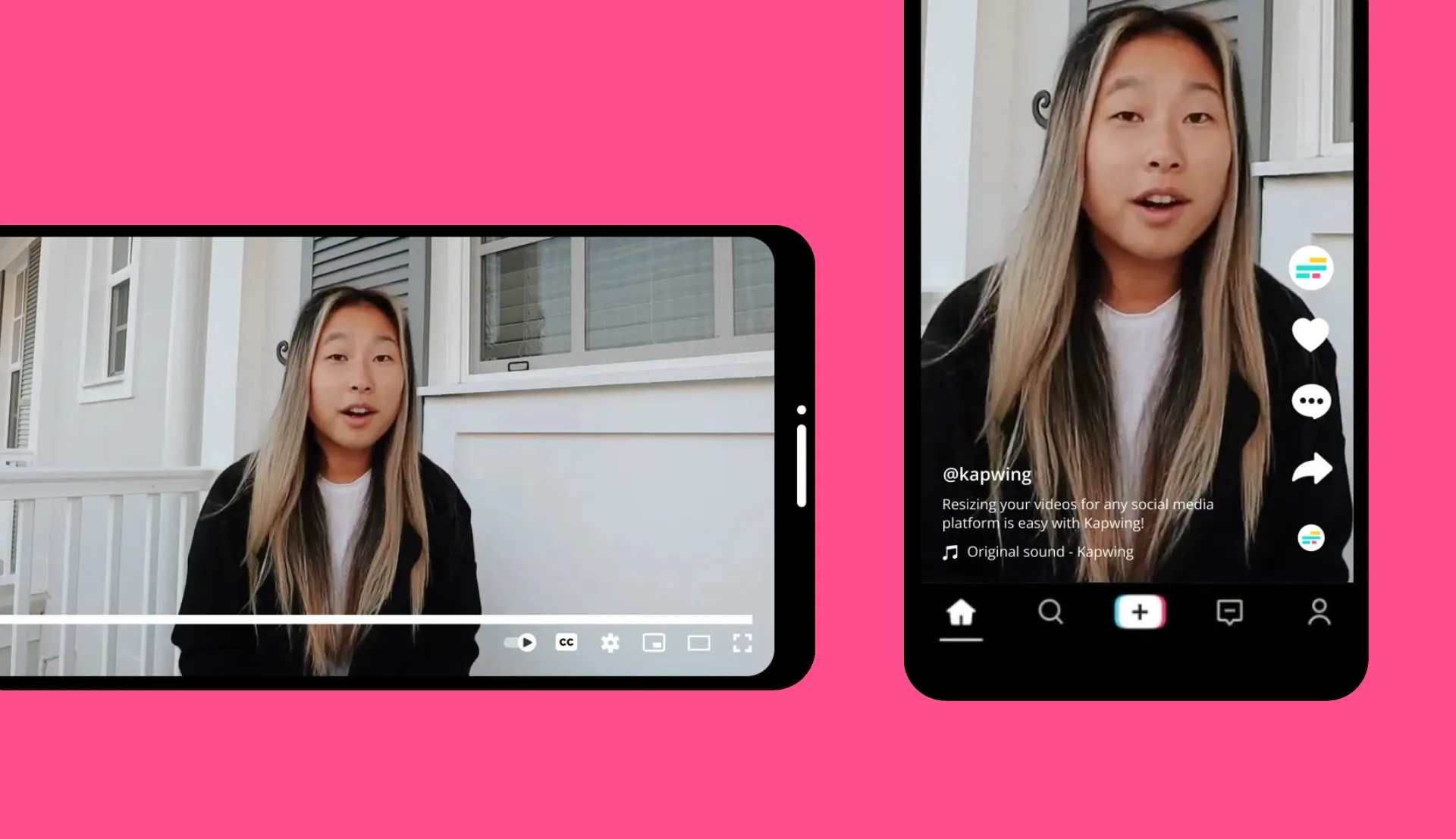
Social Media Clips
Executives, comms teams, and online personalities clone themselves to publish video announcements and respond to trends across TikTok, Instagram, and LinkedIn
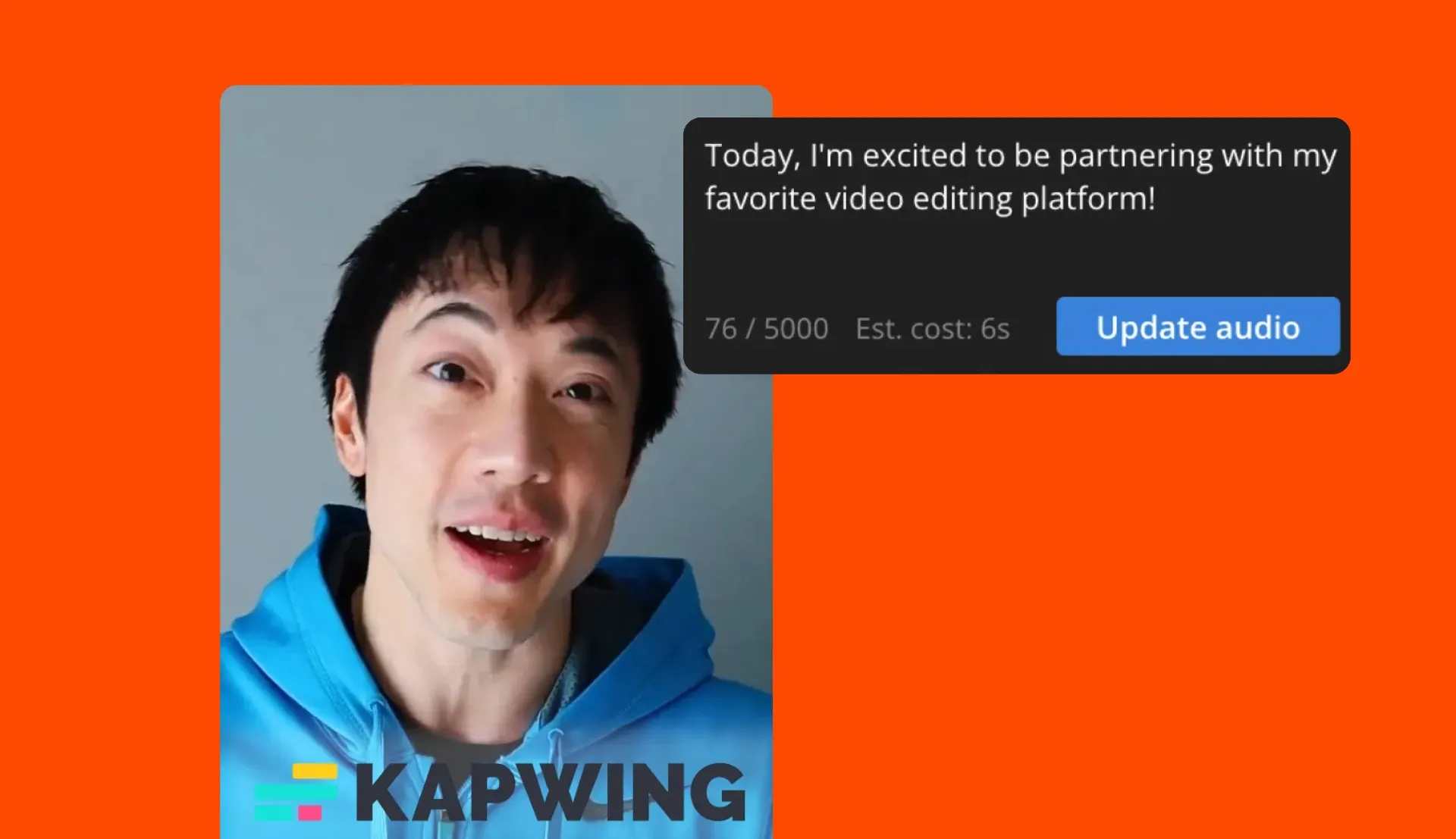
Brand Partnership
Business development teams welcome, announce, and onboard new partners with personalised AI clone videos that feel human without the production overhead
.webp)
Product Demos
Entrepreneurs and sales teams clone themselves once and mass-produce product demos with a lifelike presenter that scales with every launch
Trim, subtitle, and polish videos — all in one tool
Customize AI videos with pro editing features built-in
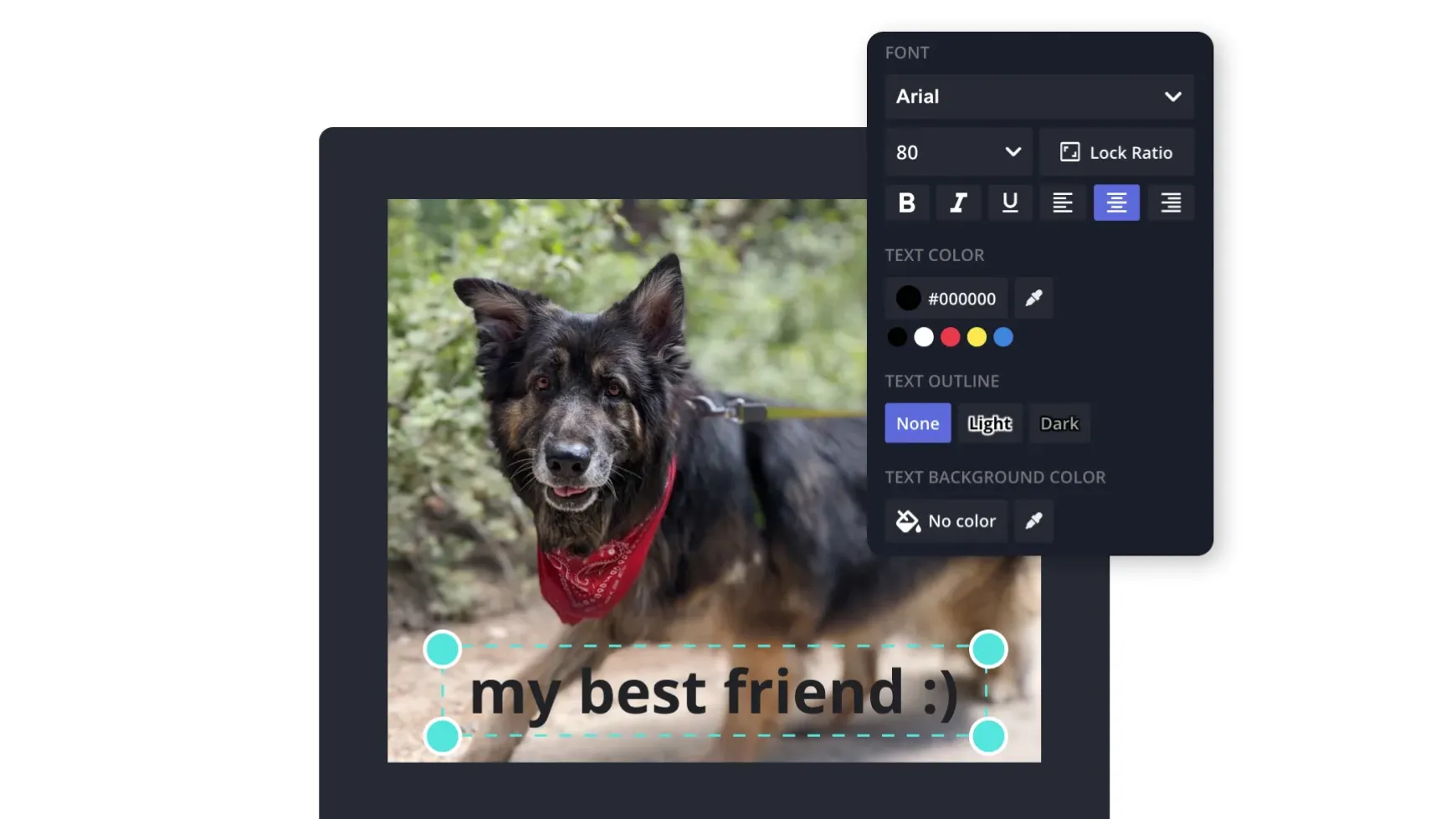
Add Text
Use "Text Tool" to showcase organized headings, sub-headings, sections, and additional text. Choose from a selection of templates that mimic social media handles, adding realism to your clone.
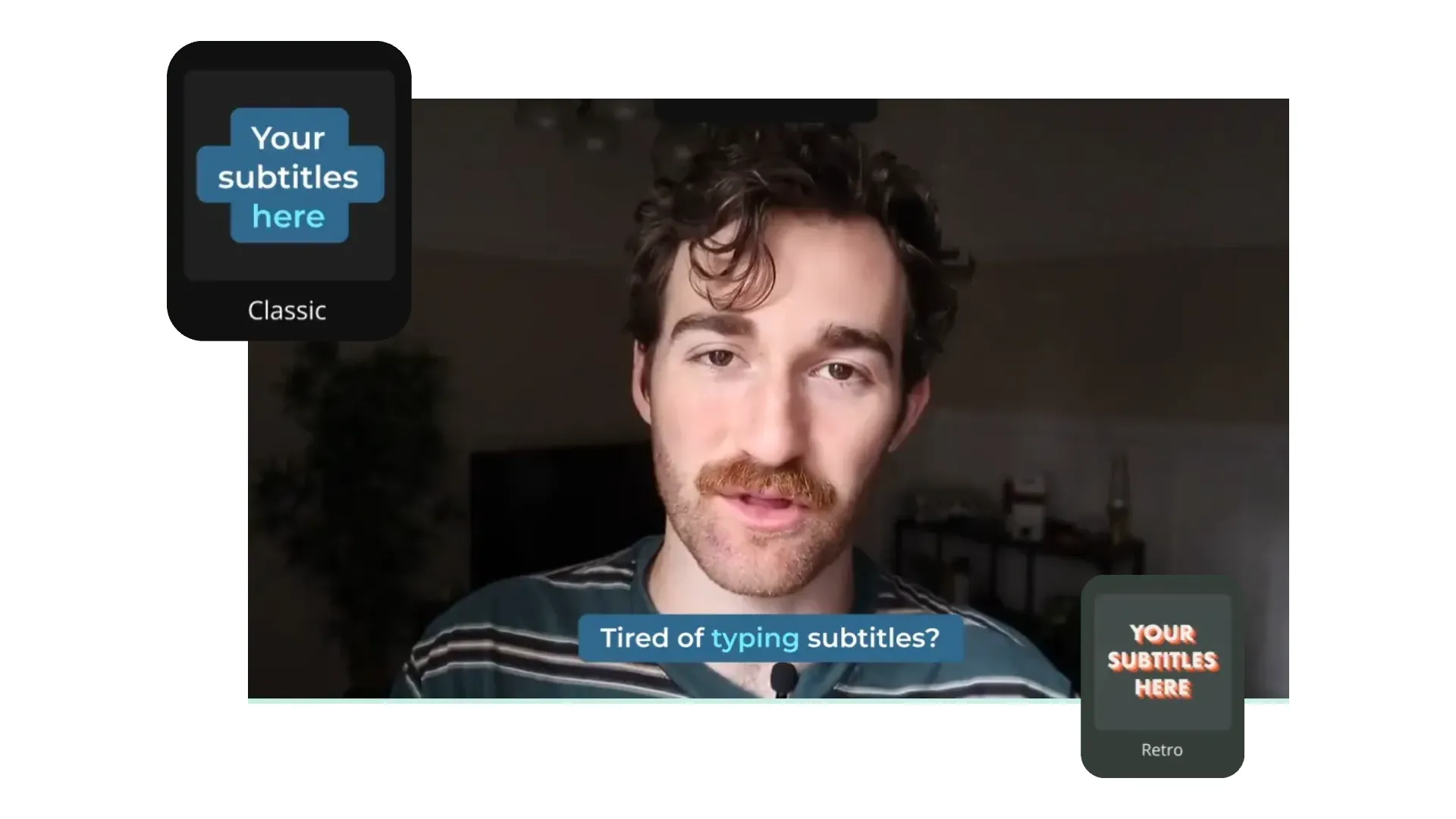
Auto-subtitles
Enhance your AI Persona video with dynamic editing tools such as the "Subtitles" feature. Select your preferred font, color, and transition for a polished result.
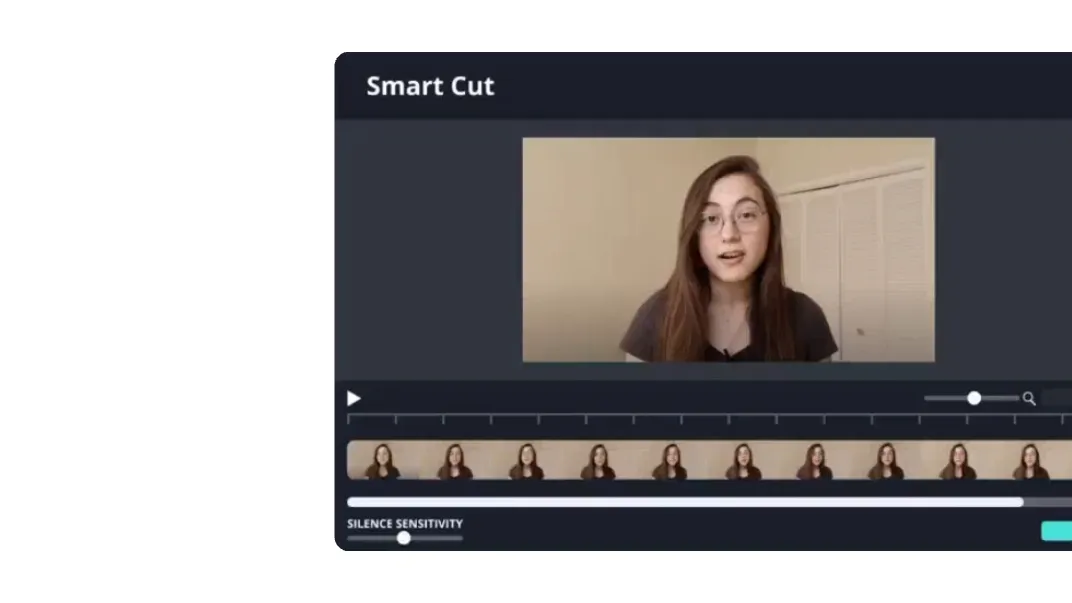
Smart Cut
Improve the flow of your AI Persona's voice. Use Kapwing's "Smart Cut" feature to automatically detect and remove silences, ensuring a fine-tuned audio finish.
.webp)
Background Music
Add your favorite song to keep your video engaging, choose from Kapwing's library of royalty-free background, or create a song using AI to set the mood

Sound Effects
Quickly add royalty-free or AI-generated sound effects to your video and instantly capture your audience’s attention. Boost watch times with sounds that resonate across any platform.
How to Create an AI Persona
- Step 1Create your AI Persona
Open the Brand Kit via Kapwing's homepage and scroll down to "Brand Characters". Create your clone by uploading up to 10 images. To save a voice, use "Brand Voices" above.
- Step 2Generate video
Launch Kapwing's AI Studio. Describe the scene, upload a script, or drop in a PDF — tag your Persona using @ and it will deliver speech with automatic lip-sync.
- Step 3Edit & export
Add your Persona to the timeline to enhance it with subtitles, logos, text, B-roll, and music. Trim the final cut and select "Export Project" to download.
Already transforming video creation across industries
Hear directly from the teams who publish faster, collaborate better, and stay ahead.


Frequently Asked Questions
We have answers to the most common questions that our users ask.
Are AI Personas free?
No, to create an AI Persona you need access to the Brand Kit, which is a Pro feature. A Brand Kit allows you to save characters, AI voices, fonts, colors, logos, and other branding elements for continued use.
Is there a watermark on exports?
No, watermarks are not included in your AI Persona export. All exported media under a Kapwing Pro account are watermark-free.
What is an AI Persona?
An AI Persona is a digital avatar created using Kapwing AI.
Kapwing has two types of Personas: creating an AI clone of yourself or using a Stock Persona. You can clone yourself into a Persona by uploading images. Kapwing's Stock Personas are a selection of human-realistic people and animated characters.
Can I create deepfake videos?
Yes, you can create deepfake videos of yourself, by using videos of people who have given you explicit permission, or using Kapwing's list of Stock Personas. Deepfake videos are not illegal and there is no federal legislation in the United States. However, using a celebrity or anyone else you do not have permission to use is prohibited and against Kapwing's Terms of Service.
Can I create a group of AI Personas?
Yes, you can create multiple AI Personas by uploading various recordings — it's not limited to a single clone. For marketing and content creation teams, Kapwing enables creating a personalized clone for every team member.
How many stock AI Personas does Kapwing have?
Kapwing offers over free 50 diverse stock AI Personas, powered by ElevenLabs, one of the world’s leading AI text-to-speech platforms. Our extensive library includes avatars with a wide range of ages, voices, genders, narration styles, and accents, ensuring there’s a perfect fit for any project.
How long does it take to create an AI Persona?
Kapwing’s generation process is fast. Unlike tools like Synthesia, which can take a full business day to create an AI Avatar, Kapwing completes the task in under 60 seconds. Once your AI Persona is ready, generating a video using it typically takes 5–10 minutes, depending on the length of your video. You can also use your Persona in images.
What file types do I need to clone myself?
Upload up to 10 reference images to create your clone. Supported image file types include JPG, WebP, and PNG. For your voice recording, upload or record up to three video or audio samples. Each file must be 200MB or smaller. For best results, use a total of 1-5 minutes of sample material.
How is Kapwing's AI clone different from HeyGen, Synthesia, and Argil?
Kapwing creates your AI clone in under 60 seconds using reference images only. Most competitors need a video recording of yourself and take anywhere from 15 minute to a full business day to create your AI clone. Kapwing also includes a full video editor, so you can drop your clone into B-roll, add subtitles, music, and resize for any platform without leaving the tool.
What resolution are AI Persona videos?
AI Personas can be generated in resolution up to 1080p. You can upscale videos to 4K using Kapwing's Upscale tool.
Can I use my AI Persona in images and videos?
Yes, once you have created an AI Persona in your Brand Kit then you can use it for any form of AI content including videos, images, and as part of a Custom Kai. Generate talking head-style videos where your AI Persona naturally delivers lines, or create videos featuring your persona moving realistically. Combine clips together in the Kapwing Studio to create polished content.
What languages do AI Personas support?
AI Personas support 40+ languages with automatic lip-sync generation. This includes widely used languages like English, Spanish, French, German, Portuguese, Hindi, Japanese, and Mandarin Chinese, among others.
What makes a good reference image?
To get the highest-quality AI clone, your reference images should follow a few simple guidelines:
- Good lighting (even, natural light; avoid harsh shadows)
- Clear frontal or slight-angle shots (face fully visible)
- Neutral expression (avoid exaggerated emotions)
- High resolution (sharp, not blurry or pixelated)
- Single-person framing (no other people in the shot)
- Consistent appearance (similar hairstyle, lighting, and look across images)
Uploading 1-3 strong, consistent images will produce the best results.
Can I clone just my voice without cloning my face (or vice versa)?
Yes. Kapwing separates these into two features:
- Brand Characters → your visual AI Persona (face/appearance)
- Brand Voices → your AI voice (powered by ElevenLabs)
You can create and use just a voice, just a character, or combine both depending on your workflow.
Who owns the videos and AI clone I create?
You retain full ownership of the content you create using AI Personas, including videos generated with your clone.
As long as you follow Kapwing’s Terms of Service (e.g. only cloning people you have permission to use), your AI Persona and generated videos are yours to use, publish, and distribute.
Can I use my AI Persona for commercial projects, ads, or client work?
Yes. AI Personas are designed for professional and commercial use cases.
Discover Resources
Tips, templates, and deep dives to help you create faster and share with confidence.
View all


Get started with your first video in just a few clicks. Join over 35 million creators who trust Kapwing to create more content in less time.