Generatore di Effetti Sonori AI
Crea effetti sonori di qualità professionale — in pochi secondi
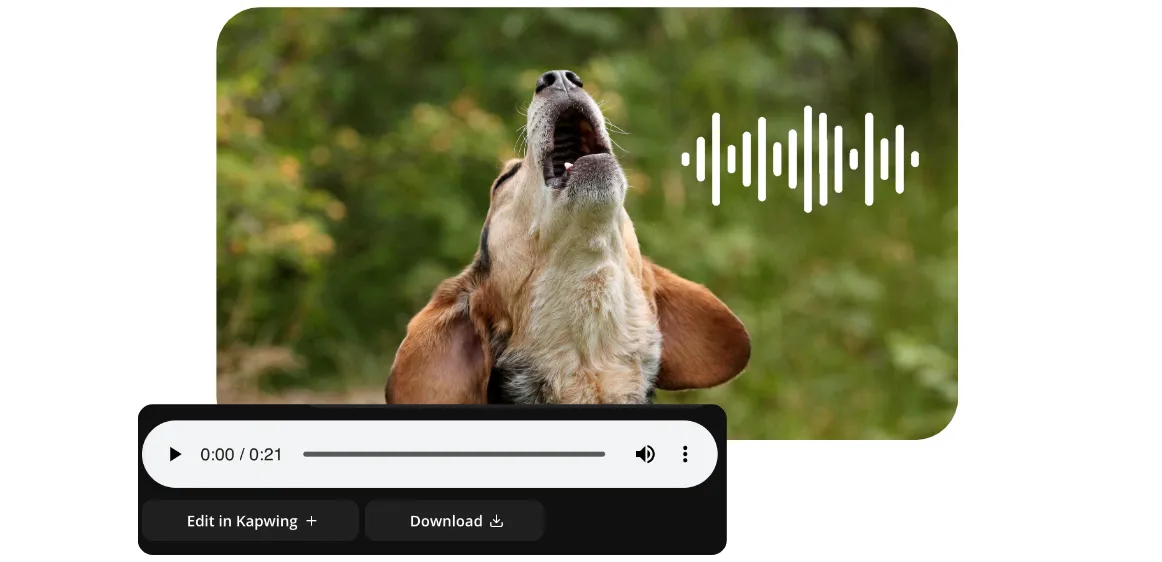
Effetti sonori personalizzati per qualsiasi progetto
Non più scorrere tra le librerie di archivi — scrivi semplicemente quello che ti serve
Effetti sonori di qualità da studio in pochi secondi
Genera effetti sonori personalizzati e royalty-free per qualsiasi video, progetto o campagna con il generatore di effetti sonori AI di Kapwing. Arricchisci i contenuti dei social media, marketing, pubblicità e videogiochi senza sforzo usando semplici prompt conversazionali — nessuna registrazione o competenza tecnica richiesta.
Ora i tuoi video TikTok e YouTube possono risaltare con effetti sonori unici e personalizzati, che variano da "pioggia sulla tenda" a "astronave fantascientifica". Aumenta l'engagement con effetti sonori spaventosi, divertenti, cinematografici o altamente specifici che puoi modificare per l'intonazione, il tono, la velocità e l'intensità perfetti — tutto generato in pochi secondi.
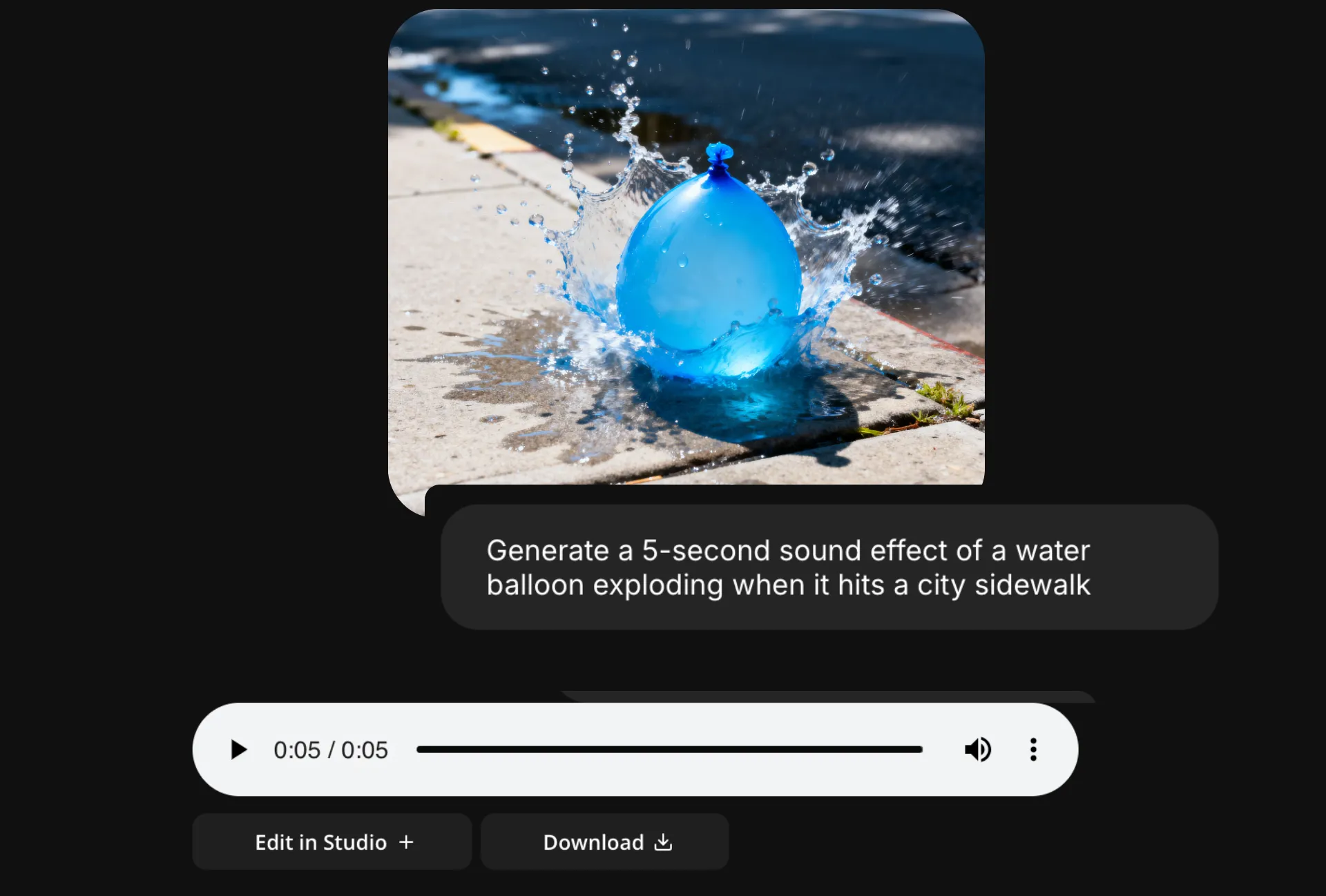
Crea esattamente quello che ti serve per qualsiasi contenuto
Salta la frustrazione di editare e risparmia tempo generando effetti sonori realistici che si adattano perfettamente ai tuoi contenuti da subito.
Sii specifico quanto vuoi, incorpora suoni aggiuntivi (aggiungi il suono di un lupo che ulula), e regola intensità e durata, tutto con semplici prompt.
Poi salva facilmente gli effetti sonori nel tuo Brand Kit per usarli nei tuoi progetti.

Kontrol editoriale completo sul tuo suono
L'intera gamma di strumenti di editing audio e video di Kapwing ti porta dal concetto al video perfezionato senza lasciare la scheda del tuo browser.
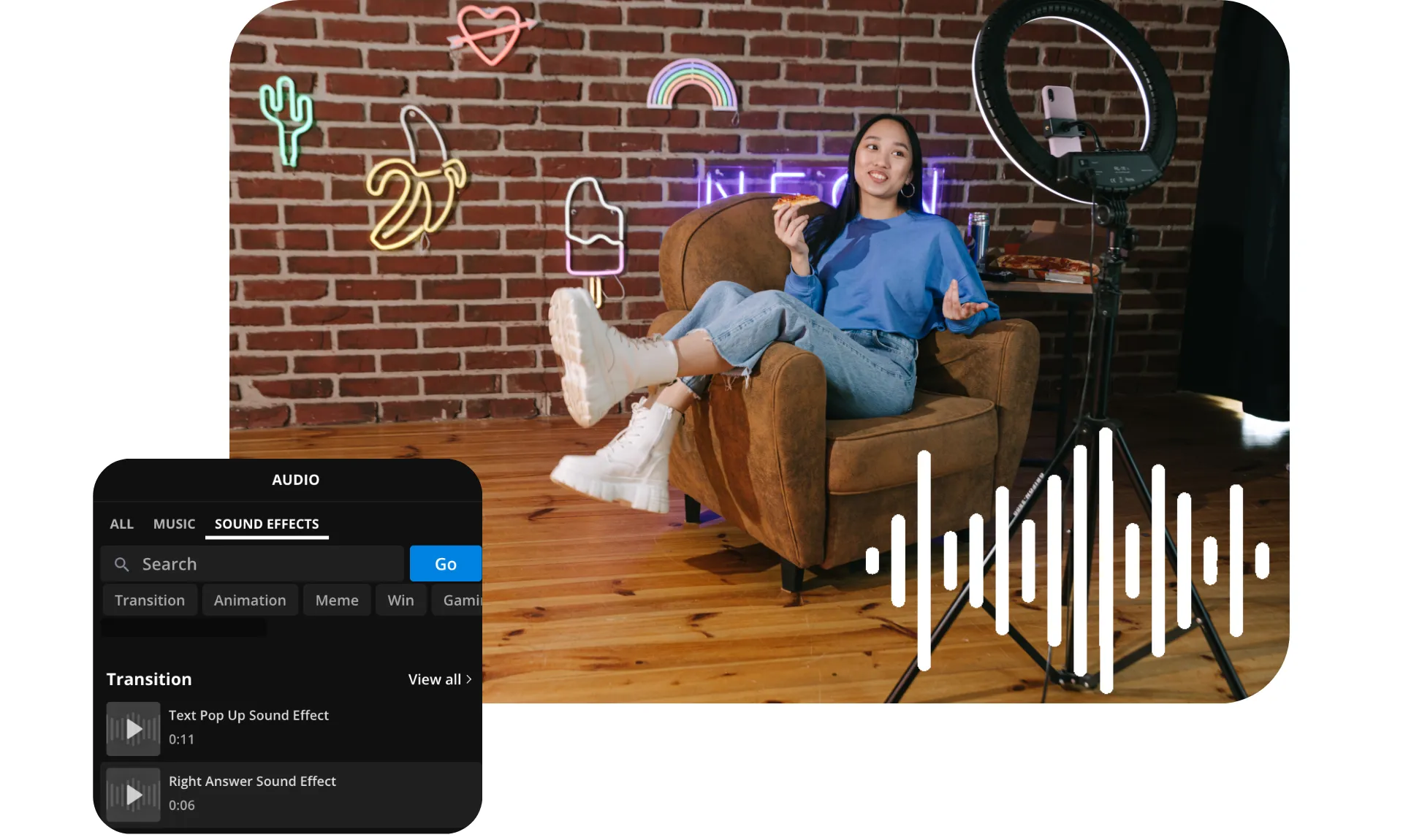
Sposta il tuo suono generato dall'IA nello studio per sovrapporre il tuo audio su immagini e video. Clona la tua voce, crea una voce narrante da testo a voce alimentata dall'IA, oppure utilizza l'ampia libreria di effetti sonori e musica royalty-free per trasformare qualsiasi progetto in un'esperienza audio coinvolgente dall'inizio alla fine.
Come fare effetti sonori con l'IA
- Step 1Apri Kapwing
Dal tuo workspace di Kapwing, apri una nuova chat con l'assistente AI.
- Step 2Inserisci prompt
Inserisci un prompt come "Genera un effetto sonoro di 6 secondi di una forte pioggia su un tetto di metallo." Specifica il numero di secondi e descrivi il suono nel dettaglio.
- Step 3Modifica o scarica
Modifica i tuoi SFX inserendo prompt aggiuntivi, oppure scarica come MP3.
Già rivoluzionando la creazione di video in diversi settori
Ascolta direttamente dai team che pubblicano più velocemente, collaborano meglio e rimangono sempre avanti.


Domande Frequenti
Abbiamo le risposte alle domande più comuni che i nostri utenti ci fanno.
L'AI Sound Effect Generator è gratuito?
Sì, chiunque può provare gratuitamente il Generatore di Effetti Sonori AI di Kapwing. I nostri strumenti AI funzionano con un sistema di crediti, dove ogni funzione costa un numero fisso di crediti. Per la massima creatività e il miglior rapporto qualità-prezzo, passa a un account Pro per sbloccare il pieno potenziale della creazione di contenuti basata su AI.
I suoni sono royalty-free e vanno bene per l'uso commerciale?
Sì, gli effetti sonori che crei con il generatore di effetti sonori AI di Kapwing sono royalty-free e disponibili per uso commerciale, quindi puoi utilizzarli ovunque, senza preoccupazioni.
Posso usare Kapwing per trasformare il testo in effetti sonori?
Sì, la funzione da testo a effetto sonoro di Kapwing ti permette di inserire prompt di testo e trasformarli in file audio SFX personalizzati. Inserisci un prompt come Genera un effetto sonoro di un cane che abbaia e lo strumento creerà un file audio personalizzato scaricabile.
Come dovrei scrivere i miei prompt per ottenere i migliori risultati?
Il generatore di effetti sonori AI di Kapwing ha il miglioramento dei prompt integrato, quindi funziona con prompt semplici come Genera un effetto sonoro di un temporale. Se hai idee più specifiche, puoi scrivere un prompt più descrittivo spiegando esattamente cosa vuoi sentire. Per ulteriori indicazioni, leggi questa guida del generatore di effetti sonori.
Posso modificare i miei effetti sonori dopo averli generati?
Sì, Kapwing è anche un editor di effetti sonori facile da usare. Puoi ritoccare i tuoi effetti sonori inserendo prompt aggiuntivi, come Aggiungi il suono di un gatto che miagola. Oppure sposta il tuo file audio nello studio di Kapwing per accedere a un'intera gamma di audio gratuiti e strumenti di editing video.
Posso aggiungere effetti sonori ai video?
Certo, puoi generare effetti sonori personalizzati usando Kapwing e poi aggiungerli ai tuoi video nello studio di editing. Puoi persino generare un video completamente nuovo usando un AI Video Generator, quindi aggiungere effetti sonori generati ad esso.
Come usare l'IA per creare effetti sonori
Per creare effetti sonori AI, apri il Generatore di Effetti Sonori AI e avvia una nuova chat. Inserisci un prompt che descriva il tuo effetto sonoro, come Genera un effetto sonoro di pioggia pesante che colpisce una tenda in tela. Il Generatore di Effetti Sonori AI creerà un file audio scaricabile con il tuo effetto sonoro. Regolalo utilizzando ulteriori prompt, scarica il tuo file o spostalo nello studio Kapwing per accedere all'intera serie di strumenti di editing audio.
Che tipi di effetti sonori posso creare?
Puoi usare il creatore di effetti sonori di Kapwing per generare praticamente qualsiasi suono che tu possa immaginare, inclusi effetti sonori divertenti come errore, bruh, scoregge o risate, effetti sonori spaventosi come gemiti o crash, e effetti sonori drammatici come tempeste, spari, pianti di bambini, boati o esplosioni. Prova un effetto sonoro rilassante e in stile ASMR di pioggia intensa o onde dell'oceano. Oppure crea qualcosa di completamente personalizzato per i tuoi contenuti.
In che formato di file saranno i miei effetti sonori?
L'AI di Kapwing genera effetti sonori come file MP3 scaricabili. Puoi scaricare gli effetti sonori facendo clic su "Download" nella chat per salvare il file sul tuo computer. Oppure aggiungi effetti sonori ai video trascinandoli nello studio di editing di Kapwing.
Kapwing può generare effetti sonori per giochi?
Sì, Kapwing genera effetti sonori per qualsiasi scopo, inclusi videogiochi, YouTube, TikTok e Instagram.
Quanto pode ser longo ou curto meu SFX?
Puoi generare effetti sonori lunghi quanto 1 secondo o fino a X secondi.
Quali modelli di AI supporta Kapwing?
Kapwing supporta i modelli di AI sia per la generazione di audio che di video. Per l'audio, MiniMax consente ai creator di generare musica personalizzata, effetti sonori e tracce ambientali direttamente da prompt di testo. Per i video, Kapwing integra i principali modelli di AI inclusi Kling (AI Motion Transfer), Seedance (video fino a 30 secondi), Veo (clip lucide e cinematografiche) e MiniMax (economico e di alta qualità).
Scopri le Risorse
Consigli, modelli e approfondimenti per aiutarti a creare più velocemente e condividere con sicurezza.
Visualizza tutto
Che cosa rende Kapwing diverso?



Inizia con il tuo primo video in pochi click. Unisciti a oltre 35 milioni di creator che si fidano di Kapwing per creare più contenuti in meno tempo.