Remove Background From Video
Remove video backgrounds automatically with AI.
Isolate moving subjects in seconds online.
.webp)
Remove video backgrounds in one click
Automatically isolate subjects with AI, no green screen or manual editing required
Isolate subjects with AI
Remove the background from any video in seconds with Kapwing's AI video background remover. Upload your footage to Kapwing Studio and click "Remove Background" to automatically separate your subject from the background across every frame. No green screen, manual masking, or rotoscoping required.
Isolate people, products, and other moving subjects while keeping the background transparent in the editor. You can also replace the video background with a solid color, image, or video.
Remove video backgrounds online for talking-head videos, ads, tutorials, and social clips. Continue editing in the same browser-based workspace, with no need to switch apps.
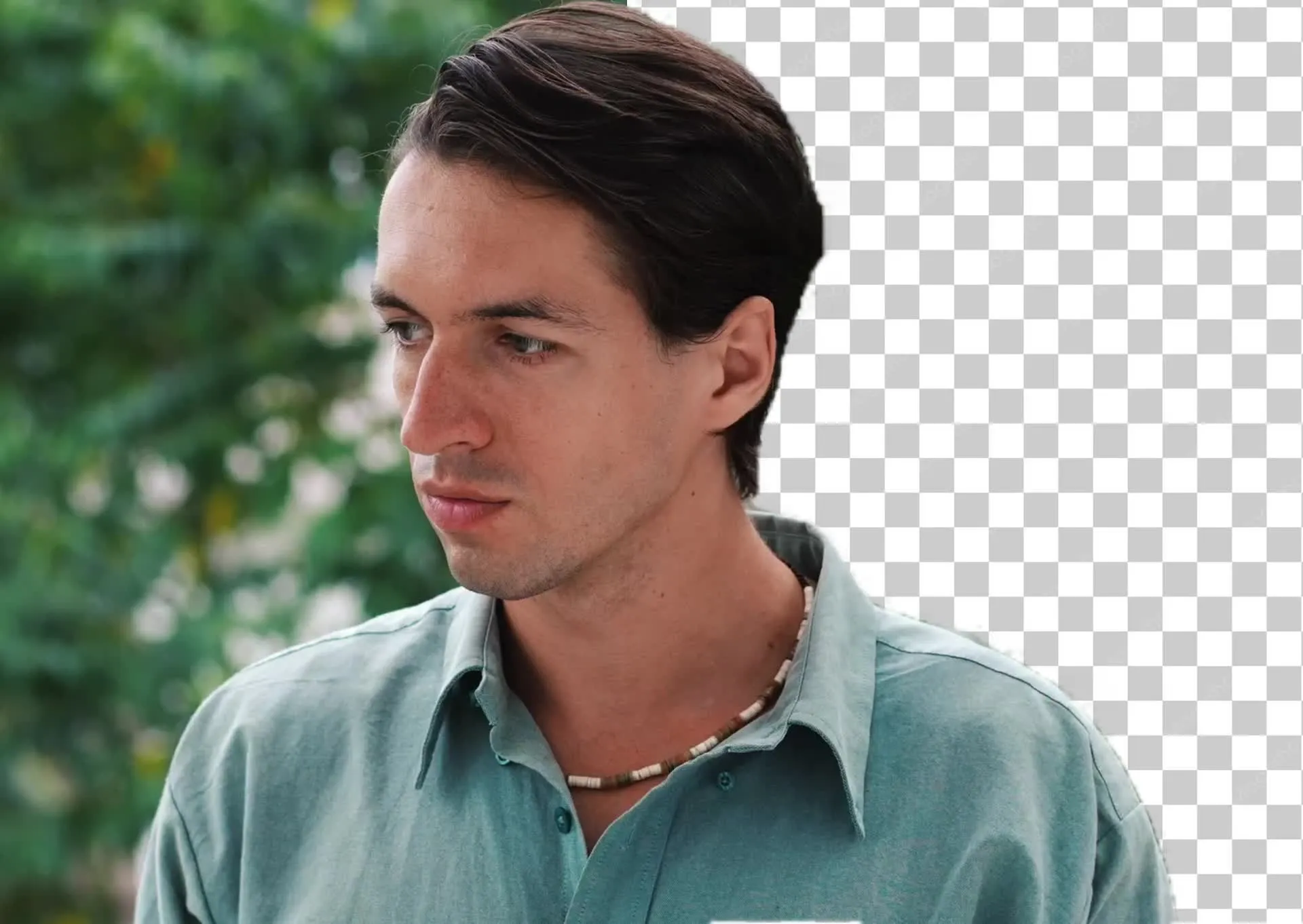
How to remove a video background in seconds
Get a clean cutout without a green screen
Upload
your video to a new project in the Kapwing Studio


Remove
the background by clicking "Remove Background" in the righthand toolbar
Finish
your video by adding a new image, video, or solid color background, then export as MP4, MOV, or WebM.
Remove the background from any video
Prep your footage for use on any platform with transparent backgrounds
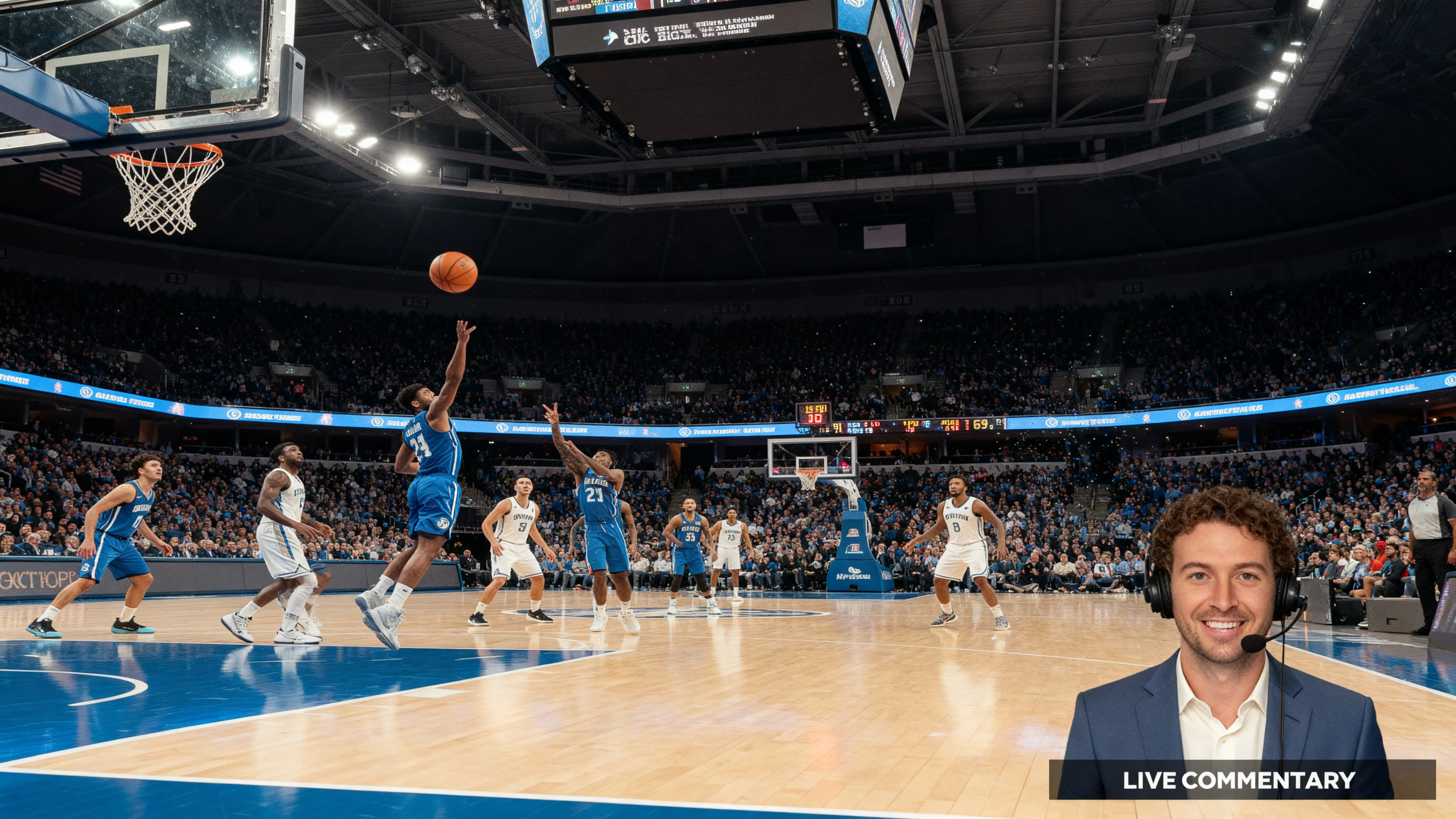
Talking Heads
Podcasters and commentators can record in a cluttered office, bedroom, or car, then remove the background to swap in any backdrop
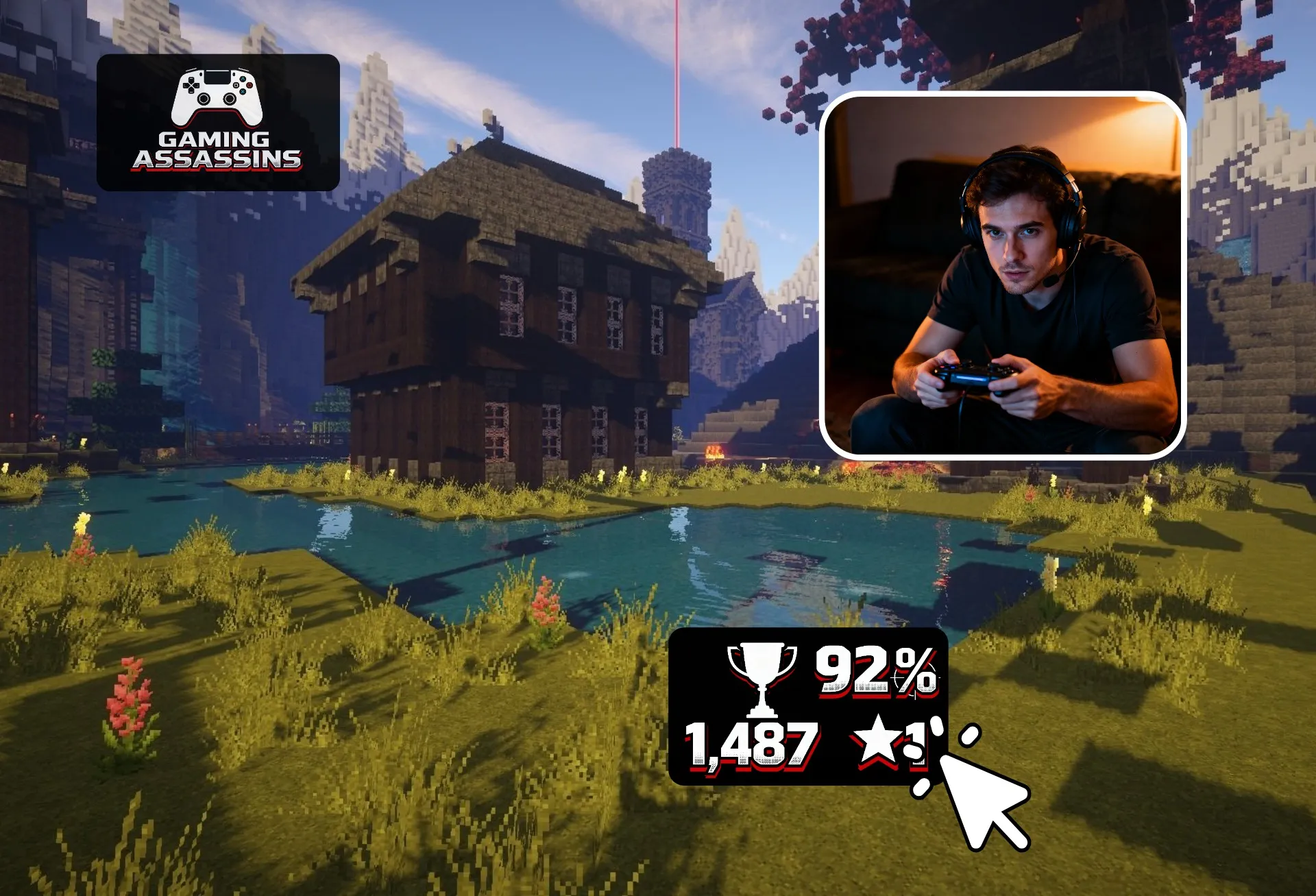
Gaming Streams
Remove the background from your webcam footage and place yourself over gameplay. Streamers and gaming YouTubers get a polished facecam without a green screen.

Reaction Videos
TikTok and Reels creators put themselves in front of a screenshot, article, or clip to react and comment, recreating the green screen effect with footage they’ve already filmed

Video Ads
For video ads, marketers place spokespeople on brand colors and campaign visuals so every version matches the brand’s look

Online Courses
Instructors and trainers appear in front of slides, diagrams, or screen recordings, keeping learners focused on the lesson instead of the room

Music Videos
Turn a bedroom performance into a stage, cityscape, or stylized scene. Independent artists and bands remove video backgrounds to create music video visuals without renting a studio
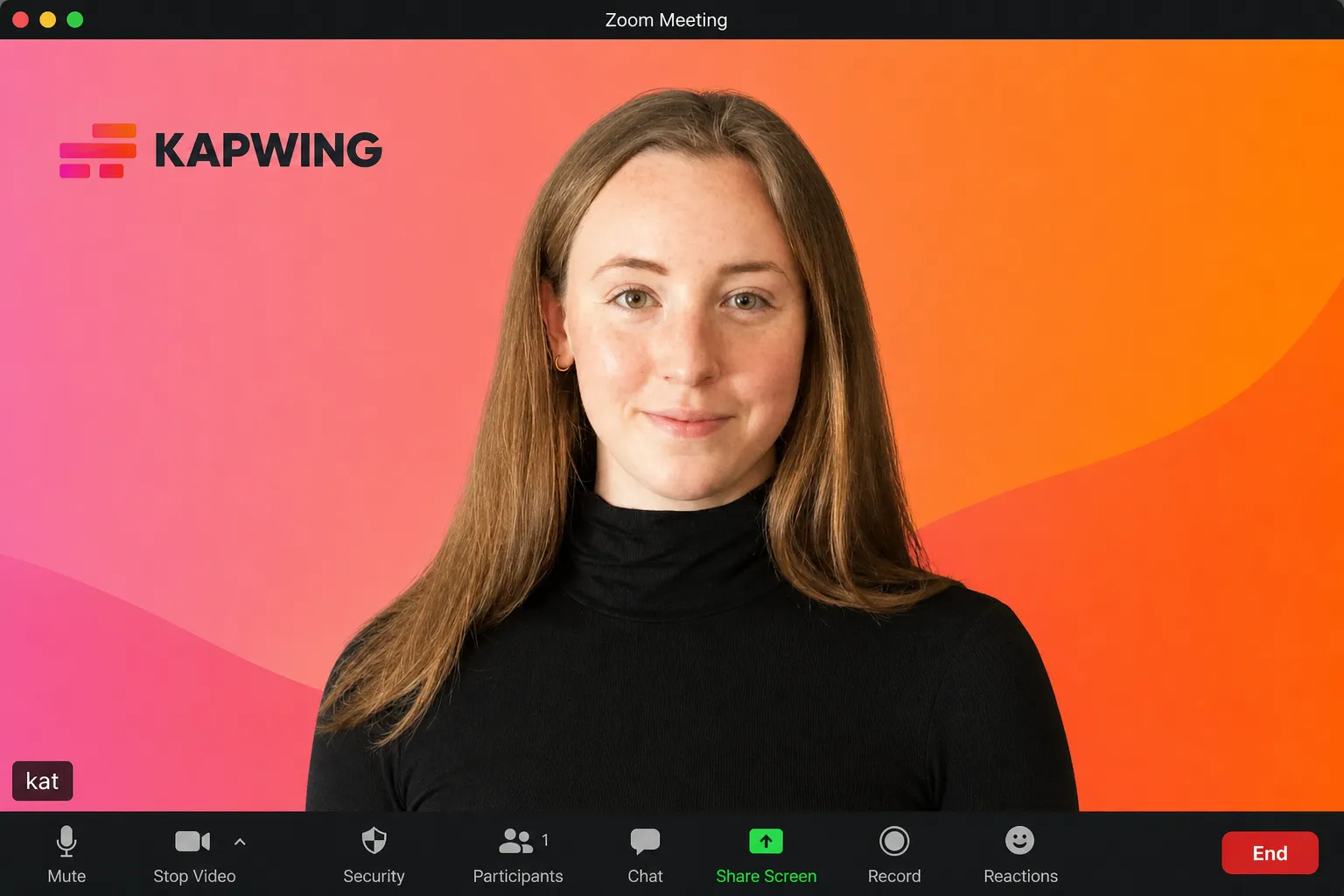
Team Updates
Recording from different homes makes company updates look inconsistent. Remote teams and HR swap every speaker’s background for the same office or brand backdrop.
Remove, isolate, and replace video backgrounds
Separate subjects from backgrounds, then finish your project in the same editor
Cut out your subject with a click or a prompt
No green screen? No problem. Kapwing gives you two ways to remove a video background with AI. Use the one-click background remover in Studio to automatically isolate people, products, and other moving subjects, or ask Kai, Kapwing's AI video assistant, to remove the background through a natural-language prompt.
Both options work within the same project, so you can switch between AI-assisted edits and manual controls to refine your video without starting over. Replace the backdrop with a solid color, image, or even another video, and let your creativity flourish — compatible with MP4, MOV, WebM, and more.
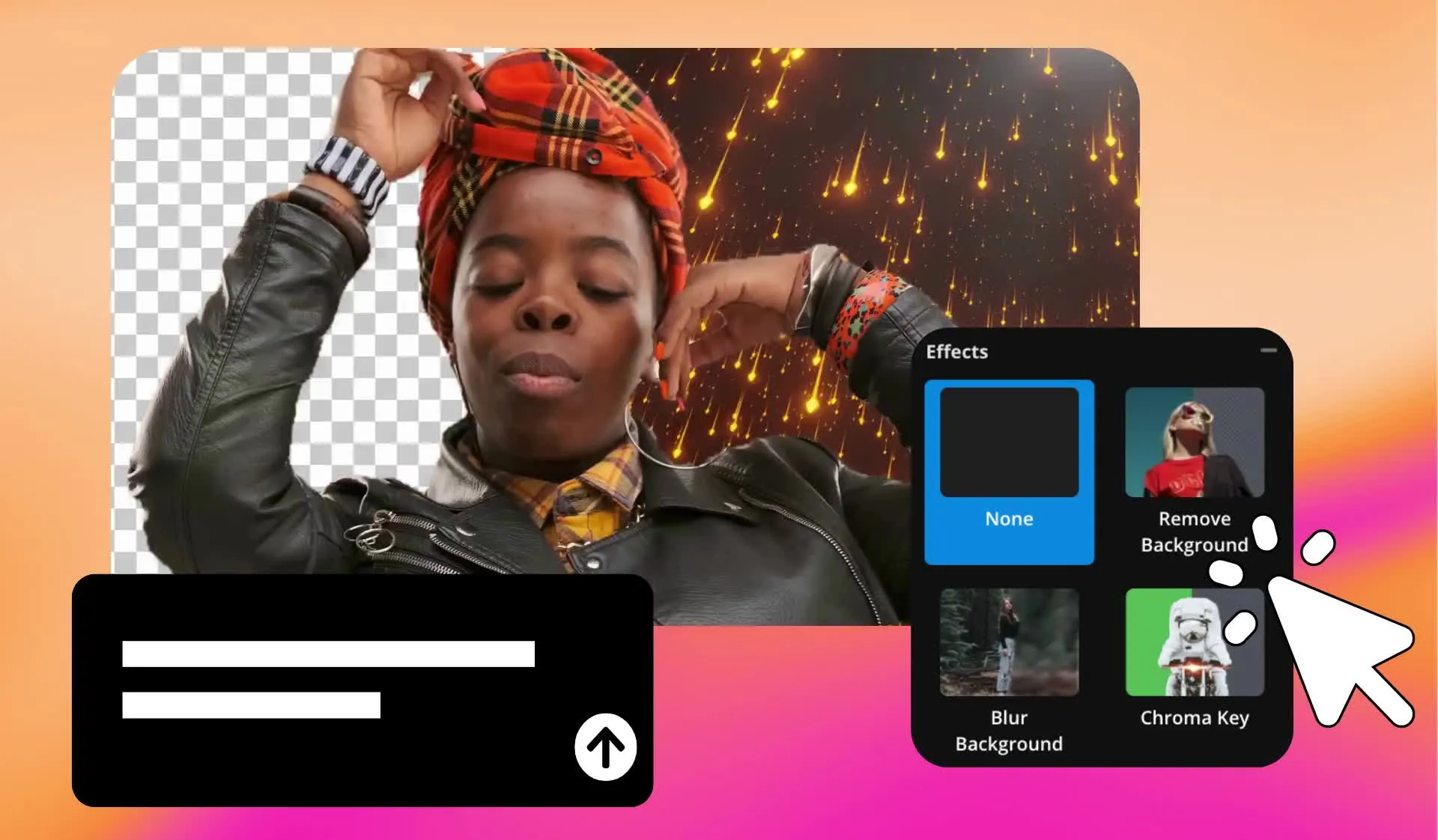
Remove green screen backgrounds with Chroma Key
For footage recorded against a green screen, blue screen, or another solid color, use Chroma Key to remove the background. Select the background color and adjust the threshold to control how much of it disappears.
Kapwing's Green Screen Remover gives you control over solid-color removal, while the AI video background remover isolates subjects from footage filmed without a green screen. Both options are available in Kapwing Studio.
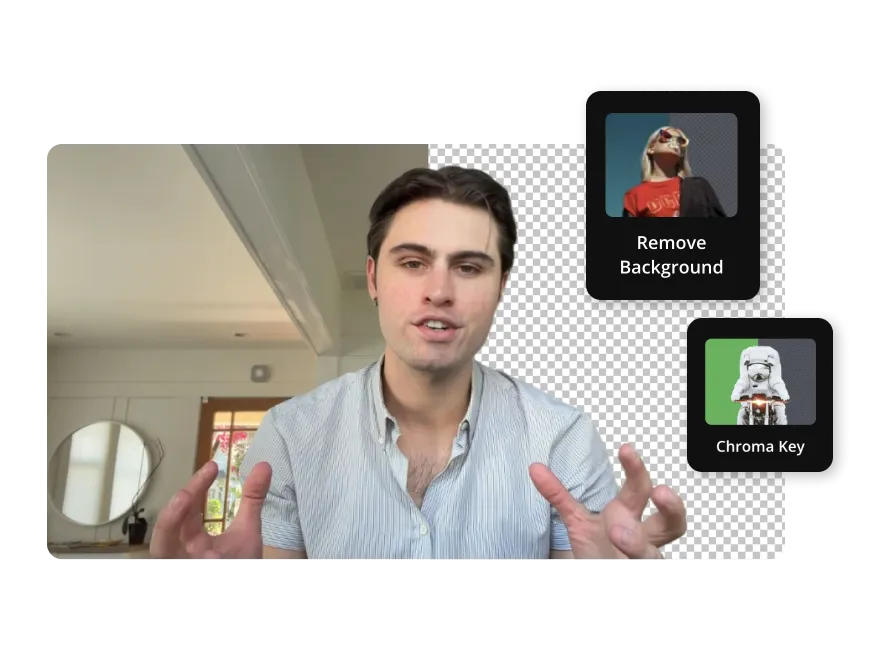
Replace removed backgrounds with new visuals
Once you've removed the background from a video, choose a new setting to fit your content. Pick from a full range of solid colors for branded ads and product demos, browse Kapwing's stock images and videos for social clips, or upload your own footage to place yourself over gameplay, presentations, or B-roll.
For a custom setting, use Kapwing's AI Background Generator to create a backdrop from a text prompt, such as a podcast studio, office, or outdoor scene.
Move and resize your subject to fit the new background, all within the same project. Explore more ways to replace your video background in Kapwing Studio.
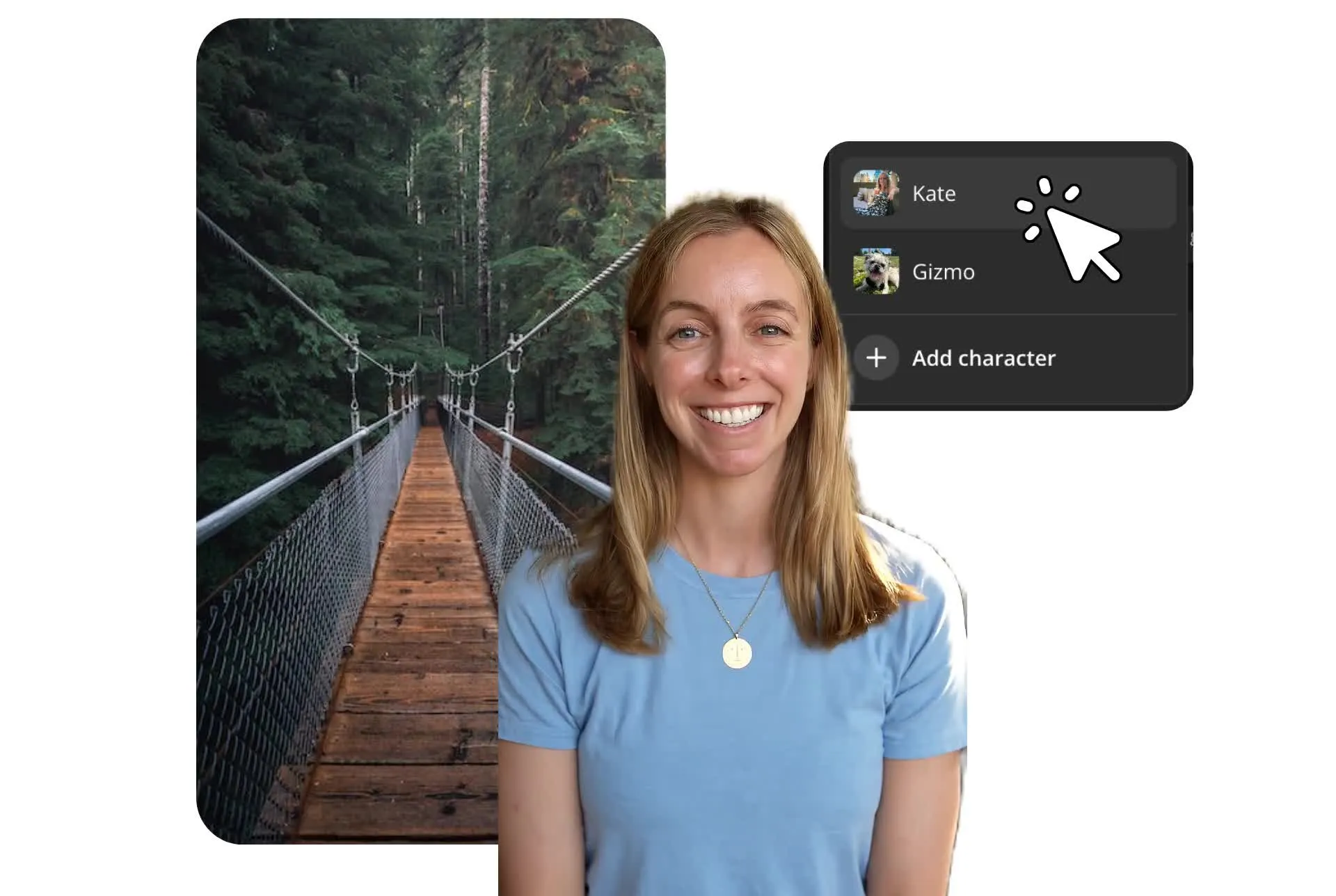
Already transforming video creation across industries
Hear directly from the teams who publish faster, collaborate better, and stay ahead.


How to Remove Background From Video

- Step 1Upload video
Open Kapwing.com and upload any video from your device, or use a URL link from YouTube, Instagram, Facebook, TikTok, Instagram, and more.
- Step 2Remove video background
Click the 'Remove Background' button in the Effects tab and allow a few seconds for the removal process to complete.
- Step 3Edit and export
Edit your video accordingly using the video trimmer, resizer, and other tools. When you're finished, click 'Export project' and download your final version. Share via a Kapwing URL or share to social media.
Create, customize, and convert videos with ease
Remove background video and repurpose content on social media
Adapt one video to fit multiple platforms
Remove the background from existing footage to reuse your subject in new videos, layouts, and formats. Turn a talking-head recording into a vertical social clip, place a presenter over slides for a tutorial, or isolate a product demonstration for an ad with a different background.
Once your subject is separated from the original setting, you can resize, reposition, and layer it over new visuals in Kapwing Studio. Repurpose the same footage for TikTok, Instagram, YouTube, or presentations without recording another take.

Prepare videos for special effects and compositing
Remove the background from your footage to isolate people, objects, or moving subjects for video effects. Layer your subject over animated scenes, add explosions or visual effects around them, or combine multiple clips to create a composite video.
For filmmakers, YouTubers, and video creators, a transparent background makes it easier to add special effects without manually cutting out subjects frame by frame. Use Kapwing's video overlay editor to arrange clips, graphics, and effects in the same project.

What's different about Kapwing?



Frequently Asked Questions
We have answers to the most common questions that our users ask.
Is Kapwing's Video Background Remover free?
You can try the Video Background Remover tool for free after registering with an email. However, to use the full functionality of the tool and export videos for personal use, you will need to sign up for a paid Kapwing subscription.
Is there a watermark on Kapwing exports?
If you are using Kapwing on a Free account, then all exports will contain a watermark. Once you upgrade to a Pro account, the watermark will be completely removed from your creations.
How do you make a video background blank?
Kapwing’s Video BG Remover automatically makes your video background white so that you can layer new photos or videos behind your main subject. To make a white background, click 'Remove Background' in the Effects tab — and that's it. Once the video is ready, content creators can add a variety of special effects best suited to blank backgrounds before exporting and sharing online.
Can you remove a video background without a green screen?
Yes, you can remove a video background without using a green screen. Recording to a professional backdrop used to require filming in front of a studio green screen before applying a custom BG via a video editing tool. Using Kapwing, you can streamline this process without needing a green screen. Upload your video to the video editor and the BG will be deleted with one simple click.
Can you manually track objects on Kapwing?
No, manually tracking objects within a video is not possible on Kapwing. Our powerful video tool streamlines the process using AI to remove the video background instead.
Does Kapwing have a Chroma Key feature?
Yes, Kapwing has a Chroma Key tool that you can use for free. It is located in the 'Effects' tab alongside the Background Remover. Using this feature, you can remove any solid-color background while manually adjusting the threshold.
What background videos and images does Kapwing have in its stock library?
Kapwing boasts a huge variety of stock footage powered by providers such as Pexels, Pixabay, and royalty-free Bing images. The library includes food, humans, sports, animals, nature, business, illustrations, and more. Alternatively, you can use Kapwing's AI Video Generator to create custom videos for your content.
What is the main benefit of using Kapwing's Video Background Remover?
We believe that the main benefit of our AI-powered Video Background Remover is saving content creators money and time by allowing them to edit video backgrounds without filming to a green screen. YouTubers, marketers, presenters, influencers, online coaches, educators, entrepreneurs, and social media managers can capitalize on the ability to present to camera without needing a green screen to edit the background.
What formats does Kapwing's Video BG Remover support?
The Video Background Remover supports a host of different video files such as MP4, MOV, WebM, and more. Likewise, you can convert any video into a MP4, GIF, MP3, or PNG.
How do you remove the background from videos on mobile?
Kapwing works across both desktop and mobile devices, including iPhone and Android. To remove the background from a video, start by uploading your content to Kapwing's online browser. Next, select the video and hit "Edit video" at the top of your screen. Click the "Effects" tab and choose 'Remove background".
Can I make the background of my video transparent?
Yes, your video will have a transparent background when you click or prompt to remove it. Removing the background isolates your subject from the original footage, allowing you to place it over other content in Kapwing Studio. Add images, graphics, or video layers behind your subject to create a new scene.
The Kapwing Studio does not support exporting video with a transparent background, but you can choose your new background from stock images and videos and colors, uploaded media, or generated background images and videos. If you export a video with a transparent background, it will be automatically replaced with plain white.
Can I chat with AI to remove a video background?
Yes, you can ask Kai, Kapwing's AI video assistant, to remove video backgrounds using natural-language prompts instead of manual editing controls. Upload your footage to a new chat with Kai. Enter a prompt requesting to remove or replace the background, then refine the result with follow-up instructions. You can also switch to Kapwing Studio to adjust your subject's position, add new backgrounds, or continue editing the same project.
Discover Resources
Tips, templates, and deep dives to help you create faster and share with confidence.
View all


Get started with your first video in just a few clicks. Join over 35 million creators who trust Kapwing to create more content in less time.