Generate full AI songs — upload your own lyrics or auto-generate them
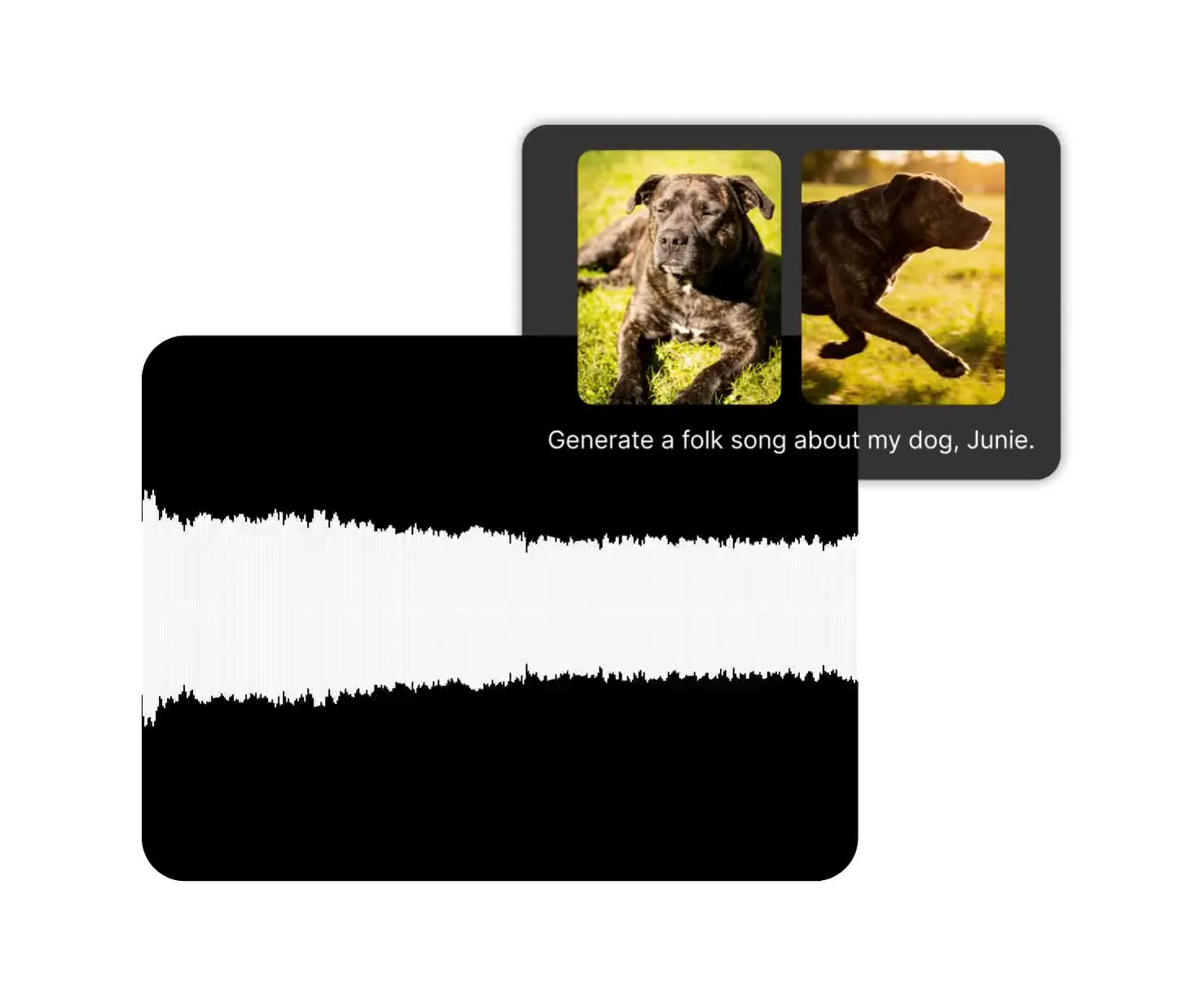
MiniMax Music 2.6 — AI music generator
Use your own lyrics, let AI write them, or create an instrumental track
Get studio-quality, human-sounding songs
Describe the genre, mood, instruments, tempo, vocalist, language, and emotional arc in a prompt of up to 2,000 characters.
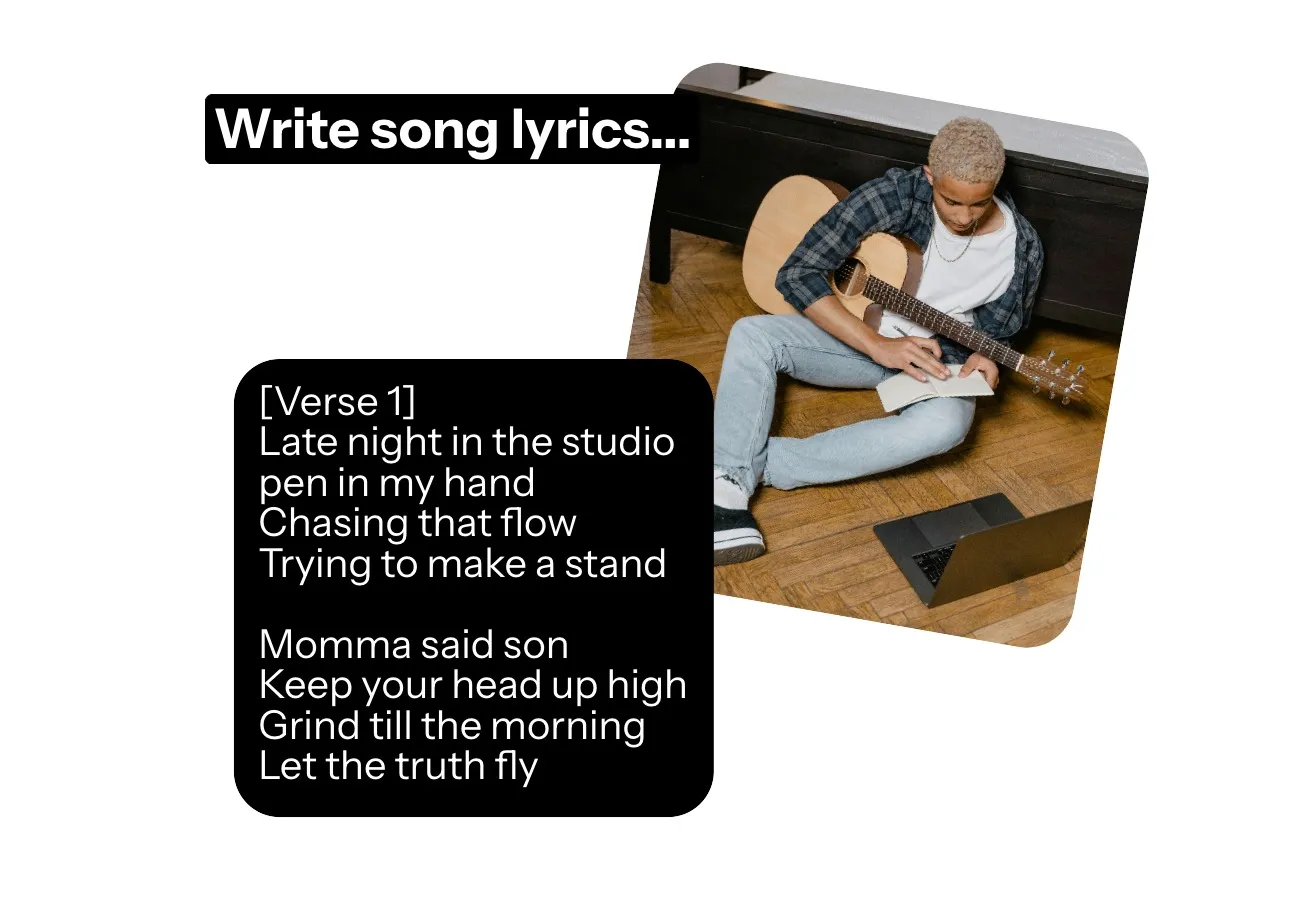
Add your own lyrics, generate new ones with MiniMax Music 2.6, or create instrumental tracks for podcasts, branded content, and ads.
Then refine your song in Kapwing’s timeline editor. Trim it, adjust the volume, add fades, and combine it with video, voiceovers, or sound effects.
MiniMax Music 2.6 in Three Steps
Realistic AI songs — in any genre
Add
Your own lyrics, leave the lyrics field blank for AI-generated lyrics, or request an instrumental


Describe
The genre, mood, instruments, tempo, vocal style, language, and song arc
Generate
Your music by selecting 'MiniMax 2.6' from the AI model dropdown. Edit the final result in Kapwing
Why choose MiniMax Music 2.6 in Kapwing
Write, generate, and edit original songs in one creative workspace
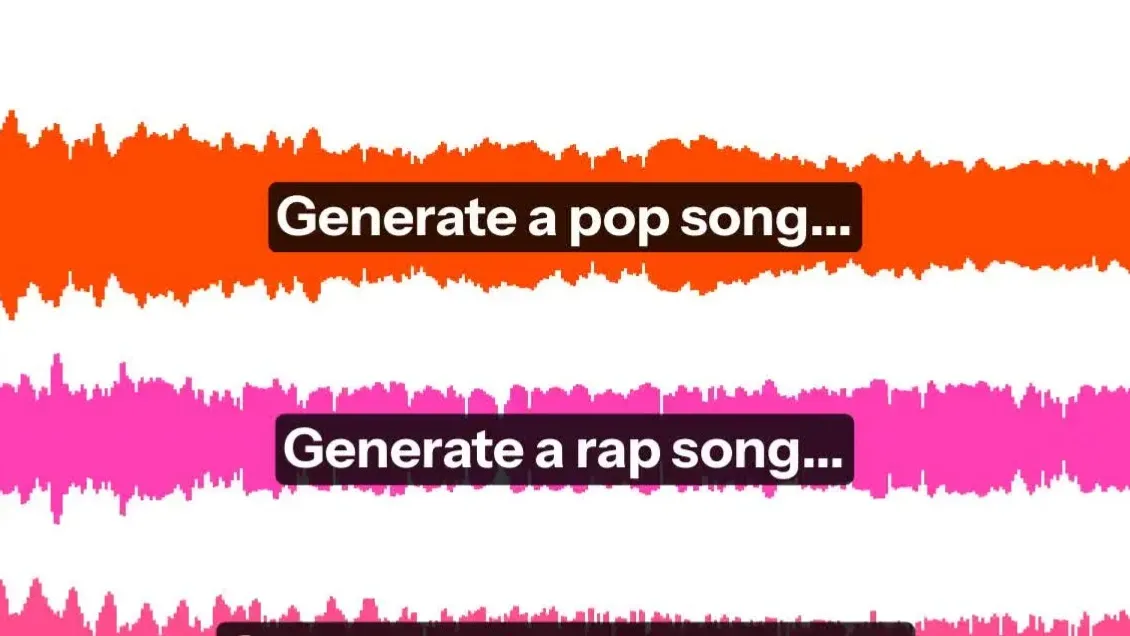
Idea to full song
Describe your song idea and how it should sound. Leave the lyrics blank, and MiniMax Music 2.6 will write and perform them.
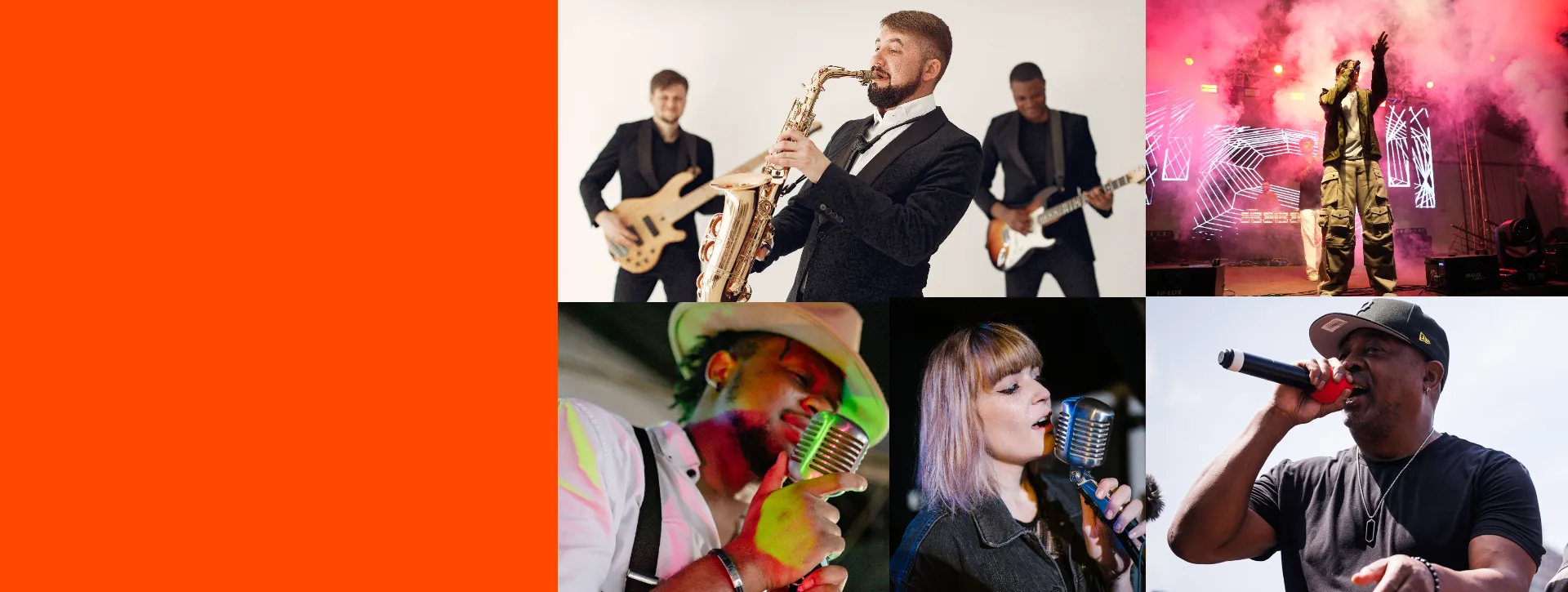
Control the singing style
Specify the singer’s voice, language, tone, and emotion — from soft and intimate to energetic and powerful
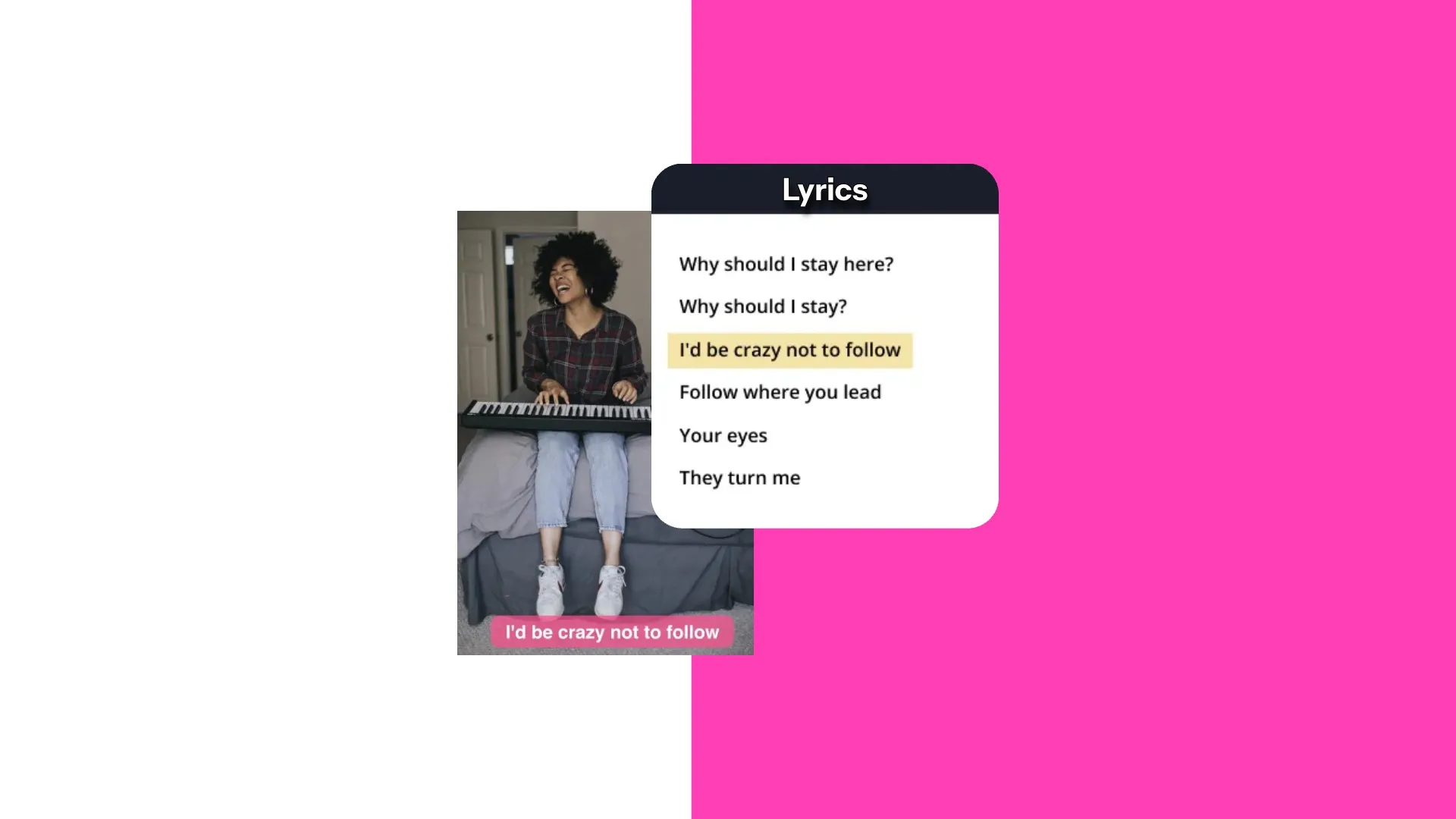
Use your own lyrics
Add your lyrics and organize the song with tags like [Verse], [Chorus], [Bridge], and [Outro]
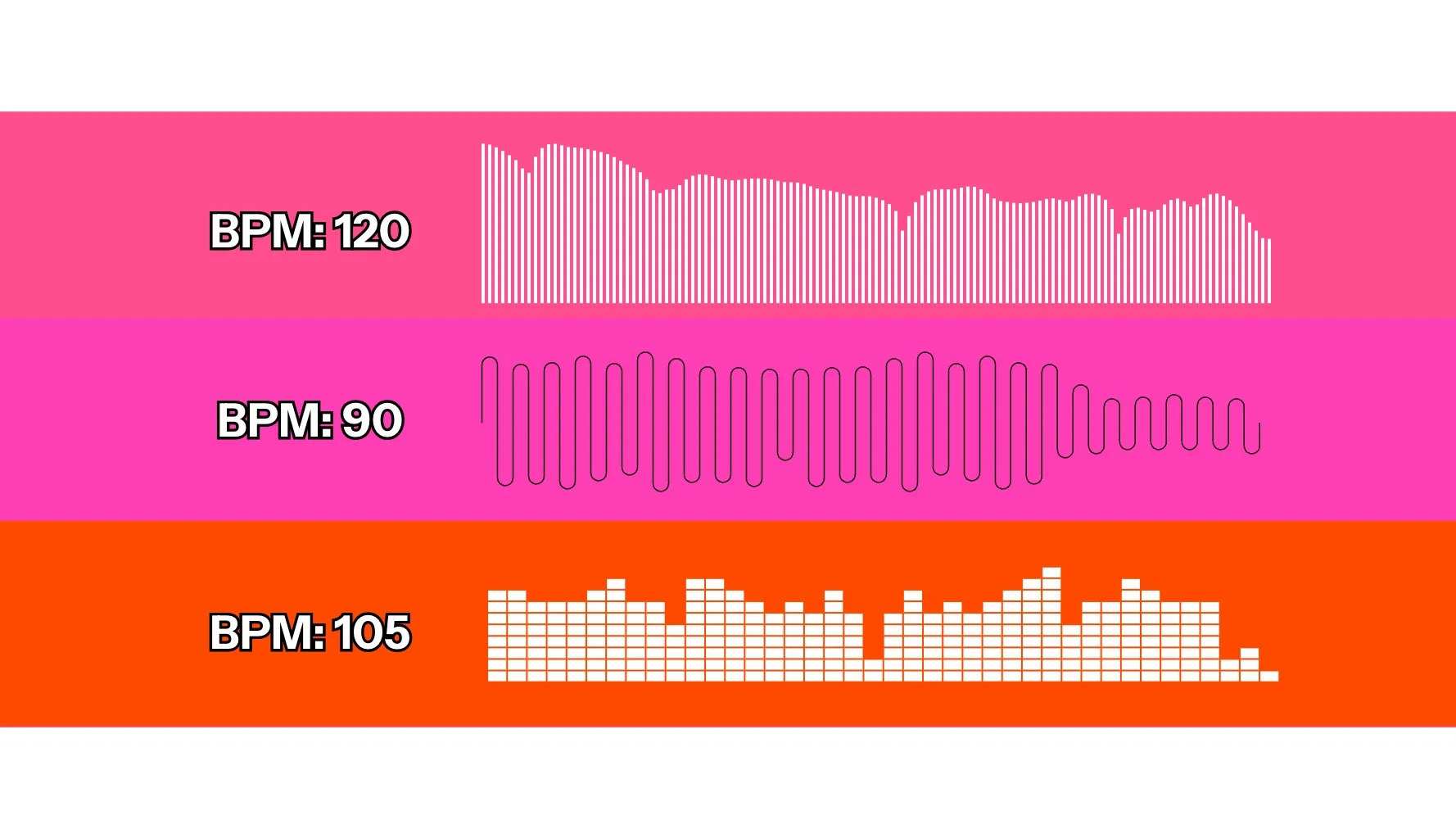
Original music for any project
Generate hooks, campaign songs, podcast themes, intros, and social soundtracks. Trim, arrange, and edit for any audio or video project.
Build a finished song, not just an audio file
Five-minute songs. 20+ editing tools. MP3 and MP4 exports.
Prompt.
Generate.
Mix.
MiniMax Music 2.6 creates complete songs with control over the genre, instruments, tempo, lyrics, and singing style.
Refine your song in Kapwing’s timeline editor, then combine it with video, subtitles, voice overs, and other audio.
- Structure with [Verse], [Chorus], [Bridge], [Hook], and [Outro]
- Add up to 3,500 characters of lyrics
- Describe the genre, mood, instruments, tempo, and singing style in up to 2,000 characters
- Trim, mix, and fade your generated track in Kapwing’s timeline
- Use MiniMax Music 2.0 for lower-cost generations
- Combine your song with uploaded footage, subtitles, or content from an AI video model
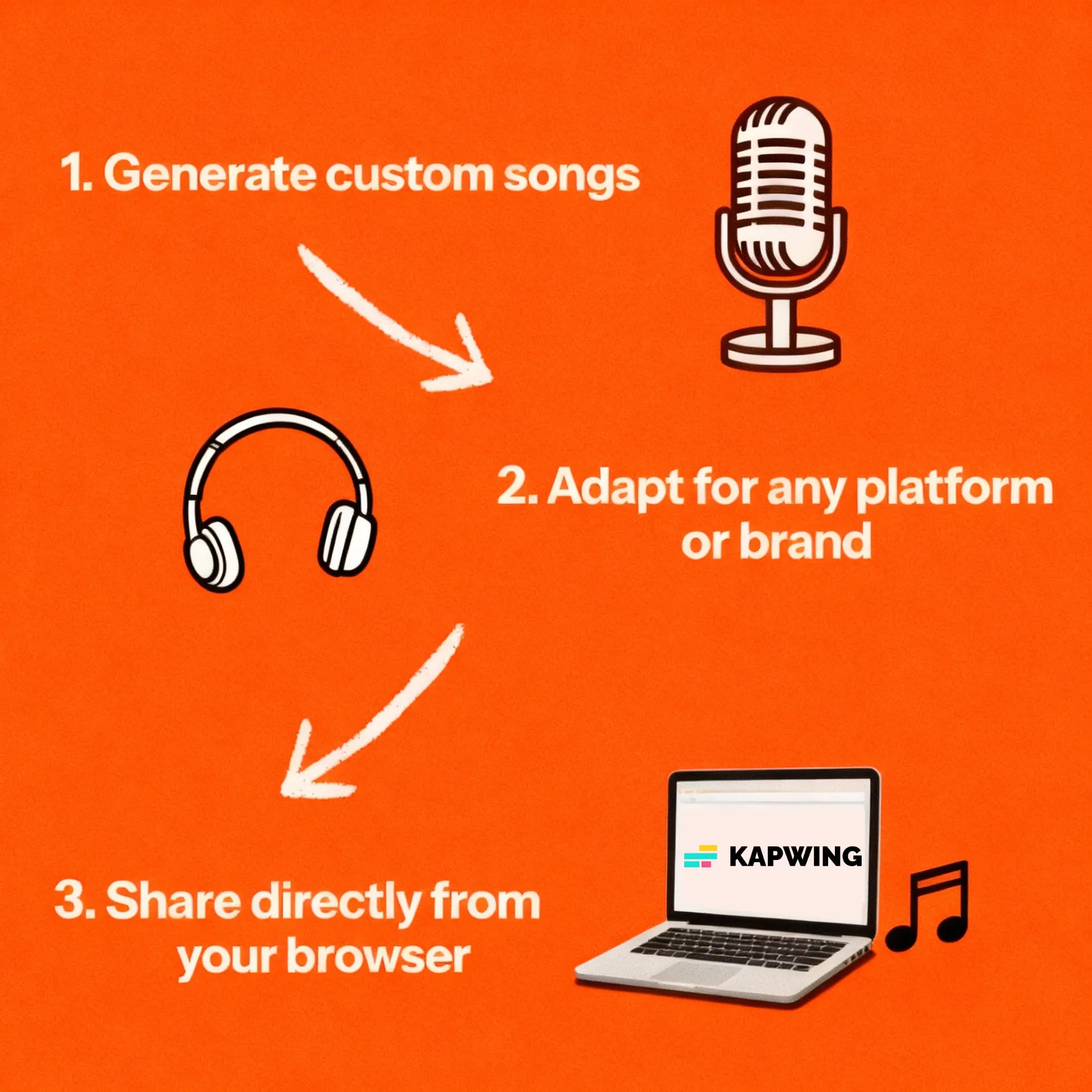
How to Use MiniMax Music 2.6 in Kapwing
- Step 1Describe song
Open Kai and describe the genre, mood, instruments, tempo, language, and singing style you want.
- Step 2Choose lyrics
Select MiniMax Music 2.6. Let AI write the lyrics, add your own, or create an instrumental track without vocals.
- Step 3Generate and edit
Generate your song, then add it to Kapwing’s timeline. Trim it, adjust the volume, add fades, combine it with video or voice overs, and export.
Frequently Asked Questions
We have answers to the most common questions that our users ask.
What is MiniMax Music 2.6?
MiniMax Music 2.6 is Kapwing's AI song generator that can generate tracks up to 5 minutes long. It creates genre-specific vocal music from a prompt, using either automatically generated lyrics or lyrics you provide.
How do I use MiniMax Music 2.6 in Kapwing?
Open Kai, describe the song, select MiniMax Music 2.6, and prompt for automatic lyrics, custom lyrics, or instrumental mode. Generate, then edit the track in Kapwing.
Can MiniMax Music 2.6 write lyrics automatically?
Yes. When you leave the lyrics field empty and want vocals, Kapwing enables Music 2.6's lyric optimizer so the model writes lyrics from your prompt.
Can I use my own lyrics with Music 2.6?
Yes. Kapwing accepts up to 3,500 characters of lyrics. Use line breaks and tags such as [Verse], [Chorus], [Bridge], and [Outro] when you want to guide the song structure.
Can Music 2.6 generate instrumental tracks?
Yes. In Kapwing, Music 2.6 can generate an instrumental track when you choose instrumental mode and leave the lyrics field empty.
What audio format does Kapwing receive from Music 2.6?
Kapwing requests a 44.1 kHz, 256 kbps MP3 from MiniMax Music 2.6. You can add the returned audio directly to a Kapwing project.
Can I choose an exact track length?
No exact duration control is currently exposed for MiniMax Music 2.6 in Kapwing. The model determines the song length from the prompt and lyrics, although this can be up to 5 minutes long.
Can I edit a Music 2.6 track in Kapwing?
Yes. Add the generated song to the timeline to trim it, change volume, create fades, layer voice-over or sound effects, and sync it with video.
Discover Resources
Tips, templates, and deep dives to help you create faster and share with confidence.
View all


Get started with your first video in just a few clicks. Join over 35 million creators who trust Kapwing to create more content in less time.