Google Lyria 3.5
Generate soundtracks, instrumentals, and background music up to 3 minutes long
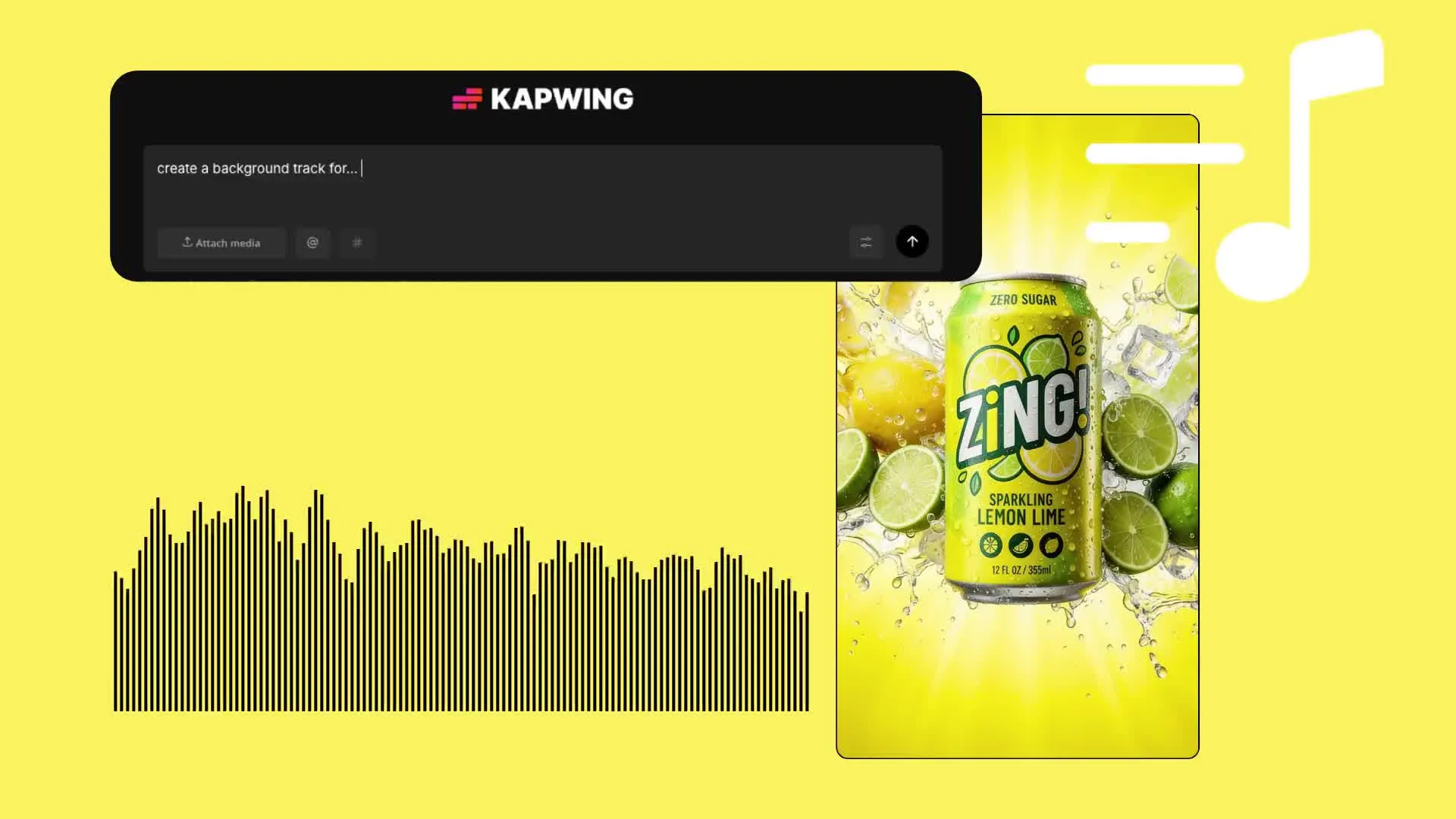
Google Lyria 3.5 AI music generator
Give your next project a custom soundtrack — affordable and copyright-free
Match every video with music that fits
Spend less time searching stock libraries for the right track. Generate custom soundtracks for tutorials, product videos, trailers, commercials, jingles, and social content.
Describe the mood, instruments, and pace in everyday language. Start with a simple idea and let AI shape the music, or get specific — from a warm lo-fi background to a gradual orchestral build.
Bring your soundtrack into Kapwing’s timeline editor to trim it, add an AI-powered voice over, combine it with footage, and apply your branding.
From creative brief to full soundtrack
Fully online. Free to start.
Prompt
Describe your song or soundtrack, and choose vocals or instrumental


Generate
Select Lyria 3.5 under Model Preferences, then generate a song up to 3 minutes long
Edit
Trim your track, add a voice over, combine it with video, split the audio layers, and export as an MP3 or MP4
Why choose Google Lyria 3.5 in Kapwing
Three-minute soundtracks. Full commercial ownership. With or without lyrics.
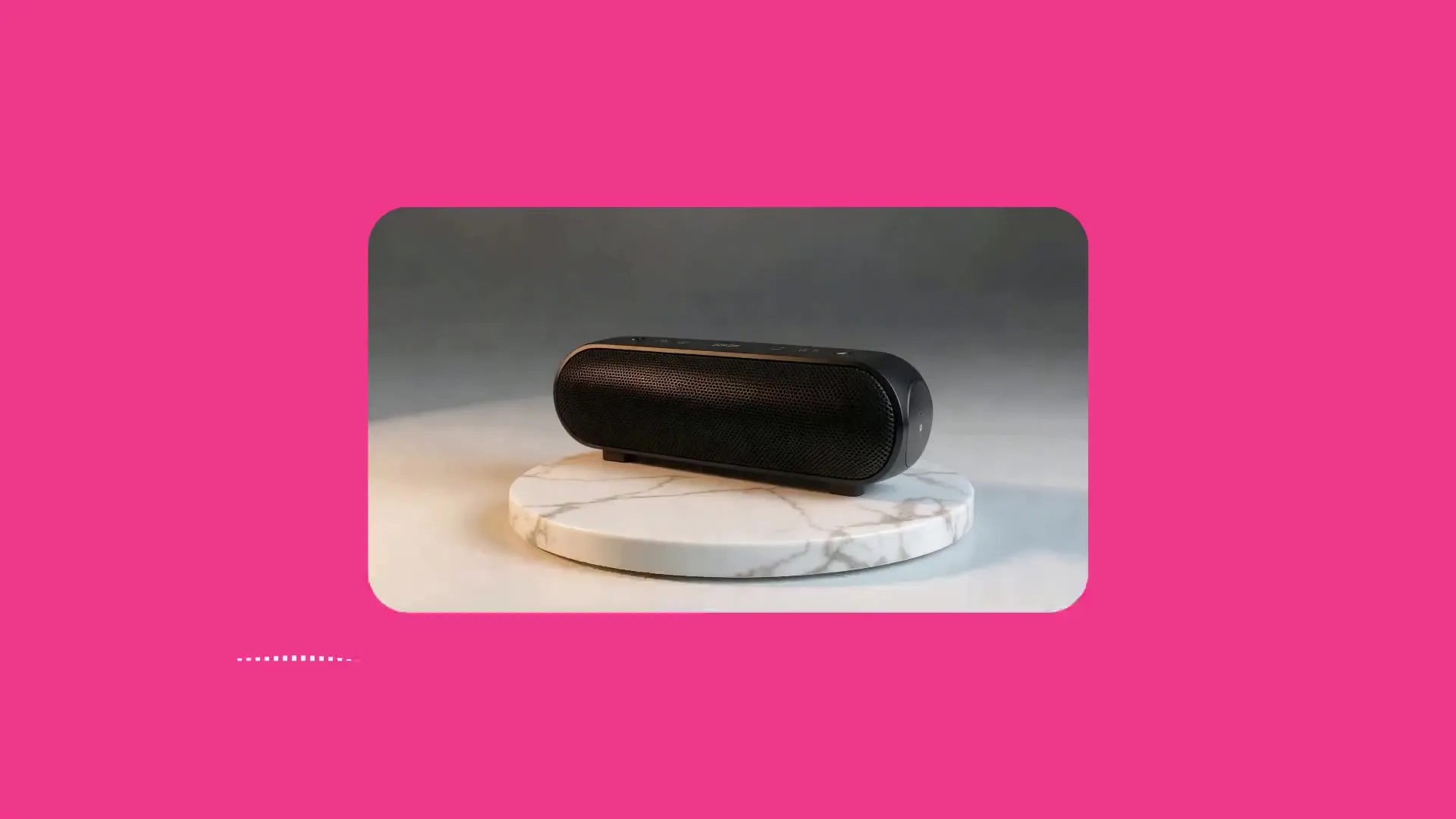
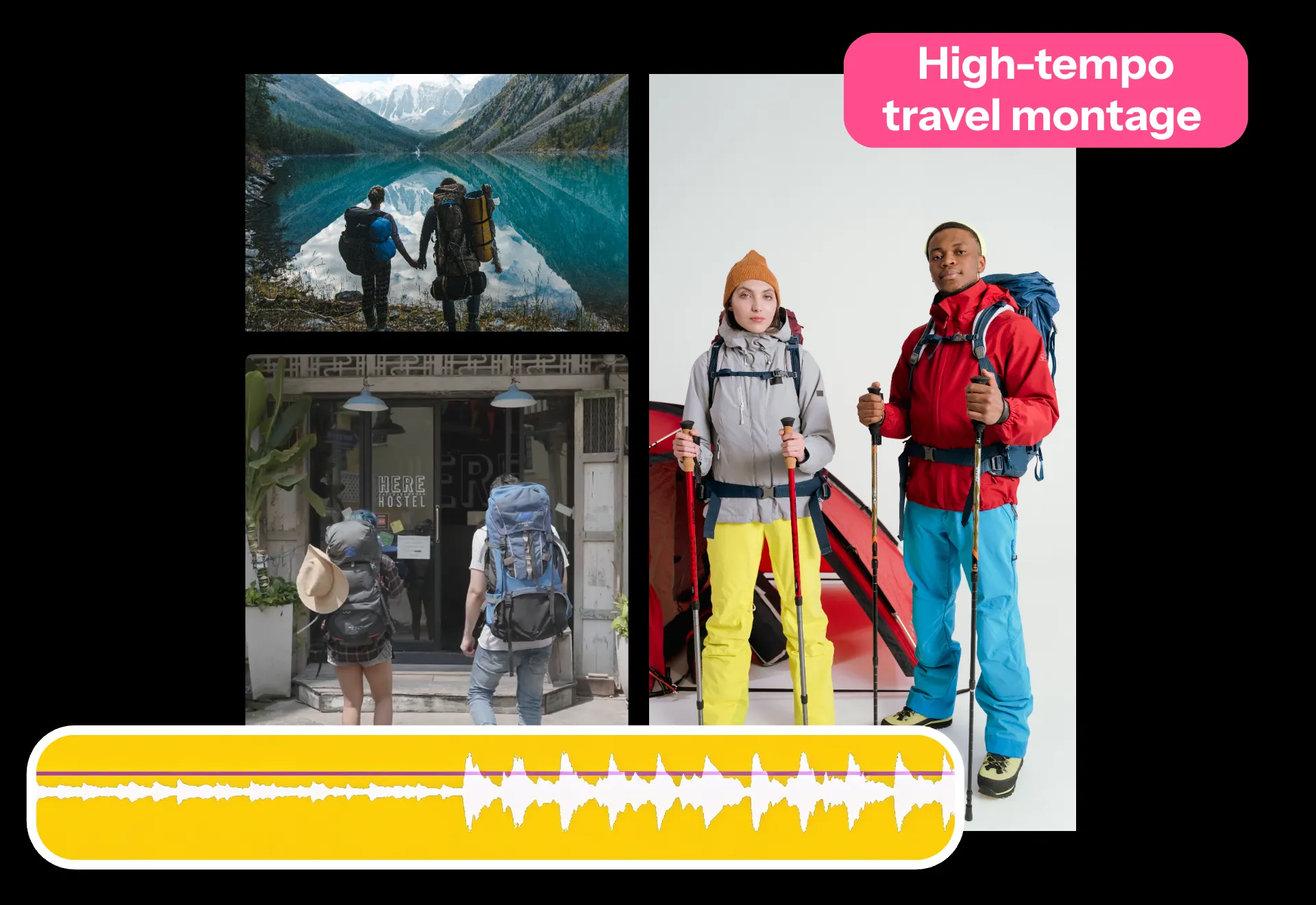
Product launches
Create custom soundtracks for online product launches. Describe your product and the type of music that would suit it. Then trim the track and combine it with product footage and branding.
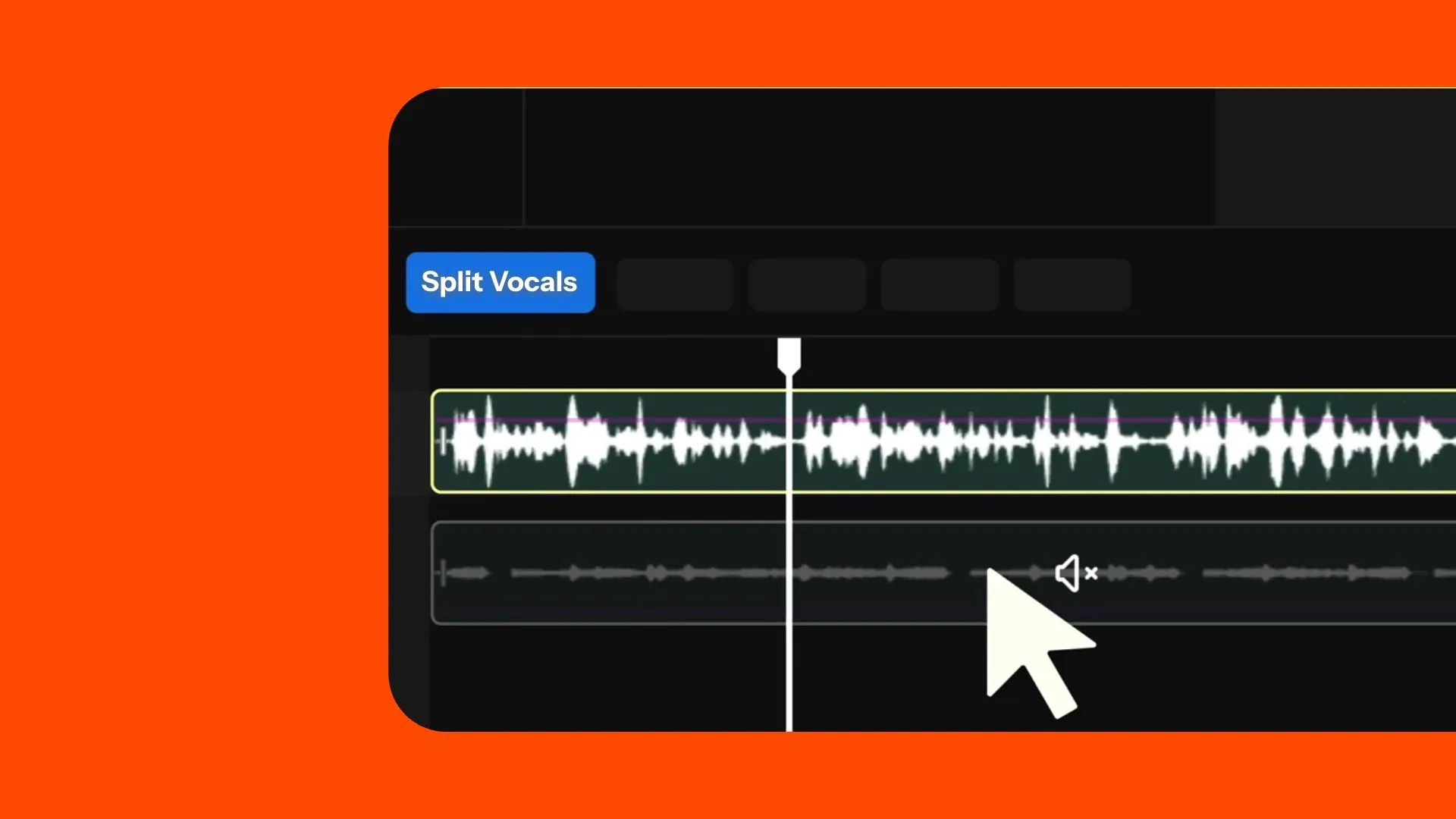
Background music
Ask for an instrumental with light percussion and no vocals. In the editing studio, lower the volume and pair it with an AI-generated or recorded voice over for tutorials, explainer videos, and documentaries.

Trailer soundtracks
Create music for film, game, or event trailers. Describe the pace and progression, from a tense opening to a dramatic finish. Align key moments with scene changes and title cards in the editor.
Ads, jingles, and soundbites
Turn your brand name, slogan, or campaign message into a short musical hook. Generate with or without lyrics, then edit sections to fit full ads, podcast intros, or short social clips.
Turn soundtracks into finished videos
100+ audio and video editing tools. MP3 and MP4 exports.
Prompt.
Generate.
Edit.
Create a song with Google Lyria 3.5, then bring it into Kapwing’s timeline for full editing control.
Trim the track, balance it against voice over, and combine it with footage and subtitles.
- Generate songs and soundtracks up to three minutes long
- Request an instrumental or add vocals with your own lyrics
- Export as an MP3 or MP4
- Trim, mix, fade, and edit in the timeline
- Compare against other AI audio models like MiniMax Music 3.0
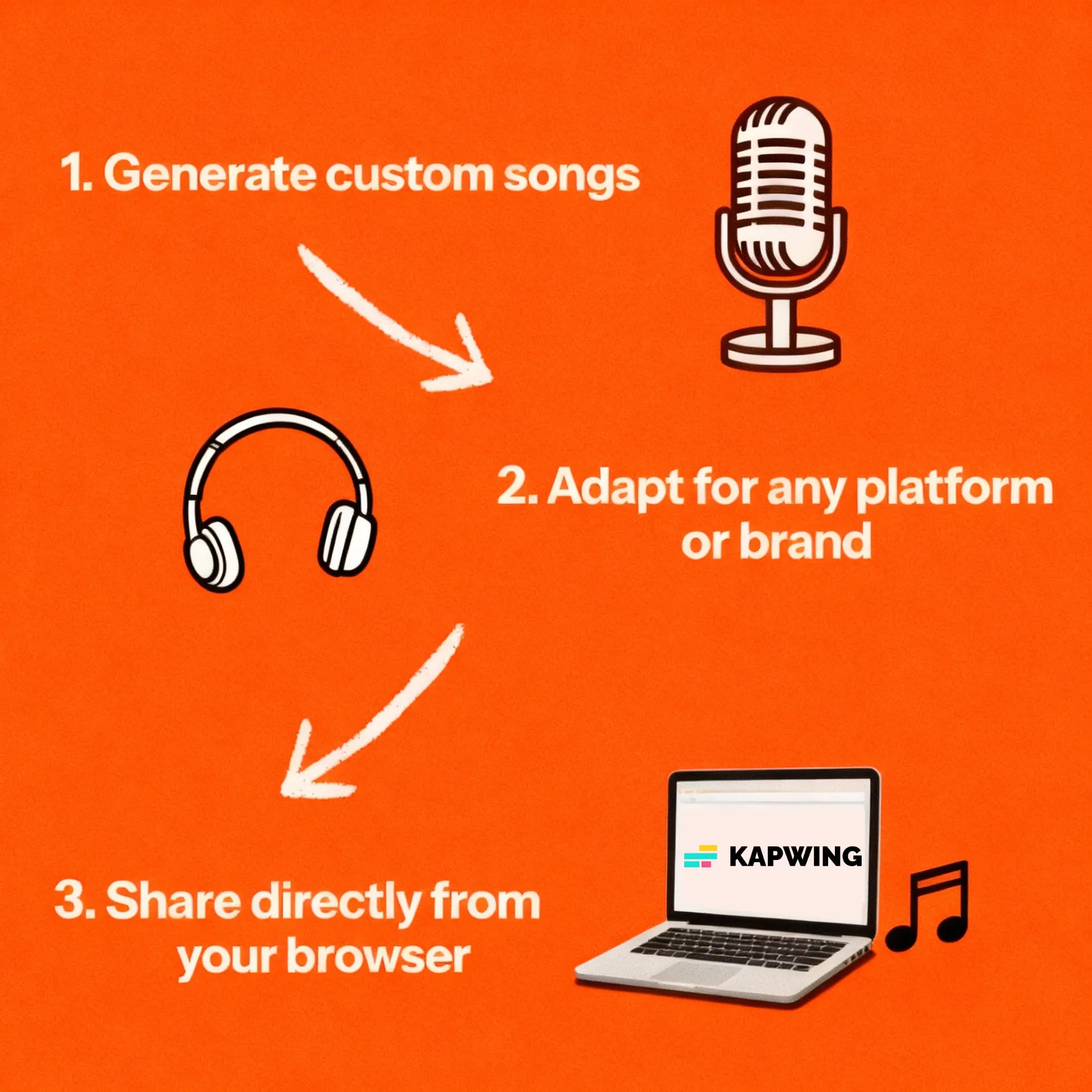
How to Use Google Lyria 3.5 in Kapwing
- Step 1Choose Lyria 3.5
Open Kai and select Google Lyria 3.5 in Model Preferences.
- Step 2Describe soundtrack
Describe the mood, instruments, and pace of your song or soundtrack in a prompt. Choose an instrumental or a vocal track, with the option to provide your own lyrics.
- Step 3Generate and edit
Generate your track, then add it to the editing timeline to trim it, adjust the volume, add fades, or combine it with video.
Frequently Asked Questions
We have answers to the most common questions that our users ask.
What is Google Lyria 3.5 in Kapwing?
Google Lyria 3.5 is an AI music model you can use in Kai to generate music from a written brief. Use it for instrumental soundtracks, ambient backgrounds and cinematic scores, with vocal and custom-lyrics support.
How do I access Lyria 3.5?
Open Kai in Kapwing and select Lyria 3.5 under Audio in Model Preferences. Describe the music you want, generate a track and add it to your project for editing.
Can Lyria 3.5 generate vocals or use my lyrics?
Yes. Lyria 3.5 supports vocal music and custom lyrics in Kapwing. Ask for vocals explicitly and include your lyrics in the request. For a background score without singing, specify instrumental music with no vocals.
What should I include in a Lyria music prompt?
Explain what the music is for, the mood, the instruments and the pace. You can describe a tempo and how the arrangement should develop. For example: “Instrumental lo-fi background for a tutorial, warm keys, soft percussion, steady relaxed pace, no vocals.”
How long can a song be?
Music generations in Google Lyria 3.5 can be a maximum of three minutes.
How is Lyria 3.5 different from MiniMax Music 3.0?
Lyria 3.5 is best suited to background music, instrumentals, and soundtracks up to 3 minutes long. MiniMax Music 3.0 is designed for songs where natural, expressive vocals are important and supports tracks up to 5 minutes long.
Can I edit Lyria music and combine it with video?
Yes. Add the generated audio to Kapwing’s timeline to trim it, change its volume and add fades. Combine it with footage, voice-over and subtitles, then export the finished project.
Discover Resources
Tips, templates, and deep dives to help you create faster and share with confidence.
View all


Get started with your first video in just a few clicks. Join over 35 million creators who trust Kapwing to create more content in less time.