Design custom New Year font art — however you want
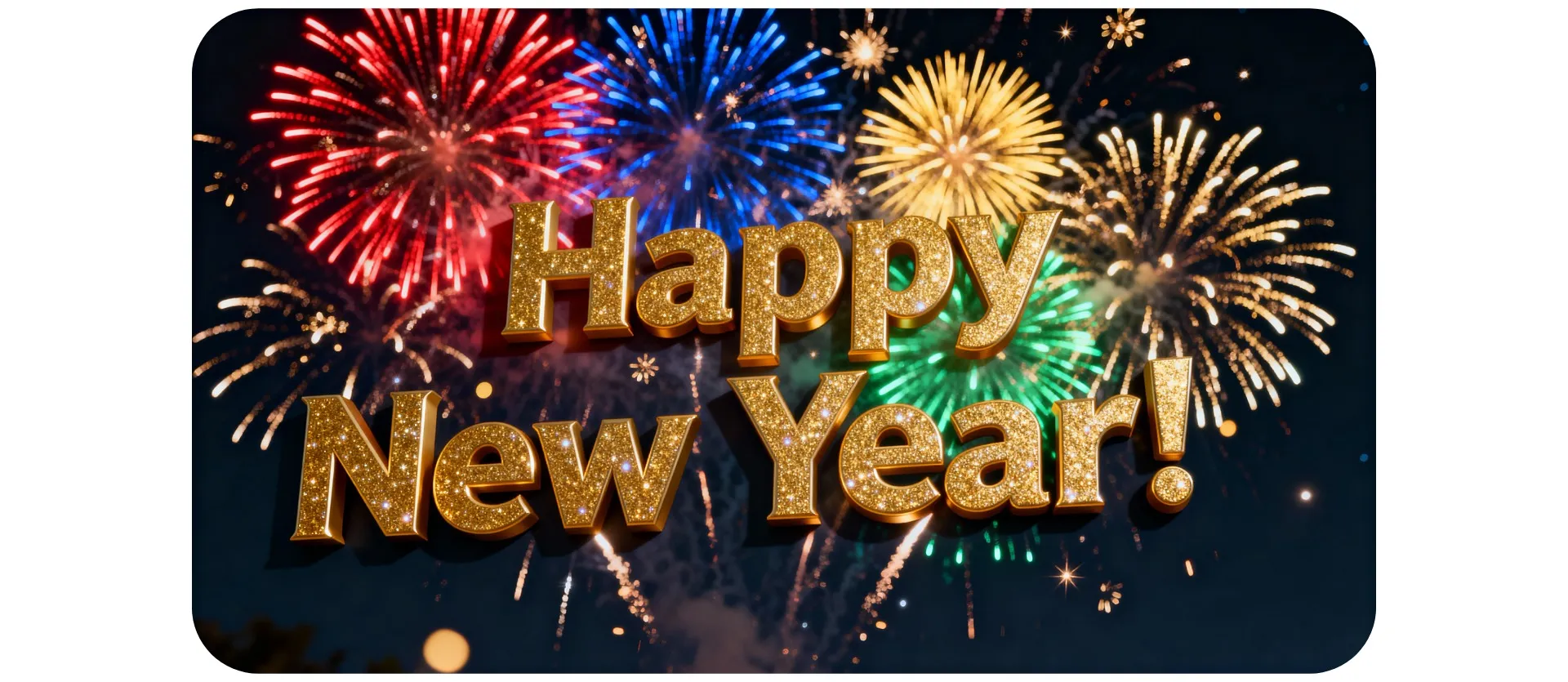
Ring in the New Year in any style you want
Generate your scroll-stopping AI font — instantly
Customizable New Year text in seconds
Create and edit scroll-stopping holiday text art with Kapwing's AI New Year Font Generator. No design or technical experience necessary: just describe your vision in an intuitive prompt like Write "Happy New Year 2026" in a glittery 3D gold font with fireworks in the background.
For full control, upload reference images and select your preferred AI model. Then see your New Year text immediately brought to life with fully designed or conveniently transparent backgrounds.
Refine your design by chatting with Kapwing's AI assistant, using conversational prompts to adjust the background, colors, overall style, and image aspect ratio. Switch between realistic, stylized, flat, and 3D styles, or transform your text into an animated GIF. Then download your Happy New Year text art in high resolution.
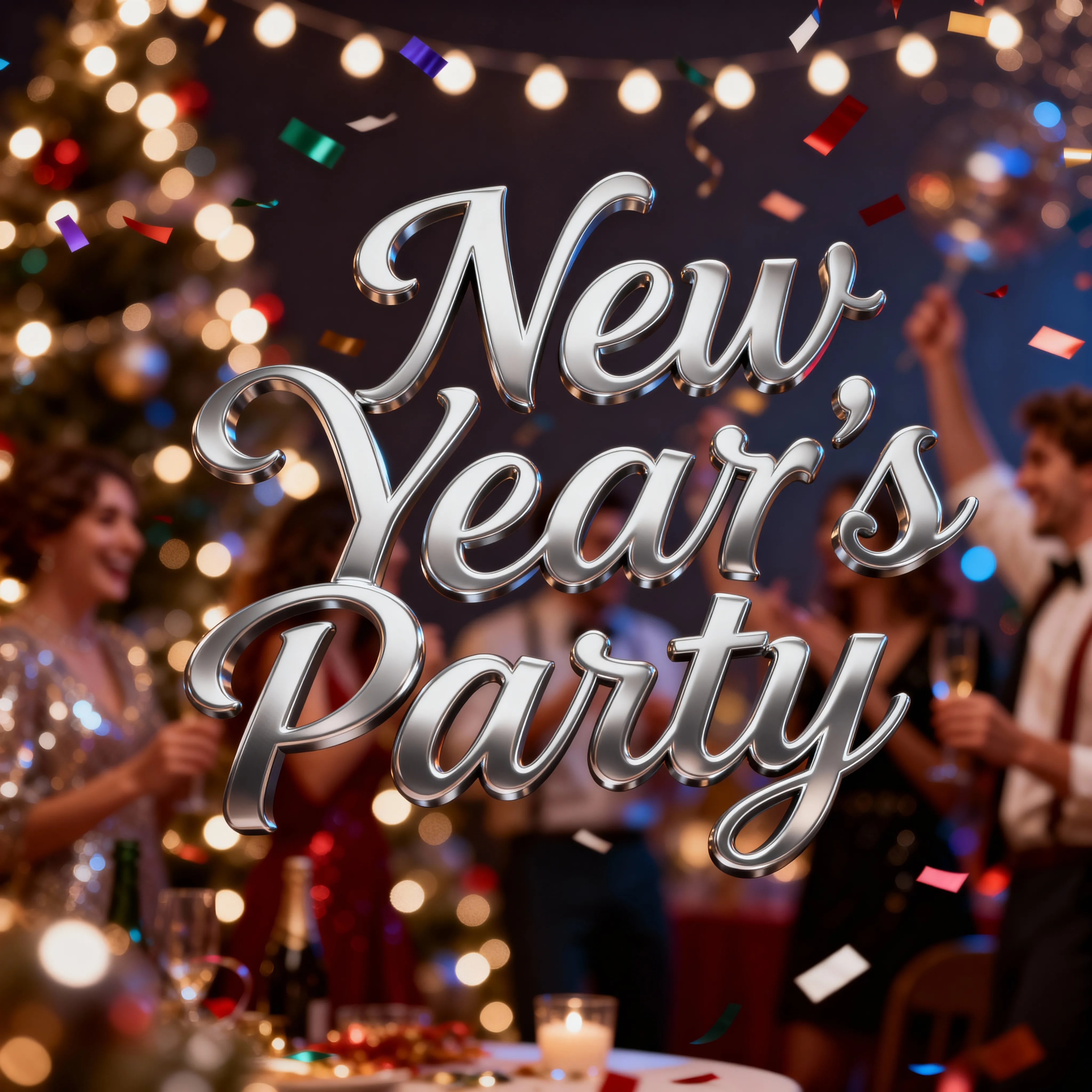
Boost engagement & brand consistency with unique fonts
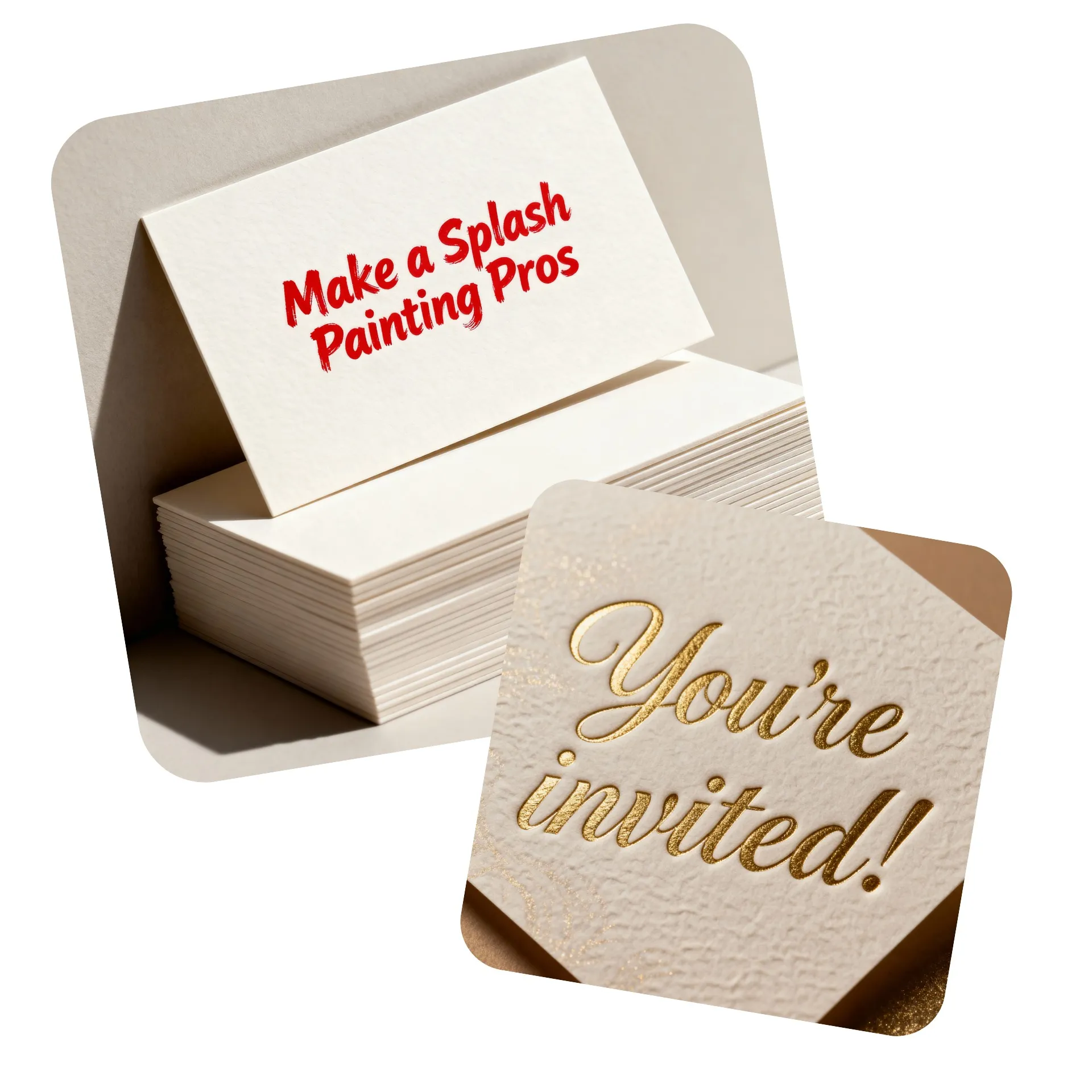
Forget about stock libraries: Kapwing's AI text generator works as your personal design assistant, instantly creating custom fonts for all of your professional and personal projects. Generate eye-catching YouTube thumbnails, business cards, product listings, and reusable Reel or TikTok templates, all from simple prompts.
Test different branding or marketing concepts, redesign your logo wordmark, or take your podcast covers to the next level. No matter what you're working on, save time while staying on-brand with a Custom Kai that remembers your personalized prompts.
Already transforming video creation across industries
Hear directly from the teams who publish faster, collaborate better, and stay ahead.


Your New Year's font, ready to use in a full content editor
Create, edit, share — all from one browser
Kapwing’s AI New Year Font Generator goes beyond creating attention-grabbing text: it feeds directly into a powerful, browser-based editing studio designed to simplify production for creators and teams. No installs or file juggling required; your custom fonts appear instantly in your project workspace, ready to use the moment they’re generated.
Produce unique AI New Year fonts with custom or transparent backgrounds and drop them seamlessly into videos, images, and social posts. Streamline repetitive editing tasks with one-click AI tools. Add animations and resize for different platforms.
Manage all your brand assets effortlessly with the integrated Brand Kit, keeping every font, logo, and color in one place. Collaborate in real time by leaving comments directly on the canvas, eliminating Slack or email back-and-forths. When you’re done, publish straight to social — all without ever leaving your browser.
How to Make Your Own New Year Font
- Step 1Open Kai
Start a new chat with Kai.
- Step 2Enter prompt
Write a prompt with your text in quotes and a detailed description of your New Year font, including colors, aspect ratio, and background.
- Step 3Generate & save
Click the arrow at the right to create art from words with AI. Then click "Download" to save your image.
Frequently Asked Questions
We have answers to the most common questions that our users ask.
Is the New Year Font Generator free?
Yes, anyone can try Kapwing’s New Year Font Generator for free without watermarks. Our AI tools run on a credit system, with each feature costing a set number of credits. For maximum creativity and the best value, upgrade to a Pro account to unlock the full power of AI-driven content creation.
Can I generate New Year fonts on my phone?
Absolutely, you can chat with Kai on your phone or tablet by creating a new chat in your mobile browser. After that, the process is exactly the same: type in a prompt like Write "Happy New Year!" in a red graffiti style font on a realistic wall background, click the arrow to generate, and download your custom font to your phone.
Can Kai animate my New Year text art?
Yes, Kai can instantly turn your New Year creations into studio-quality animations. Just enter a prompt like Animate this image so the letters jiggle and then download your MP4 animated video.
Can I generate AI fonts with transparent backgrounds?
Absolutely, you can easily ask Kai to generate AI text art with a transparent background. Enter a prompt like Make the background transparent to create versatile text art that can be used in any project. You can also move your generated fonts into Kapwing's editing studio, then use the Erase - Remove Background tool to create a transparent background.
How should I write my prompt for the best custom fonts?
To ensure great custom New Year font results, write your prompt as descriptively as possible using this format:
Write "Hello" in a sparkling New Year's font with a plain white background.
Put the words you want exactly written in quotations, then describe the font you want to create as well as the background. You can also add additional specifications like aspect ratio (Use a 1:1 aspect ratio).
If your generation isn't looking quite right, try selecting a different advanced image model using the slider button at the lower right.
What file format will my text art be in?
Kapwing will generate your New Year text art as a high quality JPEG. If you need it in a different file format, click "Edit in Kapwing" to move your font to the studio, where you can export it as a JPEG, PNG, or WEBP.
Can I create other kinds of fonts?
Yes, Kapwing AI can generate endless custom text art in different fonts. If you want to create a different style of font, just adjust your prompt to describe the new style in as much detail as you can.
Discover Resources
Tips, templates, and deep dives to help you create faster and share with confidence.
View all

What's different about Kapwing?



Get started with your first video in just a few clicks. Join over 35 million creators who trust Kapwing to create more content in less time.