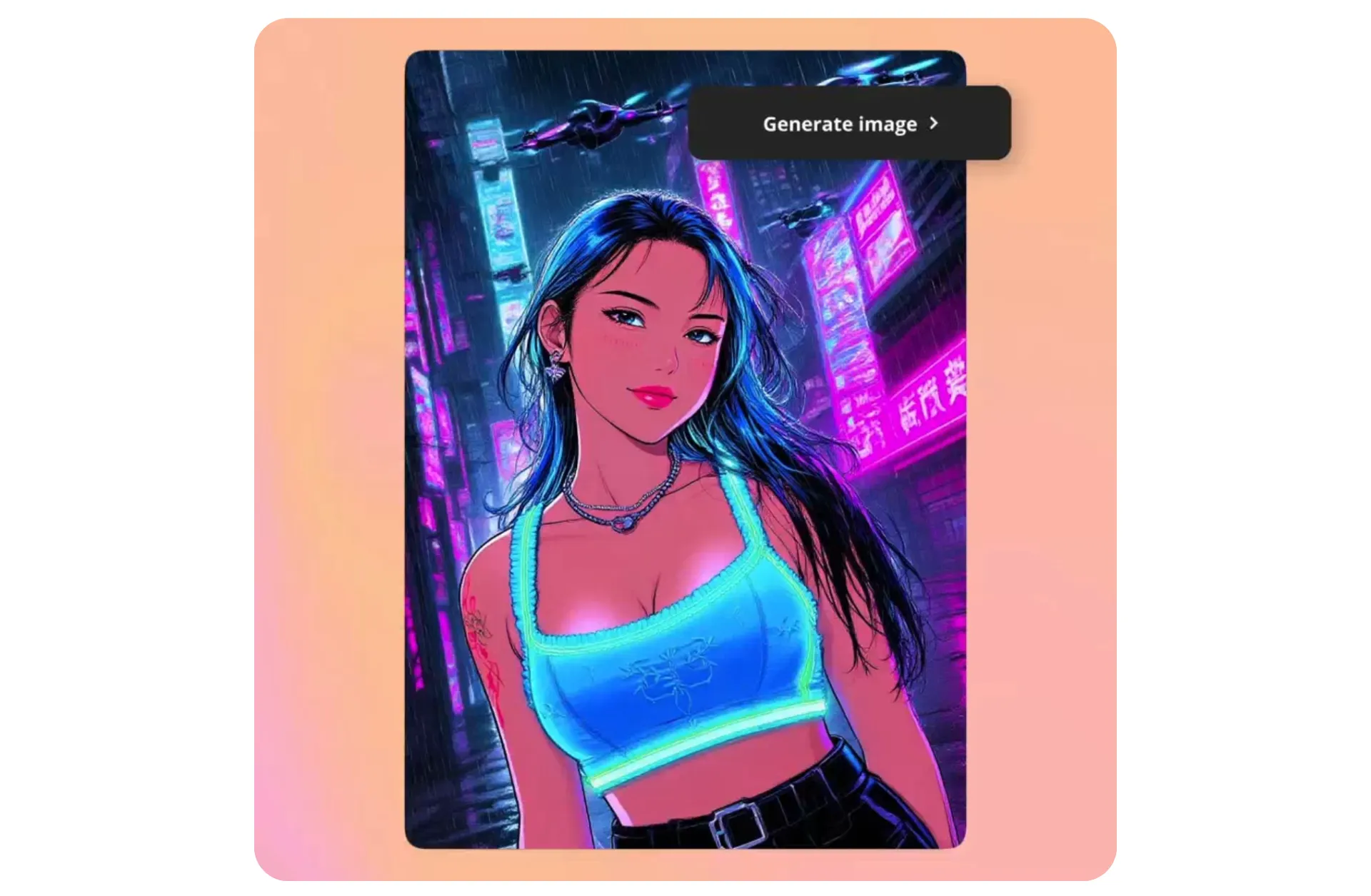
Transform photos with studio-quality filters
Apply any style you can imagine
Stunning photo filters — applied in seconds
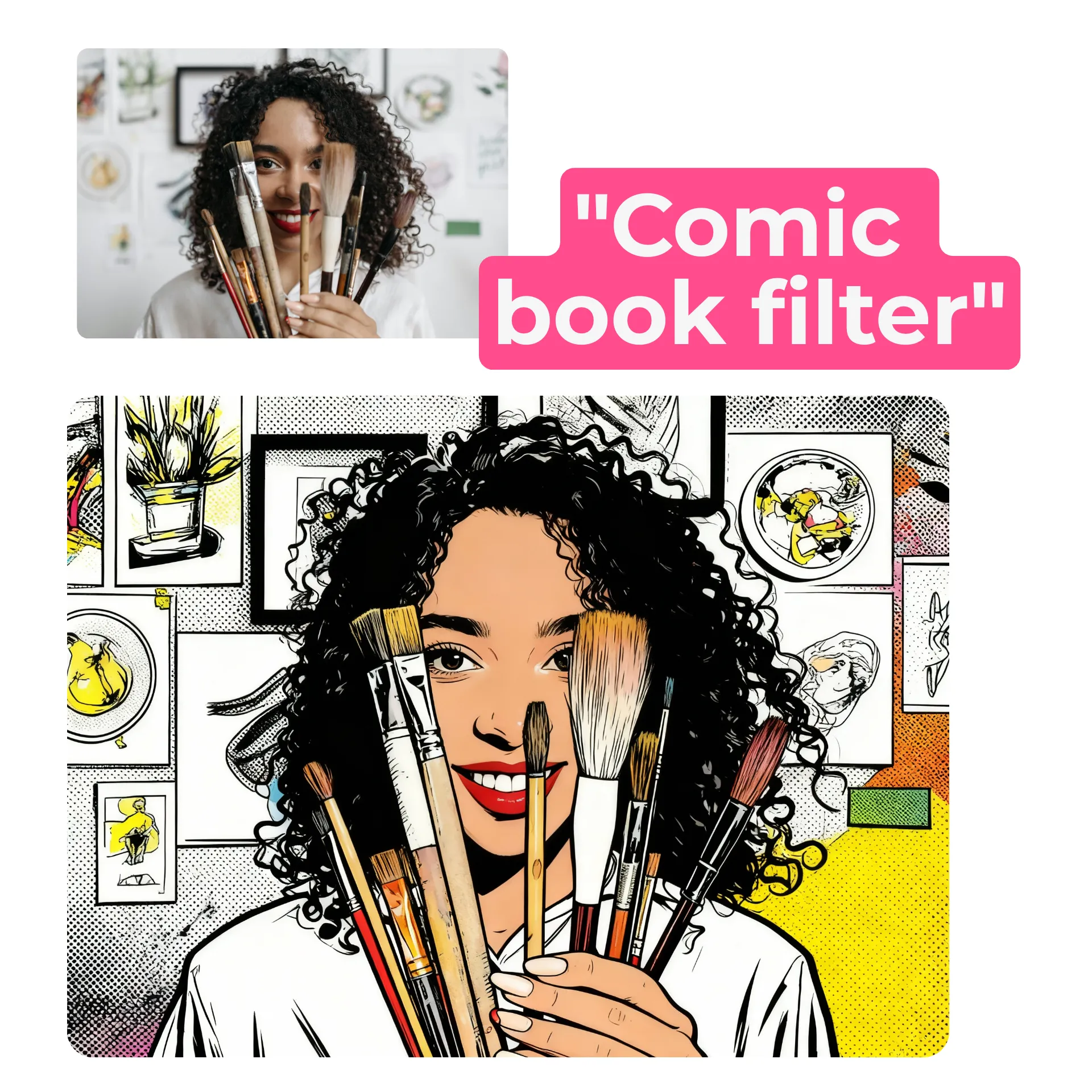
Want a black-and-white ad aesthetic or a comic book strip made from multiple photos? Simply describe your artistic vision to Kapwing’s AI Assistant as if you’re chatting with a friend.
Kapwing's AI will instantly generate your custom photo filter using one of its advanced AI models, including ChatGPT, Seedance, and Nano Banana.
Everything from bold style changes to small lighting tweaks can be done with a single prompt.
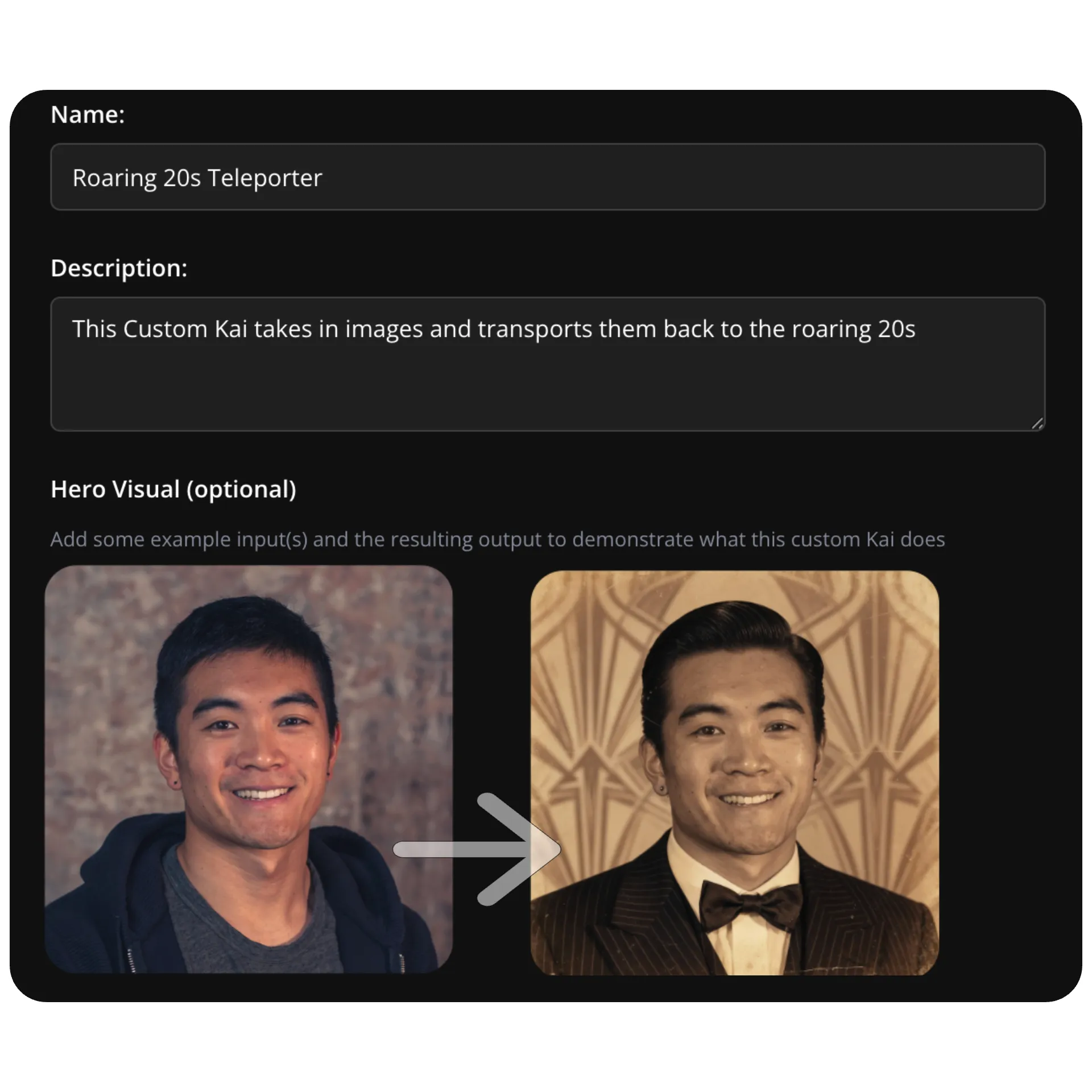
Create your own image filter — reuse it anytime
Keep your content consistent and on-brand with custom photo filters designed by you.
Photographers, social media creators, advertisers, and marketers use Custom Kais to create and save aesthetic-perfect filters that can be reapplied to any image in one click.
It’s the fastest way to match every photo to a consistent visual style, without repeating complex prompts or needing editing experience.
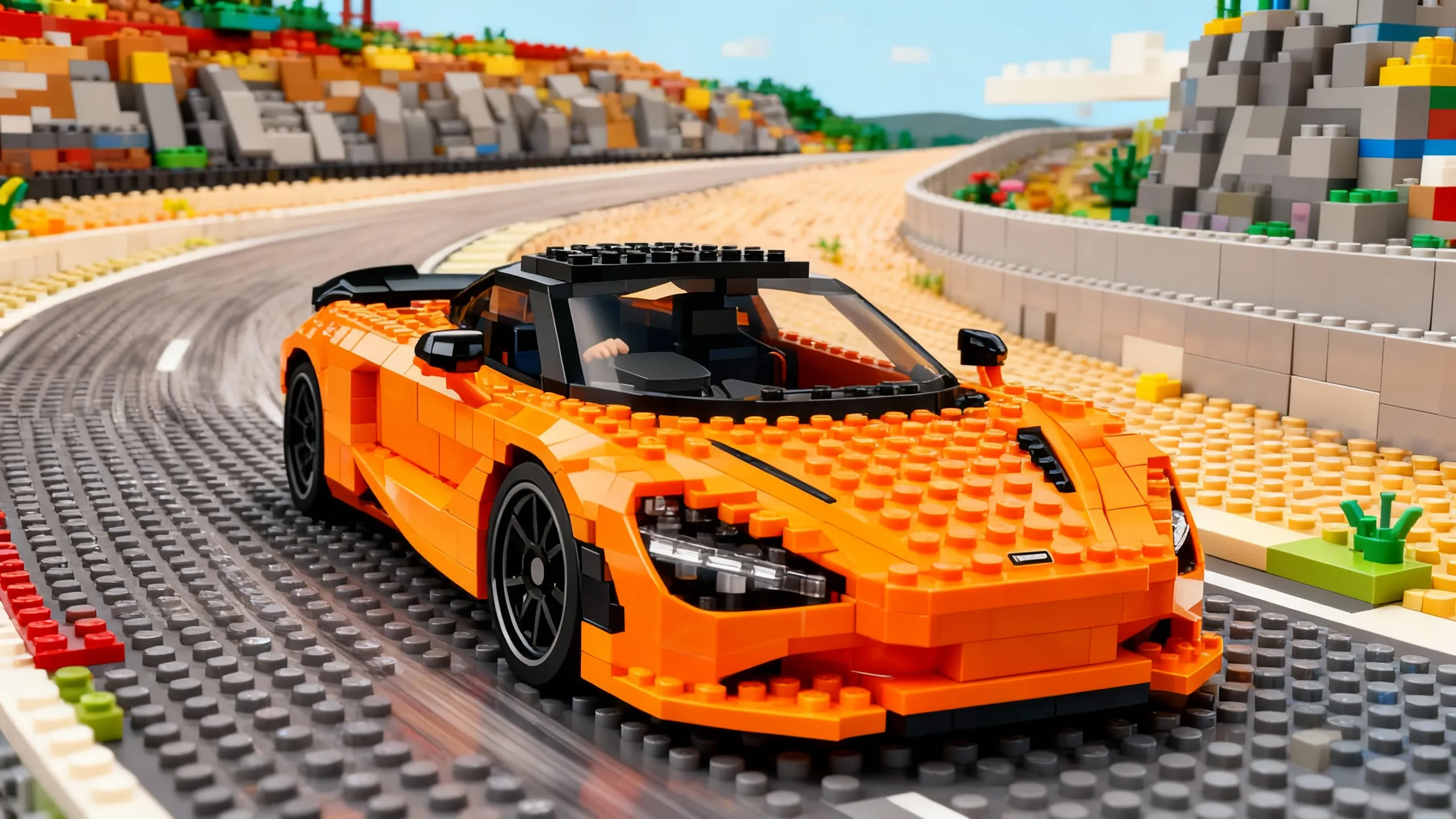
Endless creative styles and photo effects
From slight tweaks to complete artistic transformations, the online Photo Filter helps creators unlock aesthetics for every project, platform, or creative goal.
Experiment with popular film stocks like Kodak Portra or use the built-in Photo Effects Generator to try effects inspired by the '80s, '90s, watercolor paintings, or hand-drawn line art. Whether you're creating content for a campaign or just looking to experiment, there’s a filter for every idea.
Best of all, every image generation can be manually edited in the studio, giving you even greater precision over color correction controls like exposure, contrast, saturation, and more.

Describe any type of image filter
Recieve the result in seconds — completely online
Lego
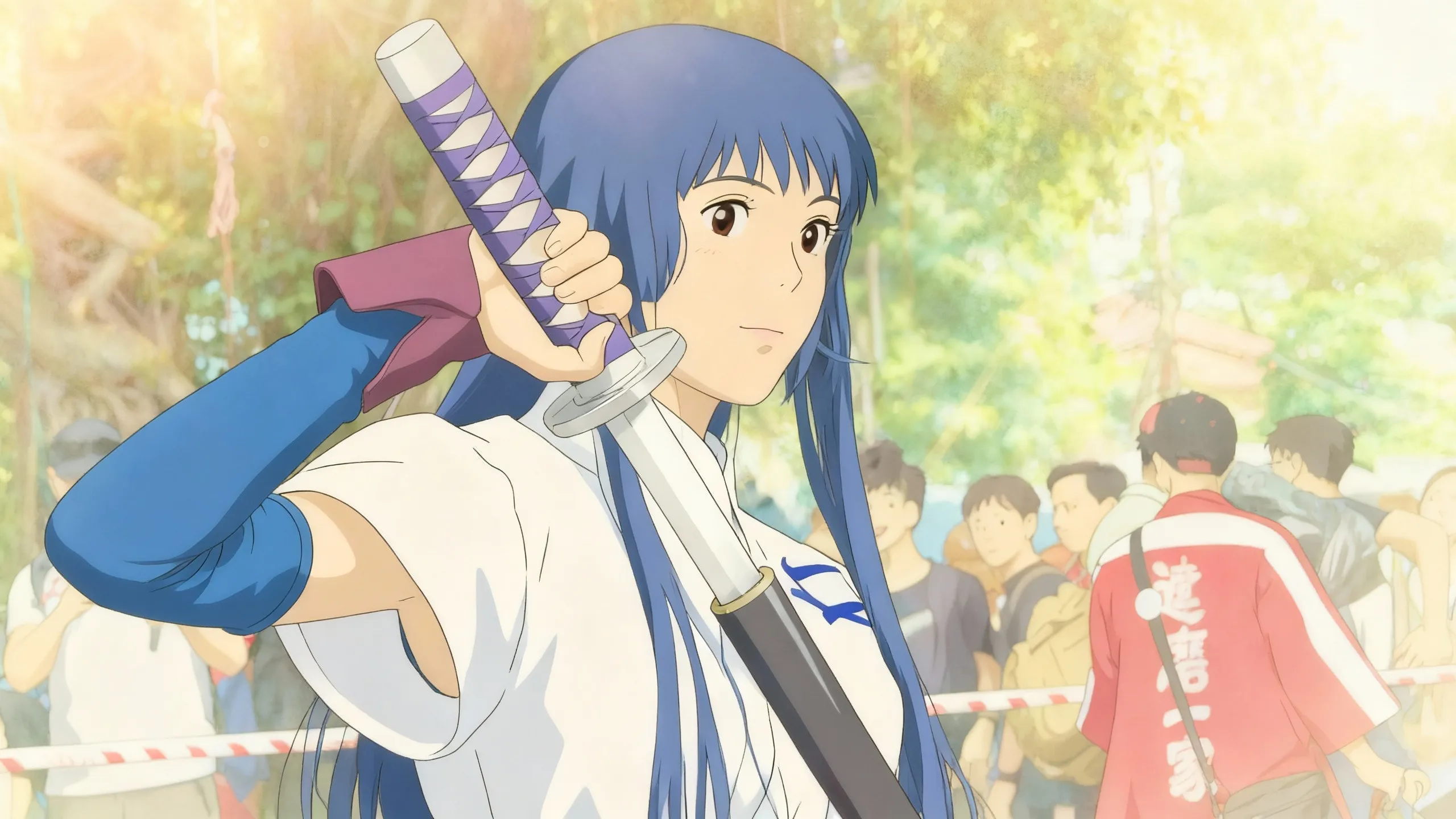
Studio Ghibli
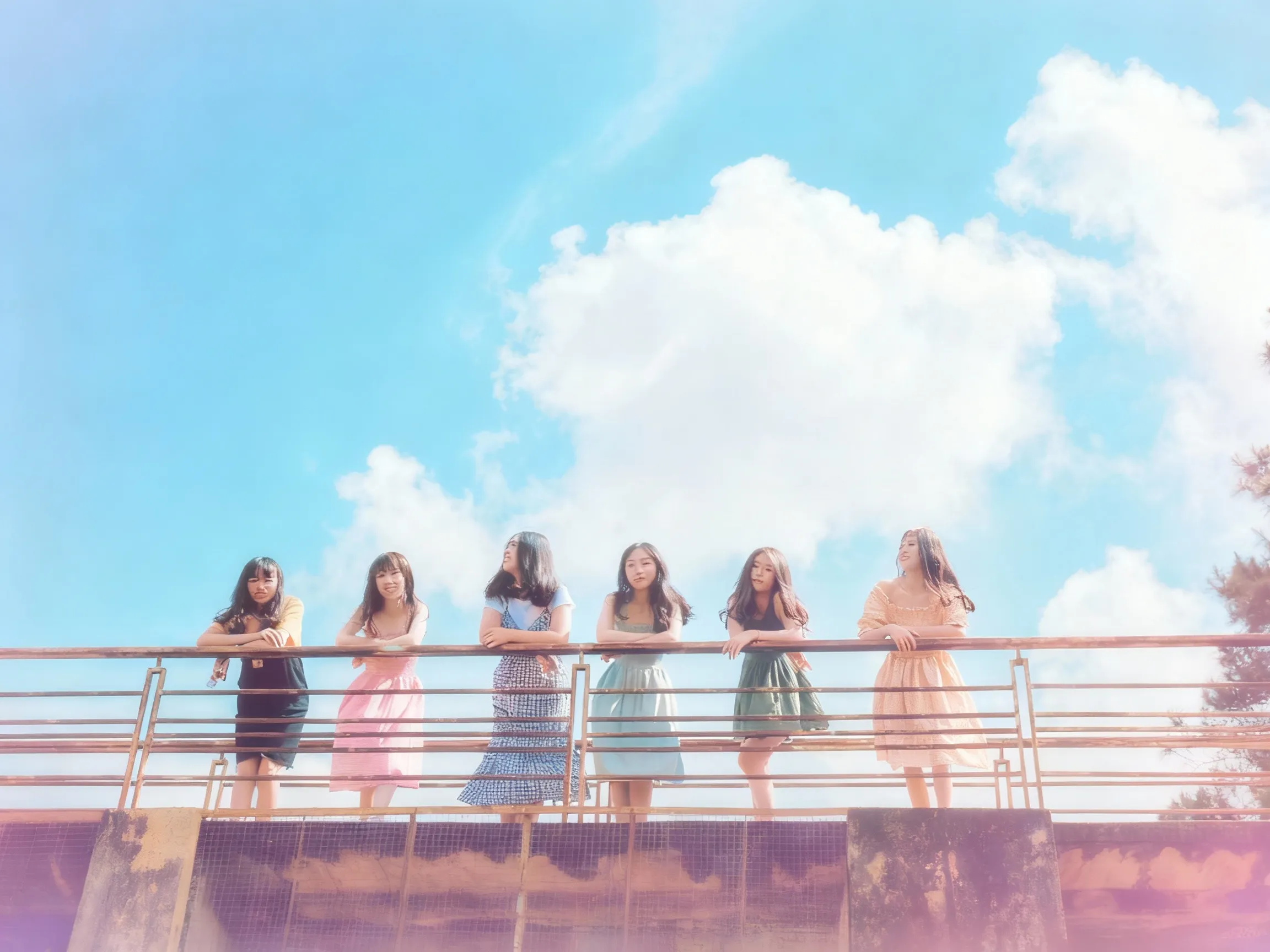
90s
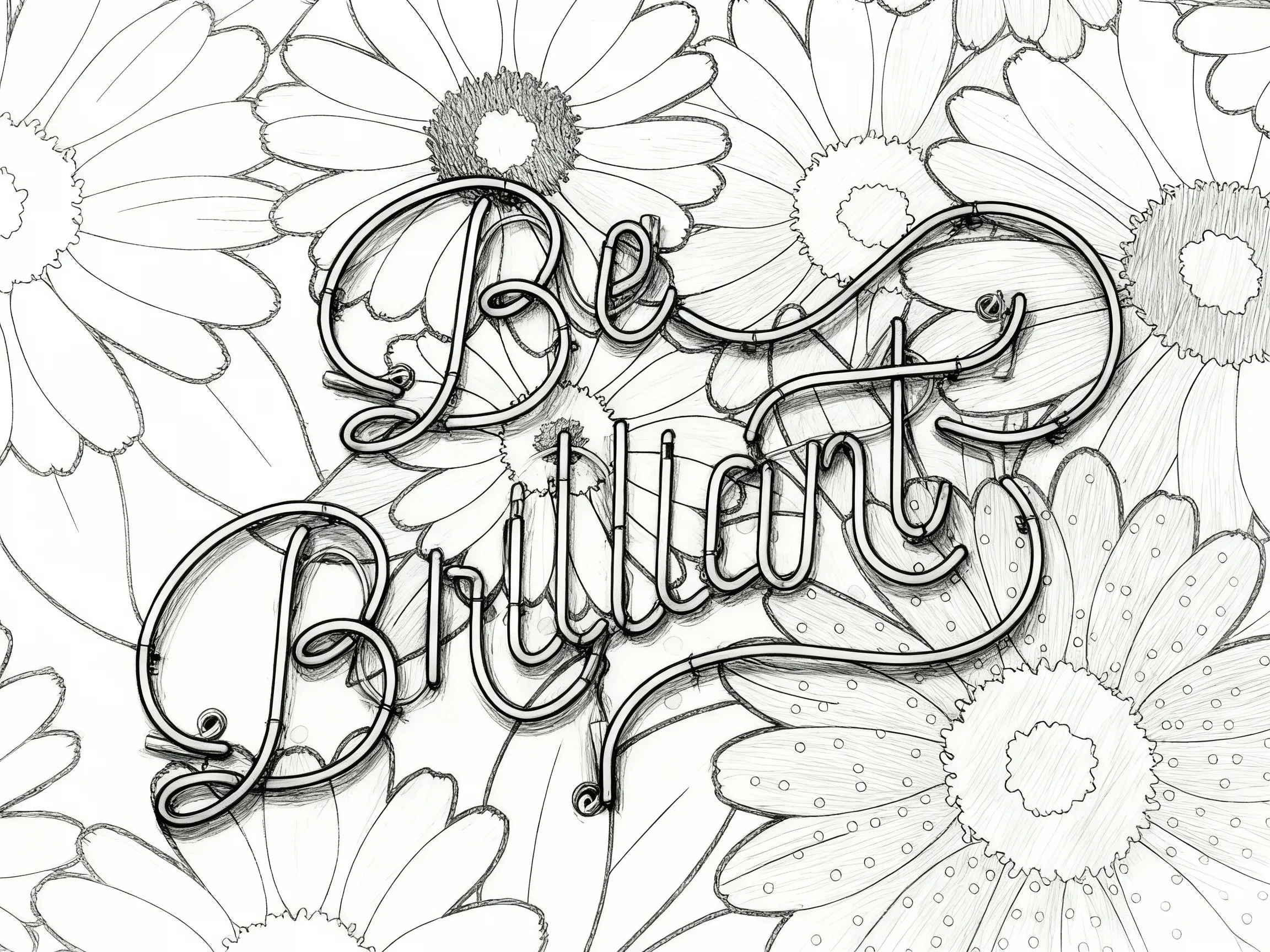
Sketch
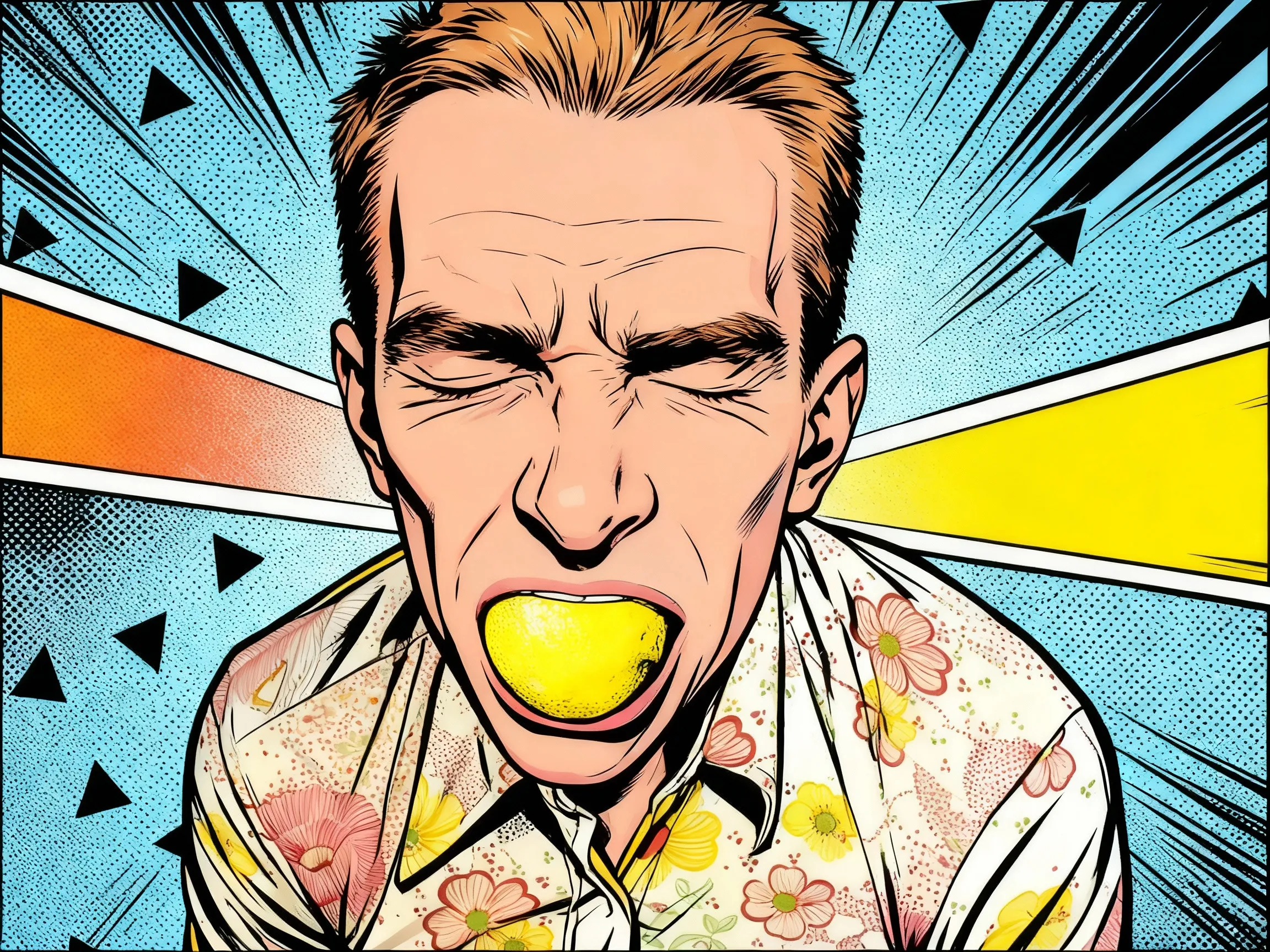
Cartoon
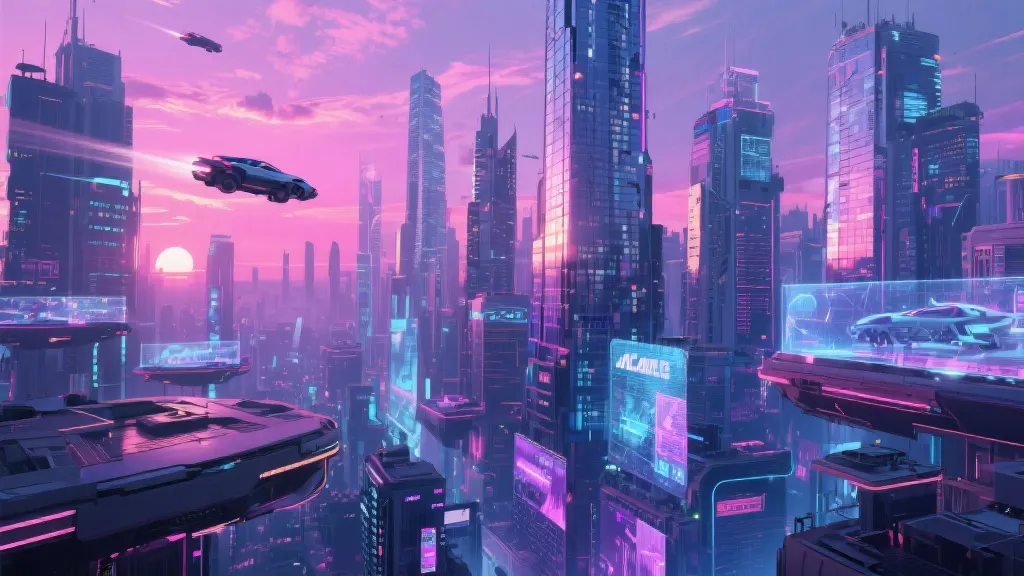
Cyberpunk
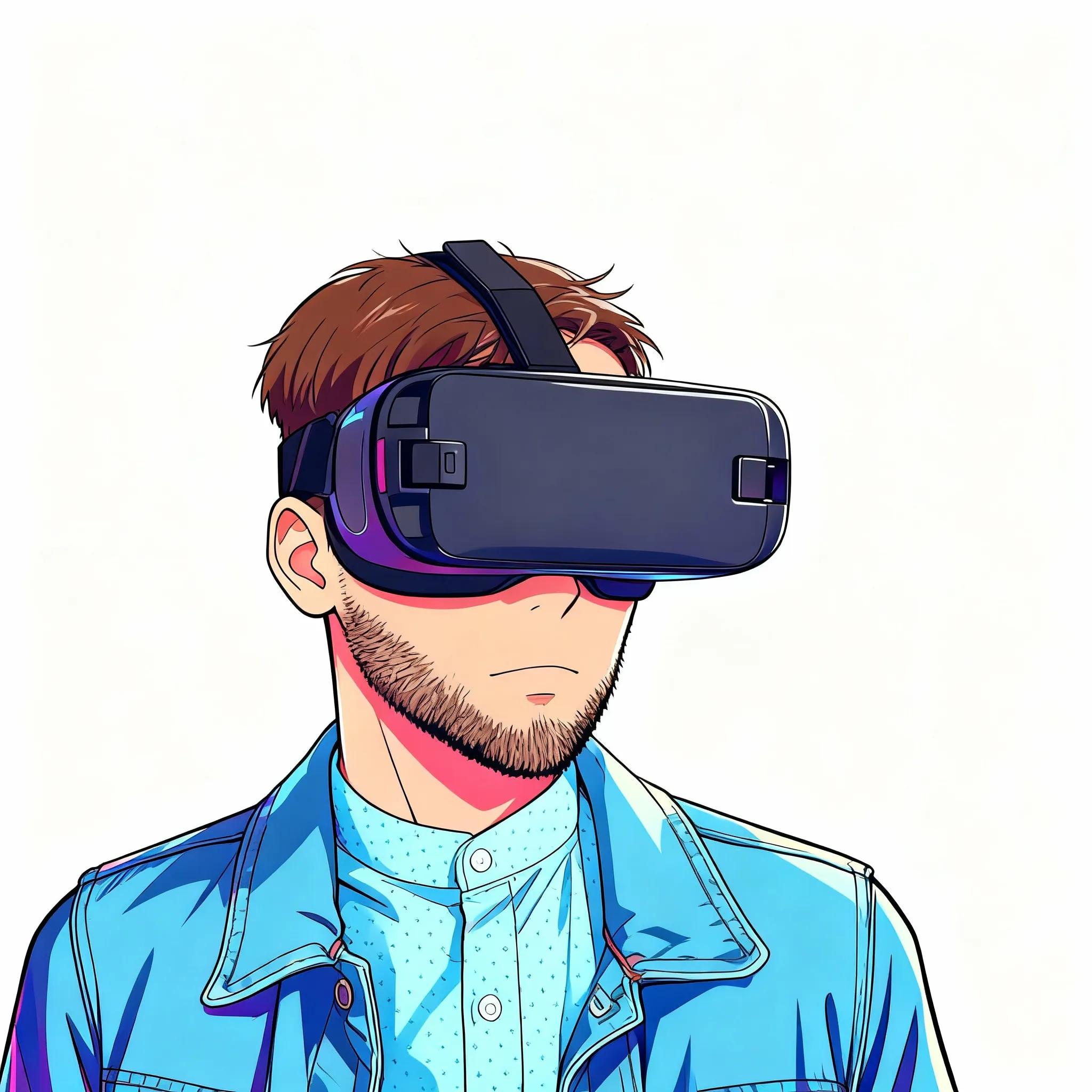
Anime
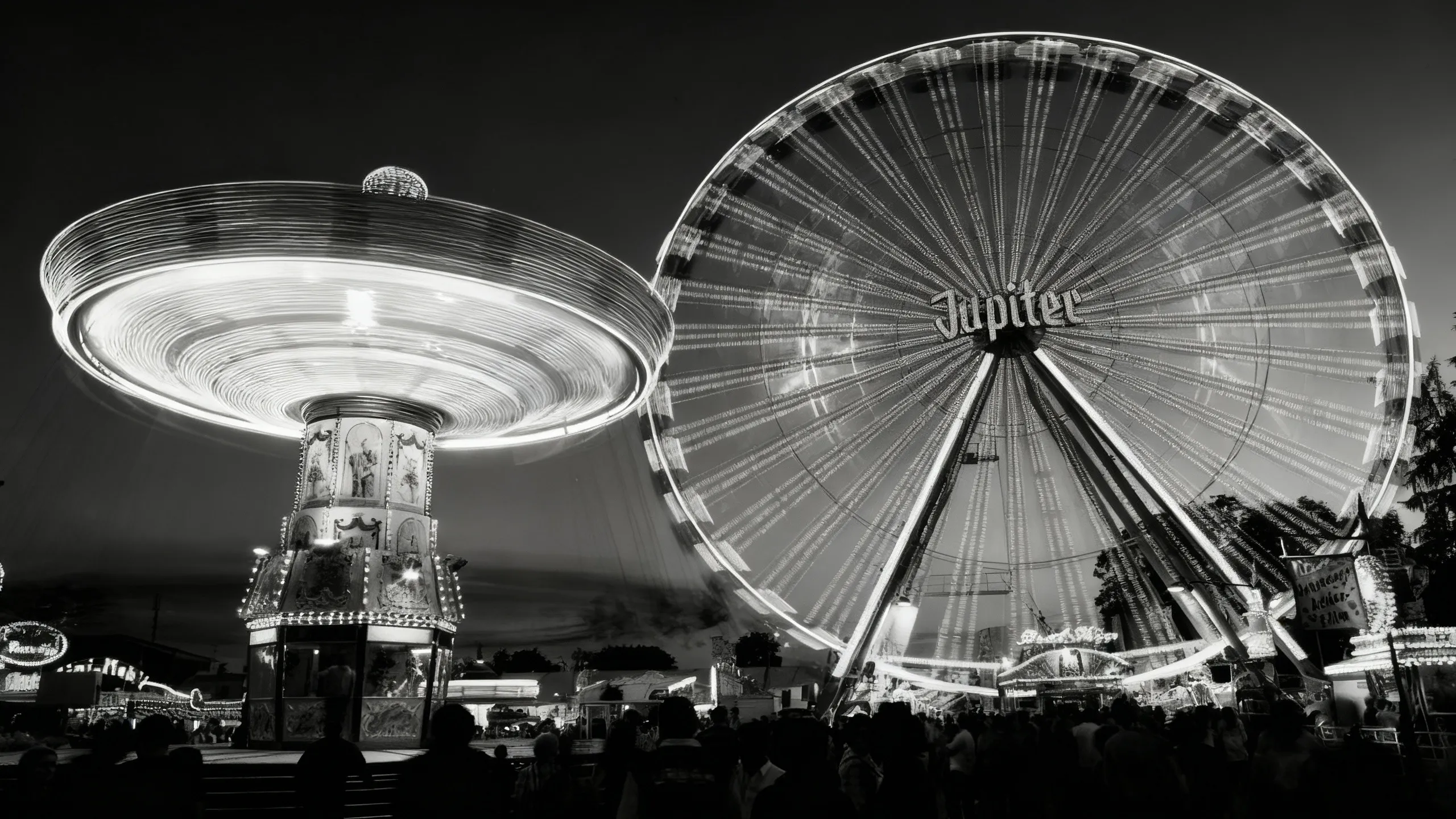
Black and White
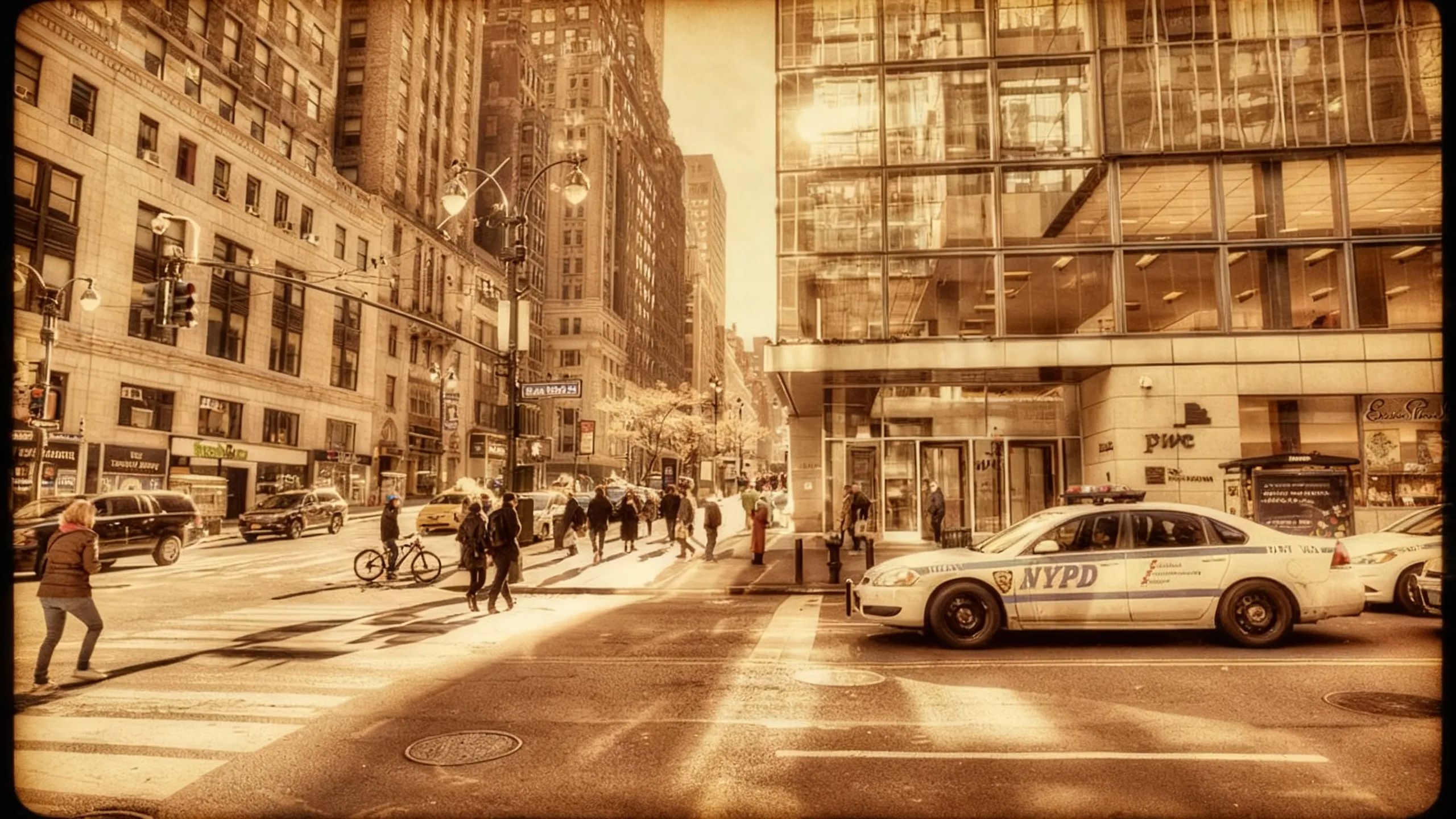
Retro
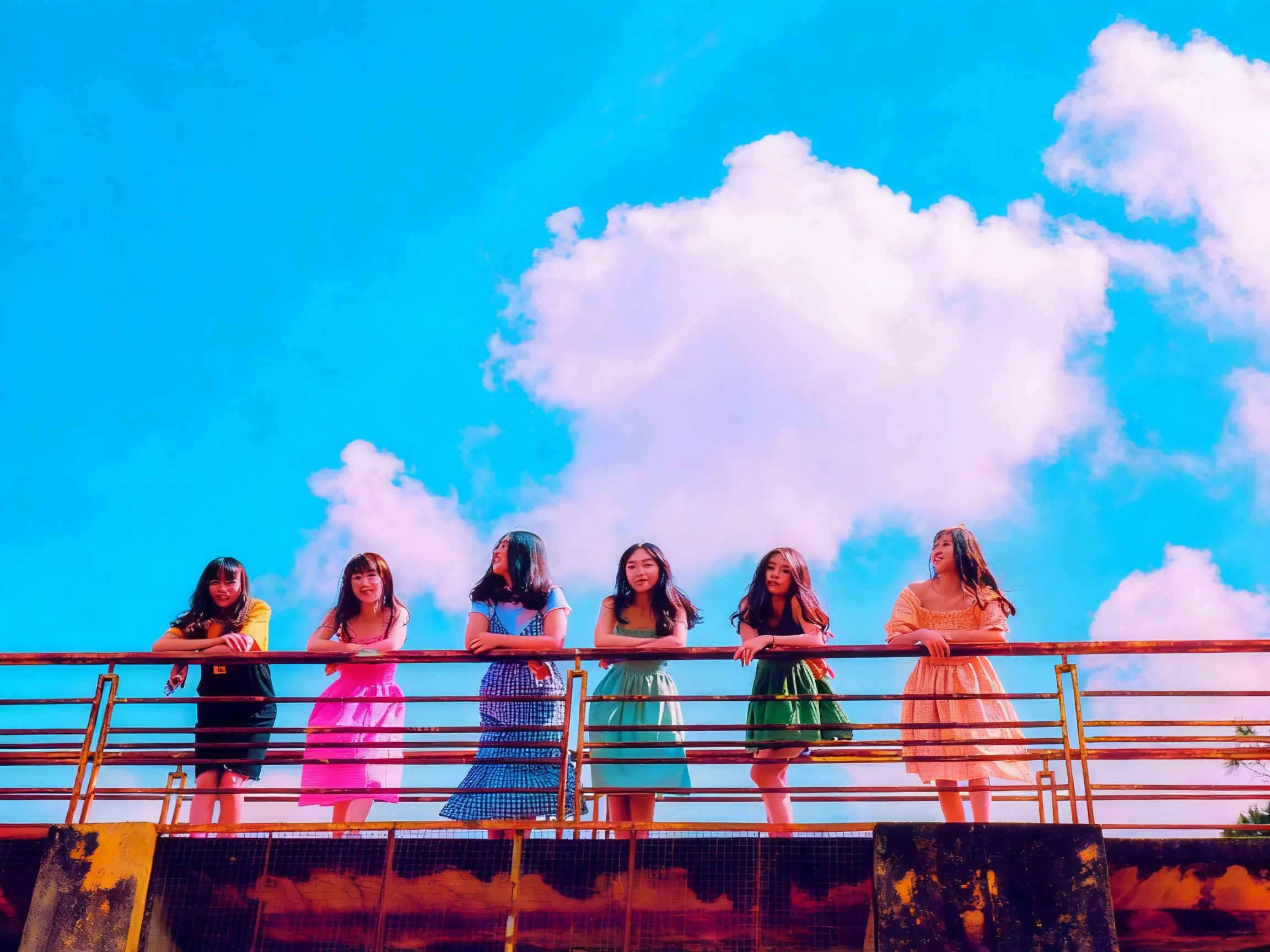
80s

Vignette
.webp)
Photo Booth
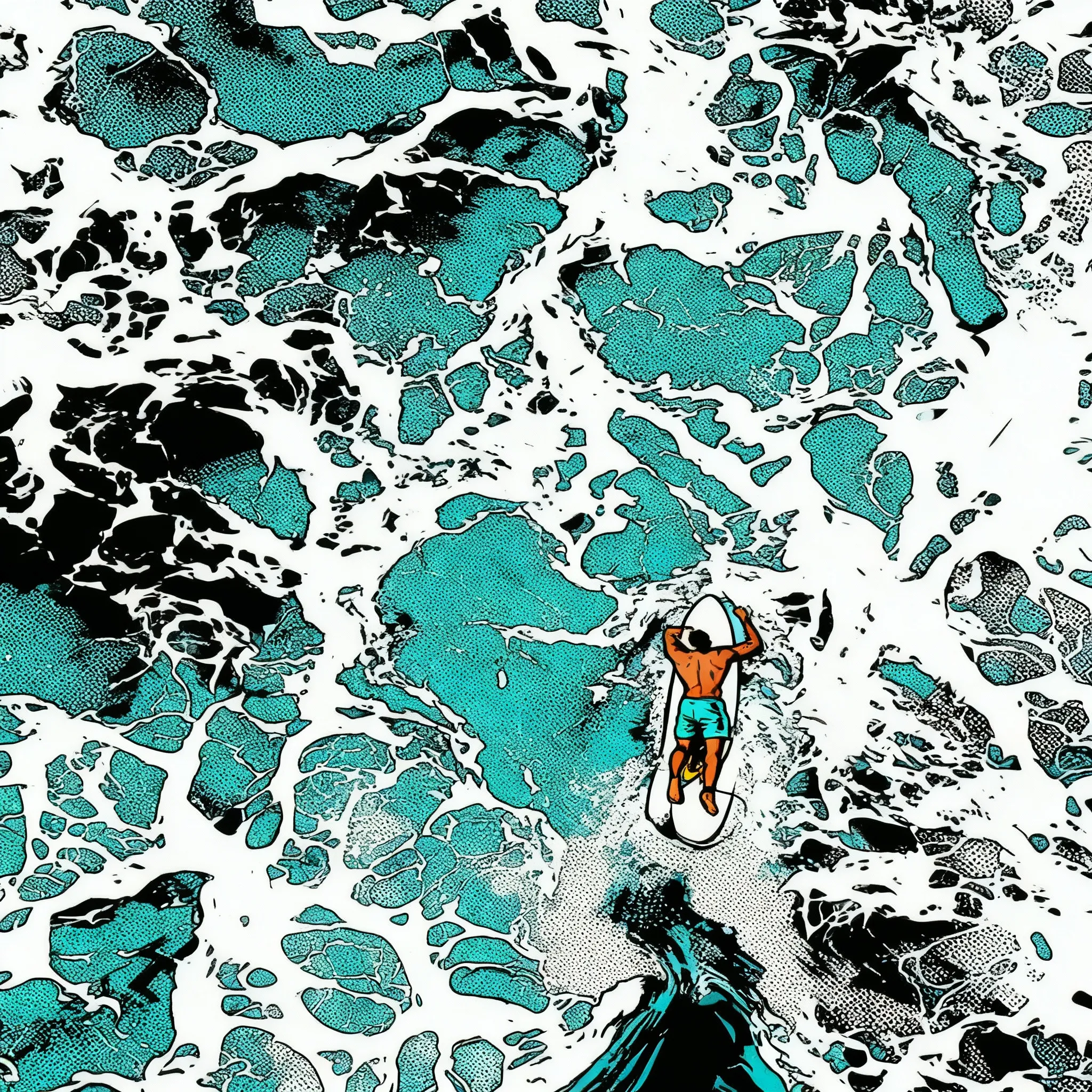
Comicbook

Pixar
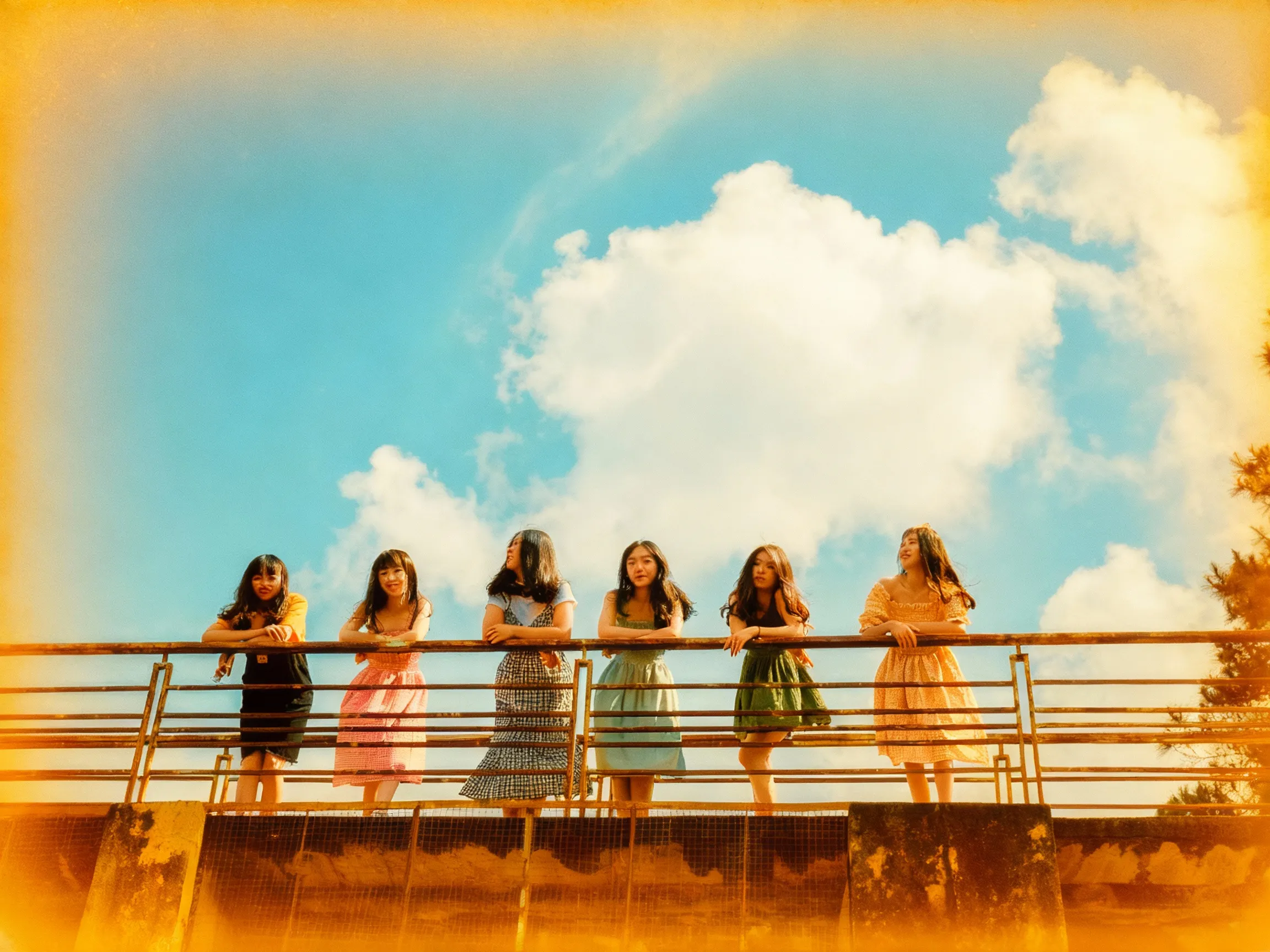
70s

Negative
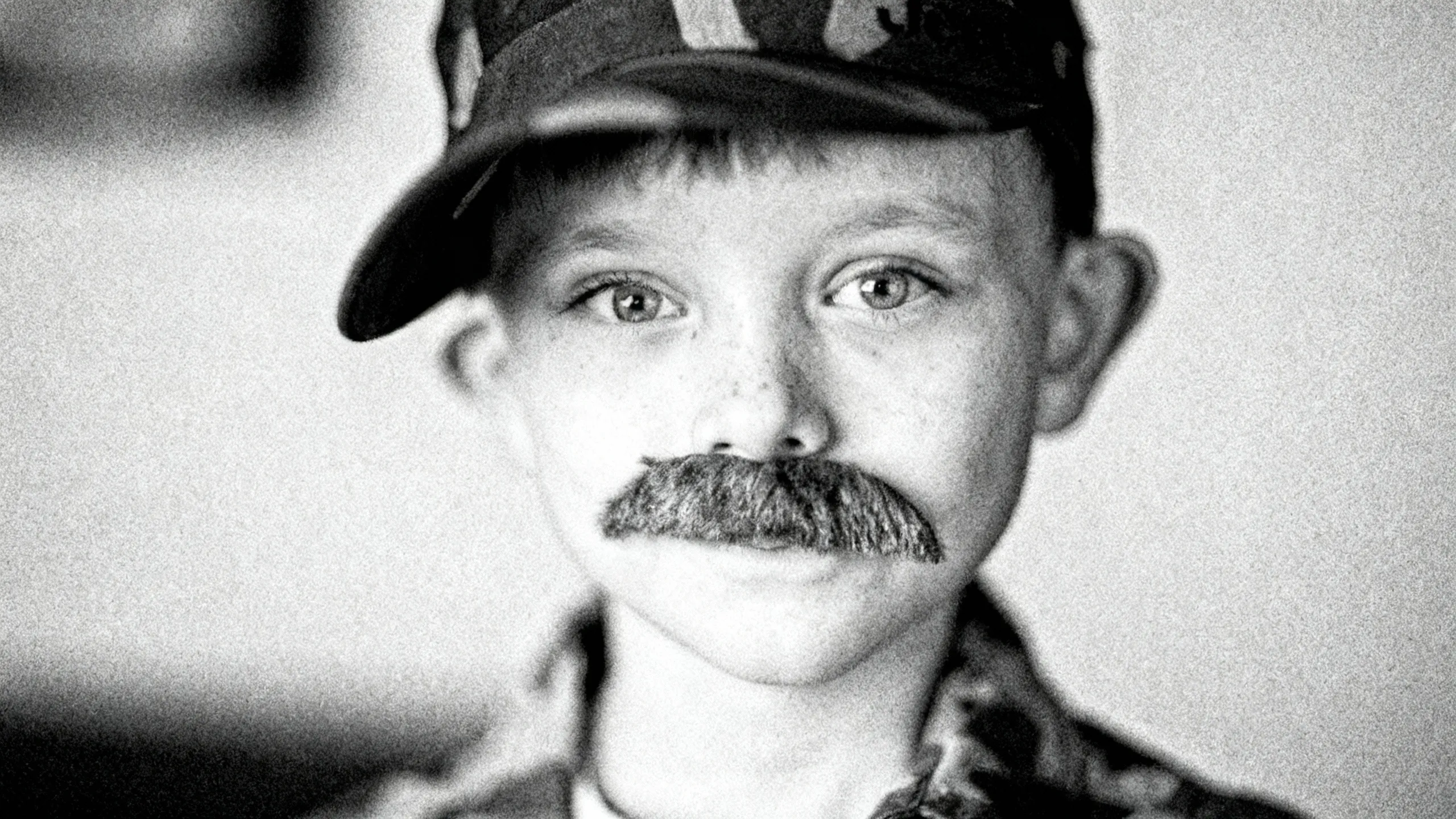
Grainy
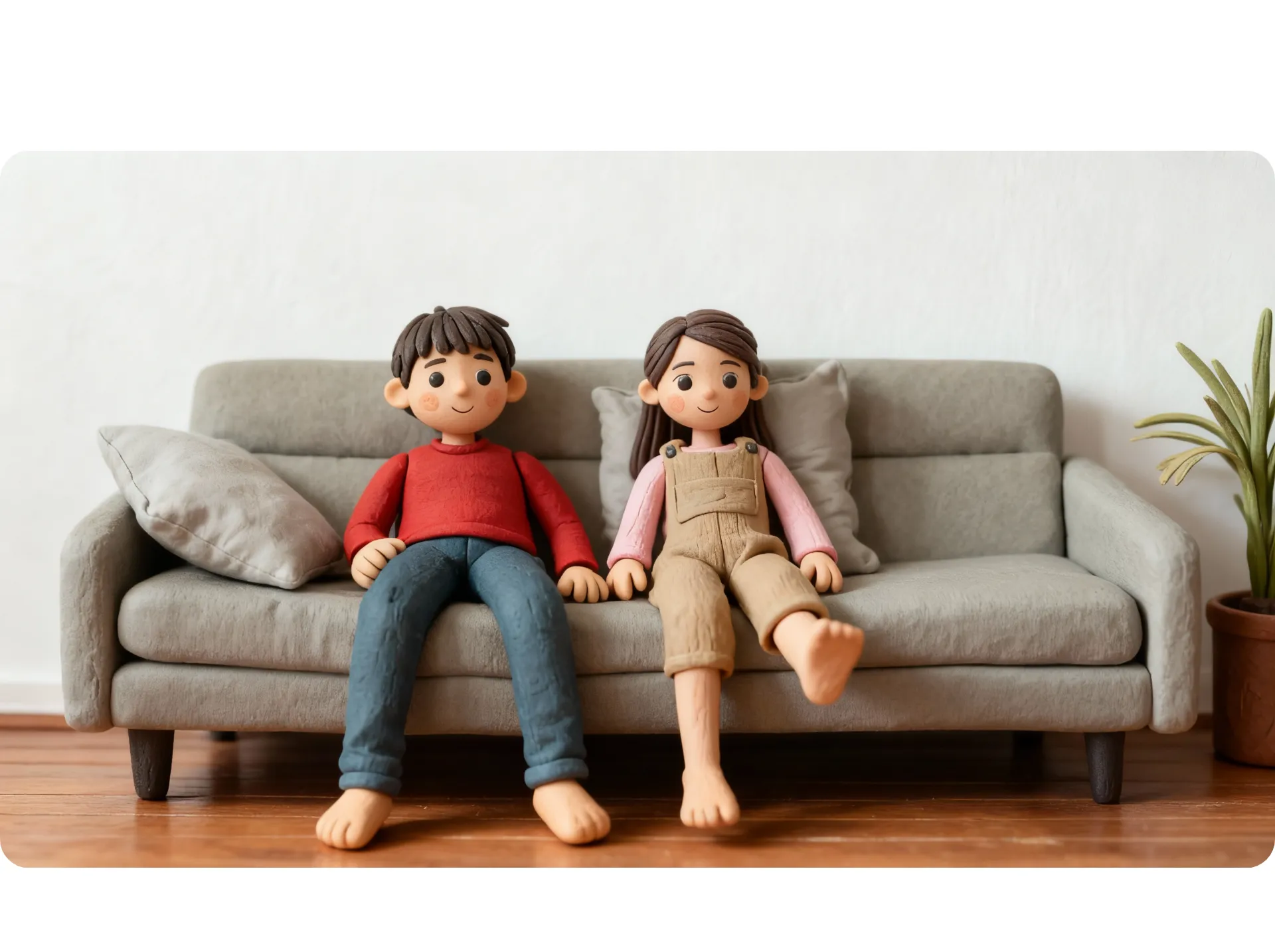
Clay Art
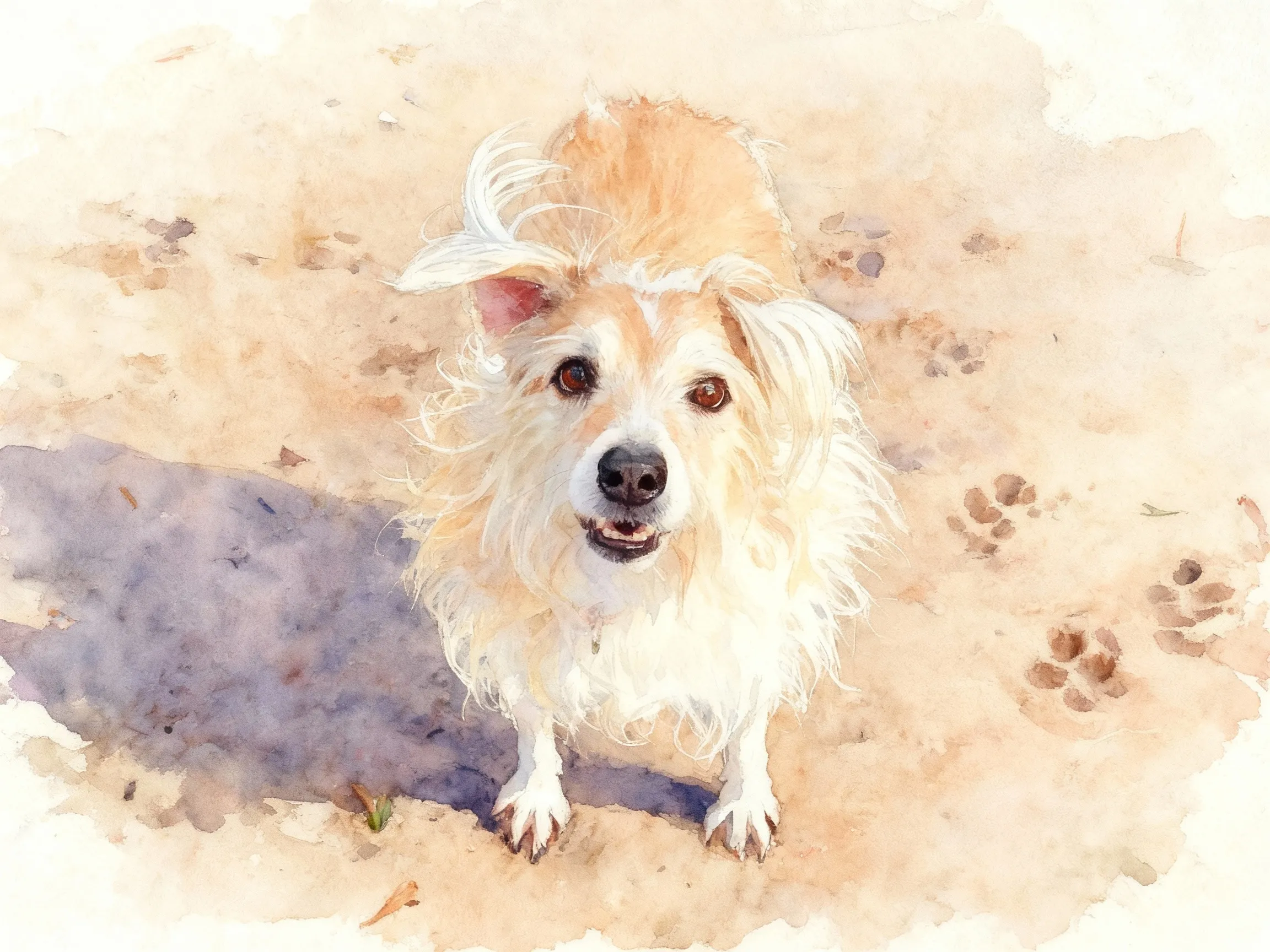
Watercolor
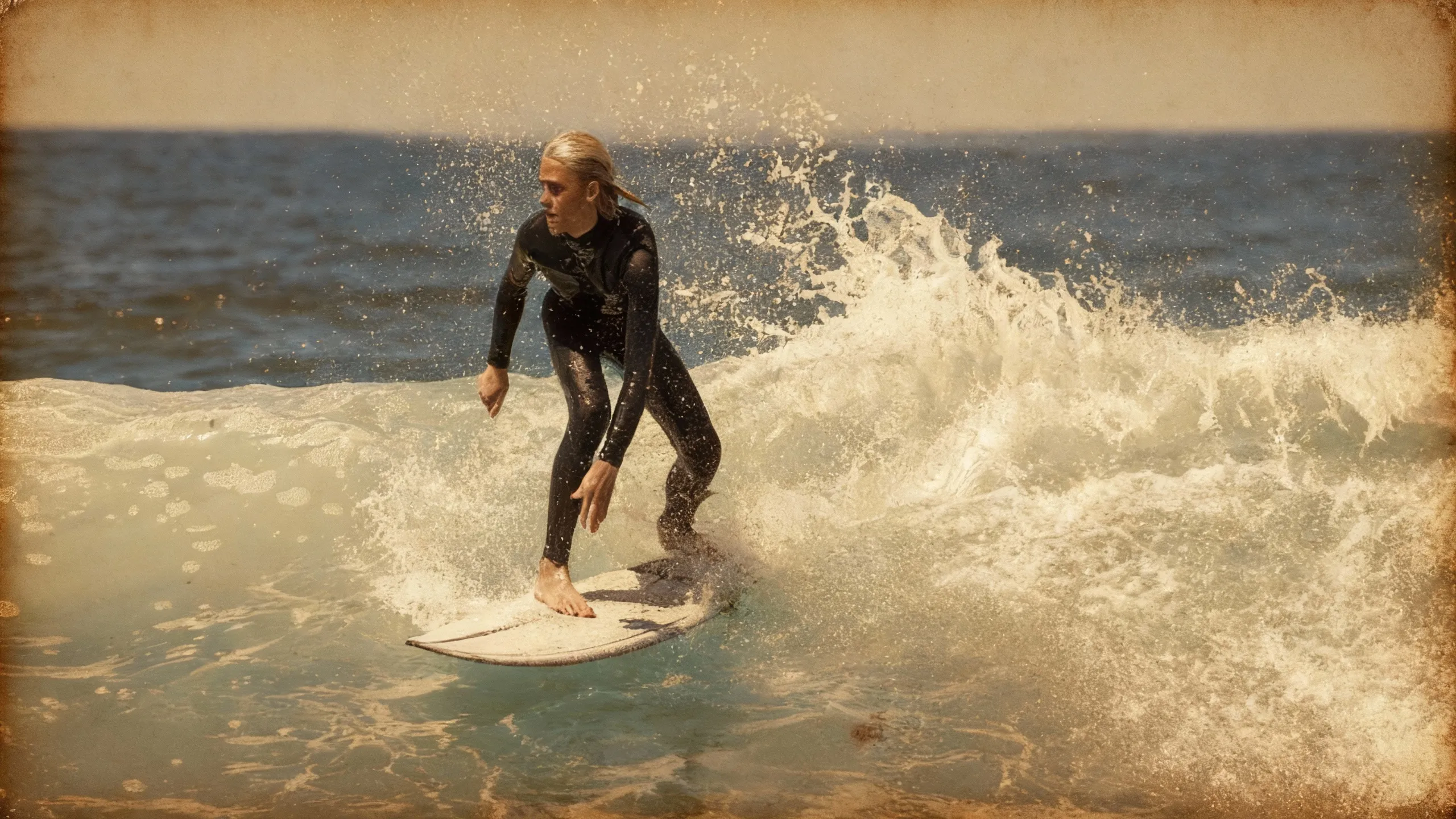
Vintage
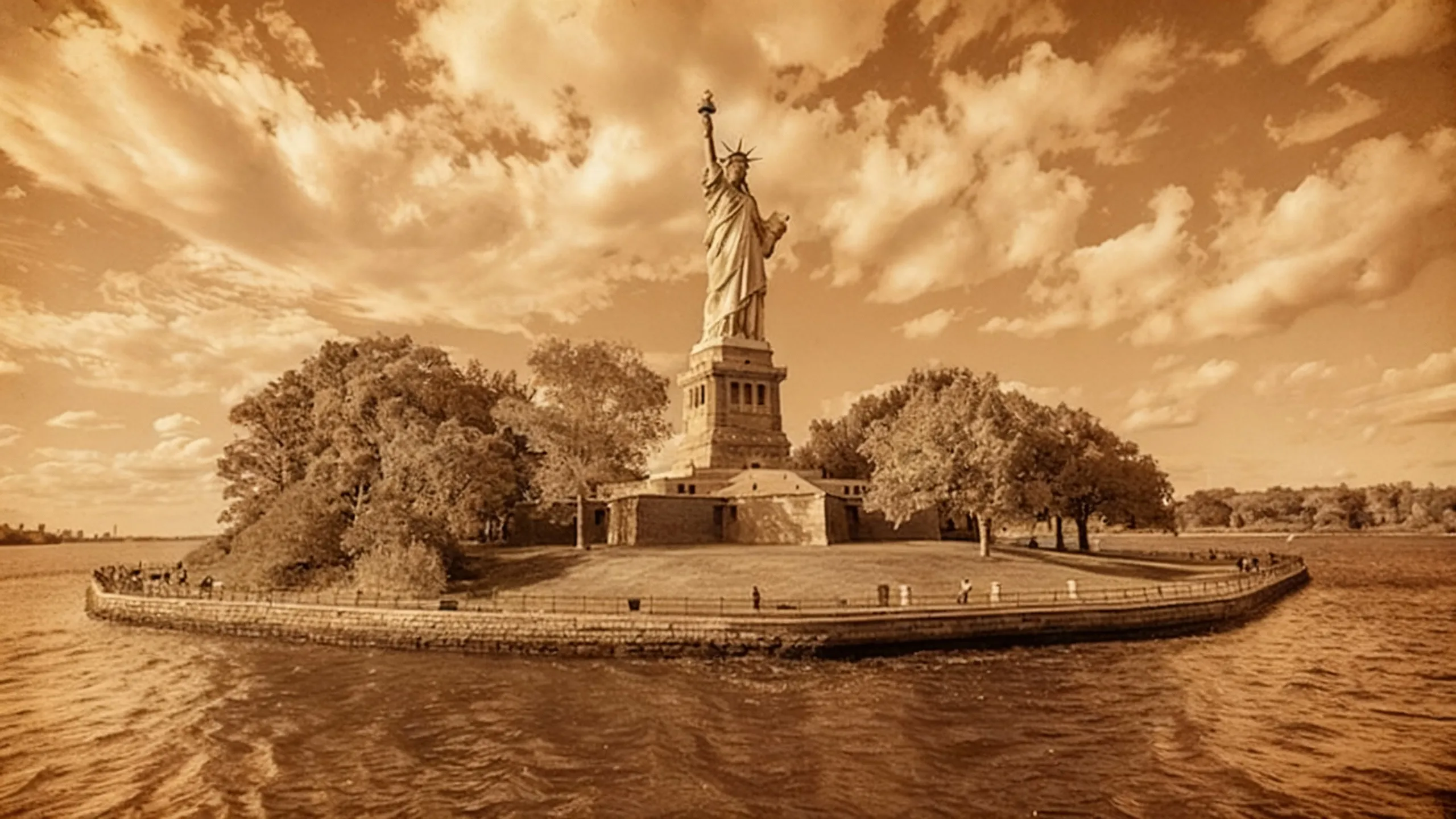
Sepia
Already transforming video creation across industries
Hear directly from the teams who publish faster, collaborate better, and stay ahead.


Generate, edit, export — all from one browser tab
Kapwing's Photo Filter tool is built into a full image editing studio
Apply filters, make edits, export final assets, or share directly to social media — all without switching tools or tabs. Kapwing’s editor is fully online, free to start, and built for both solo creators and teams who want to collaborate in real time.
Since everything runs in the cloud, your projects are saved automatically and accessible anytime, from any device — desktop, tablet, or phone.
Use Kapwing’s manual filters to adjust color, saturation, contrast, or lighting on any image, PNG, JPG, GIF, or even video. Whether you're enhancing a single photo or applying brand-wide edits, you can do it all in one place.
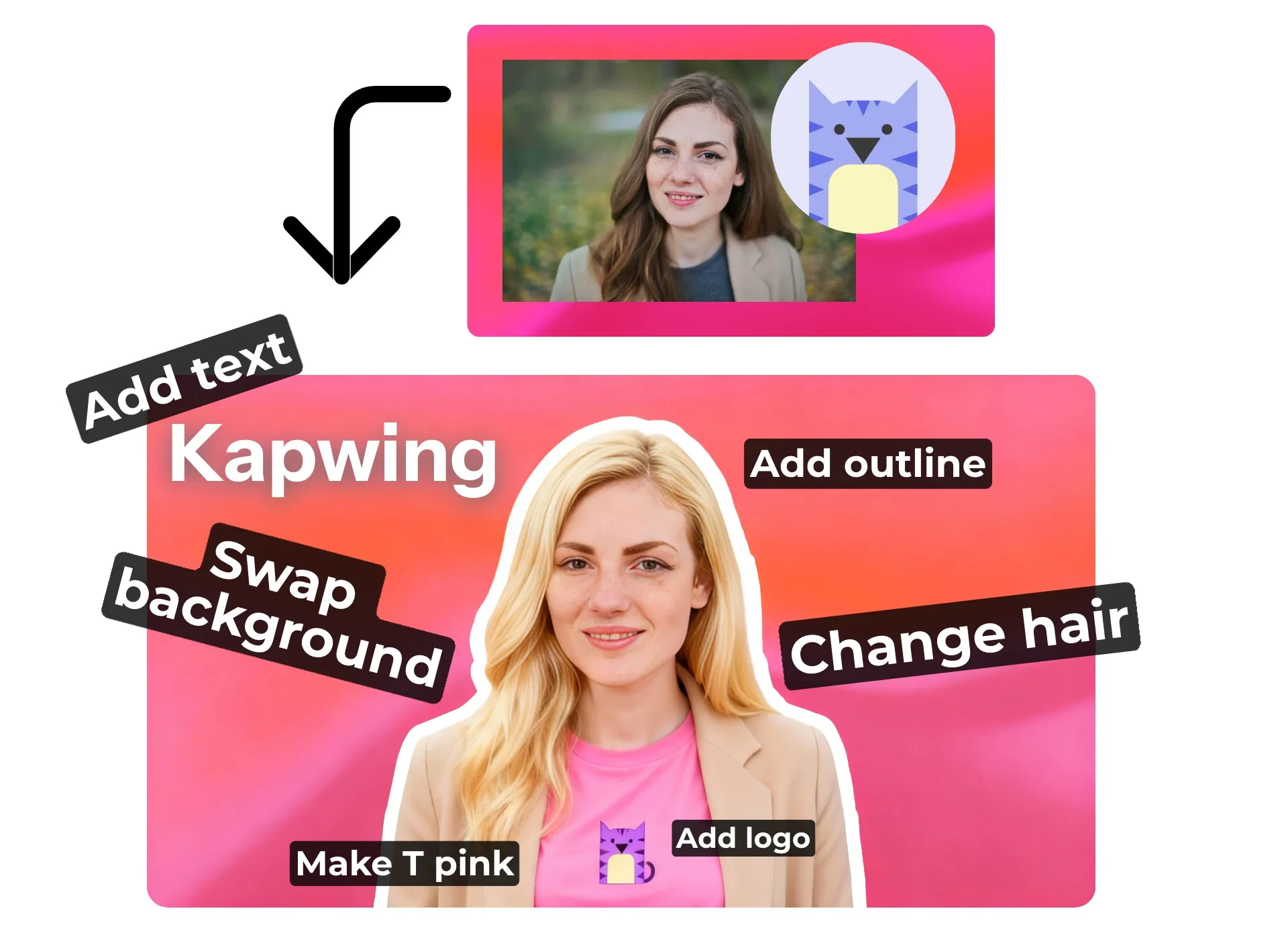
How to Add a Filter to an Image
- Step 1Open Kapwing
Launch Kapwing's AI Assistant and upload the photo you want to modify.
- Step 2Add filter to image
Describe the filter into the prompt box and hit "generate." If you're unsure what to write, simply ask the AI for help.
- Step 3Edit and export
From here, you regenerate the image with new requests or add it to the studio for manual editing. Once finalized, click “Export” to download or share.
What's different about Kapwing?



Frequently Asked Questions
We have answers to the most common questions that our users ask.
Is Kapwing’s Photo Filter tool free?
Yes, Kapwing’s online AI Photo Filter tool is free to try without a watermark. You can generate filters, apply effects, and edit images right in your browser. A paid plan is available if you want to remove watermarks or export in higher quality.
Can I save and reuse custom photo filters I’ve made?
Yes, use the "Custom Kai" section to create and save your filter a reuseable prompt. You can share the saved prompt both publicly or privately with team members.
Do I need editing experience to use the AI Image Filter?
No experience is needed. Just type what you want — like “Studio Ghibli style” or “1990s magazine photo” — and Kapwing's AI applies the filter for you.
Do I need to install anything?
No installation is required. Kapwing runs entirely in your web browser, so you can access your projects from any desktop, tablet, or mobile device — all saved automatically in the cloud.
What types of photo filter styles can I generate?
You can generate almost any aesthetic — from artistic looks like watercolor and sketch to retro filters inspired by the '80s, '90s, and early 2000s. Kapwing also supports cinematic styles, black-and-white filters, claymation effects, and even filters based on physical changes such as bald filters, plastic surgery, face changes, outfit changes, and more.
Can I edit my images?
Yes, after applying your AI-generated filter, you can open the photo in Kapwing’s full editing studio. There, you’ll have access to advanced tools for adjusting contrast, brightness, saturation, and fine-tuning your picture. You can also add text, resize the image, create a collage, and more.
Can you remove the background from an image?
Yes, the fastest way to remove a background from a photo is by using the automatic background removal tool built into the Kapwing Studio. On desktop, you’ll find it in the right-hand toolbar under “Effects.”
Can I filter photos on my phone?
Yes, to add a filter to an image on your mobile device (including iPhone or Android), simply open Kapwing in your mobile browser and follow the same prompt process.
What are the most popular photo filters on Instagram?
Some of the most popular Instagram filters include Clarendon, Juno, Gingham, Lo‑Fi, and Valencia, each offering a distinct vibe, from bright and high-contrast to warm and vintage. Trends also show rising interest in black-and-white aesthetics, film-inspired filters like Kodak Portra, and stylized effects such as cartoon, anime, and sketch filters.
These styles consistently perform well across lifestyle, fashion, travel, and influencer content. For a deeper breakdown, check out this list of the most-used Instagram filters in 2025.
What is a Custom Kai?
Custom Kais are pre-built AI image and video effects in Kapwing. Our team has created hundreds of them so you can instantly produce eye-catching content — no prompt writing required. Just apply a Custom Kai and the style is handled for you.
You can also create your own Custom Kai to capture your brand’s unique look and reuse it anytime for consistent, on-brand content with one click. This makes the process of editing or generating images in an identical filter style a seamless and automated process.
Discover Resources
Tips, templates, and deep dives to help you create faster and share with confidence.
View all

Get started with your first video in just a few clicks. Join over 35 million creators who trust Kapwing to create more content in less time.