Image to Video Converter
Transform still photos into high-quality, motion-rich video projects

From static image to dynamic video — in minutes
Use a preset template or combine 100s of pro-grade tools
Professional videos, beginner-friendly tools
Start with a single photo or a full gallery, then bring your images to life by adding AI Voice Overs, royalty-free music, automatic subtitles, brand assets, and smooth transitions.
Choose from thousands of video templates and pre-set aspect ratios for TikTok, Instagram, YouTube, and more — everything is built to help you publish faster.
From product promos to pitch decks and slideshows, Kapwing’s Image to Video Converter makes pro-quality video creation effortless for both teams and solo creators.

Manual precision combined with AI magic
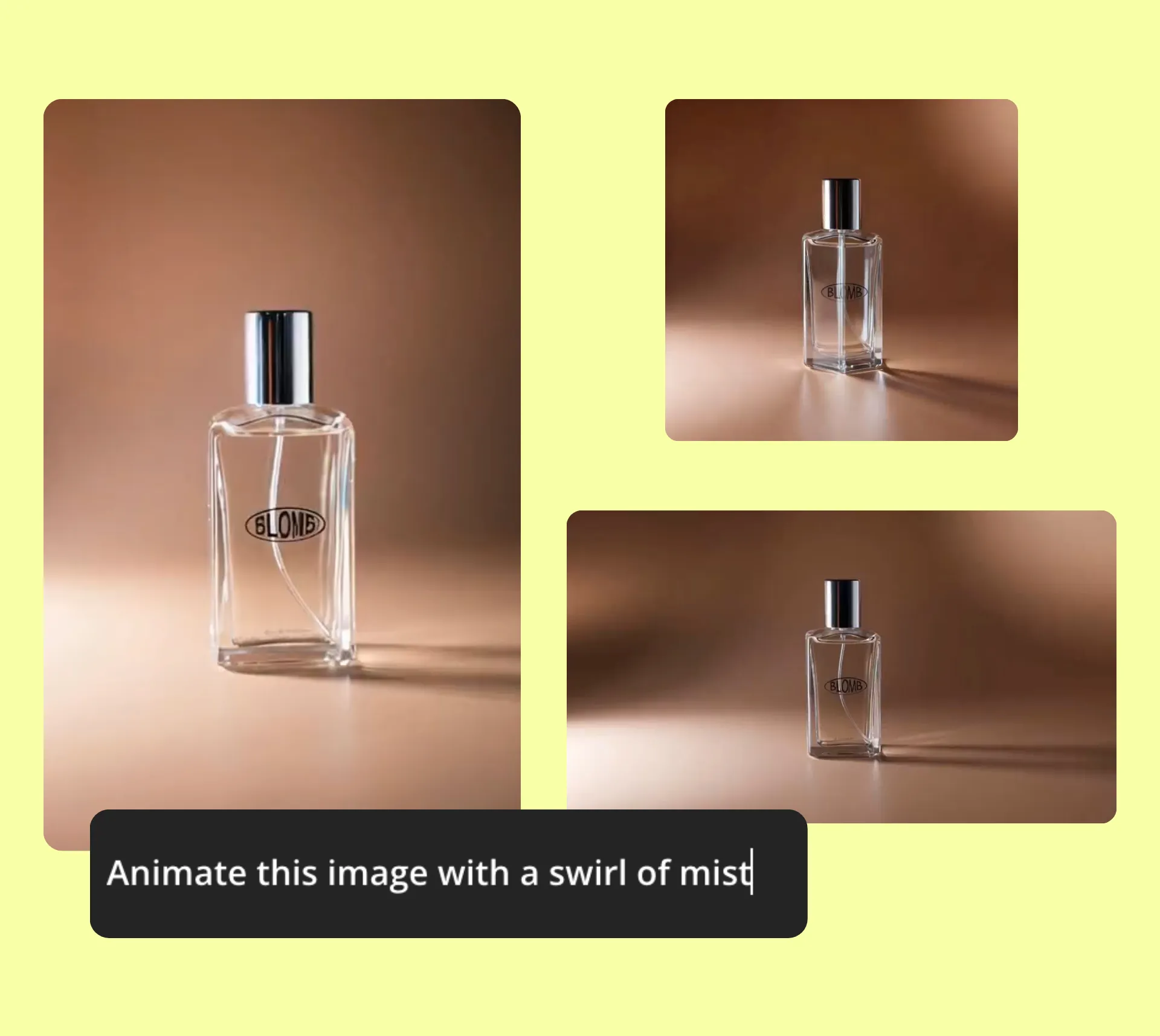
Kapwing’s all-in-one editing studio includes an advanced AI Image to Video model that transforms static photos into short, dynamic video clips.
Just ask the AI Assistant to zoom, pan, crop, animate, or add transitions to your photo — it’s a shortcut to professional-quality video editing without the learning curve.
Enhance your video with drag-and-drop tools or precise manual edits like trimming, cutting, and layering. Whether you're creating a few seconds of social content or a full-length presentation, Kapwing blends AI magic with hands-on control to deliver on-brand videos that always stand out from the crowd.
Reach anyone, anywhere — instantly with video
Whether connecting with customers, coworkers, or an entire community, video makes your message impossible to ignore
Social Media Creators
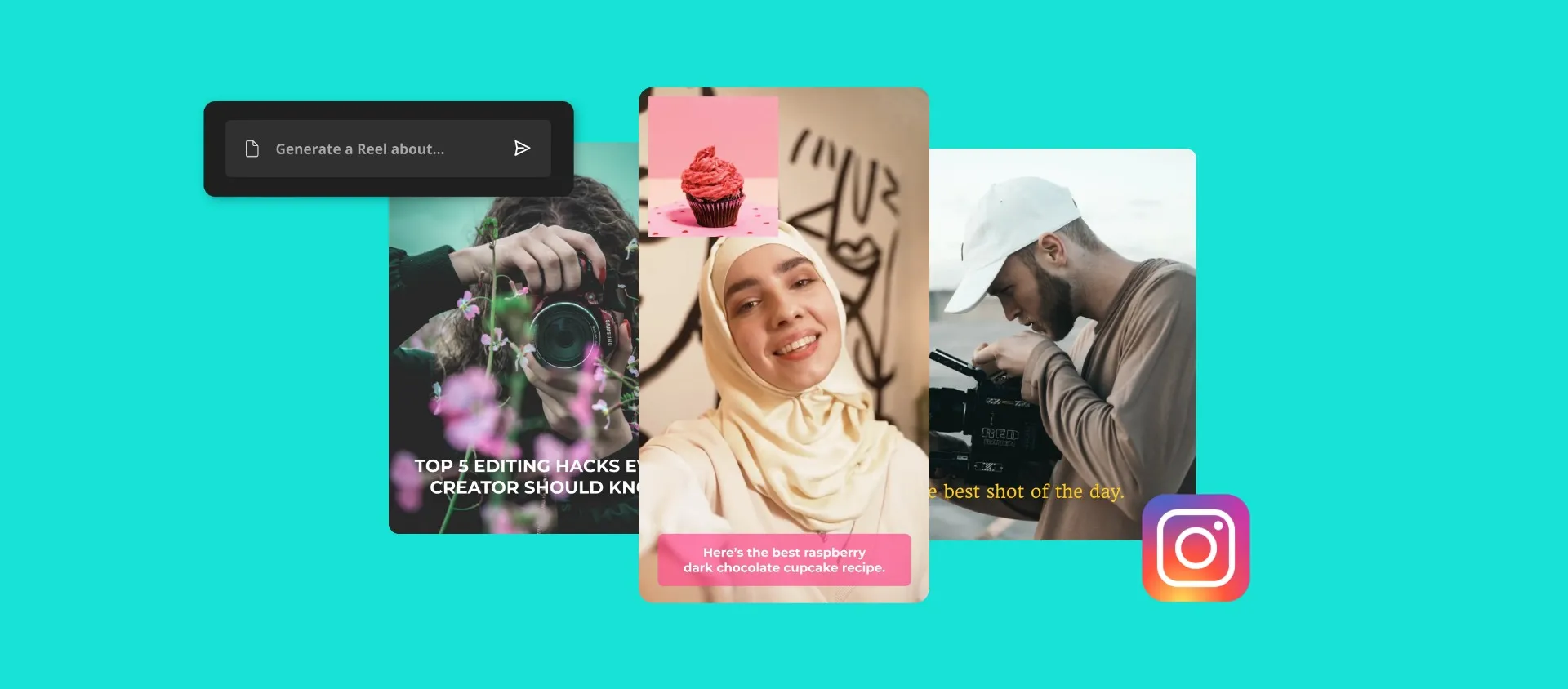
Boost engagement by turning images into short-form videos with text, music, and graphics that help your posts stand out in busy feeds

Small Business Owners
Promote your products or services by converting product photos into polished marketing videos using Kapwing’s Image to Video Maker

Marketers
Give static image adverts new meaning by transforming them into high-impact video promos with on-brand visuals, animations, and audio

Coaches & Consultants
Turn testimonials, session snapshots, or visual frameworks into video content that builds trust, attracts leads, and showcases your impact

Realtors
Show properties in a new light by turning listing photos into walkthrough-style videos with voice over, logos, and smooth transitions

Business Presentations
Convert graphs, product shots, or team photos into professional slideshows for pitch decks, reports, or internal updates

Teachers
Turn lesson images or diagrams into simple explainer videos so students can revisit material without clicking through multiple slides
.webp)
Designers
Graphic designers and creative directors present drafts, concepts, or mockups as short video reels that add motion and context to your ideas

Photographers
Showcase work in slideshow videos, or protect your photos with subtle motion watermarks using the Image to Video Converter

Event Promos
Create recap videos or unique event invitations by transforming static images into polished, motion-rich clips that capture attention

Family & Friends
Turn fun photos into personalized slideshows with music using Kapwing’s free Image to Video Generator — add as many photos as you want!
Fast. Online. Collaborative.
Built for teams and brand collabs
Kapwing’s cloud-based studio is powered by AI features built for speed and simplicity. Auto-prompt enhancement and the AI Assistant help guide you through your workflow, while one-click tools handle tedious edits like background removal, color correction, and photo enhancement — all in seconds.
Because we're cloud-based, teams can collaborate in real time from anywhere. Feedback, reviews, and approvals happen directly in the studio, keeping projects organized and eliminating endless back-and-forth across Slack, Teams, or email.
When finalized, publish your video straight to social media or export to any device — fast, seamless, and share-ready.

Already transforming video creation across industries
Hear directly from the teams who publish faster, collaborate better, and stay ahead.


How to Convert an Image to Video
- Step 1Upload image
Upload one photo or multiple pictures, then select a canvas size to get started.
- Step 2Animate
Transform your image into a video by asking the AI Assistant to animate it — or manually add text, music, voiceover, and transitions in the studio.
- Step 3Export and share
When finalized, share directly to social media or export to any mobile or desktop device.
What's different about Kapwing?



Frequently Asked Questions
We have answers to the most common questions that our users ask.
Is Kapwing's Image to Video Converter free?
Yes, Kapwing's Image to Video Converter is free to try for all users without a watermark. For access to all tools, animations, and stock media, upgrade to a pro account and unlock the full power of the studio.
How many images do I need to create a video slideshow?
You can start a video slideshow with as few as two images. There’s no limit, so you can upload as many photos as you’d like to build the slideshow that works best for your project.
How to add audio to an image
Add audio by uploading a music file or recording directly in the editor. Once added, your image or slideshow automatically converts into a video, which you can export as-is or enhance with text, motion, and other elements.
Can I convert a single photo into a video?
Yes, you can upload one image and turn it into a video by adding background music, text, and motion effects.
What video formats can I export in?
Upload images in JPG, PNG, WebP, any other formats. Export your converted photo to video as an MP4, MOV, WebM, or GIF file.
How do I add text or captions to my video?
Access preset text styles from the "Text" menu before customizing to your liking using the editing tools to refine the font, color, outline, and more. Alternatively, you can simply ask AI to add text to your video.
What’s the best length for an image to video slideshow?
The ideal length depends on where you plan to share it. For social media, videos between 15 and 60 seconds typically perform best. For personal or professional projects, focus on pacing that feels natural for your content rather than a set duration.
Discover Resources
Tips, templates, and deep dives to help you create faster and share with confidence.
View all

Get started with your first video in just a few clicks. Join over 35 million creators who trust Kapwing to create more content in less time.