Convertitore da Immagine a Video
Trasforma le tue foto statiche in progetti video di alta qualità e ricchi di movimento

Da immagine statica a video dinamico — in pochi minuti
Usa un modello preimpostato o combina centinaia di strumenti di qualità professionale
Video professionali, strumenti facili da usare
Start with a single photo or a complete gallery, then bring your images to life by adding AI Voice Overs, royalty-free music, automatic subtitles, brand assets and smooth transitions.
Choose from thousands of video templates and preset aspect ratios for TikTok, Instagram, YouTube and more — everything has been created to help you publish faster.
From promotional videos to pitch decks and presentations, Kapwing's image-to-video converter makes creating professional-quality videos simple for both teams and independent creators.

Manual precision combined with the magic of AI
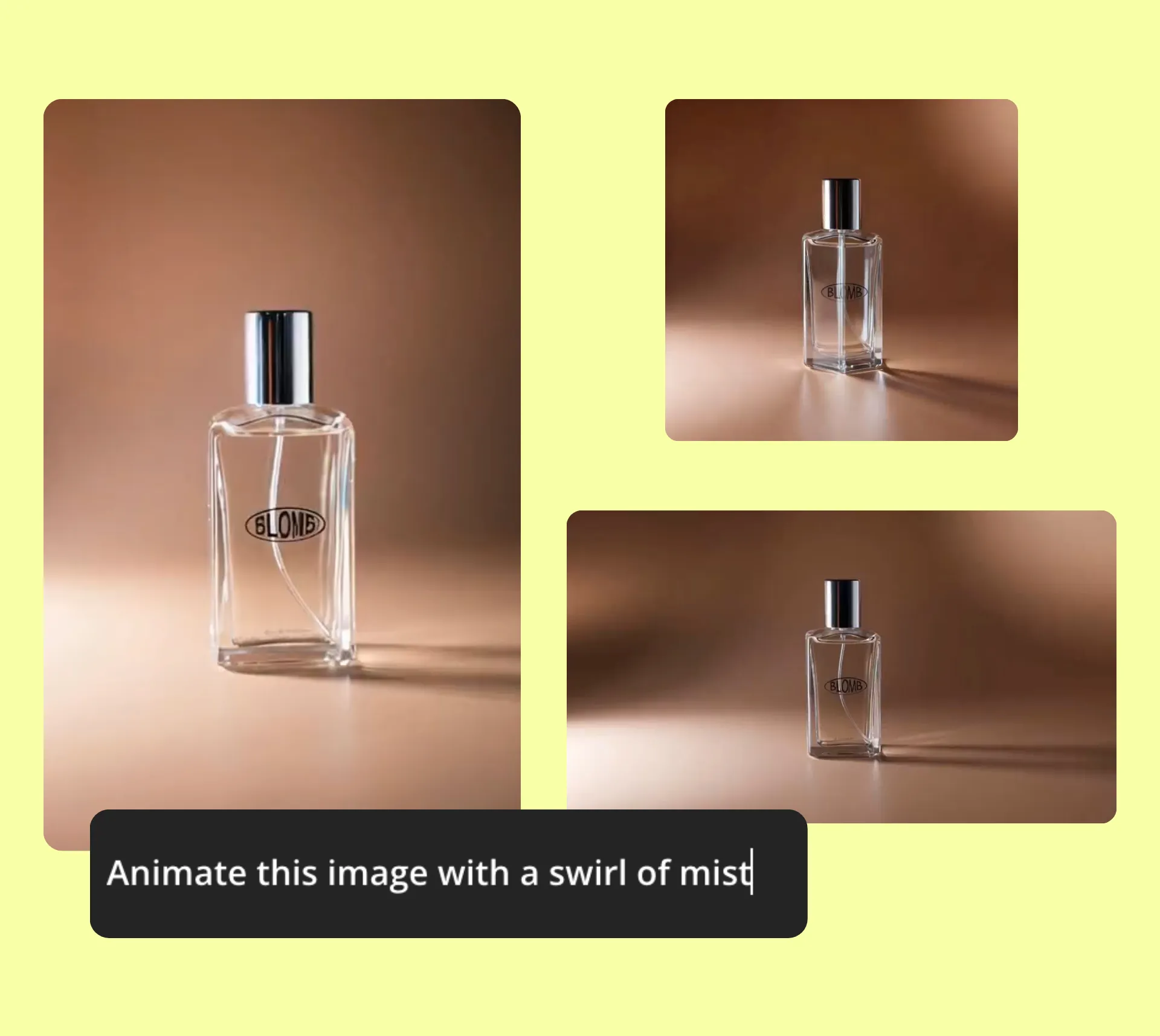
Lo studio di editing all-in-one di Kapwing include un modello avanzato di AI Image to Video che trasforma le foto statiche in brevi clip video dinamiche.
Chiedi semplicemente all'AI Assistant di fare zoom, pan, ritagli, animazioni o aggiungere transizioni alla tua foto — è un scorciatoia per l'editing video di qualità professionale senza la curva di apprendimento.
Migliora il tuo video con strumenti drag-and-drop o modifiche manuali precise come il trimming, il taglio e la stratificazione. Che tu stia creando pochi secondi di contenuto social o una presentazione completa, Kapwing unisce la magia dell'AI con il controllo manuale per creare video in linea con il tuo brand che si distinguono sempre dalla massa.
Raggiungi chiunque, ovunque — istantaneamente con video
Che tu stia connettendoti con clienti, colleghi o un'intera comunità, il video rende il tuo messaggio impossibile da ignorare
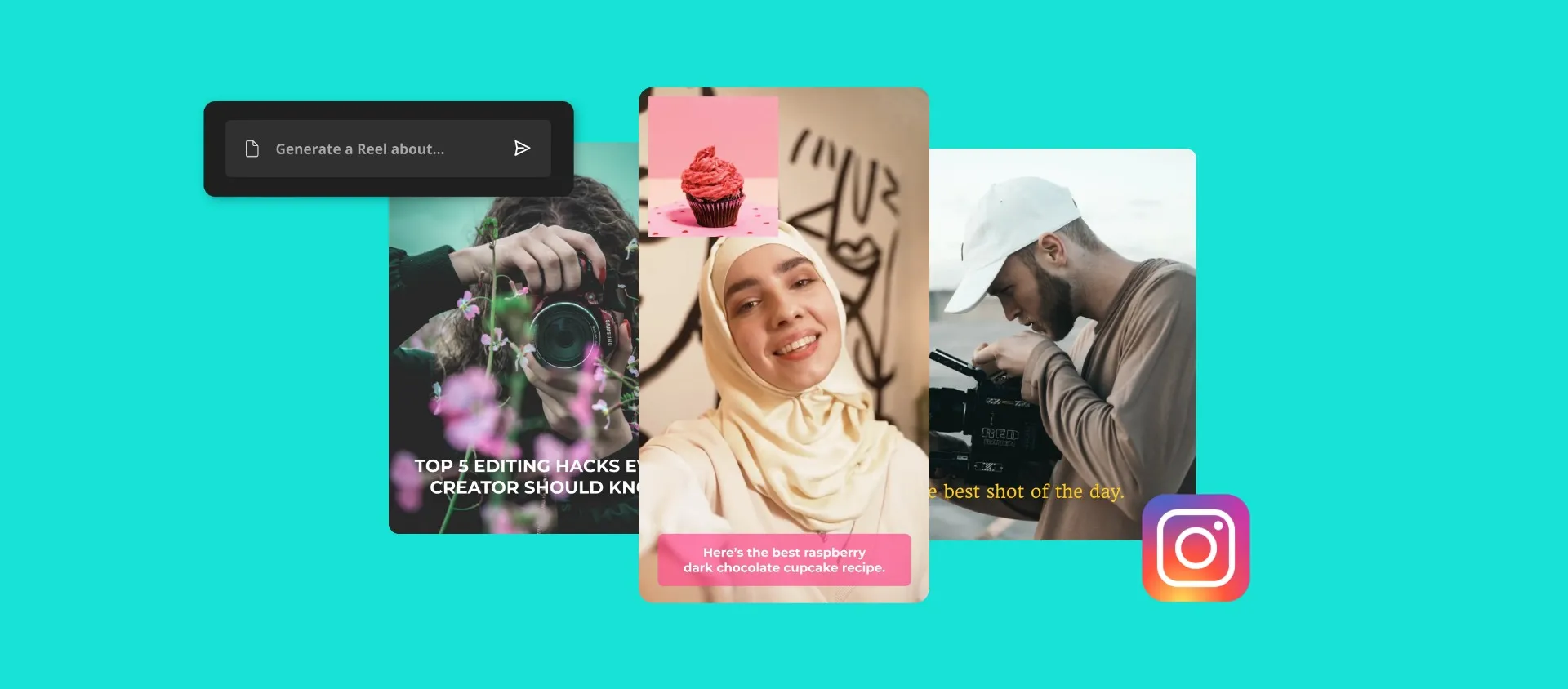
Social Media Creator
Boost your engagement by turning images into short-form videos with text, music, and graphics that help your posts stand out in crowded feeds

Proprietari di Piccole Imprese
Promote your products or services by transforming your product photos into sleek marketing videos using Kapwing's Image to Video Maker

Marketer
Give your static image ads a whole new meaning by transforming them into high-impact promotional videos with visuals, animations, and audio that match your brand

Allenatori e Consulenti
Turn testimonials, session snapshots, or visual frameworks into video content that builds trust, attracts clients, and showcases your impact

Real Estate Agents
Show properties in a new light by transforming listing photos into walkthrough-style videos with voice over, logos and smooth transitions

Business Presentations
Converti grafici, foto di prodotti o foto di team in presentazioni professionali per pitch deck, report o aggiornamenti interni

Teachers
Turn your lesson images or diagrams into easy-to-follow explainer videos so your students can review the material without having to flip through a bunch of slides
.webp)
Progettista
Graphic designers and creative directors pitch drafts, concepts, or mockups as short video reels that add movement and context to your ideas

Fotografi
Mostra il tuo lavoro in video slideshow, oppure proteggi le tue foto con sottili watermark in movimento usando l'Image to Video Converter

Promozioni Evento
Create summary videos or unique event invitations by transforming static images into polished, dynamic clips that grab attention

Family and Friends
Turn your funny photos into personalized slideshows with music using Kapwing's free Image to Video generator — add as many photos as you want!
Veloce. Online. Collaborativo.
Creato per team e collaborazioni tra brand
Lo studio basato su cloud di Kapwing è alimentato da funzioni AI costruite per velocità e semplicità. Il miglioramento automatico dei prompt e l'Assistente AI ti guidano nel tuo flusso di lavoro, mentre gli strumenti con un clic gestiscono modifiche noiose come la rimozione dello sfondo, la correzione del colore e il miglioramento delle foto — tutto in pochi secondi.
Poiché siamo basati su cloud, i team possono collaborare in tempo reale da qualsiasi luogo. Feedback, revisioni e approvazioni avvengono direttamente nello studio, mantenendo i progetti organizzati ed eliminando i continui scambi su Slack, Teams o email.
Una volta finalizzato, pubblica il tuo video direttamente sui social media o esporta su qualsiasi dispositivo — veloce, senza intoppi e pronto per la condivisione.

Già rivoluzionando la creazione di video in diversi settori
Ascolta direttamente dai team che pubblicano più velocemente, collaborano meglio e rimangono sempre avanti.


Come Convertire un'Immagine in Video
- Step 1Carica immagine
Carica una foto o più immagini, poi seleziona una dimensione di tela per iniziare.
- Step 2Anima
Trasforma la tua immagine in un video chiedendo all'AI Assistant di animarla — oppure aggiungi manualmente testo, musica, voiceover e transizioni nello studio.
- Step 3Esporta e condividi
Una volta completato, condividi direttamente sui social media o esporta su qualsiasi dispositivo mobile o desktop.
Che cosa rende Kapwing diverso?



Domande Frequenti
Abbiamo le risposte alle domande più comuni che i nostri utenti ci fanno.
Kapwing's Image to Video Converter è gratuito?
Yep, Kapwing's Image to Video Converter is free to try for all users with no watermark. To get access to all the tools, animations, and stock media, upgrade to a pro account and unlock all the power of the studio.
Quante immagini mi servono per creare una presentazione video?
You can start a video presentation with at least two images. There's no limit, so you can upload as many photos as you want to create the presentation that works best for your project.
Come aggiungere audio a un'immagine
Aggiungi audio caricando un file musicale o registrando direttamente nell'editor. Una volta aggiunto, la tua immagine o presentazione si converte automaticamente in un video, che puoi esportare così com'è o migliorare con testo, movimento e altri elementi.
Can I convert a single photo into a video?
Yep, you can upload an image and turn it into a video by adding background music, text, and movement effects.
What video formats can I export?
Upload images in JPG, PNG, WebP, or any other format. Export your converted photo to video as an MP4, MOV, WebM, or GIF file.
How do I add text or captions to my video?
Access the preset text styles from the "Text" menu before customizing them however you like using the editing tools to fine-tune the font, color, outline, and more. Alternatively, you can simply ask AI to add text to your video.
What's the best length for a slideshow video?
The ideal length really depends on where you're planning to share it. For social media, videos between 15 and 60 seconds usually work best. For personal or professional projects, focus on a pace that feels natural for your content rather than sticking to a specific length.
Scopri le Risorse
Consigli, modelli e approfondimenti per aiutarti a creare più velocemente e condividere con sicurezza.
Visualizza tutto

Inizia con il tuo primo video in pochi click. Unisciti a oltre 35 milioni di creator che si fidano di Kapwing per creare più contenuti in meno tempo.