Text to Audio
Make music and MP3s from a text prompt with generative AI
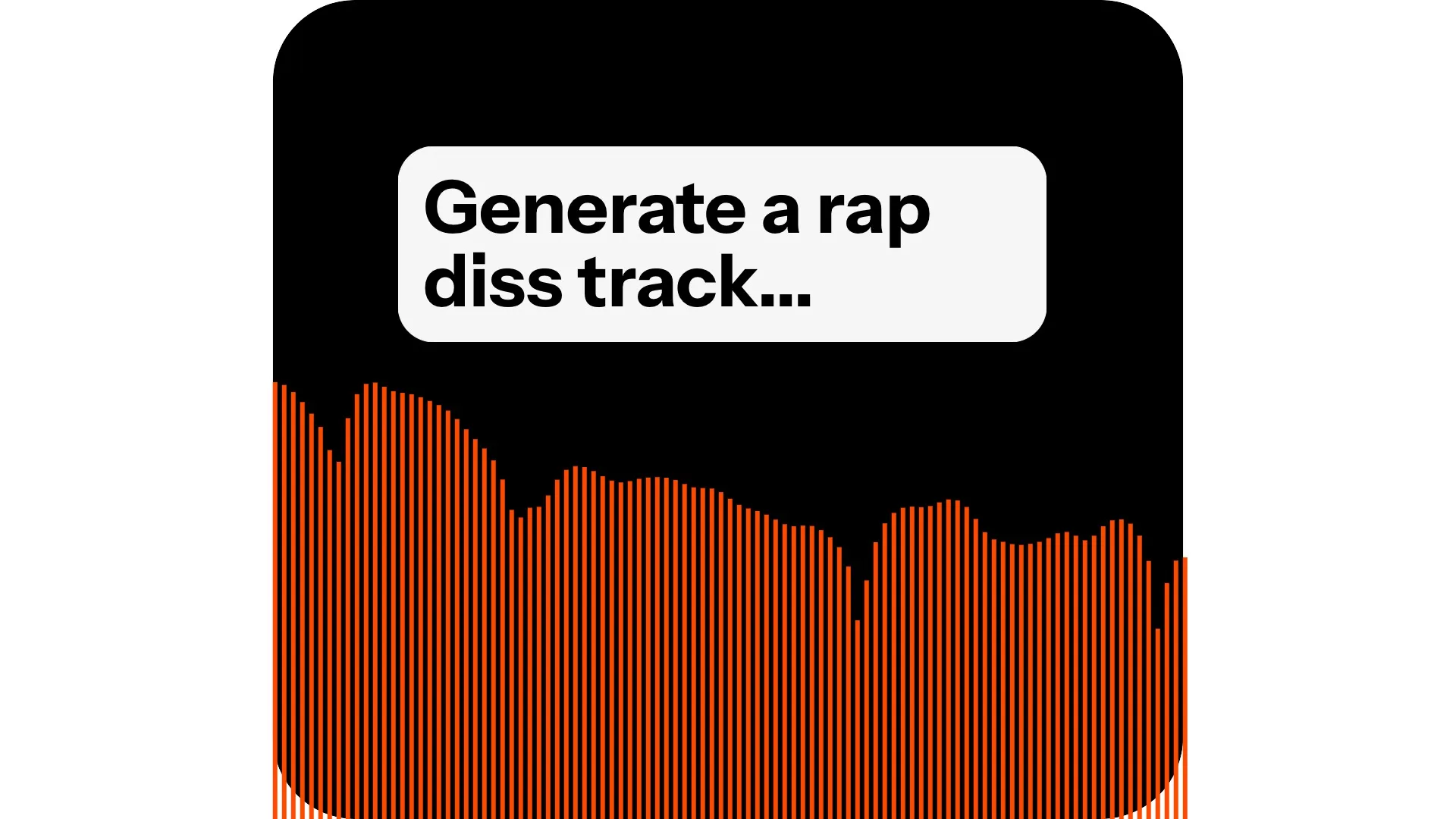
Create a unique soundtrack
From a text prompt, make text-to-speech voiceovers, music, and sound effects with the best genAI models
Generate high-quality music
Make and customize studio-quality songs, lyrics, sounds, and instrumentals in any style or genre. Kapwing's AI Song Generator creates music from natural language prompts, including backing track and vocals.
Write your own lyrics and have them automatically set to music, or just type a concept, rhyme scheme, and genre, and let the AI songwriter create a ready-to-share track. It's the ultimate shortcut to creating unique, personalized jingles, carols, podcast intros, commercial songs, and social media soundtracks.
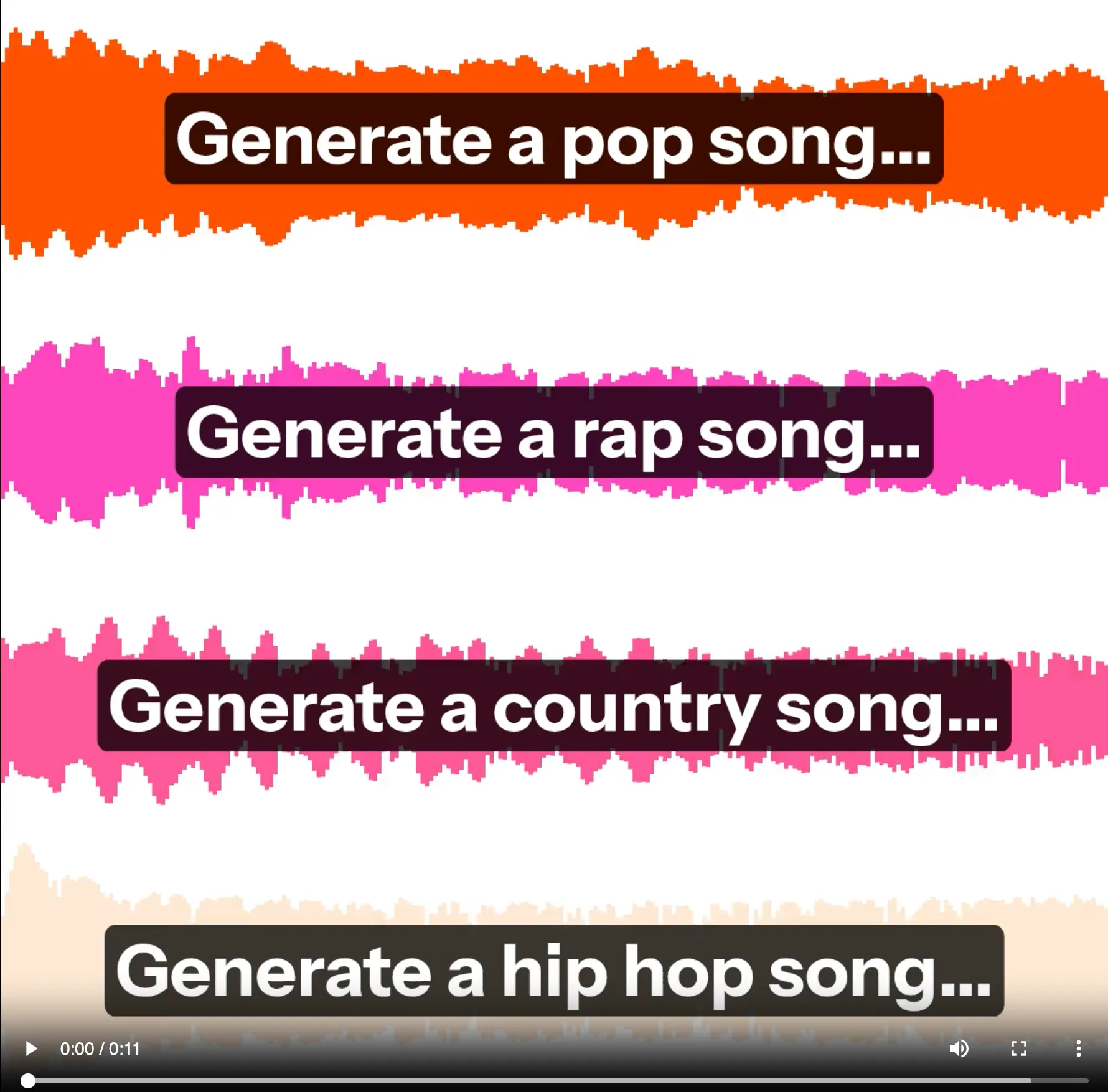
Realistic Text-to-Speech
Convert any text into high-quality speech with our free AI text to audio generator. Type the text that you want to vocalize, then choose or generate a custom voice. Creators can clone their voice to scale content production. Perfect for creating voiceovers, podcasts, audiobooks, and accessibility content.
.webp)
Advanced sound editing
Kapwing isn’t just an AI song maker; it’s your full creative collaborator. Chat with the built-in AI assistant, to brainstorm ideas, write lyrics, or create visuals and marketing assets that match your sound.
Once you have the music, edit the audio in Kapwing’s powerful editing studio. Make cuts, add waveforms and subtitles, split vocals, level, create lyric videos, or incorporate your song into a video. It’s the fastest way to combine audio and visuals for professional, studio-quality results. Export an MP4 or MP3 to share.

Creators Using AI Text to Audio
Music to my ears

Social Media Teams
With an AI voice or a fun song, content creators generate unique songs to match their social media posts. Eliminate expensive voice actor fees and studio time.

Podcasts & YouTube
Make sponsored ads, hymns, satirical jingles, meditation recordings, and more to share with an audience

Marketing & Advertising
Marketing and advertising professionals use the AI Song Generator to create original, royalty-free songs for their campaigns

Multinational Communications
Convert text to speech in over 50 languages with native-sounding accents and pronunciation.
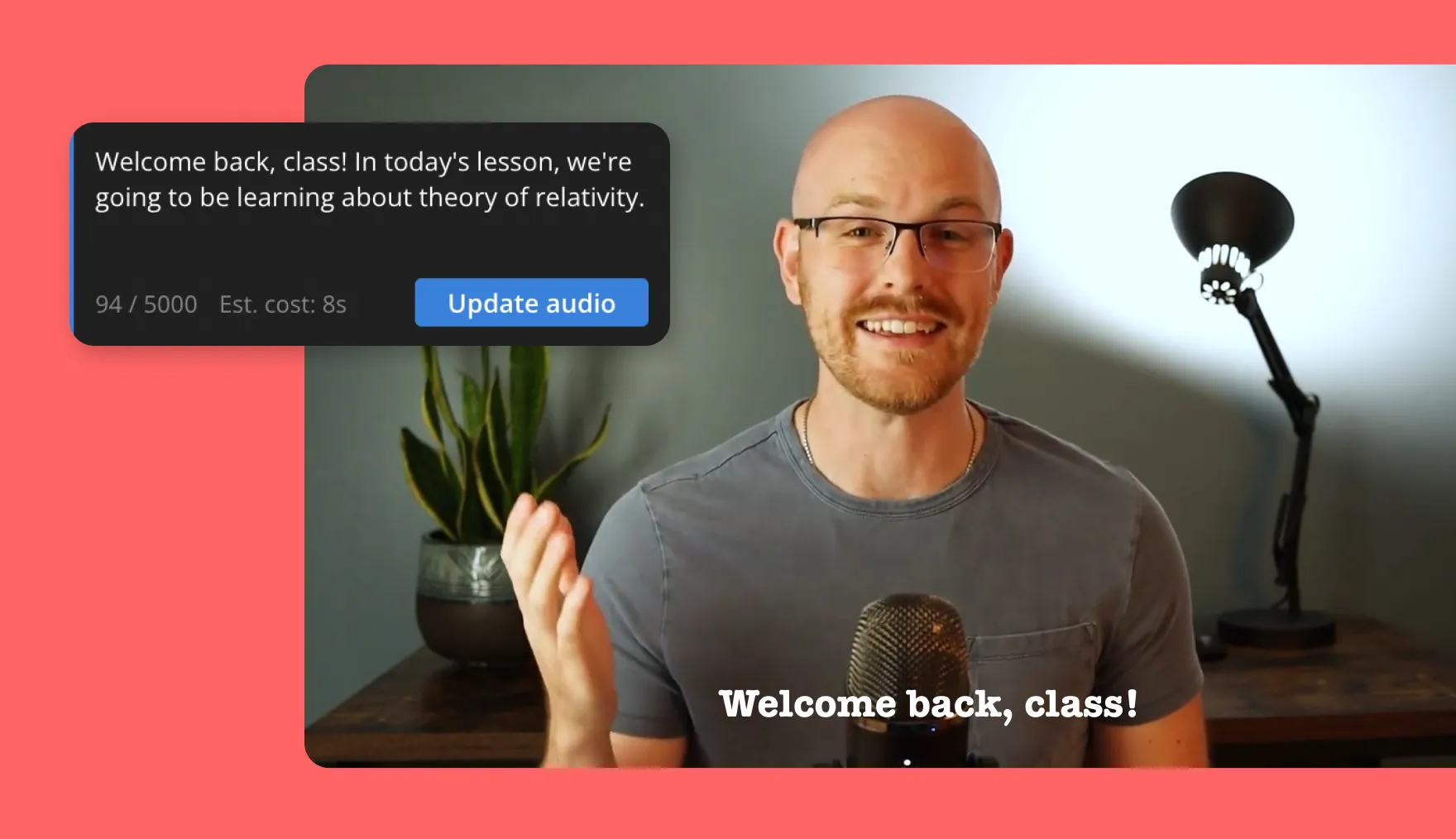
Audiobook Recordings
Transform written books, articles, or documents into audiobooks for personal use or distribution.
How to Convert Text to Audio

- Step 1Input prompt
Open Kapwing's AI Assistant to get started. Type the text prompt and describe what the output audio should sound like.
- Step 2Download or edit
Download the generated MP3 directly or open the audio track in the editor to cut, combine, and remix.
- Step 3Share MP3
Chat to iterate on the music, voiceover, or sound. Export and share the music file once it sounds good.
Already transforming video creation across industries
Hear directly from the teams who publish faster, collaborate better, and stay ahead.


Frequently Asked Questions
We have answers to the most common questions that our users ask.
Is the AI Text to Audio generator free?
Yes, anyone can try Kapwing’s AI Assistant for free. Our AI tools run on a credit system, with each feature costing a set number of credits. For maximum creativity and the best value, upgrade to a Pro account to unlock the full power of AI-driven content creation. For Enterprise customers, there is no limit on the amount of AI text that you can generate.
How does the AI Text to Video generator work?
The underlying generative AI models are trained on music, sounds, and voices available online, then leverage this training data to make original beats and TTS layers. Kapwing's AI Text to Video pipeline leverages Minimax, ElevenLabs, and other best in class models to generate and return the best audio file for your prompt.
Can the Text to Audio generator create titles and lyrics?
When generating a single file, it's best to prompt directly for what you want. Kapwing's timeline or another video editor can help you mix lyrics, music, sound effects, and voiceovers together.
Can I edit the songs I generate?
Yes, you can edit your AI songs by prompting the AI with your requested changes. For example, "Make this song more upbeat" or "Change the song to a deep man's voice." You can also move your song into Kapwing's full editing studio for access to a complete range of audio editing tools.
How do I write good prompts for AI music?
If you have a specific vision for your song, describe it in depth in your AI music generator prompt. You may also describe the output "vibe" that you're going for, if you have a specific purpose in mind. Describe the mood and energy level by including emotional descriptors like "melancholic," "euphoric," "tense," "peaceful," or "energetic." You can also specify tempo with terms like "slow," "mid-tempo," "fast-paced," or actual BPM. You may also reference instruments and sounds that you want to hear. If you know music theory, you can use relevant terminology like "minor key," "major chord progression," "4/4 time signature," "staccato notes," or "legato melody" to guide the AI. After generating, feel free to follow up and refine to get it right.
Can I have the text on a webpage read aloud?
Yes. Using a text to speech tool like Kapwing's TTS generator, paste the text that you want to hear, then export to get the MP3 version. You can listen to the content like an audio book while you drive, exercise, sit on the bus, etc.
Discover Resources
Tips, templates, and deep dives to help you create faster and share with confidence.
View all


Get started with your first video in just a few clicks. Join over 35 million creators who trust Kapwing to create more content in less time.



