Hebrew Accent Generator
AI-powered Hebrew accents using text to speech
AI voice overs with natural-sounding Hebrew accents
Text to speech inside an online video editor — free to start
Text to speech — with a realistic Hebrew accent
Kapwing’s Hebrew Accent Generator turns text into natural-sounding AI voice overs for video content, video ads, tutorials, and educational materials.
Generate speech instantly, edit timing and pronunciation, and export professional-quality audio — no microphone, recording studio, or voice actor needed.
Because Kapwing is a full online video editor, you can also combine your Hebrew accent voice over with visuals, subtitles, music, and graphics without leaving the platform.

Full editing control over your Hebrew voice
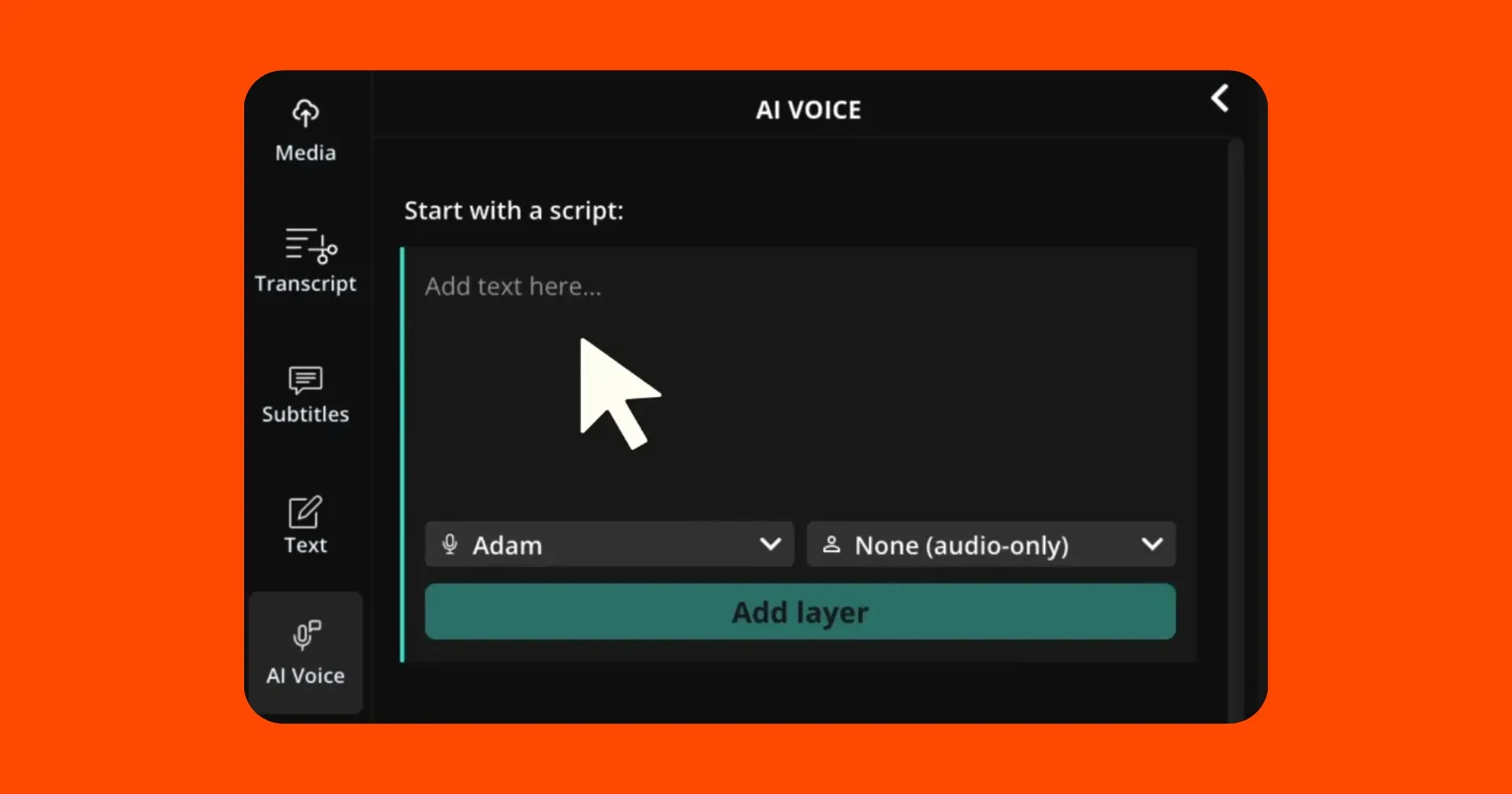
Paste your script, select a Hebrew accent voice, and generate narration in seconds. No recording sessions, no coordinating with voice talent, no takes.
Kapwing gives you control over pacing, tone, and emphasis. Whether you’re creating a polished voice over for a professional video or a more conversational narration for social media, you can shape the delivery to match your content.
With voice generation and video editing in one workspace, teams can go from script to finished video without switching tools or waiting on external talent.

What's different about Kapwing?



Create videos with authentic Hebrew narration
Add personality and character to storytelling, entertainment, and creative content
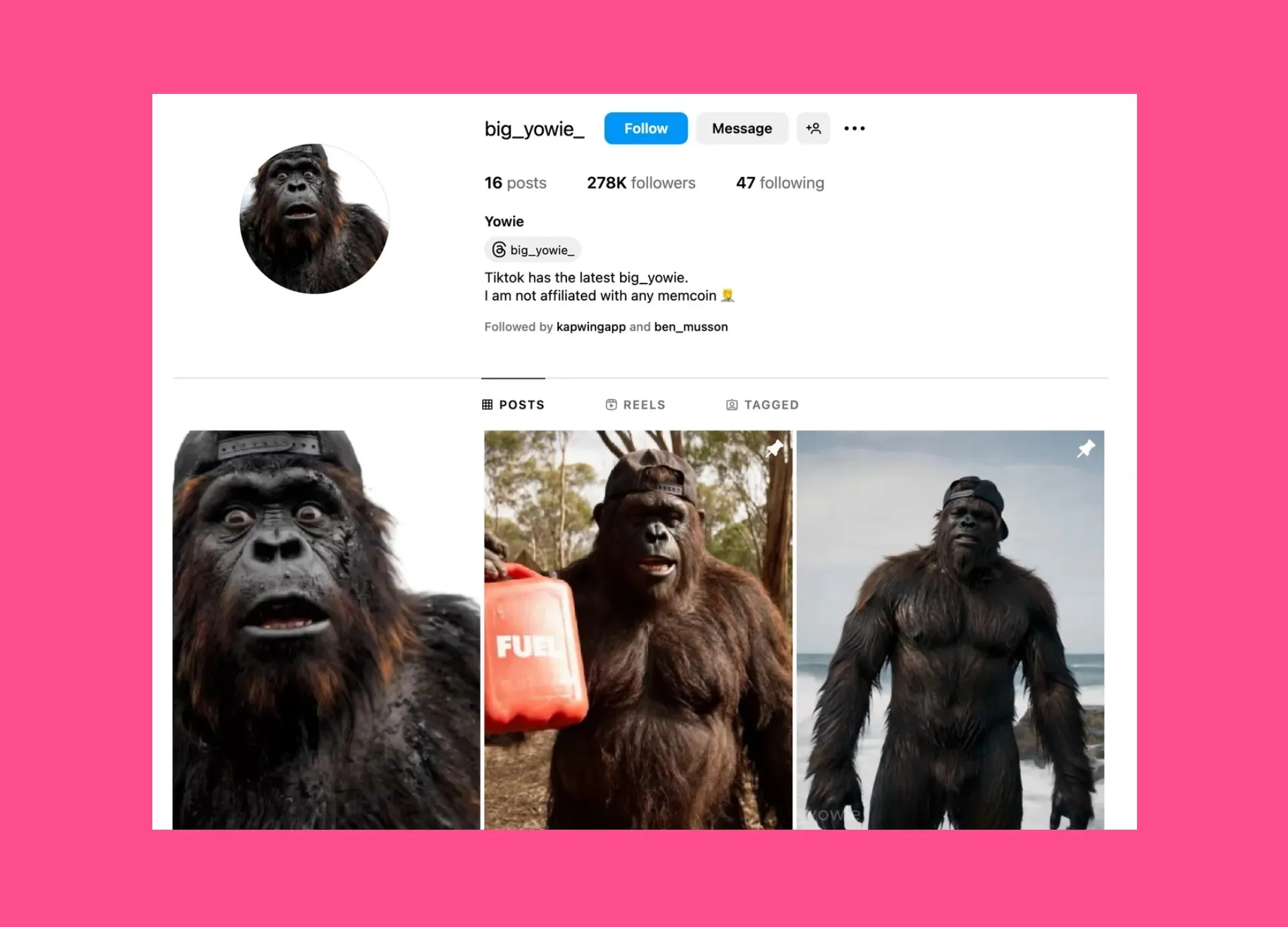
Storytelling & Characters
Give animated characters, narrators, and fictional voices a distinct Hebrew identity. A Hebrew accent adds immediate personality to short films, explainers, and scripted content.
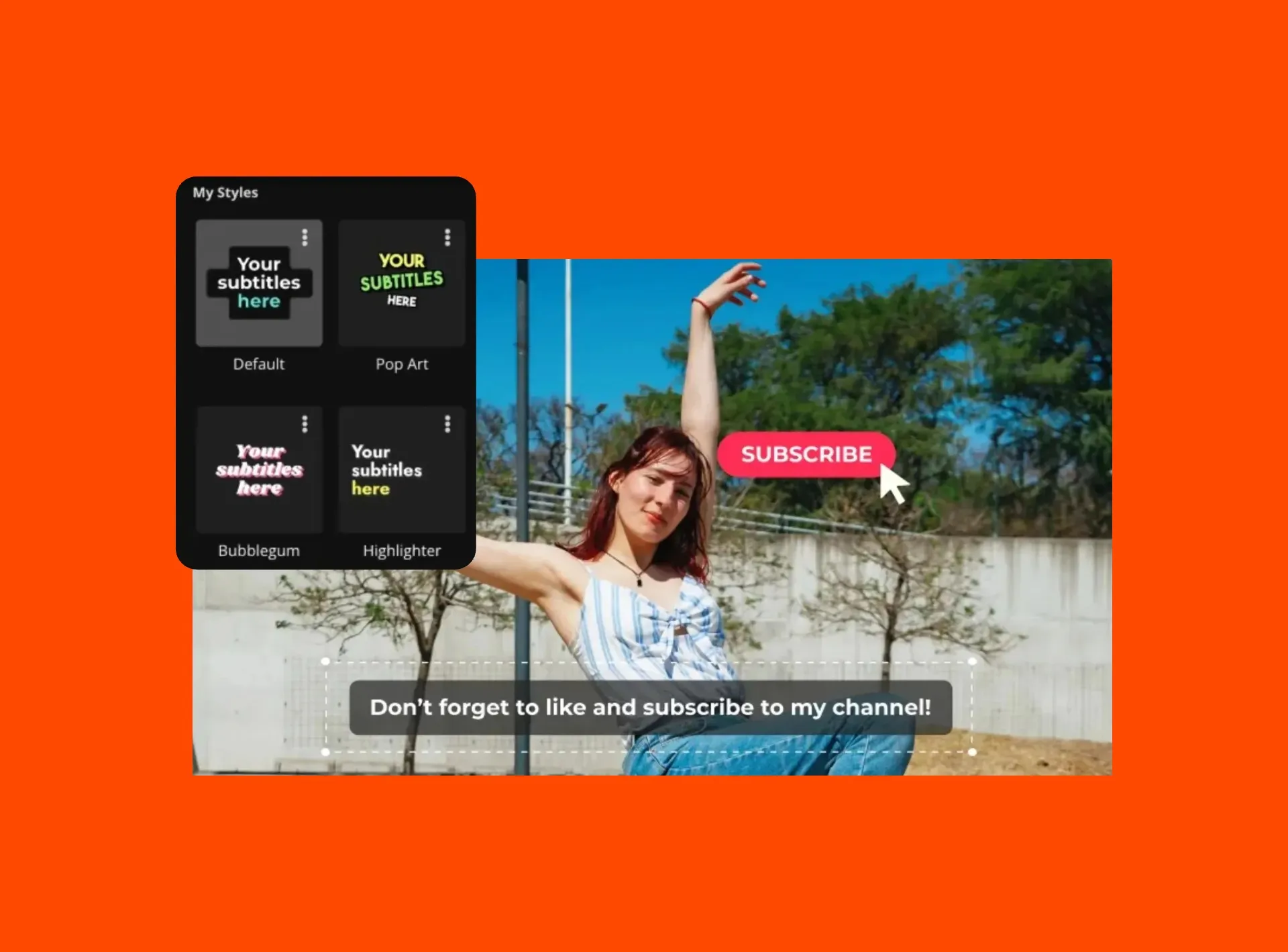
YouTube Voice Overs
YouTube creators add Hebrew accents to storytelling channels, commentary videos, and explainer content to give a ensure a distinct style and memorable brand
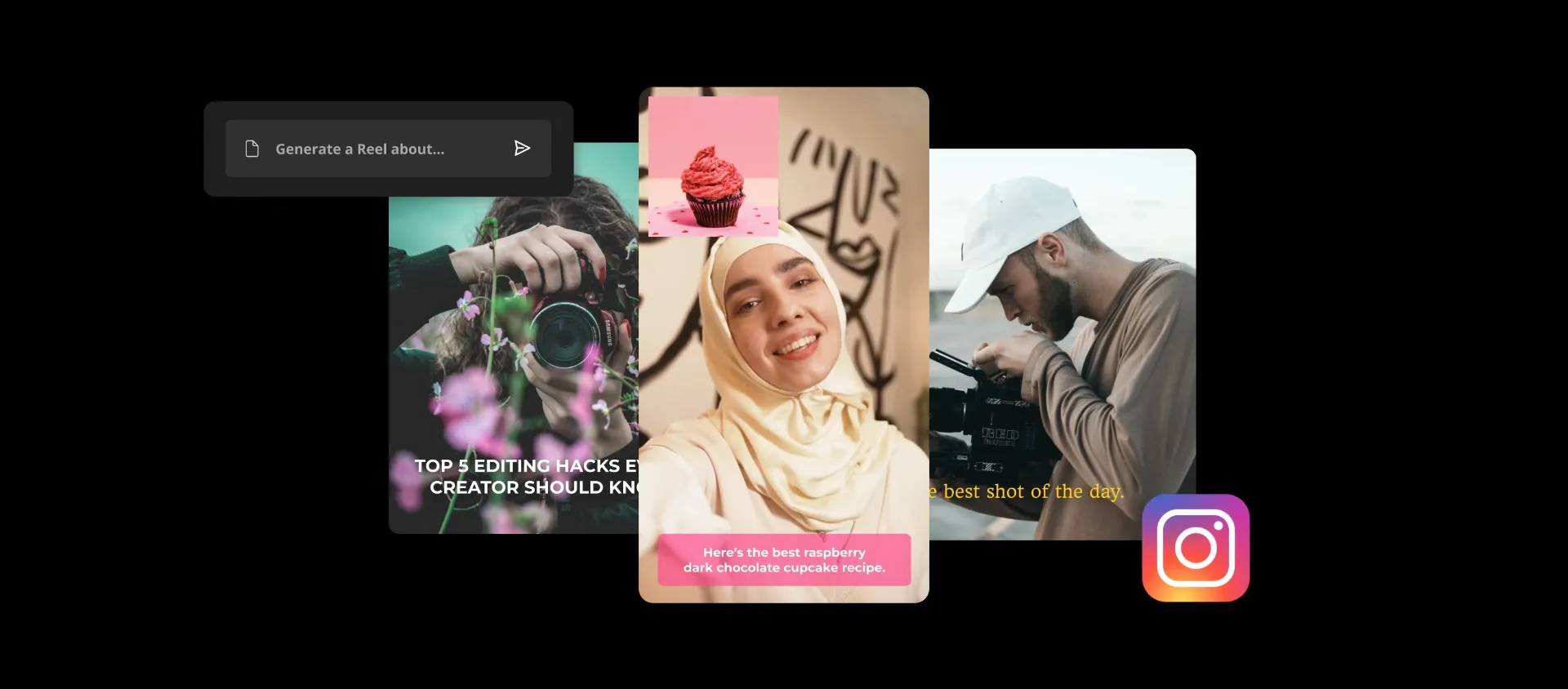
Creative Video Projects
Hebrew voice overs are used in creative edits, animations, and experimental video projects. With text to speech, creators can quickly test different styles.
Why use a Hebrew accent AI voice?
Hebrew accents without high costs
AI accent voice generation makes it easier to produce localized and engaging content without expensive recording sessions.
• Create localized content for international audiences
• Add personality and storytelling to videos
• Produce Hebrew voice overs faster without recording equipment
• Scale content creation for multiple projects and platforms
• Maintain consistent narration across videos
Experiment with different voice styles
Instantly noticeable accents are often used to experiment with storytelling styles and narration tones. By generating multiple accent variations, creators can quickly test which voice fits their project best.
Because AI voice overs generate in seconds, you can iterate quickly and refine speech before publishing your video.
Try generating different scripts with a Hebrew accent to explore:
• Comedic narration
• Dramatic storytelling
• Parody or satire
• Fictional character voices
• Animated narration styles'
.webp)
How to Generate an AI Voice with a Hebrew Accent
- Step 1Enter a script
Open a new project and paste your script into the text to speech tool. You can also use Kapwing’s AI to generate a script for your video if you don’t have one ready.
- Step 2Select a Hebrew accent
Choose a voice and language, then select “Hebrew” in the accent or language settings to apply a Hebrew accent to your voice over.
- Step 3Generate and edit
Click "Generate" to create your AI voice over. Adjust timing, pacing, or pronunciation if needed, then export your project as audio or video.
Already transforming video creation across industries
Hear directly from the teams who publish faster, collaborate better, and stay ahead.


Frequently Asked Questions
We have answers to the most common questions that our users ask.
What is a Hebrew Accent Generator?
A Hebrew accent generator is a tool that converts written text into AI speech using a voice that reflects a Hebrew accent.
Is the Hebrew Accent Generator free?
Yes. Kapwing’s Hebrew Accent Generator is free to try.
Do I need recording equipment?
No. AI voice generators allow you to create voice overs without microphones, recording studios, or voice actors. However, if you do want to record, then you can do this directly inside Kapwing.
Can I edit the voice over after generating it?
Yes. Kapwing lets you edit timing, visuals, subtitles, and other elements before exporting your final project. You can also make use of advanced tools such as AI Voice Cloning inside the full editing studio.
What makes a Hebrew accent voice over sound natural?
Natural accent delivery comes down to rhythm, vowel placement, and intonation — not just pronunciation. Kapwing's AI is trained to reflect these patterns, so the output sounds like a genuine Hebrew speaker rather than a generic AI voice.
Can I generate voice over that speaks Hebrew?
Yes, Kapwing's AI Voice Over tool also supports text to speech in Hebrew. Translate 100+ languages into Hebrew.
Can Kapwing generate other languages?
Can Hebrew AI voices be used for different types of content?
Yes. Hebrew AI voices can be used across videos, podcasts, e-learning courses, audiobooks, and games, and interactive media.
What are the advantages of using AI-generated Hebrew voices?
AI-generated Hebrew voices make it easy to produce consistent, high-quality narration without recording or editing audio manually. You can generate natural-sounding Hebrew voice overs quickly, even for longer scripts or multiple projects.
Is the accent generator suitable for commercial use?
Yes. Audio generated with Kapwing’s AI-powered Hebrew Accent Generator can be used in commercial projects such as marketing videos, YouTube content, training materials, and apps.
How fast does the accent generator produce audio?
Kapwing’s Hebrew Accent Generator is designed to produce audio quickly. In most cases, your voice over is generated within seconds after entering your text and selecting an accent. This may extend to a couple of minutes depending on the length of the script.
Discover Resources
Tips, templates, and deep dives to help you create faster and share with confidence.
View all

Get started with your first video in just a few clicks. Join over 35 million creators who trust Kapwing to create more content in less time.