Take your ferret — transform them into any scene you can imagine
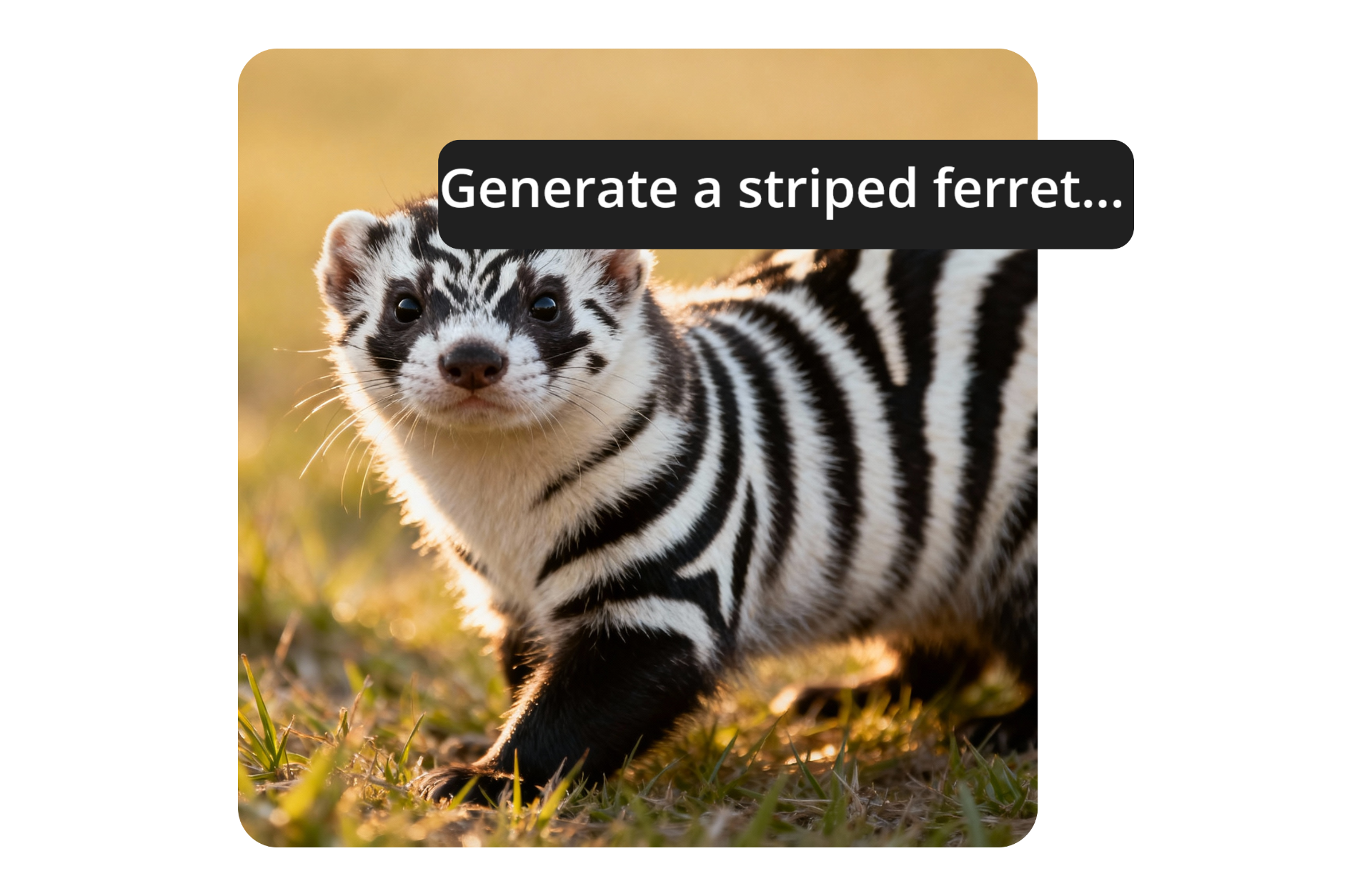
Bring your pet to life with AI
Reimagine your ferret in any scene, storyline, or outfit
Lifelike ferret videos and images — in seconds
Generate custom ferret images and videos. Use simple text prompts or upload one of your cherished photos and transform it into a video.
Create anything from short video clips and social media content to stylized portraits, all with lifelike accuracy.
The AI ferret Generator is beginner-friendly and flexible, built to handle the motion and complex details of your pet. After generating, refine your ferret image or video using built-in editing tools for color, size, and layout adjustments.
Tell any story by generating custom visuals that capture your ferret's personality.
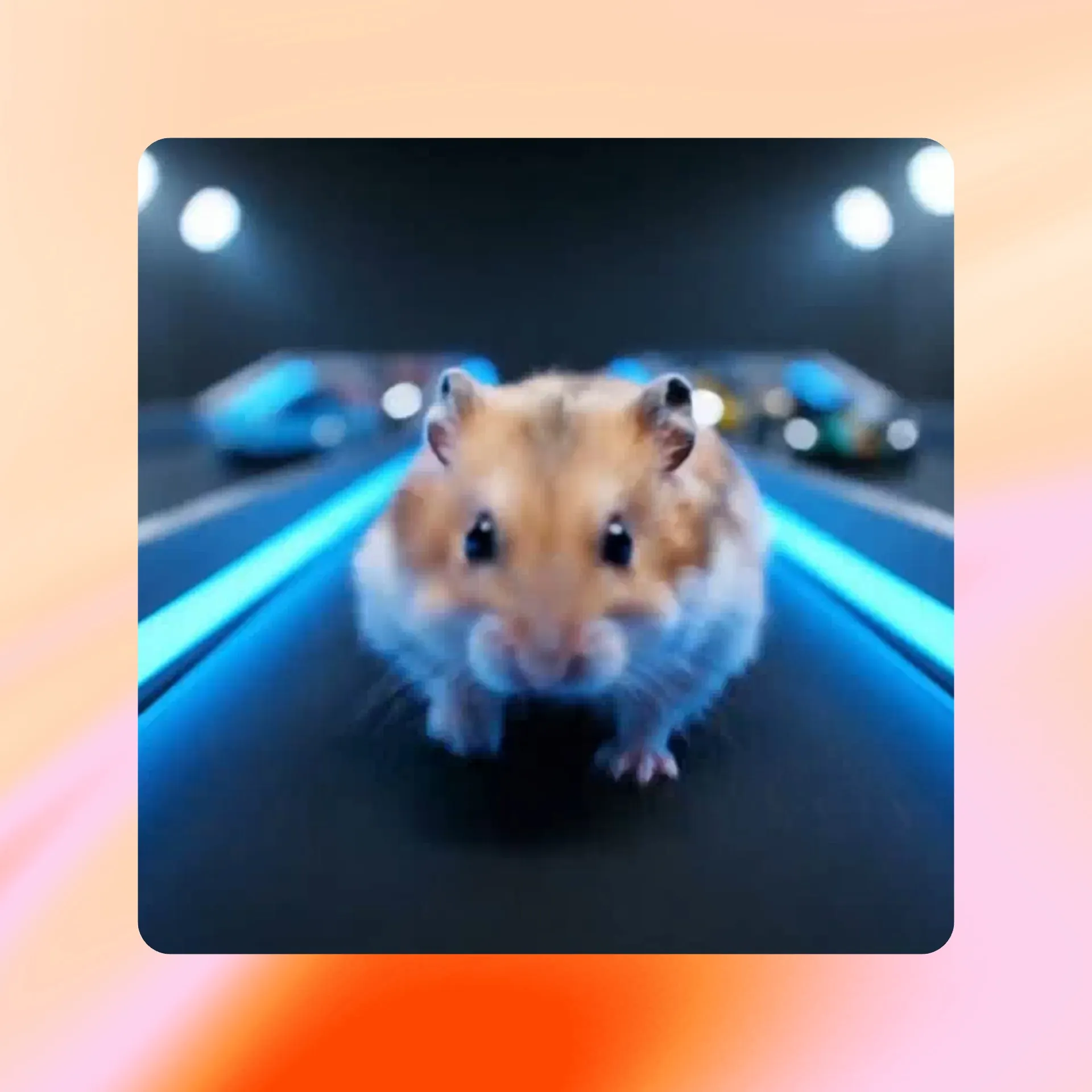
Scroll-stopping ferret content — that's actually worth sharing
Who knew your ferret could breakdance?
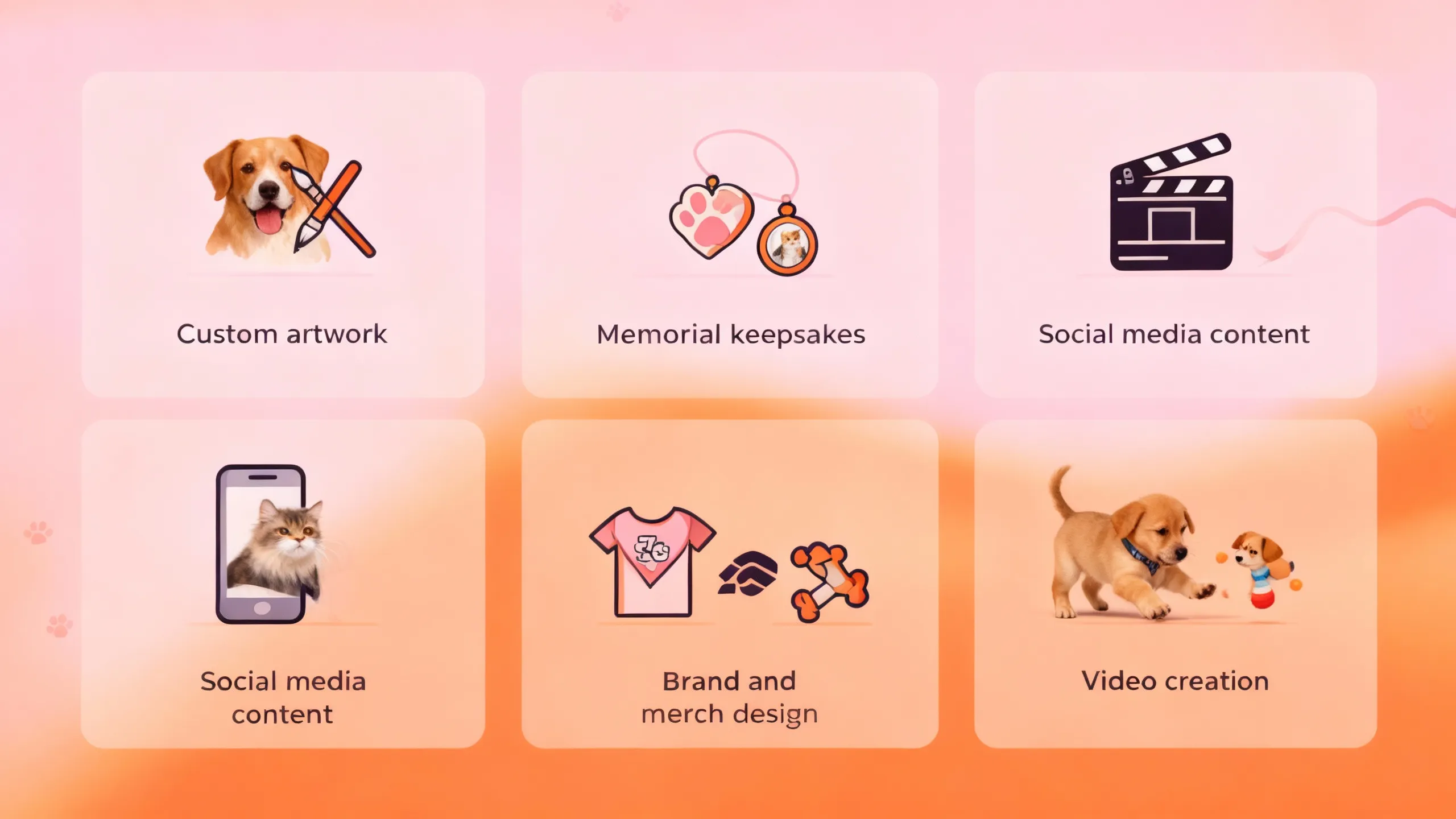
Turn any creative idea into custom content you can share with others or save as a digital memory. Here are a few of the best ways to use the AI ferret Generator:
- Custom artwork: Transform your ferret into any artistic style, from cartoons and fantasy to oil paintings or Simpsons-style images.
- Memorial keepsakes: Turn photos of your pet into polished images to celebrate their life or memory.
- Social media content: Create personalized memes or short clips for platforms like TikTok or Instagram.
- Brand and merch design: Make logos, stickers, or product mockups featuring your ferret for personal or commercial use.
- Video creation: Bring images to life and have your ferret act out scenes in animated content.
Create, edit, and share in one place, from any device.
AI is the future — ferret videos are just the start
Pets drive engagement on social media. Make yours unforgettable.
Already transforming video creation across industries
Hear directly from the teams who publish faster, collaborate better, and stay ahead.


How to Generate ferret Images and Videos
- Step 1Open Kapwing
Open Kapwing's AI Assistant.
- Step 2Add an image and enter prompt
Upload a ferret image or start with a text prompt. Describe what you want to create — such as “make this ferret dance"
- Step 3Generate and edit
Select Generate to create your image or video. Once it’s ready, open the project to fine-tune colors, add text, or make layout changes before exporting.
What's different about Kapwing?



Frequently Asked Questions
We have answers to the most common questions that our users ask.
Is Kapwing's ferret generator free?
Yes, anyone can try Kapwing's AI ferret Generator for free. All our AI tools run on a credit system, with each feature costing a set number of credits. For maximum creativity and the best value, upgrade to a pro account to unlock access to all AI tools with higher generation limits.
Do ferret generations include a watermark?
If you are using Kapwing on a Free account then all exports — including AI-generated pet content — will contain a watermark on the final download. Once you upgrade to a Pro account the watermark will be completely removed from your creations.
Is Kapwing AI safe?
Kapwing takes data privacy and safety seriously. We have strict moderation guidelines, ethics policies, and security measures in place to protect user data. For detailed information, you can refer to Kapwing's Terms of Service and Privacy Policy on our website.
Can I use the AI tools without any editing experience?
Yes, Kapwing's creative studio is built for users of all abilities. Whether you're creating your first video project or producing content professionally, the integrated AI tools are designed to enhance your workflow, all while being just a few clicks away.
Does Kapwing support text-to-video and image-to-video?
Yes, you can create AI videos using text or image inputs. With image-to-video, you have greater control over the final result by providing the initial frame for the generator to build from.
Can I monetize videos created with Kapwing’s AI tools?
Yes, you fully own the content you create with Kapwing, which means you can share, publish, and monetize your AI-generated videos across platforms like YouTube, TikTok, and Instagram. Always be sure to follow the monetization and community guidelines of the platform where you’re posting.
How do I make an AI ferret video from a picture?
With Kapwing’s image-to-video generator, you can upload a still ferret image and transform it into motion in seconds. The tool adds natural movement and detail automatically, giving you a polished ferret video ready to edit and share.
What is the best AI ferret video generator?
Kapwing’s AI Studio is one of the best options for generating ferret videos because it combines multiple AI models with built-in editing tools. You can generate, customize, and publish your ferret videos all in one browser-based platform.
Discover Resources
Tips, templates, and deep dives to help you create faster and share with confidence.
View all
Get started with your first video in just a few clicks. Join over 35 million creators who trust Kapwing to create more content in less time.