
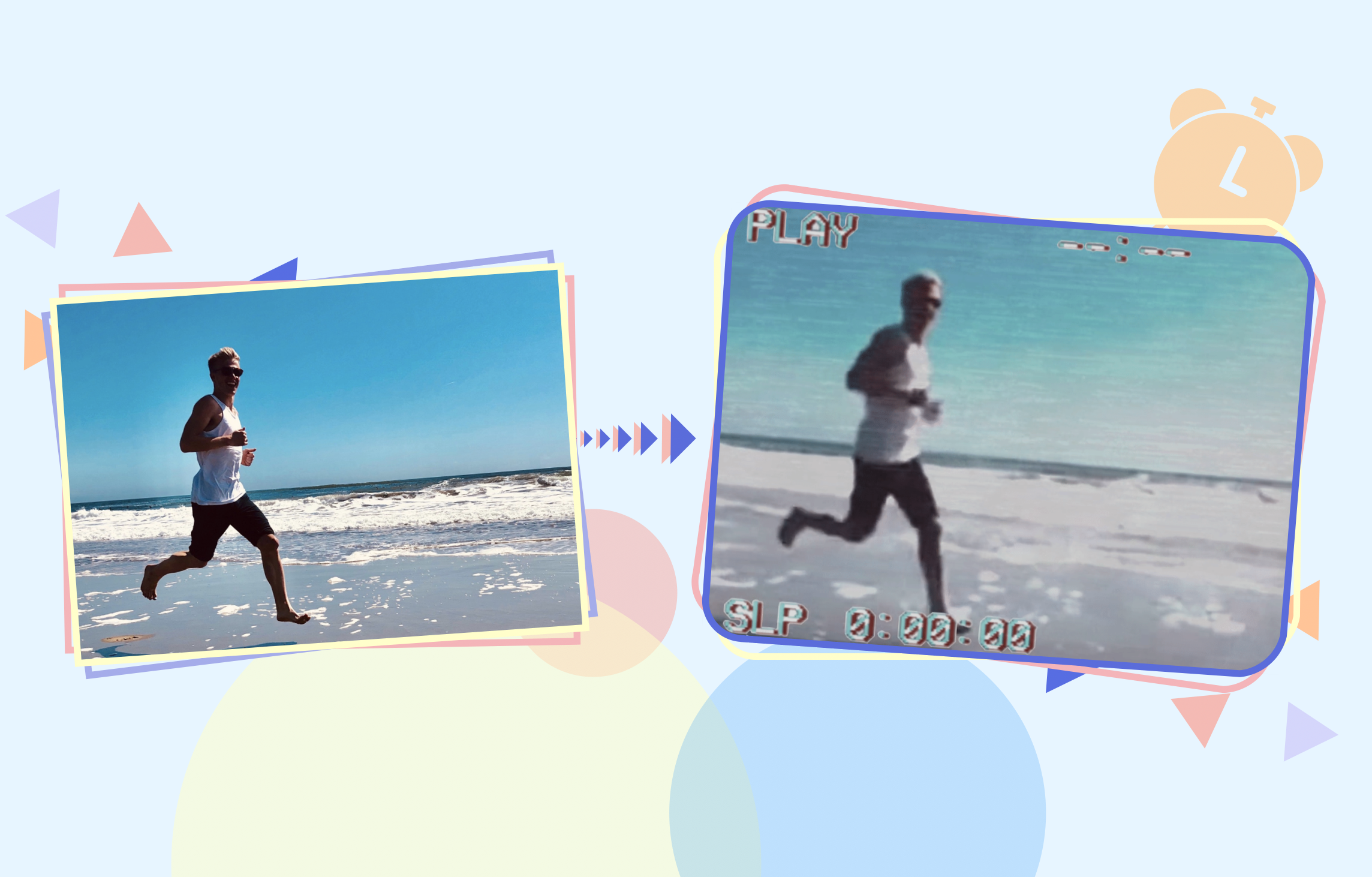
To make your videos stand out on social media, you need to make visual edits or add filters to them — it's a requirement of great digital content in today's world. But you don't need to download an app or pay for software - you can easily filter videos online using Kapwing's online editor.
Kapwing's online video editor provides dozens of preset filters and also fine grained adjustments that will allow you to tweak the filtered content. What's more, once you have the perfect filter, you can do even more with your video before you export the finished product.

How to Filter a Video Online

- Step 1Upload your video
Upload a video from your iPhone, Android, PC or Tablet, or paste a link to the video you would like to filter.
- Step 2Adjust your video or apply a filter
Select one of our preset filters, or adjust your video manually by changing the brightness, constrast, saturation, and more. Click Apply Filter or Done Adjusting button to commit your changes.
- Step 3Export and share
When you're ready to download, hit the Export button and give Kapwing some time to process your project. Once it's done, you can download your finished video or share it directly on social media.
Filtering a Video Online for Free
Filters for video aren't just for superficial purposes. Many creators choose filters to brighten a video, draw emphasis to certain features, and even to make a video more accessible. Kapwing's original filter presets allow creators to take their videos to the next level in just a few clicks.
Start by uploading a video file from your phone or computer, or pasting a link to any video you found online. Choose any filter you want to add, from 70's color palettes to old-fashioned sepia tones. For manual adjustments, click the Adjust tab and move the sliders to change your videos' brightness, contrast, saturation, blur, and opacity.
When your video looks just right, click Done and use Kapwing's Studio tools to make any edit from trimming and cropping your video to adding custom text and transition animations. When you've exported your filtered video project, you can download it directly to your device or share it straight to social media using the Facebook, Instagram, and Twitter buttons.
Filtering a video with the Kapwing Studio is easy: no watermark, no downloads required, no hassle. We hope you enjoy making your videos with Kapwing.

Frequently Asked Questions
We have answers to the most common questions that our users ask.
How to Filter Videos on an iPhone?
There is a set of filters built into the iPhone and iPad photos app. Open Photos, find the video, and click “Edit”. Then, use the third icon to try out different filters on your video and save. Later, you can always revert your video file if you want to return it to normal. Alternatively, you can use a GIF editor like Kapwing to add filters, effects, overlays, and animations on your video.
How to Remove a Filter from a Video?
Filters are generally burned directly into the video as an MP4, so it’s not possible to remove the filter from the video. Creators can try to put a new filter on the video that reverses the previous edits, like increasing the saturation of a video that previously had the saturation lowered. If you share the video link using an online or collaborative editor, you can edit it, remove the filter, and collaborate with others.
What's different about Kapwing?



Already transforming video creation across industries
Hear directly from the teams who publish faster, collaborate better, and stay ahead.


Discover Resources
Tips, templates, and deep dives to help you create faster and share with confidence.
View all

Get started with your first video in just a few clicks. Join over 35 million creators who trust Kapwing to create more content in less time.