Aggiungi Adesivo all'Immagine
Aggiungi adesivi alle foto online
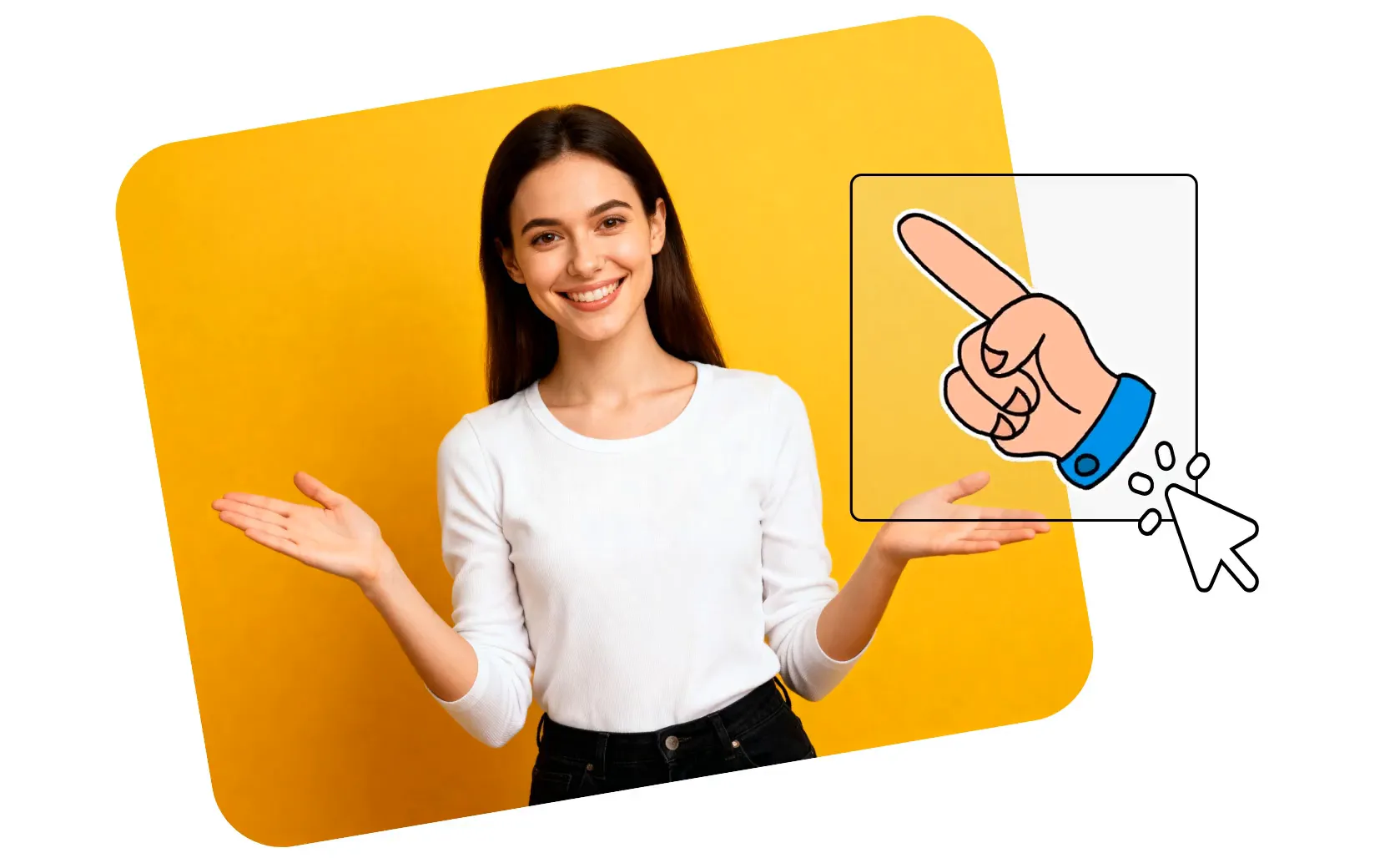
Aggiungi adesivi personalizzabili — gratuitamente
Aggiungi GIF, emoji e forme alle immagini online
Aumenta l'engagement con sticker che catturano l'attenzione
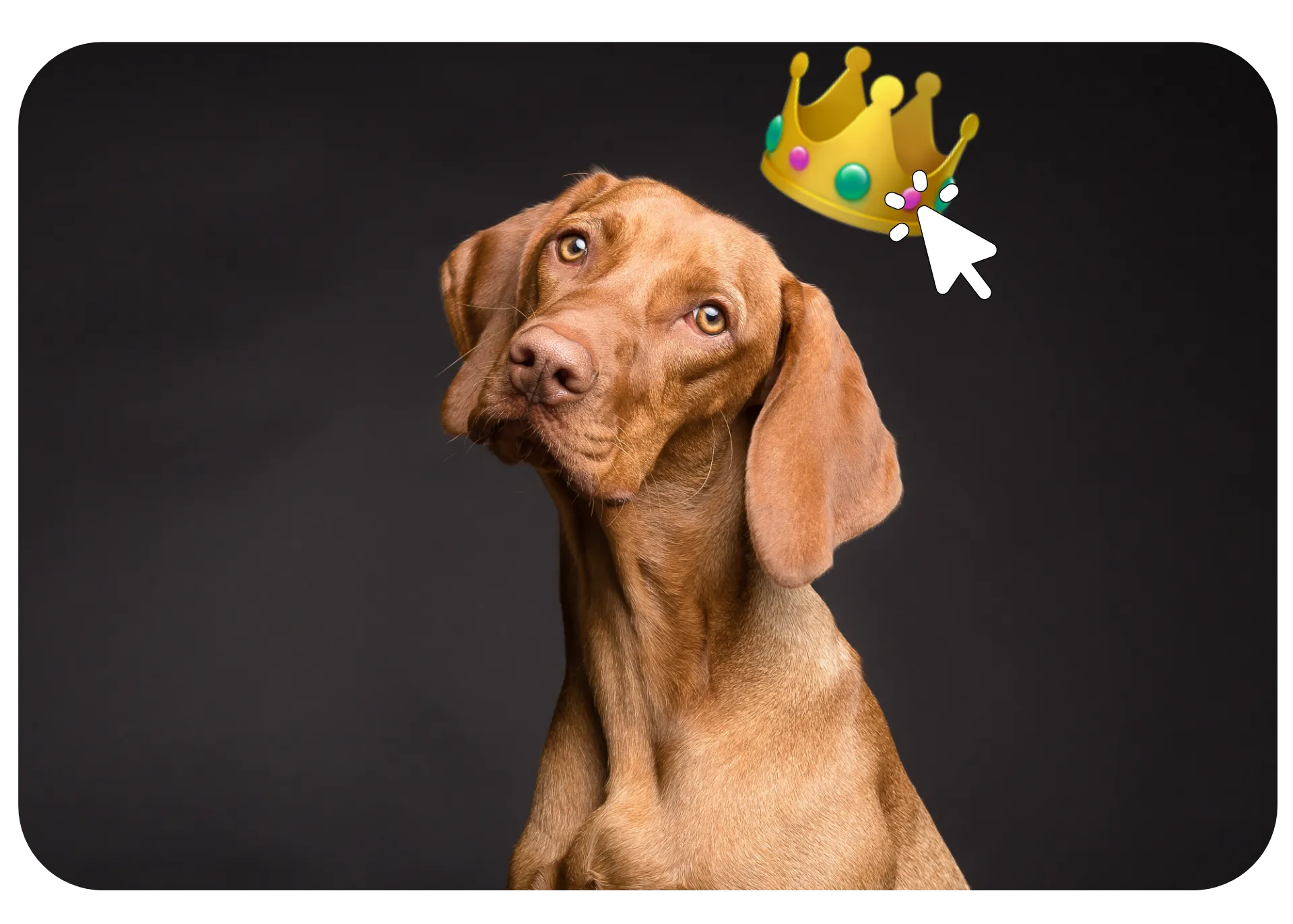
Lo strumento Add Sticker to Image di Kapwing ti aiuta a trasformare immagini statiche in contenuti visivi accattivanti. Scegli dalla nostra vasta libreria di sticker con GIF, emoji, forme, e loghi dei social media, poi ridimensiona, ruota, ricolora e sovrapponi con precisione.
Attira l'attenzione annotando le immagini con frecce e cerchi. Trasforma rapidamente le immagini in GIF accattivanti, reaction shot e meme. Crea tutto, dai dettagli sottili ai callout audaci, con sticker che si abbinano al tuo brand e catturano l'attenzione su social media, marketing e contenuti digitali.
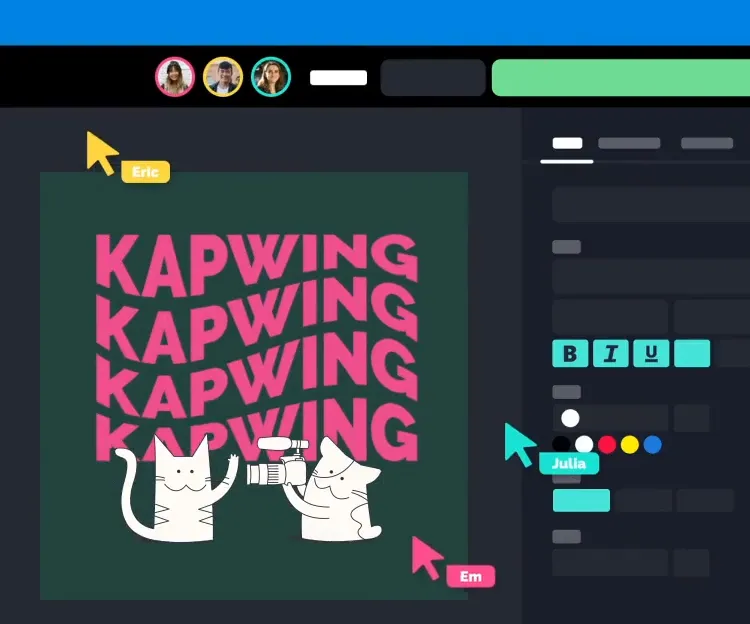
Integrated with a powerful image editor
The Add Sticker tool from Kapwing integrates seamlessly with a feature-packed Image Editor — no separate app needed. Combine stickers with text overlays, filters, cropping, background removal, color adjustments and so much more to create polished images all in one workspace.
Fast, intuitive, and designed for any skill level, Kapwing's image editing studio lets you create professional-looking images for any platform without any design experience.
Già rivoluzionando la creazione di video in diversi settori
Ascolta direttamente dai team che pubblicano più velocemente, collaborano meglio e rimangono sempre avanti.


Come aggiungere un adesivo a un'immagine
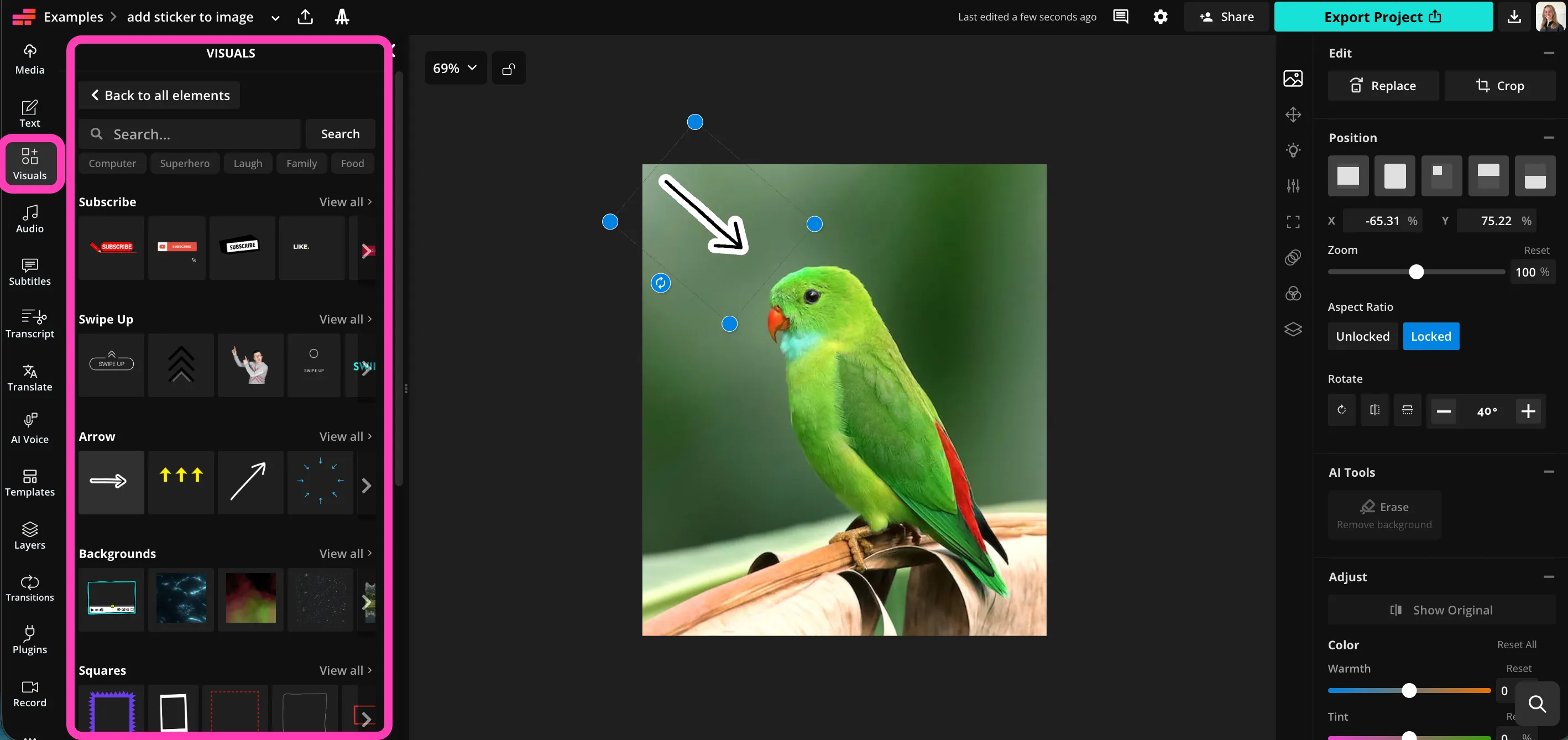
- Step 1Carica immagine
Crea un nuovo progetto in Kapwing studio e clicca per caricare la tua immagine.
- Step 2Aggiungi adesivo
Seleziona "Visuals" nella barra laterale sinistra, quindi fai clic per aggiungere adesivi alla tua immagine.
- Step 3Scarica
Regola il colore, proporzioni, e posizione, poi clicca "Export Project" per scaricare l'immagine modificata.
Che cosa rende Kapwing diverso?



Domande Frequenti
Abbiamo le risposte alle domande più comuni che i nostri utenti ci fanno.
Is the Add Sticker to Image tool free?
Sì, lo strumento Add Sticker to Image di Kapwing è gratuito per tutti gli utenti.
Is there a watermark on exports?
If you're using Kapwing with a free account, then all exports — including the Add Sticker to Image tool — come with a watermark. Once you upgrade to a Pro account, the watermark gets completely removed from your creations.
Come aggiungere adesivi alle immagini
To add a sticker to a photo with Kapwing, create a new project in the studio and click to upload your image. In the left sidebar, click on "Visuals", then scroll down to browse the sticker library. Choose from trendy and classic GIFs, arrows, circles, emoji and shapes. Click to add any sticker, then adjust size, proportions, position and color using the editor's simple tools.
When you're ready to save your image, click on "Export Project" in the top bar to download your stickered image as JPEG, PNG, GIF or WebP.
Come aggiungere adesivi alle foto su iPhone
Puoi aggiungere adesivi alle immagini su dispositivi iPhone o Android aprendo lo studio Kapwing nel tuo browser mobile. Fai clic per caricare la tua immagine, quindi seleziona "Visuals" dalla barra degli strumenti in basso. Fai clic per aggiungere qualsiasi adesivo, quindi trascinalo per regolare le dimensioni e la posizione. Scarica la tua immagine sul telefono facendo clic su "Export Project" nella barra degli strumenti in alto.
What type of stickers can I add to images?
Kapwing offers a complete range of stickers, including arrows and circles to grab attention, trendy and catchy GIFs, and simple customizable shapes like hearts, squares, and stars. Browse the library of options by opening the "Visuals" tab in the left sidebar.
Quali tipi di file supporta Kapwing?
Kapwing supports all the most popular image file types, including JPEG, PNG, and WebP. You can save your edited image as a JPEG, PNG, WebP, or animated GIF.
Can I save my image as a GIF?
Yep, if you add animated stickers to your images, you can save them as high-quality GIFs or WebP to keep the animation. Just click "Export Project" and then pick the file format you want to download.
Can I also add text overlays?
Certo, Kapwing ti permette di sovrapporre testo personalizzato in qualsiasi carattere. Aggiungi una casella di testo, digita le tue parole e poi scegli il carattere, il colore del testo, la dimensione, lo sfondo e l'ombra. Puoi combinare gli sticker con sovrapposizioni di testo per messaggi mirati sui social media.
Scopri le Risorse
Consigli, modelli e approfondimenti per aiutarti a creare più velocemente e condividere con sicurezza.
Visualizza tutto
Inizia con il tuo primo video in pochi click. Unisciti a oltre 35 milioni di creator che si fidano di Kapwing per creare più contenuti in meno tempo.