How to Convert MOV Videos to MP4 If you work with Apple devices, it's often a good idea to convert your MOV files to the more universal MP4 file type – I'll show you how to do it online.
How to Reverse Video and Audio on TikTok Eye-catching edits on TikTok are easy to achieve with effects like reverse. In this tutorial, I’ll show you how to reverse a video on TikTok, and provide examples to help you brainstorm ideas
The 5 Basic Video Editing Skills You Need in 2021 If you're applying for jobs in media, you’ll be familiar with the phrase "basic video editing skills" from job postings. Do you have them?
How to Make Videos for the TikTok Green Screen In this tutorial, I'll show you how to edit a video for TikTok's Green Screen effect that includes multiple clips or images.
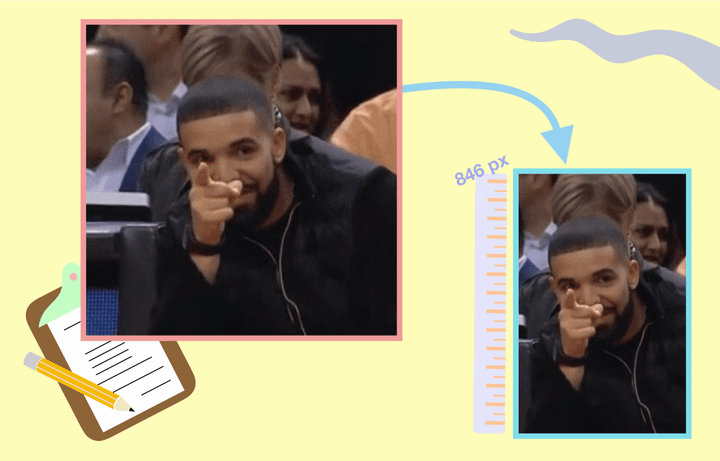
How to Crop GIF Files On Any Device GIFs are very useful, but they can be hard to edit. In this tutorial, I'll show you how to crop any GIF on any device.
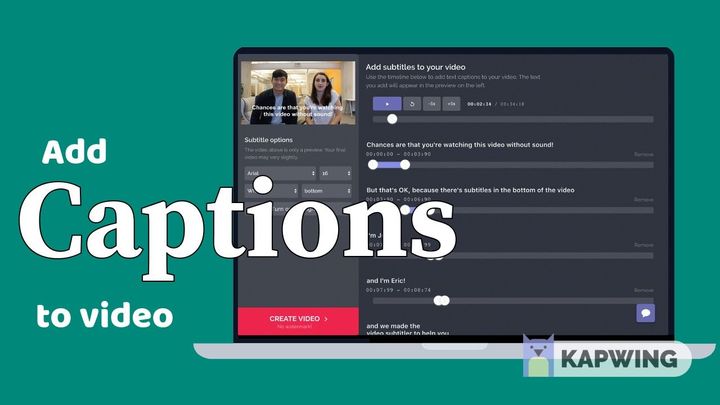
How to Add Closed Captions to Video Closed captions add greater accessibility to videos and are a best practice for all creators. I'll show you how to add captions to any video.
The Best Simple Video Editor for Beginners Kapwing is a simple, intuitive online video editor that allows anyone to edit videos conveniently. I'll go over all the main editing tools provided in the Kapwing Studio.
How to Balance Audio Layers for YouTube Adjusting the volume of audio layers, like making the background music quieter for a few seconds of narration, involves high-level editing. In this article, I’ll go over the best techniques for balancing your YouTube videos’ audio and the easiest way to do so in three free video editing softwares.
How to Make Selfie GIFs from Videos or Live Photos Many platforms, like Discord and Facebook, for example support GIF profile pictures, perfect for a moving selfie. To put some more of your own personality in your profile, I recommend making selfie GIFs for your profiles – here’s how to do it online.
How to Trim Videos on TikTok TikTok is known for its short, snappy content that draws attention. In this article, I’m showing you how to trim videos on TikTok in three different ways to showcase your best moments.
How to Add Transition Effects to Your Videos Online As online video platforms become increasingly dominant, the editing process has also moved more and more to the web. In this article, I’llshow you how to add basic transition effects to your videos online, using an editor that allows you to make all your video edits in the same place.
How to Make a Custom Happy New Year Video Online One way to spread the spirit of the new year is to create custom videos to send to your friends and family to congratulate them on making it through the challenge of 2020. Here’s how to make your own New Year 2021 video online.
How to Add Lens Flare Effect to Photo or Video Online Lens flare create a dramatic effect that can make your content more interesting and improve the production value if done right. In this tutorial, I’ll show you how to add a lens flare effect yourself using an online tool called Kapwing. If you're a design novice, this guide is for you.
How to Edit QuickTime Videos Online If you want to edit QuickTime videos without downloading software, you’ll need an online editor. Just like Apple, the online editor called Kapwing is obsessed with simplicity. Editing is as easy as it is on Mac, but allows you to add text, images, transitions and much more. Learn how.
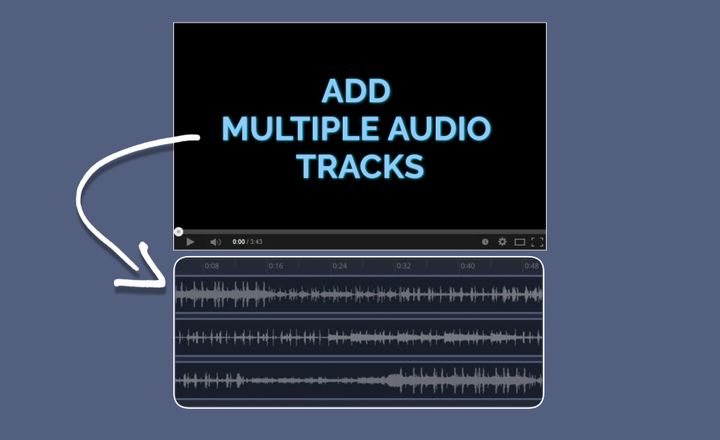
How to Add Multiple Audio Tracks to a Video Online Video editing is as much about editing sounds as it is editing video clips. Whether you're working with music, sound effects, voiceovers, or podcasts, the Kapwing editor makes it easy to add multiple audio tracks to your video online.
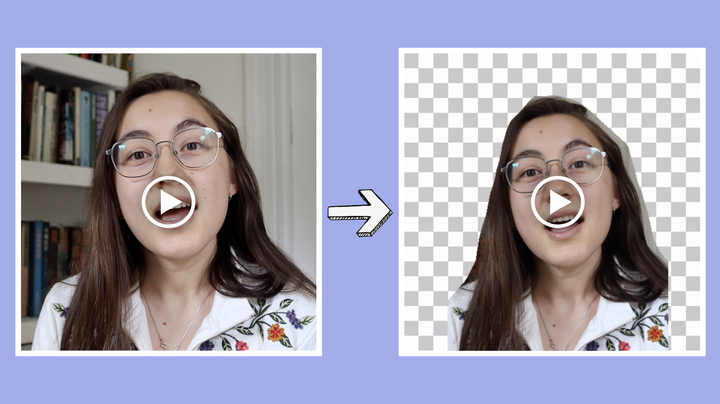
How to Create a Green Screen Video Without a Green Screen You can now create green screen videos without owning or using a green screen. In this tutorial, we'll show you how to remove the background from videos using a free online editor.
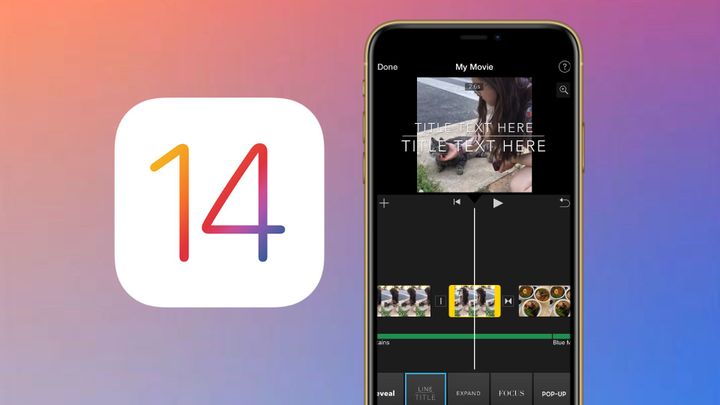
How to Edit Videos with iOS 14 Devices Content creators stew in curiosity wondering what new video editing capabilities will be available in Apple's yearly iOS update. With the release of iOS 14, a couple new features have made their debut, but it's still not possible to complete many common video tasks within the default apps.
7 Easy Ways to Add Animation to Videos for Free Keeping people interested in your videos can be a challenge, but adding an animation to your video is a simple way to remedy that. A free, online tool you can use to add animations to videos is Kapwing Studio, which offers 7 video animation options.
How to Animate: The Best Free Animation Software for Beginners If you don't have any experience with animation, it's tough to know where to start. In this article, I go over the top 3 free options for beginners to make their first animated videos and GIFs.
5 Free Templates for Effective LinkedIn Video Ads In this article, I’ll provide some tips & templates for creating polished, professional video ads for LinkedIn that are sure to bring more people to your site. Let’s get started.
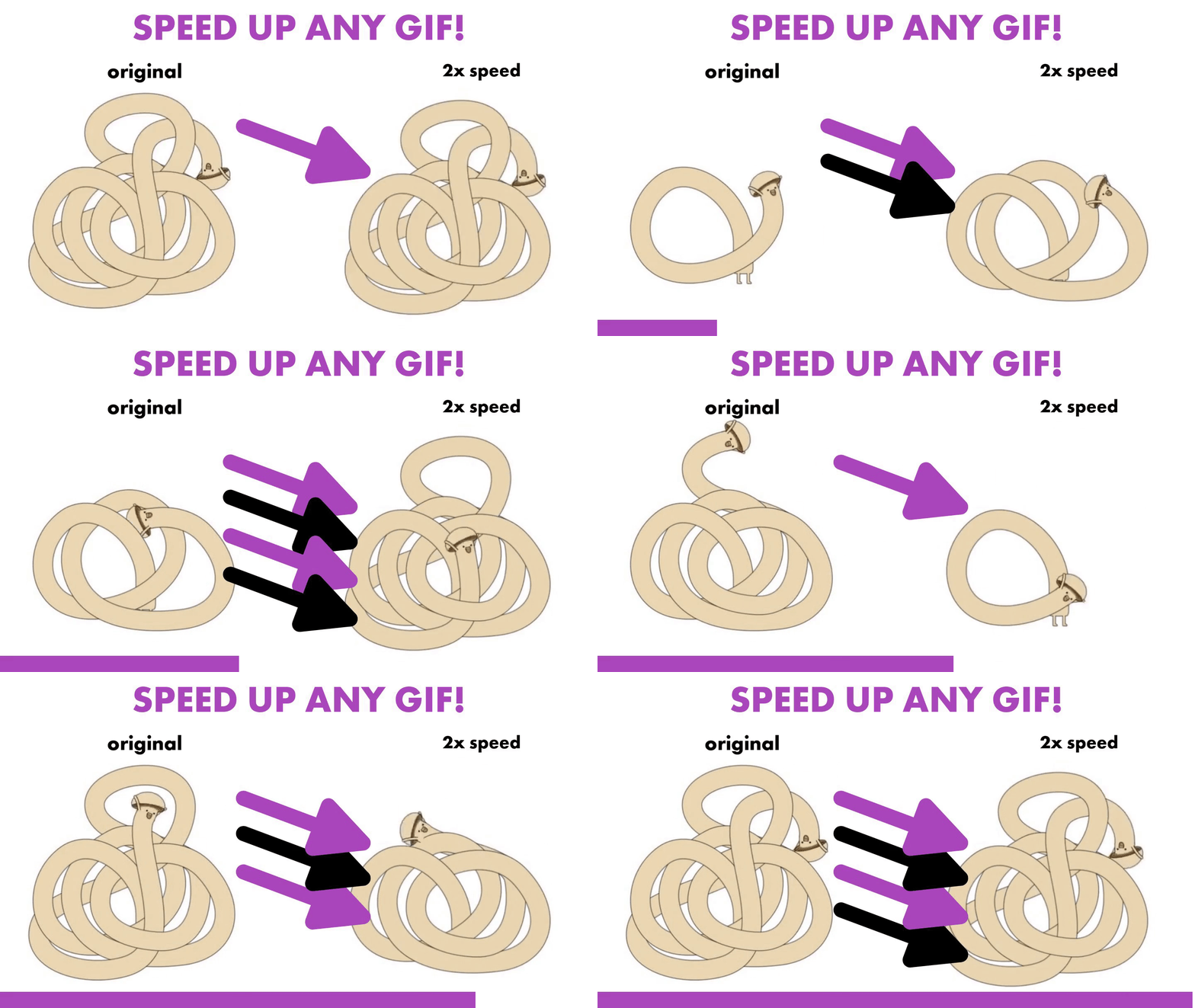
How to Speed Up (or Slow Down) any GIF Have you ever seen a GIF on Instagram of Giphy that you really wanted to speed up, slow down, or just otherwise edit? In this easy guide I'll show you how to speed up or slow down any GIF online for free.
How to Combine Videos on iPhone Looking to piece together some congratulatory videos or clips from a previous vacation? You've come to the right spot. Expensive video editing applications aren't necessary — simply take advantage of Kapwing's free, online tools! I'll show you how:
How to Edit TikToks on Your Phone Editing can be the difference between a mediocre TikTok and a great one. I’m going to show you how you can easily edit your videos on your phone.
How to Make a GIF on your iPhone (in just a few clicks) While your iPhone makes creating video easy, creating GIFs is tough. So, what’s the simplest way to make a GIF without leaving your iPhone? The answer: Kapwing’s free, web-based app that requires no download or payment. Make a GIF in just a few clicks with these steps: