How to Do the Raindance AI Trend (Prompt Included)
Turn any two people into the stars of the viral Raindance AI trend.
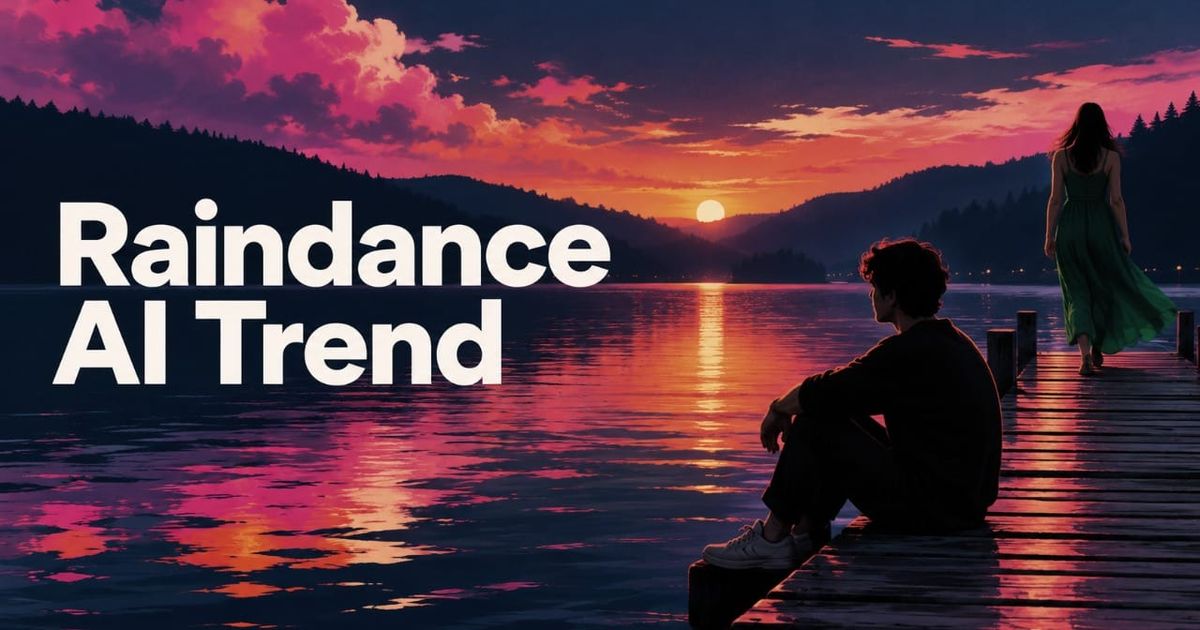
The Raindance AI trend turns two photos into a short music-video scene inspired by Raindance by Dave and Tems. In the music video, one person sits or waits at the end of a wooden pier over the water, while a second person sings or performs toward them.
In recreations of this trend, some people use themselves and their partner or best friend. Others use celebrities, athletes, or fictional characters. A lot of the parody versions pair people who are normally rivals or enemies; some popular renditions include Shrek and Lord Farquaad, or Erling Haaland and Jude Bellingham.
For this tutorial, I recreated the effect in Seedance 2.5 using two identity references and a sketch-style reference video for the movement and camera work. That gives you more control than a one-click Raindance template and works whether you're making a real couples edit or a completely ridiculous pairing.
Table of Contents:
What Is the Raindance AI Trend?
The Raindance AI trend is an AI photo-to-video trend based on the music video of “Raindance” by Dave featuring Tems.
Specifically, the trend focuses on a scene where Dave sits by a pier, while Tems sings to him. AI creators use that scene as a motion transfer, then recast the two roles with different people or characters.
@tyleeeee15 raindance(Shrek version)meme #meme #shrek #raindance #funny #cgi ♬ original sound - Tyler
Raindance is part of a broader wave of AI motion-reference trends, including the Hotel Lobby trend, where creators take a recognizable movement or scene from an existing video and use AI to transfer that performance onto a new cast.
How to Do the Raindance AI Trend
For our version, we're recreated the viral trend with Seedance 2.5. For this workflow, you need three references:
- a clear image of Person 1, who'll replace Dave
- a clear image of Person 2, who'll replace Tems
- a video reference showing the Raindance movement and camera work you want to recreate
The two images control who appears. The reference video controls how they move and how the scene is framed.
@dearpatiences ai banter. i cannot stop laughing SKJRSJEJ #judeandhaaland #haalandandjude #bvbdortmund #raindance #higgsfieldai @Erling Haaland @Jude Belingham ♬ original sound - amanda
Step 1: Create the Character Reference Sheets
Start with one strong reference image of each person or character you want to cast in the video.
For real people, use images where the face is large enough to see clearly, the subject is front-facing or slightly turned, and major features are not blocked by sunglasses, hands, hair, or heavy filters. For fictional characters, choose images where the design is easy to identify and not distorted by a dramatic pose or extreme camera angle.
The two references do not need to match perfectly, but if one is much weaker than the other, I would standardize it first. You can turn any into a reference portrait with the following prompt:
AI Reference Portrait Prompt
Use the person or character in this image as the exact identity reference.
Create a clean waist-up reference portrait of the same subject, facing the camera at a slight three-quarter angle.
Preserve their facial features, hairstyle, skin tone, proportions, clothing, and recognizable details accurately.
Use soft, even lighting and a plain neutral background. Keep the expression relaxed and natural.
No additional people, no text, and no accessories covering the face.
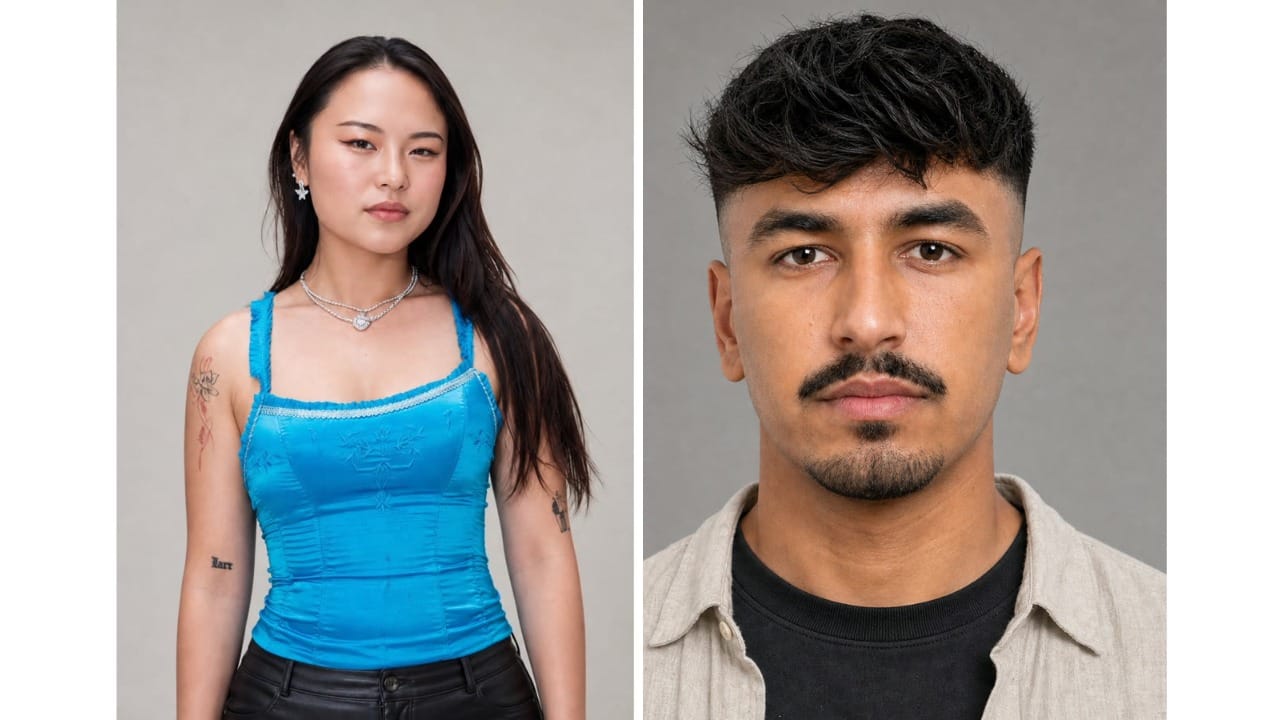
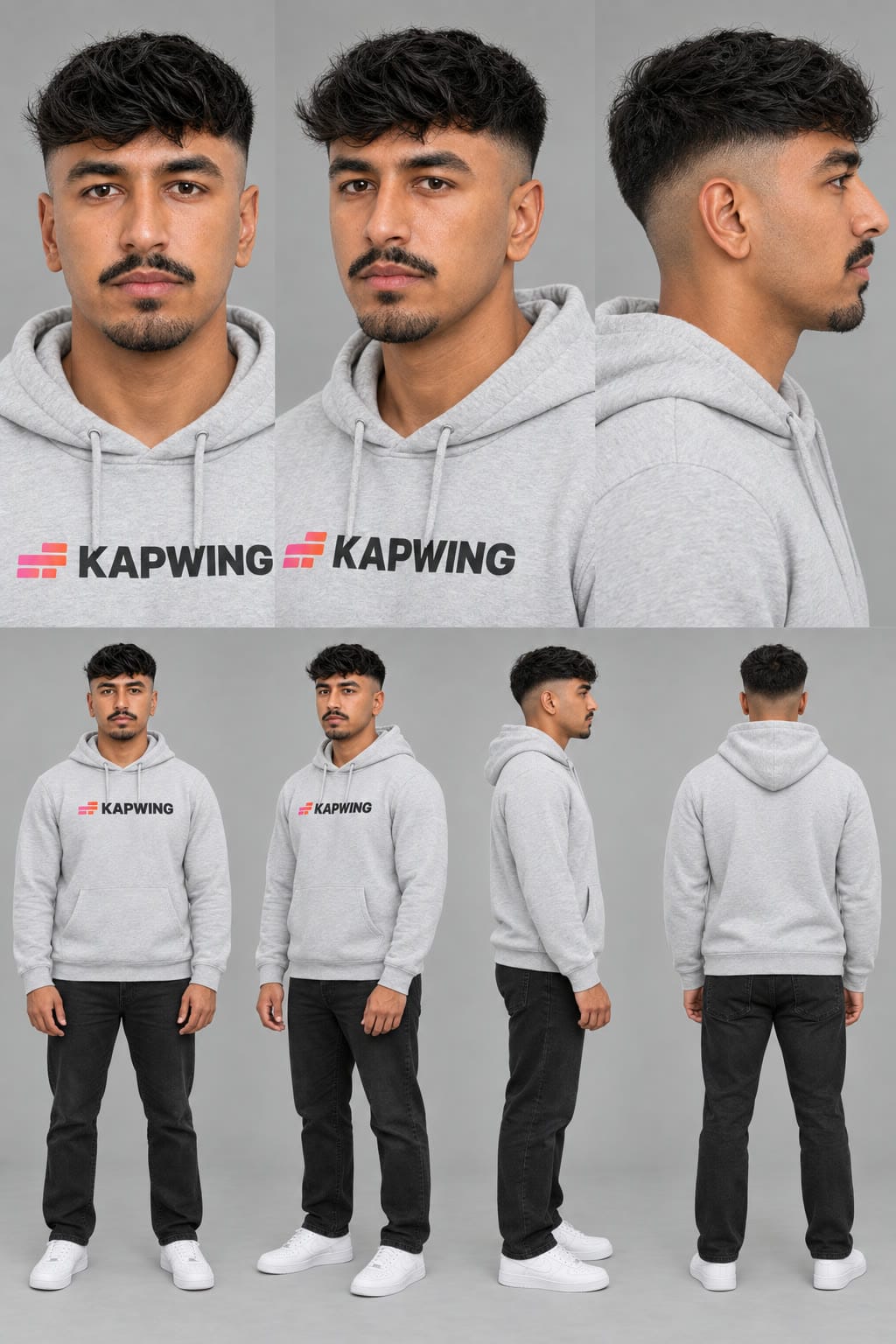
Next, open Kai's Character Sheet Generator, attach one clear photo and generate a character sheet.
You should also specify the outfit at this stage. The character reference sheet becomes the visual source of truth for the final video, so it's more reliable to dress the person in the character sheet than to ask the model to invent an outfit later.
Step 2: Turn the Raindance Clip Into a Sketch-Style Motion Reference
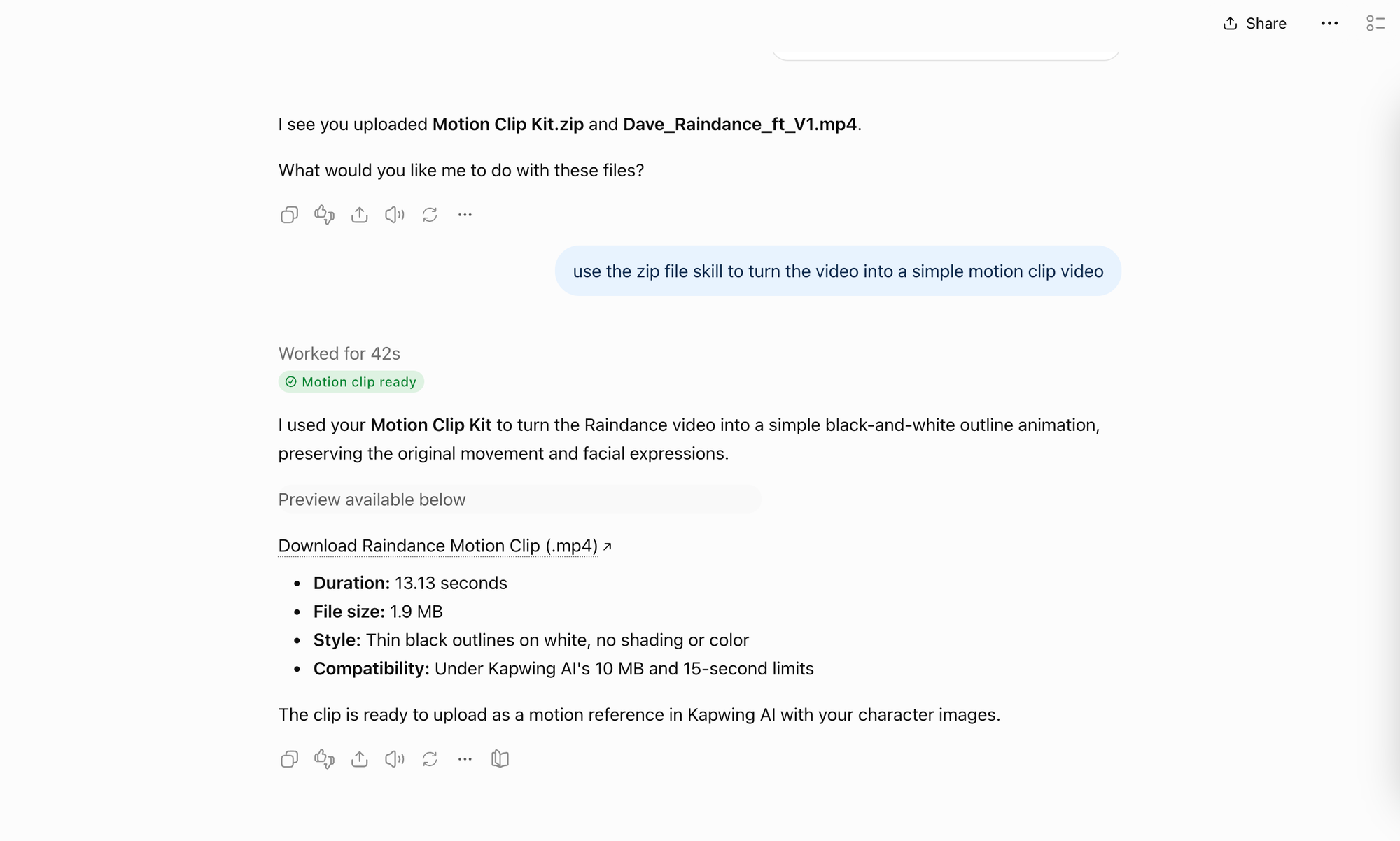
I then converted the original into a very simple black-and-white outline video.
The reason for this is because I only want Seedance to use it for motion and composition. The cleaner the reference is, the easier it is to separate the original performers from what we actually want to preserve: where each person stands, how they move, and the camera controls.
You can also download the following skill file and use Claude or ChatGPT to turn your own videos into sketches.
Simply attach the skill file with your input asset.
Step 3: Recreate the Raindance Scene in Seedance 2.5
Now bring the two identity references and the outline motion reference together. Open Kai, select Seedance 2.5, and upload:
- Character sheet of Person 1
- Character sheet of Person 2
- The Raindance outline motion reference
Copy the prompt below to generate your Raindance AI trend.
Raindance AI Trend Prompt
Use #video_1 only as the reference for movement, body motion, mouth movement, timing, blocking, shot progression, and camera movement. #video_1 is a simple outline motion reference; the output must not look like line art, sketch art, or animation. Ignore all visual styling, facial detail, clothing detail, and any drawn accessories in #video_1.
Create a photoreal live-action video of the same performance.
#image_1 replaces the first performer in #video_1.
#image_2 replaces the second performer in #video_1.
Preserve each person's identity exactly from their character sheet.
#image_1: face exactly as shown in their character sheet, [HAIR], wearing [OUTFIT] exactly as shown in their character sheet.
#image_2: face exactly as shown in their character sheet, [HAIR], wearing [OUTFIT] exactly as shown in their character sheet.
Each person should wear only what their character sheet shows. Keep bare hands and bare wrists, with no rings, bracelets, watches, necklaces, or other jewelry unless those accessories are explicitly part of that person's character sheet.
Both people should perform every gesture, hand movement, head turn, body movement, mouth movement, and timing cue from the two performers in #video_1 as closely as possible.
Rebuild the scene in the recognizable Raindance setting: a weathered wooden pier over calm blue water at golden hour, with warm sunlight, soft coastal atmosphere, and cinematic music-video lighting. Preserve the same framing and camera behavior from #video_1.
Keep the two people visually distinct and consistent throughout the full clip. Maintain realistic scale between them, natural eye lines, believable physical interaction, realistic hands, clear facial detail, natural skin texture, and consistent clothing from shot to shot.
Same duration as #video_1. Generate as one continuous video with no text or subtitles.
Step 4: Add Your Video to the Raindance Template and Finish the Edit
Once the Seedance generation looks right, open the Raindance template, which already has the audio set up, and replace the placeholder video with your finished generation.
To do this, select the video layer in the template, click Replace, and upload the Raindance clip you generated in the previous step.
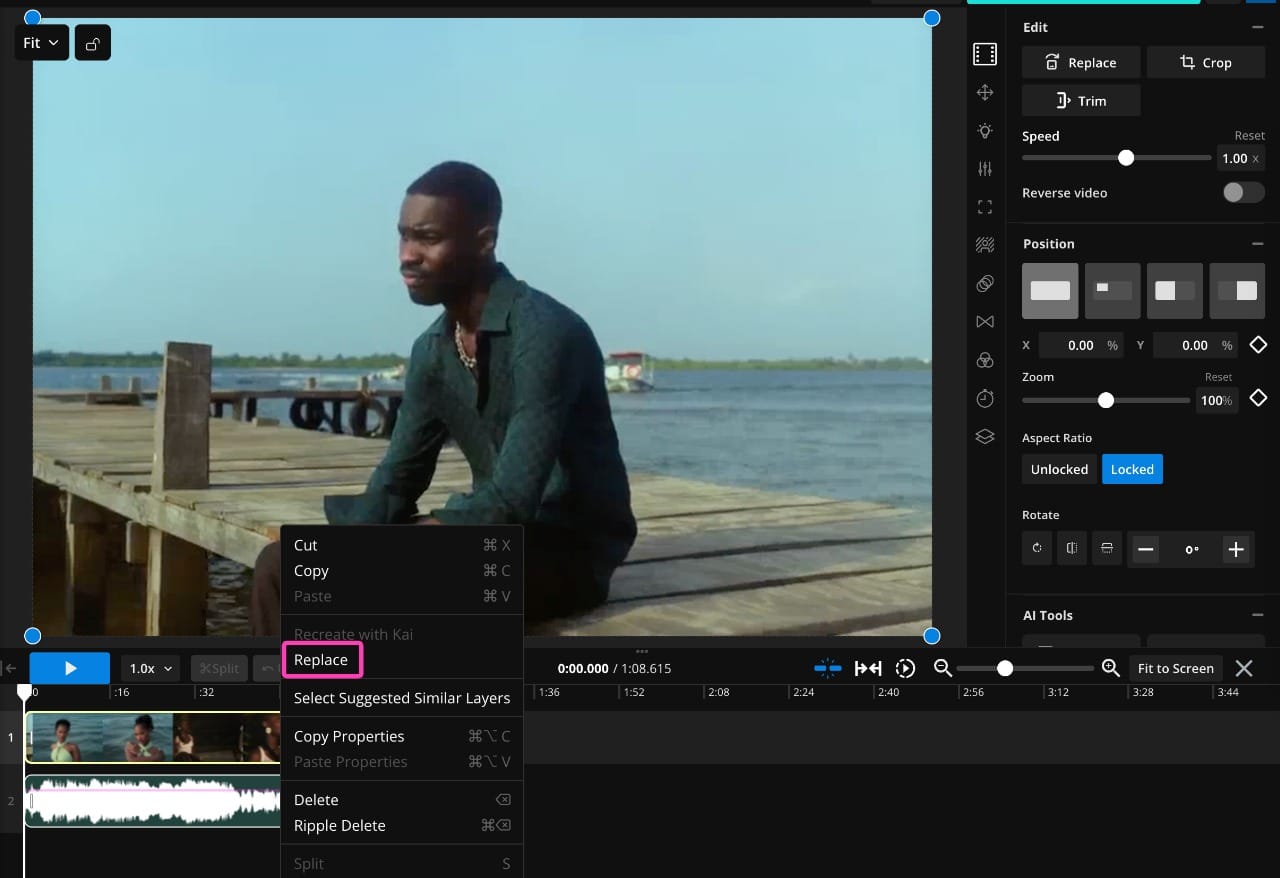
From there, play the edit through once and check where the main movements land against the song. If the generation is slightly longer than the section you need, trim the beginning or end rather than changing its speed. You can also slide the video layer along the timeline if a particular gesture or close-up needs to hit a beat a little earlier or later.
Once everything lines up, click Export Project and download the finished video. From there, it's ready to post to TikTok, Instagram Reels, or YouTube Shorts.
Frequently Asked Questions
What is the Raindance AI trend?
The Raindance AI trend is a photo-to-video trend inspired by “Raindance” by Dave featuring Tems. Creators use AI to cast two people or characters into a cinematic waterfront sequence, usually with a wooden pier, warm sunset lighting, and a romantic music-video performance.
How do you make the Raindance AI trend?
You need two identity references and a motion-reference video. In Seedance 2.5, assign one image to each performer and use the outline reference video to control the movement, blocking, timing, and camera work. Once the generation is finished, replace the placeholder video in the Kapwing Raindance template to keep the original audio and timing.
What AI is used for the Raindance trend?
There isn't one official “Raindance AI” model. Some websites offer dedicated one-click generators, but for this workflow I used Seedance 2.5 because it can combine multiple image and video references in the same generation.
Do I need two photos for the Raindance AI trend?
For the standard version, yes. Use one clear photo for each person or character you want to cast. The two people do not need to appear in the same original photo.
Can I make a Raindance AI video with myself and someone else?
Yes. You can use separate photos of yourself and another person, even if you have never taken a photo together. The AI generation places both identities into the same Raindance scene.
Can I use fictional characters in the Raindance AI trend?
Yes, reference-to-video models can use fictional characters as identity references. For personal fan edits, that is a common version of the trend. If you're creating commercial or branded content, make sure you have the rights to use the characters involved.
What is the song in the Raindance AI trend?
The trend uses “Raindance” by Dave featuring Tems. The song is not AI-generated; the AI part of the trend is the recreated video.
Is Raindance AI a filter?
No. The trend is generally made with AI image-to-video or reference-to-video tools rather than a single TikTok or Instagram filter. Dedicated Raindance generators may package the workflow into a template, but the underlying effect involves generating new video from reference images.