AI Video Script Generator
Generate video scripts on any topic with AI
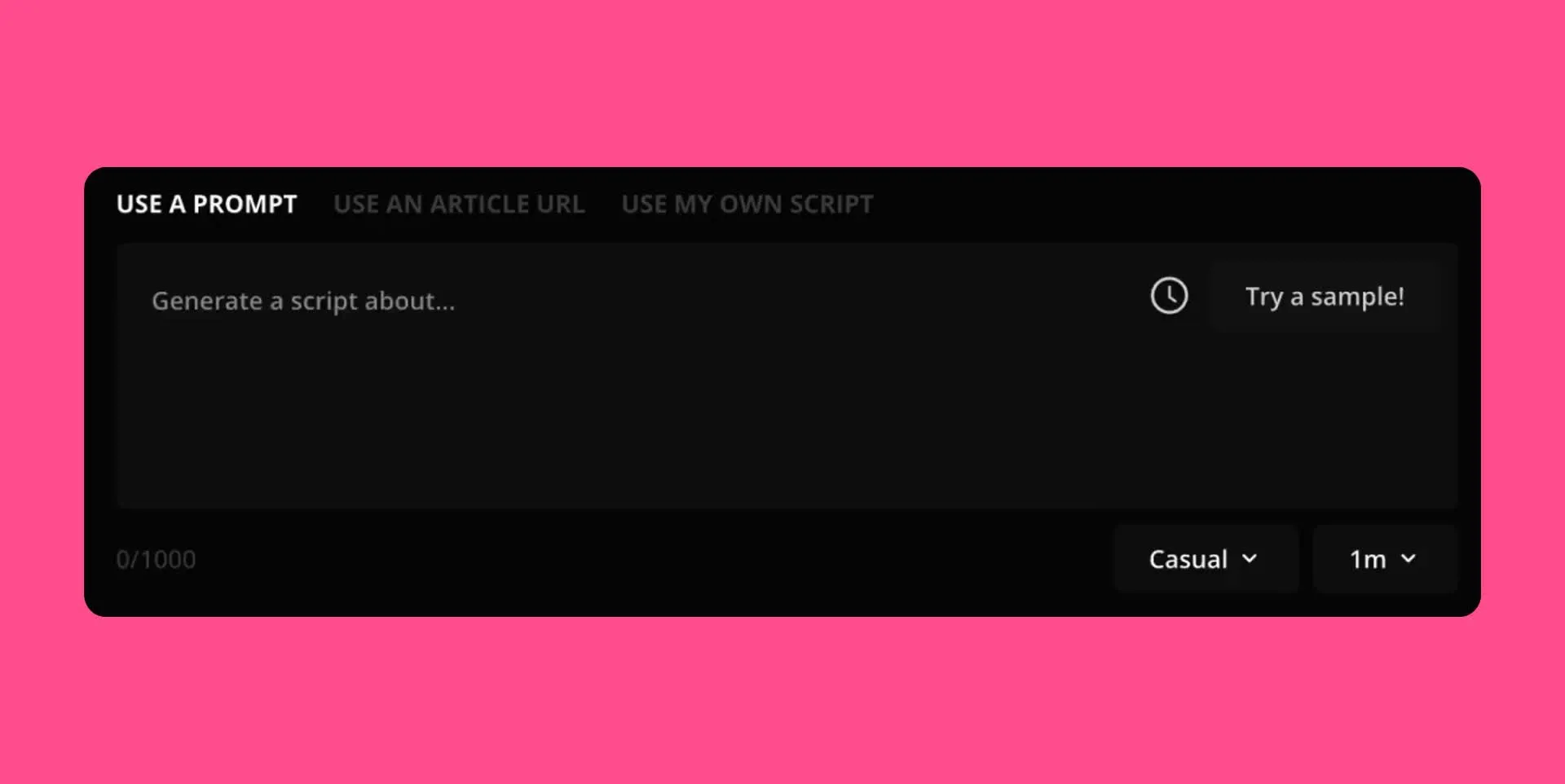
Detailed video scripts you can edit
AI researches and writes your video script in seconds
Create engaging video scripts for free
Kapwing’s AI Video Script Generator helps you turn a topic, idea, or prompt into a structured script fast.
Generate hooks, talking points, narration, dialogue, and calls to action for short-form videos, explainers, video ads, podcasts, and more.
Instead of starting from a blank page, start with a draft you can refine to match your message and brand voice. If your script needs a different angle, ask AI to rewrite sections or shift the focus for a different audience.

Generate a script for every topic or format
Create scripts for timely updates, educational videos, product promos, social content, podcast segments, and announcements. Whether you need a short TikTok script or a more structured YouTube outline, Kapwing helps you generate drafts quickly and refine them as needed.
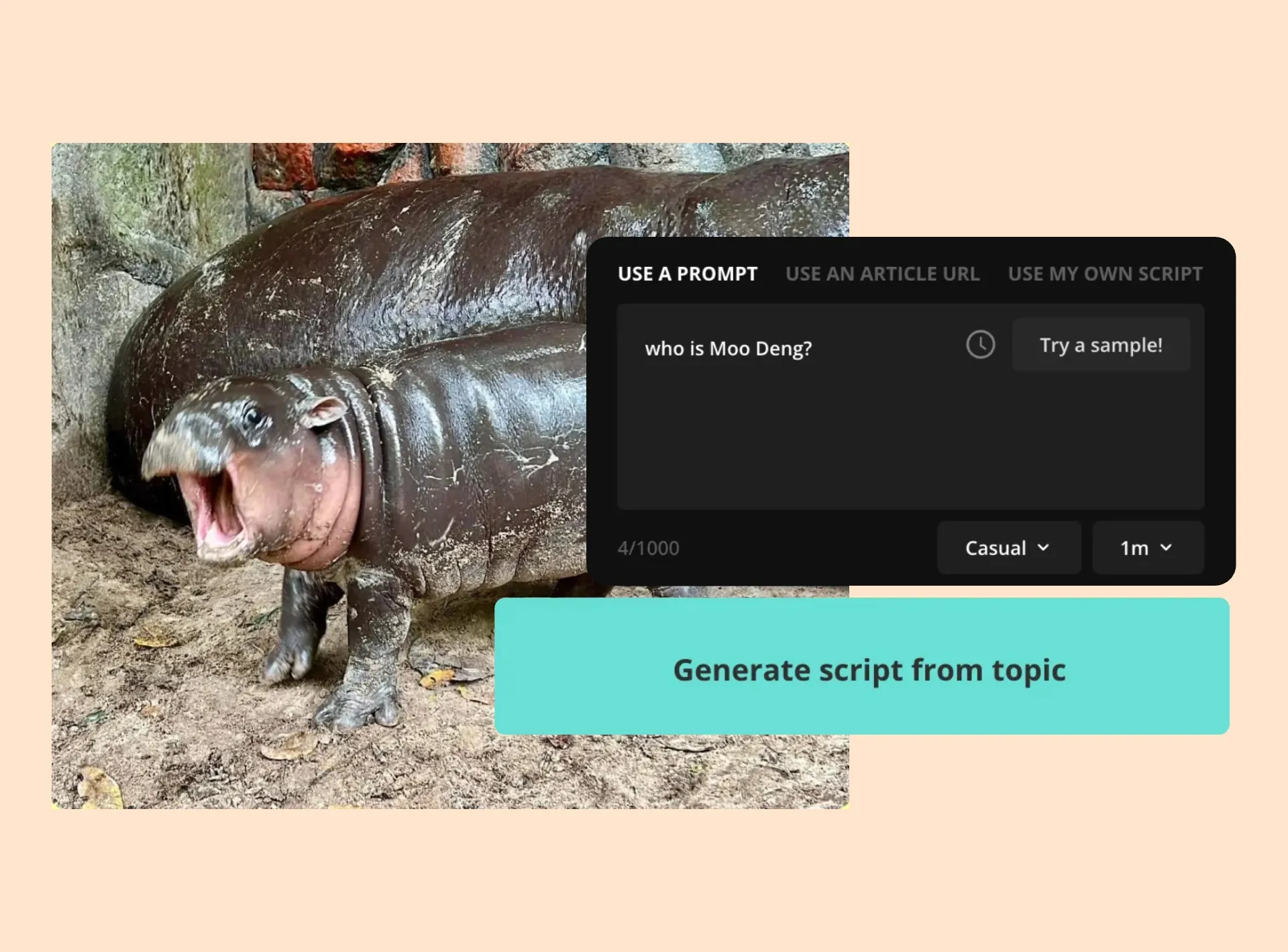
AI delivers in-depth research on your topic, including breaking news. Describe your news event in a few words and let Kapwing uncover the latest information.
Save hours on research and writing and spend more time on creative tasks.
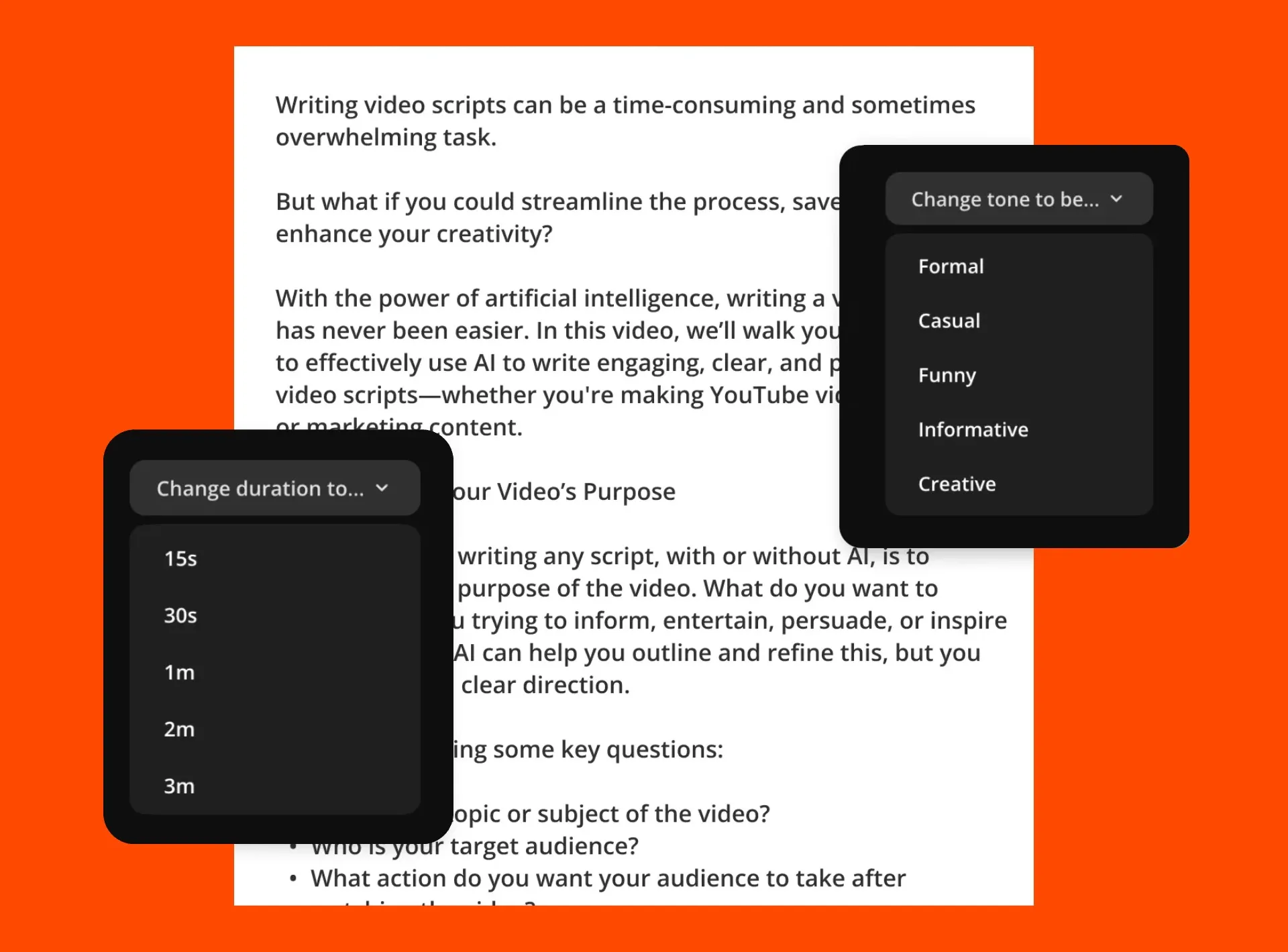
Customize tone, audience, and structure
Create scripts that match your brand and platform.
Ask Kapwing to make your script more casual, more polished, more persuasive, or more educational depending on your audience and goal.
You can also request dialogue, narration, scene directions, transitions, and closing shots to make the script easier to turn into a finished video.
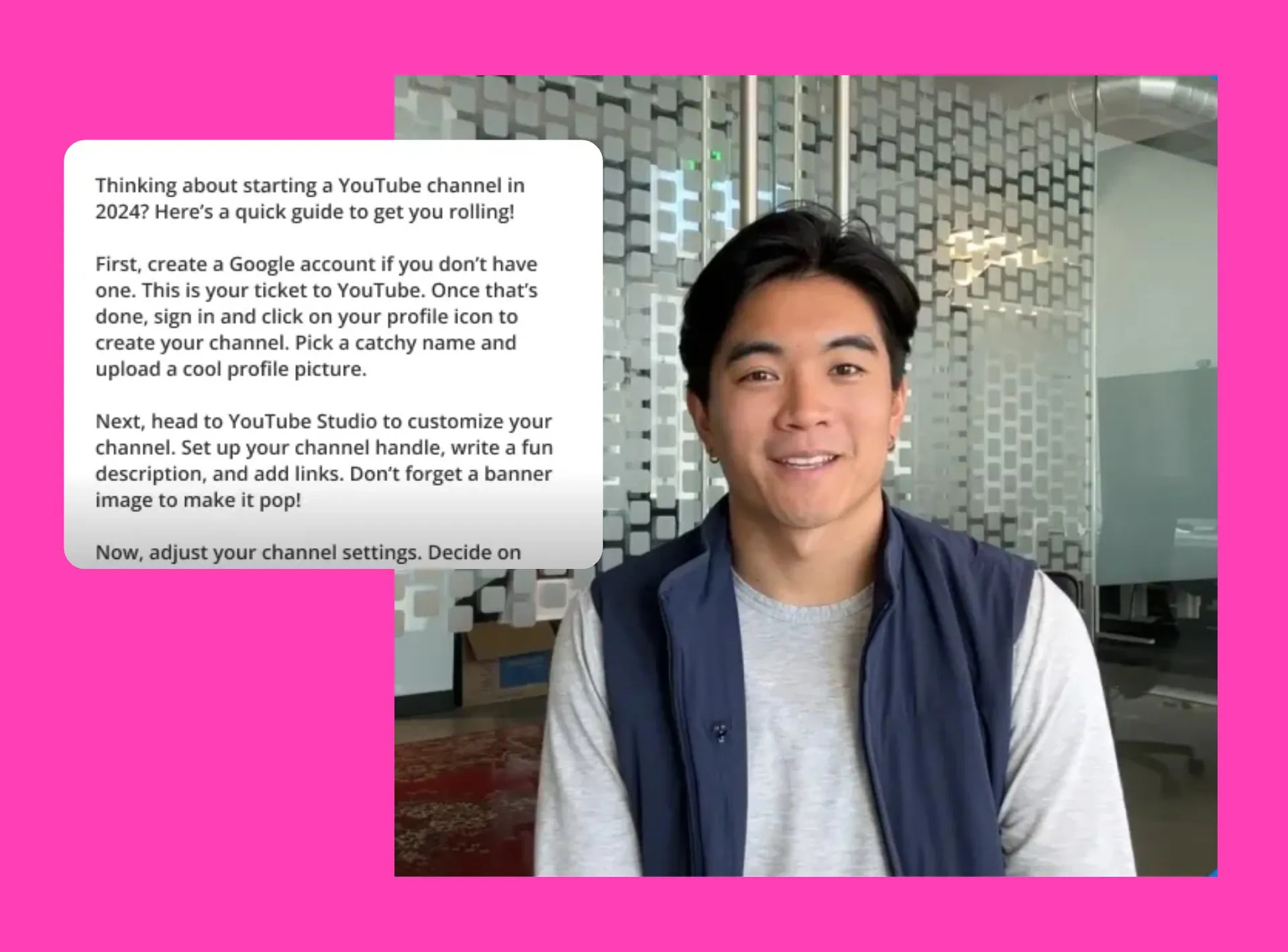
Turn your script into a video in one workflow
Once your script is ready, Kapwing can turn it into a video with voice over, visuals, captions, music, and transitions. Start with AI-generated scripting, then move straight into video creation and editing without switching tools.
With AI video scene generation up to 12 seconds, a drag-and-drop editing timeline, and video storyboard previews, Kapwing is built to scale video-based content strategies.
Already transforming video creation across industries
Hear directly from the teams who publish faster, collaborate better, and stay ahead.


Built for every kind of video script
Join a community of creators scaling video content with AI
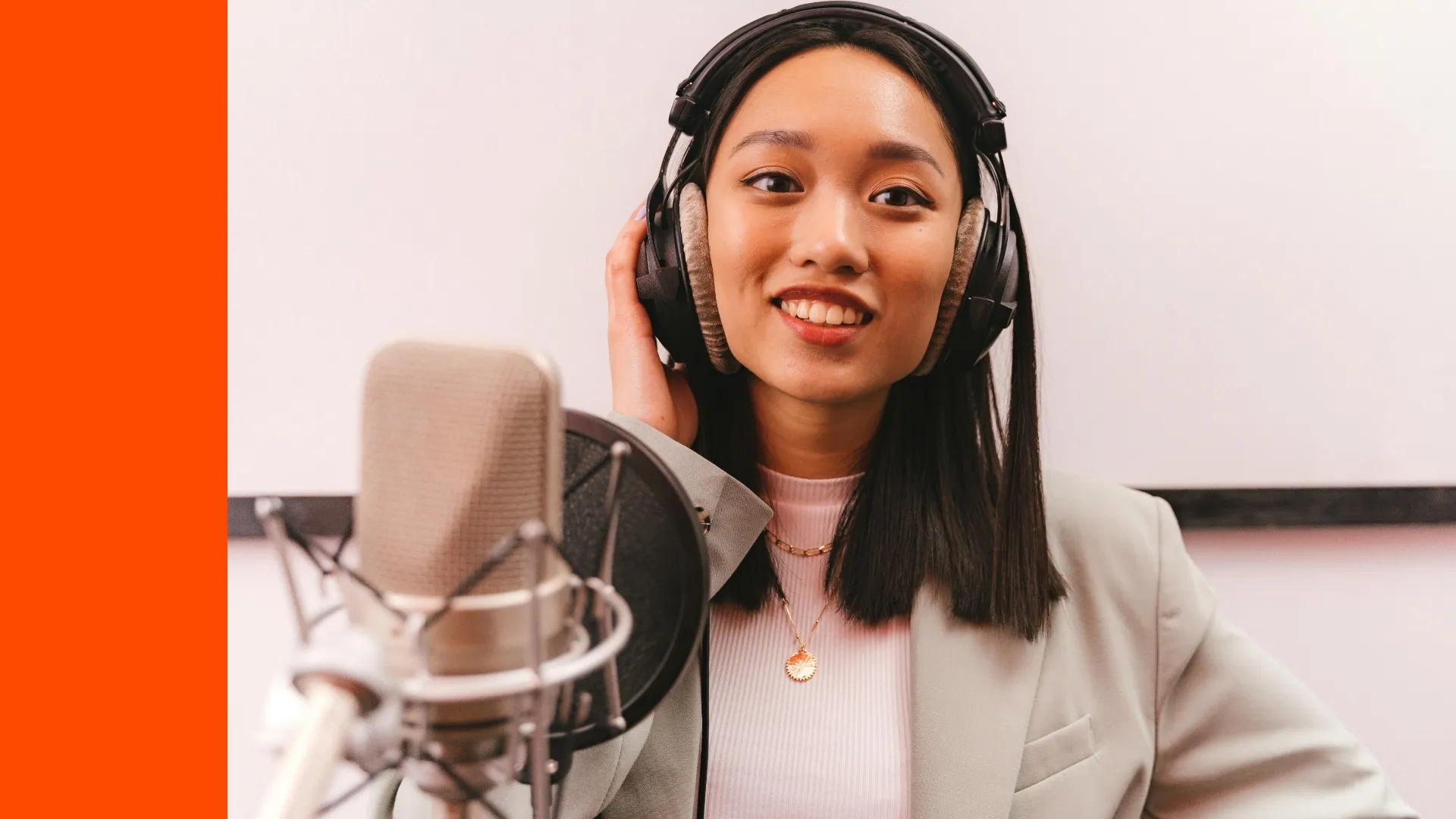
Podcast Scripts
Podcasters generate short scripts for specific episode segments and draft news roundups in minutes using real-time news updates
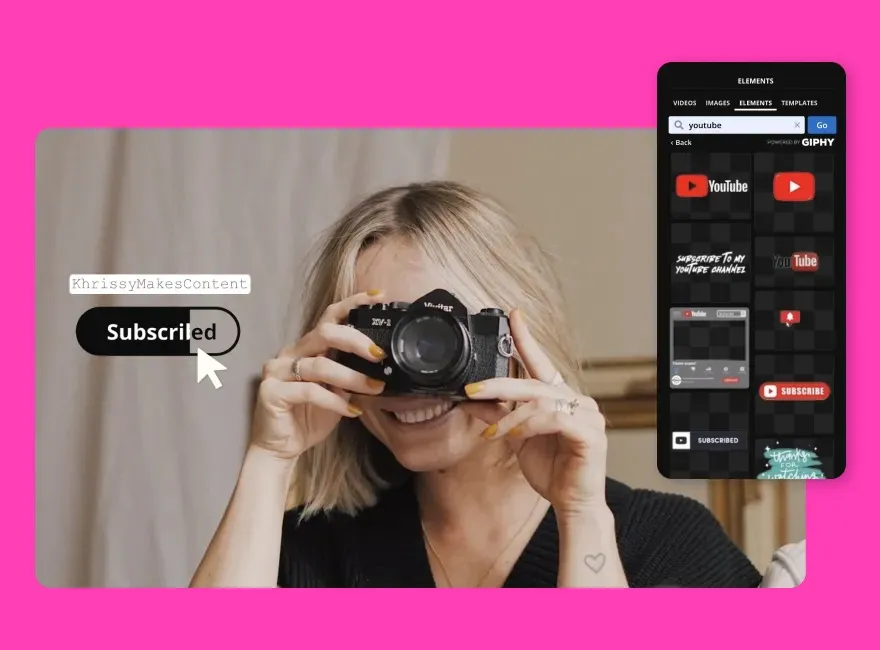
YouTube Scripts
Kapwing's AI Script Generator helps creators and social media managers create stronger video hooks, intros, and clear talking points
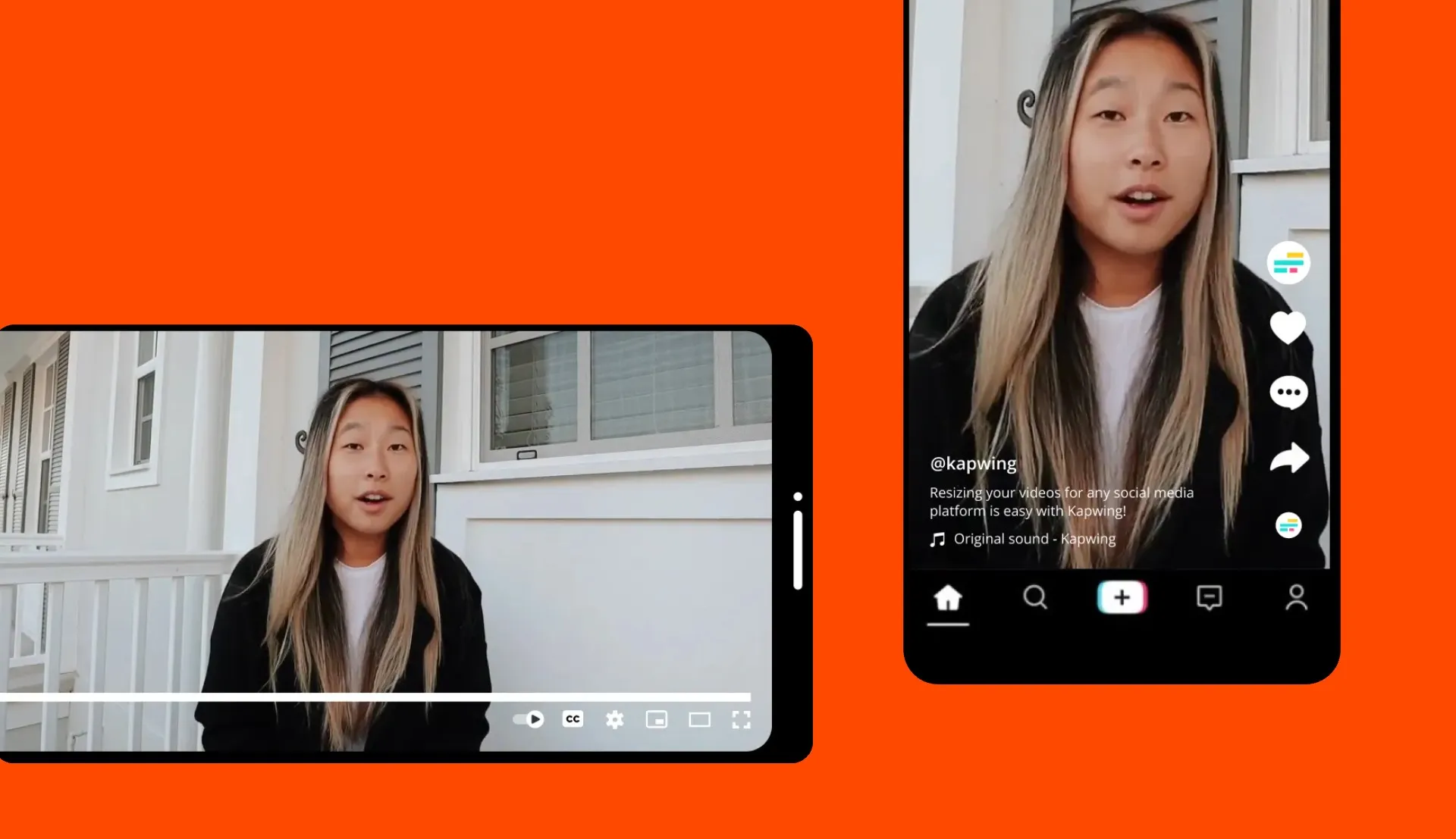
TikTok Scripts
Generate short-form scripts from 10 seconds to 1 minute with a fast hook, concise pacing, and TikTok-friendly structure
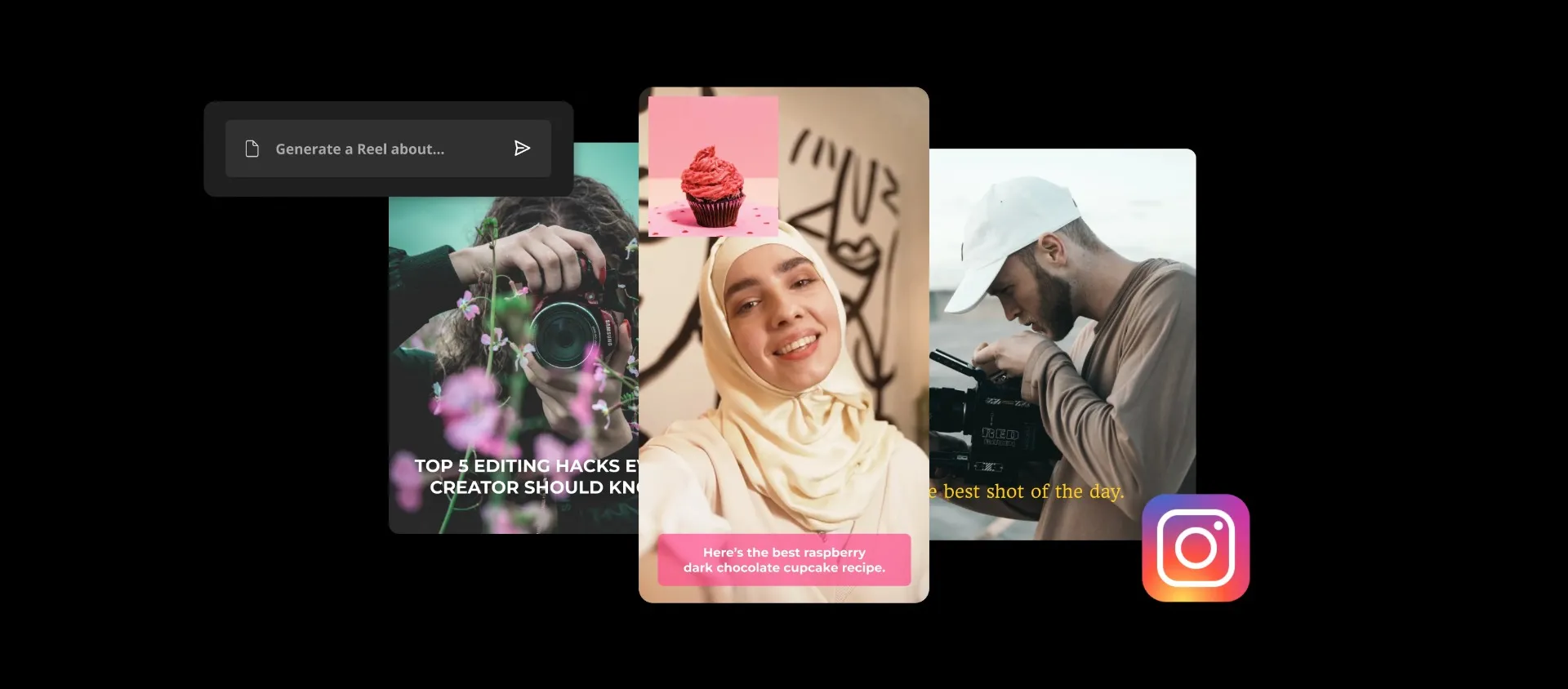
Instagram Reels
Vloggers, influencers, and IG creators turn ideas into polished scripts designed to capture attention in the first few seconds and maintain viewer retention

PR Scripts
PR professionals draft concise, on-brand scripts for video-based press releases, announcements, or campaigns
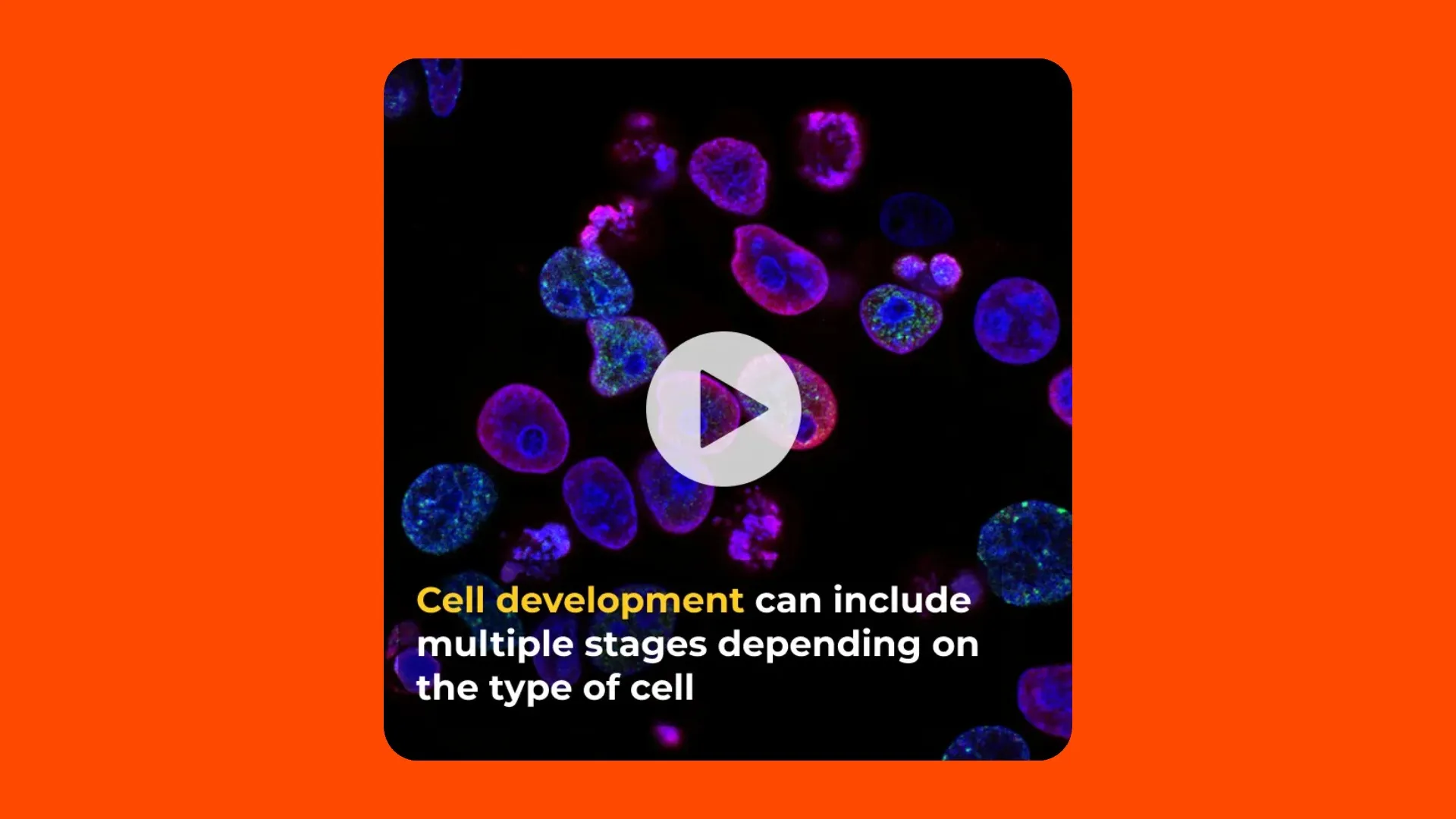
Explainer Videos
Educators, teachers, and creators generate informative video scripts that break down a topic clearly for viewers using AI
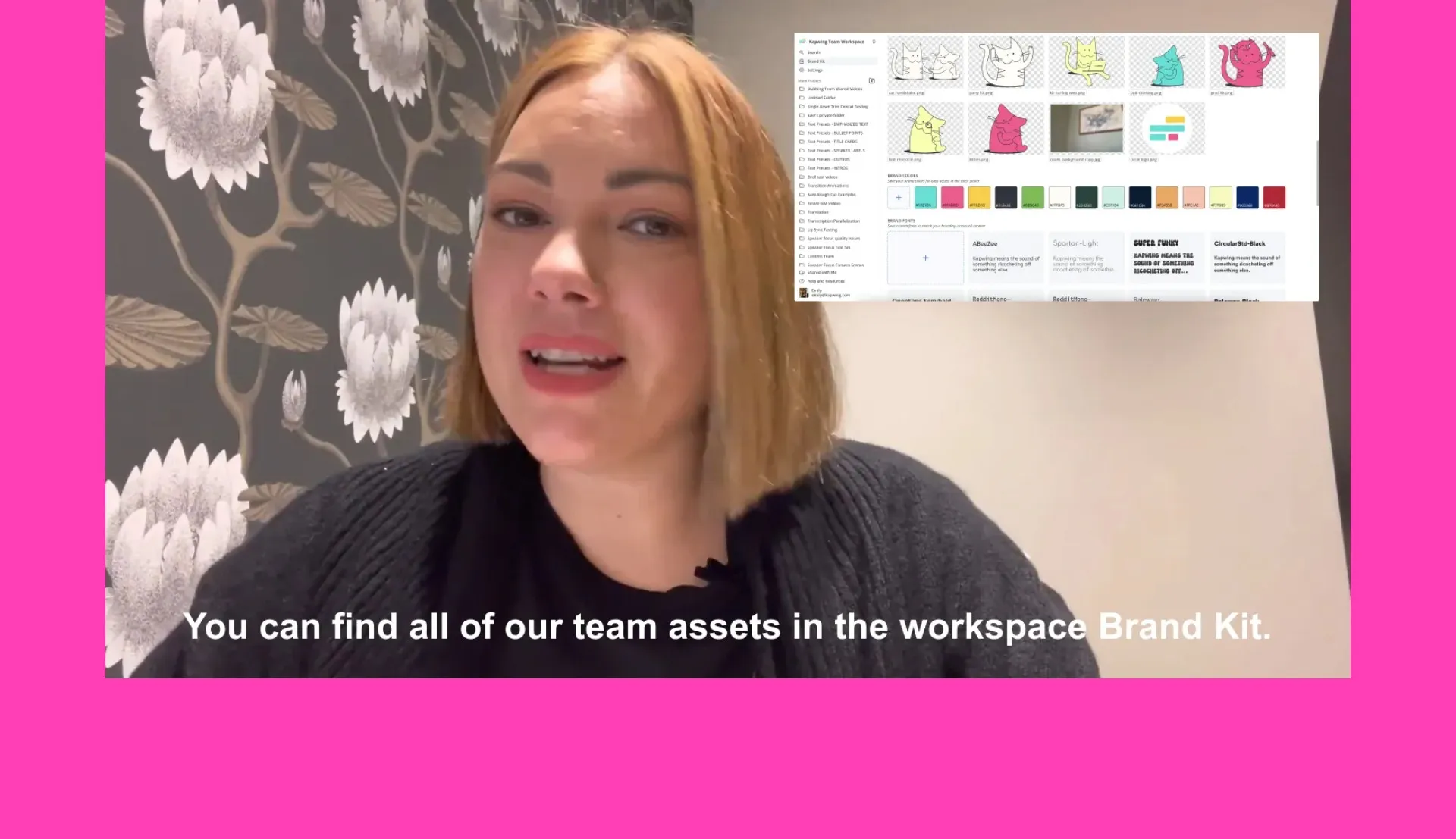
Internal Communications
Businesses use Kapwing to make scripts for onboarding, team updates, and engaging internal video messages`
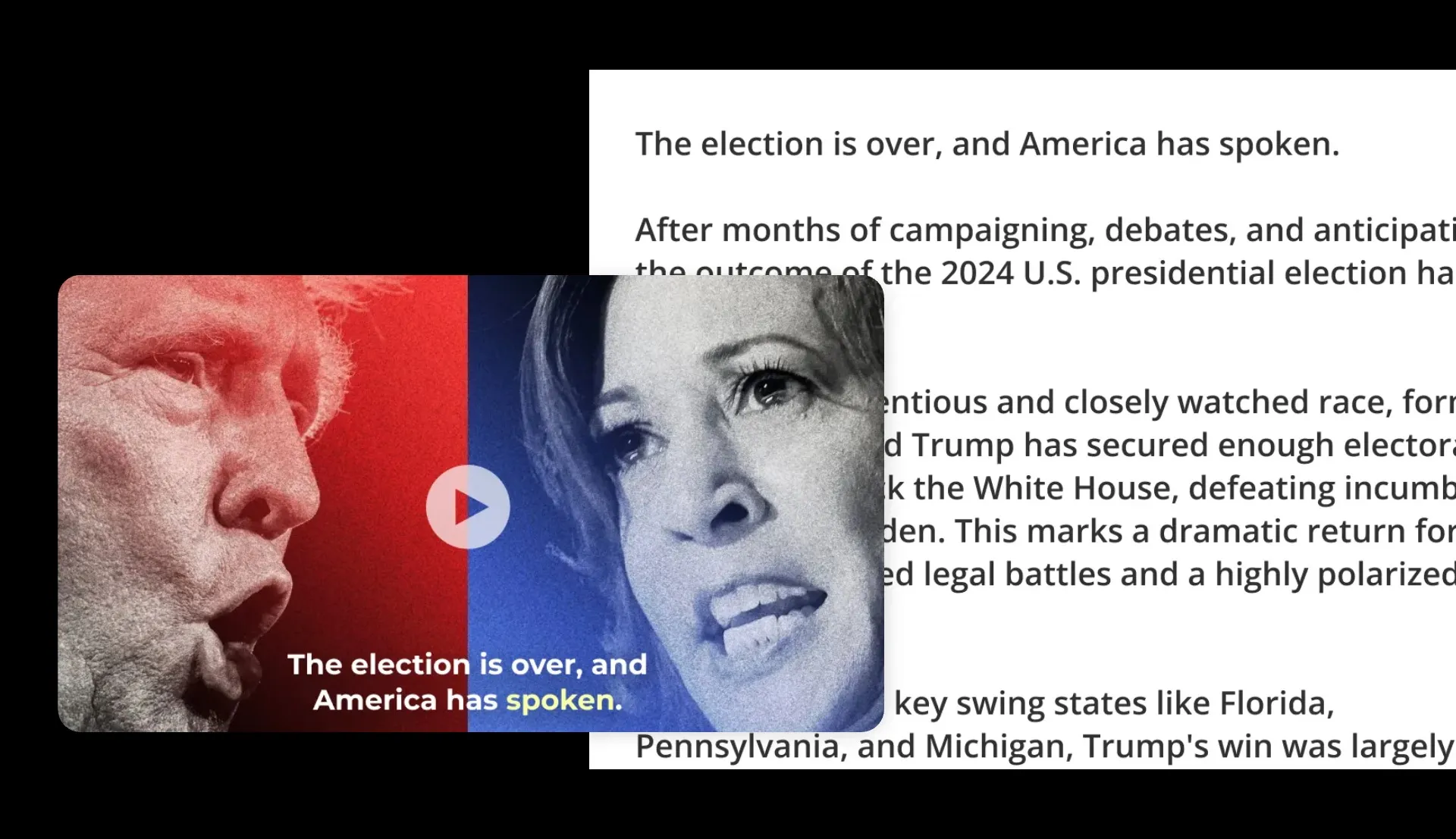
Breaking News
Journalists, bloggers, and media companies lean on AI Video Script Generators to cover breaking news at speed
How to Make a Video Script with AI
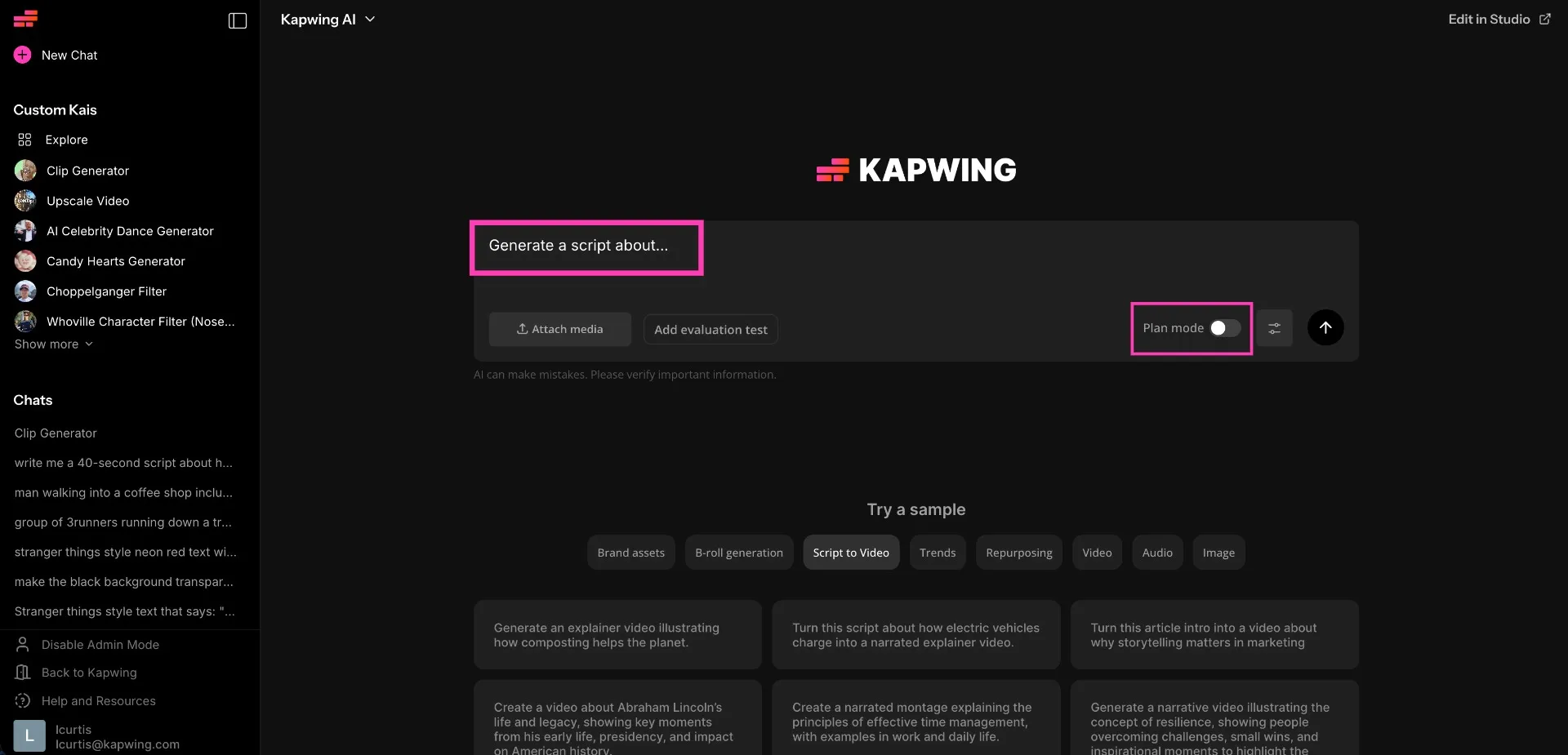
- Step 1Enter your topic or prompt
Open Kapwing's AI Assistant and describe your idea, video topic, or message.
- Step 2Customize script
Use your prompt to define the format, tone, audience, and any details you want included, such as dialogue, narration, or calls to action
- Step 3Generate and edit
Hit "Generate" to create your script and iterate with the AI to rewrite sections.
Turn ideas into content within seconds
Support your script with studio-quality videos and images
Generate complex videos from simple text prompts. Describe your topic and Kapwing will create a video up to 5 minutes long, auto-adding voice over, subtitles, and B-roll.

What's different about Kapwing?



Frequently Asked Questions
We have answers to the most common questions that our users ask.
Is the AI Script Generator free?
Yes, Kapwing’s AI-powered Script Generator is free for all users. However, to access Kapwing complete AI toolkit with extended usage limits, a paid subscription is required.
Can I edit AI-generated scripts?
Yes, you can edit any script generated by Kapwing. Once the AI Video Script Generator creates your script, you can refine it by iterating with the chatbot.
What kinds of scripts can I create?
Kapwing's AI Script Generator is built to create short, impactful scripts tailored for social media platforms like YouTube, TikTok, and Instagram. With an ideal duration of 15 seconds to 5 minutes, it’s also perfect for generating podcast dialogue, commercials, advertisements, and announcements. In an experiment, Kapwing timed how long it took to turn the word 'Brat' into seven social media posts, generating content such as a 'script' for Charli XCX.
How do I get better results from an AI script generator?
The more detail you provide to the AI Generator, the better the output. Clearly explain your topic without spelling errors, and specify the type of script you want to generate — such as a podcast conversation between two hosts, an advertisement, or a video script. Each AI-generated script can include dialogue, narration, scene directions, and even suggestions for transitions or closing shots.
Can I use my own script instead?
Yes. Access Kapwing's AI Assistant, Kai, and manually paste your own script into the chatbot if you already have one.
Does Kapwing work online?
Yes. Kapwing runs in your browser, so you can generate and edit scripts online without downloading software.
Discover Resources
Tips, templates, and deep dives to help you create faster and share with confidence.
View all


Get started with your first video in just a few clicks. Join over 35 million creators who trust Kapwing to create more content in less time.