AI Video Prompt Generator

Turn any idea into a studio-quality shot. Build like a prompt engineer using everyday language. Start by entering a few words and selecting the dropdown menu.

AI optimized prompt

How to build your AI video prompt

STEP 1

Start with the subject

Describe your main character and what they’re doing.

A golden retriever wearing sunglasses, surfing a huge 10-foot tall wave

STEP 2

Choose a setting

Give the AI model a sense of time and place.

at sunset on a tropical white sand beach, with warm golden-hour lighting

STEP 3

Add in audio

Include any character dialogue, as well as sound effects or music.

seagulls crying, water rushing, dog panting, upbeat surf music

STEP 4

Fine-tune the visuals

Describe the camera movement and visual style.

slow-motion tracking shot from behind, photorealistic, cinematic

What is an AI prompt generator?

An AI video prompt generator helps you create detailed prompts for AI video generators. Instead of figuring out camera movements, visual style, characters, lighting, and pacing yourself, you can start with a simple idea and turn it into a production-ready video prompt.

With Kapwing's AI video prompt generator, you can:

  • Generate detailed AI video prompts from simple ideas
  • Describe camera movements and cinematic styles
  • Create prompts for different video formats
  • Experiment with characters, settings, and visual styles
  • Copy prompts into your favorite AI video generator
Create a highly realistic, cinematic “Get Ready With Me” montage featuring @sarah getting ready for her day. The entire video should feel authentically NYC—effortless, cool, slightly gritty, fashion-forward, and lived-in rather than overly polished.

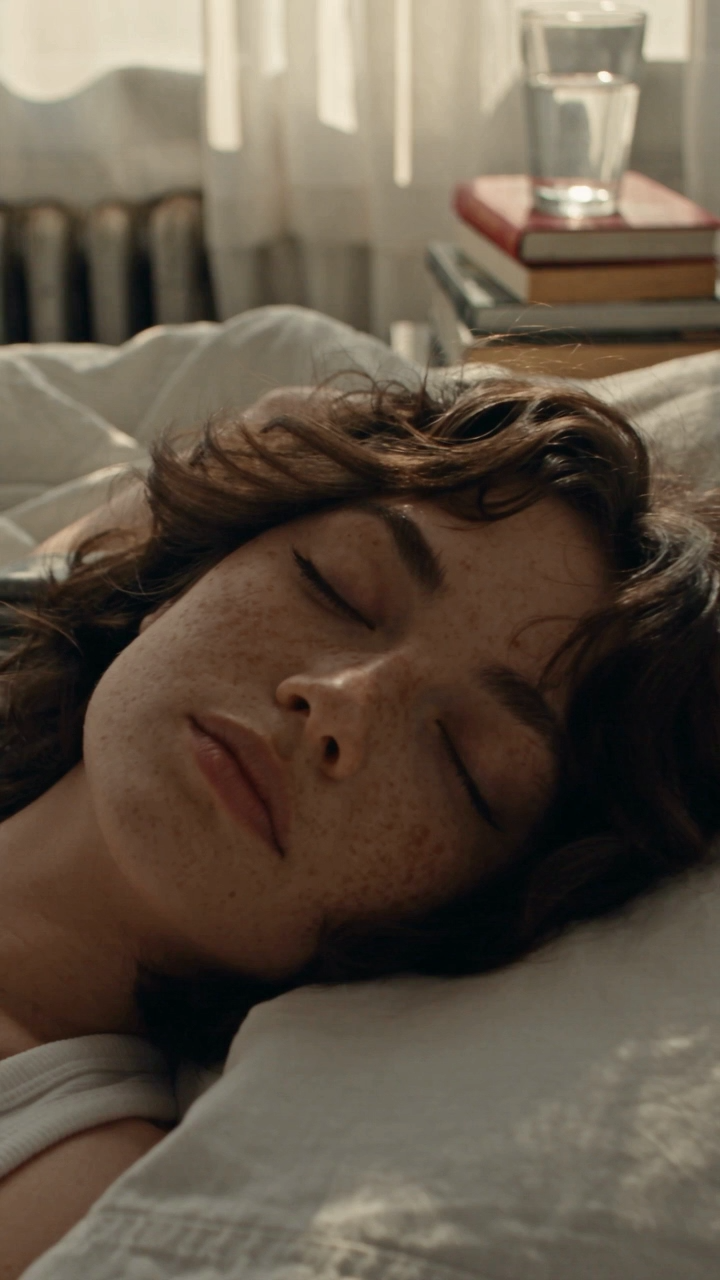
Show a fast-paced sequence of intimate morning moments in her apartment: waking up in a small but stylish bedroom in her pajamas (an oversized tshirt and pj shorts), opening the curtains to reveal dense city buildings outside, washing her face, applying skincare and sunscreen, doing natural makeup in front of a mirror, styling her hair, getting dressed in her white halter and basketball shorts, grabbing her red bag and keys, and heading out.

Include outdoor NYC moments throughout the montage: walking down a busy residential street, crossing at a traffic light with yellow taxis and pedestrians in the background, descending into a subway station, standing on a subway platform, riding a crowded subway car, and walking past neighborhood storefronts and bodegas. Use recognizable NYC visual details without making the scenes feel touristy.
●Just the FAQs

Frequently Asked Questions

We have answers to the most common questions that our users ask.

What is an AI video prompt?
An AI video prompt is a written description that tells an AI video generator what video to create. It can include the subject, action, setting, camera movement, lighting, style, and other visual details.
How long should an AI video prompt be?
Use enough detail to describe your idea clearly. A simple shot may only need a few sentences, while a scene with specific actions or dialogue may need more. Focus on useful details and avoid repeating or contradicting your directions.
What should I include in an AI video prompt?
Describe the subject, what happens, and where it takes place. Add the visual style, lighting, camera framing and movement, and any dialogue, sound effects, or music you want. Include any important details you want the AI to preserve. For more examples, read our guide to writing AI video prompts and our camera shots and movements guide.
Can I use these prompts with AI video generators?
Yes. Copy your optimized prompt and paste it into your preferred AI video generator. You can also select Create video to bring your prompt into Kapwing. Results and supported settings vary by model.
Can Kapwing generate AI videos?
Yes. Kapwing’s AI video generator can turn a text prompt into a video. Select Create video above to take your optimized prompt into Kai, where you can review it and start creating.
●Resources

Build your video prompt

Generate detailed AI video prompts with camera, lighting, and style tools

Are you ready?
Create something amazing in seconds

Get started with your first video in just a few clicks. Join over 35 million creators who trust Kapwing to create more content in less time.