Add a Freeze Frame to your Video for Free Online Make your video pause on a specific frame by adding a freeze frame effect in this free online video editor.
Video Editing: How to Edit Footage for J-Cuts and L-Cuts Learn how to add a J-cut and L-cut to your videos and sharpen your editing skills online for free.
Ten Tools You Didn't Know Existed in Kapwing In this article, we're sharing ten powerful tools you need to know about in the Kapwing Studio for your next project.
How to Use the Speed Ramp Effect (with Examples) Learn how to use the speed ramp effect to add cinematic flare to your video and capture your audience's interest.
How to Use the Ken Burns Effect You’ve finally finished recording a video, but something’s missing. You need to make sure your audience captures the feeling you’re trying to get across. You take to your video-editing software for post-production and it hits you: the Ken Burns effect. The Ken Burns effect, also
How to Make a Velocity Edit Online In this tutorial, I will show you an easy way to make a velocity edit using Kapwing's online Video Editor.
The Price of Every Video Editing Software, Explained The competitive video editing market is great for content creators, but it's tough to find the right software. I'll simplify all your options.
Moving Text: Add Animated Text to Video If you're looking for a simple, easy way to add animated text to video, look no further. In this quick tutorial, I'll walk you through the process of adding moving text to your videos to make them stand out even more. It's fast, fun, and easy to do!
How to Crop a Video on Any Device In a few clicks, you can crop a video on any device to the perfect size. I'll show you how to achieve this and more with Kapwing, a free online video editor.
GIF to Video: How to Make Videos from Animated GIFs Because GIFs behave like pictures, many video editors don't allow you to incorporate GIFs into your video content. In this article I'm going to show you how to turn your GIFs into video files using a free, online tool called Kapwing.
How to Make a Vertical Video into a Horizontal Video If you’re a modern content creator and you realized you actually want your vertical video to be horizontal instead, I’ll show you how to make the switch in Kapwing.
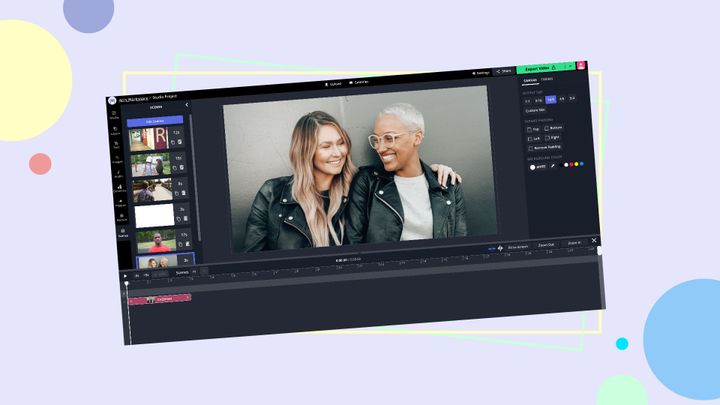
How to Make a Tribute Video for Free A tribute video is a meaningful way to express gratitude for a loved one. In this article, I'll show how to make a tribute video for free.
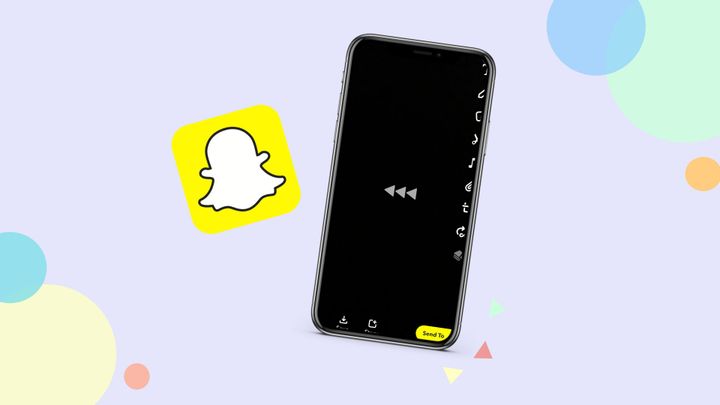
How to Reverse a Video on Snapchat In a few taps, you can reverse videos on Snapchat to make compelling content. In this article, I'm sharing how to reverse a short clip in Snapchat, then how to reverse longer videos in Kapwing.
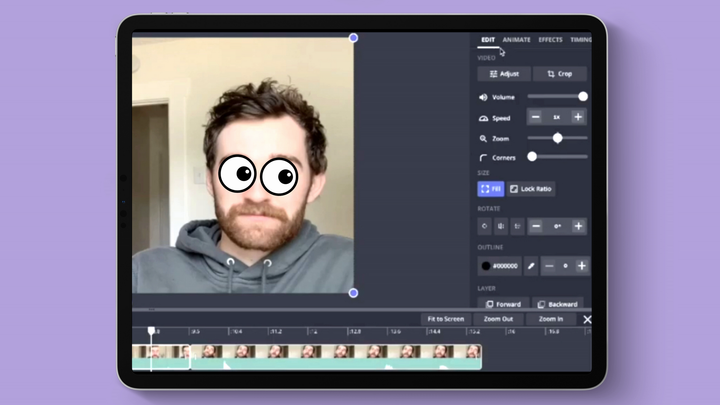
How to Edit Videos on an iPad Learning how to edit a video on an iPad can be tough for new video editors. Finding the right tool or app for your use case is the first step in success, so here are the top 5 video editors for Apple's iPad.
The 4 Best Ways to Learn Video Editing for Free in 2021 To grow a following, start a vlog, or keep up with trends, you’ll need basic video editing skills. I'll go over the best ways to learn video editing, even if you’re starting from scratch.
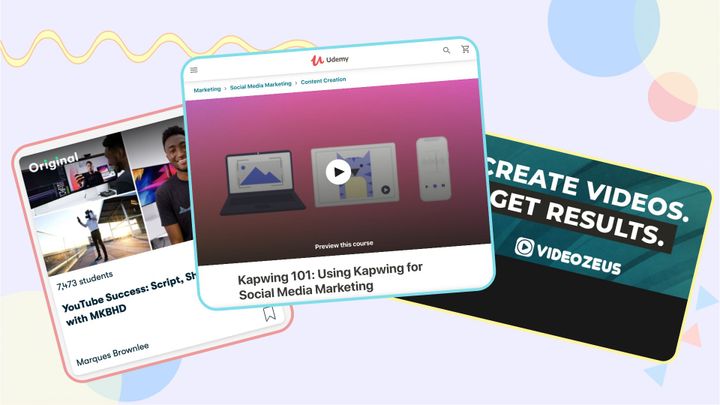
How I Created My First Udemy Course From Scratch Kapwing recently launched its first course on the Udemy online learning platform. This is how we did it.
How to Use a Free Screen Recorder For Windows Unless you have Windows 10 and the Game Bar tool enabled, you can't natively record screens in Windows. In this article, I'm sharing how to record your screen in Windows 10 and how to use an online screen recorder.
How to Go Viral on TikTok: Thousands of Followers in Your First Month TikTok success is all about making videos that go viral fast. Here are our secrets that got us a quick 17 thousands followers and 167 thousands likes on TIkTok.
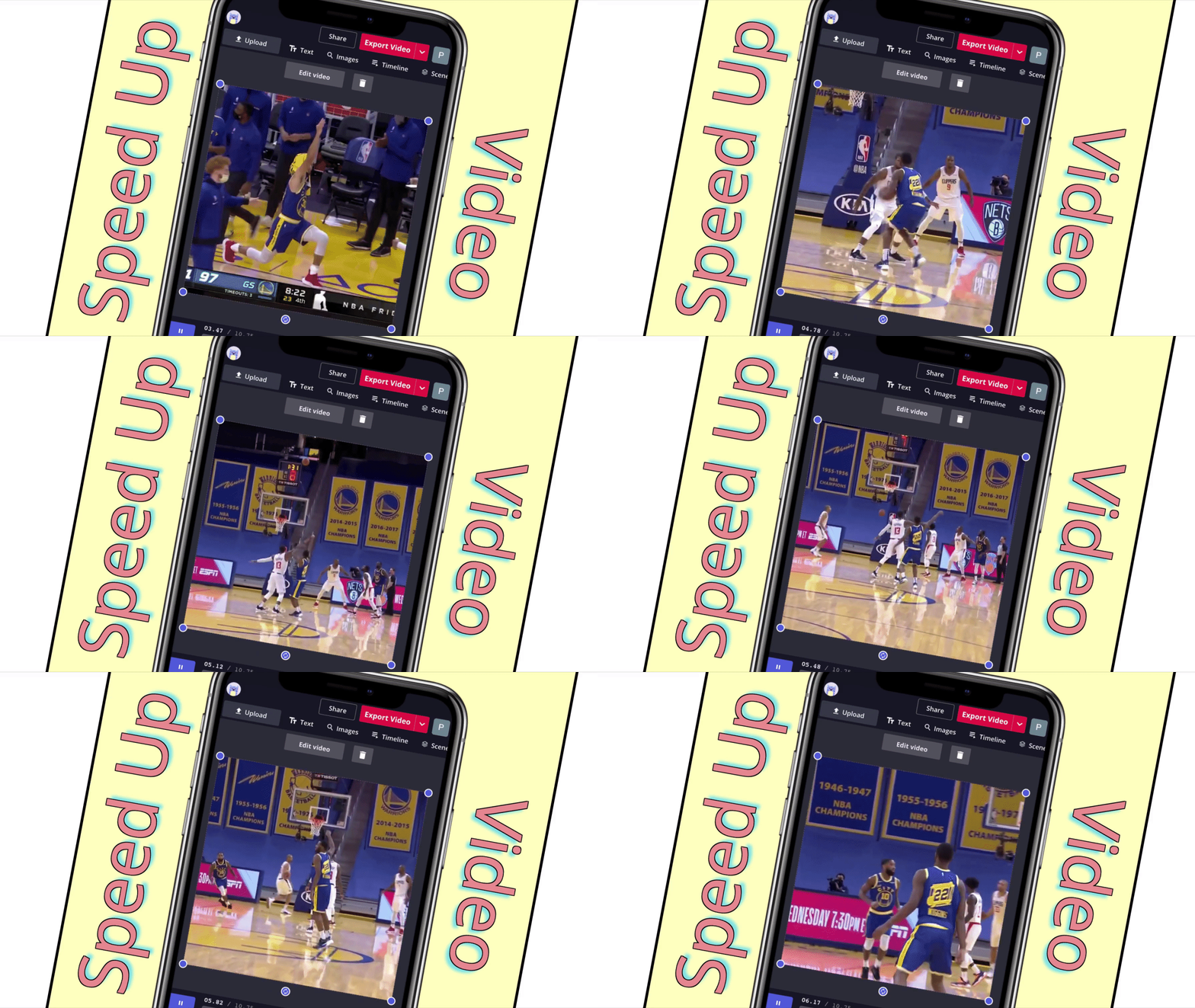
How to Speed Up Videos on an iPhone in 2021 Even in 2021, there's no way to change your videos' speed in the Photos App. Here's how you can speed up videos on your iPhone in under a minute.
How to Edit a Zoom Video Recording Zoom lets you record meetings as they happen, so clips can be saved or kept as official records. I'll show you how to trim, caption, and watermark your Zoom recordings.
How to Make a Custom Countdown Video Online Countdown videos require precise timing, detailed text editing, and multiple animated video layers. Here's how to make your own in your browser.
How to Slow Down a TikTok Video Whether you're following a tutorial or learning a dance, some videos are enjoyed more at a slower pace. In this tutorial, I'll show you how to slow down any TikTok video.
How to Add an Intro to a YouTube Video Adding intro clips to your YouTube videos can build your channel's identity, keep viewers around to watch for more, and help boost your subscriber count. Here's what you should know.
How to Do Transitions on TikTok (A Step-by-Step Guide) TikTok transitions are essential to make scroll-stopping content in under a minute. In this tutorial, I'll show you four TikTok transitions to use in your next video.