VIDEO SPLITTER
Große Videos online in mehrere Teile aufteilen
.webp)
Video mit Präzision teilen — komplett online
Erstelle kurze Clips, verschiebe Szenen und entferne unerwünschte Teile
Bearbeite Inhalte im Blitztempo, ohne einen Cent zu zahlen
With Kapwing's online video splitter, you can easily edit content – no matter how much experience you have. Use the handy keyboard shortcut (S) or right-click control to quickly edit long video projects, whether it's deleting or rearranging scenes. Spend less time on routine tasks and more time creating impactful visual messages for your brand.

Verwandle große Videos schnell in kleinere Clips
Einzelne Videos in mehrere Clips umzuwandeln ist super wichtig für eine clevere Online-Content-Strategie, besonders für Social-Media-Manager. Kapwings intuitive Drag-and-Drop-Zeitleiste, Schieberegler und Buttons machen es mega einfach, große Videos in kleinere Teile zu zerlegen, wobei das Aufteilen von Clips der Kern des Prozesses ist.
Wenn du den Prozess noch besser machen möchtest, analysiert Kapwings KI-gestützter Clip Maker dein Material und identifiziert automatisch die besten Abschnitte, indem er sie gleichzeitig in kleinere Clips organisiert.

Scarica meno file, favorisci la collaborazione online
Schwere Bearbeitungssoftware kann schnell deinen Speicherplatz auffressen, temporäre Dateien anhäufen, Daten zwischenspeichern und deinen Workflow verlangsamen. Kapwing's cloudbasierter Video Splitter beseitigt diese Probleme, indem alles online bleibt und deinen Computer entlastet, was das Bearbeiten effizienter macht.
Wenn alle deine Arbeiten an einem zentralen Ort sind, wird die Zusammenarbeit super einfach. Dein Team kann in Echtzeit bearbeiten und bleibt dabei organisiert. Mit einem Brand Kit hast du Zugriff auf individuelle Farbpaletten, Schriftarten und Vorlagen, um sicherzustellen, dass jedes Projekt auf Kurs bleibt und visuell einheitlich ist.

Keine Ahnung von Bearbeitung? Kein Problem!
Nutze das Splitting, um deine coolsten Momente wie Hooks, Zitate und Reaktionen rauszupicken, ohne endlos durch Aufnahmen zu scrollen. Die visuelle Timeline und intuitiven Steuerelemente von Kapwing machen es für jeden super einfach, Clips präzise und kostenlos zu teilen und zu trimmen, auch wenn du null Ahnung von Videobearbeitung hast. Perfekt für kleine Unternehmer, Online-Coaches und Teammitglieder, die unterwegs Content machen.

Già rivoluzionando la creazione di video in diversi settori
Ascolta direttamente dai team che pubblicano più velocemente, collaborano meglio e rimangono sempre avanti.


Potenzia il tuo contenuto creativo con uno strumento di divisione
Millionen von Creators optimieren ihren Bearbeitungsprozess mit Kapwing

Social Media Werbung
Brand owners use Kapwing's online video splitter to extract short clips from longer videos, making it easier to create ads for Facebook, Instagram and TikTok

Podcast-Snippets
Podcast-Creators, die visuelle Versionen ihrer Episoden erstellen, teilen längere Podcast-Videos, um Werbematerial auf X (Twitter), Instagram und LinkedIn
Tutorials & Online Kurse
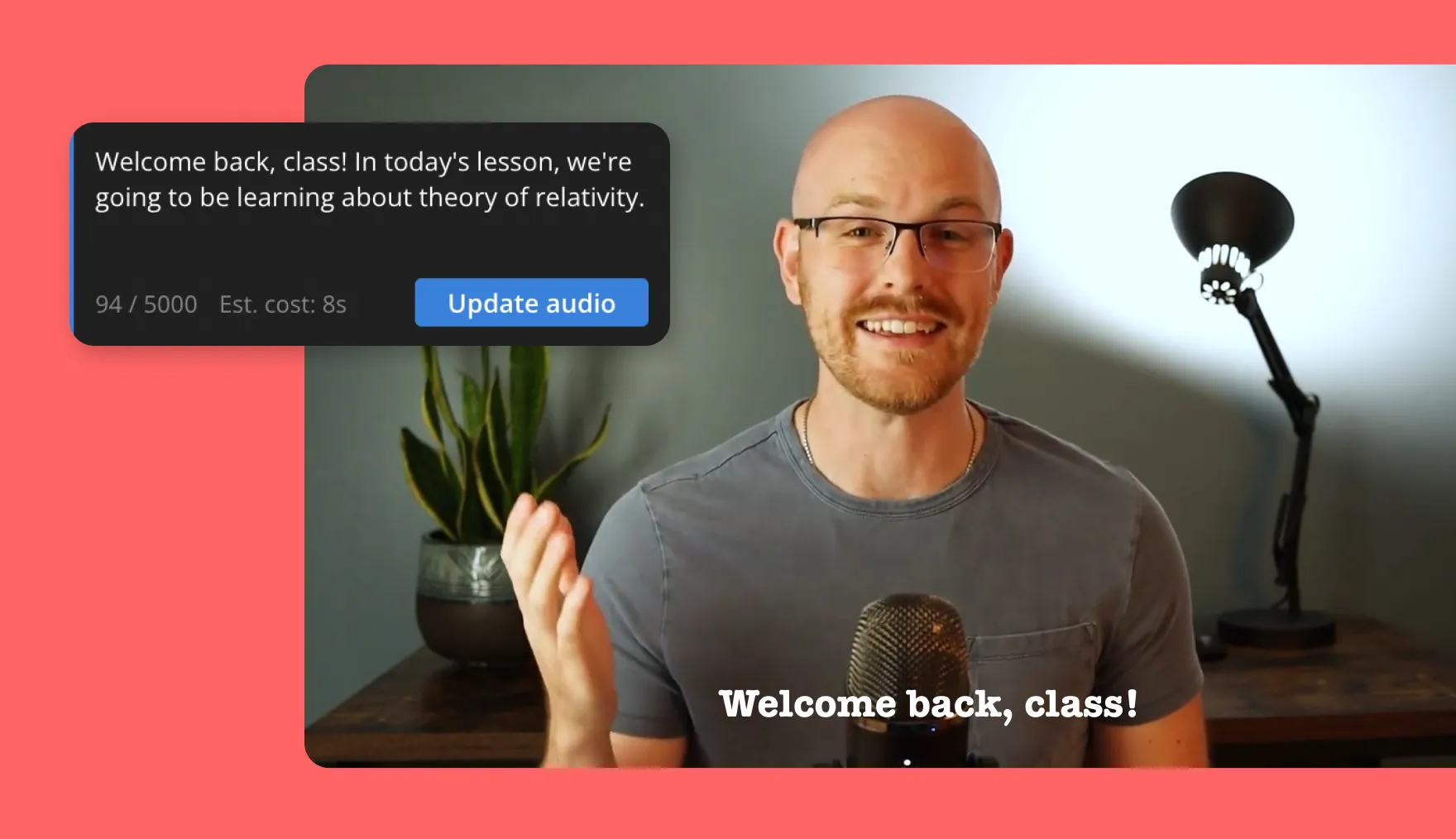
Online teachers and course creators easily edit their video content with Kapwing's free Video Splitter, cutting out scenes and rearranging them before exporting

Product Demonstrations
Small business owners split longer videos into shorter demos to effectively showcase products and get potential customers excited
.webp)

Vlogs and Lifestyle Edits
YouTuber nutzen das Split-Video-Tool, um überflüssige Aufnahmen zu entfernen, Szenen neu anzuordnen und packende Geschichten für ihr Publikum zu erstellen

Rekrutierung & Onboarding
HR teams cut, share, and organize interviews or onboarding videos into concise segments to simplify the hiring and training process

Marketing campaigns
Marketer zerlegen Videos in mehrere Abschnitte, um Inhalte für Werbung, Promotionen oder E-Mail-Kampagnen auf verschiedenen Plattformen neu zu nutzen

Verkauf & Geschäftspräsentationen
Sales reps use the online split video tool to cut key parts of presentations and create custom clips that resonate with individual customers
Come dividere un video online
- Step 1Carica video
Lade ein Video direkt auf Kapwing.com hoch, füge einen Link von einer veröffentlichten URL ein oder nimm direkt im Editor auf.
- Step 2Dividi video
Setze einen Marker an der gewünschten Schnittstelle und klicke dann auf den "Split"-Button, rechtsklicke und wähle "Split" oder drücke die "S"-Taste auf deiner Tastatur, um das Video zu teilen
- Step 3Esporta e condividi
Mach noch weitere Bearbeitungen und klick dann auf "export", um das Video zu finalisieren, und "download", um es auf dein Gerät zu speichern
Che cosa rende Kapwing diverso?



Domande Frequenti
Abbiamo le risposte alle domande più comuni che i nostri utenti ci fanno.
Sì, il Video Splitter online è gratuito?
Ja, der Online-Video-Splitter von Kapwing ist für alle Nutzer kostenlos. Der kostenlose Tarif hat einige Einschränkungen bei anderen Editorfunktionen und fügt dem Endvideo ein kleines Wasserzeichen hinzu.
C'è un watermark sugli export?
Wenn du Kapwing mit einem kostenlosen Account nutzt, enthalten alle Exporte — einschließlich des Online Video Splitters — ein Wasserzeichen. Sobald du auf einen Pro-Account upgradesst, wird das Wasserzeichen von deinen Kreationen komplett entfernt.
Kapwing supporta la modifica video collaborativa online?
Ja, Kapwing unterstützt gemeinsames Videobearbeiten, indem du kostenlose, geteilte Arbeitsbereiche erstellen kannst, zu denen du Teammitglieder einladen kannst. Über 100 kollaborative Videobearbeitungstools zur Optimierung deines kreativen Prozesses sind auch im Online-Videoeditor verfügbar. Teams können auch einen Brand Kit in ihren Arbeitsbereich hochladen oder gemeinsam in Echtzeit einrichten, um sicherzustellen, dass Assets leicht verfügbar und organisiert sind.
Come tagliare un video su iPhone e Android
Kapwing works on desktop and mobile devices. To trim a video on an iPhone or Android, first upload a video to the Kapwing online browser. Then drag the white progress marker to the point in the timeline where you want to cut. Press the scissors icon above the marker to cut for free.
Qual è il modo più semplice per tagliare un video?
The easiest way to share a video is by using an online video splitter. This way, you don't have to deal with clunky editing software that has a steep learning curve, or worry about your hard drive filling up because you're constantly downloading video edits.
Just upload a video, make the splits you need, and finalize other edits. Once you've got the right selection, download your MP4 or simply share it by copying the URL link.
Come posso ritagliare una parte di un video?
Splitting a video into parts is one of the basics of video editing and can be done with various online tools. With this online video splitter, you can upload a long video and divide it into smaller sections that you can easily download as separate files.
Start by uploading a video, then press "S" on your keyboard or select the "Split" button. Next, delete unwanted video parts and arrange the clips as needed. Finally, download your edited video or separate files.
Perché no? Tagliare un video in più parti può essere davvero utile! Magari vuoi rendere più brevi i contenuti per i social, creare clip più gestibili o semplicemente rendere il tuo video più coinvolgente. È un modo fantastico per catturare l'attenzione del tuo pubblico!
Hey, es gibt drei coole Gründe, ein großes Video in Teile zu zerlegen:
- Verbesserte Anpassung: Wenn du ein Video in kleinere Segmente teilst, kannst du die besten Momente perfekt zuschneiden und genau das rausholen, was deine Zielgruppe will.
- Besseres Nutzererlebnis: Kleinere Videodateien laden super schnell, was das Teilen auf verschiedenen Plattformen echt einfach macht. Kurze Clips sind auch mega, weil jeder sie schnell laden kann - egal wie schnell das Internet ist.
- Verbesserte Wiederverwendung und Teilen: Wenn du Videos in fokussierte Segmente teilst, kannst du große Videos easy als verschiedene Social-Media-Clips wiederverwenden. Kurze Videos werden komplett angeschaut und sind perfekt zum Teilen - so erreichst du mehr Leute!
Come tagliare l'audio dal video
Separating audio from video is something different from splitting a video into multiple parts. Still, you can do this on Kapwing in just two clicks. First, choose your video. Then right-click and select "Separate Audio" to split video and audio into separate tracks. You can take this process even further by using the Split Vocals Tool to separate instrumentals from vocals.
Scopri le Risorse
Consigli, modelli e approfondimenti per aiutarti a creare più velocemente e condividere con sicurezza.
Visualizza tutto


Inizia con il tuo primo video in pochi click. Unisciti a oltre 35 milioni di creator che si fidano di Kapwing per creare più contenuti in meno tempo.