PNG a WebP
Carica PNG — converti in WebP gratuitamente
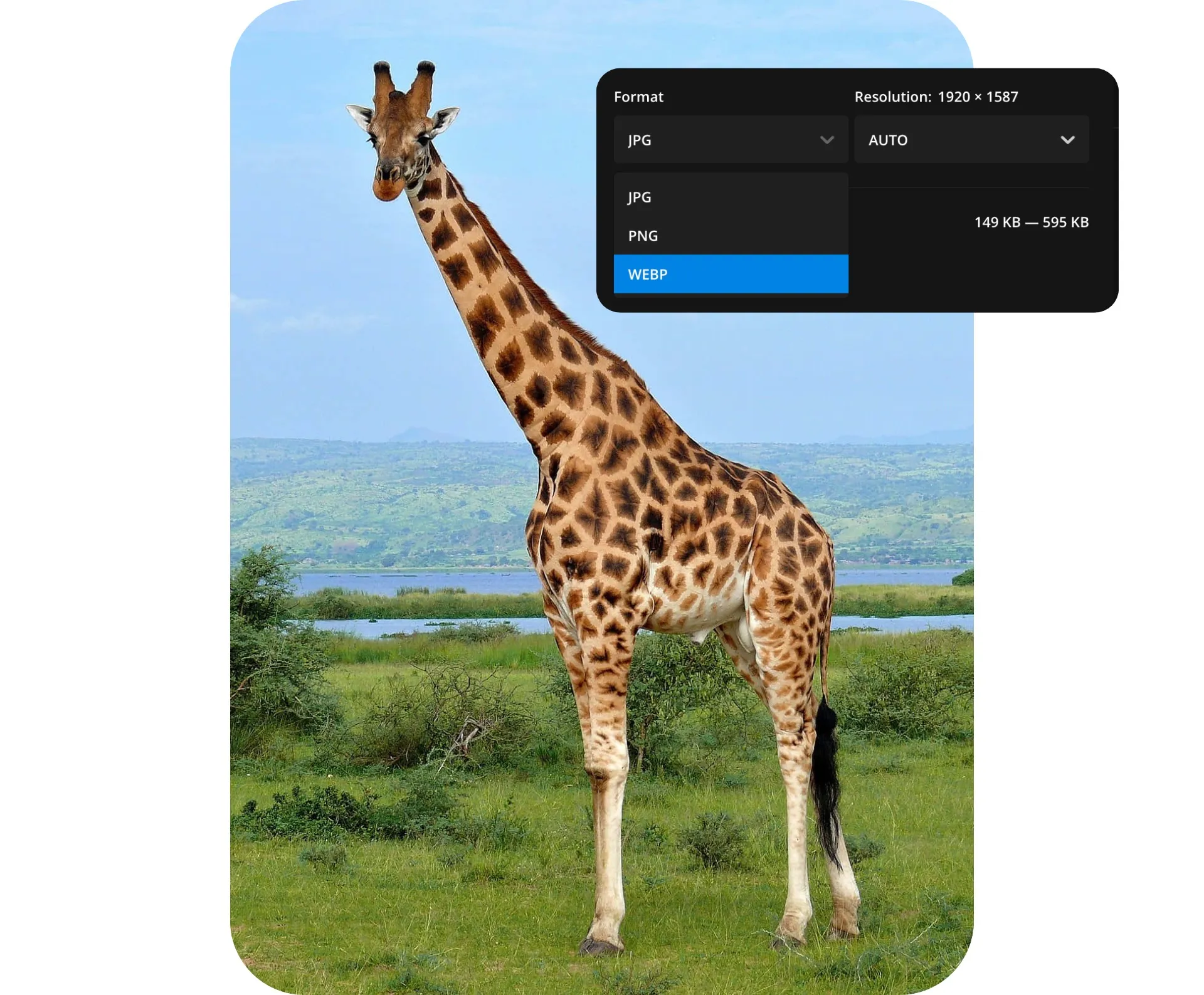
Converti PNG in WebP — mantieni la qualità, riduci le dimensioni del file
Gratuito, online e facile da usare
Ottimizza le immagini per il web in pochi secondi
Instantly convert PNG images into fully optimized WebP files for online use. Speed up your website performance, cut down loading times, and minimize file storage with high-quality WebP images that automatically export at the best resolution.
No downloads or extra software needed: Kapwing's free PNG to WebP converter works entirely in your browser.
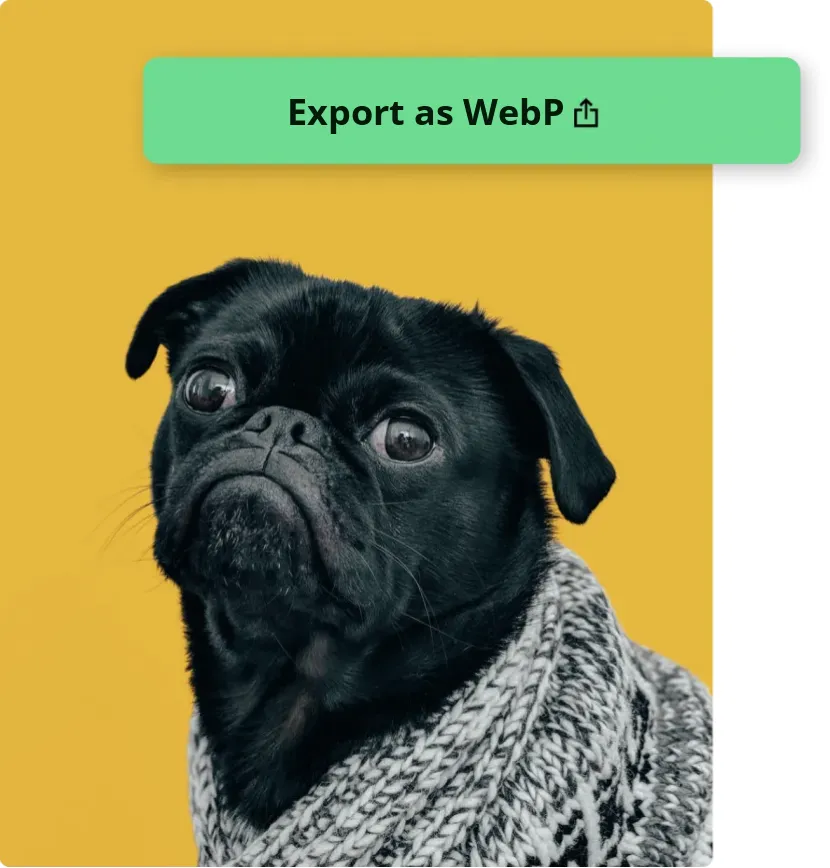
Modifica e converti in uno studio online avanzato
Edit and convert your images using a single online tool. Resize for any platform, create a transparent background, apply filters, or add blur and text overlays, then convert to WebP, all without leaving your browser.
When you're ready, share your creations directly on social media or export them easily to use on your website or newsletter.
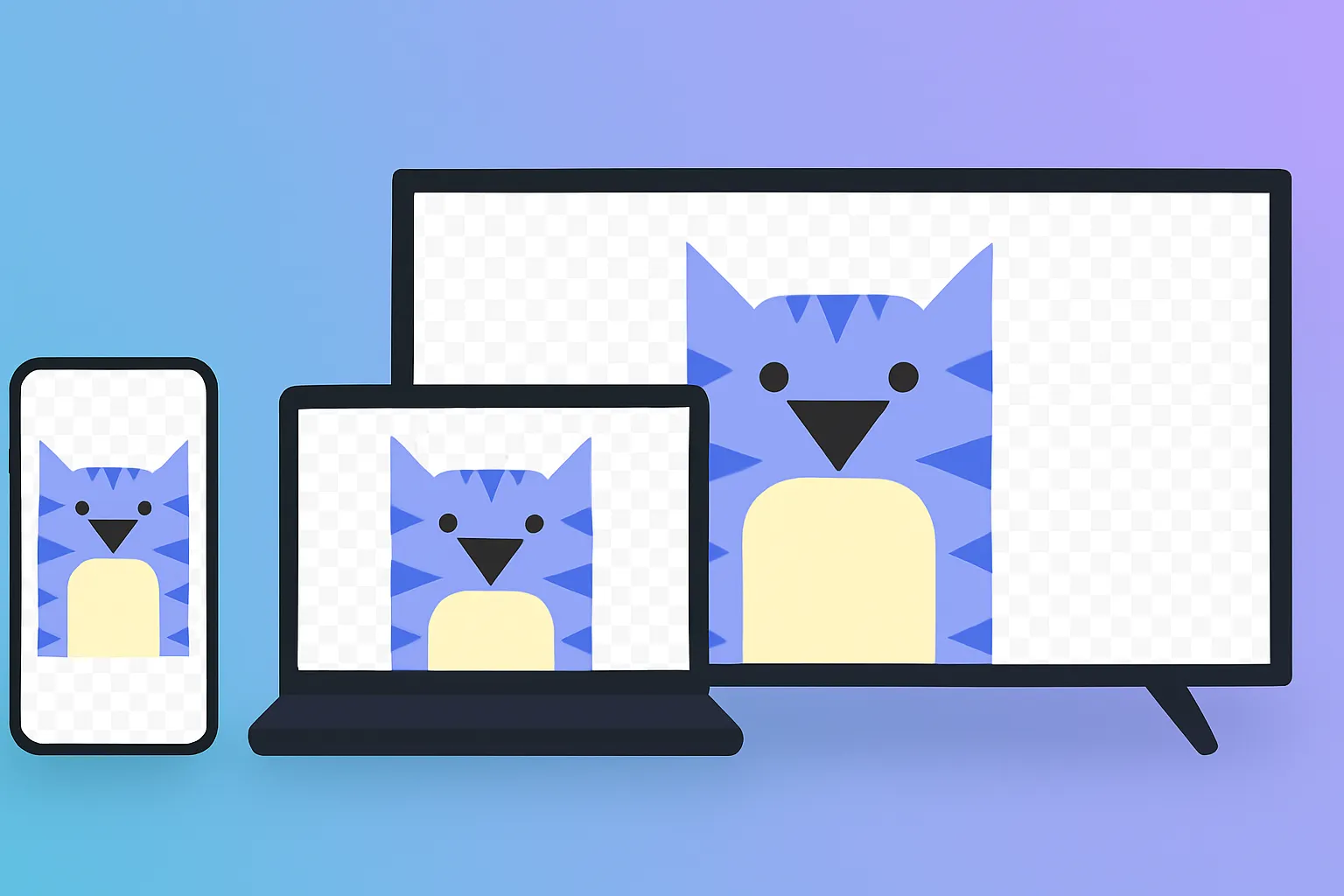
Che cosa rende Kapwing diverso?



Come convertire PNG in WebP
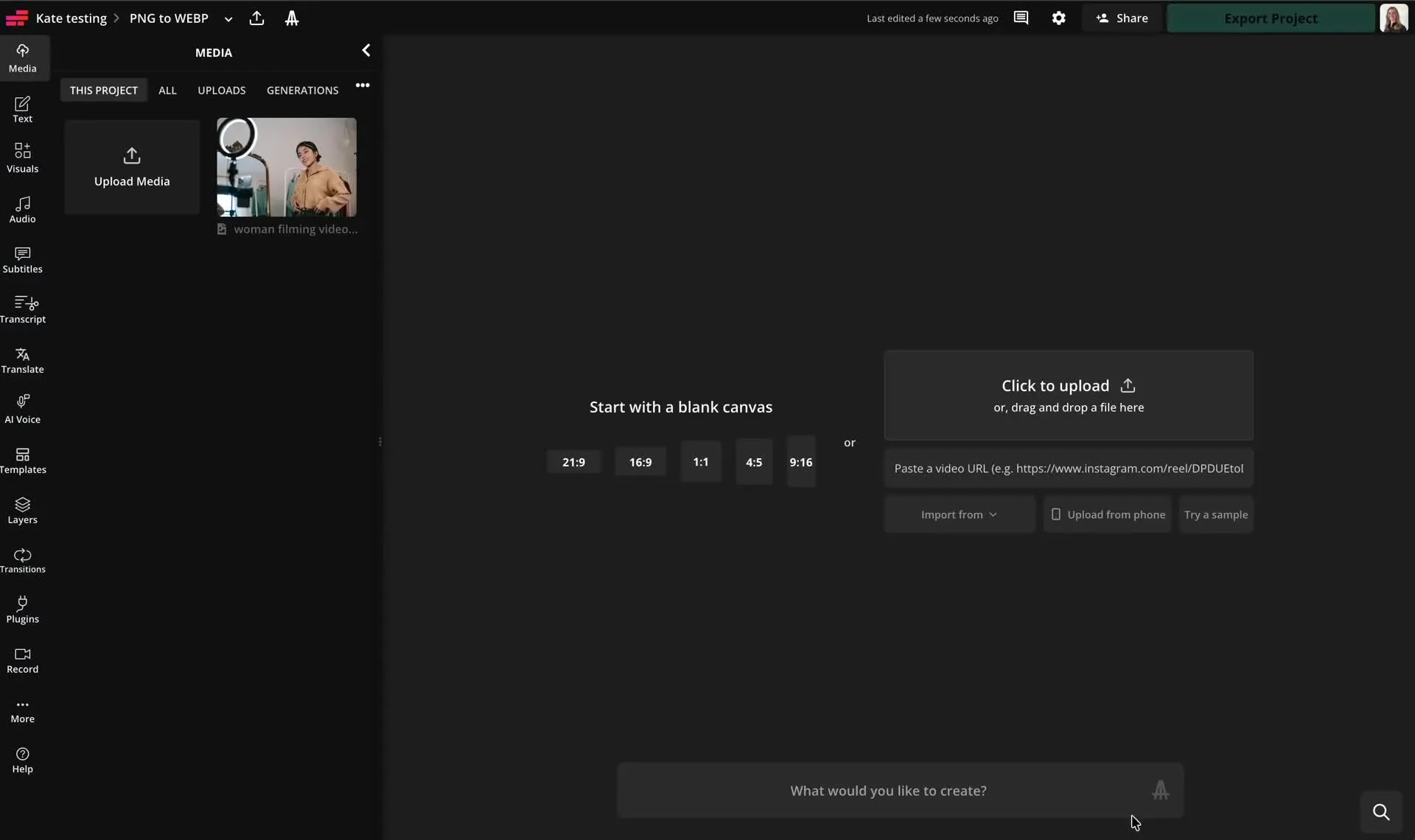
- Step 1Carica PNG
Apri lo studio di editing e carica la tua immagine PNG.
- Step 2Modifica immagine
Se vuoi, puoi modificare la tua immagine usando la gamma di strumenti gratuiti di Kapwing.
- Step 3Esporta come WebP
Fai clic su "Esporta" in alto a destra, quindi seleziona WebP dal menu a discesa.
Già rivoluzionando la creazione di video in diversi settori
Ascolta direttamente dai team che pubblicano più velocemente, collaborano meglio e rimangono sempre avanti.


Domande Frequenti
Abbiamo le risposte alle domande più comuni che i nostri utenti ci fanno.
Kya PNG se WebP converter muft hai?
Yep, Kapwing's PNG to WebP converter is totally free for everyone!
Is there a watermark on exports?
If you use Kapwing with a free account, then all exports — including the PNG to WebP converter — contain a watermark. Once you upgrade to a Pro account, the watermark is completely removed from your creations.
What is the difference between PNG and WebP?
PNG è un formato immagine di alta qualità che utilizza la compressione senza perdita ed è perfetto per la grafica, loghi, e immagini che hanno bisogno di trasparenza. WebP è un formato più recente che supporta sia la compressione con perdita che senza perdita e produce dimensioni di file molto più piccole.
Mentre PNG dà priorità alla preservazione di ogni dettaglio, WebP si concentra sulla riduzione della dimensione del file senza influire notevolmente sulla qualità. Entrambi supportano la trasparenza dello sfondo, ma WebP è generalmente migliore per le immagini web a caricamento veloce.
Can I convert PNG to WebP on mobile?
Yep, you can convert PNG to WebP on mobile platforms like iPhone and Android. Just open up Kapwing's editing studio in your mobile browser. From there, upload your image, then hit the "Export" button in the top right. In the Image tab, pick WebP from the format dropdown menu.
Quali file di immagine supporta Kapwing?
Kapwing supporta il caricamento di formati immagine popolari, come JPG, PNG e WebP. Puoi anche scaricare immagini come JPG, PNG, WebP o GIF.
Does WebP support transparent backgrounds?
Sì, i file WebP supportano sfondi trasparenti, quindi puoi usarli per qualsiasi cosa, dai grafici in livelli ai loghi e alle icone.
Come rimuovo lo sfondo dalla mia immagine?
To remove the background from any image, use the free automatic background removal with just one click, or chat with the AI Assistant. From there, you can pick a new background color or export your image as a WebP with a transparent background.
Convertire da PNG a WebP riduce la qualità dell'immagine?
WebP is designed to reduce image file sizes while keeping image quality intact, so you won't lose any details or sharpness when you use Kapwing's converter.
Posso usare Kapwing per convertire WebP in PNG, JPG o GIF?
Yep, Kapwing can also easily convert any image from WebP to JPG, WebP to PNG, or WebP to GIF. Just upload your WebP, make whatever edits you want, and then export it in whatever file format you prefer.
Scopri le Risorse
Consigli, modelli e approfondimenti per aiutarti a creare più velocemente e condividere con sicurezza.
Visualizza tutto

Inizia con il tuo primo video in pochi click. Unisciti a oltre 35 milioni di creator che si fidano di Kapwing per creare più contenuti in meno tempo.