Rimozione dello Sfondo dell'Immagine
Rimuovi lo sfondo da qualsiasi foto in un click
.webp)
Cancella gli sfondi delle immagini per libertà creativa
Scegli tra uno strumento alimentato da IA o una gomma manuale
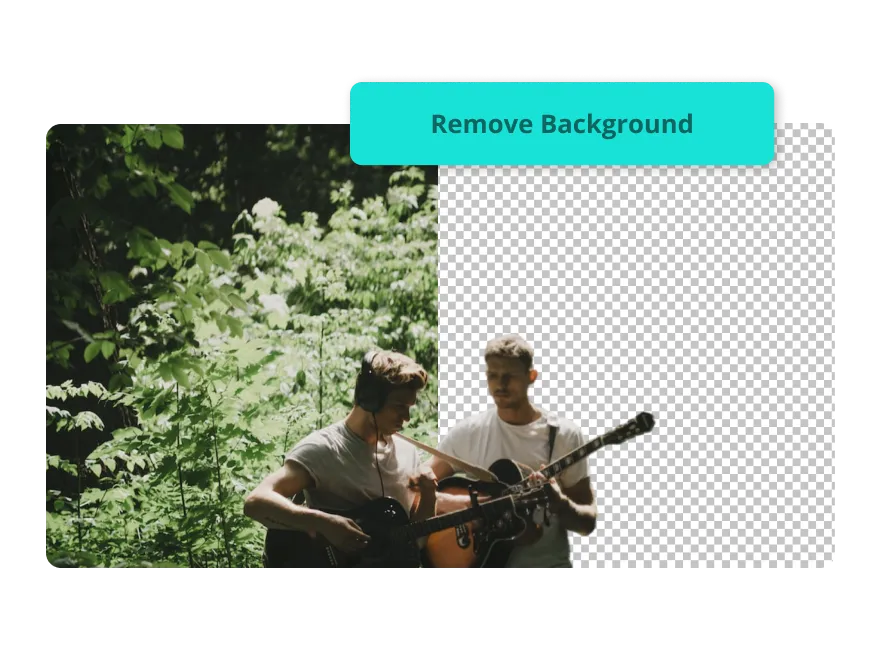
Risparmia tempo con la rimozione istantanea dello sfondo
Carica la tua foto, fai clic su "Rimuovi sfondo" e ottieni uno sfondo pulito e cancellato in pochi secondi. Progettato per tutti i livelli di esperienza, lo strumento online Image Background Remover di Kapwing combina velocità e semplicità, aiutando content creator a sbloccare nuovi concetti creativi a velocità fulminea.
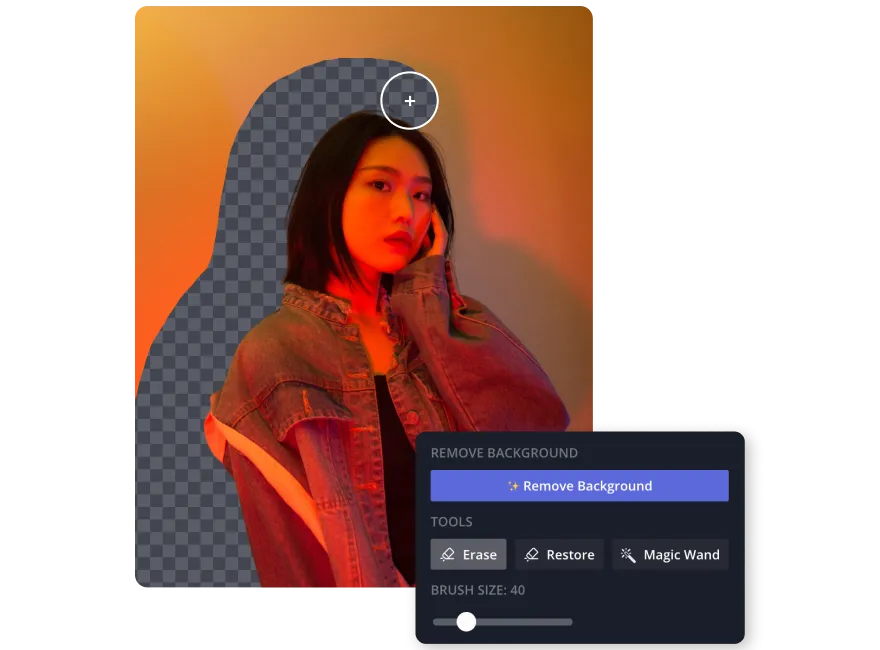
Keep full control of your edits with a manual eraser
Se gli strumenti AI non sono quello che preferisci, Kapwing offre un eraser manuale gratuito. Usa il pennello eraser o la Magic Wand per eliminare lo sfondo intero o rimuovere sezioni specifiche con precisione. Perfetto per annunci, foto di prodotti, design o thumbnail, la rimozione dello sfondo di Kapwing ti dà il controllo completo del processo di editing.
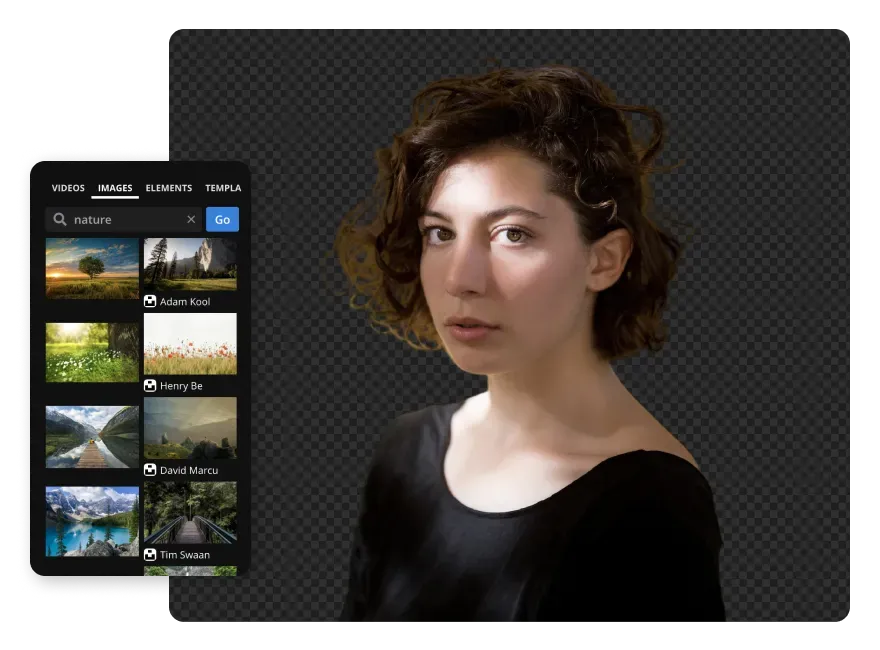
Personalizza la tua immagine senza limiti
Scegli da un'ampia libreria di immagini e video stock da usare come sfondi, oppure carica i tuoi contenuti con la versatile suite di editing di Kapwing. Che tu stia migliorando il contrasto di una foto, esportando un PNG trasparente per condividere online, o aggiungendo un blocco di colore audace dietro un logo, Kapwing ti copre le spalle.
Per trovare ispirazione fresca, sfrutta gli strumenti AI Image o Video Generator per creare scenari, foto o elementi visivi unici che si abbinano perfettamente al tuo nuovo sfondo.
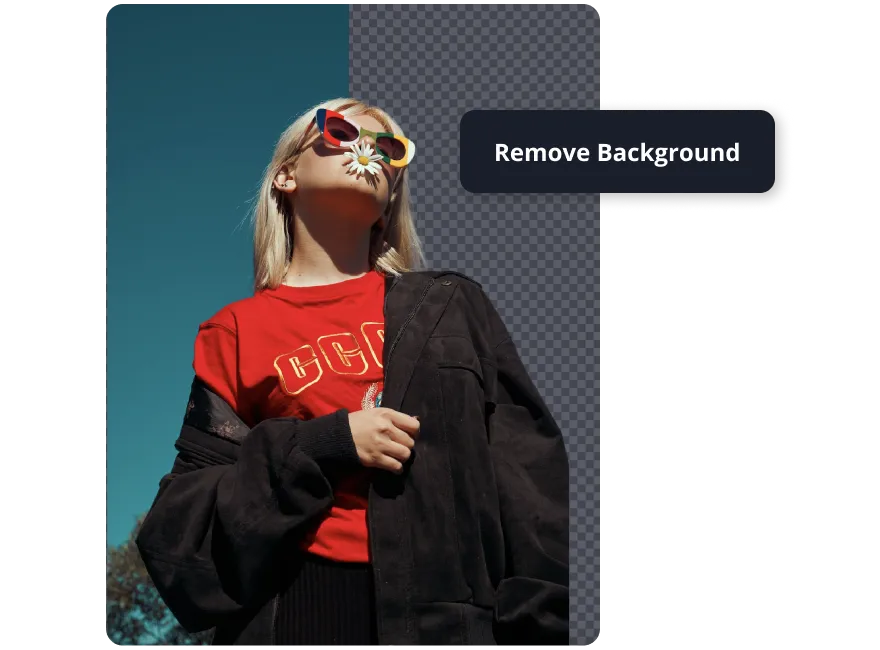
Condividi e collabora da un unico browser online
Centralizing your work on a single online platform makes collaboration effortless. Your team can edit in real-time while staying organized. Kapwing's Brand Kit gives you access to custom color palettes, fonts, and templates, making sure every photo editing project looks visually consistent. Plus, you can easily export images as transparent PNGs for seamless sharing across all platforms
Già rivoluzionando la creazione di video in diversi settori
Ascolta direttamente dai team che pubblicano più velocemente, collaborano meglio e rimangono sempre avanti.


Progettato per una vasta gamma di creator di contenuti
Milioni di persone usano Kapwing per rimuovere gli sfondi delle immagini

Copertine Podcast
Kapwing's Image Background Remover tool is awesome for creating vibrant and unique podcast covers for Spotify, YouTube, SoundCloud and more

Grafica per i Social Media
I gestori dei social media si affidano a uno strumento di rimozione dello sfondo per riutilizzare i post su diverse piattaforme, iniziando con uno sfondo trasparente prima di aggiungere sfondi colorati, immagini o video
.webp)
YouTube Thumbnails
Create professional and clickable thumbnails starting with a simple photo and enhance it with an eye-catching background — it's a game-changer for YouTubers

Contenuto E-learning
I coach online rimuovono gli sfondi delle immagini per creare contenuti visivi raffinati per tutorial e lezioni, utilizzando lo strumento di cancellazione manuale di Kapwing per garantire flessibilità nel design
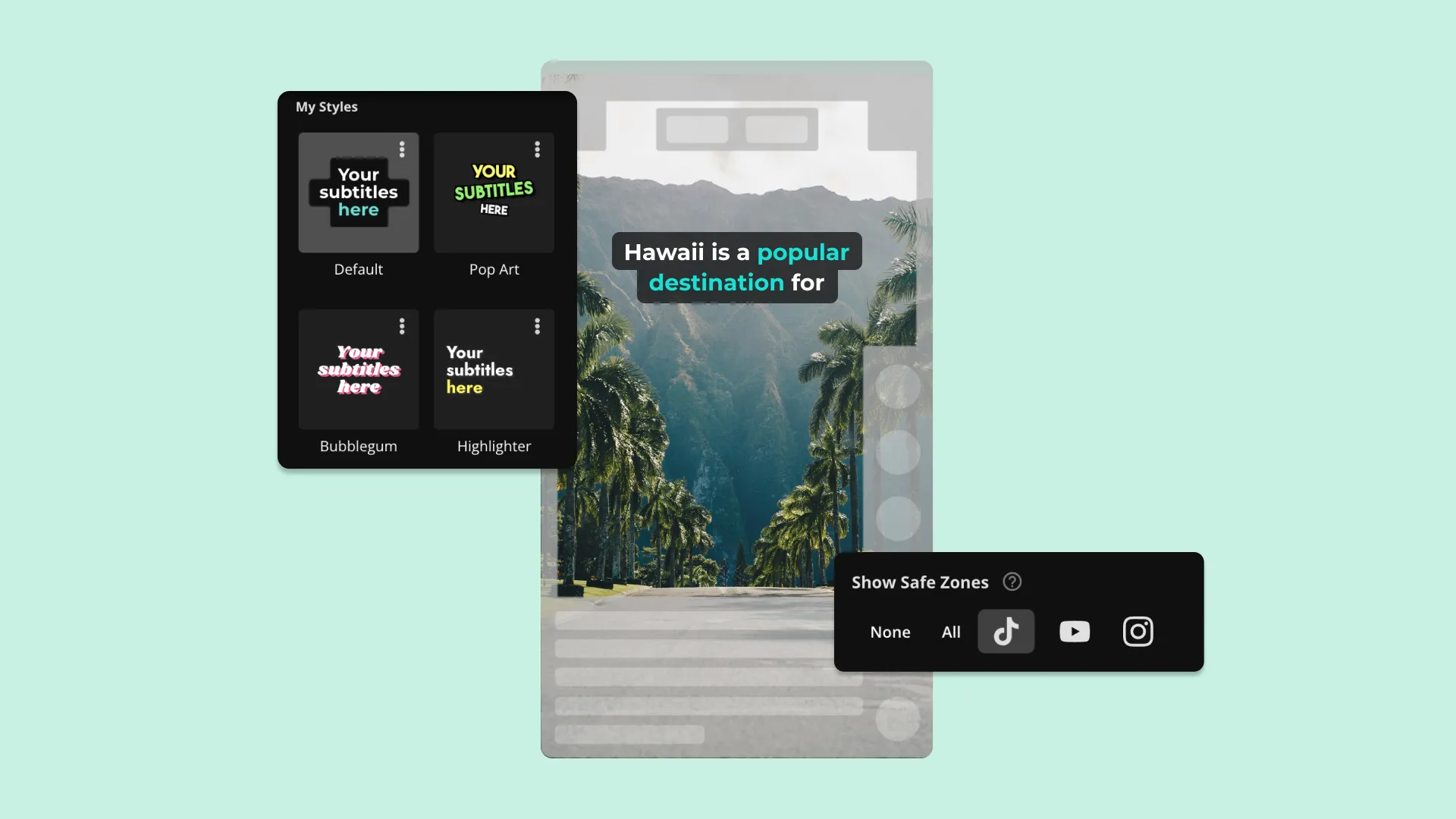
Materiali PR
PR managers remove backgrounds from product photos or promotional content to eliminate clutter and grab attention
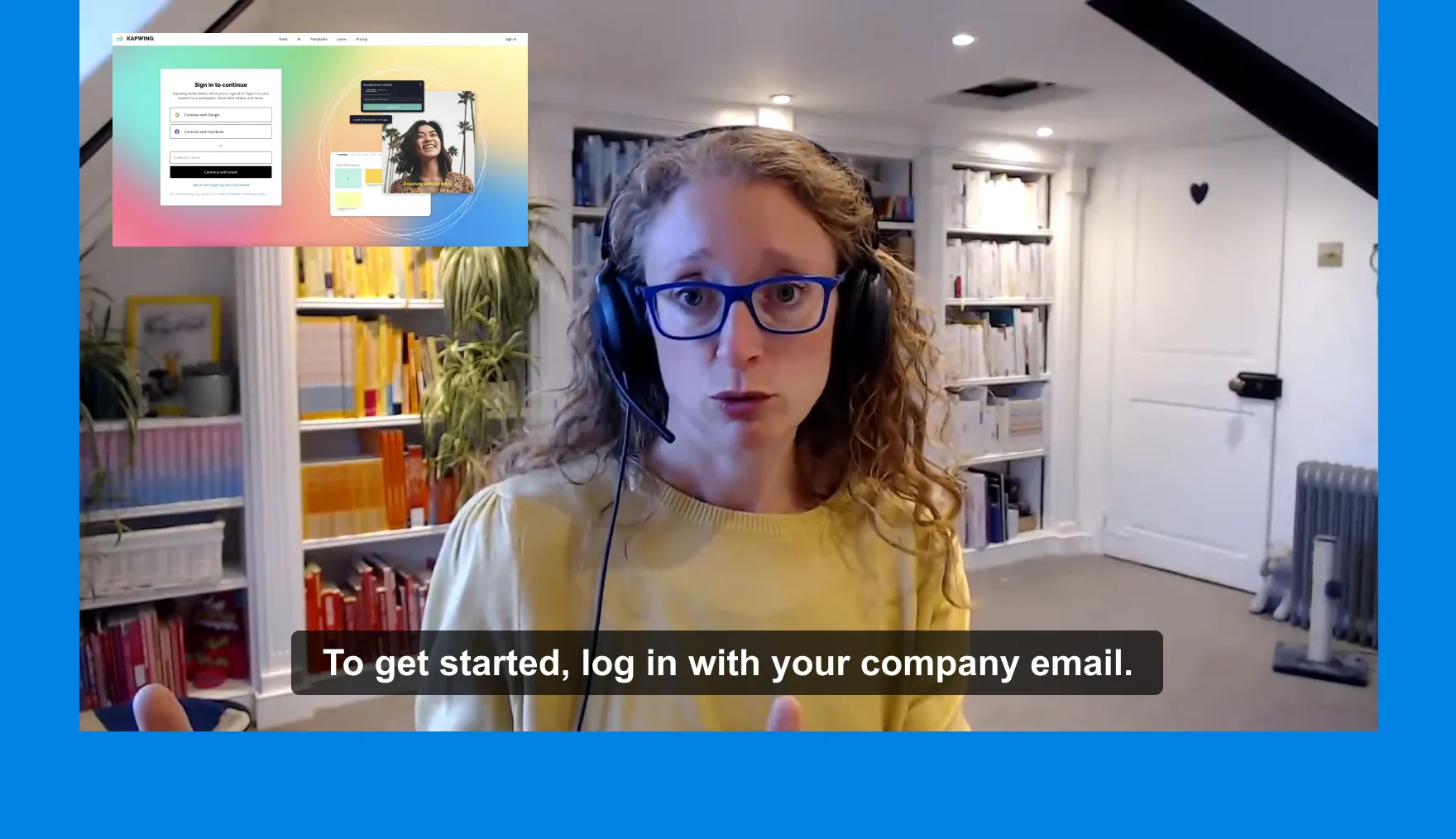
Training Modules
I team di L&D usano gratuitamente il rimozione sfondo manuale di Kapwing, eliminando gli sfondi delle immagini dai materiali di formazione per creare immagini chiare e mirate

Kampanye Iklan
Kapwing's background removal tool is used by advertising and marketing teams to adapt a campaign across multiple online promotions
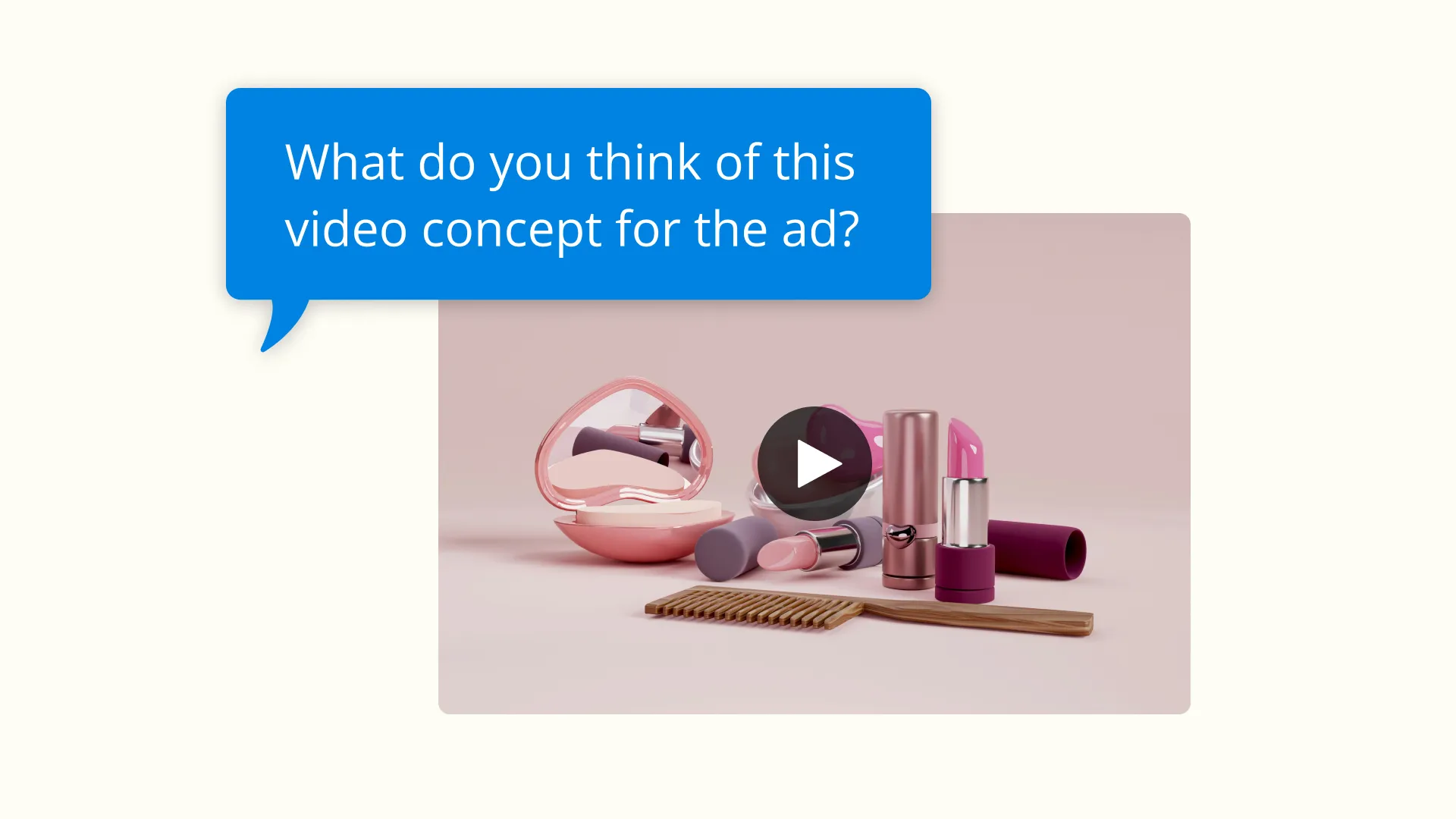
Sponsored Content
Influencers rely on Kapwing's background removal tool to create clean and dynamic images for brand collaborations where they need to focus on a specific product

Sales Pitches
A transparent background or transparent logo can make your materials stand out and impress your customers, which is why businesses of all sizes use Kapwing
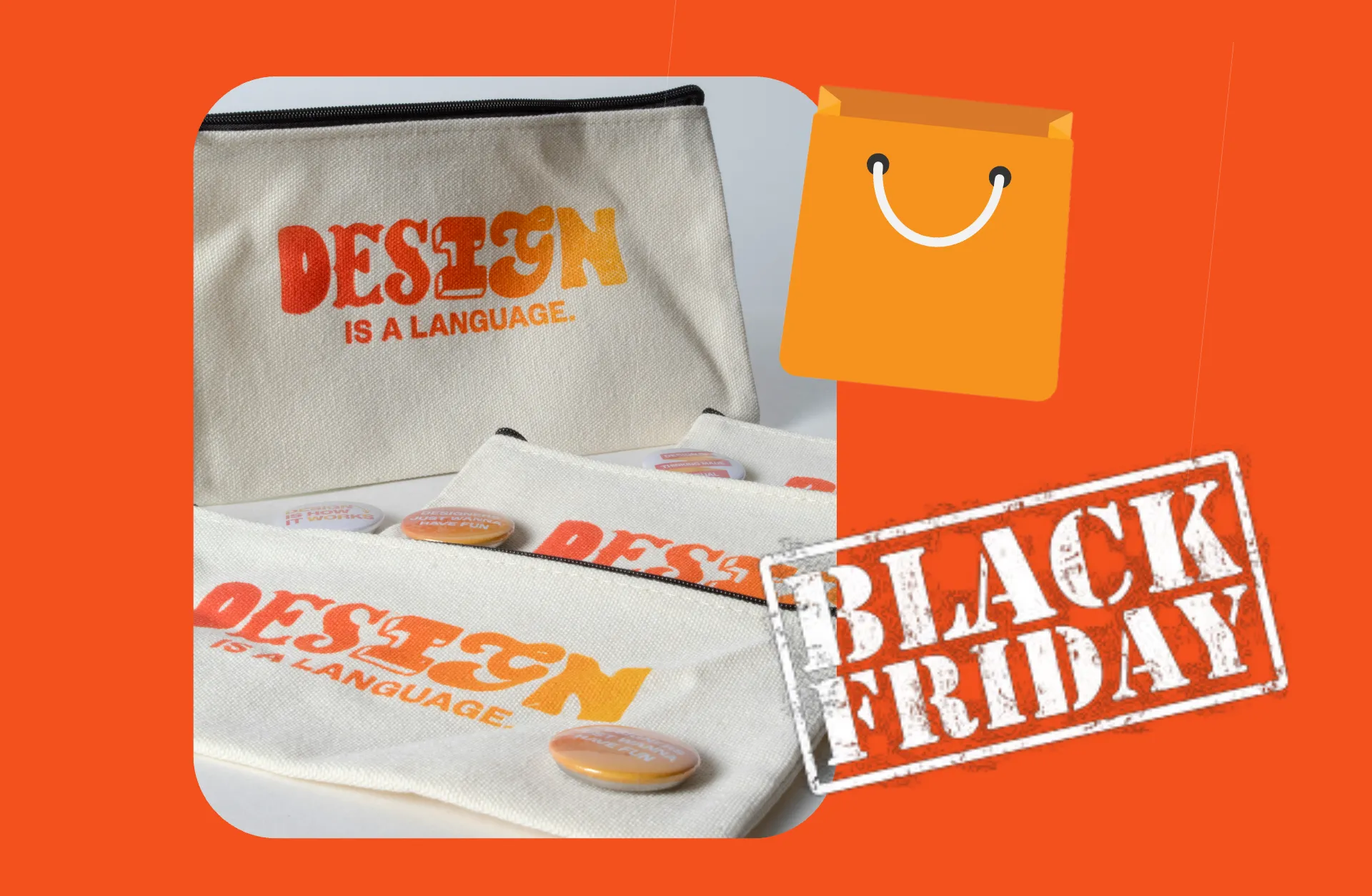
Merchandising Personalizzato
Print-on-demand creators use a background removal tool to prep images for custom clothing, mugs, or posters. Transparent backgrounds are essential for perfect printing.
.webp)
Logos and Signatures
A transparent background is super important if you want to create a professional signature or your own brand logo
Come Rimuovere lo Sfondo di un'Immagine
.webp)
- Step 1Carica immagine
Carica un'immagine su Kapwing's Studio.
- Step 2Rimuovi sfondo
Seleziona "Erase" nella barra laterale destra e fai clic su "Remove Background" per utilizzare la funzione di rimozione dello sfondo automatica alimentata dall'IA. In alternativa, puoi usare lo strumento "Magic Wand" o il pulsante "Erase", che ti permette di cancellare manualmente gli sfondi con un pennello.
- Step 3Esporta e Scarica
Fai clic sul pulsante verde "Export Project" per finalizzare il progetto e "download" per salvarlo sul tuo desktop o dispositivo
Che cosa rende Kapwing diverso?



Domande Frequenti
Abbiamo le risposte alle domande più comuni che i nostri utenti ci fanno.
L'Image Background Remover è gratuito?
Yep, you can use two tools for free in Kapwing's Image Background Remover. These include the "Magic Wand" tool and the manual "Eraser." To use the automatic "Background Removal" feature powered by AI, you can sign up for a Pro account.
Is there a watermark on Kapwing exports?
If you're using Kapwing with a free account, all your exports will have a watermark. Once you upgrade to a Pro account, the watermark will be completely removed from your content.
Quali video e immagini di sfondo sono nella libreria stock?
Kapwing ha un'enorme varietà di filmati stock forniti da provider come Pexels, Pixabay e immagini Bing royalty-free. La libreria include cibo, persone, sport, animali, natura, affari, illustrazioni e molto altro. In alternativa, puoi usare il AI Image Generator di Kapwing per creare elementi visivi personalizzati per i tuoi contenuti.
Quali formati di file supporta Kapwing?
Kapwing's editor tool works with all the most popular file types for images and photos (GIF, JPG, PNG, HEIC). To remove the background from an image though, the final file will be exported in PNG format since JPG doesn't support transparent images.
Come rimuovi lo sfondo dalle immagini su mobile?
To remove the background from a photo on mobile, start by uploading your image. Then, select "Edit image" toward the top of the screen. Toward the bottom of the screen select the "Erase" tool. Now you can use the automatic background removal feature, "Magic Wand", or the "Erase" brush.
Do images need a green screen background to be removed?
Nope, images don't need a green screen background to remove the background. Kapwing's background removal tool can handle a variety of backgrounds, including complex or multicolored ones. The automatic removal feature uses AI to detect and separate the subject from the background, no matter what color or texture it is. For even more precise edits, you can use manual tools like the Magic Wand or Erase brush to fine-tune the results.
Come formattare le immagini per uno schermo verde
To format images for a green screen, make sure the background is uniformly green, since this color contrasts well with most subjects and is easily recognized by editing software. Follow these five steps to get the best results:
- Use even lighting
- Avoid wrinkles or patterns
- Choose the right shade
- Keep subjects separated
- Position the subject correctly
Once formatted, your image is ready for editing tools that support green screen removal, letting you swap out the background with whatever image or video you want
Come rimuovere lo sfondo bianco dalle immagini
You can remove a white background from an image in two simple steps using Kapwing:
- Use an automatic tool to remove the background: Tools like Kapwing's Image Background Remover can automatically detect and remove the white background with just one click. Upload your image and select the automatic background removal feature under "erase". Alternatively, you can use a manual eraser, which is also handy for tricky areas or touch-ups.
- Export as PNG: Save your edited image as a PNG file to keep the transparency. This format makes sure your image can be easily layered over other backgrounds without any white edges.
This process works great for logos, product photos, or any image where you need a transparent or clean background
Is the Background Remover Image easy to use?
Yep, Kapwing's Image Background Remover is super easy to use, making it perfect for anyone no matter their experience level. Its automatic background removal feature uses AI to wipe out the background with just one click, so it takes minimal effort. If you want more control, you can fine-tune your edits with tools like the Magic Wand or a manual eraser brush.
Can you remove the background from a video?
Sì, puoi anche rimuovere lo sfondo da un video usando lo strumento Background Removal di Kapwing.
Scopri le Risorse
Consigli, modelli e approfondimenti per aiutarti a creare più velocemente e condividere con sicurezza.
Visualizza tutto

Inizia con il tuo primo video in pochi click. Unisciti a oltre 35 milioni di creator che si fidano di Kapwing per creare più contenuti in meno tempo.